Email campaigns live and die by one thing: whether someone actually clicks. Static newsletters, plain text blasts, and image-heavy HTML emails have been doing the rounds for years now, and subscribers have learned to ignore them. If you're still sending flat PDFs attached to campaign emails or hoping a banner image will do the job, something needs to change.
That's where flipbooks come in. Flipbooks AI turns your PDFs, catalogs, brochures, and newsletters into interactive, page-turning digital publications that subscribers genuinely want to open. This article walks you through exactly how to use flipbooks for email marketing campaigns, from the strategy behind it to the step-by-step setup, the right campaign types, and the metrics that prove it works.
Why Static Emails Are Losing the Click Battle
The attention problem nobody talks about
The average email subscriber spends less than 10 seconds deciding whether to click on your campaign. In that window, you're competing with every other brand in their inbox, plus whatever meeting notification, news alert, or social app is buzzing simultaneously. A flat email with a few paragraphs and a CTA button blends into the noise.
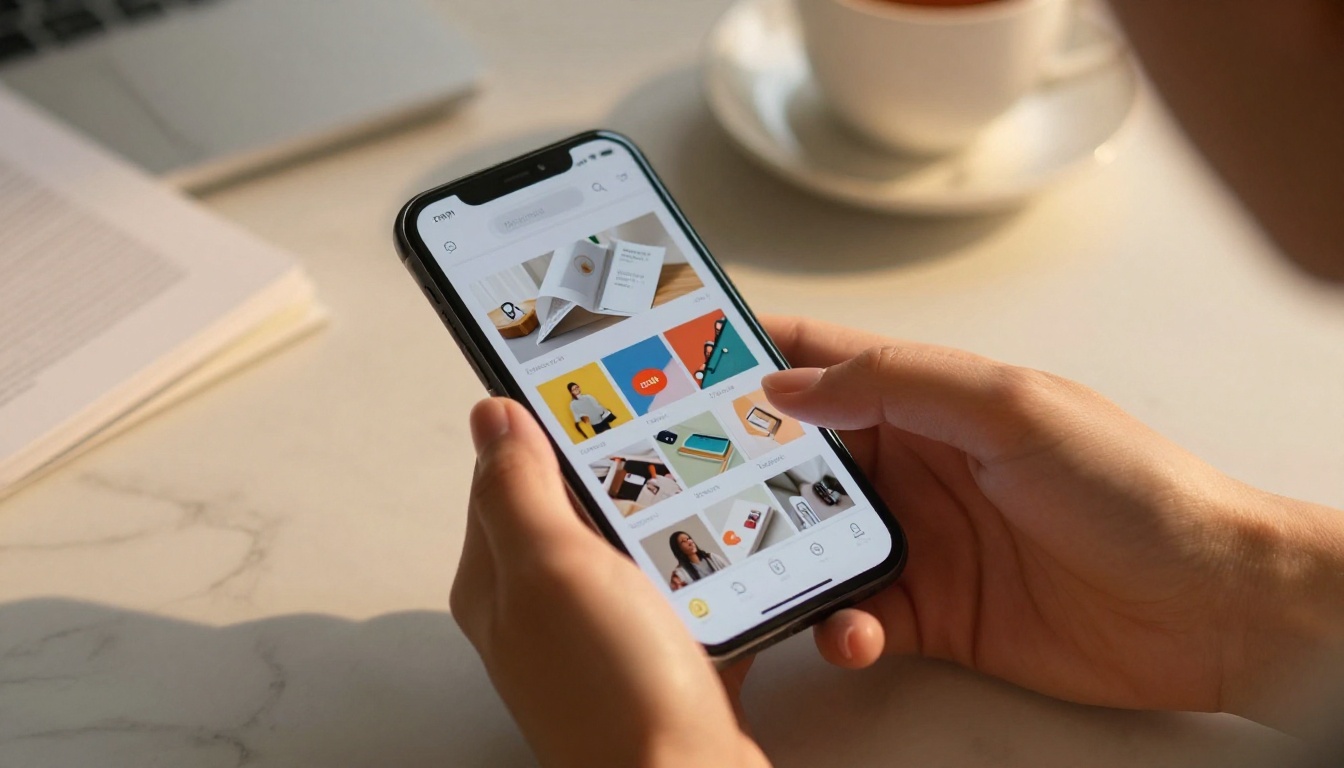
Interactivity changes the equation. When subscribers see a thumbnail of a beautifully designed flipbook, with a page-curl effect and a "click to read" prompt, curiosity does the work. The content promises a richer experience, not just another static page.
What subscribers actually respond to
Research across email marketing platforms consistently shows that visual, interactive content outperforms text-heavy campaigns on click-through rates. The format signals quality. A polished flipbook tells the reader: this is worth your time.
The psychology is simple. People are far more likely to click something that looks like a magazine or catalog than something that looks like a corporate memo. When you give subscribers something that feels like a premium publication rather than a broadcast message, click rates follow.
What a Flipbook Actually Does Inside an Email Campaign
How the link-based approach works
Most email clients block embedded JavaScript and complex animations for security reasons, so you can't literally embed a live flipbook inside an email. What you can do is far more effective: include a click-to-view link or a static preview image that links directly to your hosted flipbook.
When a subscriber clicks that link, they land on a beautifully rendered, fully interactive flipbook that works on any device. The transition from inbox to flipbook feels seamless and intentional, and because the flipbook lives at its own URL, it can be shared, bookmarked, and revisited long after the original email send.
Linking formats and when to use each
| Approach | How It Works | Best For |
|---|
| Direct link | Text hyperlink to flipbook URL | Simple, always works, high deliverability |
| Preview image link | Static screenshot that links to flipbook | Visual appeal, higher click curiosity |
| Embed code | Full flipbook on a landing page, not email | Campaign landing pages |
| CTA button link | Button in email that opens flipbook | Clean, conversion-focused campaigns |
The preview image approach tends to outperform plain text links because it gives the subscriber a visual taste of what they're about to experience. Use a screenshot of your flipbook's most compelling page as the linked image.
💡 Use your flipbook's opening page as the preview image in your email. Crop it to 600px wide for optimal rendering across email clients.
Different email campaign goals call for different flipbook strategies. Here's how each maps to real results.

Product launch emails
A new product launch deserves more than a two-sentence email and a product photo. A product catalog flipbook gives you the space to tell the full story: specs, lifestyle imagery, pricing, and a narrative arc that builds anticipation before the CTA. Send it as the centerpiece of your launch email and let the content do the selling.
Newsletter campaigns
The weekly or monthly newsletter is perhaps the most natural fit for flipbooks. Convert your newsletter PDF into an interactive publication using the Newsletter Flipbook Publisher, then link to it from a brief teaser email. Subscribers who click get the full, beautifully formatted experience. Those who prefer to skim get the headline version in the email body.
Promotional and seasonal campaigns
Holiday promotions, flash sales, and seasonal lookbooks are made for the flipbook format. The visual richness of a flipbook catalog builds desire in a way that a static HTML email simply cannot. Use the Interactive Lookbook Designer for fashion, lifestyle, and retail campaigns where the product needs to be seen to be wanted.
Onboarding sequences
New subscriber onboarding emails often try to pack too much information into a single message. A flipbook solves this: include a brief welcome note in the email, then link to an onboarding flipbook that covers your product, your values, and what to expect next. It reduces cognitive load while delivering a richer first impression.
Win-back campaigns
Inactive subscribers need something genuinely different to click. A win-back email with a flipbook gives you the visual novelty to stand out. Send a "here's what you missed" flipbook with your best content from the past quarter. The format signals that something real is waiting on the other side of the click, and the page-turn experience rewards subscribers who take the time to open it.
⚠️ Don't send the same flipbook format to every campaign type. Match the flipbook style to the campaign goal: catalogs for products, lookbooks for lifestyle, newsletters for content marketing.
How to Create a Flipbook for Your Email Campaign
Flipbooks AI makes the creation process straightforward, even if you've never built a flipbook before. Here's the full process from start to first send.
Step 1: Create your account
Go to flipbooksai.com/account and sign up. The free plan lets you get started immediately with no watermarks and immediate access to the conversion tools.
Step 2: Upload your PDF
Use the PDF to Flipbook Converter to upload your newsletter, catalog, or promotional PDF. The platform converts it to an interactive flipbook in minutes, preserving your fonts, images, and layout exactly.
Step 3: Customize your branding
Set your brand colors, add your logo, and configure page transition effects. The Standard plan and above gives you unlimited flipbooks with full custom branding, so every publication looks like it belongs to your brand.
Step 4: Configure sharing options
Choose whether the flipbook is public, password-protected, or restricted. For general email campaigns, set it to public. For client-specific or premium content, enable password protection so only your intended subscribers get access.
Step 5: Copy the link and build your email
Once your flipbook is live, copy the direct share URL. Paste it as a hyperlink on a preview image in your email template, or as a prominent CTA button. In your email builder, add brief teaser copy that sets up what's inside, then let the flipbook's opening spread do the rest.
Step 6: Test across devices
Before sending, click your own link on a phone, tablet, and desktop. Flipbooks are fully mobile-responsive, so they render correctly on every screen size. Verify your email template also renders the preview image correctly on mobile before hitting send.
✅ Add UTM parameters to your flipbook URL so your email analytics platform tracks exactly how much traffic and conversion the flipbook link drives.

Not every flipbook type suits every email campaign. Here's how to match the format to the goal.
| Flipbook Format | Best Email Campaign Type | Why It Works |
|---|
| Product Catalog | Launch, promotional | Visual richness drives desire |
| Newsletter | Content marketing, retention | Familiar format, adds perceived value |
| Lookbook | Fashion, lifestyle, retail | Aspirational imagery drives click-through |
| Brochure | B2B, services, onboarding | Professional credibility, detailed info |
| Price List | Promotional, B2B sales | Quick reference, easy to update |
| Annual Report | Investor, stakeholder emails | Authority and polish |
| Course Material | Education, onboarding sequences | Structured learning experience |
The clickable thumbnail strategy
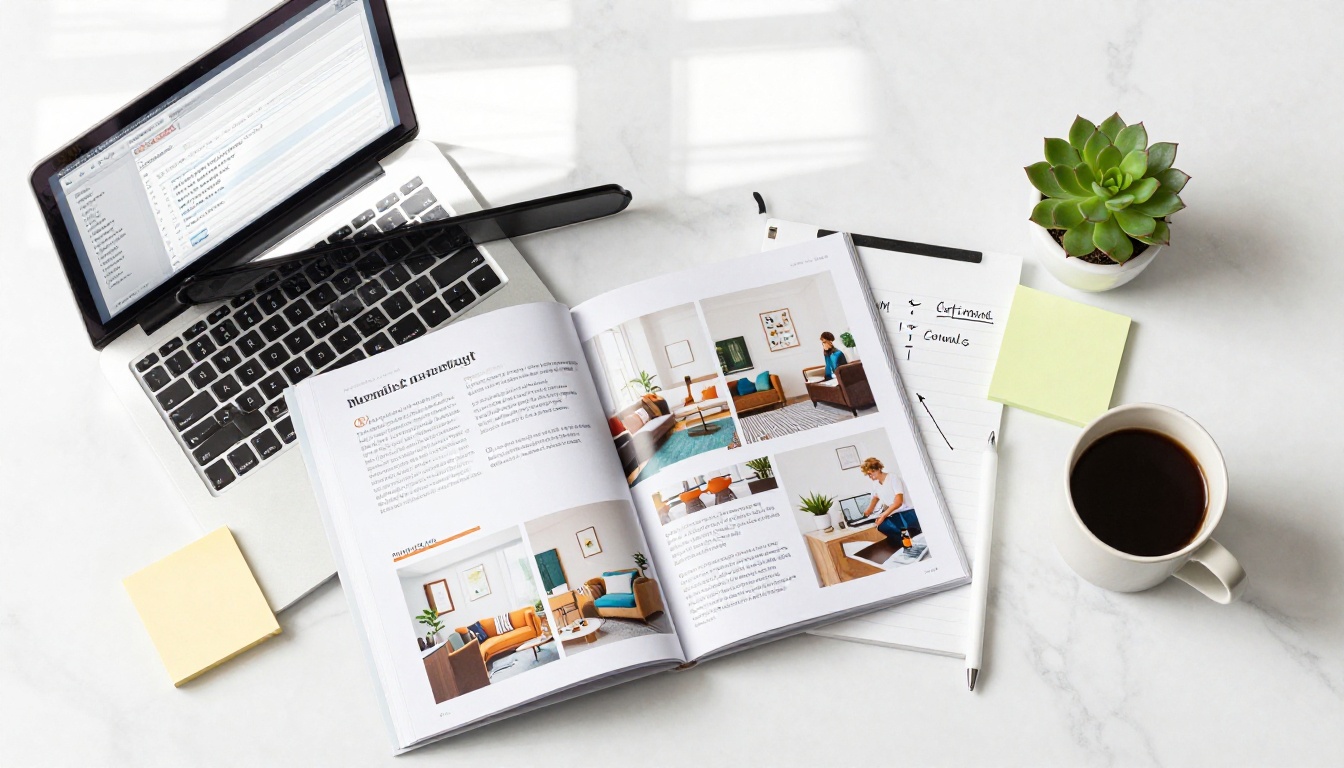
One of the most effective email formats is deceptively simple: show a screenshot of your flipbook's opening spread, make it clickable, and add one line of copy above it. The visual creates the expectation. The click fulfills it.
Example: A furniture retailer sends a campaign email with a single image of their spring lookbook's opening spread. Underneath: "Browse the full spring collection." Nothing else. Click-through rates on this format routinely outperform multi-block HTML campaigns with identical content.
Newsletter flipbooks vs in-email content
Sending your full newsletter content inside the email body versus linking to a flipbook version is a real strategic choice. Here's how to think about it.
Full newsletter in the email body means every subscriber gets the content regardless of whether they click. But it's hard to track what they actually read, and long emails hurt mobile deliverability scores.
A flipbook-linked newsletter means your email is shorter, more likely to land in the primary inbox, and every piece of interaction is trackable. The downside: subscribers who don't click miss the content. Mitigate this by writing genuinely compelling teaser copy in the email body.
Measuring Results After You Send
The metrics that actually matter
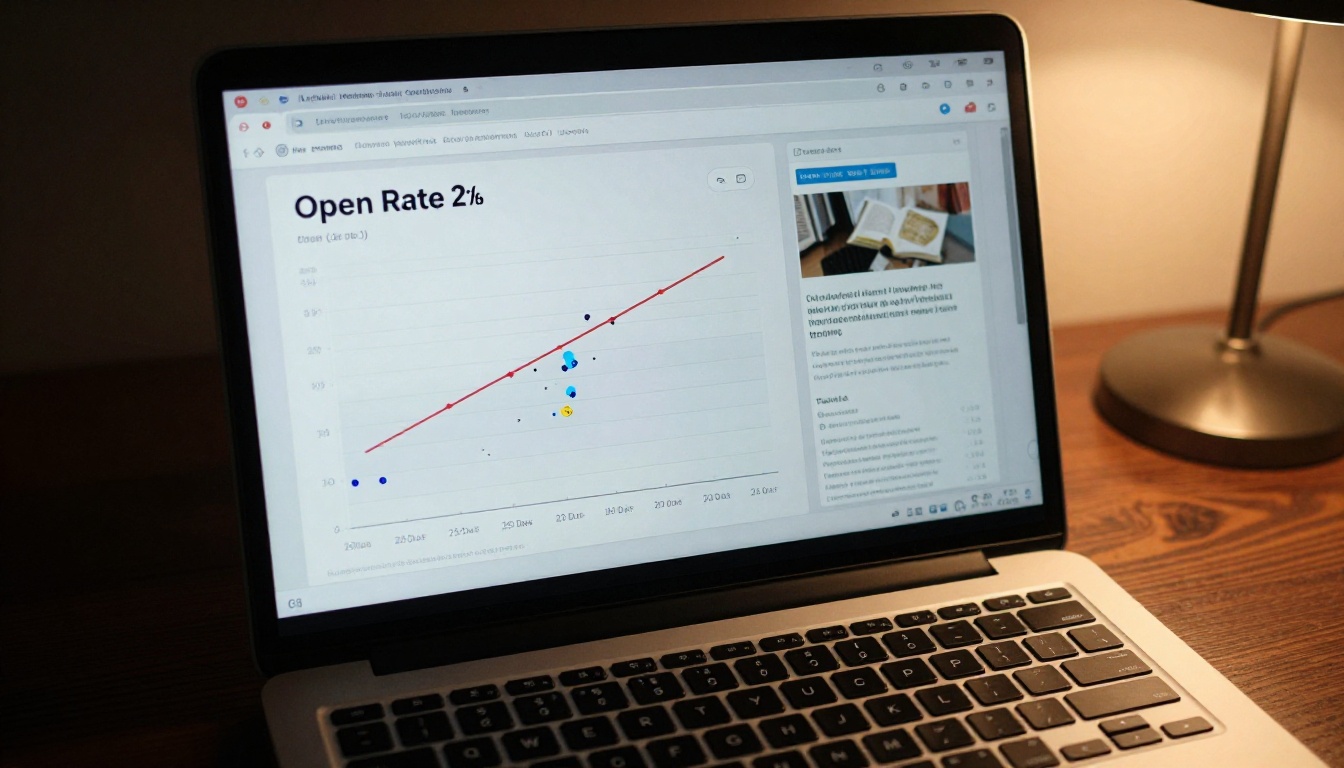
Open rate tells you how good your subject line is. Click-through rate tells you how effective your email content is. When you include a flipbook link, you get a third layer: flipbook activity data that shows exactly what happened after the click.

With Flipbooks AI's Professional plan, you get built-in analytics showing page views, time spent per page, and overall flipbook performance. This data is invaluable for email marketers because it shows not just that someone clicked, but what they read once they arrived.
| Metric | What It Tells You | How to Improve |
|---|
| Email CTR | Whether the flipbook preview or CTA works | Test different preview images, button copy |
| Flipbook page views | How deeply subscribers interact with content | Improve early pages, check load times |
| Time on flipbook | Content quality and relevance | Shorter content, stronger visuals |
| Lead captures | Flipbook-driven conversions | Add lead forms inside flipbook (Pro plan) |
| Return visits | Content longevity and value | Create reference-style content |
Using flipbook analytics to sharpen future campaigns
If your analytics show subscribers are dropping off after page three of a ten-page catalog, you know pages four through ten need work, or the catalog is too long. If return visits spike after a specific email send, that campaign earned a spot in your re-send rotation.
The Professional plan on Flipbooks AI also includes lead generation forms that can be embedded directly within the flipbook, so subscribers who read deeply can convert inside the publication itself, without navigating to a separate landing page.
Flipbooks AI Plans for Email Marketers
Choosing the right plan depends on your volume and which features your email strategy requires.
| Plan Feature | Free | Standard | Professional |
|---|
| Flipbooks | Limited | Unlimited | Unlimited |
| Watermarks | None | None | None |
| Custom branding | Basic | Full | Full |
| Password protection | No | Yes | Yes |
| Analytics | No | No | Yes |
| Lead generation forms | No | No | Yes |
| Offline downloads | No | Yes | Yes |
| Embed video and audio | No | Yes | Yes |
💡 If email marketing is a core channel for your business, the Professional plan pays for itself quickly through the lead generation and analytics features alone.
Compare full pricing plans to find what fits your current stage.

Not optimizing the preview image
The most common mistake: using a low-resolution screenshot of the flipbook as the preview image in the email. The preview is your visual headline. It needs to be sharp, well-cropped, and show the most compelling section of your flipbook. Take time to screenshot the right page at the right zoom level, then resize it properly before inserting into your email template.
Sending without mobile testing
A flipbook that looks stunning on desktop can still have a broken email preview on mobile if your email template isn't responsive. Always test your campaign email on at least two mobile devices before sending. The flipbook itself will be fully responsive once subscribers land on it, but the email that gets them there needs to work on every screen.
Using the same flipbook for every audience segment
Segmentation is one of email marketing's greatest advantages. Sending the same product catalog flipbook to a cold prospect and to a repeat buyer wastes the opportunity. Create segment-specific versions: a first-look catalog for new subscribers, a loyalty-exclusive lookbook for existing customers, a detailed spec flipbook for B2B buyers. Flipbooks AI makes it easy to produce multiple flipbook versions from the same PDF base with different designs and branding.

Real-World Use Cases Worth Copying
E-commerce fashion retailer: Sends a monthly "style edit" newsletter email with a single preview image linking to a full lookbook flipbook. Average CTR is 3x their previous static newsletter campaigns. The flipbook includes shoppable product links on each spread.
B2B SaaS company: Sends a quarterly industry report as a flipbook to their prospect list. The flipbook includes a lead capture form on page five. The campaign generates more qualified leads per send than any other content asset they produce.
Real estate agency: Sends property portfolio emails with a flipbook catalog of available listings. Each property has its own spread with photos, specs, and a contact CTA. The Real Estate Brochure tool makes updating the catalog before each send a ten-minute job.
Restaurant group: Uses a seasonal menu flipbook in email campaigns to promote new dishes. The Restaurant Menu Creator produces a polished, page-turning menu that drives reservations more effectively than standard promotional emails.
Online education platform: Sends course preview flipbooks to email subscribers who showed interest in a specific topic. The flipbook covers the curriculum, instructor bio, and outcomes, with a lead form to request more information. Enrollment rates from these campaigns outperform standard email CTAs.
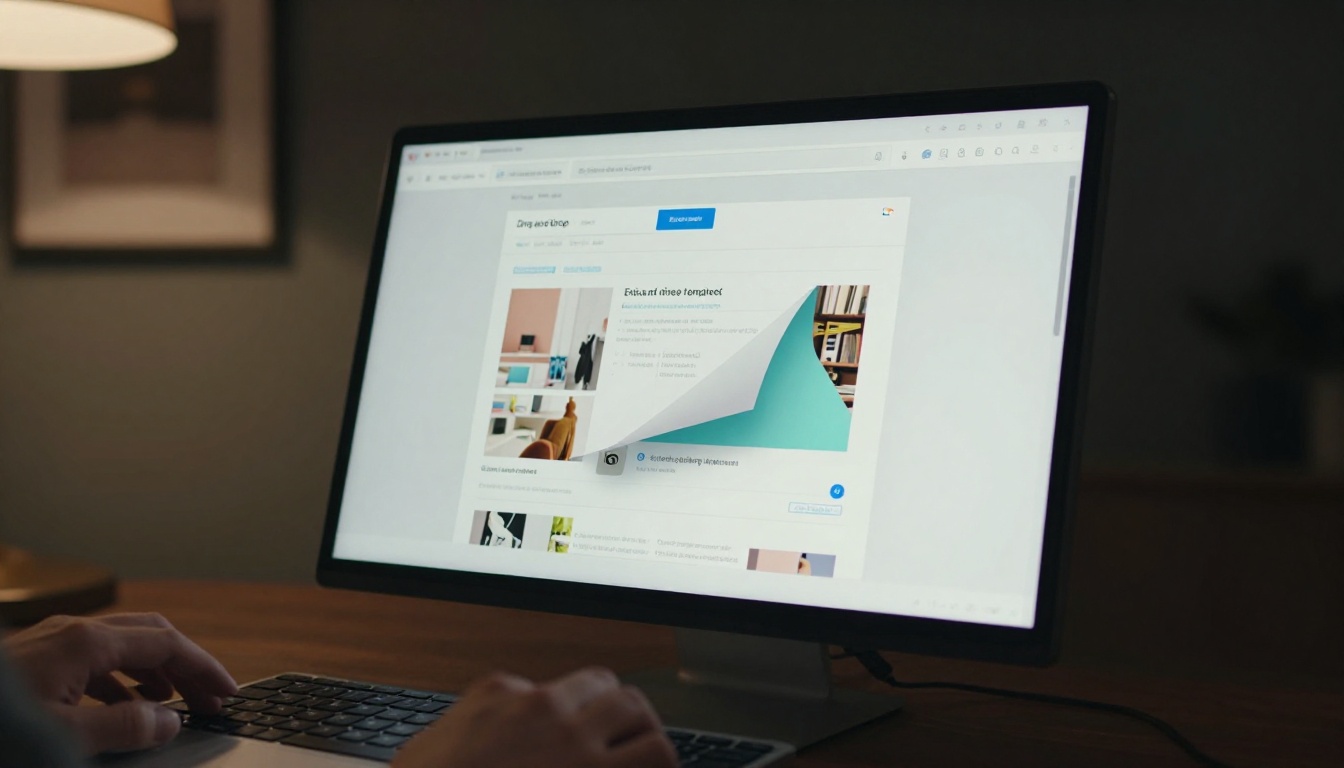
✅ Whatever your industry, the flipbook email format works best when the content inside is genuinely worth reading. Treat it like a publication, not a promotional flyer.
Take Your Next Campaign Further
The inbox is crowded, and standard email content has a diminishing return. Adding flipbooks to your email marketing mix gives you a real differentiation point: visually rich, interactive content that stands out from everything else in the subscriber's day.
Create your first flipbook today and see the difference in your next campaign send. Browse all available tools and templates to find the right format for your audience. When you're ready to add analytics and lead generation to your flipbook campaigns, see the Professional plan to access everything your email strategy needs.



