Small businesses that stand out online aren't always spending more. They're publishing smarter. An interactive digital flipbook turns a flat PDF into a page-turning experience that customers actually want to read, whether it's a product catalog, a restaurant menu, or a seasonal lookbook. If you haven't put flipbooks to work for your business yet, you're leaving a surprisingly effective channel untapped.
Flipbooks AI makes this process fast and accessible, even if you've never designed a publication before. Upload your PDF, add your branding, and share a link that works on any device. But before the how, let's talk about the why.
Why Flipbooks Work for Small Businesses
Most small business marketing materials are static. A PDF brochure sent by email is forgettable. A printed flyer has a short shelf life. A social media post disappears in hours. A digital flipbook sits at the intersection of visual appeal and interactivity, making it a format that people spend more time with.
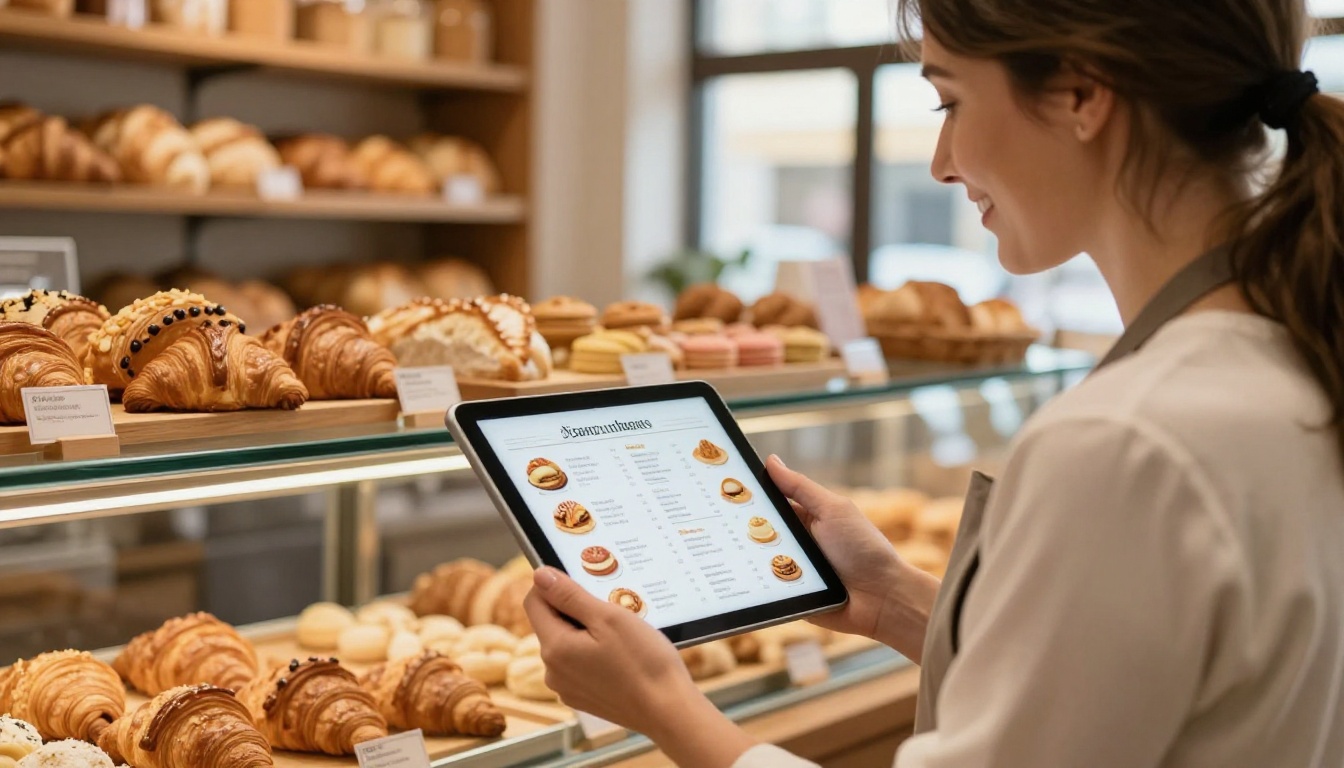
Interactive content drives higher retention and sharing rates. When a customer can flip through your pages, zoom in on product details, and click embedded links directly, the experience feels closer to a website than a brochure. You get the intimacy of a printed publication with the power of a digital channel.
| Format | Interactivity | Cost | Shareability | Shelf Life |
|---|
| Printed Brochure | None | High | Low | Short |
| Static PDF | Minimal | Low | Medium | Medium |
| Standard Website | High | High | High | Long |
| Digital Flipbook | High | Low | High | Long |
The Businesses That Benefit Most
Not every business type sees the same return, but flipbooks punch above their weight for a wide range of small business categories.
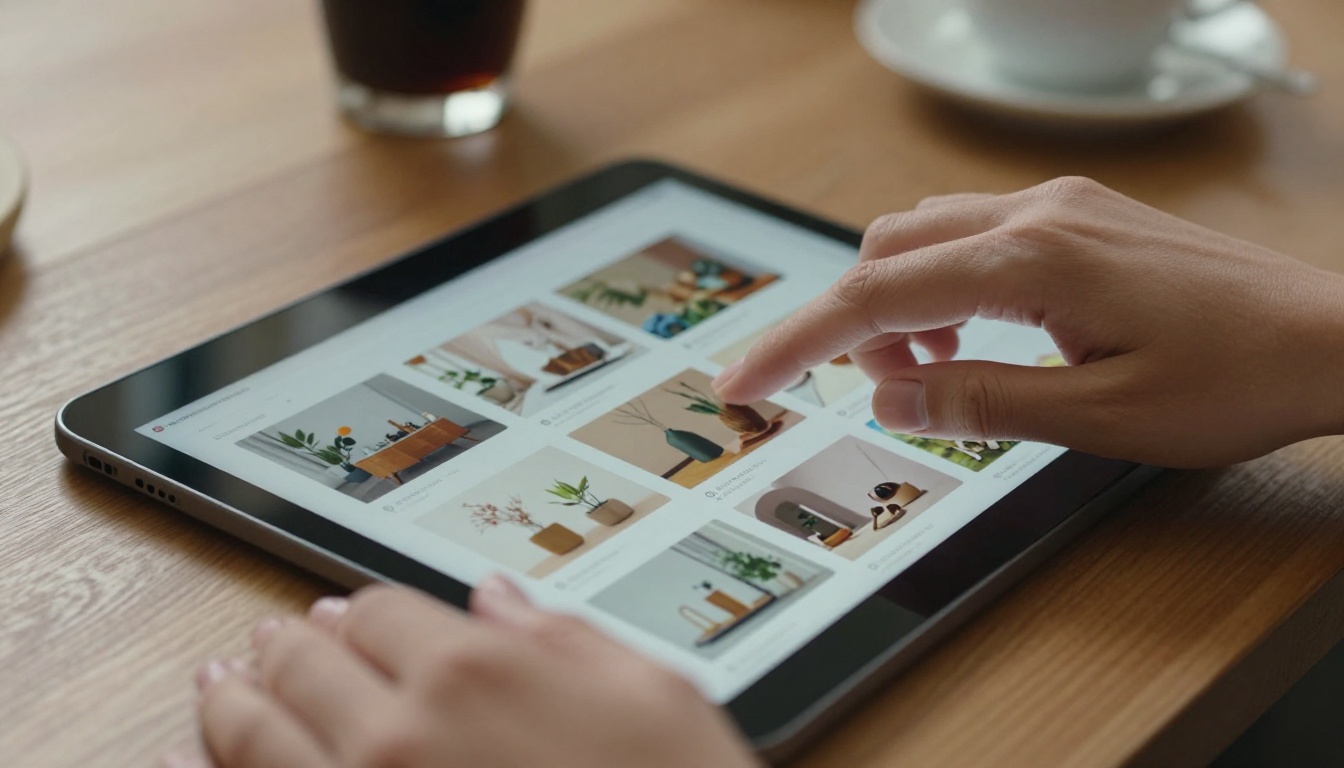
Retail and E-Commerce: A product catalog published as a flipbook gives online shoppers something to browse rather than just search. Link each product directly to its purchase page, and the catalog becomes a sales funnel.
Restaurants and Cafes: Paper menus are expensive to reprint every season, and static image menus rarely do food justice. An interactive digital menu lets you show full-page food photography, add seasonal sections, and update without reprinting.
Real Estate Agencies: A digital flipbook version of a property brochure can include embedded video tours, clickable floor plans, and shareable links that agents send directly to clients.
Boutique Fashion: A seasonal lookbook that pages through like a magazine creates aspiration around your collection. Customers spend more time, see more products, and are more likely to purchase.
Service Businesses: From spas to consultancies, a digital brochure that presents your services in a polished format communicates professionalism before the first conversation.
💡 Even if your business already has a website, a flipbook works as a standalone shareable asset. Send it by email, post it on social media, or embed it directly on your site.
From PDF to Flipbook in 7 Steps
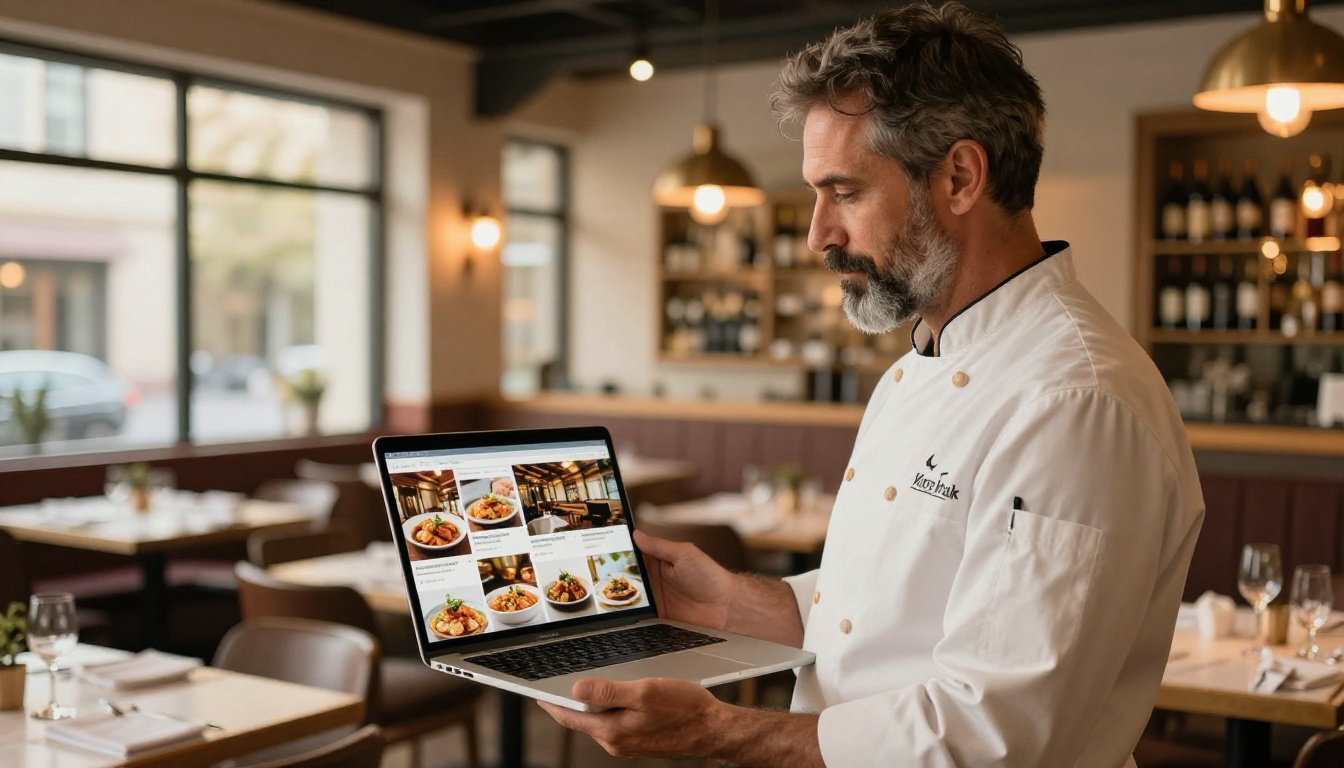
Creating your first flipbook on Flipbooks AI takes less time than most small business owners expect.
-
Create your account: Head to Flipbooks AI and sign up. The free plan lets you test the platform before committing.
-
Prepare your PDF: Your source file can be a product catalog, a menu, a brochure, an annual report, or any document. Design it in Canva, Adobe InDesign, or any tool you prefer, then export as a PDF.
-
Upload and convert: Drag your PDF into the uploader. Flipbooks AI converts it automatically into a page-turning digital publication. Conversion is fast, even for longer documents.
-
Add your branding: Set your brand colors, add a custom logo, and choose your preferred page animation style. This step turns a generic conversion into something that actually represents your business.
-
Embed multimedia: Want to add a product video or an embedded map to your location? Flipbooks AI supports video and audio embeds directly in the pages of your publication.
-
Set sharing options: Generate a direct link to share on social media or by email. Grab an embed code to drop the flipbook into your website. If the content is for clients or members only, enable password protection.
-
Track performance: On the Professional plan, you get analytics showing how many people opened your flipbook, how long they spent on each page, and lead generation tools to capture reader information.
✅ Always include a clear call-to-action on the last page of your flipbook, whether that's a website link, a phone number, or a discount code. The last page is prime real estate for conversions.
Practical Flipbook Uses in Your Marketing
The format is versatile. Here are concrete applications that small businesses use to generate real results online.

Product Catalogs That Actually Sell
A well-designed digital catalog is one of the highest-ROI assets a product-based business can create. Instead of sending a PDF attachment that may never get opened, share a link to an interactive flipbook that loads instantly in any browser.
Use the Digital Catalog Maker to build a catalog that lets customers flip through products, zoom in on details, and click through to your online store. Add seasonal sections without redesigning the whole document.
Email Marketing with a Click-Through
Including a flipbook link in your email marketing campaigns gives subscribers something genuinely different from the usual "click here to shop" button. A thumbnail preview with a "Flip through our new collection" CTA performs well because it promises a specific, enjoyable experience.
⚠️ Don't embed a flipbook directly in an email. Email clients don't support interactive iframes. Instead, include a preview image that links out to the flipbook URL. This keeps your emails deliverable and your flipbook accessible.
Social Media Content
A single flipbook gives you multiple pieces of social content. Share a preview image with a link in bio. Record a short screen capture of the pages turning for Instagram Reels or TikTok. Post individual pages as carousel images. One publication becomes a week's worth of content.

Offline-to-Online Bridges
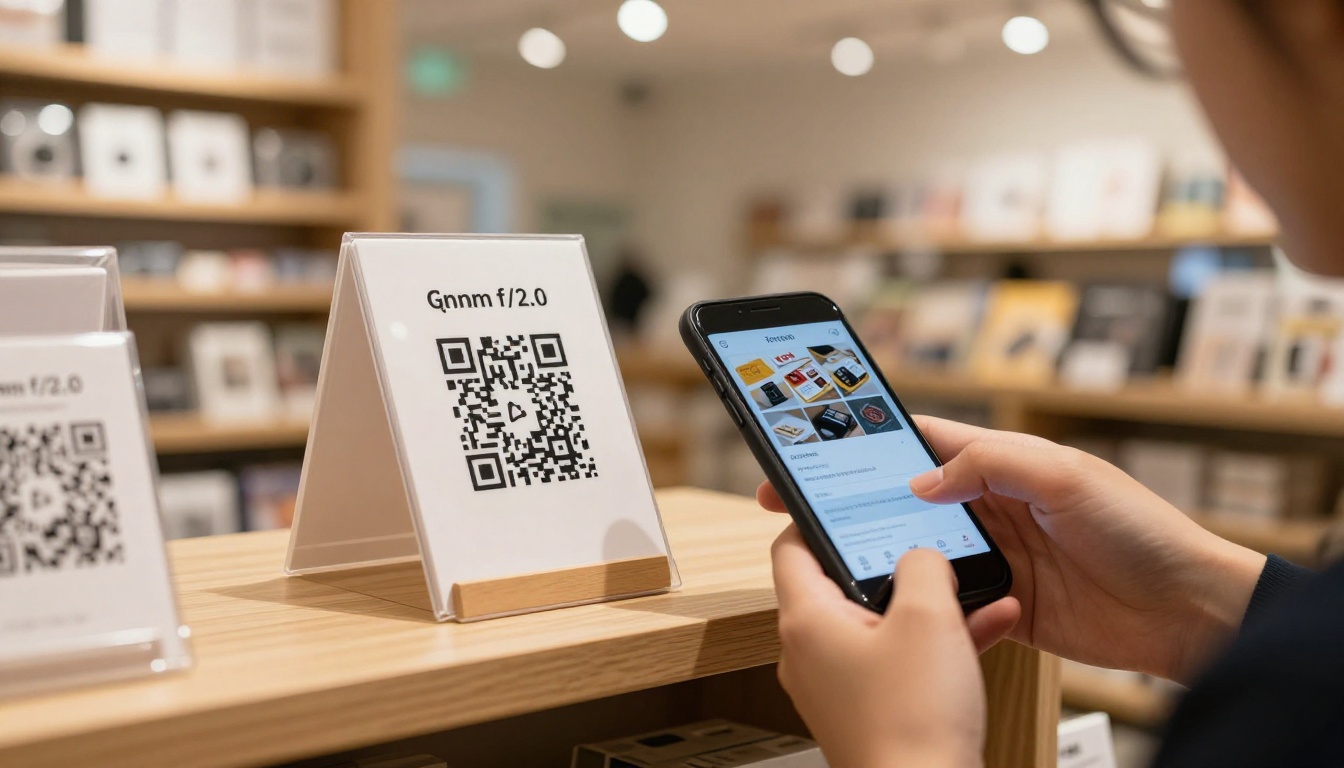
Print QR codes that link to your flipbook and place them in your physical store, on packaging, or on business cards. A customer who picks up your product can scan a code and immediately access your full catalog, your story, or a how-to section. This is a powerful way to extend the in-store experience into a digital channel.
Proposals and Presentations
Service businesses benefit enormously from sending proposals and pitch decks as flipbooks rather than static PDFs. The format signals that you care about presentation, and the analytics on the Professional plan tell you whether the prospect actually opened it and which pages they spent time on.
The Sales Presentation and Press Kit Designer tools are built exactly for this use case.
Comparing Flipbooks AI Plans for Small Businesses

Choosing the right plan depends on how you intend to use flipbooks in your business. Here's a practical breakdown:
| Feature | Free | Standard | Professional |
|---|
| Number of Flipbooks | Limited | Unlimited | Unlimited |
| Watermarks | Yes | No | No |
| Custom Branding | No | Yes | Yes |
| Password Protection | No | Yes | Yes |
| Analytics | No | No | Yes |
| Lead Generation | No | No | Yes |
| Offline Downloads | No | Yes | Yes |
| Embed on Website | Yes | Yes | Yes |
| Mobile Responsive | Yes | Yes | Yes |
For most small businesses, the Standard plan is the sweet spot. You get unlimited flipbooks, no watermarks, custom branding, and password protection. The Professional plan is worth it once you're using flipbooks regularly for sales proposals, where analytics on reader behavior directly informs your follow-up strategy.
See the full breakdown on the pricing page.
Building a Flipbook Content Strategy
One flipbook is a good start. A content strategy built around flipbooks is a real competitive advantage.

Think in publication types: Different business needs call for different publication formats. A seasonal product catalog, a monthly newsletter, a welcome packet for new clients, and a service menu are all separate publications with separate purposes. Browse all available flipbook tools to see which formats fit your business best.
Plan a publishing calendar: Map out the flipbooks you'll create across the year. Align them with product launches, seasonal promotions, trade shows, or campaign periods. Consistent publishing builds an asset library over time.
Repurpose existing content: You probably already have PDFs, presentations, or brochures sitting in a folder somewhere. Converting them to flipbooks takes minutes and gives them a second life as shareable, embeddable content.
Not all flipbooks are created equal. The ones that drive traffic, shares, and sales share a few traits.
Strong first page: The opening page determines whether someone flips to page two. Invest time in a compelling opening spread with your best imagery and a clear headline.
Consistent branding throughout: Your logo, fonts, and color palette should carry through every page. Inconsistency signals amateur execution and erodes trust.
Short, scannable pages: People browse flipbooks. They don't necessarily read every word. Structure each page so the key message is visible at a glance. Use headlines, short paragraphs, and strong imagery.
Clear calls-to-action: Every flipbook should answer the question: what do I want the reader to do next? Whether it's visiting a website, calling a phone number, or scanning a QR code, make the next step obvious.
Mobile optimization: A significant portion of your audience will view your flipbook on a phone. Flipbooks AI automatically produces mobile-responsive publications, but design with mobile in mind. Test your flipbook on a phone before sharing.
💡 After sharing a flipbook, revisit the analytics (Professional plan) after one week to see which pages had the highest drop-off rates. Those are the pages that need redesigning or stronger content.
✅ A flipbook with 8 to 16 pages tends to perform better than very long publications for marketing purposes. Save long-form content for reports and training materials. For catalogs and brochures, keep it tight and visual.
Put Your Business in Front of More Customers
Small businesses that make the move to interactive digital publications don't go back. The format is simply better: more engaging, more shareable, easier to update, and cheaper to distribute than print.
The tools directory at Flipbooks AI covers dozens of specific use cases, from restaurant menus and fashion catalogs to annual reports and training manuals. Whatever your business type, there's a purpose-built tool ready to use.
Ready to put your first flipbook in front of customers? Create your account and publish your first publication today. If you're still evaluating options, check the pricing plans to choose what fits your current needs and budget.



