A client sits across from you, you pull an iPad out of your bag, and the brochure opens in under two seconds. Pages turn under a fingertip, a product video plays right on the spread, and nobody waits for a heavy PDF to crawl through hotel Wi-Fi. That is the scene most sales reps want, and it is easier to reach than it sounds. With Flipbooks AI you can turn an existing PDF into a page-turning interactive brochure that runs smoothly on iPad, start with free options, and keep it working when the signal disappears.
This article shows which brochure format fits an iPad, what you really get from free tools, how offline viewing works, and how to build your own in a few minutes. Along the way you will find tables, a checklist, and real sales scenarios you can copy.
Why iPad Suits Sales Brochures
The iPad has quietly become the default sales tool for field teams, showroom staff, and trade show booths. It has a large, bright screen, a battery that lasts a full day, and a touch interface that clients already know how to use. Hand one over and the prospect starts swiping without any instructions.
The Screen Does the Selling
A printed brochure is flat. An interactive one lets the buyer zoom into a product photo, tap a hotspot for specs, or watch a thirty-second demo without leaving the page. That matters in a meeting because attention is short and the iPad keeps the conversation moving.
- Zoom on detail: fabric, finishes, and fine print stay sharp on a Retina display.
- Short video on the page: a demo plays where the product is described.
- Instant links: a tap opens a quote form, calendar, or checkout page.
- Easy updates: change a price once and every device shows the new version.
Where Printed Brochures Fall Short
Print still has a place, but it has costs that add up quickly. Every new price list means a reprint. Leftover stock goes out of date. You also have no idea whether the person who took a copy ever opened it.
💡 Pro tip: Keep a few printed copies for clients who ask, but lead with the iPad. Reps who open with the screen usually spend more time on the product and less time hunting through paper.
Not every digital brochure behaves the same on an iPad. A raw PDF opens, but it does not feel like a brochure. A custom app feels great but costs a lot. A flipbook sits in the middle.
PDF, App, or Flipbook?
| Format | Setup Time | iPad Experience | Offline Use | Tracking | Typical Cost |
|---|
| Plain PDF | Minutes | Scroll and pinch, no page effects | Yes, once saved | None | Free |
| Custom iOS app | Weeks or months | Excellent, fully tailored | Yes | Built in | High |
| Slide deck export | Hours | Presentation style, not brochure style | Yes | Limited | Low |
| Flipbook from PDF | Minutes | Page-turning, media, links | Yes, with offline download | Available on higher plans | Low to moderate |
For most small and mid-size sales teams, the flipbook route wins. You keep the design you already have in your PDF and add the interactive layer on top. If you want to see how it works with a document you already own, try the PDF to Flipbook Converter.
What Interactive Really Means
The word gets used loosely. Here is what separates a real interactive brochure from a PDF with a new label.
- Page-turning motion that feels like a physical brochure.
- Clickable links on products, buttons, and contact details.
- Embedded video and audio that play inside the page.
- Responsive layout that adapts to iPad portrait and landscape.
- A shareable link or embed so the brochure lives beyond the meeting.
If a tool offers fewer than three of those, it is a viewer, not an interactive brochure.
Free Options That Actually Work
Budget matters, especially for freelancers and small teams. Free options exist, and some are genuinely useful for a first brochure. The trick is knowing where each one stops.
Free Tools and Their Limits
| Free Route | What You Get | Common Catch |
|---|
| Saving a PDF to Files or Books on iPad | Instant offline access | No page effects, no media, no tracking |
| Keynote or Pages export | Decent layout control | Not interactive in a browser, large files |
| Free tiers of online flipbook tools | Page-turning view and a link | Watermarks, page limits, or limited sharing |
| Free trial of a paid flipbook platform | Full feature access for a short time | Time limited, needs a plan afterward |
The first two cost nothing and work offline, but they are static. The third group is the usual trap. Many tools stamp their own logo across your pages, which looks poor in front of a client. A trial of a platform without watermarks is a cleaner way to test the real result.
⚠️ Watch out: A watermark on a sales brochure tells the buyer you did not invest in the presentation. Check this before you send a link to anyone outside your team.
On Flipbooks AI there are no watermarks, ever, so what you preview is what your client sees. Check the pricing page for the current free entry point and what each plan includes.
When Free Stops Being Enough
Free is fine for a pilot. You will outgrow it when one of these shows up:
- You need more than one brochure, such as a product line with regional versions.
- You want to protect pricing with a password.
- You need to know who opened the brochure and which pages they read.
- Your team needs custom branding with your own colors and logo.
- You rely on offline downloads for events or remote visits.
Unlimited flipbooks arrive with the Standard plan and above, while analytics and lead generation belong to the Professional plan. That split keeps the entry cost low for solo sellers and gives bigger teams the data they ask for.
Offline Viewing on iPad
Signal drops in basements, warehouses, rural sites, convention centers, and airplanes. If your brochure depends on a live connection, it will fail at the worst moment. Plan for offline from the start.
Three Ways to Work Offline
| Method | How It Works | Best For | Limitation |
|---|
| Offline download of the flipbook | Save the brochure package to the device | Trade shows, field visits | Updates need a refresh when back online |
| PDF saved in Files | Original document stored locally | Quick fallback | No interactive features |
| Browser caching and Home Screen shortcut | Page opens fast, partly cached | Spotty connections | Not reliable for video |
The first method is the one worth building around. A downloadable version keeps page turns, links to internal pages, and embedded media working without a connection. External links such as a booking page will obviously need a signal, so place them near the end of the brochure where the rep can follow up later.
Pre-Meeting Checklist
Run through this the evening before a client day:
- Open the brochure on the iPad while on Wi-Fi.
- Download the offline version and confirm it loads in airplane mode.
- Flip through every page and play each embedded video once.
- Charge the iPad and pack a cable and a small battery pack.
- Save the PDF to Files as a last resort fallback.
- Turn on Guided Access if the iPad will be handed to visitors, so they cannot leave the brochure.
✅ Best practice: Test in airplane mode, not by turning Wi-Fi off. Airplane mode removes cellular as well, which is the real condition you may face on site.
How to Build One with Flipbooks AI
If you have a PDF, you are about five minutes from an iPad-ready brochure. The Brochure Flipbook Maker is built for exactly this workflow.
Upload and Convert Your PDF
- Go to Flipbooks AI and create an account.
- Click the button to start a new flipbook and choose your brochure PDF.
- Wait a few moments while the pages convert. Each page becomes a crisp, zoomable spread.
- Preview the result in the editor. You should see a page-turning view with a thumbnail strip.
💡 Pro tip: Export your PDF at a high resolution but keep the file under a sensible size. Fast loading matters more than squeezing in extra pixels on a tablet.
Brand It and Add Media
This is where a plain conversion becomes a sales tool.
- Branding: add your logo and choose colors that match your company.
- Page effects: pick the page-turn style and background that suit your tone.
- Links: attach buttons to products, quote forms, and your calendar.
- Multimedia: embed videos and audio on the pages where you describe the product.
- Contact page: make the last spread a clear call to action with phone, email, and a booking link.
If your brochure follows a template, the Online Brochure Designer can help you lay it out before upload.
Share, Protect, and Track
- Copy the direct link to send by email or message.
- Use the embed code to place the brochure on your website. The Embed Flipbook on Website page explains the options.
- Turn on password protection for private pricing or partner-only material.
- Enable the offline download so reps can carry the brochure into the field.
- On the Professional plan, switch on analytics and lead generation to see opens, reading time, and collect contact details.
| Plan Feature | Entry Use | Team Use |
|---|
| No watermarks | Included | Included |
| Unlimited flipbooks | Standard plan and above | Standard plan and above |
| Password protection | Private content | Partner and client portals |
| Offline downloads | Field sales | Events and training |
| Analytics and leads | Professional plan | Professional plan |
You can compare the full plan list on the pricing page.
Real Sales Scenarios
The same brochure behaves differently depending on who holds the iPad. Here are three situations where it earns its place.

Real Estate Showings
A real estate agent can walk a buyer through a property with the floor plan, neighborhood photos, and financing notes in a single flipbook. When the buyer asks about the kitchen, the agent swipes to the right page. If the apartment sits in a building with poor reception, the offline copy keeps working. The Real Estate Brochure Creator offers a head start for listings.
Trade Show Booths
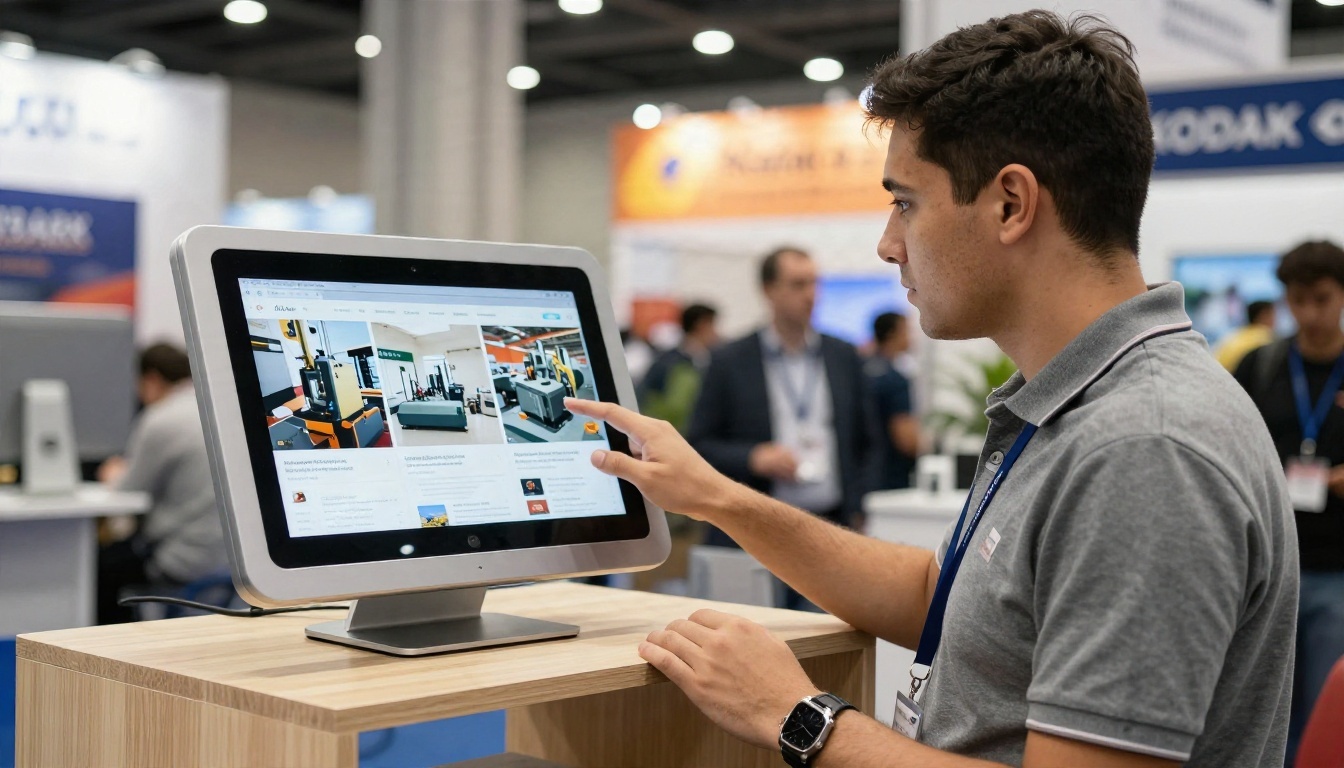
At a booth, you have seconds to hold attention. An iPad on a stand with a looping brochure lets visitors browse on their own while your team talks to others. Convention centers are famous for crowded networks, so offline mode is not optional here.
A password or lead form protects the version with wholesale pricing, and the Professional plan captures the contact details of anyone who requests it. For a product line, a Product Catalog Generator works well alongside the brochure.
Field Sales Calls
A rep visiting a factory or a farm cannot count on bars of signal. With the offline download, they walk in with the whole product range in one device. After the visit, they send the live link so the client can share it with colleagues. Teams selling vehicles can use the Automotive Brochure Generator, and hospitality sellers can start from the Hotel Brochure Designer.
| Scenario | Main Need | Best Feature |
|---|
| Real estate showing | Visual walkthrough | Zoomable images, embedded video |
| Trade show booth | Self-serve browsing | Offline download, lead capture |
| Field sales call | Reliability without signal | Offline copy, follow-up link |
| Partner meeting | Private pricing | Password protection |
| Email follow-up | Trackable sharing | Analytics on the Professional plan |
Mistakes That Cost Deals
Most failed iPad presentations come down to the same few errors. Avoid them and you are already ahead of most competitors.
- Too many pages. A brochure with sixty pages is a catalog. Keep it to the pages that sell, and link a Digital Price List for the rest.
- No offline test. Many reps find out on site that the video never loaded.
- Tiny text. Design for a tablet held at arm's length, not a printed page held close.
- Buried contact details. Put your call to action on the first and last spread.
- Forgetting follow-up. Send the link within an hour of the meeting while the memory is fresh.
- Ignoring data. If you cannot tell which pages get read, you cannot improve the next version.
⚠️ Warning: Do not rely on a single copy. Keep the online link, the offline download, and a saved PDF so one failure never ends the meeting.
Start Your iPad Brochure Today
An interactive brochure for iPad does three jobs at once. It looks sharp in a sales meeting, it works when the connection fails, and it tells you what your buyers care about. You do not need a developer or a large budget to build one.
Ready to build yours? Create a free account on Flipbooks AI and convert your first PDF in minutes. Browse the full list of flipbook tools and templates to find the closest fit for your industry, or open the Sales Presentation Flipbook tool if your brochure doubles as a pitch deck. When your team is ready for analytics, lead generation, and unlimited flipbooks, compare the plans and pick what suits your pipeline.



