Most people open a PDF on their phone, squint at tiny text, pinch, drag, lose their place, and close the file in frustration. If you send documents to customers, students, or clients, that moment costs you attention. The good news is that the best mobile PDF experience today does not need an app at all. A browser based flipbook reader, like the ones you can build with Flipbooks AI, opens from a link, reflows to the screen, and feels like turning real pages.
This article compares the main ways to read PDFs on mobile, shows which free options hold up, and walks through publishing a phone friendly version of your own file in a few minutes.
Why PDFs Struggle on Phones
The PDF format was designed in the early 1990s to preserve print layouts. A page is a fixed canvas, usually A4 or US Letter, and it never changes shape. Phones are tall, narrow, and held in one hand. That mismatch is the root of almost every complaint about mobile PDF reading.
When a fixed page lands on a 6 inch screen, one of two things happens. Either the whole page shrinks until the text is unreadable, or you zoom in and spend the rest of the session sliding sideways to finish each line. Neither feels good, and readers rarely stick around.
Common Mobile PDF Complaints
- Tiny text that forces constant zooming
- Slow downloads on weak mobile data, especially for image heavy files
- Lost links, since some viewers ignore clickable URLs inside the file
- No page feel, which makes catalogs and magazines look flat
- Forced app installs before the file will even open
💡 Pro tip: Test your own PDF on a real phone, not a desktop browser window resized to look small. Thumb reach, glare, and scroll speed only show up on actual hardware.
Three Ways to Read PDFs on Mobile
There are three broad categories of mobile PDF viewers. Each solves part of the problem, and each has trade-offs worth knowing before you pick one for your audience.
Native Apps
Apps such as Adobe Acrobat Reader, Foxit, and Xodo are installed from an app store. They offer annotations, form filling, and signing. They are excellent for personal document management, but they put a hurdle in front of the reader. Asking a customer to install software just to view your price list is a quick way to lose them.
Browser Based Viewers
Every modern phone browser can open a PDF directly. Chrome on Android and Safari on iPhone both render pages inline. This requires no install, but the experience is basic: a vertical scroll of the original pages, with the same tiny text and no branding or analytics on your side.
Flipbook Readers
A flipbook reader converts the PDF into a web page with realistic page turns, responsive layout, and fast loading. It runs in the browser, so there is nothing to install. It also adds features that plain viewers lack, such as embedded video, password protection, and reader statistics.
| Feature | Native App | Browser Viewer | Flipbook Reader |
|---|
| Install required | Yes | No | No |
| Page turn effect | Rarely | No | Yes |
| Mobile optimized layout | Partial | No | Yes |
| Branding and custom colors | No | No | Yes |
| Embedded video and audio | Limited | No | Yes |
| Reader analytics | No | No | Yes (Professional plan) |
| Works from a shared link | Needs app | Yes | Yes |
| Password protection | File level | No | Yes |
Best Free Options Compared
You do not have to pay to read a PDF on a phone. The free tools below are all solid for personal use. The picture changes when you are the one publishing documents for other people, because free viewers give you no control over what your audience sees.
Built In Phone Viewers
Both iOS and Android ship with capable viewers. iPhone users get the Files app and Safari with markup tools. Android users get Google Drive's viewer and Chrome's inline renderer. They are fast and private, and they cost nothing. What they cannot do is brand your document, track opens, or make a brochure feel like a brochure.
Free Third Party Apps
Free versions of Acrobat Reader, Xodo, and similar apps cover highlighting, search, and basic signing. Expect upgrade prompts for advanced editing, and keep in mind that the reader still needs the app installed.
| Free Option | Best For | Needs Install | Main Limit |
|---|
| Safari or Files (iOS) | Quick personal reading | No | No branding or analytics |
| Chrome or Drive (Android) | Quick personal reading | No | Basic scrolling only |
| Free PDF reader apps | Annotation and signing | Yes | Upsells and installs |
| Free flipbook link | Sharing catalogs and brochures | No | Plan limits on features |
⚠️ Watch out: Some "free" PDF viewer apps add watermarks to exported pages or bury basic features behind a subscription. Read the store listing before you recommend one to your audience.
Why No App Needed Wins
Every extra step between a reader and your content loses people. App store searches, permission prompts, and storage warnings all add friction. A document that opens from a tap on a link has the shortest path to being read.
Zero Install Friction
Consider the actual sequence for an app based viewer: tap the link, get redirected to a store, wait for a download, open the app, then find the file again. For a browser based flipbook the sequence is one tap. That is why restaurants, hotels, and retailers are moving their PDFs to link based readers.
Links, QR Codes and Embeds
A browser flipbook works anywhere a URL works. You can:
- Share a direct link in email, WhatsApp, or social posts
- Print a QR code on a poster, table tent, or product package
- Embed the flipbook inside a website page, using the Embed Flipbook on Website tool
- Add it to a Google Business profile or email signature
✅ Best practice: Put the QR code at the exact place where people need the document. A menu code belongs on the table, not on the front door.
How to Create a Mobile Flipbook with Flipbooks AI
If you publish PDFs, the fastest route to a phone friendly reader is converting your file into a flipbook. The PDF to Flipbook Converter handles the heavy lifting. Here is the process from start to finish.
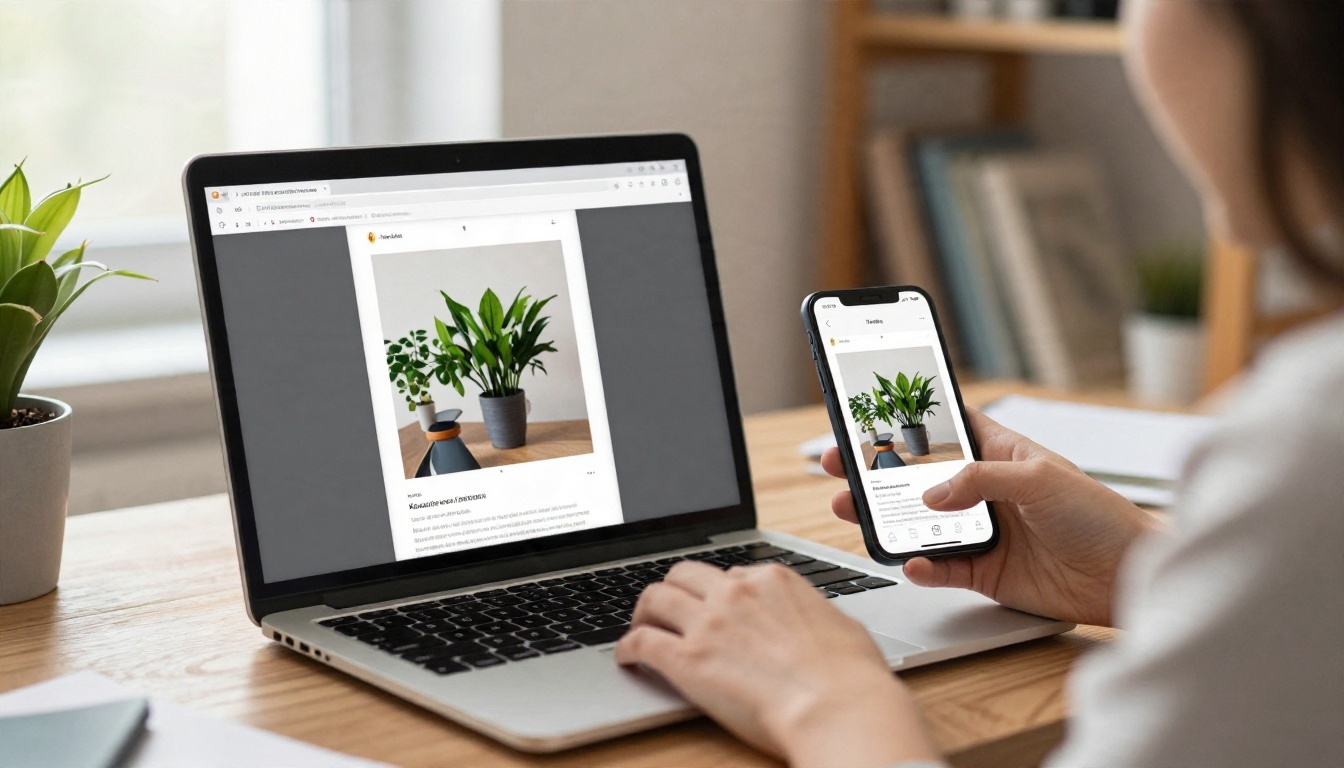
Upload and Convert
- Go to Flipbooks AI and create an account.
- Click the upload button on your dashboard and select your PDF.
- Wait a few moments while pages are converted into a responsive flipbook.
- Open the preview and check it on both desktop and phone.
Screenshot description: the dashboard shows a large upload area at the top, with your finished flipbooks listed as thumbnail cards below.
Brand It
Open the customization panel and set the look of your reader:
- Add your logo and pick brand colors for the background and toolbar
- Choose a page effect, from a soft curl to a flat slide
- Insert video and audio directly on the pages that need them
- Turn on the mobile layout so single pages fill a portrait screen
Flipbooks created here carry no watermarks, ever, so the finished reader looks like yours and only yours.
Share and Protect
Once you are happy with the result, open the share menu. You get three options:
- Direct link to send by message or email
- Embed code to paste into a web page
- Password protection for private material such as internal reports or client proposals
💡 Pro tip: Use password protection for pricing sheets sent to specific buyers. You can share the link widely and give the password only to the people who should see it.
Track and Download
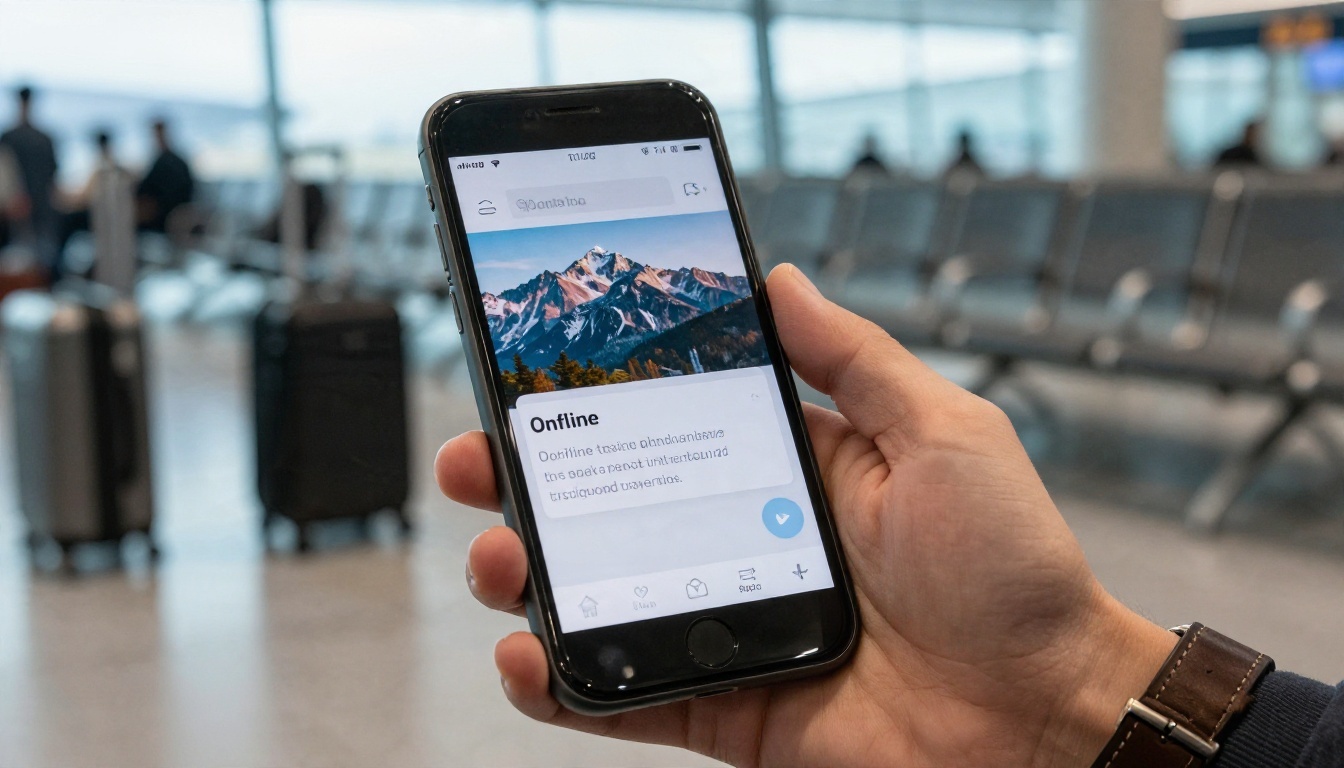
On the Professional plan, you get analytics and lead generation. See how many people opened a flipbook, which pages held their attention, and collect contact details before a reader gets past page one. Offline downloads let readers keep a copy for flights, trains, and weak signal areas.
| Plan Feature | Standard | Professional |
|---|
| Unlimited flipbooks | Yes | Yes |
| No watermarks | Yes | Yes |
| Password protection | Yes | Yes |
| Embed videos and audio | Yes | Yes |
| Analytics | No | Yes |
| Lead generation | No | Yes |
Check the current pricing page for exact plan details, since features are updated over time.
Real World Use Cases
Theory is fine, but the difference shows up in daily work. Here are three situations where a mobile flipbook beats a raw PDF.
Menus That Open Instantly
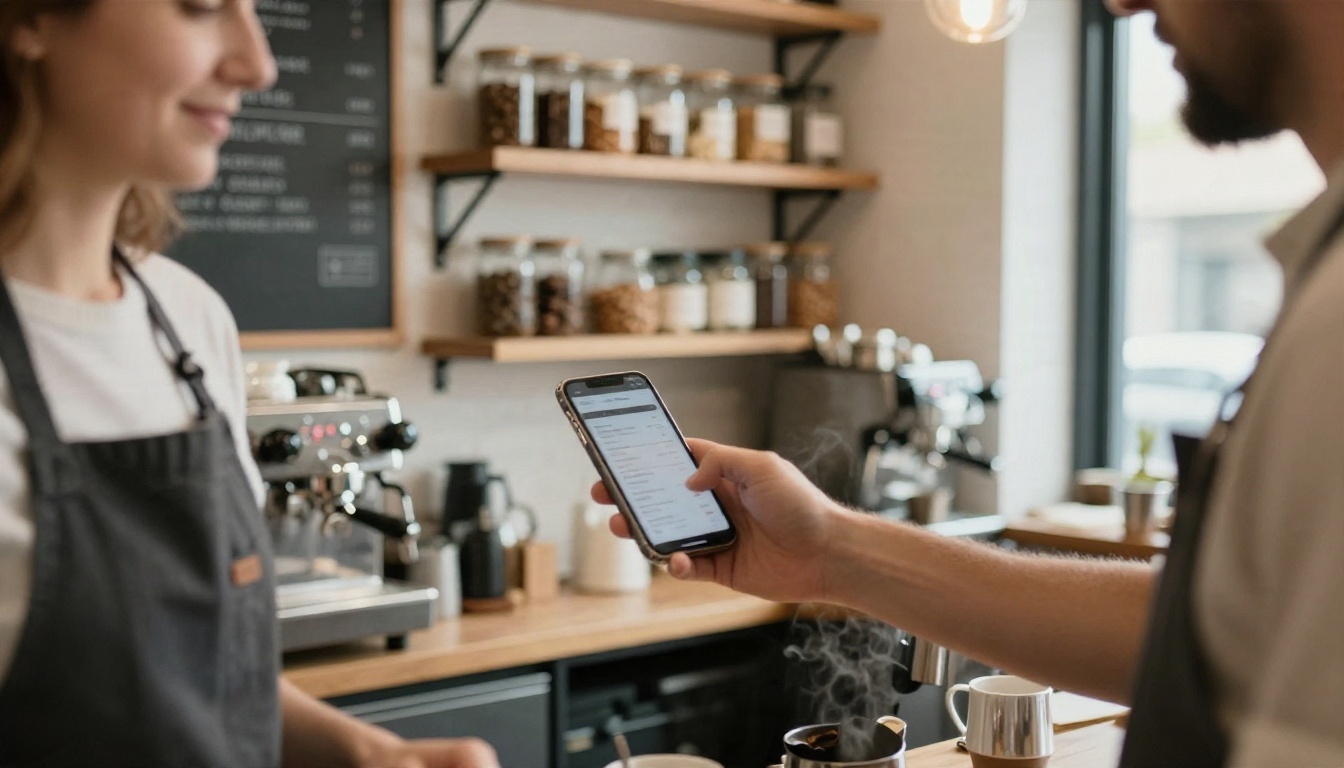
A cafe owner can print a QR code, stick it on every table, and let guests browse the menu on their own phones. No app, no download, no pinching. The Restaurant Menu Creator makes it easy to update prices without reprinting anything.
Brochures for Buyers on the Move
Real estate agents often share property details while standing in a living room with a buyer. A link opens the brochure on the buyer's phone, with photos large enough to enjoy. The Real Estate Brochure Creator is built for exactly that scenario, and buyers can revisit the same link at home.

Course Material and Travel Documents
Students read on buses, benches, and in between classes. A Course Material Publisher flipbook loads fast, stays readable at a glance, and works across phone brands. Travelers benefit from offline downloads, since itineraries and maps stay available without a signal.

| Scenario | Best Format | Why It Works |
|---|
| Restaurant menu | Flipbook with QR code | Instant open, easy updates |
| Property brochure | Flipbook with link | Large photos, shareable |
| Course reading | Flipbook with offline copy | Fast load, works anywhere |
| Contract signing | Native PDF app | Signature tools needed |
| Personal notes | Built in phone viewer | Private and free |
Picking the Right Viewer
There is no single winner for every job. The right choice depends on who is reading and what you want them to do next.
Use this quick checklist:
- Reading for yourself? A built in viewer is enough.
- Annotating or signing? Choose a native app.
- Sending to customers, students, or clients? Choose a flipbook reader, since readers never have to install anything.
- Need to know who opened the file? Pick a flipbook platform with analytics.
- Need privacy? Add a password to a flipbook, or restrict a native PDF.
For most publishers, the flipbook route gives the strongest mix of reach, polish, and control. Browse the full list of flipbook tools to find a template that matches your document type, whether that is a catalog, menu, report, or portfolio.
Ready to Try It?
You already have the PDF. The only missing step is giving your readers a better way to open it. Get started for free on Flipbooks AI, convert your first file, and open it on your own phone to see the difference. When you are ready for analytics and lead capture, compare pricing plans and pick the one that fits.



