You can spend $0 or $600 a year on magazine design software and still end up with the same problem: a finished PDF that nobody opens. Choosing the right layout tool matters, but so does what happens after you press export. This article compares the free options, the template libraries, the real pricing, and the final step of turning a PDF into a page-turning flipbook with Flipbooks AI.
Whether you publish a fashion quarterly, a company newsletter, or a hobby zine, the decision comes down to four things: how much layout control you need, how fast you need to ship, what you can pay each month, and how readers will actually see the issue.
What Magazine Design Software Does

A magazine is not a long document. It is a sequence of spreads, each with its own rhythm of photos, headlines, pull quotes and white space. Word processors fight you here. Dedicated layout software gives you the tools that magazines depend on.
Layout, Type and Image Control
Good magazine design software handles the things a word processor cannot:
- Multi-column grids with adjustable gutters and margins
- Linked text frames so a story can flow from page 12 to page 47
- Parent pages (also called templates or masters in some apps) for repeating headers, folios and page numbers
- Style sheets for headlines, decks, captions and body copy
- Bleed and crop marks for print production
- Color profiles such as RGB for screens and CMYK for press
Who Needs What
Not every publisher needs the heaviest tool on the market. A school newsletter and a 120-page glossy have very different demands.
| Publisher type | Typical page count | Layout control needed | Best fit |
|---|
| Hobby zine or club newsletter | 8 to 24 | Low | Browser based editor with templates |
| Small business or brand magazine | 24 to 60 | Medium | Template driven tool or Affinity |
| Independent editorial magazine | 48 to 120 | High | InDesign, Affinity or Scribus |
| Agency producing client work | Varies | Very high | InDesign plus shared libraries |
💡 Pro tip: Decide your output before you pick a tool. If readers will only see the issue on screens, you can skip CMYK headaches entirely and design in RGB.
Free Options Worth Using
Free does not have to mean weak. Three categories of free tools are worth your time: browser editors, open source desktop software, and free tiers of paid products.
Canva for Fast Issues
Canva's free plan offers a large set of magazine and newsletter templates, drag and drop editing, and PDF export. It works well for short issues where speed beats precision. The limits show up on longer projects: there are no linked text frames, and some premium templates and assets sit behind the paid plan.
Scribus for Print Control
Scribus is open source and has been around for years. It supports CMYK, spot colors, bleeds, linked frames and PDF/X export, which makes it a serious option for print. The interface feels dated and the learning curve is steeper, but you pay nothing, ever.
Affinity for Desktop Power
Affinity's layout app has been a popular InDesign alternative, and at the time of writing the core desktop apps are available at no cost, with optional paid add-ons for extra features. Check the current terms before you commit, since software licensing changes often. It handles master-style parent pages, text flow and professional PDF export.
Free Tools Compared
| Tool | Cost | Linked text frames | CMYK and bleed | Templates included | Best for |
|---|
| Canva (free plan) | $0 | No | Limited | Many | Short, fast issues |
| Scribus | $0 | Yes | Yes | Few | Print focused projects |
| Affinity | Free core apps | Yes | Yes | Some | Long, designed issues |
| Google Slides | $0 | No | No | Few | Quick screen only issues |
⚠️ Watch out: Free tiers often limit export quality, brand kits or stock assets. Always test an export of a sample spread before you design a whole issue.
Templates That Save Hours
A strong template library can cut a design day down to an afternoon. A weak one leaves you rebuilding every page from scratch.
What a Good Template Includes
Look for templates built as full systems rather than a few pretty pages:
- A front page layout with space for a masthead and cover lines
- A contents spread that is easy to update
- Feature openers with big image areas and large headline space
- Standard text pages with two, three and four column variations
- Pull quote and sidebar blocks you can drop in anywhere
- A back page for ads or a call to action
3 Template Mistakes
- Keeping the sample photos' crop. Placeholder images are cropped for the template. Your photos need their own focal point.
- Using too many fonts. Two typefaces plus one accent is plenty. Templates with five fonts look busy fast.
- Ignoring page count. Print magazines need page counts divisible by four. Digital issues can be any length.
✅ Best practice: Build your own parent pages once, save them as a starter file, and reuse that file for every issue. Consistency is what makes a magazine feel like a brand.
The Real Cost of Design Software

Sticker prices only tell part of the story. Fonts, stock photos, and the time you spend learning a tool all count.
Typical Monthly Costs
| Option | Typical price range | What you get | Hidden costs |
|---|
| Free tier tools | $0 | Basic templates and export | Watermarked or limited assets |
| Browser editor paid plan | About $10 to $15 per month | Brand kit, premium templates, resizing | Per user pricing for teams |
| Affinity or Scribus | $0 to a one time fee | Full desktop layout | Time to learn the interface |
| Adobe InDesign | Roughly $20 to $35 per month | Industry standard layout | Annual commitment, font and stock add-ons |
| Agency suite | $50+ per month per seat | Full creative toolset | Training and storage |
Prices change often, so treat these as ranges and confirm on each vendor's site.
Costs People Forget
- Stock photography: A single editorial image can cost more than a month of software.
- Fonts: Commercial fonts for print and web may need separate licenses.
- Proofing time: Fixing typos after export costs hours, not dollars, but it still hurts.
- Distribution: Printing and mailing a 40-page issue to 1,000 readers is the biggest line item for most publishers.
That last point is where digital delivery changes the math. A flipbook costs nothing per copy to send, which is why many publishers keep print for a small run and send everyone else a link. You can compare Flipbooks AI pricing plans before you commit to anything.
Export a Print Ready PDF
Everything downstream depends on a clean PDF. Flipbook converters, printers and email attachments all start from it.
Settings That Matter
Use these as a starting point, and adjust for your printer's requirements:
| Setting | Print PDF | Flipbook PDF |
|---|
| Color mode | CMYK | RGB |
| Image resolution | 300 dpi | 150 dpi |
| Bleed | 3 mm (0.125 in) | None |
| Crop marks | Yes | No |
| Page order | Spreads or single pages per printer | Single pages in reading order |
| Fonts | Embedded | Embedded |
| Approximate file size | Large | Small to medium |
Two Exports Are Better Than One
Most publishers who go digital end up with two files per issue: a print PDF for the press and a lighter screen PDF for the flipbook. Exporting twice takes five extra minutes and saves readers from slow downloads.
💡 Pro tip: Keep the screen PDF under about 30 MB when you can. Compress photos to 150 dpi and keep fonts embedded so text stays sharp on phones.
Quick Checklist Before You Export
- Spell check every headline and caption
- Confirm all images are linked or embedded
- Check that no text sits inside the margin on screen pages
- Add working hyperlinks for the contents page and any web addresses
- Save a layered source file you can reopen next month
How to Create a Magazine Flipbook with Flipbooks AI
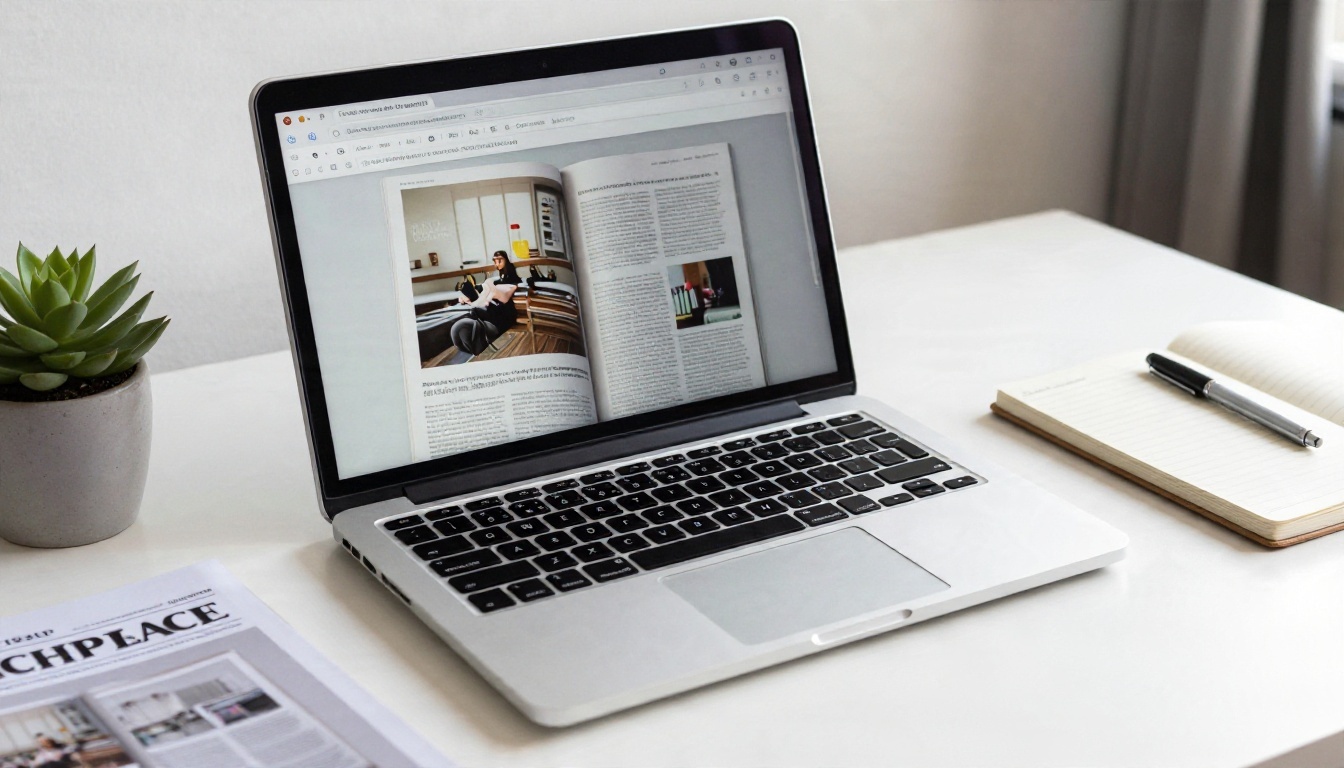
A PDF is flat. Readers scroll it, pinch it, and often abandon it. A flipbook gives the same file page-turning motion, fast loading and a link you can share anywhere. The Magazine Flipbook Creator and the E-Magazine Publishing Tool are built for exactly this job.
Step by Step
- Open your account. Go to Flipbooks AI and create an account. You can try it before you pick a plan.
- Upload your PDF. Drag your screen PDF into the PDF to Flipbook Converter. Conversion takes a short moment, and your pages become a flipbook with page-turning effects.
- Set the look. Add your logo, choose background colors, and select the page effect and sound that match your brand.
- Add multimedia. Embed videos, audio, and clickable links on any page. A fashion shoot can link to a behind-the-scenes clip, and a recipe page can link to a shopping list.
- Protect it if needed. Use password protection for subscriber-only issues or internal publications.
- Share it. Copy a direct link, or use the embed code to place the magazine on your own website.
Branding That Looks Like Yours
The platform does not add watermarks, so your readers see your magazine, not someone else's logo. Custom branding, mobile-responsive reading, and offline downloads are all part of the experience, which helps when readers are on a train or a flight.
Professional Features Worth Knowing
If you publish for a business or sell sponsorships, the Professional plan adds analytics and lead generation. You can see which pages get attention and collect reader details through a form inside the issue. Standard plans and above offer unlimited flipbooks, so a monthly magazine never runs into a cap. Compare plans here.
PDF, Print and Flipbook Compared

Readers experience each format differently. Here is how they stack up for a typical independent magazine.
| Feature | Plain PDF | Printed copy | Flipbook |
|---|
| Cost per reader | Free | Printing plus postage | Free |
| Page turn feel | None | Real paper | Animated page turn |
| Works on phones | Awkward | No | Yes, responsive |
| Clickable links | Yes, but hidden | No | Yes, and visible |
| Video and audio | No | No | Yes |
| Reader analytics | Almost none | None | Yes, on Professional |
| Password protection | Limited | Not applicable | Yes |
| Update after publishing | Resend the file | Reprint | Replace in place |
The takeaway is not that print is dead. It is that a flipbook reaches the readers print cannot afford to reach.
Real Workflows That Work

The Solo Zine Maker
A solo publisher designs 16 pages in a free browser editor, exports a screen PDF, and uploads it to a flipbook tool. The link goes into a newsletter and a social bio. Total software cost: close to nothing.
The Small Brand Magazine
A boutique hotel produces a 32-page seasonal magazine with Affinity. It prints 200 copies for the lobby and sends the flipbook to 5,000 past guests. The Hotel Brochure Designer and Digital Catalog Maker follow the same pattern for hospitality and retail.
The Editorial Team
An indie publisher uses InDesign with a shared starter file, three editors, and a proofing round before export. The final screen PDF goes into a flipbook with a password for paying members, and the public sees a free sample issue.
Which Setup Fits You
| If you are | Design tool | Export | Distribution |
|---|
| A beginner on a tight budget | Free browser editor | Screen PDF | Flipbook link |
| A print focused publisher | Scribus or Affinity | Print and screen PDFs | Print plus flipbook |
| A growing brand | Paid editor or InDesign | Two PDFs per issue | Flipbook with analytics |
| A fashion or lifestyle label | Affinity or InDesign | High quality screen PDF | Lookbook flipbook |
Measure What Readers Do
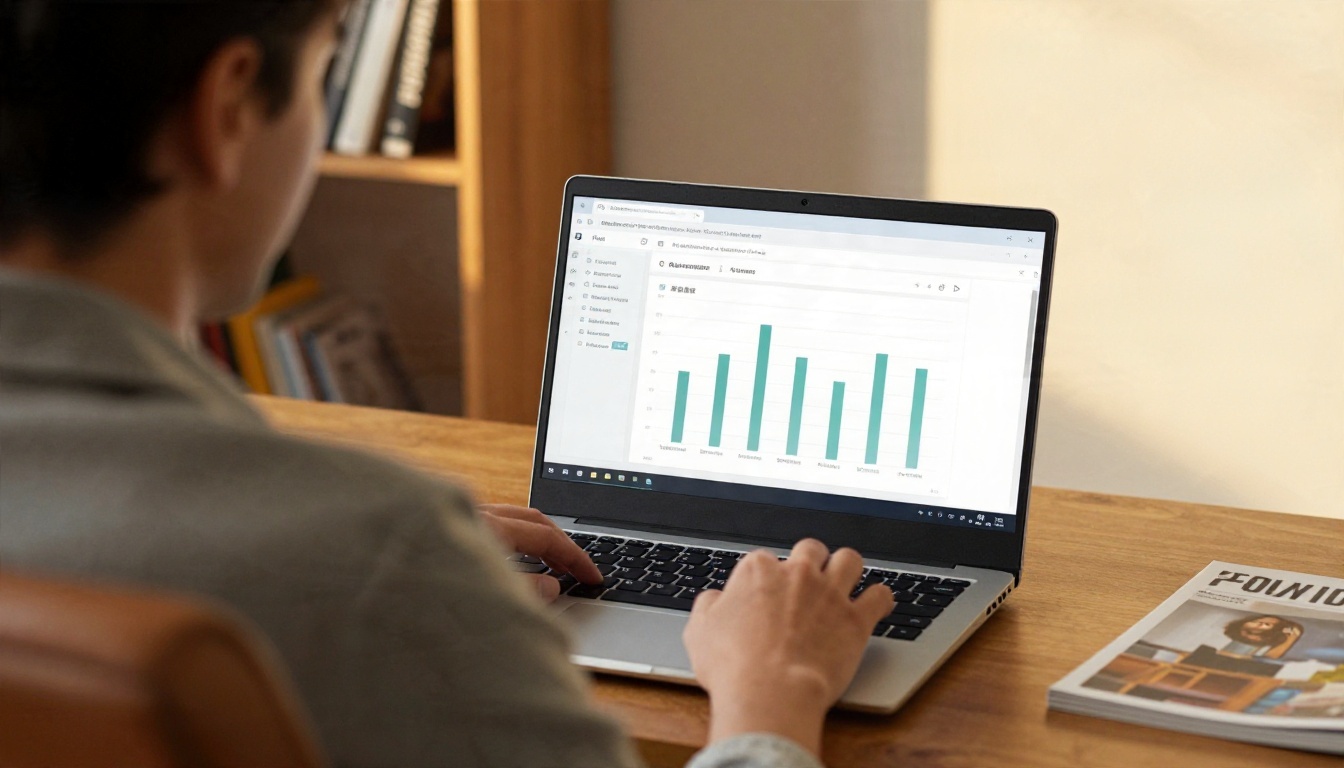
Print tells you how many copies shipped. A flipbook can tell you which pages people actually reached.
- Opens and unique readers show whether your distribution is working
- Page-level views reveal where readers drop off
- Link clicks show which stories and offers drive action
- Lead forms turn readers into contacts you can follow up with
💡 Pro tip: If most readers stop at page 6, move your best feature up. Reorder the next issue based on real behavior, not guesses.
Ready to Publish Your Issue?
Good magazine design software gets your ideas onto the page. A good export and a good flipbook get that page in front of readers. Start with a free tool, build one reusable template, export two PDFs, and publish.
Your next issue deserves more than an email attachment. Give it a link people will actually open.



