Selling on Amazon is no longer about just having the right product at the right price. The brands winning in 2027 are the ones that present their products in ways shoppers actually want to interact with. Making a flipbook for your Amazon storefront is one of the most underused tactics available to sellers today, and the ones doing it right are seeing real differences in how long shoppers stay on their pages, how many products they browse, and how often they convert from a single visit.
Why Amazon Storefronts Need More Than Static Images
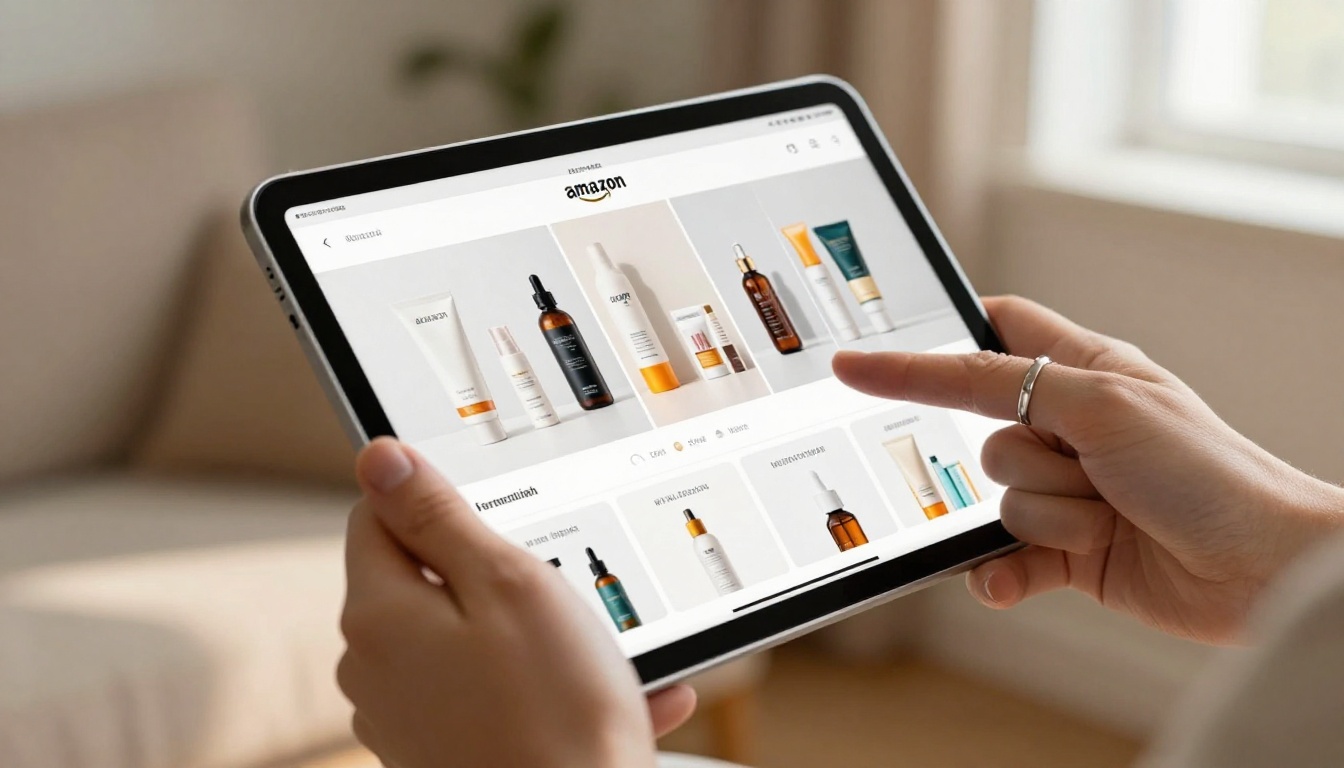
Amazon gives brand-registered sellers a dedicated storefront, and most people fill it with the same thing: a grid of product images, a couple of banners, and a brand logo. That format works, but it doesn't hold attention. Shoppers scroll through it in seconds and move on.
A digital flipbook changes the dynamic. Instead of a flat page, your products appear inside a page-turning catalog that feels more like flipping through a magazine than scrolling through a listing. It creates a sense of editorial quality and brand intentionality that a standard storefront simply cannot replicate.
The data backs this up. Interactive content holds visitor attention two to three times longer than static content. For Amazon sellers, that extra time on page translates into more products seen, more consideration, and ultimately more add-to-cart events.
💡 Pro tip: Flipbooks work especially well for product lines with three or more items. The catalog format naturally shows how products complement each other, which increases average order value.
What Makes a Flipbook Different from a PDF Catalog
Before getting into how to make one, it's worth understanding what separates a flipbook from a regular PDF or static image gallery.
| Feature | PDF Catalog | Static Image Gallery | Interactive Flipbook |
|---|
| Page-turning animation | No | No | Yes |
| Mobile-responsive | Limited | Yes | Yes |
| Embed on external sites | No | Limited | Yes |
| Clickable links inside | No | No | Yes |
| Analytics tracking | No | No | Yes (Pro) |
| Brand customization | Limited | Limited | Full |
| Password protection | No | No | Yes |
The biggest advantage is interactivity. A flipbook lets you embed clickable links directly inside the catalog pages, so a shopper can tap on a product photo and go straight to that listing. For Amazon sellers, that means your catalog becomes a conversion tool, not just a brochure. Flipbooks AI is built precisely for this kind of seller-focused catalog creation.

Setting Up Your Amazon Storefront for Flipbook Integration
Before you create the flipbook itself, your Amazon storefront needs to be set up in a way that makes integration seamless. Here is what that looks like in practice.
Enroll in Amazon Brand Registry First
Flipbooks are most useful when paired with a polished Amazon Brand Registry storefront. Brand Registry gives you access to A+ content, the Amazon Stores feature, and the ability to create a fully branded homepage for your catalog. Without it, you're limited to standard product listings, which don't offer the same real estate for showcasing your range.
Build Your Storefront Architecture
Think of your storefront as the chapters in a book. A well-structured storefront has:
- A hero section featuring your brand identity
- Individual pages per product category
- A "New Arrivals" or "Best Sellers" section
- A brand story page
This structure mirrors exactly how a flipbook catalog is organized, which makes the two formats work together naturally.
Design Your PDF Catalog for Conversion
The flipbook starts as a PDF. That PDF is what you'll upload to Flipbooks AI to convert into the interactive version. The design of that PDF matters a lot.
Layout recommendations for Amazon product catalogs:
- Use 16:9 or letter format pages for wide display
- Include high-resolution product images (minimum 300 DPI)
- Place clickable zones on product images for link embedding
- Keep text minimal and let the photography carry the spread
- Use your brand colors consistently across every page
- Include your Amazon storefront URL on the back page
✅ Best practice: Design the catalog as double-page spreads. When viewed as a flipbook, shoppers see two pages at once, so pairs should visually complement each other in both photography and color palette.
How to Create Your Amazon Catalog Flipbook with Flipbooks AI
Flipbooks AI is built specifically for this workflow. You upload a PDF, and the platform converts it into a fully interactive, embeddable flipbook in minutes. Here is how the process works from start to finish.

Step 1: Create Your Account
Go to flipbooksai.com/account and create your account. The free plan lets you test the format right away before committing to a paid plan, so you can see exactly how your catalog will look before going live.
Step 2: Upload Your Product Catalog PDF
Once you're inside the dashboard, click "Create Flipbook" and upload your catalog PDF. The PDF to Flipbook Converter handles the conversion automatically. Depending on the file size, conversion takes between 30 seconds and a few minutes.
During upload, you can set:
- Flipbook title (use your brand name and catalog season or year)
- Page display mode (single page or double-page spread)
- Reading direction (left-to-right is standard for Western markets)
Step 3: Add Your Brand Identity
This is where the catalog goes from generic to yours. Flipbooks AI lets you customize:
- Logo placement in the viewer header
- Background color or texture behind the flipbook
- Font selection for any overlay text
- Thumbnail cover image for share previews
Every person who opens your catalog sees your brand, not a generic viewer interface.
Step 4: Embed Links to Your Amazon Listings
This is the most powerful step for Amazon sellers. Inside the editor, you can draw clickable regions over any product image. When a shopper taps that area, they're taken directly to the Amazon listing for that item.
For a 20-product catalog, this means 20 direct conversion paths embedded inside a single shareable document.
💡 Pro tip: Use your Amazon affiliate links here if you're sharing the catalog outside your storefront. You'll earn a commission on any purchases that come through the flipbook link.
Step 5: Set Up Sharing and Embedding
Once your flipbook is ready, you have several ways to put it in front of shoppers:
Direct link: Share a clean URL in your Amazon storefront description, social media bio, or email newsletter.
Embed code: Copy and paste the snippet to add the flipbook directly to any website you own. If you have a brand website alongside your Amazon store, this dramatically extends your catalog's reach.
Password protection: Use this for exclusive catalogs, early-access product previews, or wholesale-only pricing sheets reserved for trade buyers.
Step 6: Activate Analytics
With the Professional plan at Flipbooks AI, you get page-by-page analytics showing which products received the most attention, how long people spent on each spread, and which pages caused drop-offs. That data directly informs which products to feature in your next Amazon advertising campaign.
Flipbooks AI Plans: Which One Fits an Amazon Seller
Choosing the right plan depends on how many catalogs you plan to run and whether advanced features like analytics are part of your strategy.
| Plan | Flipbooks | Watermark | Analytics | Password | Offline Download |
|---|
| Free | Limited | Yes | No | No | No |
| Standard | Unlimited | No | No | Yes | No |
| Professional | Unlimited | No | Yes | Yes | Yes |
For most Amazon sellers, the Standard plan is the entry point that makes sense. You get unlimited flipbooks, no watermarks, and password protection, which is enough to run seasonal catalogs for different product lines year-round without any per-catalog cost.
The Professional plan becomes worthwhile once you're using analytics to optimize your catalog layout based on real shopper behavior. Compare all plans in detail before deciding which tier fits your volume.

Real Use Cases for Amazon Sellers
The format works across seller types. Here is how three different kinds of Amazon businesses put the flipbook catalog to work.
Private Label Brands with Multiple SKUs
A seller running a private label skincare line with eight products can design a catalog that shows the full routine: cleanser, toner, serum, and moisturizer shown together in lifestyle photography. Each product page has a click-through link to the individual Amazon listing. The catalog gets shared in the brand's Instagram bio and linked from the storefront page. Shoppers who discover the brand on social browse the full range before they ever reach Amazon, arriving with purchase intent already formed.
Seasonal Product Sellers
Sellers with holiday or seasonal inventory benefit from the catalog flipbook format more than almost any other seller type. A home goods seller can create a "Winter Collection" flipbook featuring products styled in seasonal settings, upload it in October, and share it across email and social through the holiday season. When the season ends, the catalog can be password-protected or archived until it's relevant again.
Wholesale and B2B Amazon Sellers
Some Amazon sellers also serve wholesale buyers who want to see a full product line before placing a large order. A flipbook gives them a professional-grade catalog experience with all the product specs, photography, and pricing in one place. Password protection keeps the document exclusive to trade buyers.
⚠️ Warning: Don't link directly to Amazon listings from external flipbooks shared on ad platforms that prohibit affiliate links. Always check the platform's linking policies before adding direct product URLs to your catalog.
What to Put on Each Page
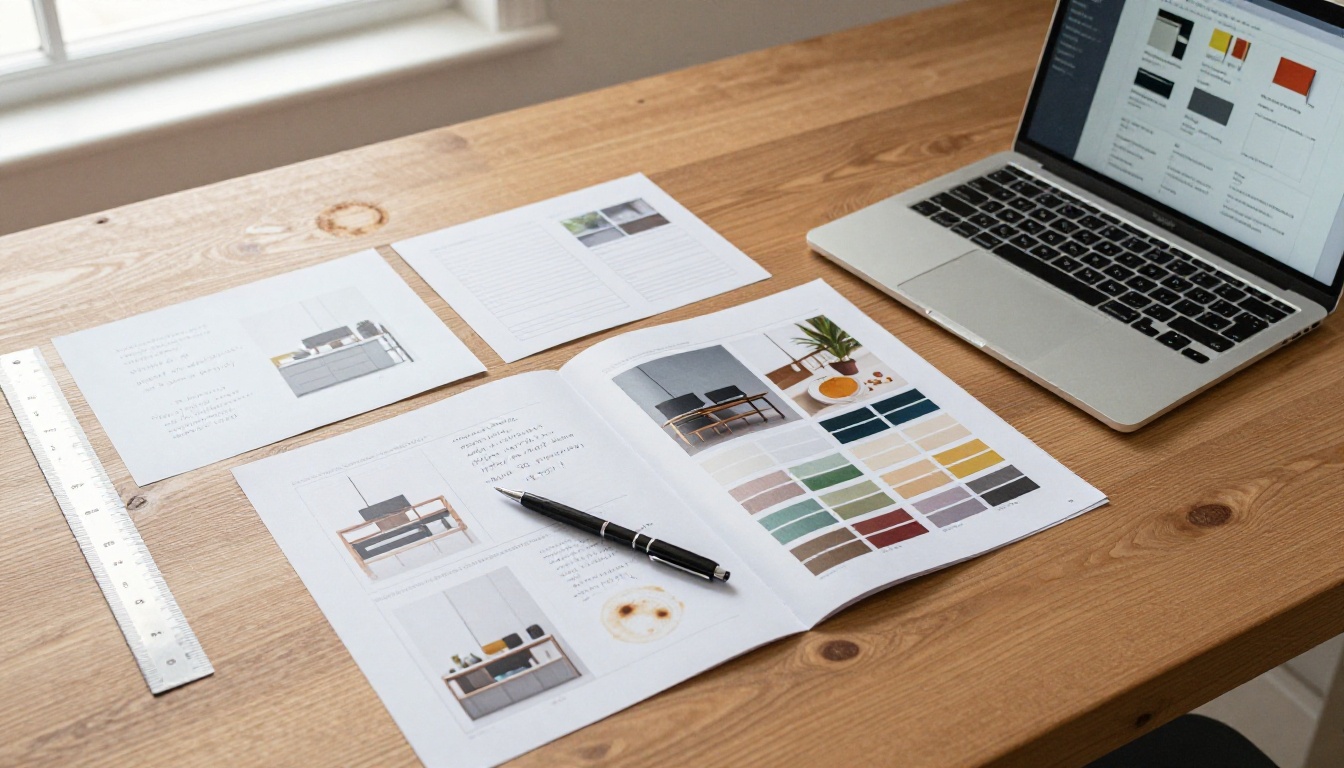
The structure of your catalog pages determines how effective the flipbook is at driving conversions. Here is a proven page layout system for Amazon product catalogs.
| Page Position | Content Purpose | What to Include |
|---|
| Cover (Page 1) | First impression | Brand logo, hero image, catalog title |
| Pages 2-3 | Brand story | Mission, values, founding story (short) |
| Pages 4-5 | Best sellers | Top 3-5 products with lifestyle photography |
| Pages 6 onwards | Product spreads | Individual product pages with specs and links |
| Second-to-last | Social proof | Reviews, star ratings, press mentions |
| Back cover | CTA | Amazon storefront URL, social handles |
For a seasonal catalog, aim for 16 to 24 pages. That's enough to feature a meaningful product range without overwhelming the reader during a single sitting.
The Product Spread Formula
Each product's double-page spread should follow this structure:
- Left page: Full-bleed lifestyle photograph showing the product in use
- Right page: Product name in large text, two to three bullet points of key benefits, one customer quote, and a clickable CTA linked to the Amazon listing
This format is scannable, visually strong, and gives buyers the information they need to make a decision without overloading them with text.
The catalog is the most common format, but it's not the only one that works for Amazon sellers. Depending on your product type and audience, these alternatives from the Flipbooks AI tools directory may be a better fit:
Each format has a specific use case, and combining them gives a brand multiple touchpoints across the buyer journey.

Distributing Your Flipbook Beyond Amazon
Creating the flipbook is half the job. Getting it in front of the right people is where the sales impact happens.
Channels that work best for Amazon seller flipbooks:
- Instagram Bio Link: Replace your Linktree with a direct flipbook URL or use it as one of your Linktree destinations
- Email Newsletter: Embed the flipbook link in your email campaigns with a "View our latest catalog" CTA
- Amazon Storefront "About" Section: Add the flipbook link in your brand description where Amazon policy allows
- Pinterest: Flipbook cover images work extremely well as Pinterest pins with the flipbook URL as the destination
- Facebook Groups: Share in relevant niche communities where your product addresses a specific need
- Influencer Collaborations: Give influencers a password-protected preview flipbook of new products before launch
The mobile-responsive design means shoppers on any device get a consistent, polished experience regardless of where they encounter the catalog link.
Catalog Cadence by Seller Scale
Amazon sellers operating at different scales need different catalog strategies. Here is a practical approach based on business size:
Solo seller (under 20 SKUs): One evergreen catalog updated quarterly. Focus on lifestyle photography and the brand story. Share via Instagram and email.
Growing brand (20 to 100 SKUs): One main catalog plus seasonal editions for peak periods like Prime Day, Black Friday, and the holiday season. Use analytics to optimize the main catalog's page order based on which spreads get the most engagement.
Established brand (100+ SKUs): Category-specific catalogs (home, outdoor, kitchen) rather than one massive document. Each catalog targets a specific audience segment with relevant imagery and products tailored to that buyer profile.
The flipbook format scales with the brand. There is no ceiling on how sophisticated the catalog strategy can become once the foundation is in place.
Take Your Amazon Storefront Further
Your Amazon storefront is already doing some heavy lifting. A flipbook catalog gives it a way to tell your brand's full story, showcase your complete product range, and give shoppers a reason to stay, browse, and buy more than they originally planned.
Ready to build your first catalog? Create your account on Flipbooks AI and convert your PDF catalog in minutes, no design experience required. When you're ready to go deeper, explore pricing plans to add analytics, unlimited flipbooks, and offline downloads to your toolkit. Browse the full tools directory to find the format that fits your product line best.



