Running a cooking class is hard enough without chasing down students who lost their recipe handouts or trying to email updated ingredient lists to thirty different people. A well-built digital flipbook solves all of that, and Flipbooks AI makes it possible in under fifteen minutes. This is not about going digital for the sake of it. It is about giving your students something they will actually open again after class, share with their families, and reference when they try the recipe at home.
Why Paper Handouts Disappear After Class
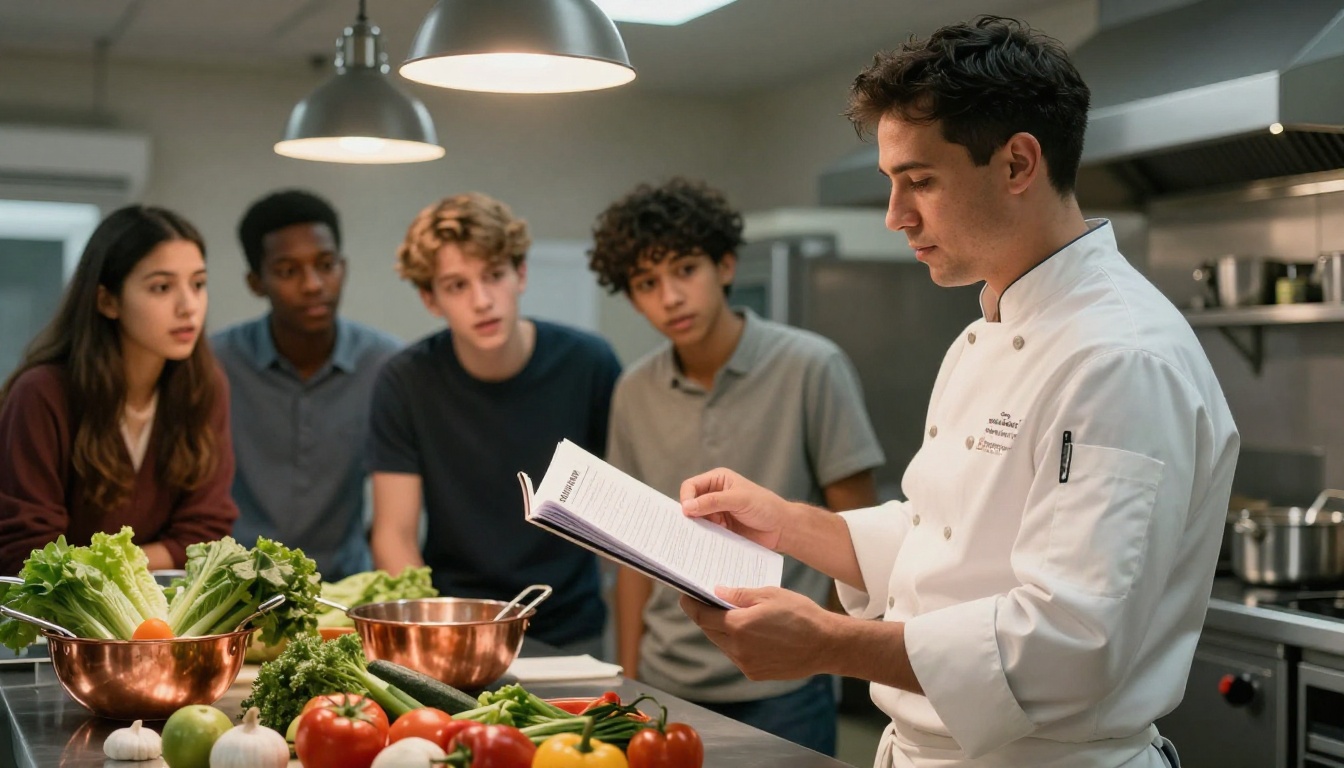
Every cooking instructor knows the moment. Class ends, the counters get wiped down, and somewhere between the sink and the parking lot, that beautifully designed recipe sheet gets crumpled into a jacket pocket, soaked with olive oil, or left behind entirely.
Paper handouts have been the default for cooking classes for decades, but they were never actually the best solution. They were just the only option.
The Real Cost of Printing Recipes
Printing is not free, and for anyone running cooking classes regularly, the costs add up fast. A full-color recipe sheet for twelve students every weekend is a real expense, before you factor in paper quality, design software, and the time it takes to organize, print, collate, and redistribute whenever you update a recipe.
| Cost Factor | Paper Handouts | Digital Flipbook |
|---|
| Per-class printing cost | $8 to $30 | $0 |
| Update distribution | Reprint everything | Instant link update |
| Lost or damaged copies | Reprint at cost | Student re-opens the link |
| Storage for students | Physical, easily lost | Phone, tablet, or laptop |
| Professional appearance | Varies by printer | Consistent and polished |
What Students Actually Do With Paper
Be honest: most recipe handouts get used once, during class, then filed in a drawer or recycled within a week. The students who do try to cook at home struggle to find the sheet, cannot remember the technique details, and often give up.
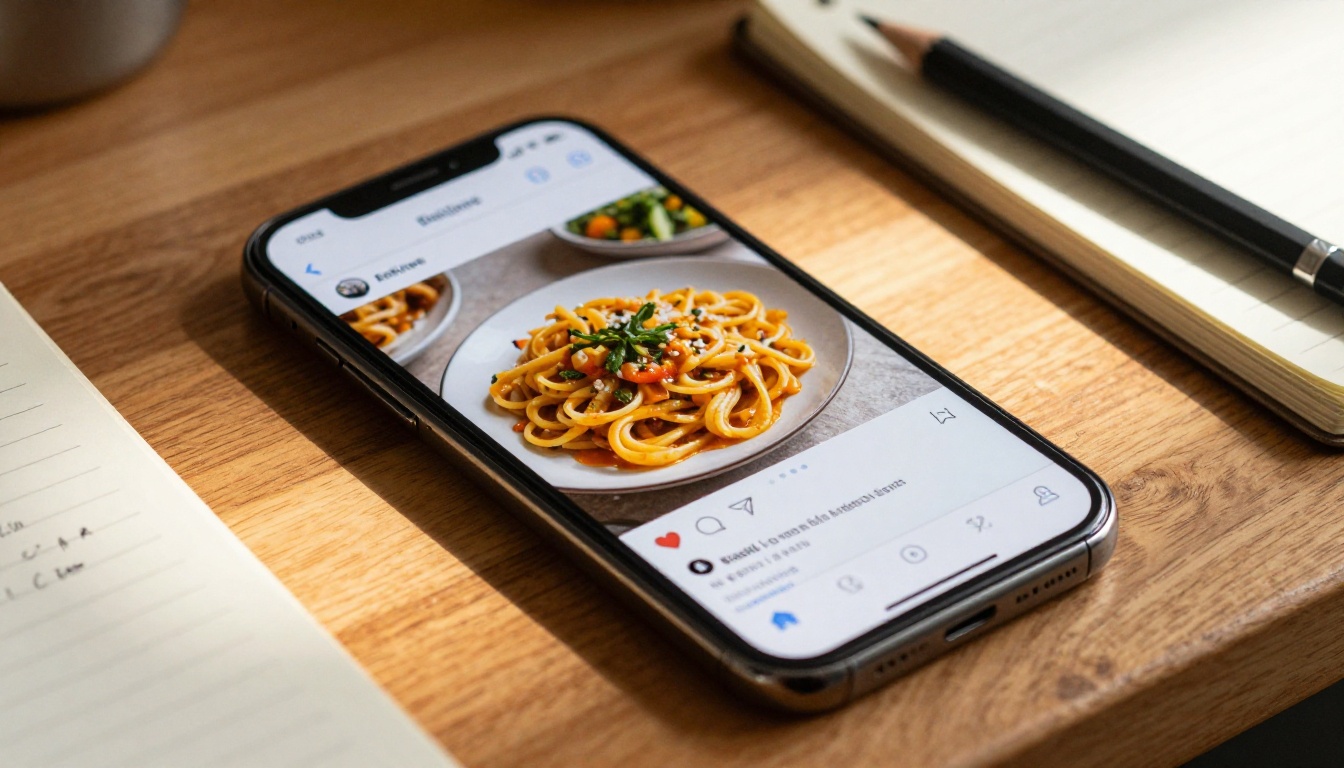
A digital flipbook that lives in their email or a bookmarked link behaves completely differently. Students reopen it on a Sunday morning when they want to recreate that risotto. They share it with a friend who wants the same recipe. They zoom in on the plating photo on their phone while standing at the stove.
💡 Send the flipbook link before class starts. Students arrive having already seen the recipes, which means you can skip the basic explanation and get straight into technique.
What a Cooking Class Flipbook Actually Is
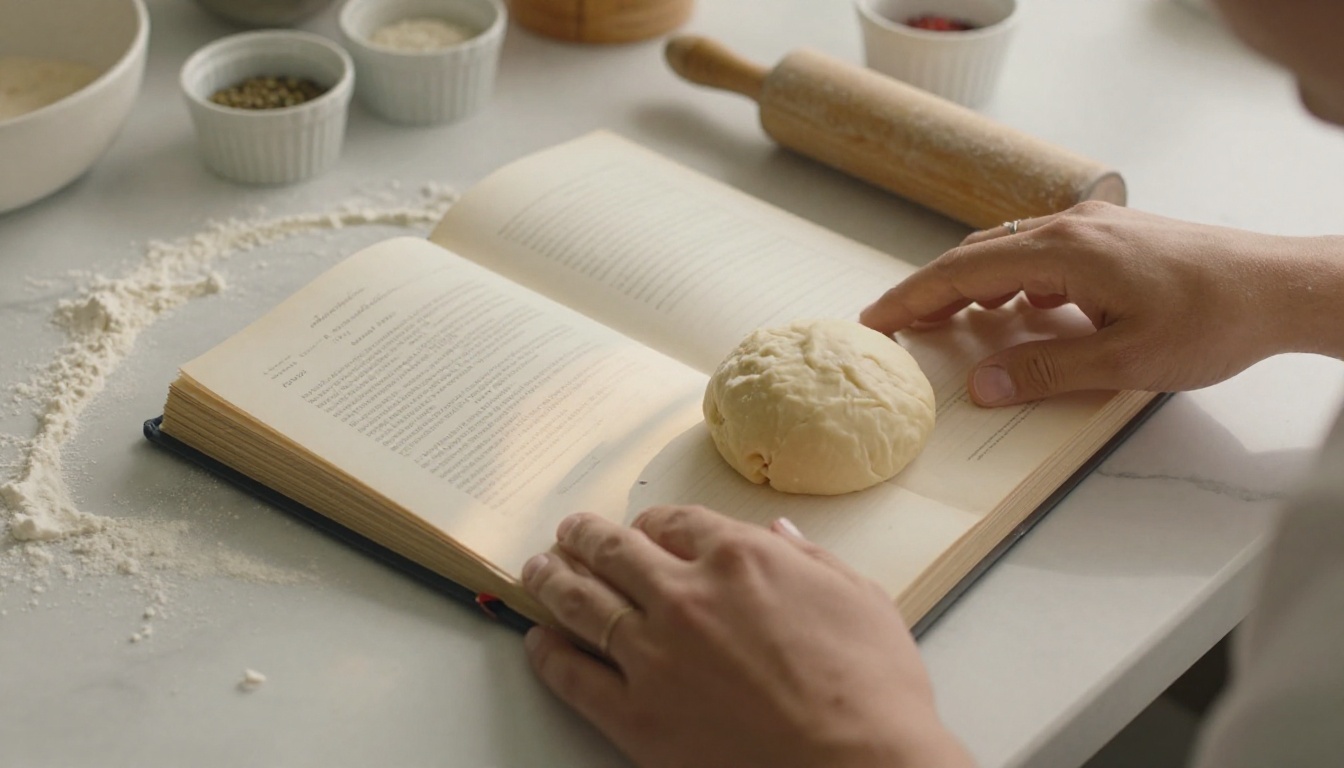
A flipbook is not just a PDF with a different file extension. It is an interactive, page-turning digital publication that opens in any web browser without downloading anything. When your student clicks the link, they get a beautifully formatted book experience, with animated page turns, zoomable images, and an interface that works just as well on a phone as on a laptop.
More Than a PDF
PDFs are flat. They render differently on different devices, they do not resize gracefully on phones, and they require a PDF reader that may not be installed or updated. A flipbook from Flipbooks AI is hosted online, always accessible, and looks identical whether your student opens it on an iPhone, an Android tablet, or a Windows desktop.
The difference in perceived quality is significant. When a student receives a PDF attachment, it feels like a document. When they receive a flipbook link, it feels like a publication. That difference in perception affects how they engage with your content and how they think about your class.
Why It Works for Food Content
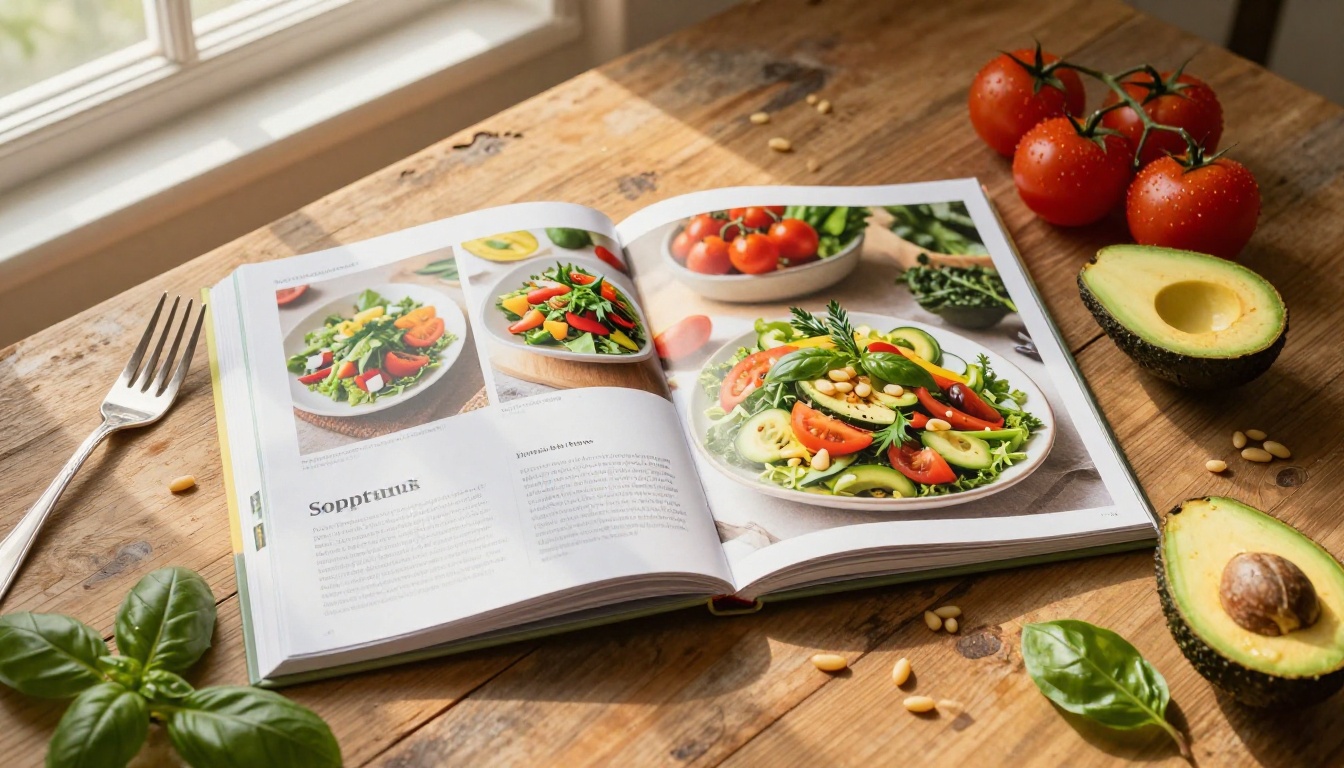
Food content has specific visual demands. Recipes need clear step-by-step formatting. Techniques need detailed photography. Plating needs to look beautiful enough to inspire someone to actually try it at home. Flipbooks handle all of this naturally because the format encourages full-bleed photography, clean typographic layouts, and a reading experience that lets the visuals breathe.
The Recipe Book Flipbook tool and the Course Material Publisher are both built specifically for this kind of educational content.
How to Build Your Cooking Class Flipbook
This is where it gets practical. Building a flipbook for your cooking class takes four steps, and if you already have your recipes in any document format, you can be live within the hour.
Step 1: Prepare Your Recipe PDF
Start with whatever format your recipes are currently in. Google Docs, Microsoft Word, Canva, Adobe InDesign. It does not matter. The goal is to export a clean PDF that represents your class materials.
A few things that make the final flipbook look significantly better:
- Use consistent margins (at least 15mm on all sides)
- Include one large hero photo per recipe at the top of the page
- Add step-by-step numbered instructions with the ingredients list on a separate column or page
- Use readable font sizes (minimum 11pt for body text, 18pt for recipe names)
- Include plating photos at the end of each recipe section
If you teach themed classes (Italian cooking, French pastry, Japanese home cooking), consider organizing the PDF as a module so each class session becomes a chapter in a larger flipbook series.
Step 2: Upload to Flipbooks AI
Once your PDF is ready, go to Flipbooks AI and create your account. The upload process is straightforward:
- Click New Flipbook from your dashboard
- Drag and drop your PDF file or click to browse
- Wait for the conversion to complete (typically 30 to 60 seconds for a standard recipe document)
- Preview the result in the built-in viewer
The PDF to Flipbook Converter handles the technical conversion automatically. You do not need to adjust image compression, page sizes, or any other technical settings.
✅ Before sharing with students, view the flipbook on your own phone to confirm all photos are crisp and all text is readable at mobile size.
Step 3: Customize Your Brand
This is where your cooking class gets its own identity inside the flipbook. The customization panel lets you:
- Set a custom cover with your class name or logo
- Choose a color theme that matches your brand (warm earthy tones work well for food content)
- Add a background texture for the page environment
- Enable page-turn sound effects for an immersive reading experience
- Embed a welcome video on the first page introducing yourself and the class
For cooking classes with multiple sessions, you can create a series of flipbooks with consistent branding so students immediately recognize each new module.
Step 4: Share With Your Class
Sharing options are where the digital format really separates itself from paper. Once your flipbook is published, you get:
- A direct link you can paste into any email, WhatsApp group, or class management platform
- An embed code if you have a website or course platform where you want to host the flipbook directly (see the Embed Flipbook on Website tool)
- Password protection if you want to keep recipes exclusive to paying students
- A QR code that students can scan in class to open the flipbook instantly on their phones
⚠️ If you are selling cooking class access, always use password protection on your flipbooks. This prevents recipes from being shared beyond your paying students.
Not all recipe content benefits equally from the flipbook format, but for cooking classes specifically, certain categories work exceptionally well.
Multi-Step Baking Recipes
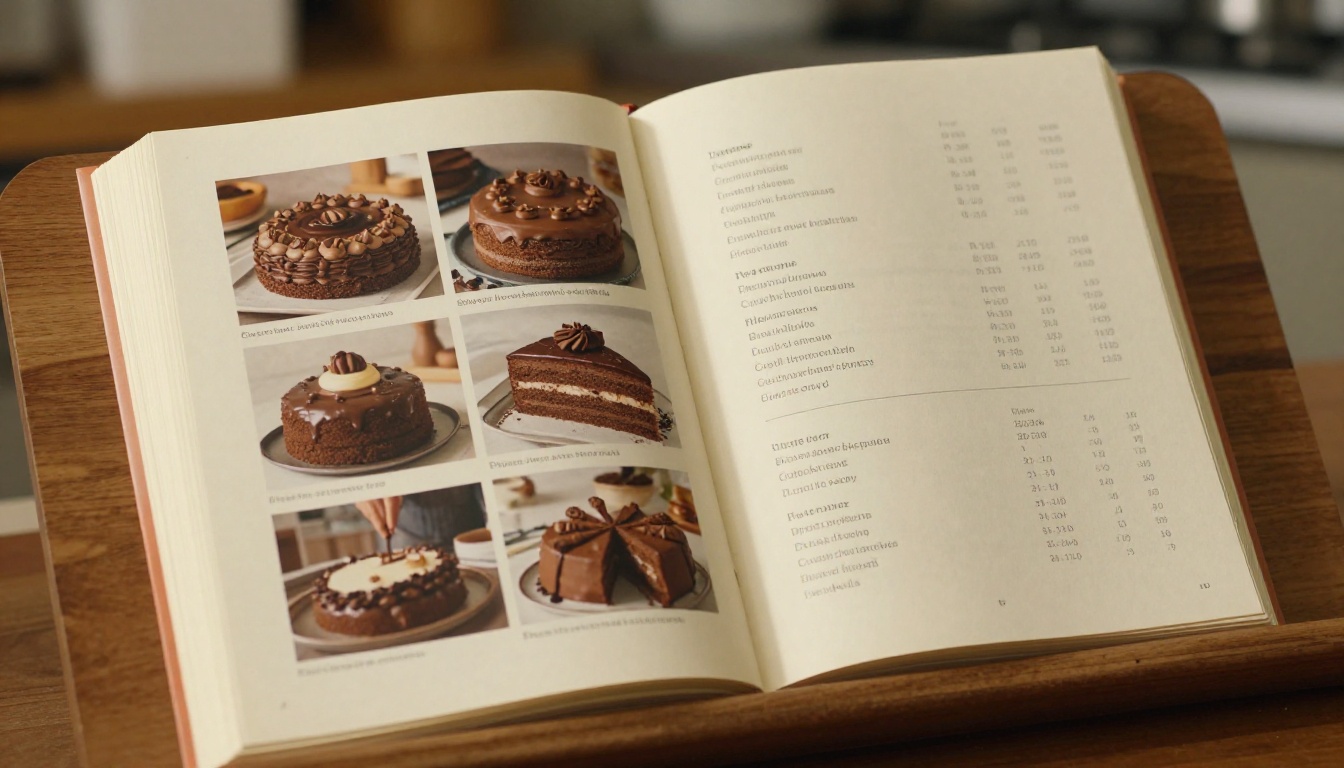
Baking is technical. The difference between a good croissant and a mediocre one often comes down to a specific fold at a specific temperature, and that kind of nuanced instruction is exactly what flipbook formatting handles well. You can devote a full spread to a single critical step, with a large photo on one page and the detailed instructions on the facing page. Students can zoom in on the lamination layers or the proofing texture without squinting at a tiny printed image.
International Cuisine Modules
Teaching Japanese home cooking or Moroccan tagines to students who have never worked with those ingredients? A flipbook lets you include a visual ingredient glossary at the start of each module, with full-page photographs of unfamiliar items alongside their names and sourcing notes. That context dramatically improves what students actually cook when they get home.
Seasonal Menu Collections
Many cooking class instructors structure their programs around seasonal ingredients. A spring menu flipbook for March and April, a summer grilling series for June through August. The flipbook format makes it natural to organize recipes around a seasonal narrative, with introductory pages that explain why certain ingredients are at their peak and how to find them at the market.
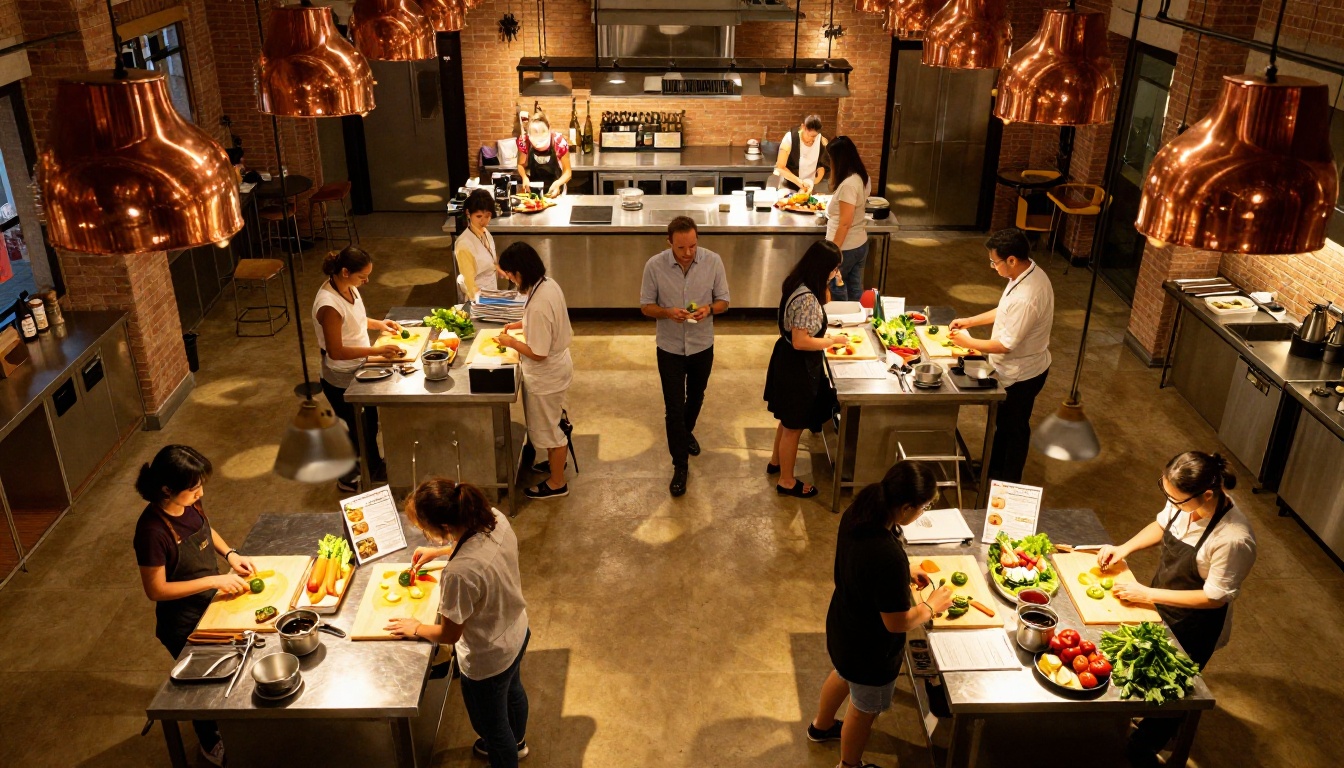
Flipbook vs. Other Digital Options
Cooking instructors exploring digital materials for the first time usually consider a few different options. Here is how they compare for the specific needs of a cooking class:
| Feature | PDF Email | Google Docs | Printed Booklet | Flipbooks AI |
|---|
| Mobile-friendly reading | Poor | Moderate | N/A | Excellent |
| Page-turn experience | No | No | Yes | Yes (digital) |
| Update without resending | No | Yes | No | Yes |
| Password protection | No | Limited | No | Yes |
| Custom branding | No | Limited | Yes | Yes |
| Embed in website | No | Limited | No | Yes |
| Analytics on views | No | Limited | No | Yes (Pro) |
| Offline access | Yes | Limited | Yes | Yes (download) |
| Setup time | Minutes | Minutes | Days | Minutes |
| Cost per class | $0 (but printing later) | $0 | $15 to $50 | From $0 |
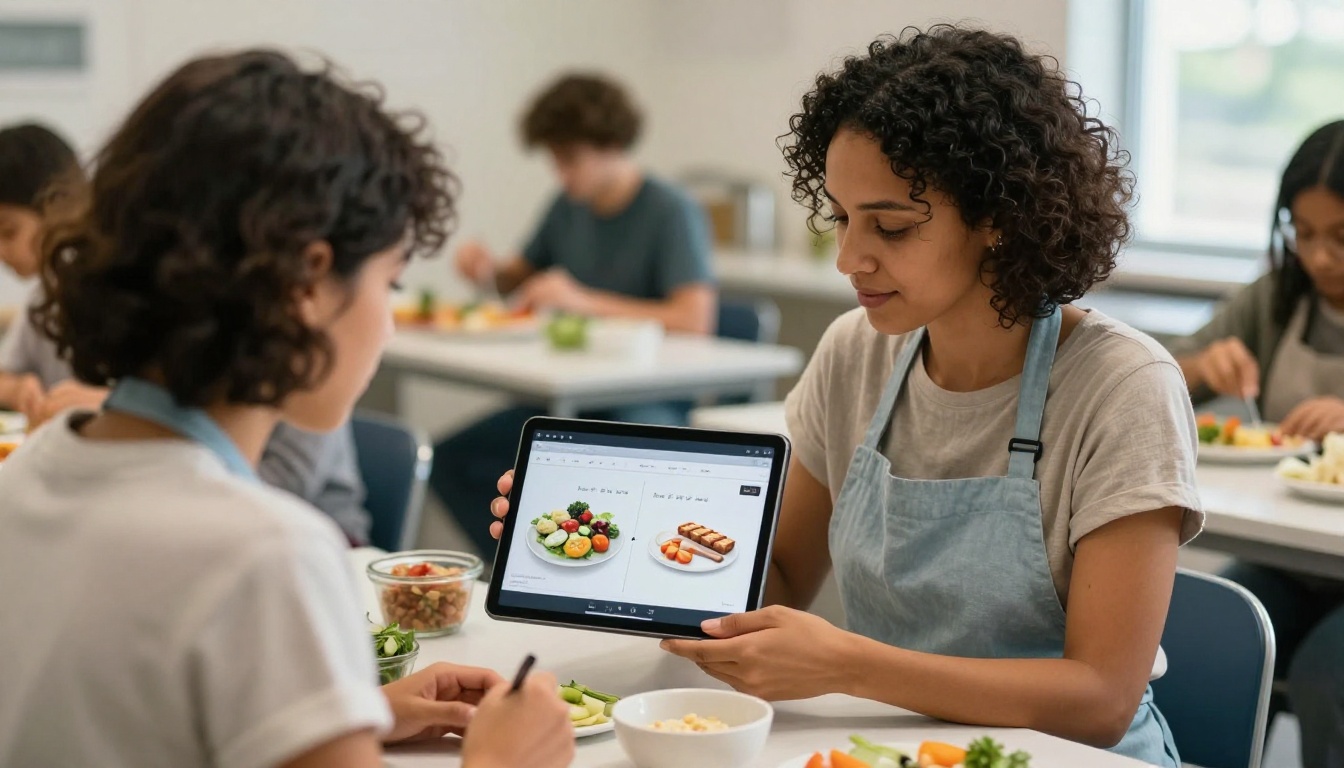
The gap in mobile reading experience is the most important factor for cooking class use cases. Students look at their recipes on their phones while cooking. A PDF that requires pinching and scrolling constantly interrupts the cooking flow. A flipbook designed for mobile reading does not.
What Cooking Instructors Actually Need
Different types of cooking class businesses have different requirements. Here is a breakdown of what features matter most by business type:
| Instructor Type | Must-Have Features | Nice-to-Have |
|---|
| Weekend hobbyist classes | Direct link sharing, password protection | Custom branding |
| Professional culinary school | Analytics, lead gen, custom domain | Offline download |
| Corporate team-building events | Embed code, custom branding | Password protection |
| Online cooking courses | All sharing options, analytics | Offline download |
| Private chef clients | Password protection, custom branding | Analytics |
| Food blogger teaching | No watermarks, direct links | Lead generation |
💡 If you run online cooking courses, the Professional plan's analytics feature lets you see exactly which recipe pages students spend the most time on. That data tells you which techniques need more explanation in your next class revision.
Pricing That Makes Sense for Small Classes
Flipbooks AI pricing is structured so that even a small one-person cooking class operation can access serious features without enterprise-level costs.
| Plan | Best For | What You Get |
|---|
| Free | Testing your first flipbook | 1 flipbook, basic sharing |
| Standard | Regular weekly classes | Unlimited flipbooks, no watermarks, password protection |
| Professional | Growing culinary schools | Analytics, lead generation, offline downloads, custom domain |
For most independent cooking instructors, the Standard plan covers everything needed: unlimited flipbooks (so you can create a separate one for each class session or themed series), no watermarks on your shared content, and password protection for paying students.
The Professional plan becomes relevant when you are running a larger operation where knowing how students engage with your content is operationally useful. The lead generation feature also lets you collect email addresses from people who access your public flipbooks, which is valuable if you use free taster sessions as a marketing strategy.
Real Use Cases: How Cooking Instructors Are Using Flipbooks
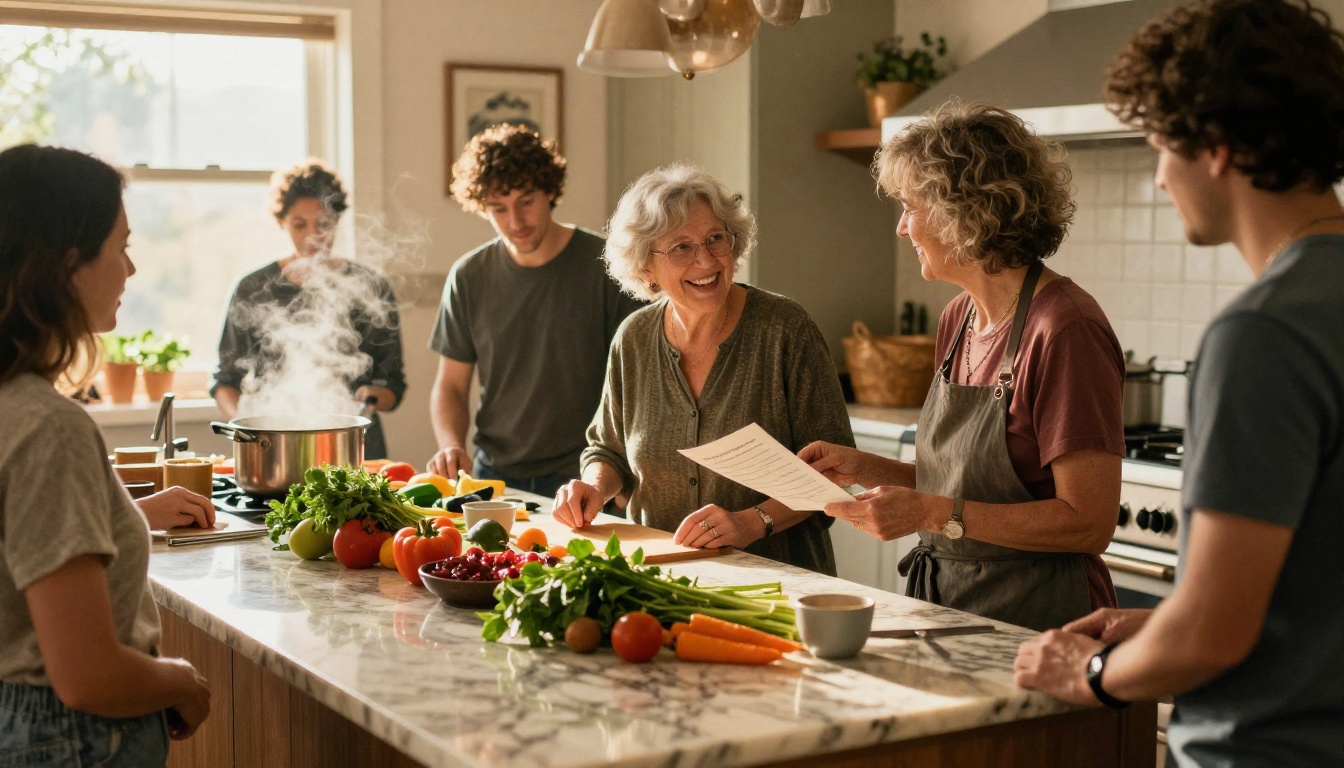
The Weekend Pasta Class: Maria runs Saturday pasta-making workshops out of her home kitchen for groups of six to eight people. She created a single flipbook with all five of her core pasta recipes, embedded a short welcome video on the first page, and now sends the password-protected link in her booking confirmation email. Students arrive having already seen the recipes, class runs 20% faster, and three students have booked repeat sessions after sharing the flipbook with friends.
The Corporate Team Event: A catering company offering team-building cooking events created a branded flipbook for each of their themed menus (Mediterranean, Asian Fusion, Farm-to-Table). When a corporate client books an event, the relevant flipbook gets sent to the HR coordinator, who shares it with the team in advance. The company logo is on every page. The experience feels premium.
The Online Culinary Course: An instructor teaching a 12-week Italian cooking program built a dedicated flipbook for each weekly module. Week 1 is pasta fundamentals, Week 6 is regional risottos, Week 12 is advanced pastry. Students get a new link each week as part of their lesson email. The Course Material Publisher tool made consistent formatting across all twelve modules straightforward to maintain.
The Details That Make Your Flipbook Stand Out
A functional flipbook is easy to make. A flipbook that students actually recommend to their friends requires a bit more attention.
Photography quality matters more than design. A recipe with one excellent, well-lit photograph of the finished dish will always outperform a recipe with three mediocre ones. If you do not have professional food photography, a modern phone in good natural light with a clean background is enough to produce compelling images.
Write technique notes like you speak in class. The written instructions in your flipbook should sound like you. Not like a textbook, not like a recipe aggregator website. When students read "fold the eggs in gently, like you're putting a baby to sleep," they remember the instruction because it sounds like a person.
Use the table of contents. Every flipbook can include a clickable table of contents. For a multi-recipe document, this means students can jump directly to the risotto on page 14 without scrolling through the appetizers.
Include your contact information. Add a final page with your website, Instagram handle, email, and next class dates. A student who loved the experience and wants to book again should not have to search for how to reach you.
Start Your First Cooking Class Flipbook Today
Your students deserve materials that match the quality of what you teach. Paper handouts were never the right tool, they were just the available one. A well-made digital flipbook is something students keep, use, and share, and for a cooking class, that ongoing engagement is how you build a loyal following.
Ready to build yours? Create your account on Flipbooks AI and upload your first recipe PDF today. The Standard plan gives you everything an independent instructor needs: unlimited flipbooks, no watermarks, password protection, and a sharing experience that feels professional from the moment a student opens the link.
Browse the full tools directory to see specific tools built for recipe books, course materials, and educational content. Or compare pricing plans to find the right fit for where your cooking class business is right now.
Your recipes deserve a format as good as the food itself.



