You finished the living room. You built the raised beds. You finally tore out that 1980s bathroom and tiled it yourself. The work took months, maybe years. And somewhere in your camera roll sits 400 blurry progress shots that tell the whole story, but nobody can actually experience it.
That is the gap a flipbook fills. When you make a flipbook for your DIY project recap, those scattered photos become a coherent, page-turning story that captures every phase from demolition day to final reveal. Flipbooks AI makes this possible without design skills or expensive software: upload a PDF, customize the look, and share an interactive digital flipbook that loads on any device.
This article walks through exactly how to build one, from organizing your shots to choosing the right plan, plus real-world examples across kitchen renovations, furniture builds, garden transformations, and craft projects.
Why a Flipbook Beats a Photo Dump
The Problem With Camera Roll Chaos
Sharing your project as a Google Photos album or an Instagram grid gets the job done, barely. Viewers scroll without context. There is no before, no middle, no reveal. The emotional arc of a six-month renovation gets flattened into a swipe.
A DIY project recap flipbook is different. It is sequential by design. Readers turn pages, and the story unfolds. The before-shot lands first. The demolition chaos comes next. Then the rough-in work, the finishing, and finally the reveal. That narrative structure is what makes a flipbook satisfying to read and genuinely impressive to share.
What a Flipbook Actually Shows
A well-built project flipbook does several things a photo dump cannot:
- Creates a timeline that viewers can follow without explanation
- Combines photos and text so context travels with the images
- Looks polished and intentional rather than casual
- Works as a portfolio piece if you do client work or want to document your skills
- Preserves the project permanently in a format that does not get buried in a camera roll
💡 A project flipbook is also useful documentation for insurance claims, resale value arguments, or HOA submissions where you need proof of permitted work.
What to Capture Before You Start
The Shots That Matter Most
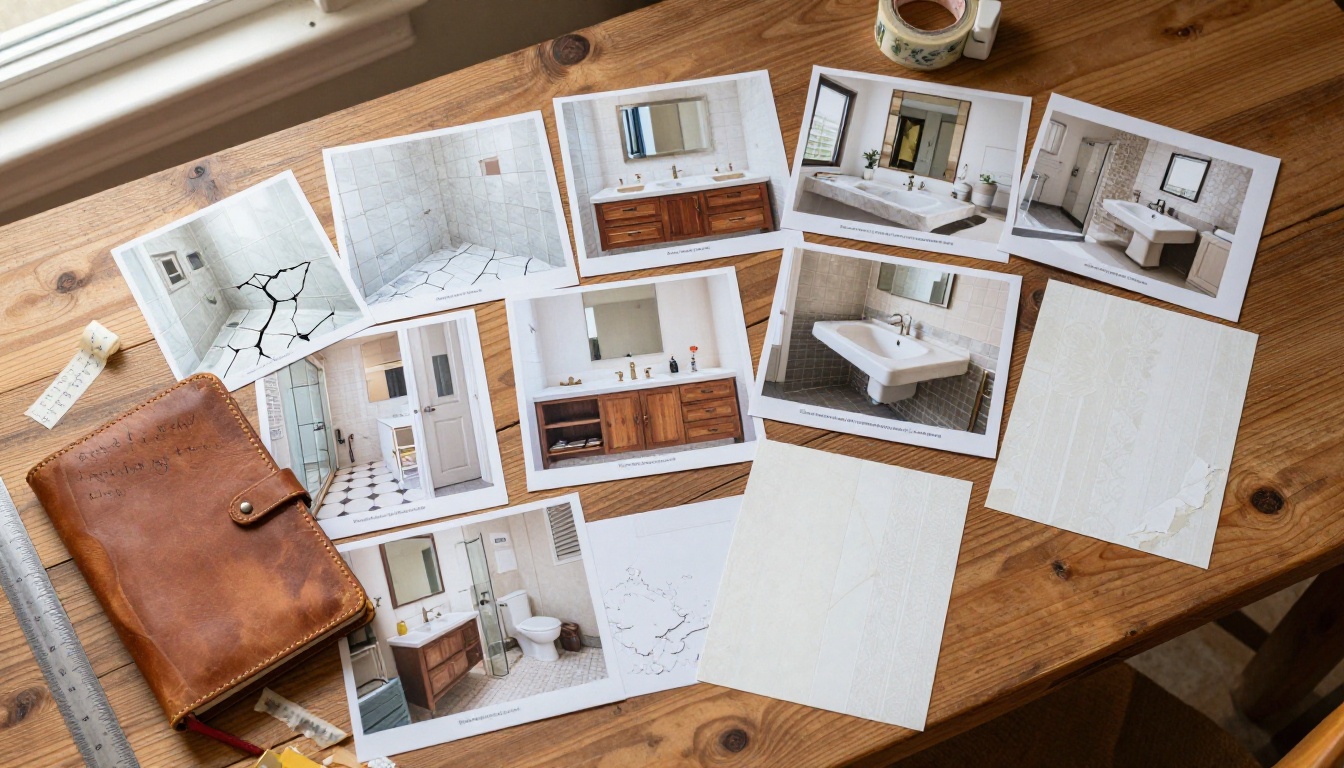
Most people photograph the finished result but forget the shots that make a recap powerful. Before you swing the first hammer or pull the first weed, take these:
- Wide establishing shots of the space as it currently is, from multiple angles
- Detail close-ups of what you are replacing (cracked tiles, dated hardware, peeling paint)
- Material shots: the lumber stack, the tile samples, the paint swatches taped to the wall
- Tool layout before the build begins, especially for furniture projects
These become your "before" section. Without them, even a spectacular after photo loses half its impact.
Progress Photos People Skip (and Regret)
The messy middle is the most interesting part of any DIY story. The problem is it is also when you are least likely to stop and photograph. Set a reminder on your phone for:
- End of each work session: one wide shot, one detail shot
- Every major milestone: framing done, tile set, first coat of paint
- Any problem you solved: a tricky pipe routing, a structural surprise, a creative workaround
These are the frames your viewers will pause on. The finished photo says "look at this." The mid-demolition photo says "I actually did this."
How to Organize Your Project Photos
Sorting by Phase
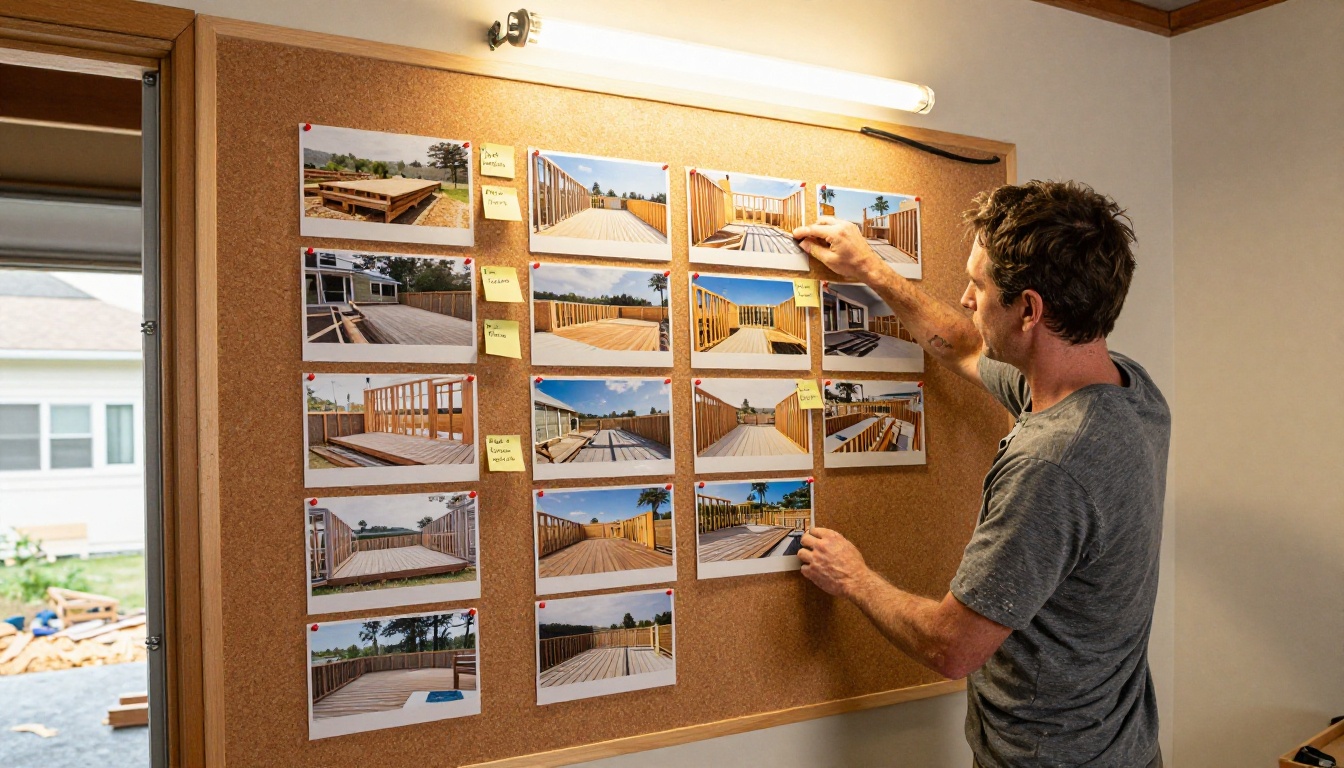
Before building your flipbook, organize photos into clear phases. A simple folder structure works well:
| Phase | Contents | Flipbook Section |
|---|
| Before | Establishing shots, problem details | Opening pages |
| Demo | Demolition, removal, clearing | Pages 3-6 |
| Rough Work | Framing, plumbing, electrical, digging | Mid-section |
| Finishing | Tiling, painting, trim, hardware | Late pages |
| Reveal | Final clean, styled, finished space | Closing pages |
| Materials | Swatches, products, supplier tags | Reference section |
This phase-based structure translates directly into PDF pages and, from there, into your flipbook layout.
Captions and Notes That Add Context
A photo of a wall with two studs removed tells the viewer nothing. A caption that says "Had to relocate a load-bearing wall three inches left to fit standard cabinet widths" makes that photo riveting. Good captions:
- State what the photo shows and why it matters
- Include measurements, product names, or costs if relevant
- Note anything that surprised you or required creative problem-solving
- Stay short and conversational
✅ Write captions as if narrating to a curious friend who is not a contractor. Plain language reads better in a flipbook than technical jargon.
How to Make a Flipbook for Your DIY Project Recap with Flipbooks AI
Flipbooks AI is purpose-built for exactly this kind of project. You do not need Canva skills or a design background. Here is how the process works from start to finish.
Step 1: Build Your PDF
Start in any tool you already use: Canva, PowerPoint, Google Slides, or Adobe Express. Create one slide or page per flipbook page. Drop in your photos by phase, add your captions as text boxes, and export the whole thing as a PDF.
💡 Aim for consistent image placement across pages. When photos stay in roughly the same position, the page-turn animation feels smooth and intentional.
Step 2: Sign Up and Upload
Head to flipbooksai.com/account and create a free account. Then use the PDF to Flipbook Converter to upload your PDF. The conversion is automatic. In seconds, your flat document becomes an interactive flipbook with realistic page-turn physics.
Step 3: Customize the Look
Once converted, you can:
- Set an opening image using one of your strongest before-or-after photos
- Choose a background color or texture that fits the project mood
- Add a background music track for viewers who browse with sound on
- Adjust page shadow and flip speed for the right feel
- Add a table of contents if your project has distinct phases worth labeling
Step 4: Share or Embed
Flipbooks AI gives you a direct shareable link and an embed code for any website. You can also:
- Password-protect the flipbook for private sharing with clients or family
- Download an offline version for presentations without internet access
- Track views with built-in analytics, available on the Professional plan

DIY Project Types That Work Best as Flipbooks
Home Renovation Projects
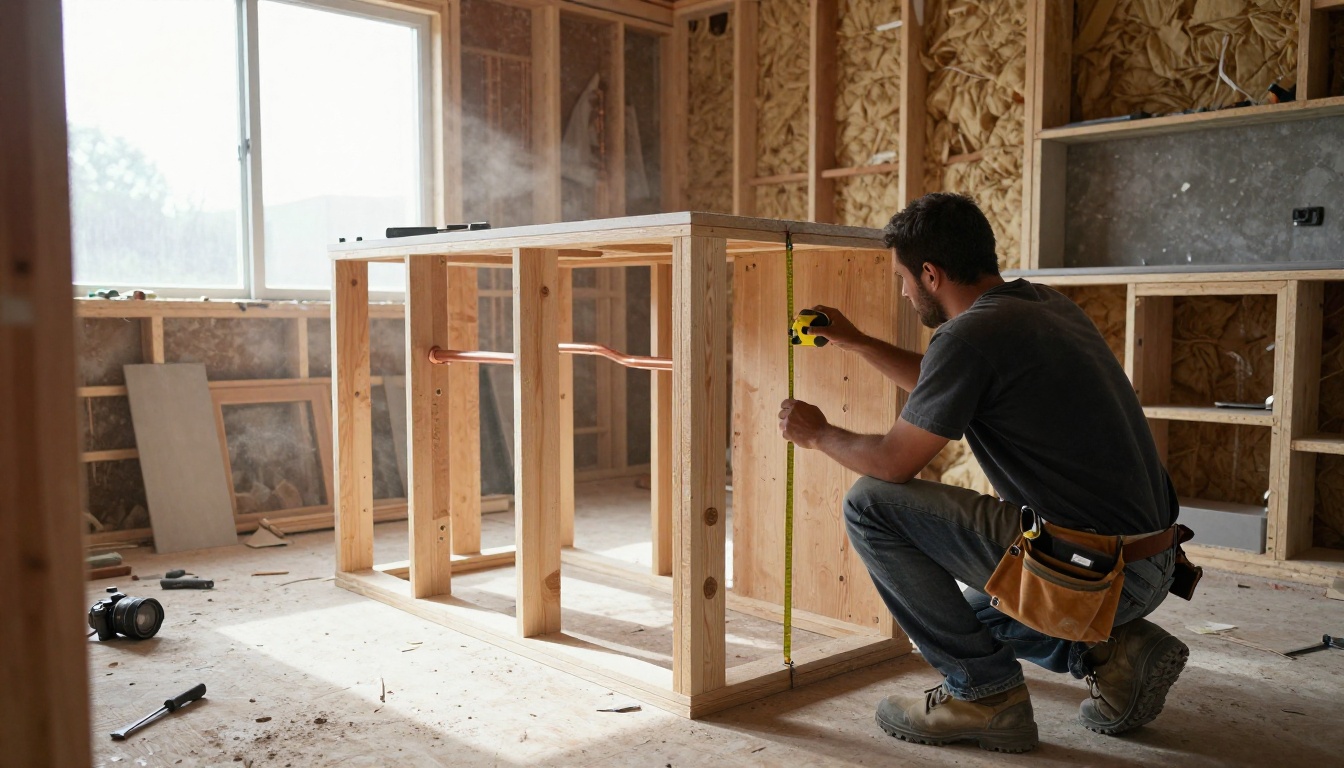
Kitchen and bathroom renovations are the richest source material for a project flipbook. The contrast between a dated 1970s kitchen and a modern one with quartz countertops and shaker cabinets is dramatic enough to carry a 30-page flipbook on its own. Sections that consistently land well:
- Demo day spread: two pages of the messy tear-out, because viewers love seeing the chaos
- The reveal spread: a full two-page photo of the finished space
- Side-by-side inserts: a small "before" thumbnail beside the matching "after" angle
Renovation recaps also serve a practical purpose. Real estate agents use them to show buyers the scope of recent improvements. Contractors use them as portfolio proof for new clients.
Furniture Builds
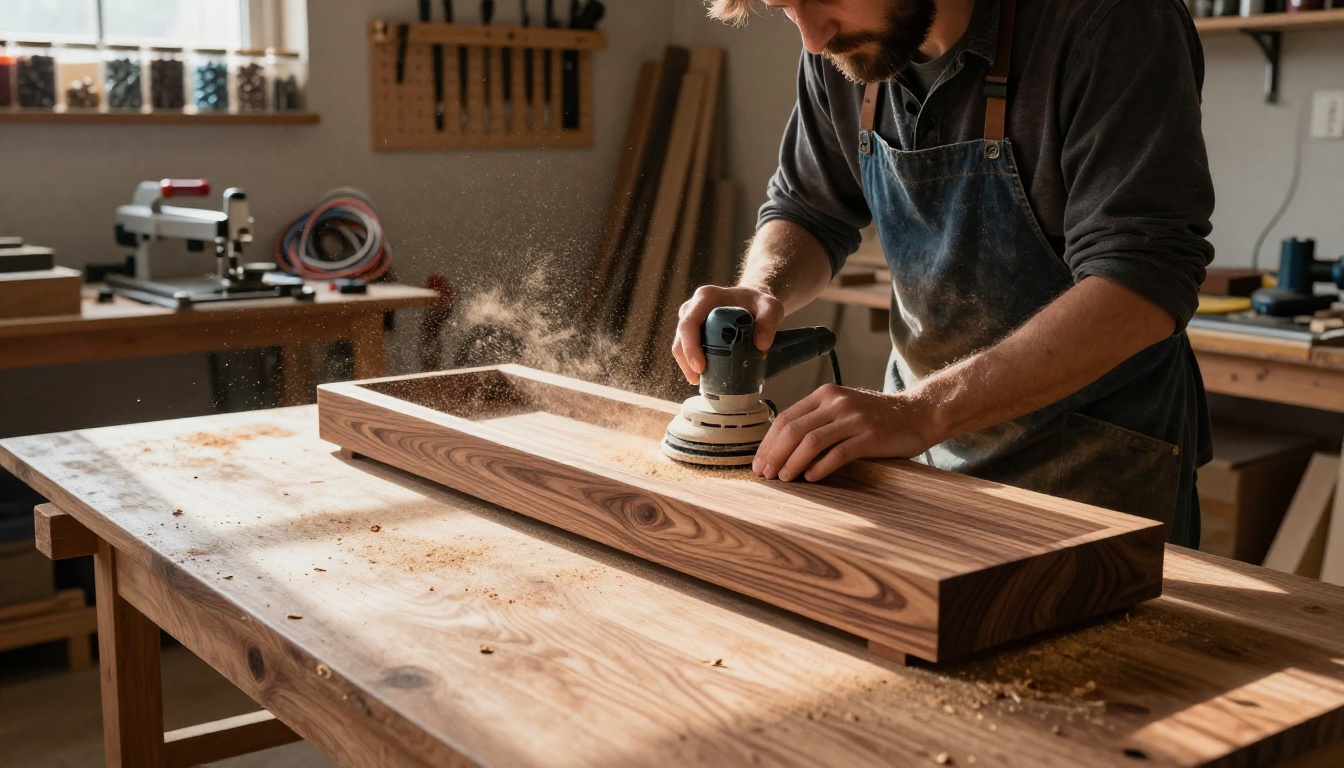
A handbuilt piece of furniture earns a flipbook. The raw lumber, the joinery, the sanding, the finish coats. This is the kind of documentation woodworkers share on forums and in build posts, but a flipbook gives it weight and permanence. Consider:
- Including a materials page with wood species, finish type, and hardware sources
- Shooting joinery close-ups that show precision work
- Ending with a styled shot of the finished piece in its final room
The Digital Portfolio Creator tool is designed for exactly this kind of showcase work.
Garden Transformations
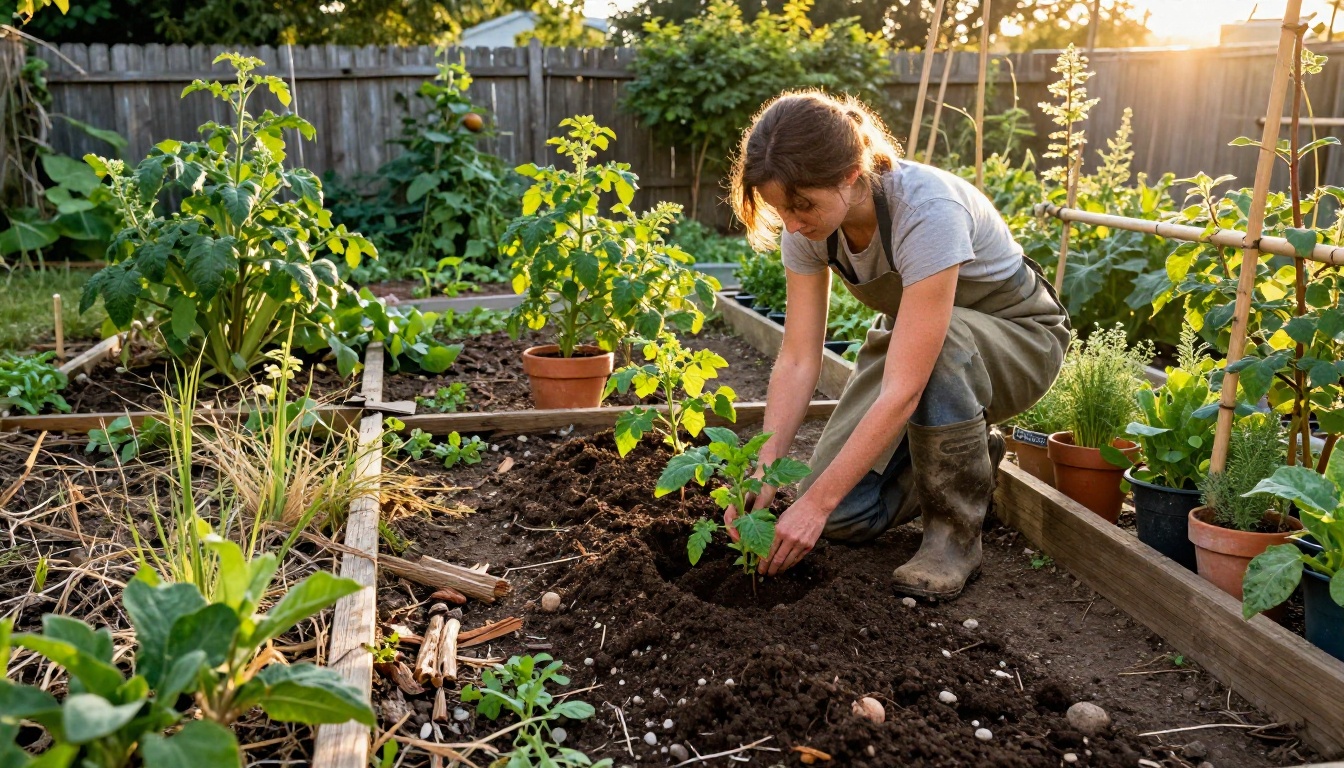
Garden projects run across seasons, which makes them particularly strong flipbook material. A before-shot of a bare, compacted backyard in March, followed by mid-spring build shots of raised beds going in, then summer shots of tomatoes chest-high creates a story arc that is genuinely satisfying to flip through.
⚠️ Shoot garden progress at the same time of day. Light direction shifts dramatically between morning and afternoon, and inconsistent lighting makes a spread feel disjointed.
Craft and Sewing Projects
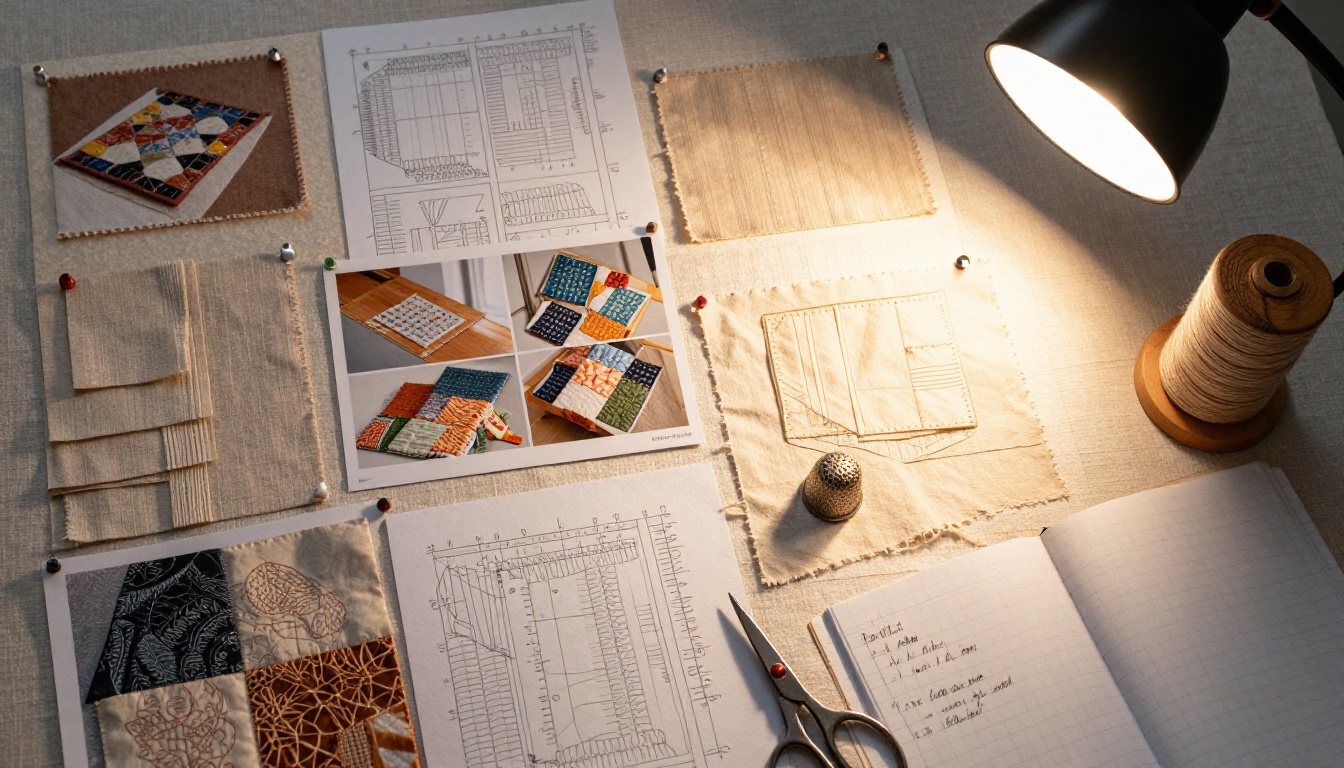
Quilts, garments, embroidery, and macrame all benefit from documentation. Craft project flipbooks often work well as gifts: imagine presenting the finished quilt alongside a flipbook showing every square, every seam, every late-night session. The Wedding Album Flipbook format adapts beautifully to craft projects with a personal or sentimental dimension.
Flipbooks AI Plans at a Glance
Choosing the right plan depends on how you plan to use your DIY flipbook.
| Feature | Free | Standard | Professional |
|---|
| Watermark | Yes | No | No |
| Flipbooks | 1 | Unlimited | Unlimited |
| Password protection | No | Yes | Yes |
| Custom branding | No | Yes | Yes |
| Analytics and lead gen | No | No | Yes |
| Offline downloads | No | No | Yes |
| Embed on website | Yes | Yes | Yes |
| Mobile-responsive | Yes | Yes | Yes |
For a personal DIY recap you share with family and friends, the Standard plan hits the right balance. For contractors or designers using flipbooks as client-facing deliverables, the Professional plan adds analytics so you can see who viewed it and when.
See all features at flipbooksai.com/pricing.
Sharing Your DIY Flipbook

Embed It on Your Blog
If you document projects on a blog or portfolio site, the embed code from Flipbooks AI drops directly into any webpage. Visitors interact with the flipbook without leaving your site. The Embed Flipbook on Website tool handles this in a few clicks.
Password Protect for Private Recaps
Not every project recap is meant for public consumption. Insurance documentation, contractor bids, or a renovation recap you want to share only with your real estate agent all benefit from password protection. Set a password on your flipbook and share the link with only the right people.
Share With Family or Clients
A direct link is the simplest sharing method. Text it, email it, drop it in a group chat. Recipients click and the flipbook opens instantly in their browser, no app required. This works particularly well for:
- Family group chats after a home project you want to show off
- Client follow-ups for contractors delivering a finished job
- Social media bios as a "see my work" link that shows more than a grid
- Forum posts in DIY communities where a flipbook link stands out from a photo dump
💡 Pin your flipbook link to your Reddit or forum profile if you post project builds regularly. It becomes a permanent, browsable record of your work.
Quick Reference: What to Include Per Project Type
| Project Type | Must-Have Shots | Recommended Flipbook Length |
|---|
| Kitchen renovation | Demo, plumbing rough-in, tile install, reveal | 25-35 pages |
| Bathroom remodel | Before detail shots, demo, tile work, vanity install, styled reveal | 20-30 pages |
| Furniture build | Lumber/materials, joinery, sanding, finish coats, final styled shot | 15-25 pages |
| Garden build | Before landscape, bed construction, soil, planting, first harvest | 20-30 pages |
| Craft project | Materials flat lay, in-progress stages, final piece styled | 10-20 pages |
The Projects That Built This Moment
Every finished project has a hidden story inside it. The afternoon you almost gave up on the tile pattern. The stud that was not where the plan said it would be. The coat of paint that changed everything. A flipbook does not just show the result. It holds all of that, page by page, in a format people will actually flip through.
Flipbooks AI gives you the platform to build that story without design skills, without expensive tools, and without starting from scratch. Your photos are already there. You just need somewhere to put them that does the story justice.
Ready to turn your project photos into something worth sharing? Create your flipbook now and see how fast a folder of photos becomes a page-turning project recap. Browse all flipbook tools and templates to find the right format for your project, or check the pricing page to choose a plan that fits.



