Selling cookware, knives, or kitchen accessories is a visual game. Customers don't just buy a pan, they buy the idea of the meal it will help them make. That means your product presentation needs to do real work, and a flat PDF or a generic e-commerce grid simply doesn't cut it anymore. When you make a flipbook for your kitchenware brand, you give shoppers a page-turning experience that mimics the feel of a high-end print catalog, but works anywhere, on any device, with clickable links and embedded media. Flipbooks AI makes this process simple, fast, and professional, without the cost or lead times of print.
Why Static PDFs Are Costing You Sales
Most kitchenware brands invest heavily in product photography and then bury those images in a PDF nobody downloads twice. Static files don't track interaction, can't be updated without resending, and look dated on mobile screens. The numbers tell the story:
| Format | Mobile Friendly | Trackable | Shareable | Interactive |
|---|
| Static PDF | No | No | Limited | No |
| Printed Catalog | No | No | No | No |
| Digital Flipbook | Yes | Yes | Yes | Yes |
| Basic Website Page | Partial | Partial | Yes | Partial |
A digital flipbook solves every limitation of a static file. It opens instantly in any browser, displays beautifully on phones and tablets, and gives you data on exactly which pages your customers spend the most time reading.
What Kitchenware Buyers Actually Want
Before you design anything, understand the decision process behind a kitchen purchase. Buyers are looking for:
- Material clarity: Is this cast iron, stainless steel, or ceramic-coated? They want close-up texture shots.
- Size context: How big is this pot next to a standard stove burner?
- Use cases: Does this pan work on induction? Is it oven-safe?
- Brand story: Why should they trust your brand over a competitor?
A flipbook lets you answer all four in a single, beautifully presented document.
The Real Value of a Kitchenware Brand Flipbook
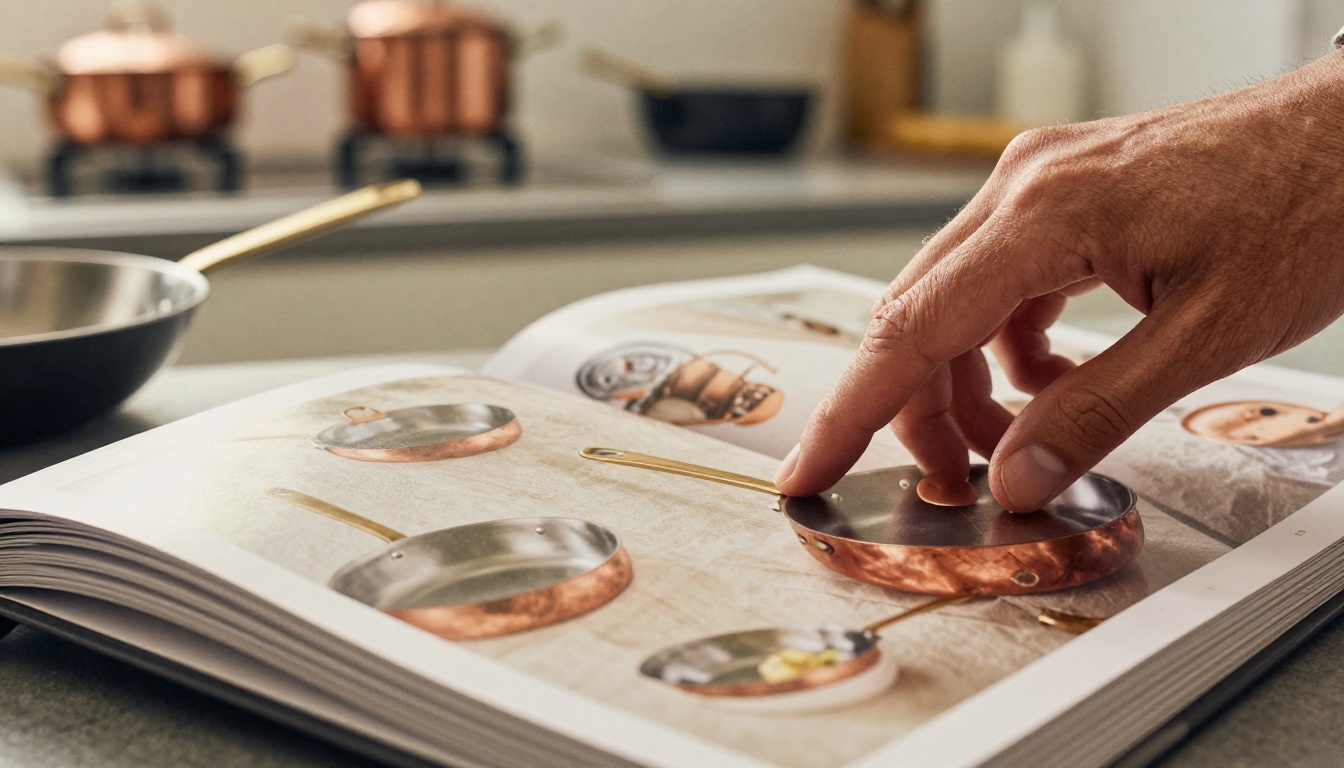
Think about what a printed catalog costs. Photography, design, print runs, postage, and by the time it reaches a customer's mailbox, half your inventory has changed. A digital flipbook catalog replaces all of that for a fraction of the cost, and you can update it any time without reprinting a single page.
Reach More Customers Without Reprinting
The moment your flipbook is live, you can share it via a direct link in your email newsletter, embed it on your website's product page, post the link on social media, or send it through WhatsApp to wholesale buyers. No logistics. No printing delays.
Build a Stronger Brand Identity
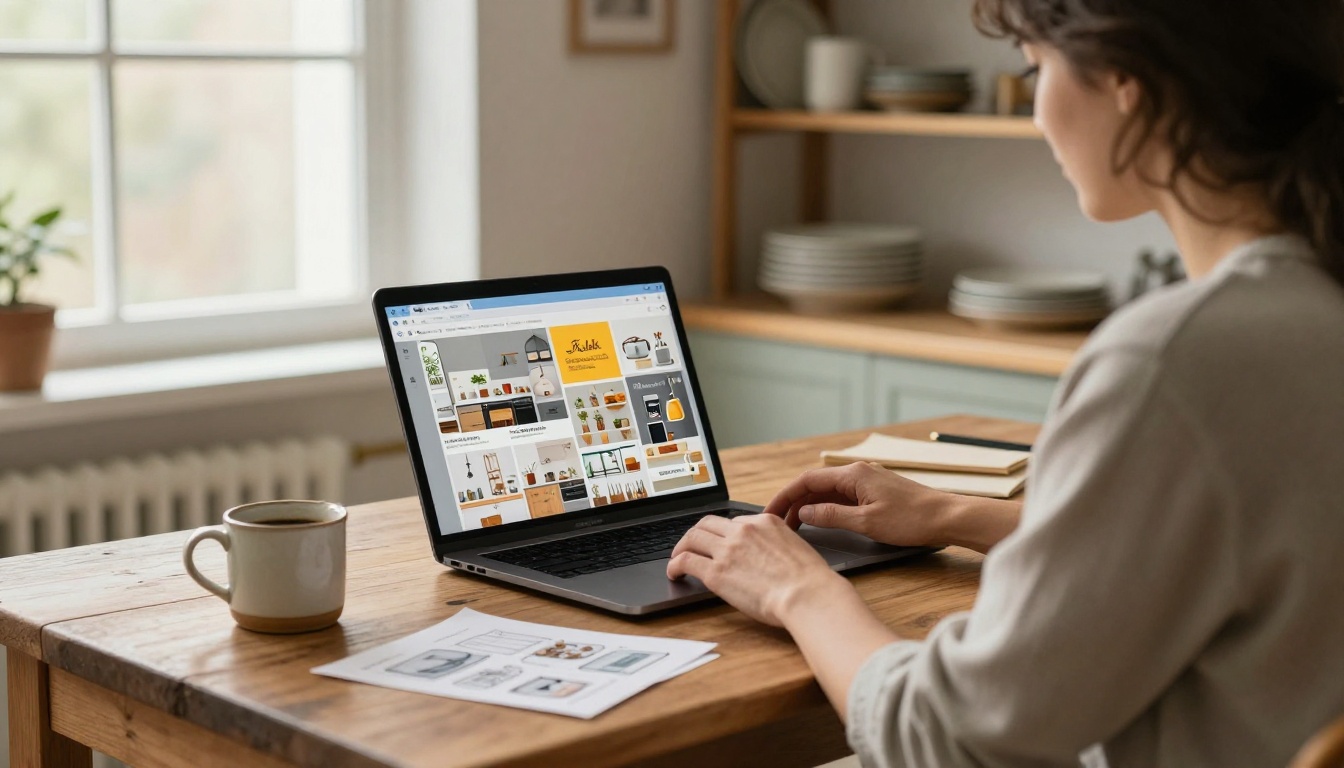
A well-designed flipbook is a brand statement. Every page reflects your visual identity: your color palette, your typography, your photography style. For kitchenware brands especially, the aesthetic of your catalog tells customers as much about quality as the products themselves. A rustic artisan brand and a minimalist premium brand need very different presentations. A flipbook lets you customize every element to match exactly who you are.
What to Include in Your Kitchenware Flipbook
A great kitchenware catalog flipbook is more than a product list. Here's how to structure it for maximum impact:
Section 1: Brand Story (Pages 1-3)
Open with who you are. Two or three pages that explain your brand's origin, your manufacturing philosophy, and your materials commitment. Buyers at wholesale and retail level want to know they're carrying a brand with a story to tell.
Section 2: Product Collections (Pages 4-20)
Organize by collection, not by category. "The Heritage Cast Iron Collection" is more compelling than "Skillets." Each collection gets:
- A full-bleed hero image
- A brief collection description
- Individual product spreads with specifications
Section 3: Material Deep-Dive (Pages 21-25)
Educate your buyer. A two-page spread comparing your ceramic coating versus a competitor's standard non-stick builds trust and justifies your price point.
| Material | Heat Distribution | Non-Stick | Oven Safe | Lifetime |
|---|
| Cast Iron | Excellent | Seasoned | Yes (any temp) | Decades |
| Ceramic Coated | Good | Yes | Up to 450°F | 3-5 years |
| Stainless Steel | Very Good | No | Yes | Decades |
| Hard Anodized | Good | Partial | Up to 400°F | 5-10 years |
| Carbon Steel | Excellent | Seasoned | Yes | Decades |
Section 4: Use Cases and Recipes (Pages 26-30)
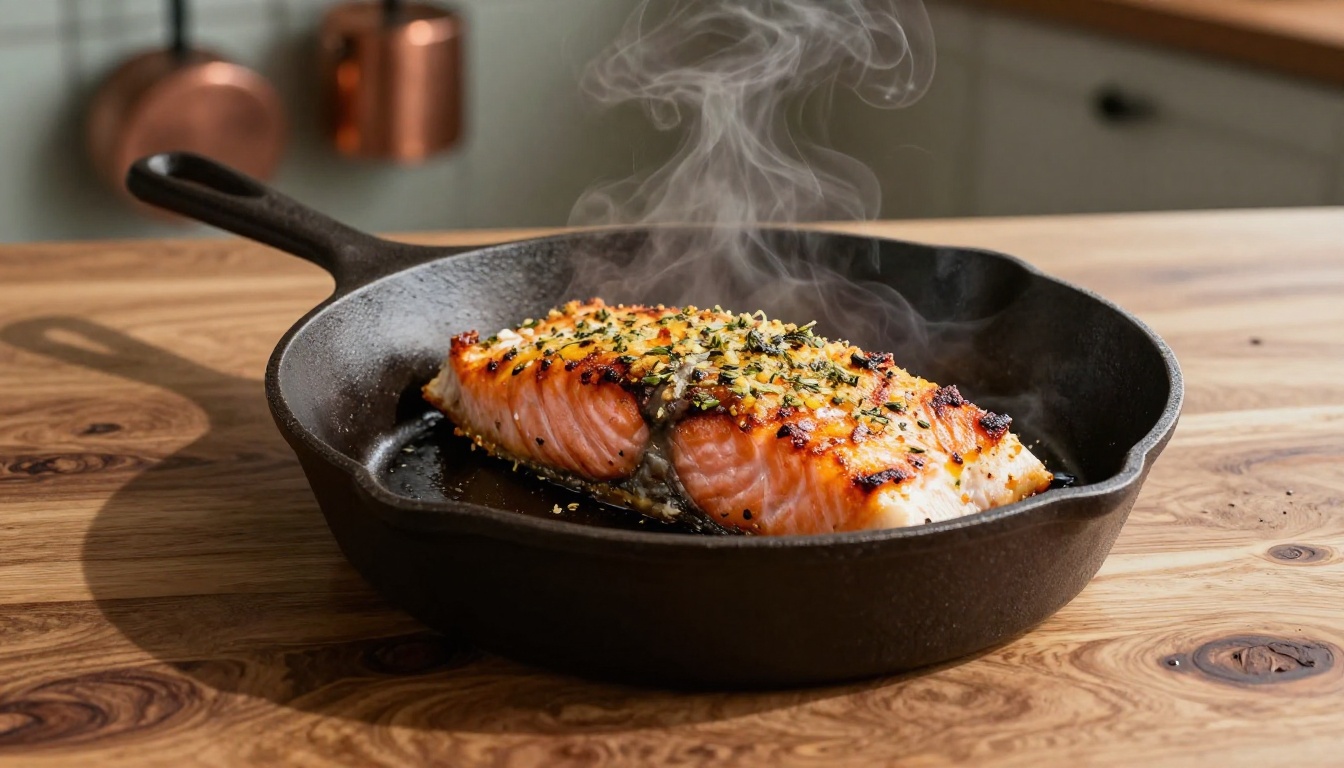
Show the product in action. A skillet page with a recipe for a perfect sear, or a Dutch oven spread with a braised short rib photo, converts browsing into desire. Lifestyle photography in context is one of the most powerful sales tools you have.
Section 5: Wholesale and Contact Info (Pages 31-32)
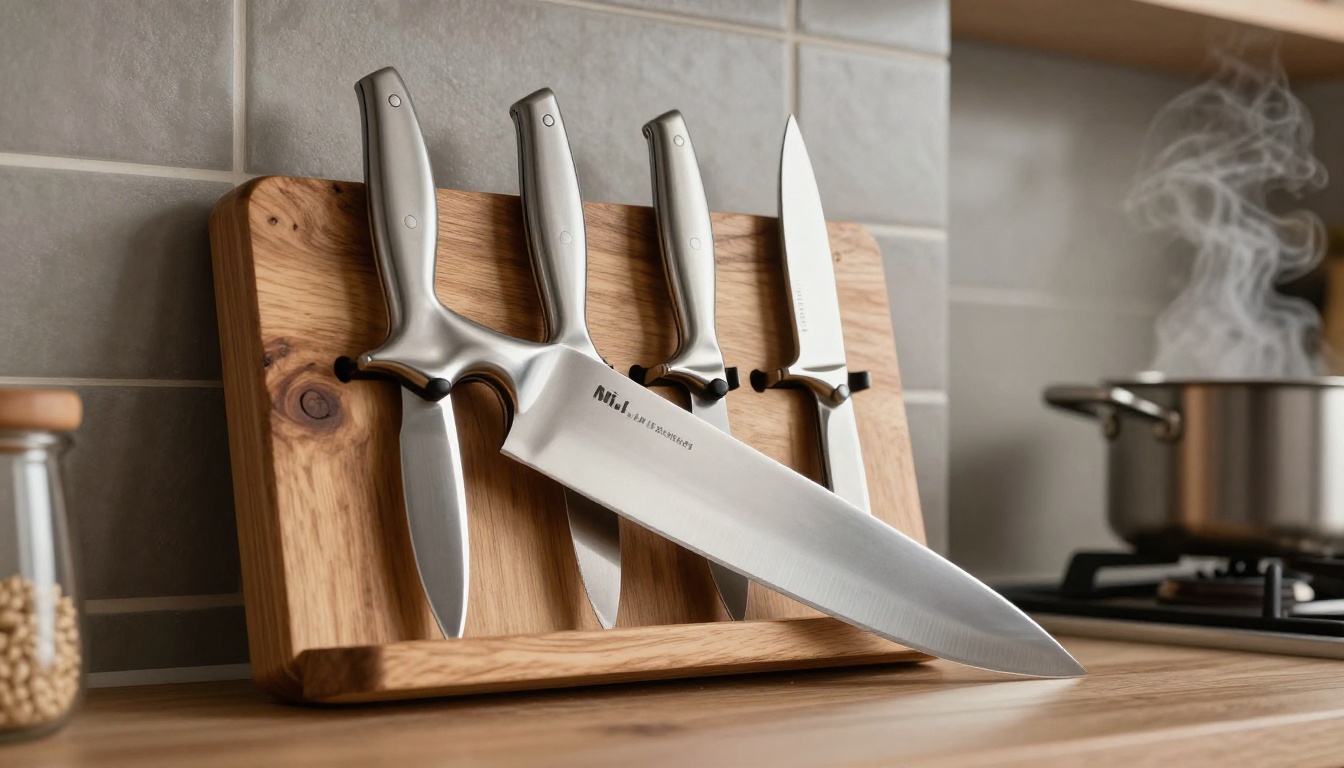
End with a clear call to action for wholesale buyers: minimum order quantities, lead times, and contact details. For direct-to-consumer catalogs, this becomes your "Shop Now" page with links to your store.
How to Create Your Kitchenware Catalog with Flipbooks AI
Flipbooks AI is purpose-built for exactly this kind of project. You don't need a developer or a designer to get a professional result. Here's the exact process:
Step 1: Prepare Your PDF
Design your catalog in Canva, Adobe InDesign, or any PDF tool you already use. Export as a high-resolution PDF at 300 DPI for best results. If you're starting from scratch, keep pages at standard sizes. A4 or US Letter in landscape orientation works well for product catalogs.
Step 2: Create Your Account
Go to Flipbooks AI and sign up. The free plan lets you test the platform. For a brand catalog that you'll share publicly, the Standard plan or above removes watermarks and gives you unlimited flipbooks.
Step 3: Upload and Convert
Once logged in, click "New Flipbook" and upload your PDF. The PDF to Flipbook Converter processes your file and creates the page-turning experience automatically. For a 32-page catalog, this takes under two minutes.
Step 4: Brand Your Flipbook
This is where your catalog becomes unmistakably yours. In the editor:
- Set your brand colors for the flipbook interface
- Add your logo to the toolbar
- Choose a page-turn animation style (realistic paper flip or smooth slide)
- Enable background music if your brand aesthetic calls for it
Step 5: Add Interactive Elements
For a kitchenware brand, this step matters. Go through each page and:
- Add clickable hotspots on products that link directly to purchase pages
- Embed a short video of a cast iron skillet being seasoned on the care instructions page
- Add a contact form on the wholesale inquiry page
These interactive layers are what separate a flipbook from a PDF.
Step 6: Configure Sharing and Privacy
For a public consumer catalog, set it to "Public" and get your shareable link. For a wholesale buyer catalog with pricing, use the password protection feature to control access. You can embed the flipbook on your website using the generated embed code, dropping it directly into your product page or a dedicated catalog page.
Step 7: Track What's Working
Post the link everywhere. Then check your analytics. The Professional plan on Flipbooks AI gives you page-level performance data: which pages hold attention, where readers drop off, and how long they spend on each product spread. For a kitchenware brand with a large SKU list, this data tells you exactly which products are generating the most interest before a single order is placed.

Flipbooks AI Plans: What You Actually Need
Before you start, know which plan fits your brand's needs.
| Feature | Free | Standard | Professional |
|---|
| Flipbooks | 1 | Unlimited | Unlimited |
| Watermark | Yes | No | No |
| Password Protection | No | Yes | Yes |
| Custom Domain | No | No | Yes |
| Analytics | No | No | Yes |
| Lead Generation | No | No | Yes |
| Offline Downloads | No | Yes | Yes |
| Embed on Website | Yes | Yes | Yes |
For most kitchenware brands building their first digital catalog, the Standard plan covers everything needed. If you're running wholesale operations and need to track buyer activity, the Professional plan's analytics pay for themselves quickly. See full pricing details.
Photography That Sells Kitchen Products
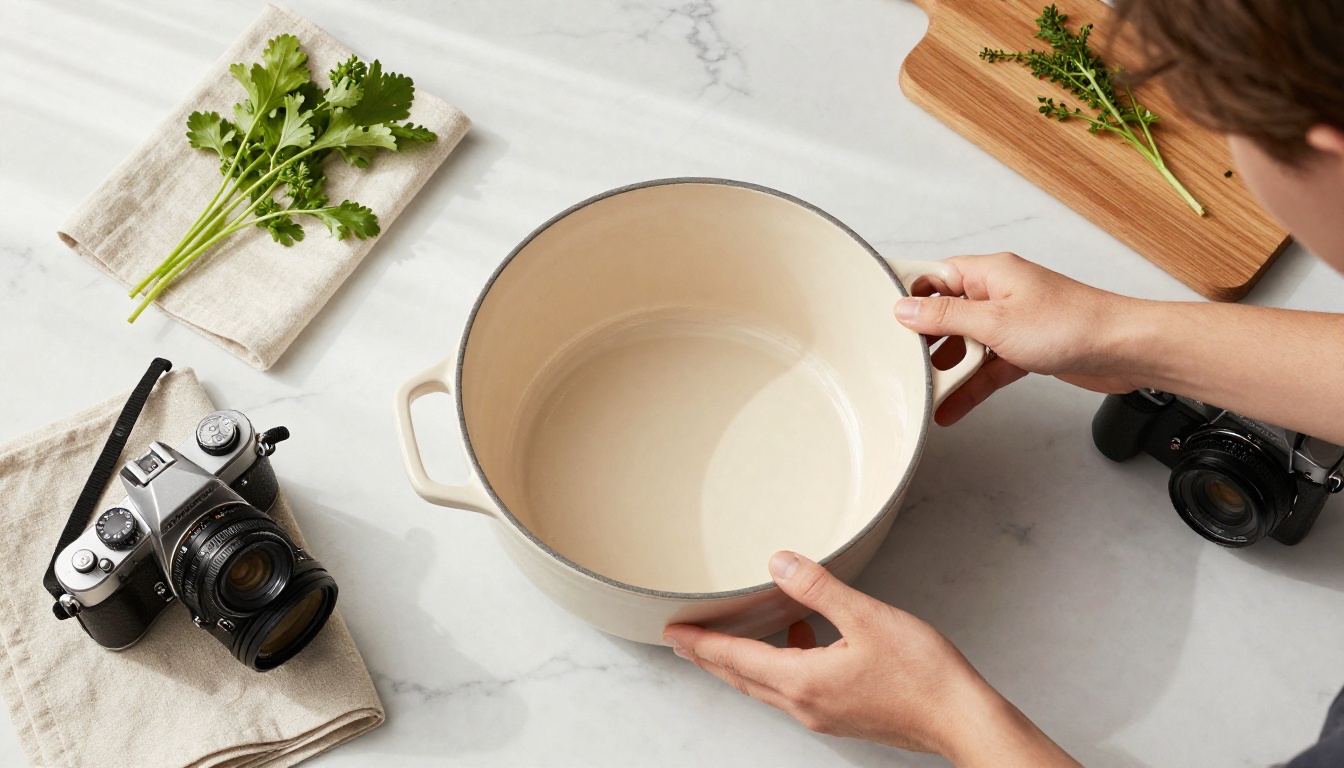
Your flipbook is only as good as the photos inside it. Kitchenware photography has specific challenges: reflective surfaces, awkward shapes, and the need to show both beauty and function. A few principles that make the difference:
Lighting for Metal and Ceramic
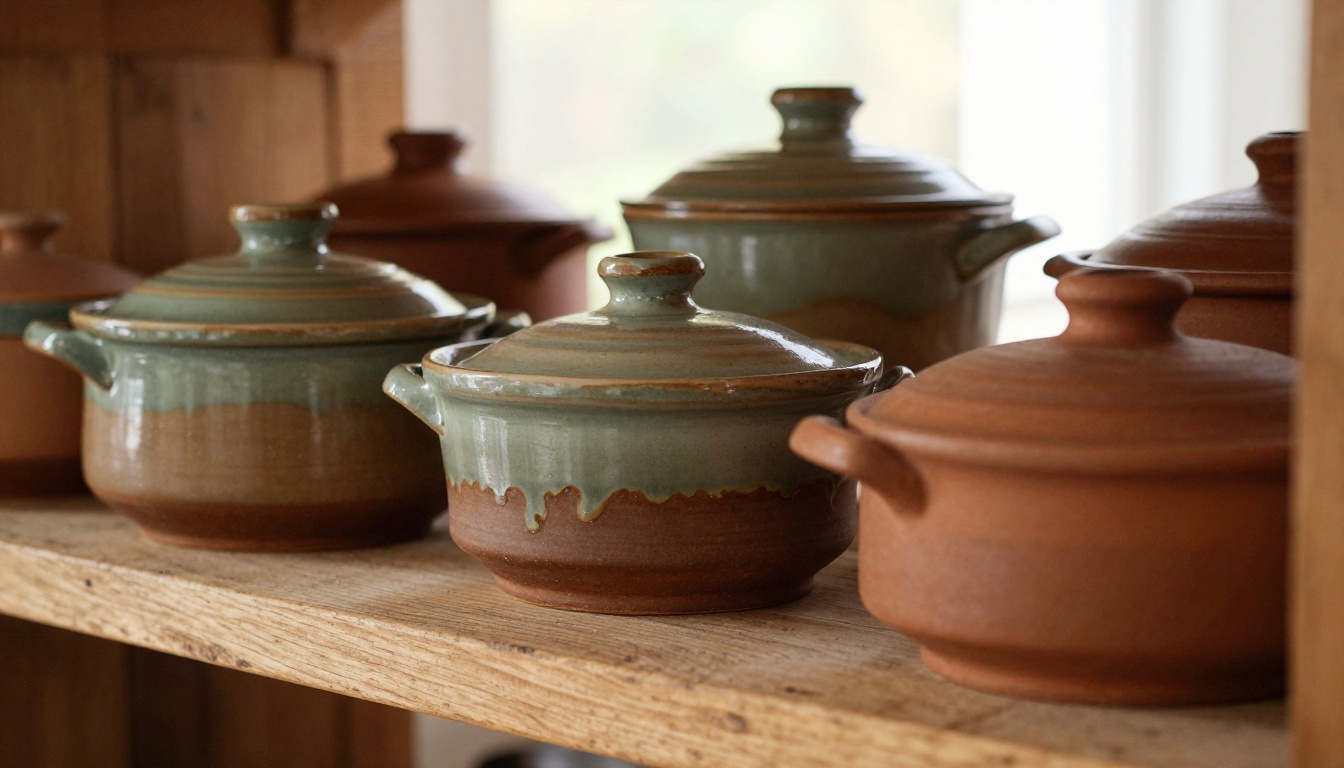
Stainless steel and polished cookware create harsh reflections under direct flash. Use diffused natural light or softboxes positioned at 45-degree angles. For matte ceramics, you can push the light harder to reveal surface texture.
Backgrounds That Work
White marble reads as premium. Raw wood reads as artisan. Light grey reads as modern and minimal. Choose a background that matches your brand positioning and stick to it throughout the catalog for visual consistency.
Show Scale
A Dutch oven that looks massive in one shot and small in another creates doubt. Always include a reference point, whether it's a hand, a standard wooden spoon, or an ingredient in context.

Once you've built the main product catalog, the same infrastructure works for other sales tools your brand needs. The Product Catalog Generator and Digital Catalog Maker handle broader catalog needs, while the Interactive Lookbook Designer is perfect for seasonal collections.
Seasonal Lookbooks
A spring "outdoor cooking" collection or a holiday gift set catalog are natural extensions. Build a separate flipbook for each, themed to the season, with its own color story and imagery.
Wholesale Buyer Packages
Create a password-protected flipbook with wholesale pricing grids and minimum order quantities. Share a unique link with each buyer account. No more emailing updated price sheets every quarter.
Recipe Content Collections
A flipbook built entirely around recipes that feature your cookware is a content marketing asset and a brand builder. Each recipe page links to the product used, creating a seamless path from inspiration to purchase.
Common Mistakes Kitchenware Brands Make
Getting this right the first time saves significant rework. Here are the most frequent missteps:
Too many products per page. A spread with 12 items at thumbnail size sells nothing. Give hero products a full page. Secondary items can share a spread of four maximum.
No product specs. Beautiful photography without dimensions, materials, and compatibility information frustrates buyers. Every product needs its specs on the same spread as its photo.
Inconsistent styling. Mixing product-on-white shots with lifestyle photos and flat lays across the same spread looks unfinished. Choose a dominant style per section and stick to it.
Missing calls to action. Every section should tell the reader what to do next. "Order this collection" with a linked QR code, or "See full specs" linked to your website.
Ignoring mobile. Over 60% of catalog browsing happens on phones. Preview your flipbook on mobile before publishing and ensure text is readable without zooming.

How Kitchenware Brands Are Using Flipbooks Today
Real-world scenarios make this concrete:
Direct-to-consumer brands embed their seasonal collection flipbook directly on the homepage. Visitors who spend time in the flipbook convert at nearly double the rate of those who only browse product pages.
Wholesale kitchenware suppliers send a single password-protected flipbook link to retail buyers at trade shows instead of printed catalogs. The link is updated when products change, without any reprinting.
Artisan cookware makers use a recipe-focused flipbook as their primary email marketing content, linking each recipe to the specific product featured.
Kitchen specialty retailers create a private-label digital catalog for their store, pulling products from multiple brands into a single curated flipbook for their customer base.
💡 Pro tip: Add your flipbook link to your email signature. Everyone you correspond with about your business is a potential catalog viewer.
✅ Best practice: Update your flipbook at least once per season. Remove discontinued SKUs immediately. Nothing erodes buyer trust faster than ordering a product that's no longer available.
⚠️ Warning: Don't compress your images too aggressively to reduce file size. Kitchenware buyers are visual shoppers. A pixelated photo of a pot is worse than no photo at all.
Making Your Flipbook Work Harder
A flipbook that sits on your website without promotion isn't doing its job. Build a distribution plan around it:
- Email campaigns: Feature a specific page in your newsletter with a "See the full collection" link
- Social media: Share individual page screenshots as preview content, linking to the full flipbook
- Trade show follow-up: Send your flipbook link instead of mailing printed catalogs after a show
- Retailer onboarding: Make the catalog link part of your standard new retailer welcome email
The Catalog Flipbook Creator includes tools for generating shareable links and embed codes that make all of these distribution channels straightforward to execute.
When you're ready to take your kitchenware brand's presentation to the next level, create your account on Flipbooks AI and build your first catalog today. If you want to see what plan fits your needs, compare pricing and start with a free flipbook to see the platform in action. Browse the full tools directory to find every format your brand might need, from catalogs and lookbooks to recipe collections and wholesale price lists.



