Every theater group works with tight budgets, passionate volunteers, and the constant challenge of getting more people through the doors. A well-crafted digital flipbook can solve three problems at once: it replaces expensive printed programs, gives sponsors a more compelling showcase, and creates a shareable marketing asset that travels far beyond your lobby. Flipbooks AI makes building one straightforward, even if no one on your team has done it before.
Why Paper Programs Are Holding You Back
For decades, printed programs were the only option. Volunteers would spend hours at the copy shop, scrambling to get 300 copies ready before opening night, only to find half of them left on seats or stuffed in coat pockets and forgotten. The costs add up faster than most groups realize.
The Real Cost of Printing Every Season
Think about what a typical community theater spends on programs each season. Even at a local print shop, a two-night run with 200 attendees each night means 400 programs. At $1.50 per copy for a basic saddle-stitched booklet, that is $600 gone before the curtain rises. Multiply that across three or four productions and you are looking at more than $2,000 per year on paper that most people throw away.
Digital flipbooks eliminate that recurring cost entirely. You build it once, share a link, and every person in your audience can access it on their phone before the show, during intermission, or weeks later when they are thinking about buying tickets for your next production.
Audiences Behave Differently with Digital Content
A printed program gets skimmed for the cast list and then abandoned. A digital flipbook with embedded links, crisp production photography, and a clean page-turn animation actually invites exploration. Audience members share interesting pages on social media. They bookmark the season schedule. They click through to buy tickets for upcoming shows.
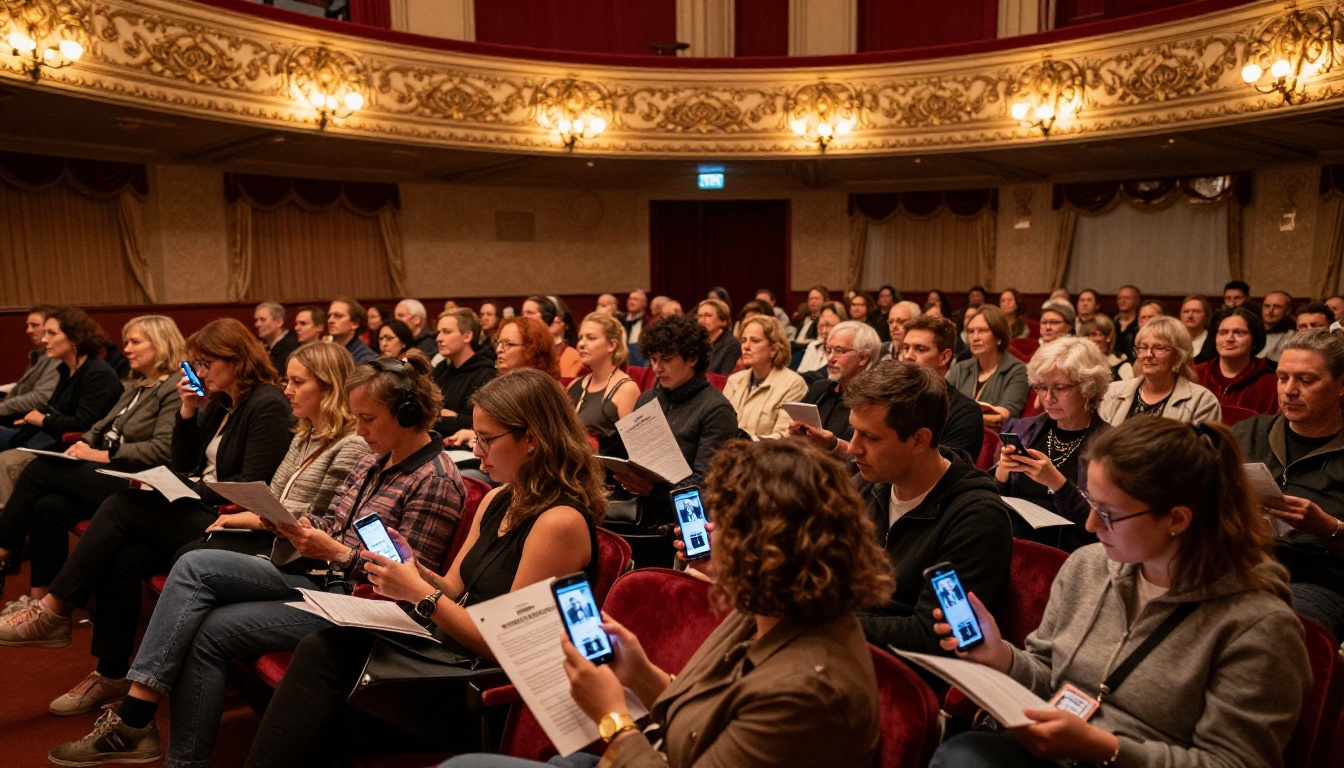
💡 A digital program shared before opening night can drive ticket sales for your next production. Include a page with your full season schedule and a ticket link.
What Goes Into a Great Theater Flipbook
Before you open any tool, spend thirty minutes thinking about what your flipbook actually needs to contain. The best theater flipbooks do not just digitize a printed program. They use the format to do things paper never could.
Show Information and Season Schedule
This is the foundation. Every flipbook should include the production title, show dates and times, venue address, and ticket information. But go further. Add your full season calendar so every reader knows what is coming next. Include a brief director's note that sets the tone for the production.
Cast Bios and Production Photos
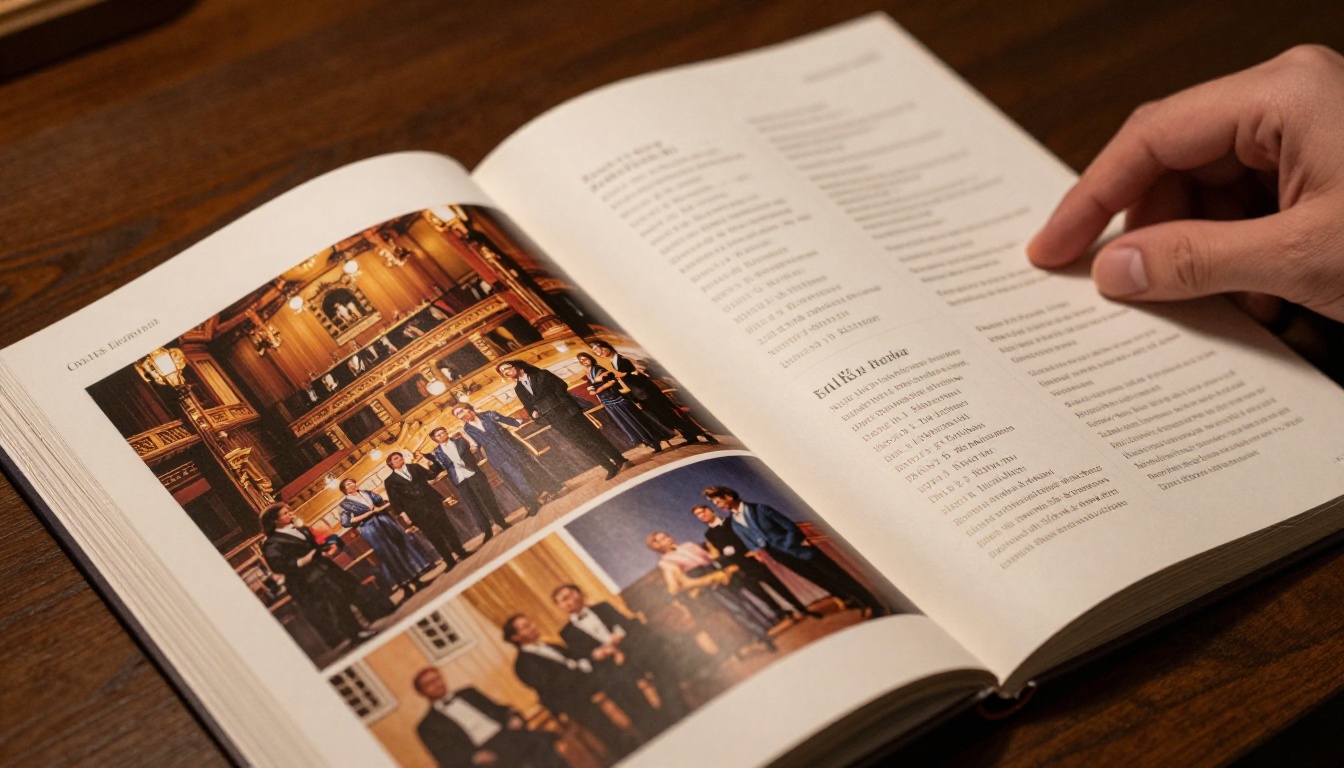
This is where digital genuinely beats print. In a paper program, cast bios are squeezed into tiny font with no photos. In a flipbook, each cast member can have a full headshot, a proper bio, and even a link to their social media or portfolio. Production photos taken during dress rehearsal become full-bleed spreads that make your work look as professional as any regional theater.
Sponsor Recognition Pages
Local businesses sponsor community theater because they want visibility. A paper program gives them a small logo. A digital flipbook gives them a clickable ad that sends readers directly to their website. That is a measurable return on investment that no printed program can offer, and it makes it significantly easier to renew sponsorships the following season.
✅ When pitching sponsors, show them a sample flipbook with their logo linked to their website. The ability to track clicks is a compelling selling point over print.
Practical Content That Drives Action
The most effective theater flipbooks treat every page as an opportunity to drive a specific action. A ticket link on the season schedule page. A social media follow button on the cast bio spread. A donation prompt on a dedicated support-us page. Paper programs cannot do any of this. A flipbook can.
How to Build Yours with Flipbooks AI
The workflow is simpler than it looks. You design your program as a PDF using software your team already knows, then upload it to Flipbooks AI where it gets converted into an interactive digital publication in minutes.
Step 1: Design Your PDF
Use Canva, Adobe InDesign, Microsoft Publisher, or even Google Slides to build your program. Set the page size to A4 or letter depending on your layout preference. Design each page as you would a printed program, but with some key differences: use high-resolution images since they will be displayed on screens, and make sure any text with links is clearly formatted so readers know to tap it.
A standard theater flipbook typically runs 8 to 24 pages. Consider this structure:
- Page 1: Front page with production title and hero image
- Pages 2-3: Welcome from the director and production credits
- Pages 4-9: Cast bios with headshots
- Pages 10-11: Production photos from dress rehearsal
- Page 12: Sponsor recognition
- Pages 13-14: Season schedule with ticket links
- Page 15: Support the theater (donations)
- Page 16: Back page with social media handles
Export the final layout as a PDF at 150dpi or higher for sharp screen display.
Step 2: Upload and Convert
Create an account on Flipbooks AI, then use the PDF to Flipbook Converter to upload your file. The conversion takes a few minutes. Once complete, you will see an interactive preview with the page-turn animation applied automatically.

Step 3: Customize Your Branding
This is where theater groups can really differentiate their flipbook. In the Flipbooks AI editor, you can:
- Set your theater company's colors as the background and toolbar theme
- Upload your company logo to the header
- Add a custom domain or subdomain if you want the link to reflect your organization
- Choose from different page-turn styles (standard flip, slide, or scroll)
- Enable autoplay for a self-running lobby display version
💡 Use the same colors and fonts from your show poster in your flipbook to create a cohesive visual identity for the production.
Step 4: Share Across Every Channel
Once your flipbook is published, you get several sharing options:
- Direct link: Share via email newsletter, social media posts, and text message
- Embed code: Use the Embed Flipbook on Website tool to place it directly on your theater's website
- QR code: Print QR codes on lobby signage, posters, and ticket confirmation emails
- Password protection: If your flipbook contains member-only information, restrict access with a password
⚠️ Test your QR code before printing hundreds of lobby signs. Scan it from multiple phone models to confirm it works correctly.
Step 5: Track What Your Audience Reads
On the Professional plan, you get access to detailed analytics showing which pages readers spend the most time on, where they drop off, and how many people clicked your ticket links. This data is genuinely useful for planning future programs. If analytics show that 80% of readers never get past page 6, your program is too long.
Choosing the Right Flipbooks AI Plan
Flipbooks AI offers several pricing tiers. For most community theater groups, the Standard plan covers everything you need. Here is a comparison of what matters for theater use:
| Feature | Free | Standard | Professional |
|---|
| Number of flipbooks | 1 | Unlimited | Unlimited |
| Watermark on flipbook | Yes | No | No |
| Custom branding | No | Yes | Yes |
| Password protection | No | Yes | Yes |
| Analytics and tracking | No | No | Yes |
| Offline download | No | Yes | Yes |
| Lead generation forms | No | No | Yes |
| Embed on website | No | Yes | Yes |
For a theater group running three or four productions per year with an active website and email list, the Standard plan is the right starting point. If your group wants to capture audience contact details for your mailing list directly through the flipbook, the Professional plan adds lead generation forms that do exactly that.
💡 See all pricing plans to find what fits your group's budget and production schedule.
Not every flipbook your theater group creates needs to be a show program. Here are the most effective formats and what each one does best:
Running through this list with your board or managing committee will usually surface three or four formats that your group has been doing in paper form but that would work better digitally.
Real Ways Theater Groups Use Flipbooks
It helps to see how other performing arts organizations have applied this in practice.
The Subscription Season Brochure
A regional community theater in a mid-size city was spending $4,000 per year printing and mailing full-color season brochures to 2,000 subscribers. After switching to a digital flipbook, they send one email with a link. Subscribers forward it to friends. Each forward is a potential new subscriber. The brochure now reaches more people than it ever did in print, at a fraction of the cost.
The Digital Cast Bio Page
A local drama group started giving every cast member a shareable link to their individual bio page within the flipbook. Cast members shared those links on Instagram and Facebook before opening night. The posts drove direct traffic to the ticket page embedded in the flipbook. For a production that had been averaging 60% capacity, they sold out every performance.
The Lobby Display Version
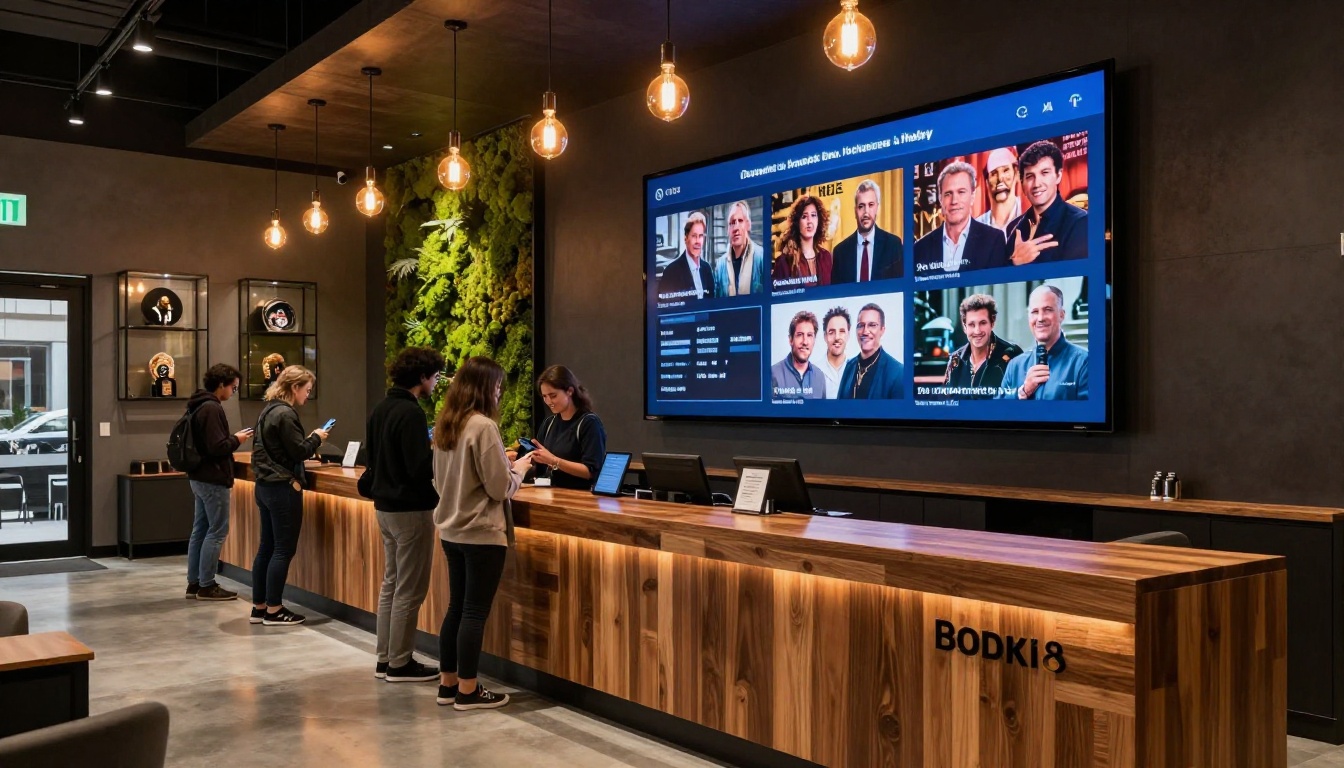
One community theater group creates two versions of every production flipbook: a standard interactive version for audience members, and an autoplay kiosk version that runs on a tablet mounted in the lobby. The kiosk version cycles through production photos and sponsor pages on a loop. Sponsors love seeing their brand displayed this way, and it gives patrons something to look at while waiting for the house to open.
The Grant Application Portfolio
Performing arts funding applications typically require documentation of your group's work. A Digital Portfolio Creator flipbook containing production photos, press coverage, audience testimonials, and financial summaries is far more compelling than a stack of PDFs. Several theater groups report that switching to this format has meaningfully improved their success rate with grant applications.
Tips for a Better Theater Flipbook
Building a basic flipbook is straightforward. Building one that genuinely serves your audience and your organization takes a bit more thought. These are the practices that consistently produce better results:
- Invest in photography: Production photos are the visual backbone of your flipbook. If your budget allows, hire a photographer for dress rehearsal. If not, designate a skilled amateur with a good camera. Blurry or underlit photos undermine everything else.
- Write cast bios properly: Ask each cast member to submit a short bio in advance. Give them a template with a word count limit. Bios that run too long look unprofessional and make the layout harder to manage.
- Include a clear ticket call-to-action: Every version of your flipbook should have at least one page with a prominent, working ticket link. Do not assume readers know where to buy tickets.
- Update it for every production: Do not reuse the same template with swapped photos and names. Readers who see the exact same layout season after season notice, and it signals low effort.
- Test on mobile before publishing: Most of your audience will read the flipbook on a phone. Check that your text is readable at mobile screen sizes and that tap targets for links are large enough to hit reliably.
✅ Share a preview link with two or three board members before publishing. Fresh eyes catch errors that the person who built it will miss every time.
Comparing Theater Flipbooks to Other Digital Options
Some theater groups use Google Docs, PDFs, or basic website pages to share program information. Here is how those options compare to a dedicated flipbook:
| Format | Visual Appeal | Mobile Experience | Shareability | Cost |
|---|
| Printed program | High | N/A | Low | High ($1.50-3.00 per copy) |
| Plain PDF | Medium | Poor | Medium | Low |
| Google Doc | Low | Poor | Medium | Free |
| Theater website page | Medium | Medium | Medium | Variable |
| Interactive flipbook | High | Excellent | High | Low |
The flipbook format wins on mobile experience and shareability, which are the two factors that matter most for a production that runs only a few nights.
Building a Longer-Term Publishing Habit
The biggest shift for most theater groups is moving from treating each program as a one-off project to building a repeatable production process. Once you have a base template that reflects your theater's branding and standard section structure, each new production takes far less time to produce.
Consider building a shared folder system where:
- Incoming cast bios and headshots go into a designated folder as soon as casting is finalized
- Production photos from dress rehearsal are uploaded and accessible to whoever is building the flipbook
- Sponsor logos and contact details are stored in a master document that gets updated at the start of each season
- Previous flipbooks are archived with their analytics data for reference
This kind of organizational structure means building the flipbook for your next production becomes a few hours of focused work rather than a last-minute scramble.
Your Next Production Deserves Better
Your next production deserves a program that matches the quality of the work on stage. Get started for free on Flipbooks AI and have your first theater flipbook ready before opening night.
Browse all available flipbook tools to find templates and formats that fit what your group creates. If you are ready to add analytics, lead generation, and offline downloads, check the pricing plans to see which tier makes sense for your season.
Theater audiences have always wanted a way to hold onto the magic of a production. A digital flipbook gives them something they can share, save, and return to long after the final curtain.



