Your music album deserves more than a static JPEG thumbnail sitting beneath a Spotify link. The listeners who care most about your work want more: the lyrics, the photos, the session stories, the thank-you list, the handwritten note that explains why track seven almost didn't make it. A digital flipbook gives them all of that in a format that's shareable, embeddable, and built to hold attention on any device. Flipbooks AI makes this possible without needing a design degree or a print budget. Upload your album PDF, customize the presentation, and publish an interactive flipbook that works everywhere your fans already are.
Why Your Music Album Needs a Flipbook
The Death of Physical Album Packaging
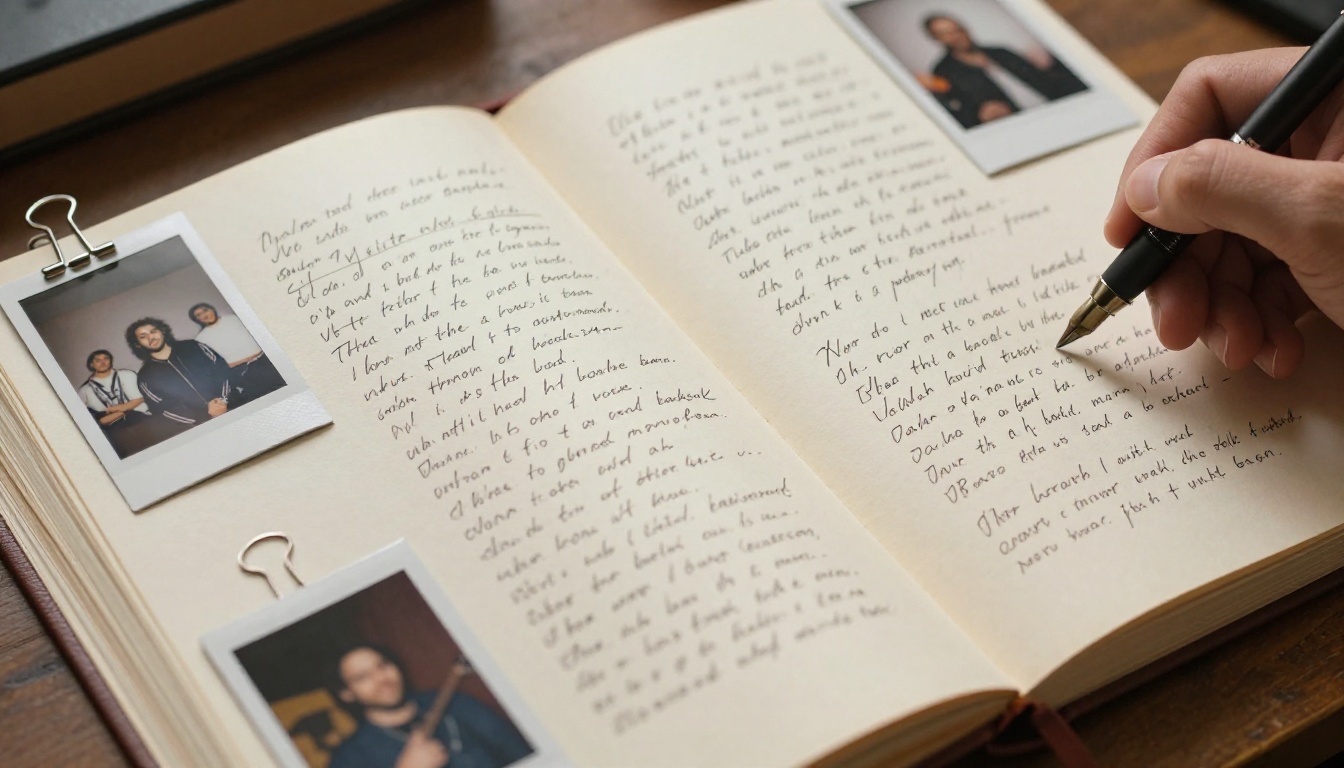
Physical album packaging had a specific job: give fans something tangible to hold, read, and feel connected to. The liner notes. The full-spread photography. The photo of the band looking tired and honest in some parking lot at 2am. Streaming killed the physical product, but it didn't kill the need fans have for that connection. It just left a gap between the music and the meaning behind it.
That gap shows up in the data. Listener satisfaction surveys consistently show that fans want context around the music they love. They want to know who played bass on track three. They want the lyrics in front of them while the song plays. They want the story. A static website with a press photo and a Spotify embed doesn't deliver that experience, and a download link to a PDF sits forgotten in a downloads folder within hours.
The physical booklet was never really about paper. It was about creating a second layer of engagement around the music, something that rewarded attention and made fans feel closer to the artist. A digital flipbook does exactly that, without a print run or a distributor.
What a Flipbook Does That a PDF Cannot
A PDF is passive. A flipbook is alive. The page-turning animation, the mobile-responsive layout, the ability to embed it anywhere with a single snippet of code: these aren't cosmetic features. They change how fans interact with your work and how long they stay inside it.
| Feature | Static PDF | Digital Flipbook |
|---|
| Page-turning animation | No | Yes |
| Mobile responsive | Limited | Fully responsive |
| Embeddable anywhere | No | Yes (one line of code) |
| Share via link | Yes | Yes |
| Password protection | No | Yes |
| Analytics (views, pages) | No | Yes (Professional plan) |
| Audio and video embeds | No | Yes |
| Custom branding | No | Yes |
| Lead generation | No | Yes (Professional plan) |
| Offline downloads | No | Yes |
That table is not a minor distinction. It's the difference between a document someone downloads and forgets, and an experience someone returns to, shares with a friend, and remembers when your next release comes out.
What Goes Inside a Music Album Flipbook
Album Artwork and Visual Identity
Your cover art is the first impression. In a flipbook, it becomes an opening page that sets the mood before a single word is read. But the visual story doesn't stop at the cover. Interior pages can hold alternate artwork, session photography, tour portraits, and any visual element that didn't make it onto the physical release.
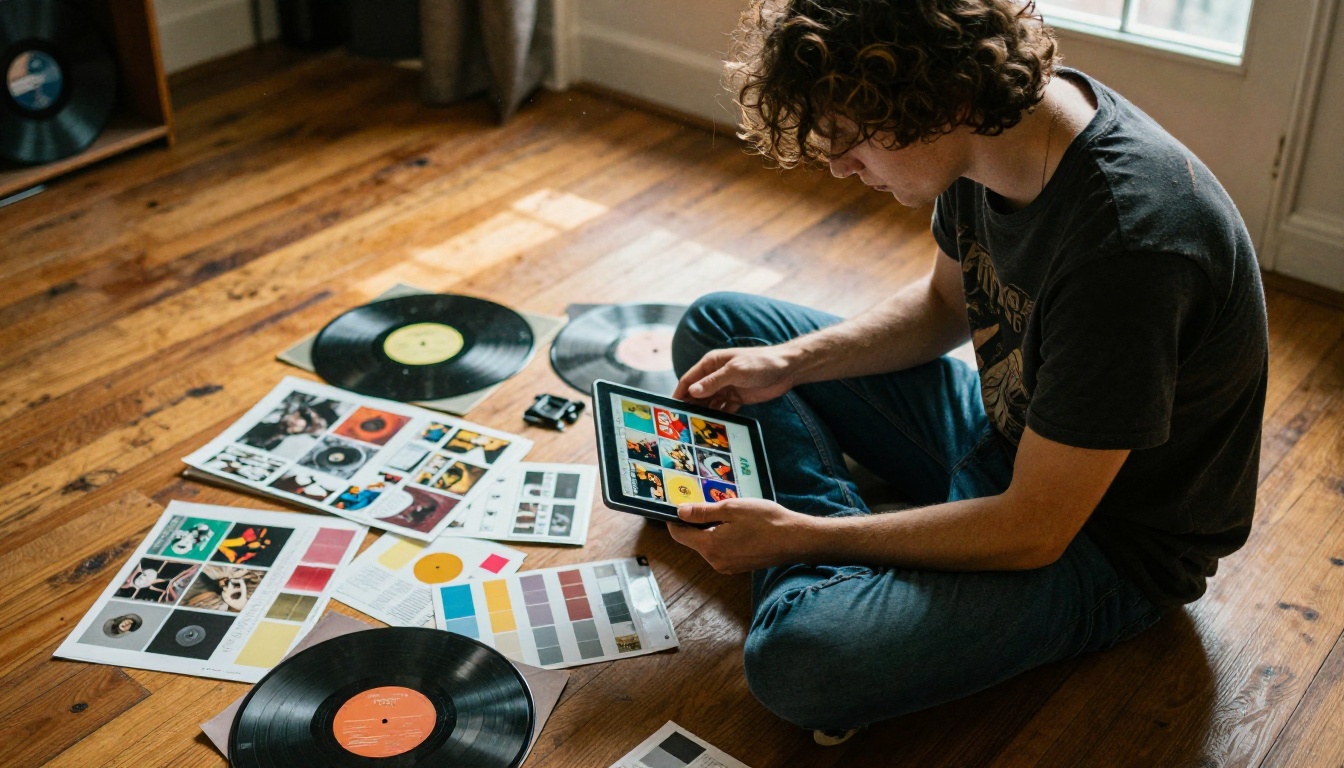
Think of the flipbook as the director's cut of your visual identity. Everything that couldn't fit on a 12-inch sleeve or a 3-inch CD insert now has a home. A double-page spread of the studio at 2am. A contact sheet of polaroids from the photo shoot that didn't go quite right but somehow captured something real. All of it belongs here.
Lyrics, Credits, and Liner Notes
Lyrics are among the most searched pieces of content on the internet. Fans look them up constantly. Putting them directly inside your flipbook keeps that attention connected to your brand rather than sending it to third-party lyrics sites with their own ads and no context about who you are.
Credits matter too. The session musicians who played on your album, the producer who shaped your sound, the engineer who stayed late to get the mix right: naming them in a beautifully designed flipbook is a form of acknowledgment that costs nothing extra and means everything to the people involved.
💡 Include a short personal note from the artist on the first interior page. Something honest and unpolished. Fans remember authenticity more than production value, and a single paragraph in your own voice is worth more than a hundred polished marketing lines.
Behind-the-Scenes and Story Pages
The story behind an album is often as compelling as the album itself. The relationship that ended during recording. The city the album was made in and what it smelled like at 6am walking back from the studio. The song that almost didn't make the cut and why it stayed. These narratives don't belong buried in a blog post that gets three clicks. They belong inside the album experience itself.
A flipbook lets you build a narrative arc across pages. Track-by-track commentary, recording diary entries, candid photos, even QR codes linking to bonus content or exclusive streams. The format is flexible enough to hold whatever story you want to tell, and the page-by-page structure naturally paces the reader through it.
How to Make a Flipbook for Your Music Album
The process is direct, and you don't need any technical background to get through it. Here is exactly how it works on Flipbooks AI.
Step 1 - Design Your Album PDF
Before uploading anything, you need a PDF that represents your album the way you want it presented. This doesn't require expensive software. Canva, Adobe InDesign, or Google Slides can all produce a well-designed, print-quality PDF.
What to include on each page:
- Page 1: Album cover art at full bleed
- Page 2: Artist introduction or personal note in your own voice
- Pages 3 onward: Individual tracks with lyrics, one song per spread
- Additional pages: Session photos, credits, thank-yous, and bonus content
Keep the design consistent throughout. Use the same font families on every page. Let the artwork breathe with generous margins. A clean, simple layout will serve the content better than an overcrowded one, especially on smaller screens where your flipbook will likely be opened first.
Step 2 - Upload to Flipbooks AI
Once your PDF is ready, create a free account on Flipbooks AI. The upload takes under two minutes:
- Log into your Flipbooks AI dashboard
- Click New Flipbook and select your PDF file from your device
- Wait for the conversion to complete, usually between 30 and 60 seconds
- Preview the auto-generated flipbook before making any customizations
The platform handles the technical conversion automatically. Your pages become individual flipbook spreads with the page-turning animation applied instantly. No coding, no configuration, no friction.
✅ Export your PDF at 300 DPI for the sharpest image quality in the converted flipbook. Lower resolutions look acceptable on standard displays but may appear soft on high-resolution screens and tablets.
Step 3 - Customize Your Flipbook
This is where your album's visual identity takes over the presentation. Flipbooks AI gives you full control over how the flipbook looks and behaves:
- Background color or image: Match the aesthetic of your album artwork
- Cover thumbnail: Choose which page appears as the preview image in shared links
- Flipbook title and description: These appear in share previews and search results
- Custom domain: Point it to your own URL for a professional artist presentation
- Password protection: Perfect for exclusive fan club releases or pre-release access
- Embedded audio: Add a background music track so fans hear your album while they read
Step 4 - Share with Fans
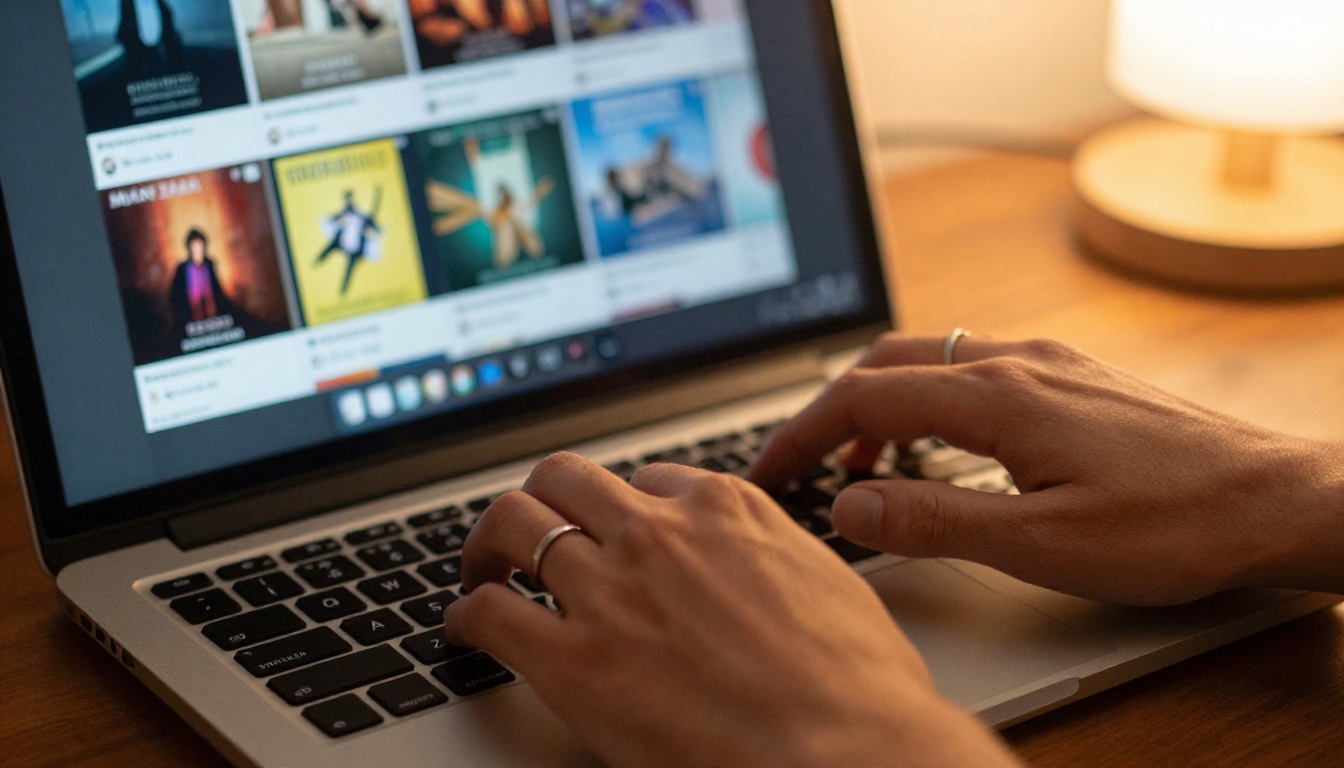
Once published, your flipbook generates a shareable link instantly. That link works on every device without any app downloads or browser plugins. From there, distribution options are wide:
- Copy an embed code and drop it into your website, WordPress, Squarespace, or any CMS
- Share directly to social media with a preview image auto-generated from your cover
- Include the link in your email newsletter with a clear call to action
- Add it to your Linktree, link-in-bio tool, or any landing page
- Print a QR code pointing to the flipbook and include it on physical merch or tour posters
💡 If you use the Professional plan, built-in analytics show exactly how many people viewed your flipbook, which pages held their attention longest, and where readers dropped off. That's real data you can apply to every release going forward.
Musicians have several options when presenting album content digitally. Here is how the main ones compare across the factors that matter most:
| Format | Cost | Interactivity | Shareable | Embeddable | Analytics |
|---|
| PDF download | Free | None | Limited | No | No |
| Static website | Medium to high | Low | Yes | N/A | Limited |
| Social media post | Free | Low | Yes | No | Basic |
| Digital flipbook | Free to low | High | Yes | Yes | Yes (Pro) |
| Custom-built app | Very high | High | Yes | No | Yes |
The digital flipbook sits at the intersection of affordability and functionality. It delivers the interactivity of a purpose-built experience at a fraction of the development cost, with none of the ongoing maintenance overhead of a custom app or website.

Real Examples by Artist Type
Independent Artists
An independent artist releasing their first full-length has no label support and a limited marketing budget. A digital flipbook solves two problems at once: it gives fans a premium experience and it gives the artist a professional-looking asset to pitch to blogs, playlist curators, and press contacts.
The Press Kit Designer and Digital Portfolio Creator tools on Flipbooks AI are particularly useful here. A press kit flipbook combining your album artwork, artist bio, high-resolution photography, and selected press quotes is something a journalist or playlist curator can flip through in thirty seconds and immediately understand what you're about. That is faster and more memorable than any email attachment.
Bands and Groups
For bands, the flipbook becomes a collaborative document. Multiple members can contribute pages: individual track commentary, personal photos from the road, inside jokes that only fans who really pay attention will notice. This kind of layered content rewards loyal listeners and gives casual fans a reason to look deeper into who you are.
⚠️ If your band has members in different cities, design the PDF collaboratively using a shared tool like Figma or Canva and align on a single visual direction before uploading the final version to Flipbooks AI. Inconsistent design across pages weakens the overall presentation.
Music Labels
Labels releasing multiple artists benefit from Flipbooks AI's ability to manage unlimited flipbooks under a single account. A label can produce a seasonal catalog flipbook showcasing all current releases, with listening links, press photos, and licensing contact information consolidated into one shareable document.
The Magazine Flipbook Creator is well-suited for this use case, giving labels a publication-style format that works for quarterly release roundups, press mailings, and industry presentations.
Pricing and Plans
Flipbooks AI offers several tiers depending on how much you plan to publish and which features matter to your release strategy.
| Plan | Flipbooks | Watermark | Password Protection | Analytics | Offline Downloads |
|---|
| Free | Limited | No watermark | No | No | No |
| Standard | Unlimited | No | No | No | No |
| Professional | Unlimited | No | Yes | Yes | Yes |
Key things to know before choosing:
- No watermarks on any plan. Your flipbook always looks clean and professional regardless of which tier you are on.
- Standard plan covers most independent artists who want unlimited flipbooks without restrictions and no ongoing complexity.
- Professional plan adds analytics, password protection for exclusive fan content, offline downloads, and lead generation tools. These features are genuinely useful for fan club releases, Patreon tiers, and album pre-orders.
Review all plan details at flipbooksai.com/pricing and pick the one that fits your current release schedule.
Pro Tips for a Better Music Flipbook
These details separate a flipbook fans remember from one they close after two pages:
Keep pages scannable. Lyrics pages with unbroken walls of text are hard to read on small screens. Use large type, generous line spacing, and limit each spread to one song. White space is not wasted space.
Use full-bleed photography intentionally. Full-bleed photo pages create visual breathing room between text-heavy lyrics spreads. Alternate between them to maintain visual rhythm throughout the booklet.
Match the flipbook's mood to the album's mood. A spare, melancholic folk album deserves a minimalist layout with muted colors and a serif typeface. A high-energy pop record can carry bolder typography and more saturated imagery. Let the design feel like an extension of the music.
Include a track listing near the opening pages. Fans who want to jump directly to a specific song should not have to flip through the entire booklet to find it. A clean index page on page 2 or 3 solves this.
Test on mobile before publishing. More than 60 percent of people who receive a shared link will open it on a phone first. Every page should read clearly at that scale. Check it yourself before sending it out.
Add a QR code page at the end. Link it to your streaming profile, your mailing list sign-up, or a secret bonus track available only through the flipbook. Give fans somewhere to go after they finish reading.
Use password protection for exclusivity. If you have a Patreon or fan club, publish the flipbook behind a password and share it only with paying supporters. The Professional plan makes this simple, and exclusivity has real perceived value.
✅ Submit your flipbook link to music blogs and newsletters alongside your press release. It functions simultaneously as a digital booklet and a visual press kit in a single shareable URL, which is far easier for a writer or editor to engage with than a folder of attachments.
Your Album, Finally Presented Right
Your music already exists. It's on the platforms, it's in people's ears, it's doing whatever music does when it finds the right listener at the right moment. What a flipbook does is give that music context, texture, and a visual home that fans can return to and share with people who haven't heard you yet.
The process takes an afternoon. The result is something that represents your work the way it deserves to be represented: interactive, beautiful, and built to travel.
Ready to create your first album flipbook? Get started for free on Flipbooks AI, no credit card required. Browse all available tools and templates to find what fits your release. When you want analytics, password protection, and offline downloads, compare pricing plans and upgrade in under a minute.
Your next release deserves a home worth flipping through.



