Photography studios live and die by first impressions. When a potential client visits your website, walks into your studio, or opens a link you sent them, the way you present your work tells them everything before a single word is exchanged. A static PDF says "I put this together quickly." A polished, interactive flipbook says something else entirely.
Flipbooks AI lets photography studios turn their portfolios, price lists, and client galleries into beautifully paginated digital flipbooks with real page-turn animations. The result feels like a magazine, behaves like a website, and takes minutes to set up.
Why Static PDFs Are Hurting Your Studio
Most photographers default to PDFs when sharing their portfolio or pricing with clients. It's familiar, easy to create in Lightroom or Canva, and requires no technical setup. But the experience for the client is flat: they open it, scroll through, and close it. There's no interaction, no brand moment, nothing memorable.
Here's what a static PDF cannot do:
- Page-turn animations that make browsing feel like a luxury magazine
- Embedded video clips for behind-the-scenes or highlight reels
- Password protection for private client galleries
- Analytics showing which pages clients spent time on
- Mobile-responsive layout that works on any device
- Shareable links you can send via email, text, or DM

💡 Pro Tip: Studios that share interactive flipbooks instead of PDFs create a memorable brand touchpoint before the first consultation, which consistently improves client response rates.
What to Put in Your Photography Studio Flipbook
Before touching any tool, decide what your flipbook will actually contain. Different goals call for different content structures.
Portfolio Flipbooks
Your portfolio is your primary selling tool. A portfolio flipbook should showcase your best work in a curated, story-driven sequence, like the table of contents of a coffee table book:
- Section 1: Wedding and events
- Section 2: Portrait and family
- Section 3: Commercial or brand work
- Section 4: Boudoir or specialty sessions
- Section 5: Behind-the-scenes and your studio story
The Photography Portfolio tool is built for exactly this. It handles large image files, maintains print-quality resolution, and gives you full control over layout.
Pricing and Package Flipbooks
Sending a pricing sheet via plain email attachment feels transactional. A flipbook version of your pricing packages feels intentional and professional. Structure it like this:
- Opening page with your studio name and tagline
- A "What to expect" overview spread
- Package tiers with photos and descriptions
- Add-on options: albums, prints, rush delivery
- FAQ page
- Contact and booking page
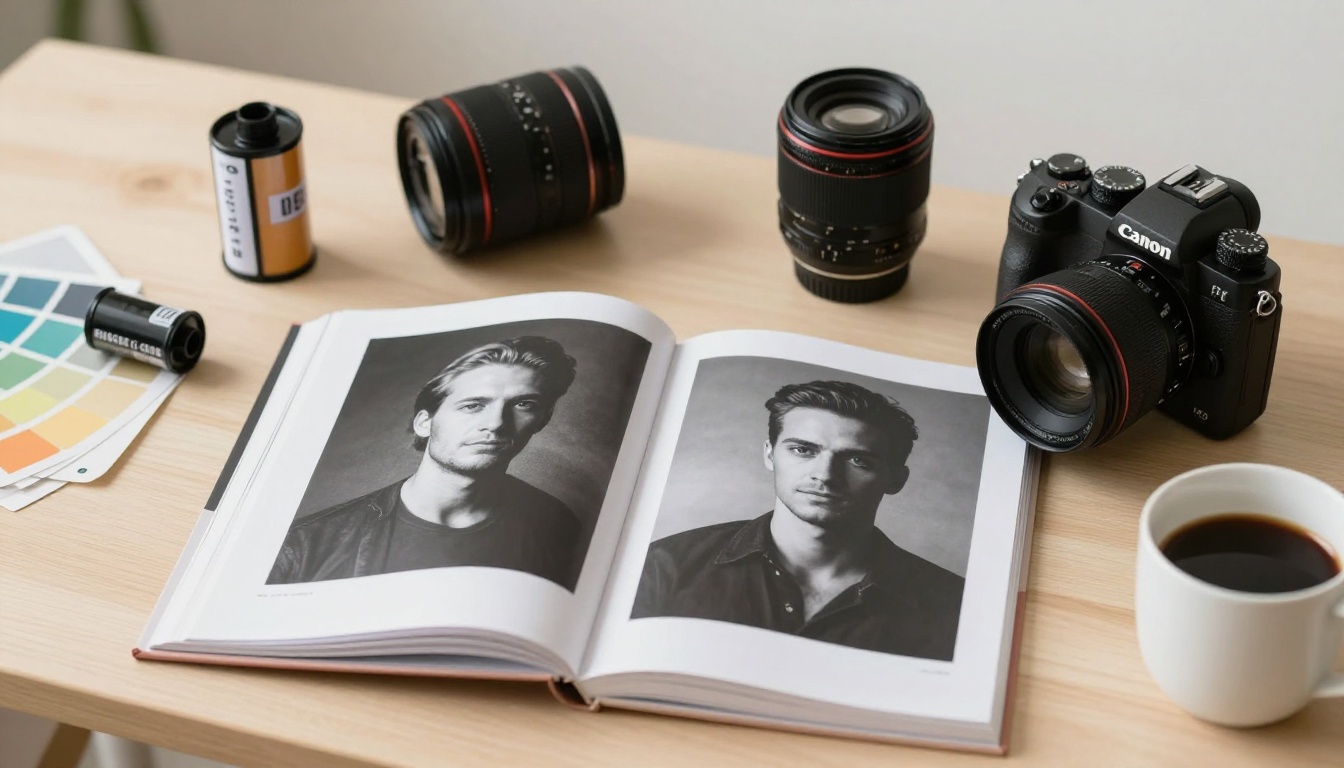
Client Gallery Previews
After a session, send your client a gallery preview flipbook before delivering the full gallery. Include 15 to 20 hero shots from the session. This builds anticipation, feels high-end, and often converts into album and print sales because the client is emotionally engaged before they ever see the full catalog.
✅ Best Practice: Always password-protect client preview flipbooks. Flipbooks AI includes password protection on all paid plans, keeping your client's images private and exclusive.
How to Make a Flipbook for Your Photography Studio
This tutorial walks through the exact process from a finished PDF to a published, shareable flipbook. The whole workflow takes about 10 minutes the first time.
Step 1: Prepare Your PDF
Start in whatever design tool you already use: Canva, Adobe InDesign, Lightroom Book Module, or even PowerPoint. Export your portfolio or pricing document as a PDF with these specs:
- Orientation: Landscape (16:9 ratio works best for screens)
- Resolution: 150 to 300 DPI for screen viewing
- File size: Under 100MB for faster uploads
- Fonts: Embed all fonts before exporting
⚠️ Warning: Do not convert your RGB color profile to CMYK for web flipbooks. Keep your color profile in sRGB for accurate color rendering on screens.
Step 2: Create Your Account
Go to Flipbooks AI and create your free account. No credit card is required. The free plan lets you publish one flipbook and test the full experience before committing to a paid plan.
Step 3: Upload Your PDF
From your dashboard, click New Flipbook and drag your PDF into the upload area. Flipbooks AI automatically converts each page into a high-resolution interactive spread. For a 20-page portfolio, conversion takes under 60 seconds.
The PDF to Flipbook Converter handles multi-page documents, landscape and portrait layouts, and embedded graphics without quality loss.
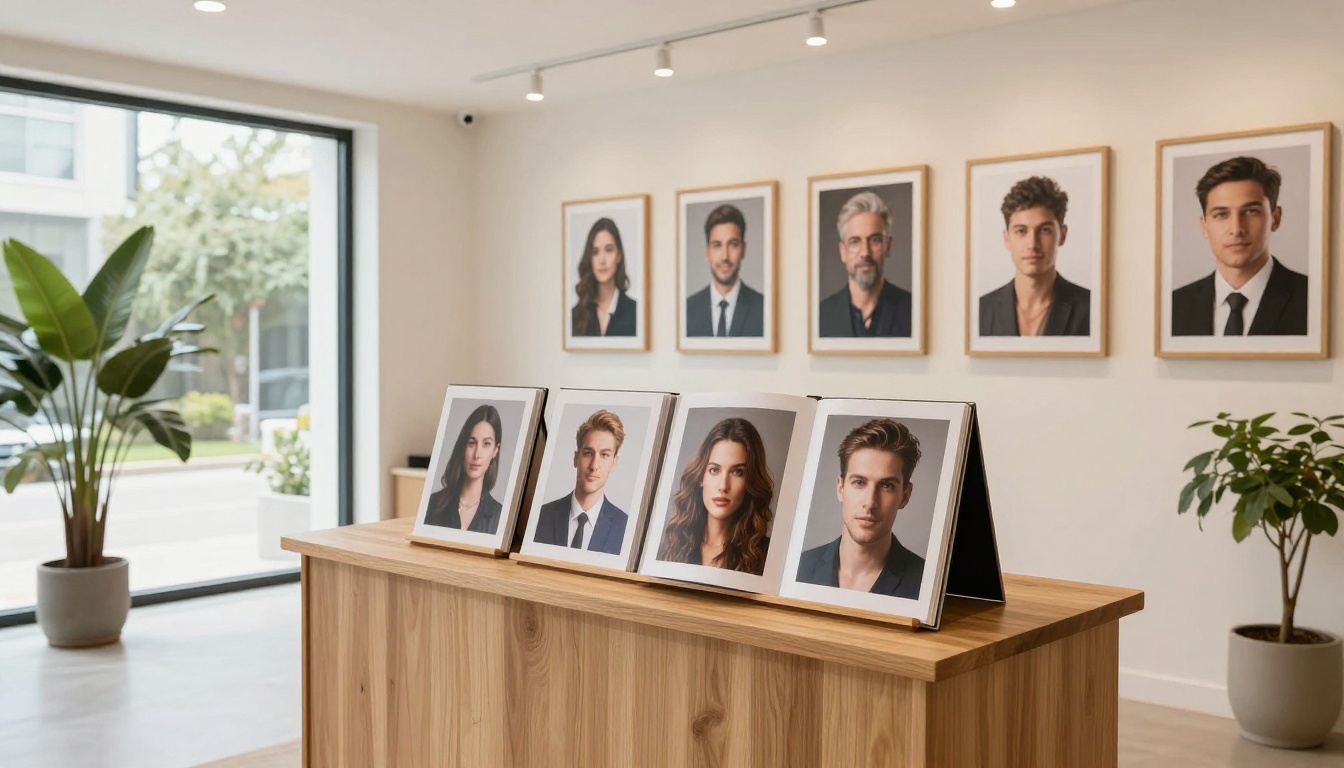
Step 4: Customize Your Branding
Once uploaded, you have full access to the customization panel:
- Opening style: Choose from classic, modern, or minimal layouts
- Brand colors: Match your studio's palette exactly using hex codes
- Background: Set a solid color, gradient, or texture behind the flipbook
- Page effects: Soft-shadow, hard-cover, or flat-page animation styles
- Logo placement: Add your studio logo to the header or footer of every page
Step 5: Add Multimedia
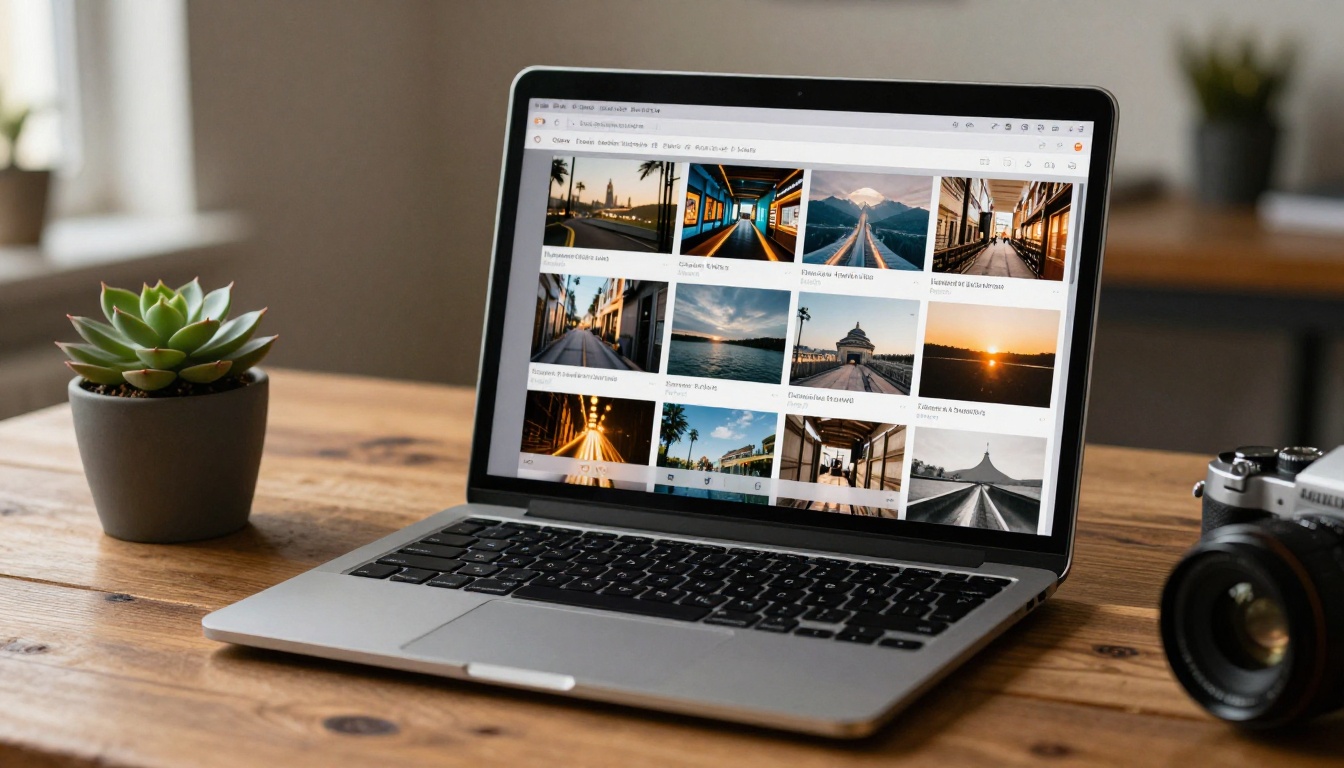
This is where flipbooks genuinely outperform printed materials. Within the editor, you can:
- Embed video directly into any page, including highlight reels and studio tours
- Add audio for ambient music or narration
- Insert hyperlinks so clients can book directly from within the flipbook
- Include lead capture forms to collect client inquiries on the spot (Professional plan)
Step 6: Set Sharing Options
Before publishing, configure how your flipbook will be accessed:
- Public link: Anyone with the URL can view it
- Password protection: Ideal for client galleries and pricing sheets
- Embed code: Drop your flipbook directly into your studio website using the Embed Flipbook on Website tool
- Download option: Allow clients to save a PDF version for offline viewing
Step 7: Publish and Share
Hit Publish and your flipbook goes live instantly. Share the link via:
- Email proposals and inquiry responses
- Instagram and Facebook Stories (the link opens beautifully on mobile)
- Your website's "View Portfolio" or "See Pricing" button
- A QR code printed on business cards or studio signage
Which Plan Do You Actually Need
Photography studios have different volume needs. Here's how the Flipbooks AI pricing plans compare in practical terms:
| Feature | Free | Standard | Professional |
|---|
| Number of flipbooks | 1 | Unlimited | Unlimited |
| Watermark-free | No | Yes | Yes |
| Password protection | No | Yes | Yes |
| Custom branding | No | Yes | Yes |
| Video embedding | No | Yes | Yes |
| Analytics dashboard | No | No | Yes |
| Lead generation forms | No | No | Yes |
| Offline downloads | No | No | Yes |
| Priority support | No | No | Yes |
For a solo photographer, the Standard plan covers everything: unlimited flipbooks, no watermarks, and password protection for client galleries. Studios with multiple photographers or an active inquiry pipeline will benefit from the Professional plan's analytics and lead capture features.
💡 Pro Tip: Use the analytics on the Professional plan to see which pages clients spend the most time on. If everyone lingers on your wedding work, lead with it in every consultation.
Real Studios, Real Results
Wedding Photography Studios
A wedding photographer uses a styled shoot lookbook to attract high-end couples. The flipbook includes 30 images from a session at a vineyard estate, with embedded video from the day and a direct booking link on the last page. She sends it instead of a traditional brochure and books clients who have never spoken to her on the phone, because the flipbook tells the whole story first.
The Interactive Lookbook Designer is the right tool for this use case, combining editorial imagery with direct calls to action.

Portrait and Family Studios
A family portrait studio uses a seasonal pricing flipbook for each quarter. In Q4, they send a "Holiday Mini Sessions" flipbook with available dates, pricing tiers, and sample images from previous years. Clients see exactly what to expect, and the booking link is embedded on page 3. No back-and-forth emails, no PDF confusion.
Boudoir Studios
Boudoir photographers face a specific challenge: showing their work tastefully while protecting client privacy. A password-protected portfolio flipbook handles this with elegance. The studio sends a private link with a unique password to each interested client. The experience feels exclusive and curated, which aligns perfectly with the boudoir photography brand.
Commercial Photography Studios
Commercial photographers often pitch to brands and creative agencies. A credentials flipbook replaces the PDF deck they would normally send: it includes client logos, campaign images, case studies, and contact information. Agencies share these links internally, giving the photographer's work visibility well beyond the initial contact.
Price List Flipbooks: The Overlooked Opportunity
Most photographers spend hours perfecting their portfolio and five minutes on their pricing presentation. That is backwards. Your pricing document is often the last thing a client sees before deciding to book. If it looks like an afterthought, it signals the same about your studio.
A pricing flipbook from Flipbooks AI can include:
- A branded opening page with a strong hero image from your sessions
- One package per spread with a sample photograph and description
- A "What's Included" visual breakdown
- A client testimonial page
- An FAQ section
- A booking call-to-action with an embedded link
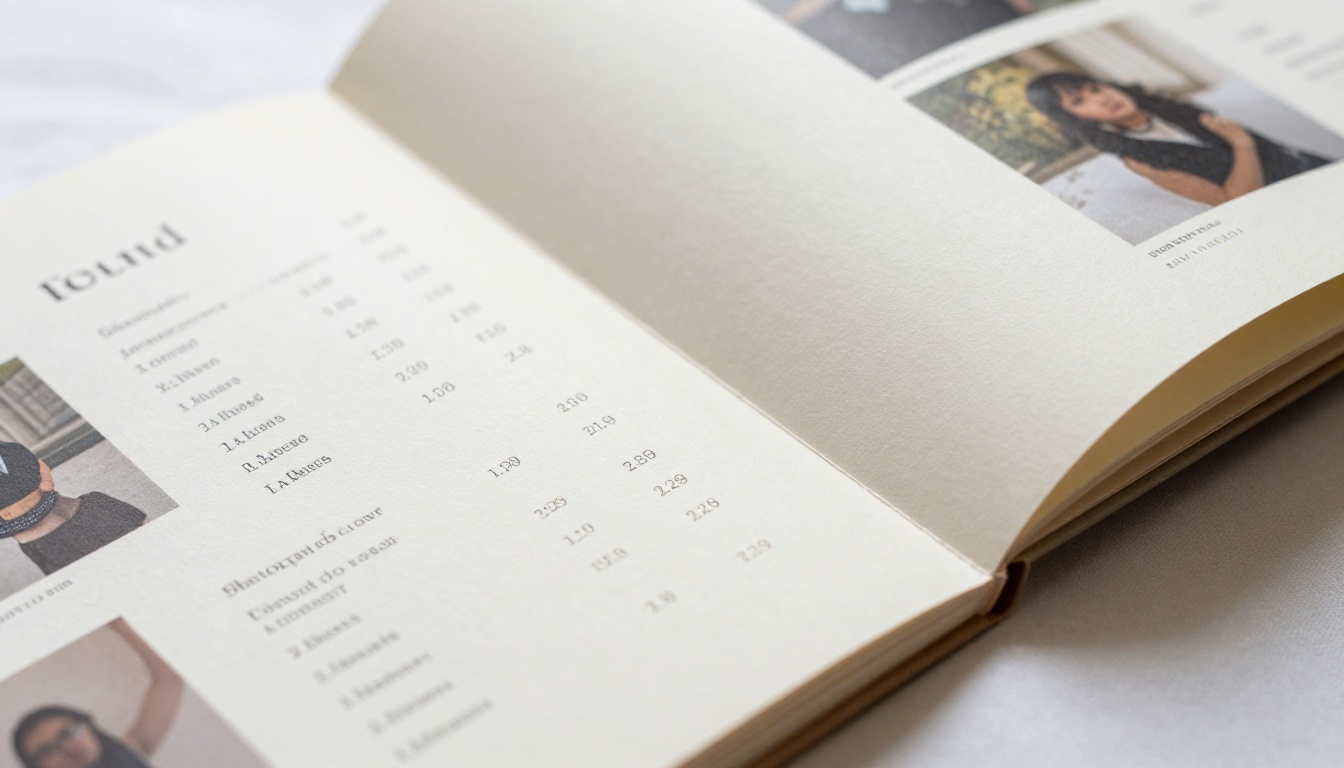
Use the Digital Price List Generator to build a version that matches your aesthetic. When you update your pricing each season, swap out the PDF source, re-upload, and your link stays the same. No need to email a new file every time clients ask.
Flipbook Marketing Across Every Channel
Your flipbook is not a standalone tool. It works best when connected to the rest of your marketing:
| Channel | How to Use the Flipbook |
|---|
| Email inquiries | Send portfolio flipbook link instead of PDF attachment |
| Instagram bio | Link to your portfolio flipbook via a bio link tool |
| Studio website | Embed on your "Portfolio" or "Pricing" page |
| Google Business Profile | Add flipbook link to photos or posts section |
| Vendor relationships | Share a specialty flipbook with planners or venues |
| Client onboarding | Send a welcome flipbook after booking with next steps |
| Print materials | Add QR code linking to your flipbook on business cards |
Every touchpoint where a client interacts with your brand is an opportunity to reinforce your professionalism. A flipbook turns a routine email attachment into a branded moment.
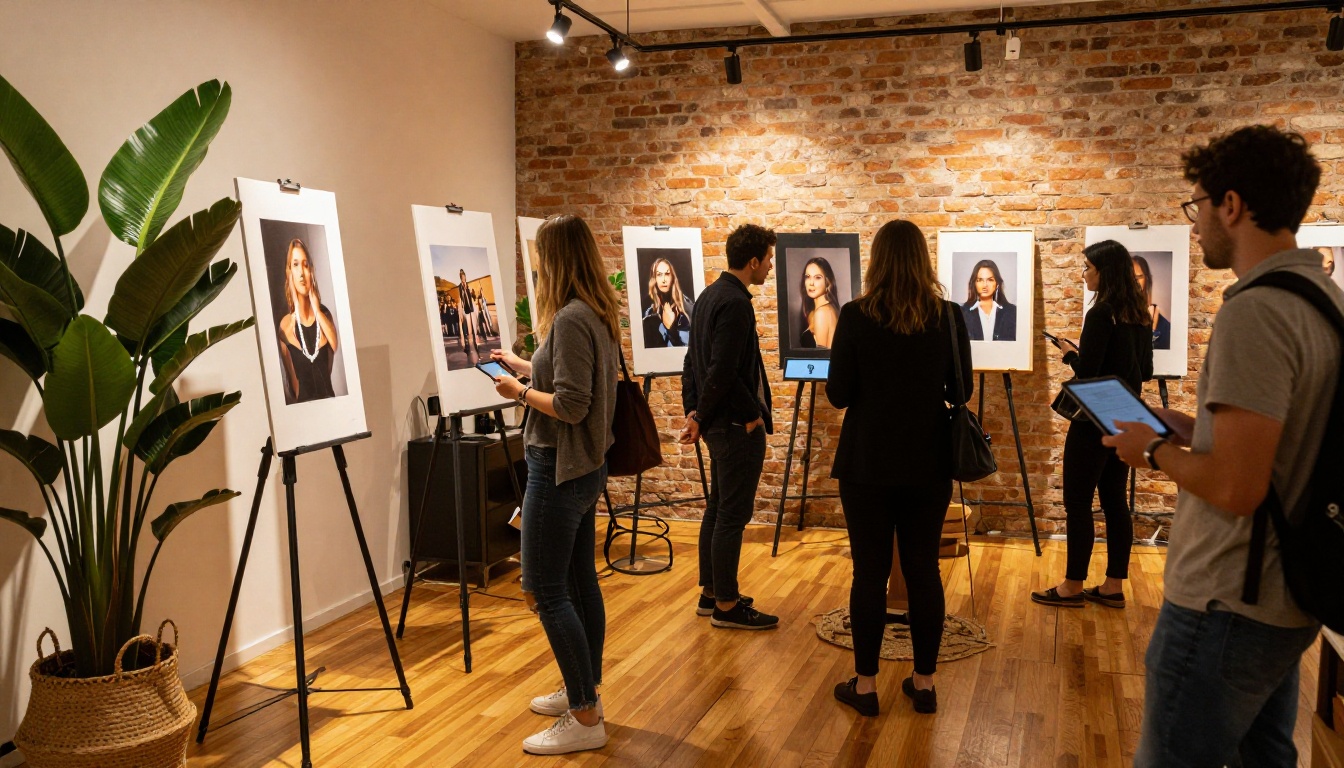
✅ Best Practice: Print a small QR code card for every table at your next styled shoot or vendor event. The QR code links directly to your portfolio flipbook. It is a stronger leave-behind than any business card.
What Makes a Great Flipbook vs. An Average One
The difference between a forgettable flipbook and one that clients screenshot and share comes down to a few specifics:
- Opening image quality: Your first page is your hook. Use your strongest photograph, not just your logo.
- Page pacing: Do not cram 10 images per spread. One strong image per page beats five average ones.
- Color consistency: Your flipbook's background color should match your studio's brand palette, not the default template.
- Call to action placement: Put a booking link or contact button on at least three pages, including the last one.
- Mobile preview: Always check your flipbook on your phone before sending. Flipbooks AI is mobile-responsive by default, but verify font sizes and image crops on a small screen before sharing.
| What to Avoid | What Works Instead |
|---|
| Logo-only opening page | Hero photograph from your best session |
| 10 images per spread | 1 strong image with breathing room |
| Generic template colors | Your exact brand hex codes |
| No booking link | CTA embedded on pages 2, 5, and the final page |
| PDF sent as email attachment | Direct flipbook link in the email body |
| Shared password for all clients | Unique password per client for exclusivity |
Time to Publish Your First Flipbook
Your photography work deserves a presentation that matches its quality. A flipbook built on Flipbooks AI takes your existing PDF portfolio and turns it into a shareable, embeddable, branded experience in minutes.
Whether you are a solo portrait photographer building your first digital portfolio, a wedding studio looking to impress high-end couples before the first call, or a commercial photography business pitching to brands, there is a format that fits. The Portfolio Flipbook Builder gives you a purpose-built starting point designed specifically for visual creatives.
Get started for free and publish your first flipbook today. When you are ready for unlimited flipbooks, password protection, and your own branding, see the pricing plans to find the right fit. Browse all available photography and portfolio tools to see everything that is possible.



