Every open house comes down to one question: what do visitors take home with them? A forgotten paper flyer rarely makes it past the parking lot. But a beautifully designed digital flipbook, sent straight to a buyer's phone before they reach the car, stays with them for days. That is the difference between a showing and a sale. Flipbooks AI gives real estate agents the tools to create interactive, shareable property flipbooks in minutes, no design experience needed.
Why Print Flyers Are Costing You Leads
The Problem with Static PDFs
You worked hard on that listing. Professional photography, a compelling description, accurate square footage. Then you printed it onto a single-sided flyer and handed it to someone who set it on the passenger seat and never looked at it again.
Static print materials have a fundamental flaw: once they leave your hand, you lose all control over the experience. You cannot update them if the price drops. You cannot track whether anyone opened them. And you absolutely cannot embed a video walkthrough, an interactive floor plan, or a clickable mortgage calculator.
The modern buyer is doing research on a phone. 68% of home buyers say they use a mobile device throughout their search. A flat PDF does not serve that audience. A page-turning digital flipbook does.
What Buyers Actually Want at a Showing
Buyers at open houses are not just looking at walls. They are imagining their lives inside the property. They want to see:
- Detailed floor plans with labeled room dimensions
- Neighborhood photos showing parks, schools, and coffee shops within walking distance
- Utility cost estimates and HOA information
- Comparison sheets for similar listings in the area
- Contact information they can act on immediately
A flipbook packages all of this into a single, elegant experience that feels premium. That perception matters enormously when you are competing against five other listings in the same zip code.
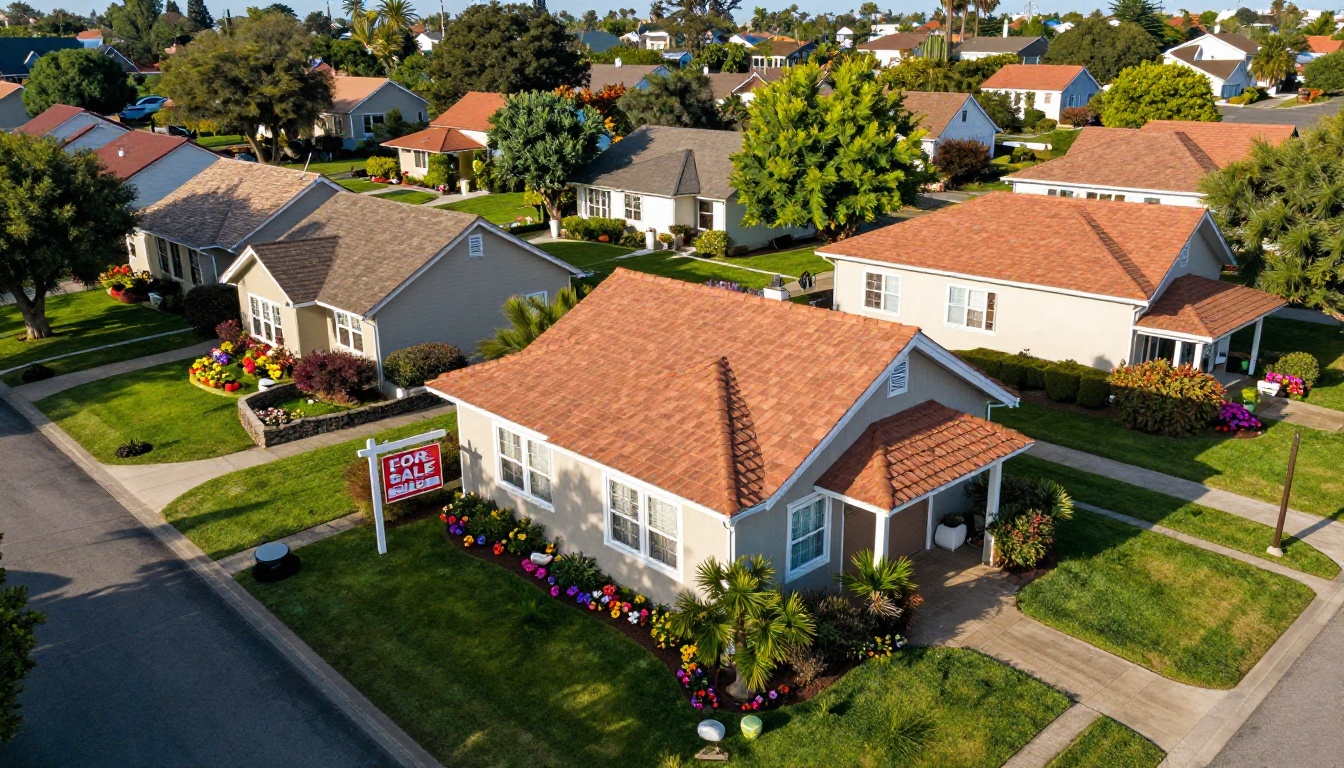
What Your Flipbook Should Actually Contain
The Must-Have Pages
A real estate open house flipbook is not a photo dump. Every page should earn its place. Here is the structure that converts:
- Cover page: Property address, hero photo, listing price, agent contact
- Property highlights: Bedrooms, bathrooms, square footage, year built, lot size
- Photo gallery spread: 6-10 professional interior photos with captions
- Floor plan page: Labeled diagram with room dimensions
- Neighborhood overview: Map, walkability score, nearby amenities
- Financial snapshot: Estimated mortgage at 20% down, property tax, HOA fees
- Agent bio and contact page: Photo, credentials, direct phone/email, QR code to listing
- Call to action page: Offer deadline, showing instructions, next steps
💡 Add a "What's Nearby" page with photos of the local park, a popular restaurant, and the school. Buyers are not just purchasing a house, they are purchasing a lifestyle.
Floor Plans and Room Details
Floor plans are consistently ranked as the most important feature buyers want in a listing. Yet many open house materials skip them entirely. A flipbook gives you a dedicated page, or even a full spread, to present an accurate floor plan with dimensions without squeezing it awkwardly onto a tri-fold brochure.
Use the floor plan page to call out smart home features, recent upgrades (new HVAC, updated kitchen), and built-in storage. These details are often buried in MLS descriptions that buyers never read at the showing.
Neighborhood and Lifestyle Content
The neighborhood sells the home almost as much as the home itself. Consider dedicating two pages to the surrounding area:
- A walkability map with pins for grocery stores, gyms, and transit stops
- A short paragraph on the neighborhood's character, such as "quiet, tree-lined street, active neighborhood association"
- School ratings and district information
- Distance to major employers or downtown
This content turns your flipbook into a research document, something buyers will reference repeatedly before making an offer.
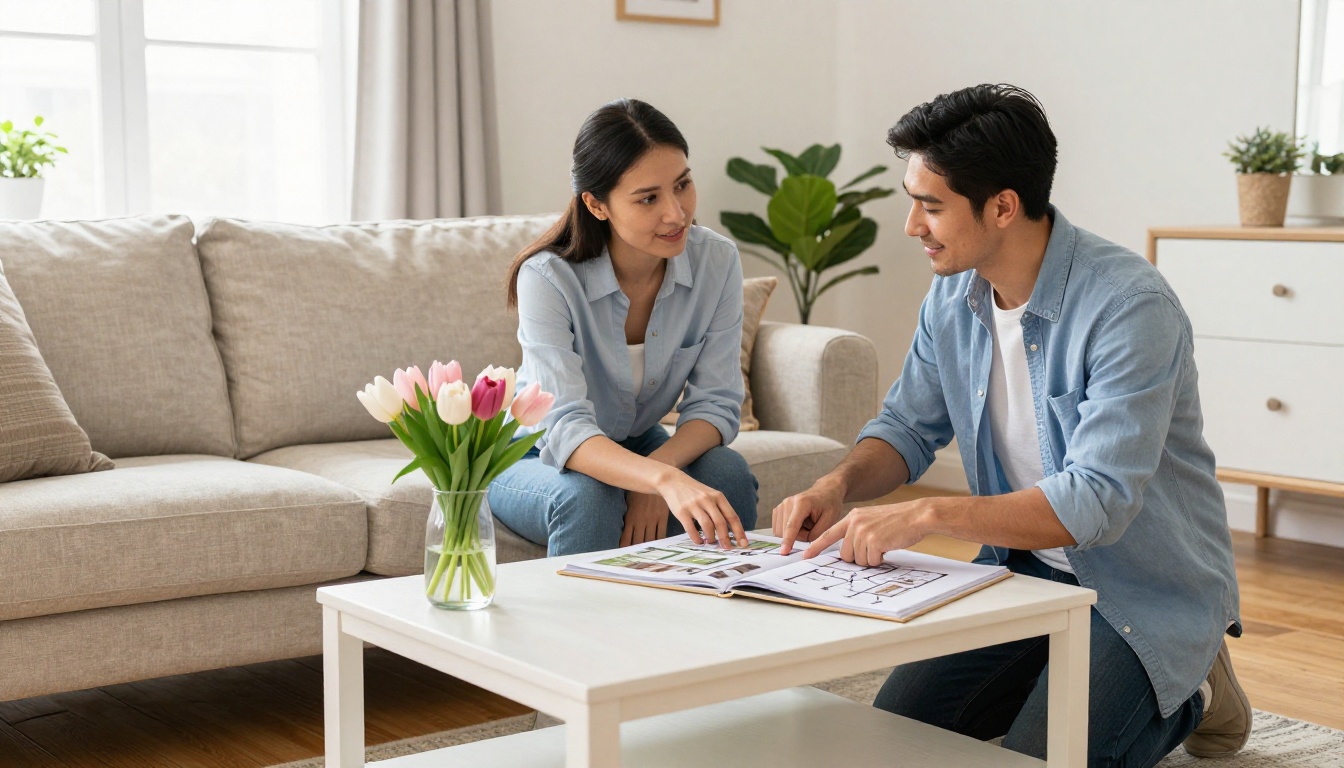
Open House Flipbook vs. Traditional Brochure
Before committing to a format, it helps to see the differences side by side. The comparison below covers the dimensions that matter most to a working agent.
| Feature | Print Brochure | Static PDF | Digital Flipbook |
|---|
| Cost per unit | $0.50–$2.00 each | Free | Free (unlimited on paid plans) |
| Updateable after distribution | No | Partial | Yes, instantly |
| Mobile-friendly | No | Limited | Yes, fully responsive |
| Video/audio embed | No | No | Yes |
| Analytics (who opened it) | No | No | Yes (Professional plan) |
| Lead capture form | No | No | Yes (Professional plan) |
| Password protection | No | Basic | Yes |
| QR code sharable | Separate step | Separate step | Built-in |
| Offline access | Yes | Yes | Yes (download available) |
| Custom branding | Yes (print cost) | Limited | Yes, no extra cost |
⚠️ Print brochures feel professional in hand, but they create zero data. You have no way to know if the buyer who left early actually spent 20 minutes reading your flipbook on the drive home.
How to Create Yours with Flipbooks AI
Flipbooks AI makes it possible to go from a finished PDF to a published, shareable flipbook in under ten minutes. Here is exactly how to do it for your next open house.
Step 1: Sign Up and Start
Head to Flipbooks AI and create your account. The Standard plan gives you unlimited flipbooks with no watermarks, which is ideal if you are managing multiple listings at once. If you want analytics and lead capture, the Professional plan adds those features on top.
Once inside your dashboard, click New Flipbook to begin.
Step 2: Upload Your PDF
Design your open house presentation in Canva, InDesign, Google Slides, or PowerPoint. Export it as a PDF. Then drag and drop the file directly into the PDF to Flipbook Converter.
The platform processes your pages automatically and converts them into a page-turning digital flipbook. Most PDFs are ready in under two minutes. No coding, no technical setup required.
✅ Use a landscape (16:9) format for your PDF. It looks better on laptop and tablet screens during in-person showings, and the wider format gives your floor plan page more room to breathe.
Step 3: Add Branding and Customize
This is where the flipbook becomes yours. In the editor you can:
- Upload your logo to appear on the cover and on each page corner
- Set brand colors for the page background, toolbar, and page edges
- Apply your agency color palette to match your existing marketing materials
- Embed a video walkthrough directly into a page (no external hosting needed)
- Set the page-turn effect to match the premium feel of your listing
For high-end listings, use a slow, cinematic page-turn with a dark background. For family-friendly homes, a bright, clean white background with faster transitions feels more accessible.
💡 Use the Real Estate Brochure tool if you need a ready-made template. It is built specifically for property presentations and includes pre-formatted pages for photos, specs, and neighborhood content.
Step 4: Share at Your Event
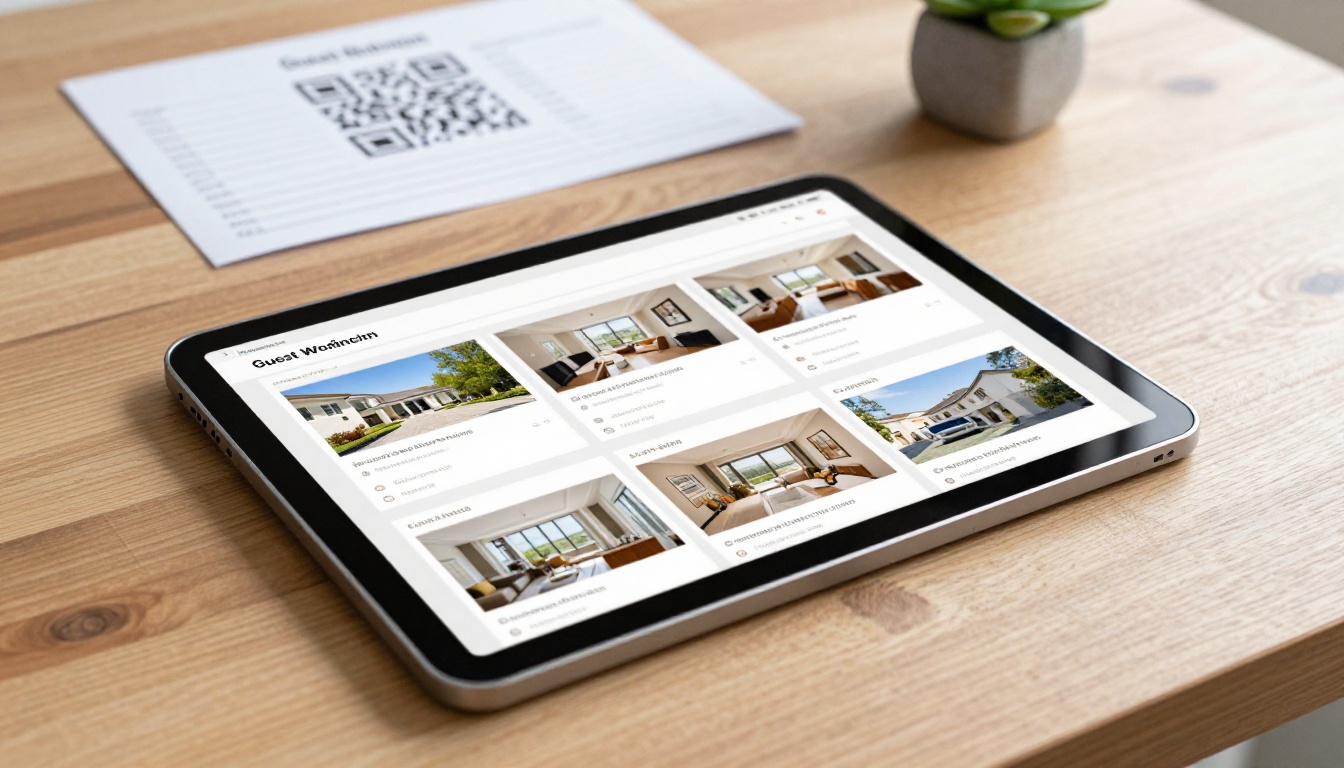
Once published, your flipbook gets a unique shareable link. Print its QR code onto your welcome sign, your business cards, and your sign-in sheet. Visitors scan it as they walk in.
After the event, share the same link in your follow-up email to every attendee. No attachments, no re-downloading. One click and they are back inside your property presentation.
For private listings or pre-market properties, use password protection to restrict access to pre-qualified buyers only.
Flipbooks AI Plans at a Glance
Choosing the right plan depends on how many listings you manage and whether you want analytics. Here is a straightforward breakdown:
| Plan Feature | Free | Standard | Professional |
|---|
| Number of flipbooks | 1 | Unlimited | Unlimited |
| Watermark | Yes | No | No |
| Custom branding | No | Yes | Yes |
| Password protection | No | Yes | Yes |
| Video and audio embed | No | Yes | Yes |
| Offline download | No | Yes | Yes |
| Analytics dashboard | No | No | Yes |
| Lead capture forms | No | No | Yes |
| Embed on website | No | Yes | Yes |
| Priority support | No | No | Yes |
💡 For solo agents handling 2-5 listings per month, Standard is the sweet spot. Teams running multi-property campaigns with buyer follow-up workflows will want the lead generation and analytics from the Professional plan. Check pricing for current rates.
Real Scenarios, Real Results
The Luxury Listing Approach
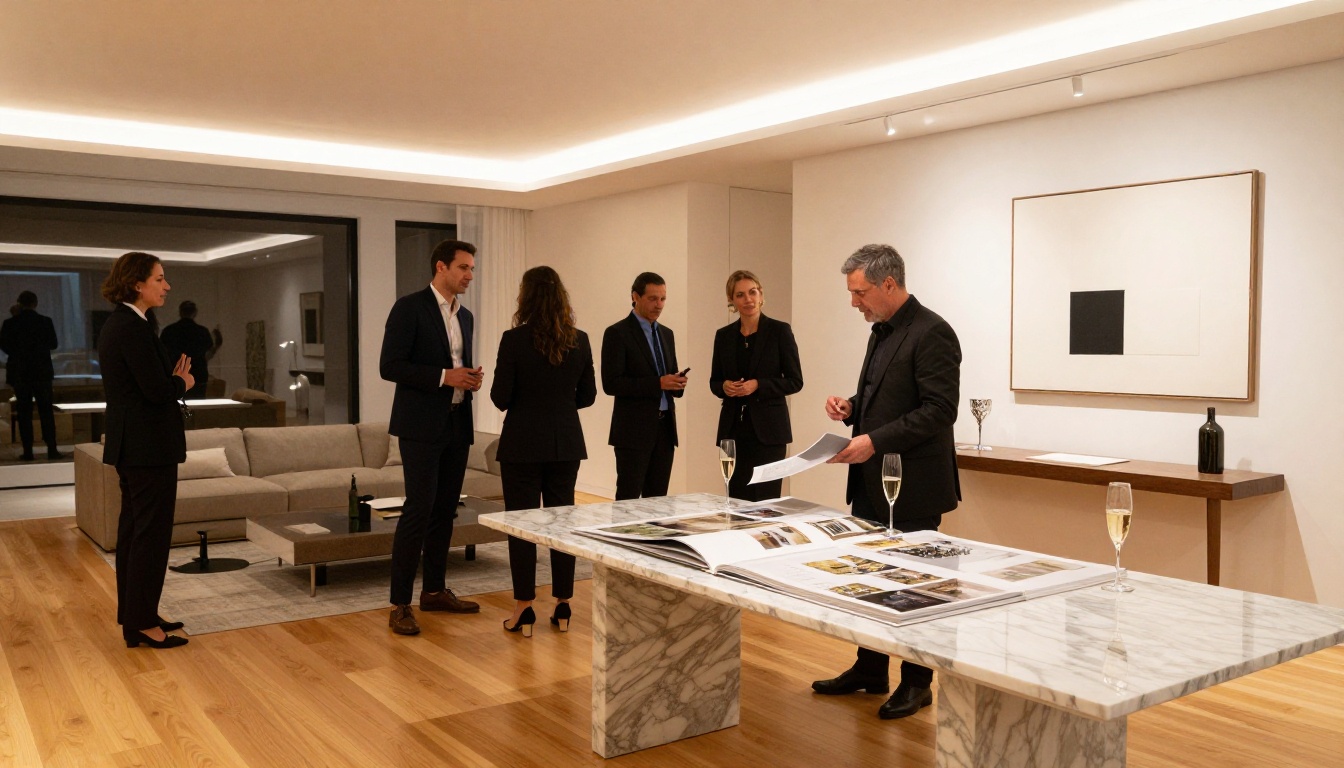
A listing at $1.8M does not compete on price alone. It competes on experience. Agents working luxury properties use Flipbooks AI to create magazine-quality presentations with:
- Full-bleed photography spreads across two pages
- An embedded aerial drone video on page three
- A dedicated page for appliance brands, smart home systems, and custom finishes
- A personal note from the seller about what they love most about the home
That kind of presentation justifies the price tag. It also creates a shareable asset that buyers forward to family members, mortgage advisors, and interior designers before they even make an offer.
New Development Projects
Developers selling pre-construction units face a specific challenge: buyers cannot tour the finished product. A flipbook bridges that gap by presenting:
- Architect renderings for each unit type
- A comparison table of available floor plans and pricing tiers
- Amenity photos from similar completed projects
- A timeline page showing construction milestones
Use the Sales Presentation tool to build this format quickly. It is structured for multi-page product comparisons, which maps directly to a development with multiple unit configurations.
First-Time Buyer Events
First-time buyer open houses attract a different audience, one that needs more context and reassurance. Your flipbook for these events should include:
- A one-page explanation of the buying process with a simple timeline
- Mortgage pre-approval steps with lender contact information
- A glossary of common real estate terms
- Links to local down payment assistance programs
This positions you as an educator, not just a seller, which builds the kind of trust that turns a first-time visitor into a long-term client relationship.
Sharing Your Flipbook at the Open House
QR Codes That Do the Work
Place a printed QR code on your welcome table, front door, and any room where visitors tend to linger (the kitchen and master bedroom get the most attention). Label it simply: "Scan for the full property presentation."
Visitors who might skip a paper flyer will scan a QR code out of curiosity. Once they are inside the flipbook, the page-turning experience keeps them engaged far longer than a static PDF ever would.
Embed on Your Listing Website
Use the Embed Flipbook on Website tool to drop your flipbook directly onto your listing page. Visitors who find your property through Zillow or Realtor.com and click through to your personal site will encounter an interactive presentation rather than a static image gallery. This increases time on page and gives you a place to collect leads through the built-in form on Professional accounts.
Follow-Up Emails That Convert
The 48-hour window after an open house is when buying decisions are being made. A follow-up email containing your flipbook link puts your property back in front of the buyer at exactly the right moment.
Keep the email short. One sentence: "It was great meeting you on Saturday. Here is the full property presentation for [address], including the floor plans and neighborhood info you asked about." Then the link. No attachments to download, no friction between the buyer and your content.
✅ With the Professional plan, your analytics dashboard shows exactly which buyers opened the flipbook, which pages they spent the most time on, and whether they returned a second time. That tells you who to call first.
What Analytics Actually Tell You
When a buyer spends four minutes on your floor plan page and then returns to view the flipbook a second time, that is not a maybe. That is a signal. The analytics available on the Professional plan give you a read of buyer intent that no print material can match.
| Metric | What It Tells You |
|---|
| Total views | How many people opened the flipbook after the event |
| Time per page | Which rooms or sections generate the most interest |
| Return visits | Buyers who came back are actively comparing your listing to others |
| Device type | Mobile-heavy viewership suggests buyers are sharing the link |
| Lead form submissions | Direct buyer interest captured without a phone call |
Use this data to prioritize your follow-up calls. The buyer who viewed the flipbook three times and spent six minutes on the financial summary page is your warmest lead.
5 Mistakes Agents Make with Open House Materials
Even agents who invest in professional photography often undercut themselves with weak presentation materials. Here are the five most common pitfalls and how to fix each one:
-
Too many pages, too little structure. A 30-page PDF with no logical flow loses buyers on page six. Keep your flipbook between 10 and 15 pages with a clear narrative arc: property, details, neighborhood, financials, contact.
-
No call to action on the final page. The last page of your flipbook should tell buyers exactly what to do next. Book a second showing, call your number, submit a pre-approval letter by a specific date.
-
Generic contact information. "Call your agent" is not a call to action. Put your name, direct mobile number, email, and a headshot on the final page. Make it personal.
-
Price changes that never get updated. If the price drops after the open house, update your flipbook immediately. Buyers who saved the link will see the current price without you needing to send a new document.
-
No offline version. Some buyers will want to review the flipbook in a location with no signal. Enable offline downloads so they can save it to their phone before leaving the event.
⚠️ Do not use a free account for a listing you are actively marketing. The watermark on a free-tier flipbook signals to buyers that you are not investing in your presentation, which reflects on how they perceive the listing itself.
Your Next Open House Starts Here
The agents closing deals fastest are not the ones with the most listings. They are the ones presenting their listings with the most clarity, professionalism, and follow-through. A digital flipbook is the simplest, most affordable way to raise the quality of every open house you run.
Flipbooks AI gives you everything you need: a drag-and-drop builder, unlimited flipbooks on paid plans, custom branding, video embedding, password protection, and analytics to know exactly who is interested. There are no watermarks, no per-flipbook fees, and no design skills required.
Ready to turn your next showing into a sale? Create your account on Flipbooks AI and build your first open house flipbook today. Browse all available real estate tools to find the right format for your listing type. Or compare pricing plans to choose what fits your workflow best.



