Most company newsletters die in the inbox. Not because people are too busy, but because the newsletter itself gives them no reason to care. It arrives on a Tuesday, it is five paragraphs about Q3 targets, and it closes with "as always, reply with questions." Nobody replies. Nobody reads past the second sentence. And next month, the same thing happens.
The good news: this is a format problem, not a people problem. When a newsletter is built around real stories, smart design, and the right format, people actually look forward to it. This article shows you exactly how to get there, and how tools like Flipbooks AI can turn a flat PDF into something employees open and flip through the way they would a magazine.
Why Nobody Opens Your Newsletter
The Subject Line Is Already Working Against You
The subject line "Company Newsletter - April 2026" is not a hook, it is a filing category. By the time the reader sees it, their brain has already decided: later. Later becomes never.
High-performing internal newsletters borrow tactics from editorial media: curiosity gaps, specific numbers, and first-person stakes. Compare these:
| Boring Version | Better Version |
|---|
| Company Newsletter - April | "We tried 4-day weeks for a month. Here's what happened." |
| HR Update: Benefits Season | "Your benefits window closes Friday. Don't miss this." |
| CEO Message - Q1 Recap | "We missed one number and hit three we didn't expect." |
| Team News | "Someone on the Austin team built something extraordinary." |
The difference is specificity and stakes. One version sounds like admin work. The other sounds like something worth reading before your coffee goes cold.
Open Rates Tell You Everything
Average internal newsletter open rates hover around 20 to 30 percent, which sounds acceptable until you realize that means 7 out of 10 people on your list never see anything you wrote. The goal is not perfection, but moving from 25% to 45% is absolutely achievable when you fix the fundamentals.
💡 Pro Tip: Send your newsletter at 10am on Tuesday or Wednesday. Avoid Monday mornings (inbox-clearing mode) and Friday afternoons (mentally checked out).

What Actually Gets People to Click
The First 3 Sentences Have to Hook
Once someone opens the email or flipbook, you have about three sentences before they decide whether to keep going. The worst thing you can do is open with context-setting. "As we approach the end of Q1 and look ahead to the exciting opportunities of the coming quarter..." is the verbal equivalent of a loading screen.
Start in the middle of something. An anecdote, a number, a question that cannot be ignored. If your newsletter opens with "Did you know our Austin office hit 140% of quota last month, and the team's secret is genuinely weird?", the reader is already leaning in.
Make It Personal, Not Corporate
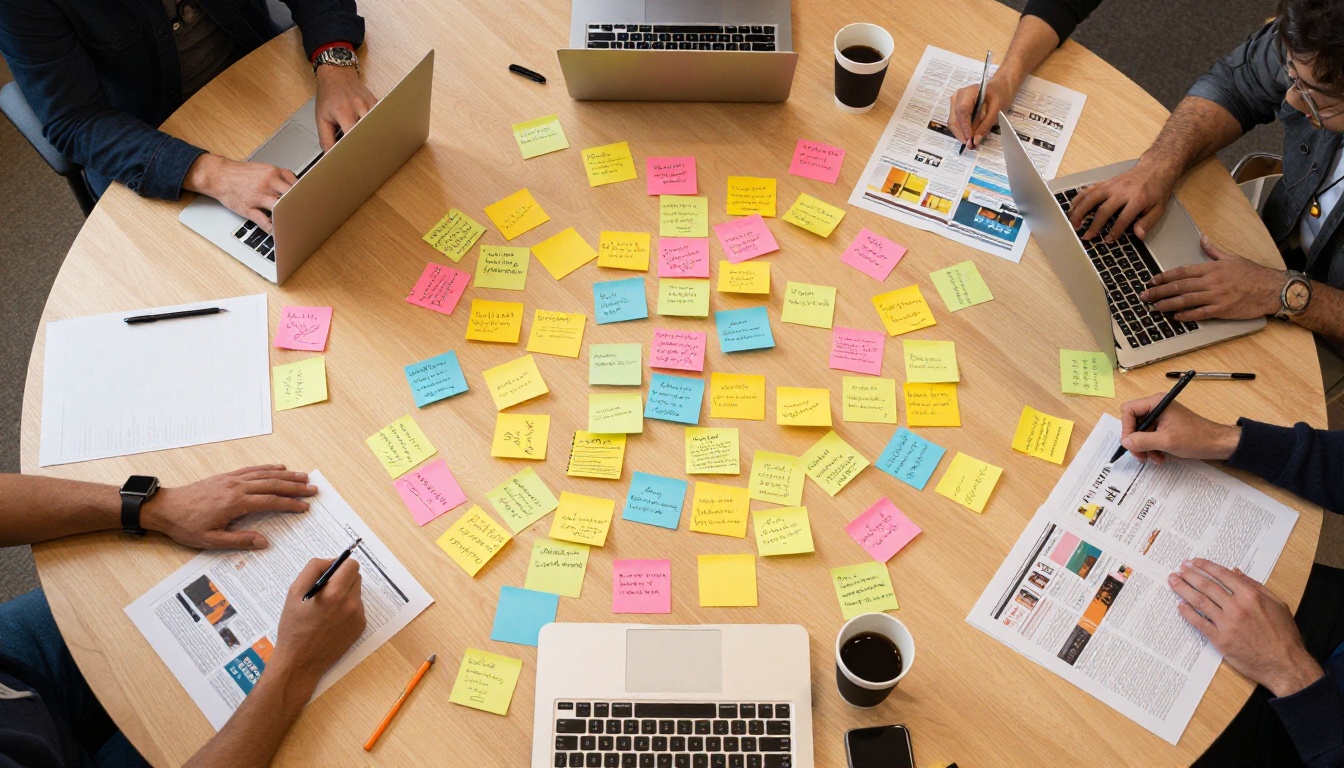
The single biggest shift in newsletter quality comes from writing for one person instead of the whole company. Read your draft and ask: "Would a real person say this out loud?" If the answer is no, rewrite it.
Corporate newsletters often default to passive voice, vague language, and institutional hedging. That is what makes them feel like policy documents. The newsletters people actually forward to each other sound like they were written by a human who has opinions.
✅ Best Practice: Assign authorship. A newsletter signed by "The People Team" is forgettable. A newsletter that says "written by Sarah Chen, Operations Lead" feels like communication, not broadcasting.
Content People Actually Want to See
Spotlight Real Employees
The most-read section of almost every internal newsletter is the one about people. Not org chart announcements, but actual human stories. Who just ran their first half marathon? Who spent a weekend teaching their kid to code? Who has worked here for 15 years and still has the original company swag?
Employee spotlights do not need to be long. Four questions and four answers, with a photo, lands harder than any executive message about culture.
The Right Mix of Content
Most newsletters fail because they are either 100% company news or 100% fluff. The sweet spot is a structured editorial mix:
| Content Type | Recommended Share | Examples |
|---|
| Company news and milestones | 30% | Wins, launches, numbers |
| People and culture | 25% | Spotlights, anniversaries, milestones |
| Useful or educational | 20% | Industry news, tool tips, how-tos |
| Fun and informal | 15% | Polls, trivia, team recommendations |
| Calls to action | 10% | Surveys, events, signups |
Treat it like an editorial calendar, not a dump of everything that happened this month. A single well-told story beats five bullet points every time.
Humor: The Line Between Good and Cringeworthy
Humor in company newsletters is high risk, high reward. When it works, it becomes something people share in Slack. When it does not, it becomes the thing people screenshot for the wrong reasons.
Safe humor in newsletters:
- Self-deprecating (make fun of internal quirks everyone recognizes)
- Observational (the universal experience of the Monday standup)
- Absurd (a fake award for the person who types "can you hear me?" the most on calls)
Humor to avoid:
- Anything that assumes shared context not everyone has
- References to specific people without their consent
- Sarcasm, which almost always reads flat in text
⚠️ Warning: Run humor past someone from a different team before publishing. If only your immediate group finds it funny, it will not land company-wide.
Design Changes Everything

Stop Using Wall-of-Text Emails
An email newsletter with six paragraphs of unbroken text is a wall. Even if the writing is strong, the format fights the reader. The human eye scans before it reads, and if there is nothing to anchor the scan, it stops.
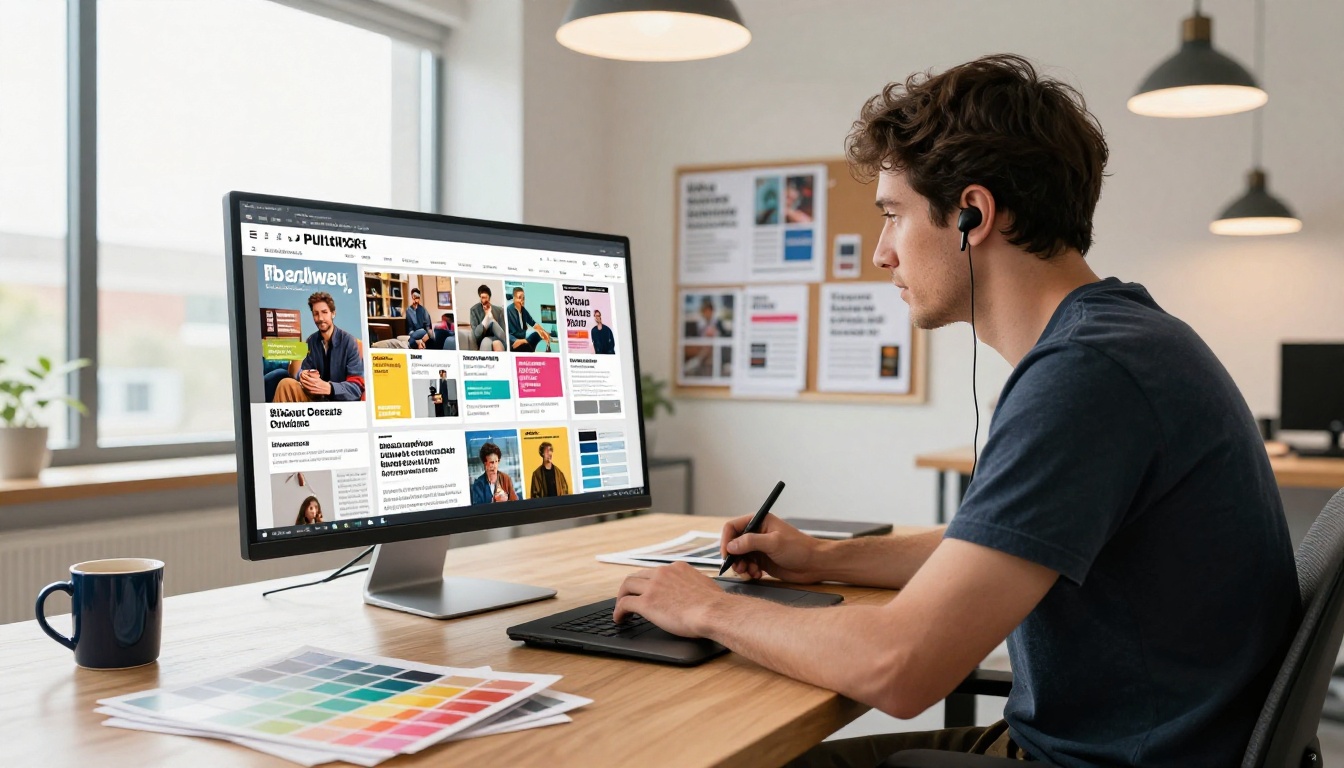
Visual hierarchy gives the reader a map. Headers, pull quotes, images, and bullet points create natural resting points. The reader can jump around, find what interests them, and come back to read carefully.
The format you choose changes this dramatically. A flat email is the hardest format to make visually interesting. An interactive digital flipbook is naturally suited to editorial layouts because it behaves like a magazine, with pages to flip, sections to browse, and visual real estate to fill properly.
Format Comparison: Which One Actually Works
Here is where the medium becomes the message. PDFs feel like official documents. Plain emails feel like memos. A flipbook feels like something worth reading:
| Format | Visual Appeal | Interactivity | Analytics | Mobile Experience |
|---|
| Plain email | Low | None | Basic open rate only | Moderate |
| PDF attachment | Medium | None | None | Poor |
| HTML email | Medium | Limited | Basic click tracking | Moderate |
| Interactive flipbook | High | Full (links, video, audio) | Per-page views and time | Excellent |
The flipbook format wins on every dimension that matters for readership. And creating one does not require a design team or technical skills.
How to Build an Interactive Company Newsletter
Flipbooks AI turns your existing newsletter PDF into an interactive, page-flipping digital publication in minutes. Here is how to use the Newsletter Flipbook Publisher to make your next issue something people actually want to open.
Step 1: Create Your Newsletter PDF
Design your newsletter in Canva, Google Slides, Adobe InDesign, or any tool that exports PDF. The goal is to treat it like a magazine layout, not a document:
- Use columns instead of full-width paragraphs
- Include at least one image per page
- Give each section a bold, clear header
- Use a consistent color palette tied to your brand
You do not need to be a designer. Even a two-column Canva template with your company colors looks dramatically better than a plain email.
Step 2: Upload to Flipbooks AI
Head to flipbooksai.com and create your account. Upload your PDF using the simple drag-and-drop interface. Within seconds, your static PDF becomes a page-flipping interactive publication with smooth animations and full mobile responsiveness.
💡 Pro Tip: The Standard plan gives you unlimited flipbooks with no watermarks, ever. If you are publishing a newsletter every month, this is the plan to start with.
Step 3: Customize Your Branding
In the editor, set your brand colors, add your logo, and choose your page-turn animation style. You can also embed:
- Video clips: Team interviews, event recaps, or product demos
- Audio: A message from the CEO or background music for reading
- Live links: Click directly to full articles, signup forms, or external resources
This is what separates a flipbook newsletter from a PDF. It is genuinely interactive in ways that change how people experience the content.
Step 4: Share It Everywhere
Flipbooks AI gives you multiple distribution options with no technical setup:
- Direct link: One URL to paste in your email or Slack message
- Embed code: Drop the flipbook directly into your intranet or internal wiki
- Password protection: Keep sensitive internal communications private to your team
- QR code: Print it on physical materials for hybrid or on-site office teams
Step 5: Track What People Actually Read
The Professional plan adds full analytics: which pages people read, how long they stay on each one, and exactly where they drop off. This data turns a guess into a strategy.
With page-level data, you will quickly see that:
- The employee spotlight page gets read all the way through
- The policy update section loses 60% of readers after the first paragraph
- The recommendations section has the highest click-through rate
Use that information to restructure your next issue. Double down on what people read, cut or compress what they skip, and test new formats in the sections with the highest drop-off rates.
✅ Best Practice: Include a short poll or survey link in every issue. Even one question ("What would you like to see more of?") gives you direct audience feedback and increases participation because it makes readers feel like contributors, not recipients.
Content Calendar Ideas That Actually Work
Planning your newsletter a month ahead changes everything. When you are writing under deadline pressure, the default is corporate filler. When you have a content calendar, you can plan for the stories that take time to develop.
Monthly Themes That Land
Themed issues are easier to produce and easier to read. The theme creates a natural filter for every piece of content: does this fit this month's story?
| Month | Theme Idea | Content Examples |
|---|
| January | What we are building this year | Team goals, projects launching, predictions |
| March | People behind the work | Extended spotlights, career path stories |
| May | Lessons from the field | Failures, pivots, unexpected wins |
| July | How we actually work | Process deep-dives, tool tips, rituals |
| September | Numbers in context | Data stories, metrics explained, progress |
| November | Thank you | Appreciation spotlights, year-in-review teaser |
You do not need to run a theme every month, but having one every other issue gives you a creative anchor that makes production faster and reading more satisfying.
5 Sections That Always Perform
Based on internal newsletter benchmarks across industries, these sections consistently get the highest read rates:
- The real number: One specific metric from the month, explained honestly, not just celebrated
- Employee spotlight: One person, five questions, one photo
- What we shipped: A concrete list of things done, launched, or fixed this month
- Interesting thing from outside: A link, idea, or article that made someone on the team think differently
- The ask: One clear action for readers to take, whether that is voting, responding, or signing up
Every one of these is short, specific, and human. That is the pattern.
Making It a Two-Way Channel

The difference between a newsletter and a broadcast is whether the audience can talk back. Internal newsletters that include some form of response mechanism get dramatically higher read rates because they signal that the communication is a conversation, not a mandate.
Simple two-way mechanisms that work:
- A weekly question: "What's the one thing you wish leadership knew?" Collect anonymously, publish answers next issue
- A poll: Two options, one question, results published next month
- A submission box: Ask employees to send in their win, recommendation, or photo of the week
- A reply challenge: "Hit reply with your answer to this question. The best ones get featured."
None of these require extra tools. They just require the intent to listen.
💡 Pro Tip: If you use Flipbooks AI, you can embed a Google Form directly into your flipbook newsletter. Readers can fill it in without leaving the publication, which removes a major friction point.
Stop Treating It Like a Chore

The newsletters that people actually read are made by someone who cares about making them good. That sounds obvious, but most internal newsletters are assigned to someone's lowest-priority task list, produced in 45 minutes, and sent without a second read.
Treating the newsletter like a real product, with an editor, a production schedule, reader feedback loops, and genuine editorial standards, is what separates the ones people share from the ones that pile up unread in a folder nobody opens.
The format is the last mile. Great content in a boring format still underperforms. Average content in a compelling format gets further than it deserves. But strong content in a strong format, a well-written, visually rich, interactive publication that readers can flip through like a real magazine, is what actually builds internal culture over time.
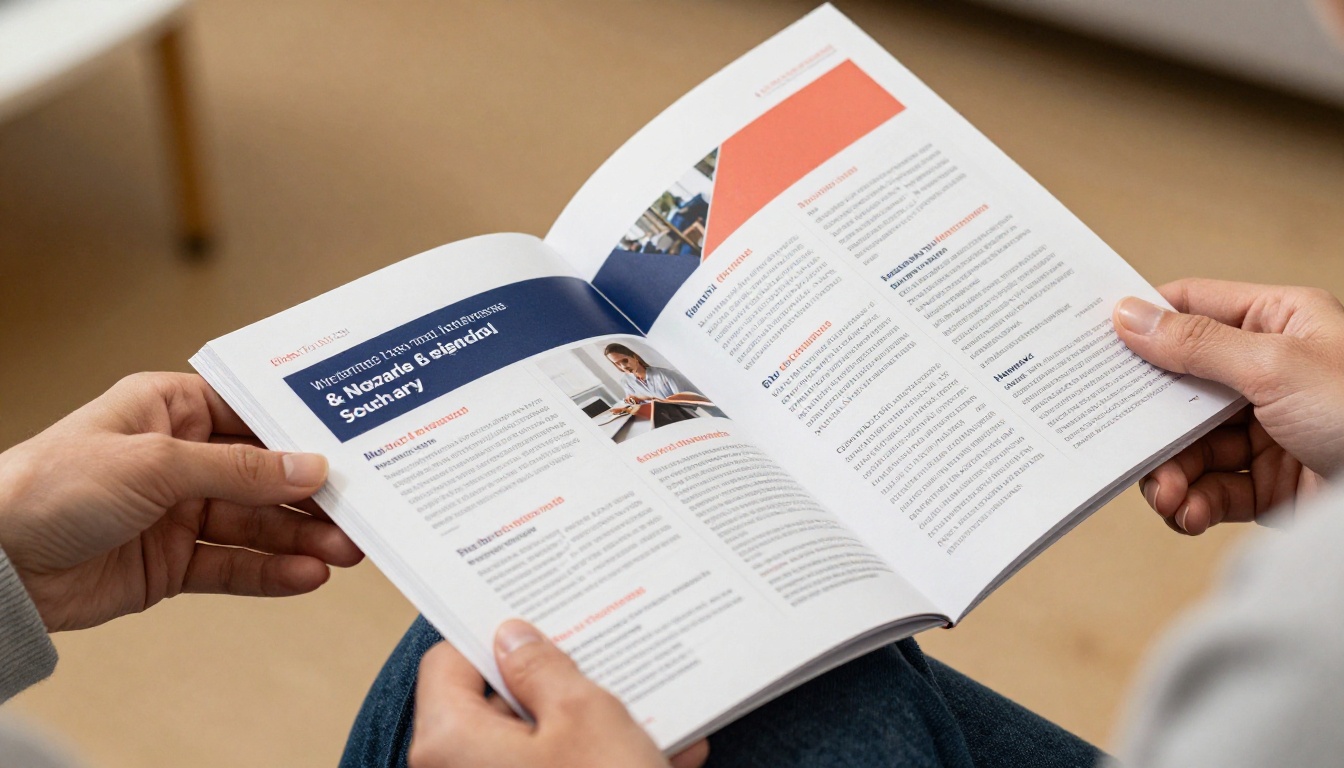
A detailed newsletter spread with compelling editorial photography tells your team something before anyone reads a single word: we care enough to make this good. That signal alone changes how people receive the content inside.
If your current newsletter is not doing that work, the format is worth examining. A flat email in 2026 is fighting an uphill battle against everything competing for attention. An interactive flipbook that looks like something a real media company would produce changes the expectation at first glance.
Ready to turn your next newsletter into something worth opening? Create your free account on Flipbooks AI and publish your first issue in under 10 minutes. Browse all available newsletter tools or compare plans to find the right fit for your team size and publishing frequency. You can also check out the full tools directory for templates built for every format, from school newsletters to corporate reports.
The newsletter your team actually reads is one decision away.



