Buyers make decisions in seconds. They scroll, they skim, and if a property listing does not stop them, it loses them forever. The problem is rarely the property itself. It is the presentation. Static PDFs, flat photo grids, and bare-bones MLS entries have become invisible noise in a saturated market. The agents closing more deals today are the ones who figured out how to make their real estate listings interactive and give buyers an experience worth staying for. Flipbooks AI is one of the fastest ways to do exactly that, turning standard property documents into polished, page-turning digital experiences that buyers actually share.

Why Static Listings Are Losing You Buyers
Real estate has always been a visual business, but the landscape shifted when buyers moved their search entirely online. Over 97% of homebuyers use the internet during their search process. Yet most listings still present information the same way they did 15 years ago: a title, a price, a handful of photos, and a wall of bullet points.
The Attention Problem in Online Real Estate
The average buyer spends less than 90 seconds on any given property listing before deciding whether to request a showing or move on. That window is brutally short. A listing that leads with a thumbnail grid and three paragraphs of agent copy is asking buyers to do work. Interactive listings do the work for them.
When a property brochure opens with a cinematic opening page and invites the reader to flip through rooms, view embedded floor plans, and watch a neighborhood walkthrough video, dwell time increases significantly. More time on listing equals more emotional investment. More emotional investment equals more inquiries.
What Buyers Say They Want
Survey data from the National Association of Realtors consistently shows buyers prioritize:
- High-quality photos (87%)
- Detailed floor plans (67%)
- Virtual tours or walkthroughs (58%)
- Neighborhood information (52%)
- Accurate room dimensions (49%)
Static listings typically satisfy the first point adequately and fail on everything else. An interactive digital property brochure can address all five in a single, shareable document.

What "Interactive" Actually Means in Real Estate
The word "interactive" gets used loosely in property marketing. It does not mean slapping a Matterport link in your MLS notes. Truly interactive real estate content is content that responds to the buyer's actions, invites them deeper into the property story, and lives comfortably on any device they happen to be using.
Beyond the Photo Gallery
A photo gallery is passive. You click an arrow, a photo changes. There is no narrative, no flow, no sense of moving through a space. An interactive listing presentation creates movement and sequence. Rooms reveal themselves in a logical order. The living room flows into the kitchen. The kitchen leads to the backyard. The floor plan anchors everything spatially. Buyers feel like they are walking the property rather than clicking through a slideshow.
The Formats That Actually Convert
| Format | Buyer Experience | Shareability | Mobile-Friendly | Production Cost |
|---|
| Static PDF | Low | Medium | Poor | Low |
| MLS Photo Grid | Very Low | Low | Medium | Very Low |
| Virtual 3D Tour | High | Medium | Medium | High |
| Video Walkthrough | High | High | High | Medium-High |
| Interactive Flipbook | Very High | Very High | Excellent | Low |
Interactive flipbooks consistently outperform static formats on shareability and mobile experience while remaining far more affordable than 3D tours or video production.
How Interactive Flipbooks Change the Listing Game
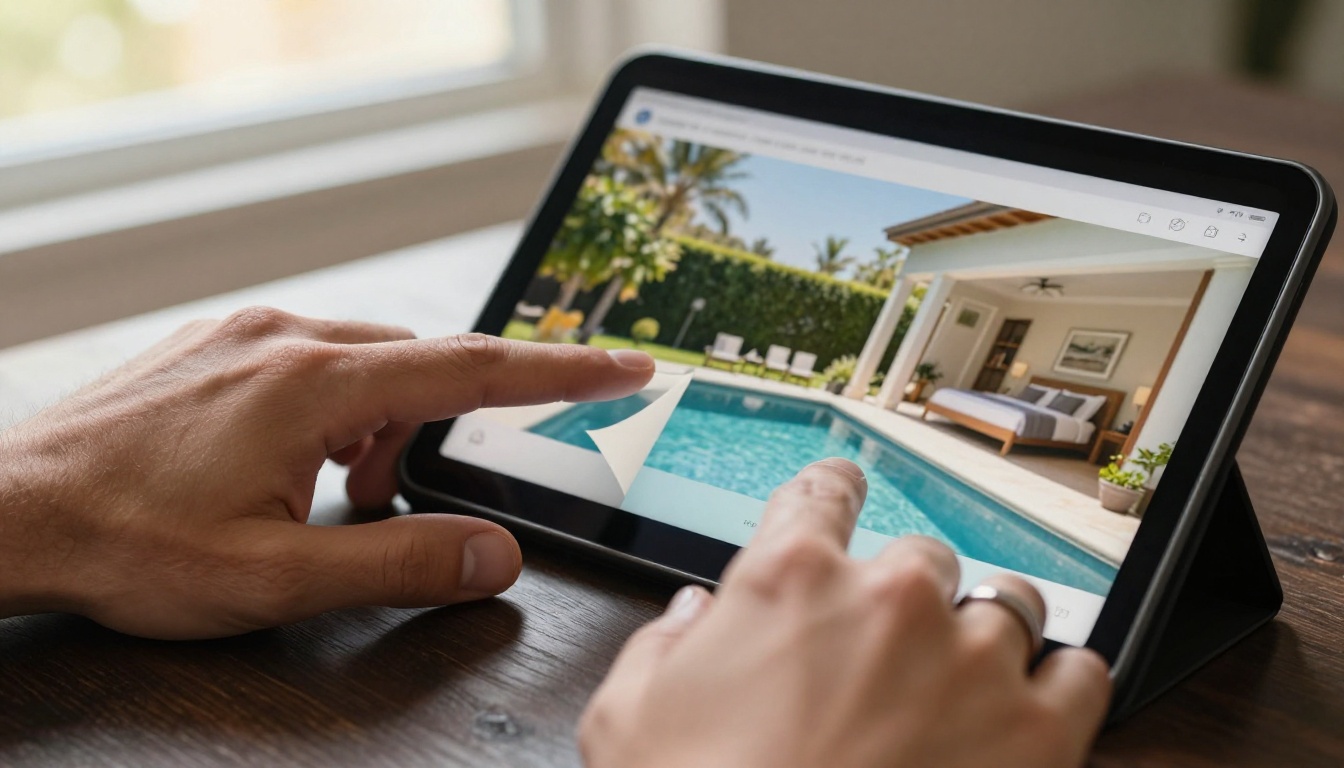
The page-turn format is not a gimmick. It is a deeply familiar experience that signals quality and intentionality to buyers. When someone opens a flipbook version of a property brochure and the pages curl realistically as they navigate, it communicates that the agent took care with this listing. That perception of care transfers directly to the property itself.
Page-Turn Experience on Any Device
One of the most common mistakes in real estate marketing is creating materials that break on mobile. Over 60% of property searches now happen on a smartphone. Interactive flipbooks built on modern platforms are fully responsive, reading cleanly on a 27-inch desktop monitor and a 6-inch phone screen alike. Buyers browsing at midnight from their couch get the same immersive experience as buyers sitting at a desktop during their lunch break.
The Real Estate Brochure Creator from Flipbooks AI is purpose-built for exactly this use case. Upload your designed brochure PDF and the platform converts it into a polished, mobile-responsive flipbook in minutes.
Embed Videos, Floor Plans, and More
Static PDFs are flat. Flipbooks are not. Within a single interactive brochure, agents can embed:
- Walkthrough videos that play inline without leaving the document
- Clickable floor plan pages with room labels and dimensions
- Neighborhood map embeds showing proximity to schools and transit
- Mortgage calculator links for buyers ready to run numbers
- Agent contact buttons that open a call or email directly from the flipbook
This level of integration removes every friction point between buyer curiosity and buyer action.

How to Create an Interactive Property Brochure
This is where agents consistently say they expected the process to be complicated. It is not. The entire workflow from PDF to published flipbook takes under 10 minutes.
Step 1: Create Your Account
Go to Flipbooks AI and sign up. No credit card is required to start. The free tier lets you create and test your first flipbook immediately.
Step 2: Design Your Property Brochure PDF
Use any design tool you already work with. Canva, Adobe InDesign, Google Slides, and Microsoft Publisher exports all work. Focus on a logical room-by-room flow. Include one feature page per major space, a dedicated floor plan page, and a final agent contact page.
💡 Pro tip: Design your brochure at 16:9 ratio for the best screen presentation, or standard letter size if you also intend to print physical copies.
Step 3: Upload and Convert
Drag and drop your PDF into the PDF to Flipbook Converter. The platform processes each page and applies the page-turn effect automatically. Large multi-property portfolios with 50+ pages convert just as smoothly as a single 8-page brochure.
Step 4: Customize Branding
Add your brokerage colors to the flipbook interface, upload your logo, and set the background style. Agents representing luxury listings often choose a dark background with gold accents. The Online Brochure Designer gives you granular control over every visual element.
Step 5: Add Multimedia
Click into any page and add embedded videos, audio narration, or clickable links. A short 30-second room walkthrough video embedded directly in the bedroom page dramatically increases the time buyers spend on that section.
✅ Best practice: Add your property video to the second page, right after the opening page, to hook buyers before they have a chance to disengage.
Step 6: Set Privacy and Sharing Options
For exclusive pre-market listings, enable password protection. For open listings, publish with a direct shareable link. Use the embed code option to drop your flipbook directly into your property website or email campaigns. The Embed Flipbook on Website tool makes this a copy-paste operation.
Step 7: Track Buyer Activity
On the Professional plan, analytics show you exactly which pages buyers spent the most time on, how many times the flipbook was opened, and where in the world it was viewed. If buyers consistently drop off on the price page, you have actionable information for your next listing conversation with the seller.
Real-World Use Cases for Agents and Brokers
The flipbook format works across every segment of the market. Here is how different types of agents are using it right now.
Single Listing Presentations
A listing agent preparing for a seller presentation walks in with a laptop showing a live interactive brochure of one of their previous listings. The page-turn effect, the embedded walkthrough video, the neighborhood amenities page: all of it signals sophistication and care. Sellers who see this presentation are far more likely to sign the listing agreement than sellers who receive a printed one-sheet.
Portfolio Presentations for Investment Buyers
Investment buyers shopping multiple units or commercial properties need side-by-side comparison data. A multi-property flipbook organized by asset class, with dedicated financial summary pages, income projections, and aerial photography, becomes a credible institutional-grade deliverable. The Sales Presentation Flipbook template is built for exactly this use case.
Digital Open House Handouts
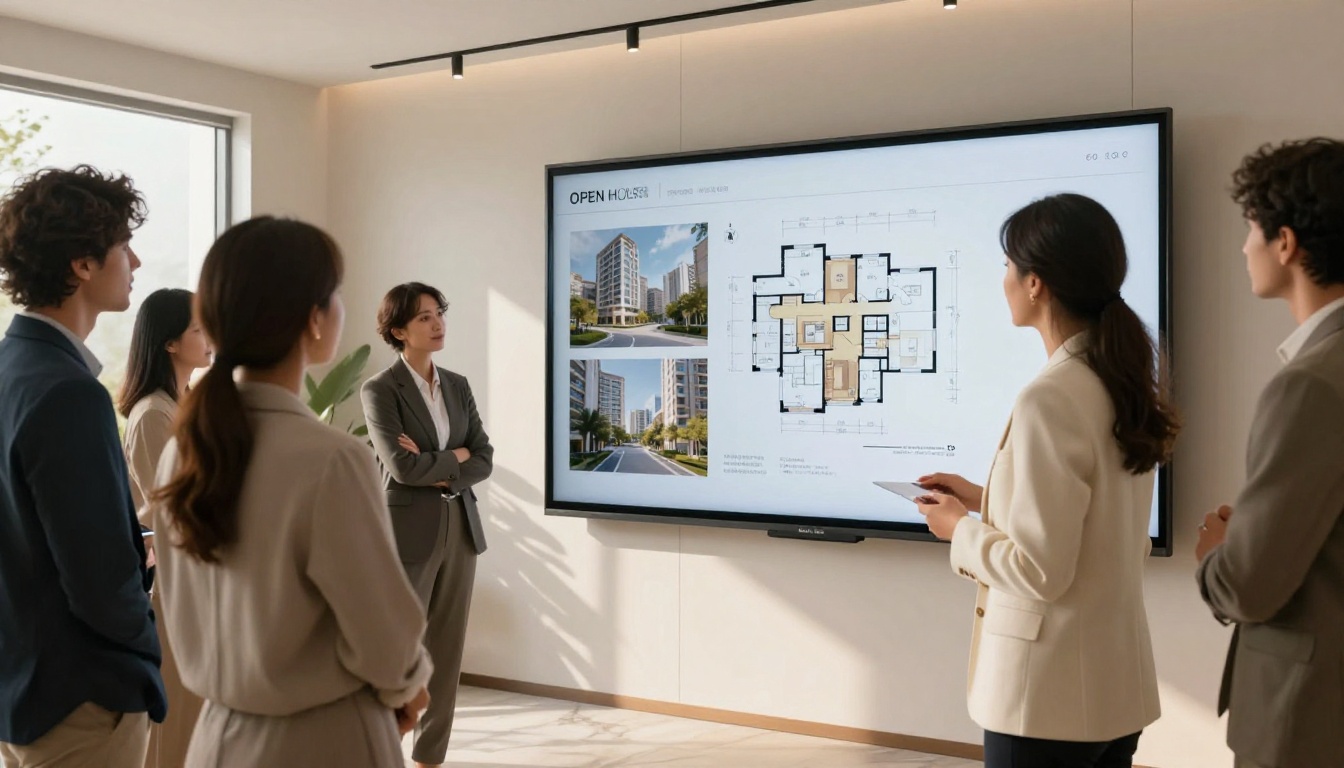
Instead of printing 50 brochures that end up in recycling bins, send every open house attendee a QR code linking to the interactive digital version. They take it home on their phone. They share it with a spouse who could not attend. The flipbook follows the buyer's decision-making process in a way that a paper brochure never can.
⚠️ Warning: Password-protect open house flipbooks if your listing contains sensitive information like the seller's renovation costs, insurance history, or financial terms.

Not every interactive format is appropriate for every listing. Here is how the major options stack up across the criteria that matter most to agents.
| Feature | Virtual 3D Tour | Video Walkthrough | Interactive Flipbook | Standard PDF |
|---|
| Production Time | 2-4 hours | 3-6 hours | 10-30 minutes | 1-2 hours |
| Cost Per Listing | $150-$400 | $200-$800 | Free-$29/mo | Varies |
| Mobile Experience | Medium | High | Excellent | Poor |
| Shareability | Medium | High | Very High | Low |
| Buyer Dwell Time | Very High | High | High | Low |
| Embed on Website | Limited | Yes | Yes | No |
| Analytics | Limited | Basic | Yes (Pro Plan) | None |
The interactive flipbook is the most balanced option for agents who want professional results without the production overhead of video or 3D scanning.

What You Get at Each Plan Level
Agents at different stages of their business have different needs. Here is how Flipbooks AI pricing breaks down across the features most relevant to real estate professionals.
| Feature | Free | Standard | Professional |
|---|
| Flipbooks | 1 | Unlimited | Unlimited |
| Watermark | Yes | No | No |
| Password Protection | No | Yes | Yes |
| Custom Branding | No | Yes | Yes |
| Video Embeds | No | Yes | Yes |
| Analytics | No | No | Yes |
| Lead Generation Forms | No | No | Yes |
| Offline Downloads | No | No | Yes |
For agents managing active listings, the Standard plan eliminates watermarks and enables password protection, which is the minimum viable setup for professional use. The Professional plan adds the analytics and lead capture features that serious listing agents find genuinely revenue-generating.
💡 Pro tip: Use lead generation forms inside your flipbook to capture buyer contact details before they reach the final page. Agents using this feature report significantly higher inquiry-to-showing conversion rates.
Mistakes That Kill Buyer Interest
Even the best interactive format cannot save a poorly structured listing. These are the most common errors agents make when building digital property brochures.
Too Many Pages, Too Little Structure
Buyers do not want to flip through 40 pages of a property brochure. The sweet spot is 8-14 pages. Every page should have a clear purpose: exterior, living spaces, kitchen, primary bedroom, bathrooms, additional rooms, outdoor spaces, neighborhood, and contact. If a page does not answer a buyer question, cut it.
Skipping the Floor Plan
Floor plan pages are among the highest-traffic pages in any property flipbook. Buyers need spatial context. They need to know how rooms connect. A listing without a floor plan makes buyers work to imagine the layout, and most will not bother.
Missing Mobile Optimization
Before publishing any interactive listing, view it on your own phone. Does the opening image scale correctly? Do the page-turn controls work with touch? Is text readable at mobile font sizes? A flipbook that works perfectly on desktop and breaks on mobile loses more than half its potential audience.
Forgetting the Final Call to Action
Every interactive property brochure should end with a clear, frictionless call to action. A dedicated final page with the agent's photo, phone number, email, and a clickable "Schedule a Showing" button converts browser interest into booked appointments.

The Psychology Behind Interactive Property Content
Buyers are not just shopping for square footage and school districts. They are shopping for a feeling. The home they choose will be where their life unfolds. Interactive listings that tell a spatial story, that move through a property in a natural flow, tap into the emotional dimension of buying in ways that static grids cannot.
When a buyer flips through a beautifully designed property brochure and reaches the backyard page to find a 30-second poolside video playing in the summer sun, they are not evaluating a listing. They are imagining themselves there. That is the state of mind where decisions happen.
The agents who understand this produce listings that buyers bookmark, share with family members, and return to multiple times before making an offer. Multiple return visits signal serious buyer intent. Interactive formats generate those return visits consistently. Static formats almost never do.

Start Making Listings That Buyers Remember
The real estate agents winning listings and closing deals faster right now share one trait: they present properties better than everyone else in their market. Interactive digital brochures are no longer a novelty. They are becoming the baseline expectation for buyers who have seen what strong listing presentation looks like.
The Real Estate Brochure Creator is the fastest starting point. Upload your first property brochure PDF, watch it become a page-turning interactive experience, and send the link to your next serious buyer inquiry.
Ready to try it? Create your account on Flipbooks AI and publish your first interactive listing today. No design experience required.
Want to see all the formats available? Browse the full suite of flipbook tools and find the template that fits your listing type, from single-family homes to commercial investment portfolios.
When you are ready to go further, compare pricing plans and activate analytics, lead generation, and custom branding for every listing you take from here forward.



