You inked the last panel at 2 a.m., scanned forty pages, and now you are staring at a folder of loose JPEGs wondering how anyone will actually read them. Posting images one by one on social media buries your story. Asking readers to download a giant file feels clunky. And building a real manga reader app from scratch? That is a project bigger than the manga itself. There is a simpler route: turn your pages into a flipbook with Flipbooks AI, get a single link, and let people read your work in a browser, on a phone, or embedded on your own website.
This article walks through the whole process: preparing your pages, publishing step by step, making the result feel like a proper reader app, and avoiding the mistakes that make new readers bounce. Everything here is aimed at indie creators, webcomic artists, doujinshi circles and students who want to publish their own work online without a publisher or a developer.
💡 Quick answer: Export your manga as a PDF, upload it to a flipbook maker, pick a clean theme, and share the link. Readers flip through pages like a book. No app install, no account needed on their side.
Why Flipbooks Beat Posting Images
Most creators start by dumping pages into a social feed or a cloud folder. It works for a week. Then the questions start: where do I read chapter 3? Why is page 12 out of order? Can I get a link for the whole thing?
The Problem With Image Posts
Image posts are built for single pictures, not sequential storytelling. Platforms compress your linework, crop panels on small screens, and shuffle the order when readers scroll back up. Screentone patterns can turn into muddy moiré after compression. A carefully paced page turn, where the reveal waits on the next page, gets ruined when the next page is already visible below.
What a Flipbook Reader Does Better
A flipbook gives readers a bound-book experience in a browser. Pages stay in order, the reveal lands when you intended it to, and the whole chapter lives behind one URL. You also keep control: you can update the file, protect it with a password, or embed it on a portfolio page.
| Option | Page order kept | Reader needs install | Easy to update | Works on phone |
|---|
| Social media image posts | Often scrambled | No | Hard | Yes, but cropped |
| Raw PDF download | Yes | Needs a PDF viewer | Re-send the file | Awkward |
| Dedicated manga app store | Yes | Yes | Slow review process | Yes |
| Flipbook link | Yes | No | Quick re-upload | Yes, responsive |
The app store route sounds glamorous, but approval queues, developer fees and platform rules are a lot to take on for a one-shot or a first chapter. A flipbook is the lightweight alternative.
Prepare Your Pages First
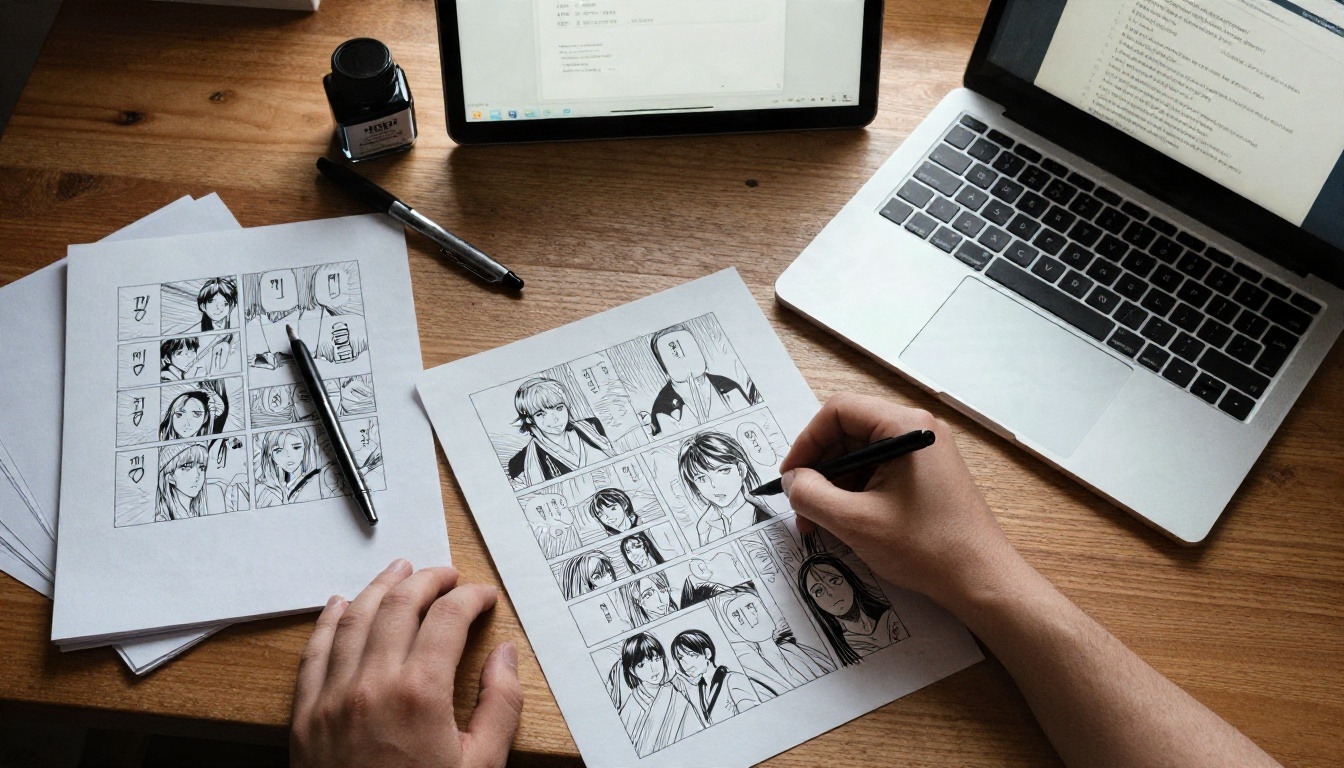
Good publishing starts before you open any website. A flipbook is only as sharp as the file you feed it, so spend ten minutes on this step. It will save you from re-uploading later.
Scan and Export Settings
If you draw on paper, scan at 600 dpi in grayscale for clean linework, then downsize for the web. If you draw digitally, export from your drawing software at the final page size. Keep black and white pages in grayscale mode, since it shrinks the file size without hurting quality.
Here are practical targets that work well for web reading:
| Setting | Recommended value | Why it matters |
|---|
| Working resolution | 600 dpi (scan) | Preserves fine hatching and screentone |
| Web export resolution | 150 to 200 dpi | Sharp on phones, small enough to load fast |
| Page height in pixels | About 1600 to 2400 px | Readable lettering on a retina screen |
| Color mode | Grayscale for B&W, RGB for color | Smaller files, accurate tones |
| File format before PDF | PNG or high-quality JPEG | Avoid heavy compression artifacts |
| Final PDF size | Under 100 MB if possible | Faster upload and faster first load |
⚠️ Warning: Do not upscale low-resolution scans to hit the numbers above. Blurry source pages stay blurry. Rescan instead.
Page Order and Reading Direction
Name your files with leading zeros (page_001.png, page_002.png) so every tool sorts them correctly. Then decide on reading direction. Traditional Japanese manga reads right to left, while most Western webcomics read left to right. Whichever you choose, add a short note on the first page, such as "Read right to left," so nobody guesses wrong.
Before you share anything, open the flipbook preview and click through the first spread. Check that your two-page spreads line up and that the page order matches your intended reading direction. If it does not, fix the order in your PDF and upload again.
💡 Pro tip: Put a plain front page first (title, your name, chapter number) and a blank or credits page last. Flipbooks look more polished when they start and end like real books.
How to Publish Manga with Flipbooks AI
Here is the full workflow, from file to link. It takes about as long as a coffee break.
Sign Up and Upload
- Go to Flipbooks AI and create an account. You can check the pricing page to see what the free start includes today.
- Click the option to create a new flipbook.
- Upload your manga PDF. The platform converts each page into a flipbook page automatically. If you want a dedicated walkthrough for the conversion step, the PDF to Flipbook Converter page explains it.
- Wait for processing to finish, then open the preview.
Prefer a tool built around books rather than documents? The E-Book Flipbook Generator and the Interactive E-Book Publisher both suit a long, multi-chapter volume.
Customize the Look
Manga has a strong visual identity, so match your reader to it. In the customization panel you can adjust:
- Background color: dark gray or black makes white pages pop and suits action titles. A soft cream suits slice of life.
- Page effects: the page-turn animation gives that physical paperback feel. Keep it subtle for fast readers.
- Branding: add your logo or circle name so the flipbook looks like your imprint.
- Title and description: write a one-line hook readers see before they open page one.
- No watermarks: your pages stay clean, with no stamp across your artwork.
Share With One Link
Once you are happy with the preview, you have three ways to put it in front of readers:
- Direct link: paste it into your bio, Discord server, newsletter or a post announcing the chapter.
- Embed code: place the reader inside your own site, using the steps on the Embed Flipbook on Website page.
- Password protection: lock the flipbook for early access, patrons or beta readers. Share the password only with the people you choose.
✅ Best practice: Publish an unlisted, password-protected version first and send it to two or three friends. They will catch typos and flipped pages before the public does.
Pro Features Worth Using
If you treat your manga as a serious project, a few features on the paid plans earn their keep:
- Analytics: see how many people open each chapter. Useful if you are deciding whether to continue a series. Analytics and lead generation sit on the Professional plan, so check pricing.
- Lead generation: collect reader emails to build a mailing list for your next release.
- Offline downloads: let fans save a chapter for flights and commutes.
- Unlimited flipbooks: publish every chapter as its own flipbook without hitting a cap (Standard plan and above).
Make It Read Like a Phone Manga App
Most manga is read on a phone, so your flipbook should feel at home there. Flipbooks use a mobile-responsive design, which means the same link adapts to a phone, tablet or desktop screen. Your job is to give the layout something good to adapt.
Mobile Layout Tips
- Keep lettering large. Text under roughly 8 points on a printed page becomes hard to read on a narrow screen. Test by shrinking your page to the size of your thumb on a monitor.
- Leave breathing room around panels. Tiny margins get cropped on some displays.
- Avoid text near the spine. On a two-page spread, speech bubbles hugging the center fold may be hard to read.
- Check the preview on a real phone. Open the link on your own device, turn the screen vertical and horizontal, and tap through three or four pages.
Add Sound and Video Extras
You can embed video and audio in a flipbook, which opens up ideas a printed volume never could. Some creators add:
- A short animated teaser on the first page
- A background music track for the opening scene
- A voiced author note at the end of the chapter
- A link to a process video showing how the pages were drawn
Keep extras optional. Readers who just want the story should be able to flip straight through without waiting for media to load.
Real Ways Creators Use It
Different creators publish different things. Here are three scenarios that show how flexible the format is.
One-Shot or Weekly Chapter
A student artist finishes a 32-page one-shot for a school competition. She exports a PDF, uploads it, picks a dark background, and shares the link with the judges. When a typo turns up the next morning, she fixes the page and re-uploads without breaking the link she already sent. For an ongoing series, the same approach works as a weekly ritual: one PDF, one flipbook, one announcement.
Convention Doujinshi Preview
A small circle is preparing a printed doujinshi for a convention. They publish the first ten pages as a free flipbook, then put the link on a QR code on their table banner. Visitors read the sample on their phones and then buy the full print volume. The flipbook works as a free preview that sells the book instead of replacing it.
Portfolio for Editors
An aspiring manga artist wants to pitch a series. Editors do not want to open a dozen attachments, so she builds a single flipbook with the pitch, character sheets, and a sample chapter. She uses the Digital Portfolio Creator as a starting point and sets a password so only the editors she contacts can open it.

⚠️ Rights reminder: Only publish manga you created or have permission to share. Fan translations and scanned commercial volumes belong to their rights holders, and a flipbook link does not change that.
3 Common Mistakes to Avoid
Most first-time publishers trip on the same few things. Skip them and your chapter will look far more professional.
- Uploading huge, unoptimized files. A 400 MB PDF loads slowly on mobile data, and readers leave before page one appears. Export at 150 to 200 dpi and keep the file as light as possible.
- Skipping the phone test. Pages that look great on a 27-inch monitor can have unreadable lettering on a phone. Always check on a real device.
- Forgetting the call to action. Your last page should tell readers what to do next: follow you, join your mailing list, visit your shop, or wait for chapter two. A blank final page wastes the moment when interest is highest.
💡 Bonus tip: Number your chapters in the flipbook title ("Chapter 04") so readers who land on a link from a search result immediately know where they are in the story.
Free Plan or Paid Plan?
You can start without paying anything, and for a single one-shot that may be all you need. Once you are releasing regularly or collecting reader data, the paid tiers start to make sense. Always check the current details on the pricing page, since plan contents can change.
| Feature | Why manga creators care | Plan note |
|---|
| No watermarks | Keeps your artwork clean | Core promise on the platform |
| Mobile-responsive reader | Most readers are on phones | Included in the product |
| Password protection | Private betas, patron chapters, pitches | See pricing page |
| Embed video and audio | Teasers, soundtracks, author notes | See pricing page |
| Unlimited flipbooks | One flipbook per chapter | Standard plan and above |
| Analytics and lead generation | See what readers open, grow a mailing list | Professional plan |
A sensible path: publish your first chapter on the free start, see how readers respond, and move up only when a feature solves a problem you actually have.
Publish Your First Chapter Today
You do not need a developer, an app store listing, or a publisher to give your manga a proper reader. You need a clean PDF, ten minutes, and a link to share.
Your story has been waiting in that folder long enough. Export the PDF, publish the flipbook, and send the first link to a friend today.



