You built the castle, survived the first night, and now you want to tell the story. A Minecraft comic maker app lets you turn screenshots, drawings, and speech bubbles into a real comic, and the best ones cost nothing. The part most people skip is the ending. A folder of PNG files is hard to share, but a page-turning flipbook made on Flipbooks AI opens with one link, works on phones, and reads like a real book.
This article compares the free online options, explains which templates save the most time, walks through a panel-by-panel workflow, and shows how to publish your finished comic as a flipbook.
What a Minecraft Comic Maker Does
A comic maker is any tool that lets you place images in panels, add speech bubbles and captions, and export the pages. No official app from Mojang does this for you, so most creators combine a general comic or design tool with their own game screenshots or drawings.
Screenshots vs. Drawn Panels
There are two main styles, and your choice shapes which app you need.
- Screenshot comics: You pose characters in the game, press F2 to capture the scene, and drop the images into panels. Fast, and the blocky look comes built in.
- Drawn comics: You sketch the panels yourself on paper or a tablet, then scan or export them. Slower, but you control every expression and camera angle.
- Hybrid comics: Screenshots for backgrounds, hand-drawn faces and effects on top. Many popular fan comics work this way.
💡 Pro tip: If you shoot screenshots, use a clean resource pack and turn off the on-screen interface. Panels look far more professional without the hotbar in every frame.
Who Uses These Apps
The audience is wider than you might expect.
- Kids and teens who want to turn a survival server story into something friends can read.
- Teachers who use comics for book reports, science explanations, and history retellings.
- Parents who build a comic together with a child during a rainy weekend.
- YouTubers and streamers who publish episode recaps or lore comics for their community.
Free Online Options Worth Trying
You do not need to install anything heavy. Browser-based tools handle most of the work, and a free drawing app fills the gaps.
Browser Tools With Templates
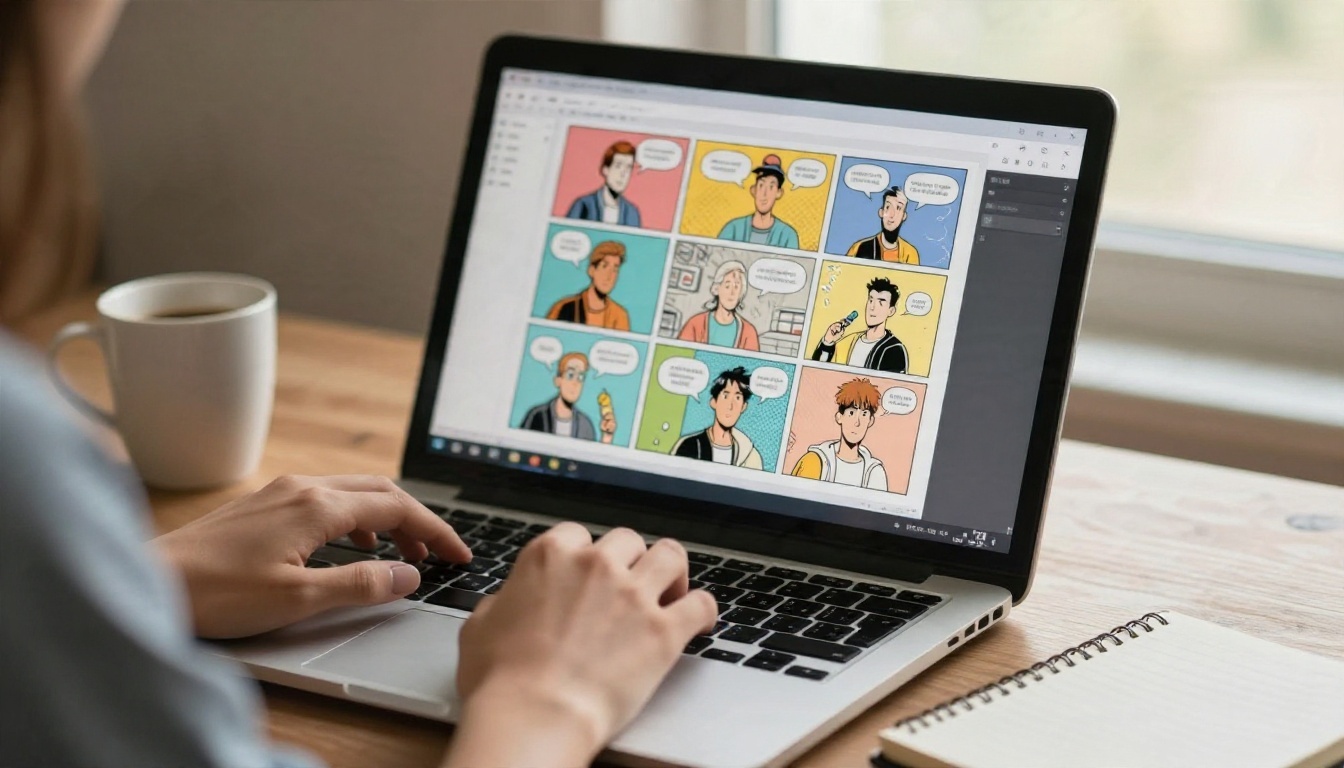
Browser editors give you panel grids, speech bubbles, and stock characters without a download. Canva offers free comic strip templates and a drag-and-drop editor. Pixton and Storyboard That are built for classrooms and offer limited free access. Make Beliefs Comix is a simple, free option for younger kids. Free tiers change over time, so check each site's current limits before you commit to a long project.
Drawing Apps for Custom Art
If you want to draw your own panels, a free painting app is enough. Krita is a free, open-source painting program with a panel-friendly canvas. Pixlr and similar browser editors handle quick edits like cropping screenshots and adding outlines. Google Slides also works surprisingly well: one slide per panel, text boxes for speech bubbles, then export as images.
Quick Comparison
| Tool type | Best for | Cost | Template support | Skill level |
|---|
| Browser comic editor | Fast screenshot comics | Free tier available | Strong | Beginner |
| Classroom comic platform | Assignments and groups | Limited free access | Strong | Beginner |
| Free painting app | Hand-drawn panels | Free | Minimal | Intermediate |
| Slides or design tool | Custom layouts | Free | Moderate | Beginner |
| Paper and scanner | Traditional sketches | Low | None | Any |
Templates That Save Hours
A good template removes the most boring decisions: how big each panel is, where the gutters go, and how much room the text needs.
Panel Layouts to Start With
Four layouts cover almost every story.
- Four-panel strip: Setup, build, twist, punchline. Perfect for jokes and short moments.
- Six-panel page: Two columns of three. The classic choice for a single scene.
- Splash page with inset panels: One big image with two or three small panels over it. Ideal for a dramatic reveal, like a creeper at the door.
- Vertical scroll strip: Tall panels stacked for reading on a phone. Convert these to pages before making a flipbook.
Keeping the Blocky Look Original
Stick to your own screenshots and your own drawings. Mojang publishes usage rules for fan creations, and they generally allow non-commercial fan content but restrict selling it or implying official approval. Read the current rules on Mojang's site before you publish anything beyond friends and family. If you plan to sell a comic, you will want original characters and original art instead of game assets.
| Layout | Panels per page | Reading time | Best story type |
|---|
| Four-panel strip | 4 | 20 seconds | Jokes, quick scenes |
| Six-panel page | 6 | 45 seconds | Dialogue, mining trips |
| Splash plus insets | 3 to 4 | 30 seconds | Boss fights, reveals |
| Vertical strip | 5 to 8 | 60 seconds | Phone-first episodes |
Build Your Comic Step by Step
Here is a workflow that works whether you are ten years old or running a community channel.
Plan the Story First
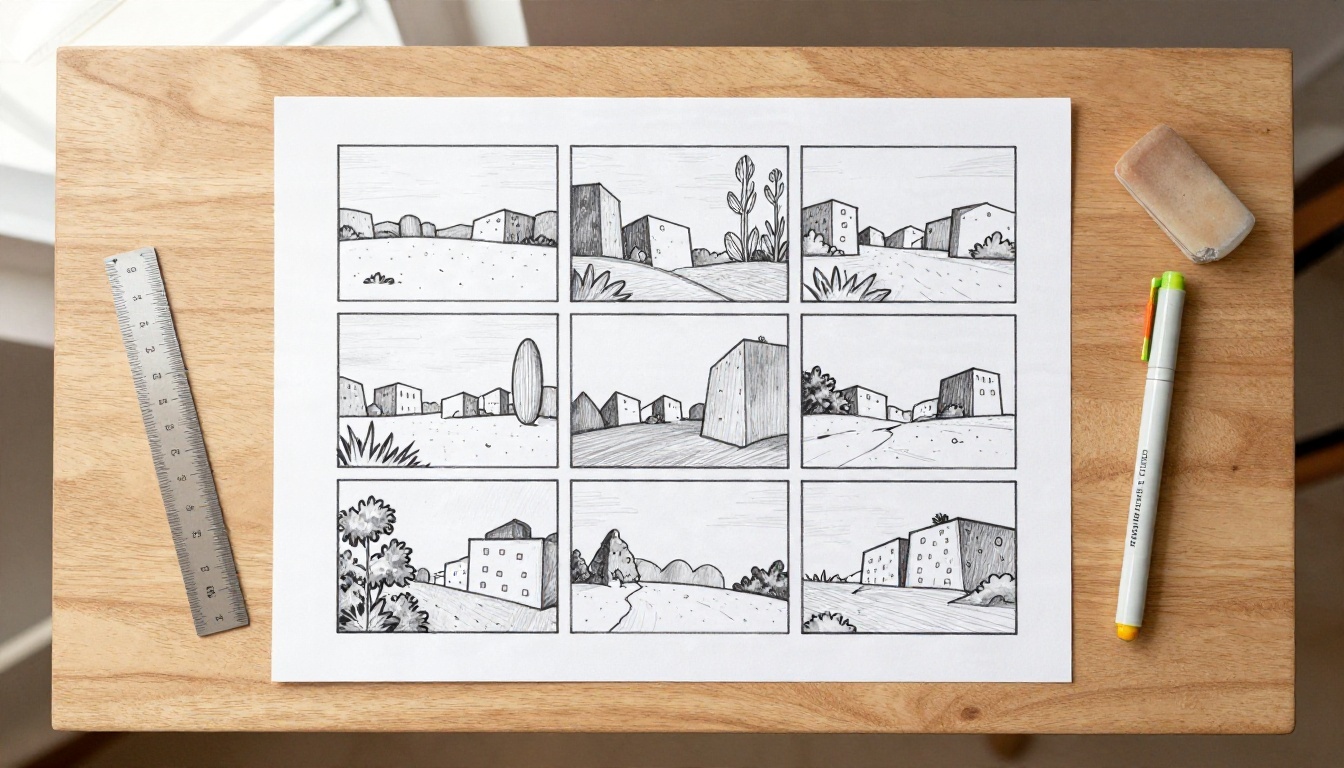
Write the plot in five sentences before you open any app. Beginning, problem, attempt, setback, resolution. Then sketch rough thumbnails on paper: stick figures are fine. Planning takes ten minutes and saves hours of rearranging panels later.
✅ Best practice: Keep each page to one idea. If a page needs two scenes, split it into two pages. Your reader will turn pages happily, especially in a flipbook.
Capture Your Scenes
For a screenshot comic, set up each shot like a tiny film set.
- Place characters with space for speech bubbles above their heads.
- Vary the camera: wide shots for the build, close-ups for emotion, low angles for threats.
- Shoot at the same time of day in the game so lighting stays consistent.
- Take three versions of every shot. The second one is usually the best.
Assemble and Export
Drop each image into a panel, add speech bubbles, and keep text short. Two short bubbles per panel is the limit before a page feels crowded. When you finish, export every page as a high-resolution image, then combine all pages into a single PDF. Most browser editors have a PDF download option. If yours only exports images, a free PDF merge tool will do the job.
⚠️ Warning: Export at a consistent page size. Mixed sizes make a flipbook look uneven, with pages jumping when the reader turns them.
Turn Your Comic Into a Flipbook
A PDF is fine for printing. For reading on a screen, a flipbook is better.
Why Page Turns Beat a Loose PDF
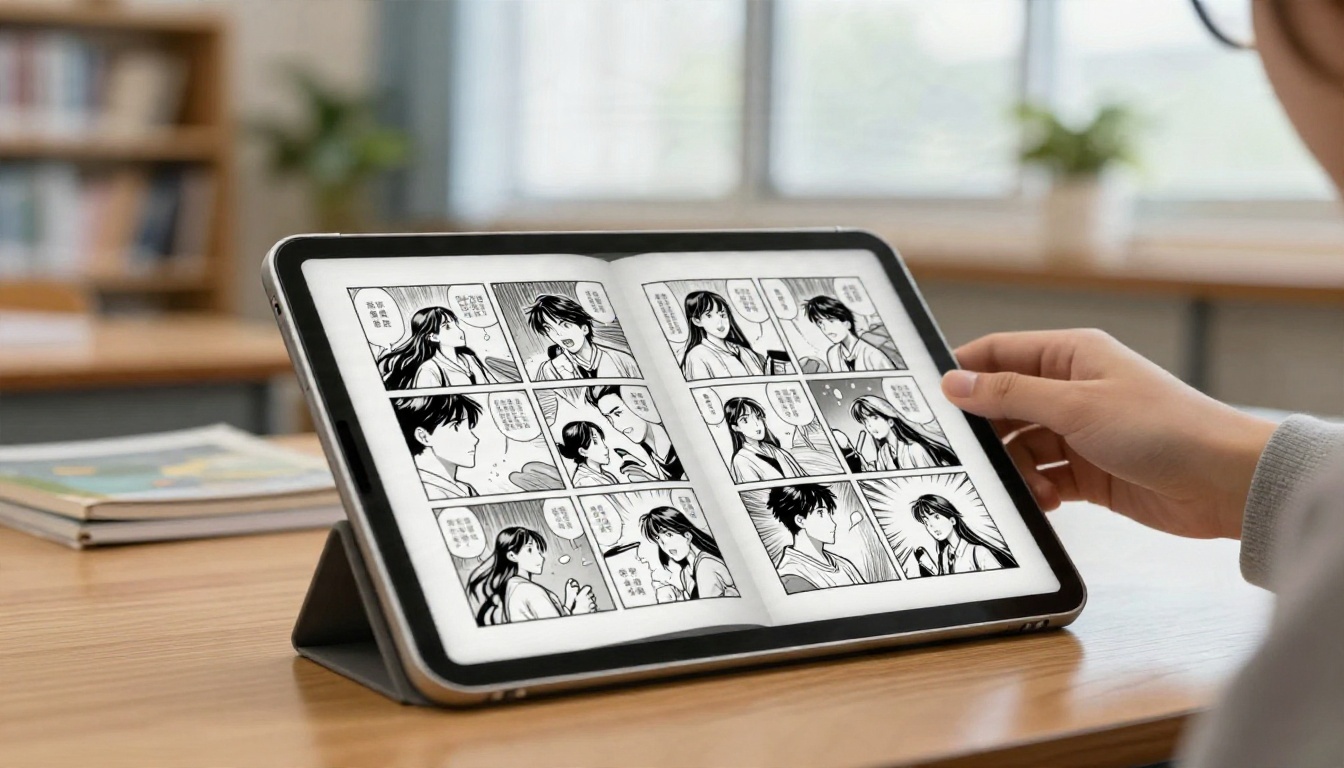
Comics rely on pacing. The reveal at the bottom of page three only works if the reader does not see page four first. A flipbook gives you real page turns, two-page spreads, and zoom for fine detail, so the story unfolds the way you planned it.
| Format | Page turn effect | Works on phones | Easy to share | Password option |
|---|
| Folder of images | No | Clunky | No | No |
| Plain PDF attachment | No | Fair | Moderate | Limited |
| Social media carousel | Swipe only | Yes | Yes | No |
| Flipbook link | Yes | Yes | Yes | Yes |
How to Create It with Flipbooks AI
The PDF to Flipbook Converter does the heavy lifting. Here is the process from start to finish.
- Open the platform. Go to Flipbooks AI and create an account. Check the pricing page to see which plan fits your project.
- Upload your PDF. Drag the comic PDF into the upload area. The platform converts each page into a flipbook page in a few moments. Your panels stay sharp because the pages are rendered from the original file.
- Check the page order. Preview the flipbook and make sure the story flows in the right sequence. A comic with a splash page works best when it opens on a right-hand page.
- Customize the look. Pick a background color that suits the mood: deep green for a forest adventure, stone gray for a cave story. Add your logo or channel name for custom branding, choose the page-turn effect, and adjust the toolbar.
- Add multimedia. Embed videos and audio when you want them. A short soundtrack on the title page or a link to the gameplay clip behind a scene adds a layer that paper comics cannot offer.
- Choose how to share. Copy the direct link, grab the embed code for your site, or set a password so only chosen readers can open the comic.
- Publish and test. Open the link on a phone and a laptop before you send it anywhere.
💡 Pro tip: Flipbooks AI exports with no watermarks, and the layout is mobile-responsive, so your comic looks right on small screens. That matters when most of your readers will be on phones.
Creators who plan to release many chapters will want a plan with unlimited flipbooks. The Professional plan adds analytics and lead generation, which is handy if your comic supports a channel or newsletter and you want to see how many people read each chapter. You can also allow offline downloads so readers can save the comic for a car ride. See the plans and features before choosing.
If your project grows into a longer series, the Interactive E-Book Publisher is a good fit for collecting chapters into one book, and the Digital Portfolio Creator works well for artists who want to show several comics side by side.
Share Safely With Kids and Classes
Once the flipbook is live, you have several ways to share it. Pick the one that fits your audience.

Sharing Options Compared
| Method | Best for | Privacy level | Effort |
|---|
| Direct link | Friends and family | Medium | Very low |
| Password-protected link | Classes, small groups | High | Low |
| Website embed | Channels, blogs, school sites | Depends on site | Medium |
| QR code on a printout | Classrooms, events | Medium | Low |
Privacy for Young Creators
Young creators should think twice before sharing publicly. A few simple habits go a long way.
- Use a nickname instead of a real name on the title page.
- Skip server addresses, school names, and personal details in speech bubbles or credits.
- Choose a password-protected flipbook when the readers are classmates or relatives.
- Ask a parent or teacher to review the link before it goes on a public channel.
For schools, the Course Material Publisher fits assignments well, and the School Newsletter Creator lets a teacher feature the best student comics each month. If you want the comic on a personal site, the guide to embedding a flipbook on your website shows the process.
Real-World Examples
- A fifth-grade class builds a four-panel comic about the water cycle, with every student contributing one page. The teacher merges the pages into one PDF, publishes it as a password-protected flipbook, and sends the link home.
- A young streamer releases a monthly lore comic. Each chapter becomes a flipbook embedded on the channel's page, and the analytics show which chapters get read to the end.
- A parent and child make a family adventure comic on weekends and share it as a flipbook with grandparents, who read it on a tablet thousands of miles away.
Common Mistakes to Avoid
Most first comics stumble in the same few places. Skip these and your comic will already look better than most.
- Too much text. If a speech bubble takes more than three seconds to read, cut it in half.
- Inconsistent characters. Give each character one clear skin or outfit and stick with it across every page.
- Low-resolution exports. Small images turn blurry when readers zoom in on a flipbook. Export at a high resolution from the start.
- No cover page. Always start with a title page that shows the name, a striking image, and your nickname.
- Skipping the preview. Read the whole flipbook once from start to finish before sharing. Typos hide in the last panel.
- Ignoring the rules. Respect Mojang's fan content rules and avoid selling anything that relies on game assets.
✅ Best practice: Ask one friend to read the finished comic out loud. Anywhere they stumble is a spot where the panels or the text need work.
Publish Your First Issue
A Minecraft comic does not need a big budget. It needs a story, a handful of screenshots or sketches, a free editor, and a way to share the result that feels like a real book.
Pick a browser tool from the comparison table, build a four-panel strip as a warm-up, then grow it into a full chapter. When the PDF is ready, get started for free on Flipbooks AI, upload it, and send the link to your first reader.
Your story is already in your head. The flipbook is just the fastest way to hand it to someone else.



