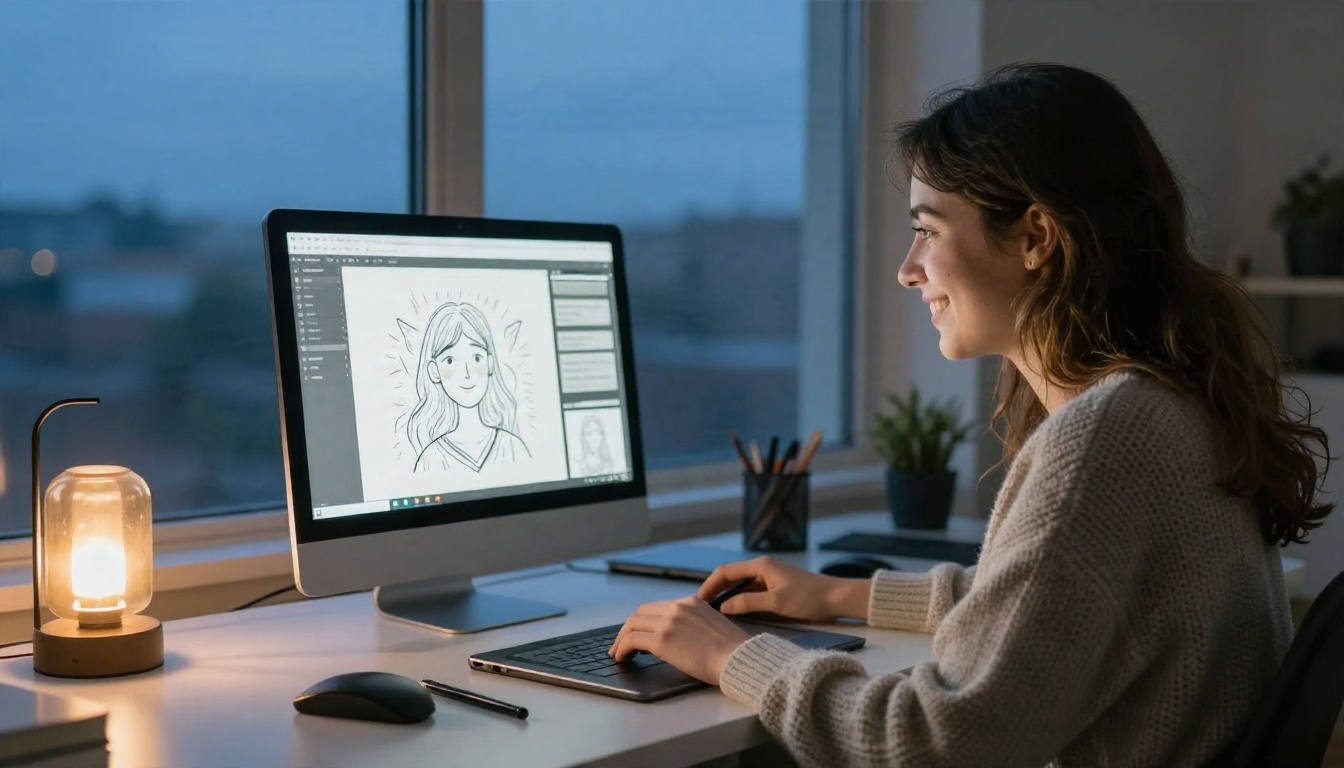
Admissions officers, clients and art directors all ask for the same thing: a link. If you can send one clean page that shows your best work, you are already ahead of most applicants. The good news is that an online portfolio free of charge is realistic in 2027, and you do not need to know how to code. This article compares the free website options, shows which templates suit which discipline, and walks through real examples. It also covers a fast route using Flipbooks AI, which turns a simple PDF into a page-turning portfolio.

What "Free" Really Means
Most platforms that advertise a free portfolio are offering a limited plan, not a free ride forever. That is fine for a student, as long as you know the trade-offs before you upload fifty images and share the link with a professor.
Free Tier Limits to Expect
Free plans usually restrict a handful of things. Check these before you commit:
- Storage and page count: a cap on images, projects or total megabytes.
- Custom domain: a link like
yourname.platform.com instead of yourname.com.
- Platform branding: a small banner or badge on every page.
- Export options: some tools make it hard to move your work elsewhere later.
- Analytics: often locked behind a paid plan.
Hidden Costs Worth Spotting
A free plan can still cost you time. Watch for template lock-in (changing a theme may rebuild your layout), image compression that softens fine detail, and trial periods that look like free plans but end after two weeks.
⚠️ Plans and limits change often. Open the pricing page of any platform you are considering and read the current free tier before you build anything.
Free Portfolio Website Options Compared
The table below groups the most common routes by how much control you get and how much effort they take.
| Option type | Examples | Best for | Main limit on free plan |
|---|
| Website builder | Google Sites, Wix, WordPress.com | Full custom layouts | Ads or branding, no custom domain |
| Creative network | Behance, ArtStation, Dribbble | Being found by recruiters | You follow the platform's layout |
| Social gallery | Instagram, Pinterest | Quick visual updates | Weak for case studies |
| Notes and docs tools | Notion, Canva | Fast, text-rich pages | Limited design control |
| Flipbook portfolio | Flipbooks AI | Print-style, page-turning presentation | Depends on plan, see pricing |
Website Builders
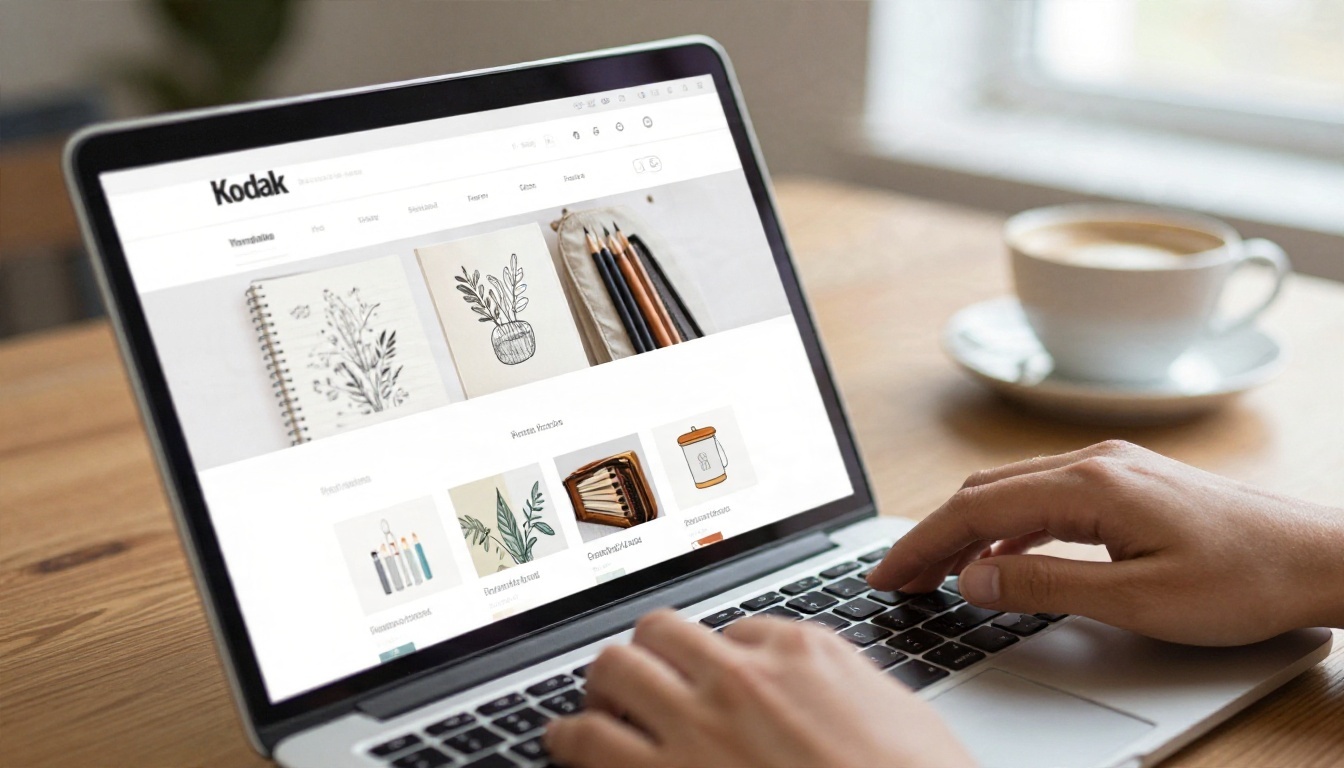
A builder gives you the most freedom. You pick a template, drag in your images, and publish. Google Sites is the simplest and has no ads, while Wix and WordPress.com offer more design polish but add their branding on free plans. Choose a builder if you want a multi-page site with an About page, a contact form and several project pages.
Social and Gallery Platforms
Behance and ArtStation are built for creative professionals, and recruiters really do browse them. The downside is sameness: your work sits inside someone else's grid. Use these as a discovery channel, then link to a main portfolio that you control.
Flipbook Portfolios
A flipbook feels closer to a printed book than a website. Visitors flip pages, zoom into details, and read in order, which suits a curated body of work with a clear story. You design the pages in any tool you already know (Canva, InDesign, Figma, even Google Slides), export a PDF, and convert it. The Digital Portfolio Creator and the Portfolio Flipbook Builder are made for exactly this.
💡 Pro tip: Many students keep two versions: a website for general browsing and a flipbook PDF they send to a specific program or client.
Best Templates by Discipline
A template is a starting point, not a personality. Pick one that gets out of the way of your work.
| Discipline | Layout that works | Typical pages | Template mood |
|---|
| Fine art | Full-bleed image, minimal caption | 10 to 16 | Quiet, gallery white |
| Illustration | Grid plus process pages | 12 to 20 | Playful but tidy |
| Photography | Large single images, series spreads | 12 to 24 | Dark or neutral |
| Graphic design | Case study with before and after | 8 to 14 | Structured, grid-based |
| Fashion | Lookbook spreads, fabric close-ups | 10 to 20 | Editorial |
| Ceramics and sculpture | Multiple angles per piece | 8 to 14 | Warm, textured |
Art and Illustration
Lead with your three strongest pieces. Use a clean grid, give each piece a short caption (title, medium, year), and add one process page showing sketches or a work in progress. Admissions teams love seeing how you think, not only the final result.
Photography
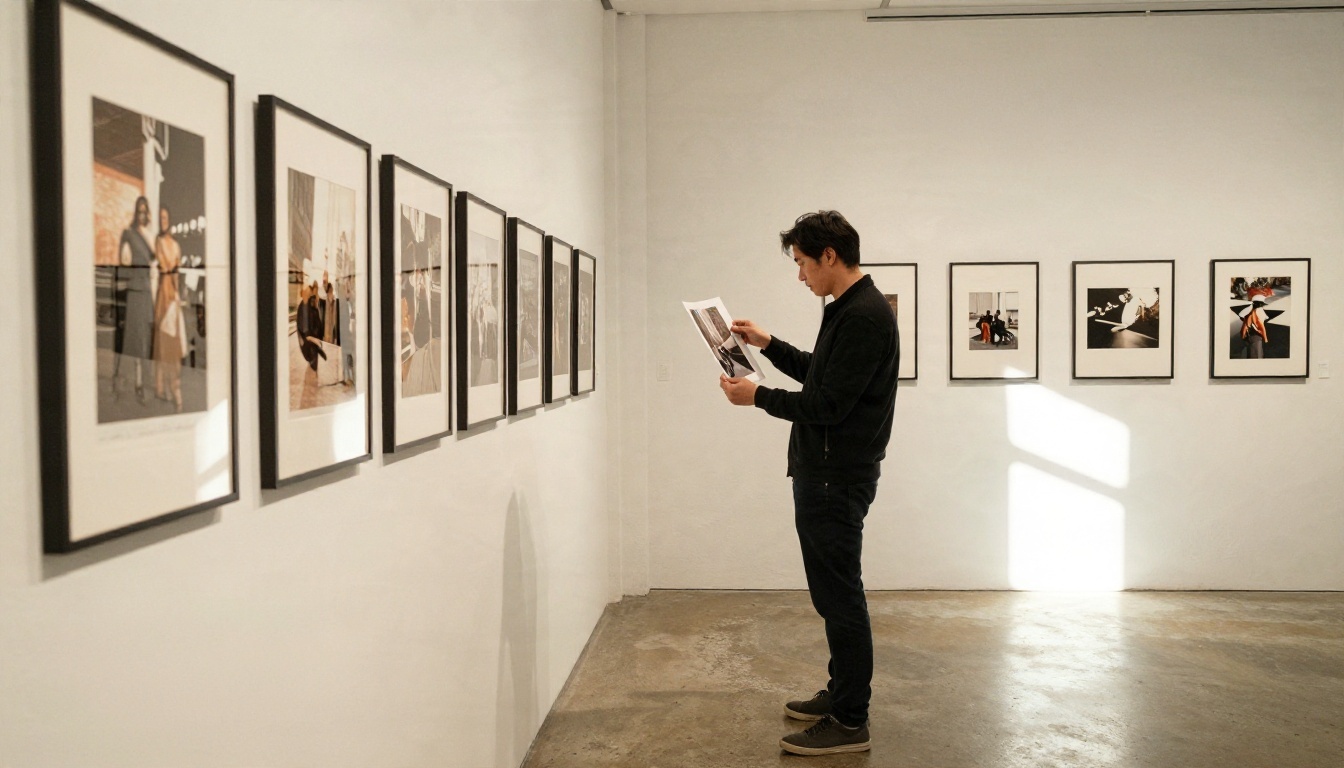
Photographers should let images breathe. One photograph per page, or a two-image spread for a series, with almost no text. The Photography Portfolio flipbook tool keeps large images sharp and lets viewers zoom in.
Design and Fashion
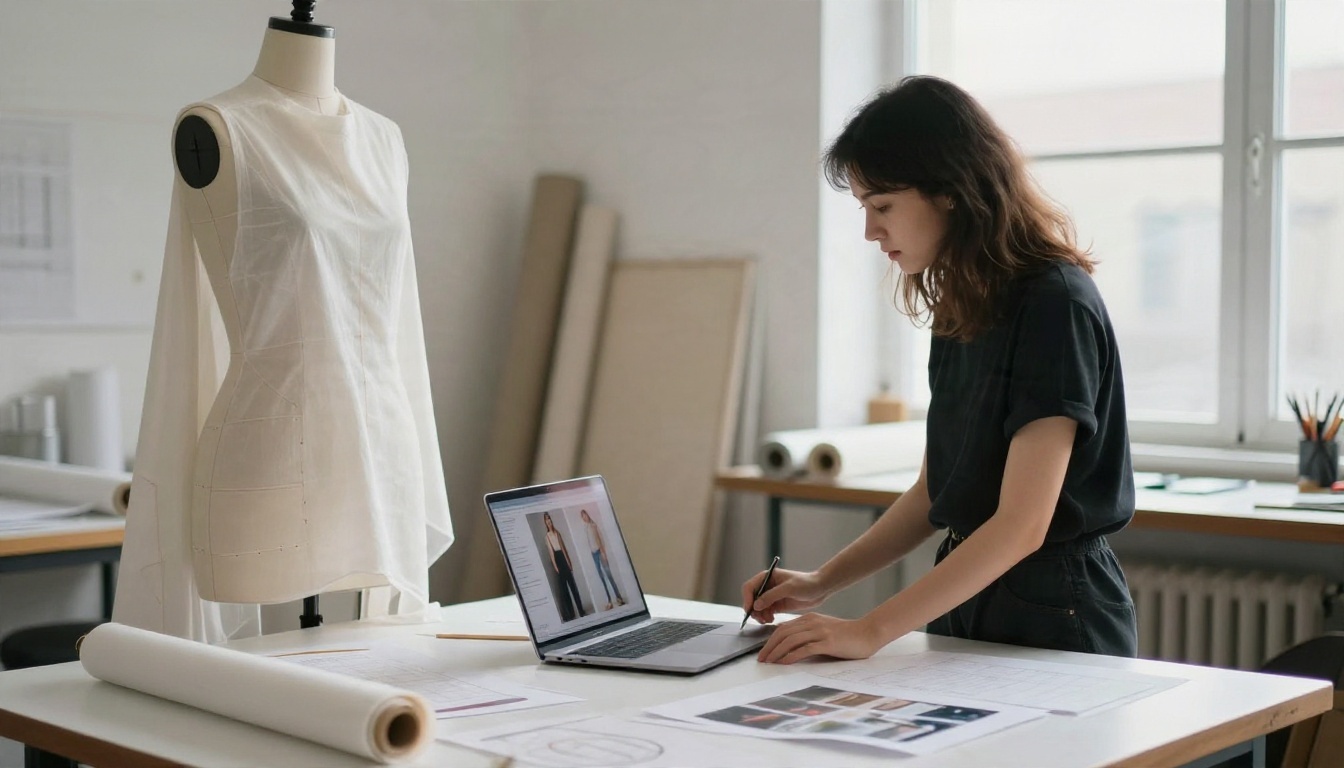
Design students need to show problem, process, result. Fashion students need movement, texture and styling. An Interactive Lookbook Designer suits fashion work well, because page turns mimic flipping through a printed lookbook.
Real Examples That Work
Descriptions of "good portfolios" are vague, so here are two realistic scenarios that show decisions, not just results.
A Student Applying to Art School
Maya, 17, needs a portfolio for three university applications. She picks 14 pieces: eight finished paintings, four sketchbook pages and two photographs of a sculpture. She builds the pages in Canva, exports a PDF, and converts it to a flipbook so reviewers can read it like a book. She also keeps a free Google Sites page with the same work for her teachers.
What she gets right:
- Curation: she cut 20 pieces she liked in favor of 14 she was proud of.
- Captions: each piece has size, medium and one line about the idea.
- Order: her strongest piece opens the portfolio, her second strongest closes it.
A Working Ceramic Artist
Elena sells handmade vases at local markets and wants commissions. She photographs each piece against a plain paper backdrop with natural window light, then groups them into three collections. Her portfolio has a short artist statement, price ranges, and a contact page. She links it from her Instagram bio and prints a small QR code on her packaging.
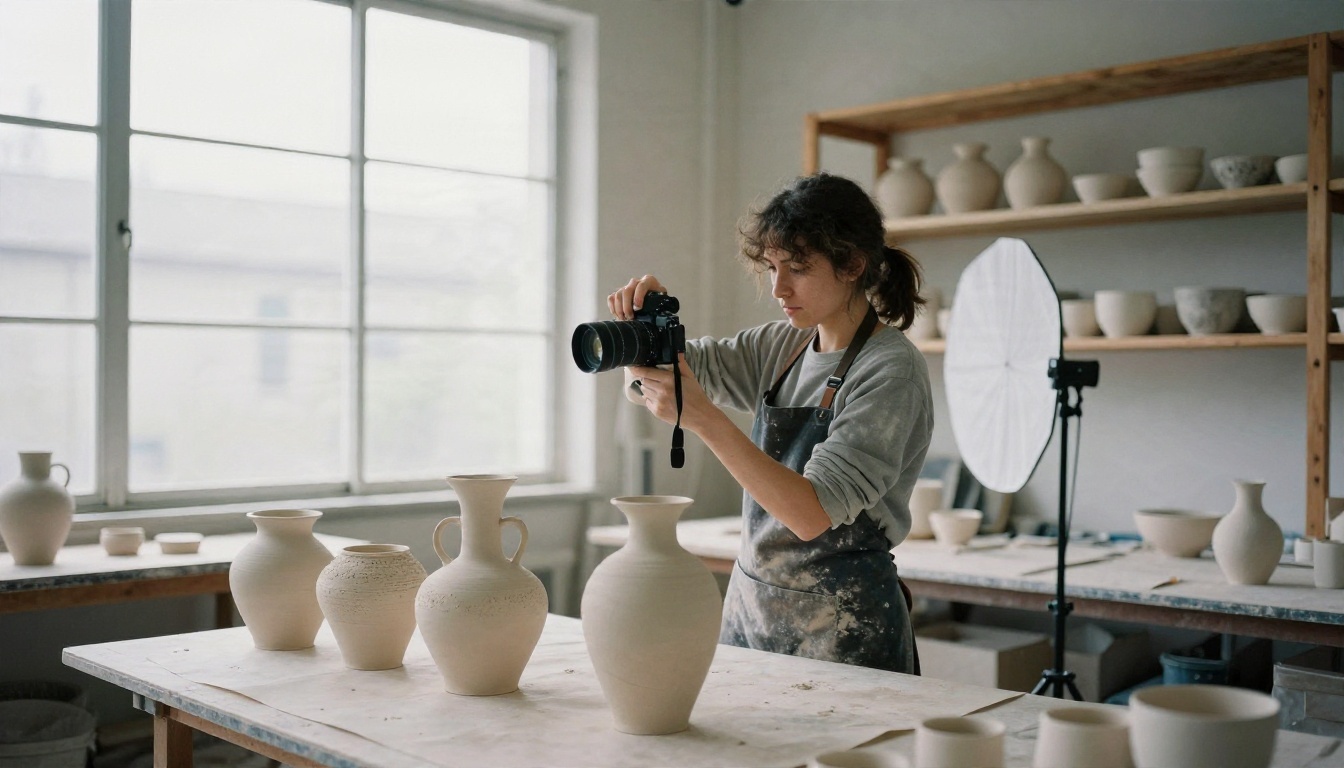
✅ Best practice: Photograph your work in daylight near a window, use a plain background, and keep colors accurate. Good photos matter more than a fancy template.
How to Create a Portfolio with Flipbooks AI
If you want the book-like look without learning web design, this is the shortest route. Here is the full process.
Open Your Account
Go to Flipbooks AI and create an account. Review the pricing plans to see what is included in the free tier and what the Standard and Professional plans add. Flipbooks never carry a watermark.
Upload Your PDF
- Design your portfolio pages in Canva, InDesign, Figma, Word or Google Slides.
- Export as a PDF at high quality (around 150 to 300 dpi for images).
- Open the PDF to Flipbook Converter and upload the file.
- Wait a few seconds while each page is converted into a flip page.

Customize the Look
Set a background color that flatters your work (white for bright art, charcoal for photography). Add your own branding, choose the page effect, and add video or audio where it helps, such as a short timelapse of a painting or a narrated artist statement. The result is mobile-responsive, so it reads well on a phone.
Share and Protect
- Direct link: paste it in your application, email or Instagram bio.
- Embed code: place the flipbook inside an existing website with the Embed Flipbook on Website tool.
- Password protection: keep a client-specific or unreleased portfolio private.
Pro Features
On the Professional plan you get analytics to see who opened your portfolio and how far they read, lead generation forms to collect email addresses, and offline downloads for viewers with weak connections. Compare plans on the pricing page. The Standard plan and above include unlimited flipbooks, which is useful if you create one portfolio per program or client.
| Feature | Website builder (free) | Creative network | Flipbook portfolio |
|---|
| Page-turning reading experience | No | No | Yes |
| Layout control | High | Low | High (via your PDF) |
| Embed on another site | Not applicable | Limited | Yes |
| Password protection | Often paid | Rare | Yes |
| Offline download | No | No | Yes |
| Findable by recruiters | Needs SEO | Yes | Needs sharing |
Build Your Portfolio in One Weekend
You do not need a month. Use this schedule.
Saturday morning: gather everything you have made in the last two years. Pick the best 12 to 16 pieces. Be harsh.
Saturday afternoon: photograph or scan anything that is not already digital. Crop, straighten and match brightness. Name your files clearly.
Sunday morning: lay out the pages. One idea per page. Add short captions and one page about you. Export a PDF.
Sunday afternoon: publish it. Convert the PDF with the Portfolio Flipbook Builder, set up a free website page if you want a second home, and test every link on your phone.
💡 Send your link to one friend who has never seen your work. If they cannot tell what you do in ten seconds, simplify the first page.
Mistakes That Cost You Opportunities
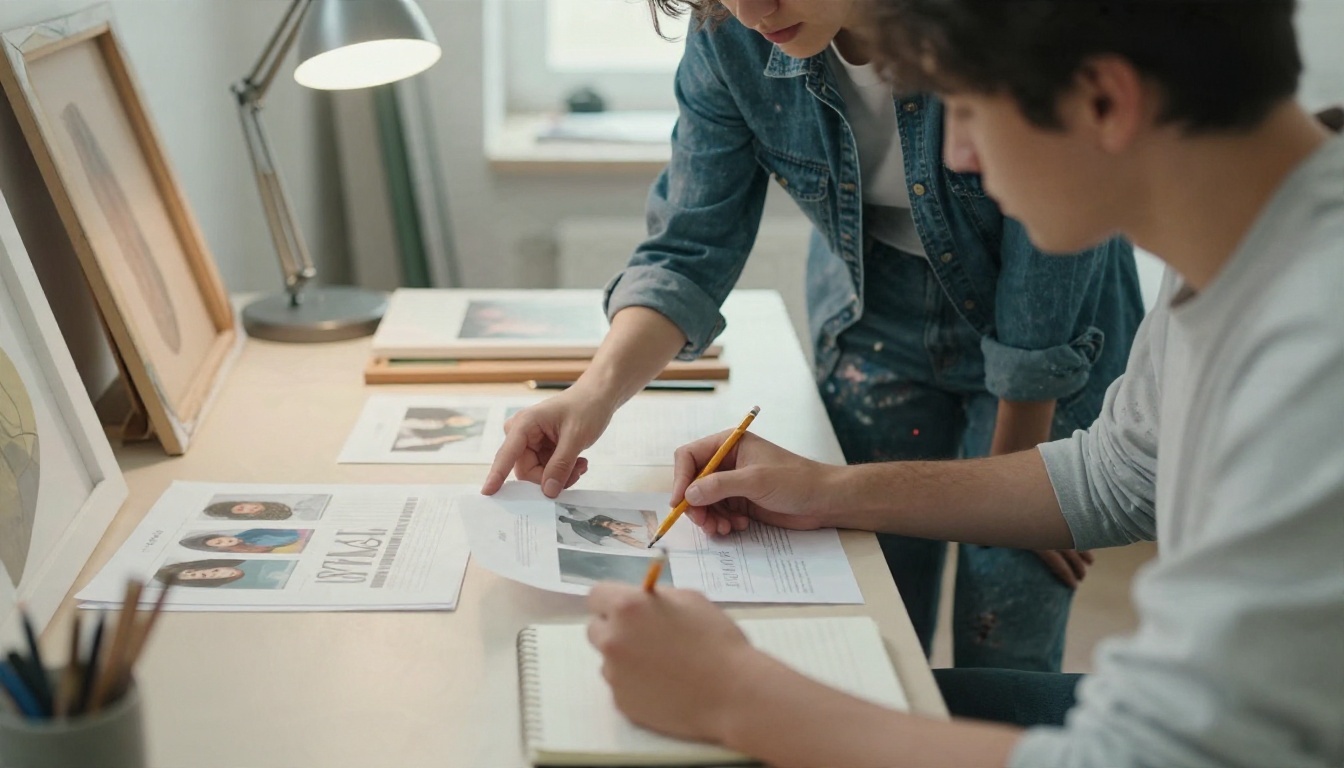
Reviewers spend a short time on each portfolio, so small errors add up.
- Too much work. Fourteen strong pieces beat forty uneven ones.
- No context. A picture without a title, medium or year feels unfinished.
- Low-resolution images. Blurry photos make good work look careless.
- Broken links. Click every link on desktop and on a phone before you send it.
- Weak first page. Open with your strongest work, not an introduction paragraph.
- No contact details. Put your email on the last page and in the file name.
⚠️ Never upload work you do not have the right to share, such as client projects under NDA. Ask permission or blur sensitive details.
Start Publishing Today
A portfolio is never finished, but it can be live today. Pick a free website builder for a home base, add a creative network for discovery, and use a flipbook for the polished, print-like version you send when it counts.
Ready to turn your PDF into something people actually want to open? Create your free account on Flipbooks AI, browse all flipbook tools for your discipline, or compare pricing plans when you need analytics, lead capture and unlimited flipbooks.