You have a PDF with twenty pages and a screen that needs to show them on a loop. It sounds like a five-minute job, until you open your usual reader and realize it has no play button. A good PDF slideshow app fixes that: it takes a static document and turns it into something that advances by itself, looks sharp on any screen, and does not need you standing next to it. In this article we compare the free options already on your computer, the online alternatives worth a try, and the auto-play flipbook approach that tools like Flipbooks AI make possible.
What a PDF Slideshow App Does
At its simplest, a PDF slideshow app displays one page at a time, full screen, and moves to the next page after a set delay. That is the whole job. The differences show up in everything around it: how the pages look, whether it works on a phone, whether you can share it with a link, and whether it keeps running without crashing at 3 p.m. on a busy Saturday.
The search terms people use for this are all over the place: PDF to slideshow, PDF presentation mode, auto advance PDF, looping PDF viewer, digital signage PDF, online PDF slideshow maker. They describe the same need from different angles.
Slideshow vs. Flipbook
A slideshow moves between slides. A flipbook moves between pages, usually with a page-turn animation that feels like a real magazine or catalog. For a PDF that was designed as a document (a brochure, a menu, a report), the flipbook format respects the original layout, while a plain slideshow often crops or letterboxes it.
| Feature | Plain PDF slideshow | Auto-play flipbook |
|---|
| Page transition | Instant cut or fade | Realistic page turn |
| Works with portrait pages | Often letterboxed | Designed for it |
| Shareable by link | Rarely | Yes |
| Embed on a website | No | Yes |
| Branding and colors | None | Custom |
| Viewer analytics | None | Available on higher plans |
Who Needs Auto-Play
Auto-play matters most when nobody is there to click. Think of a reception desk monitor, a shop window, a trade show booth, a waiting room TV, or a kiosk. It also helps when you present from a distance and want both hands free.
💡 Pro tip: Decide before you pick a tool whether the slideshow will run unattended or presented live. Unattended setups need looping and stability. Live setups need manual control and a way to pause.
Free Options on Your Device
You may not need to install anything. Several tools you already own can play a PDF as a slideshow, with different levels of polish.
Built-In Viewers
Most desktop PDF readers have a full-screen mode. Some can advance pages on a timer, others only respond to arrow presses. Here is how the common choices compare.
| Tool | Platform | Auto-advance | Looping | Notes |
|---|
| Adobe Acrobat Reader | Windows, Mac | Yes, in full screen preferences | Limited | Set a page interval in the preferences |
| Preview (Mac) | Mac | Yes, via the Slideshow command | Yes | Simple, but no page-turn effect |
| Browser PDF viewer | Any | No | No | Fine for quick manual reading |
| PowerPoint or Google Slides after conversion | Any | Yes | Yes | Needs each page imported as an image |
The PowerPoint route works, but it is clunky. You export the PDF pages as images, insert one per slide, set the transitions to advance after a few seconds, and then turn on loop mode. For a 10-page file that is fine. For a 60-page catalog it becomes a chore, and any update means redoing the whole thing.
⚠️ Watch out: Image-based slides lose searchable text and clickable links. If your PDF has buttons, URLs, or a table of contents, the conversion will flatten all of it.
Mobile Apps
On a phone or tablet the picture is thinner. Most PDF readers for Android and iOS are built for reading, not presenting. A few have a presentation or reading mode, but auto-advance is rare, and when it exists it often sits behind a paid upgrade.
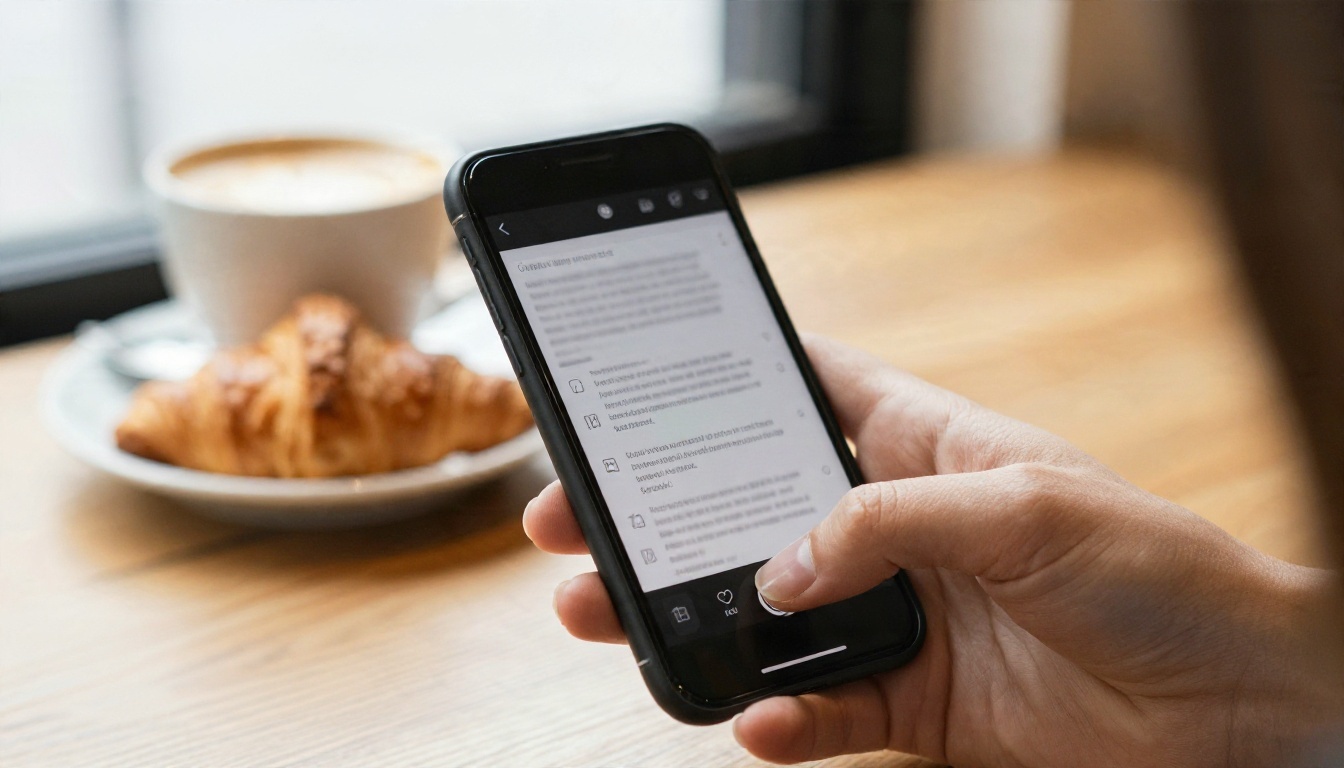
If you need a phone to play pages on a loop, a browser-based viewer is usually more dependable than a native reader. That leads straight to the next category.
Online Alternatives Worth Trying
Web tools remove the install step, work on any operating system, and often give you a shareable link. The quality varies a lot, so it helps to know what to look for.
Browser-Based Converters
Online PDF slideshow makers usually follow the same pattern: upload the file, wait for conversion, get a viewer. The better ones keep text sharp, support mobile screens, and let you set the delay between pages. The weaker ones rasterize everything into blurry images and plaster a watermark across the corner.
A quick checklist before you trust any online tool with a client file:
- Watermarks: Are they added on the free tier?
- File limits: Is there a page or size cap?
- Privacy: Can you password protect the result?
- Mobile: Does the viewer resize properly on a phone?
- Embedding: Can you place it on your own website?
- Looping: Can it restart on its own at the last page?
Limits of Free Tiers
Free plans are useful for testing, but they come with trade-offs. Here is a realistic picture of what to expect.
| Category | Typical free tier | Typical paid plan |
|---|
| Watermark | Often present | Removed |
| Number of projects | A handful | Unlimited or high cap |
| Page-turn effect | Basic | Customizable |
| Password protection | Missing | Included |
| Embed code | Sometimes missing | Included |
| Analytics | None | Views, time on page |
| Offline download | Rare | Available |
✅ Best practice: Test the free tier with a real document, not a sample. Check the first page, the last page, and any page with small text. If those three look right on your phone, the rest will too.
Why Auto-Play Flipbooks Win
A flipbook is a PDF slideshow app with better manners. It keeps your original layout, adds a page-turn animation, and lives at a URL you can send to anyone.
Page Turning Looks Better
People respond to motion that feels familiar. A catalog that flips like a real catalog holds attention longer than one that jumps between flat images. With an auto-play setting, the pages turn at your chosen pace, which is exactly what a shop display or lobby screen needs.
The result also scales well. A single-column layout stays readable on a phone, and a two-page spread shows on a desktop monitor.
Sharing by Link
With a plain slideshow, sharing means sending a file or screen-sharing a call. With a flipbook, you copy a link or paste an embed code. Updating the document is also less painful: replace the PDF, and the same link serves the new version.
| Sharing method | Plain slideshow file | Flipbook |
|---|
| Email | Large attachment | Short link |
| Website | Not possible | Embed code |
| Phone viewing | Requires app | Opens in browser |
| Private access | Hard to control | Password protection |
| Updates | Resend everything | Replace and reuse link |
How to Build an Auto-Play Flipbook
Here is the practical part. The steps below use Flipbooks AI, which converts a PDF into an interactive flipbook with no watermarks, ever. You can try it with a free account and then compare pricing plans when you need more.
Upload Your PDF
- Open the PDF to Flipbook Converter or create an account to reach your dashboard.
- Click the upload button and choose your PDF. A clean file with embedded fonts gives the best results.
- Wait for the conversion to finish. Text stays sharp and links in the original document keep working.
- Open the preview and flip through a few pages to confirm that the order and orientation are right.
💡 Tip: Export your PDF at the final page size before uploading. A slide-shaped 16:9 PDF suits a landscape TV, while a portrait brochure suits phones and tablets.
Customize the Look
Once the flipbook opens in the editor, the work is mostly visual:
- Branding: Add your logo and pick background colors that match your site.
- Page effects: Choose how the pages turn, from a soft curl to a quicker slide.
- Multimedia: Embed videos and audio on specific pages for a richer experience.
- Mobile layout: Check the phone preview, since the viewer is mobile-responsive by design.
- Auto-flip: In the viewer settings, look for the auto-advance option and set a delay that gives readers enough time per page. Four to eight seconds suits text-light pages, while dense pages need more.
Share and Protect
Now decide how people will reach it. You have several routes:
- Direct link: Copy it and paste it into an email, chat, or QR code.
- Embed code: Place the flipbook on a landing page with the Embed Flipbook on Website option.
- Password protection: Lock private material such as price lists or internal reports.
- Offline download: Keep a local copy for places with weak connectivity, like a trade show hall.
Track Results
The Professional plan adds analytics and lead generation. You can see how many people opened the flipbook and gather contact details through a form. That is especially handy for sales material, where the next step is a follow-up call. Check the plan details to see which tier fits.
Unlimited flipbooks start with the Standard plan, so a small business with several catalogs or menus will not hit a ceiling.
Real-World Use Cases
Theory is fine, but the value of a PDF slideshow app shows up in specific rooms and on specific screens.
Retail Displays
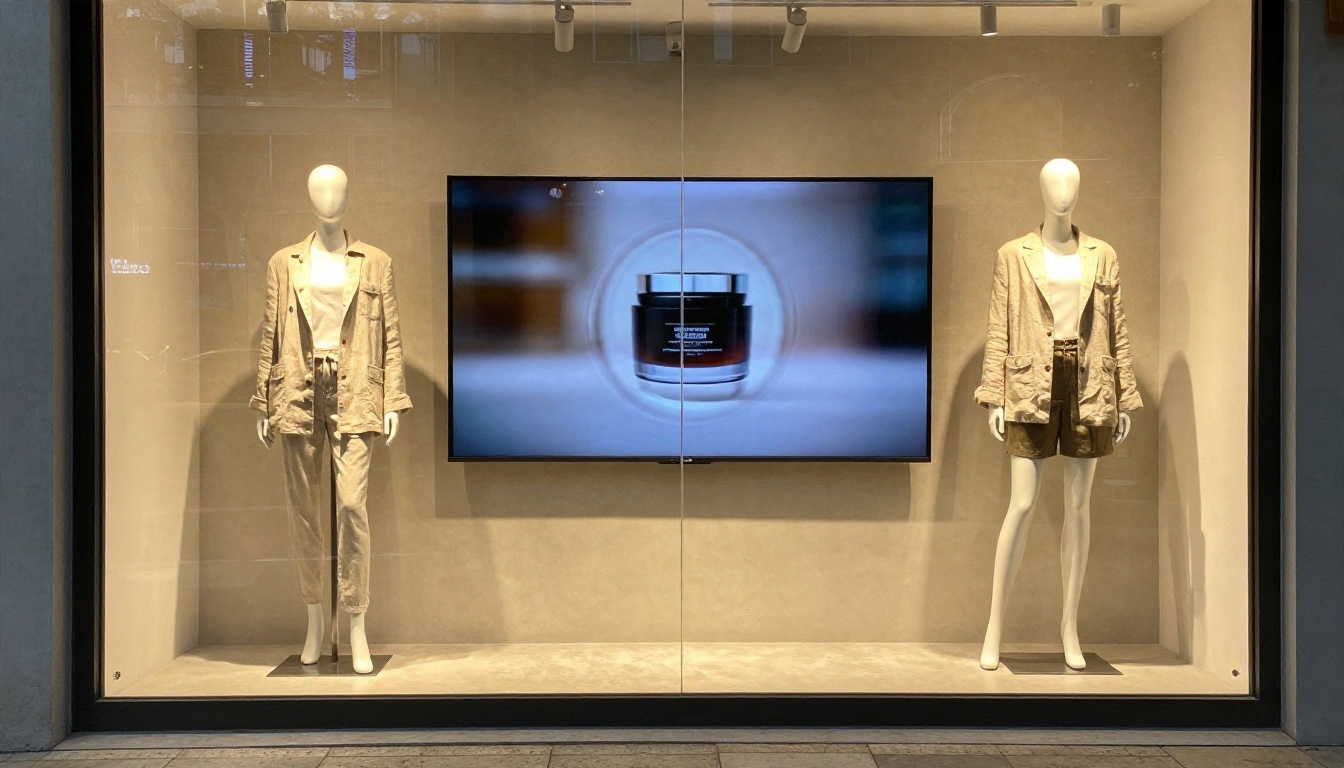
A boutique can load its seasonal lookbook onto a TV in the window and let it cycle. Customers walking past see a polished loop, and the staff update the content by swapping the PDF. A Digital Catalog Maker workflow keeps the whole range in one place.
Meetings and Pitches
Sales teams often present a deck on a wall display and then email the same material afterward. A flipbook handles both: it plays on screen and then goes out as a link. The Sales Presentation and Presentation Flipbook Designer tools are built for that flow.

More Scenarios
For example, a small restaurant owner can export the weekly menu as a PDF on Monday, upload it, and let the counter tablet loop through the pages all week. On Friday, the same link shows the updated specials without touching the tablet. A real estate agent can do the same with listing brochures on the office monitor, while sending clients the link for viewing at home.
Common Mistakes to Avoid
Even a good setup can fall flat. These are the issues that show up most often.
Delays That Are Too Short
If each page flips in two seconds, nobody can read it. A good rule is about one second per ten words, plus a few extra seconds for images. When in doubt, go slower.
Ignoring the Screen Shape
A portrait PDF on a landscape TV leaves wide black bars on both sides. Either design the PDF for the screen, or use a flipbook viewer that shows two pages side by side.
Forgetting the Last Page
An unattended display must loop. If the slideshow stops on the final page, your screen sits frozen until someone notices. Always test a full cycle before leaving the room.
Skipping Updates
Content ages. A price list from three months ago hurts trust. Set a calendar reminder to replace the PDF when your offers change.
⚠️ Warning: Free viewers that depend on an internet connection will stall if the Wi-Fi drops. For unattended displays in weak-signal locations, keep an offline copy ready.
Pick Your Setup and Start
Here is the short version. If you need a quick, one-off presentation, the built-in viewer on your computer is enough. If you need something that looks good, runs by itself, and can be shared with a link, an auto-play flipbook is the better choice.
| Your situation | Best fit |
|---|
| Quick internal review | Built-in PDF viewer |
| Short deck for a one-time meeting | Slides export |
| Public screen that loops all day | Auto-play flipbook |
| Catalog or menu you update often | Flipbook with a reusable link |
| Private client material | Flipbook with password protection |
Ready to try it? Get started for free on Flipbooks AI and turn your first PDF into a flipbook in a few minutes. Browse all flipbook tools to find a template that matches your project, or compare pricing plans when you are ready for unlimited flipbooks, analytics, and lead generation.



