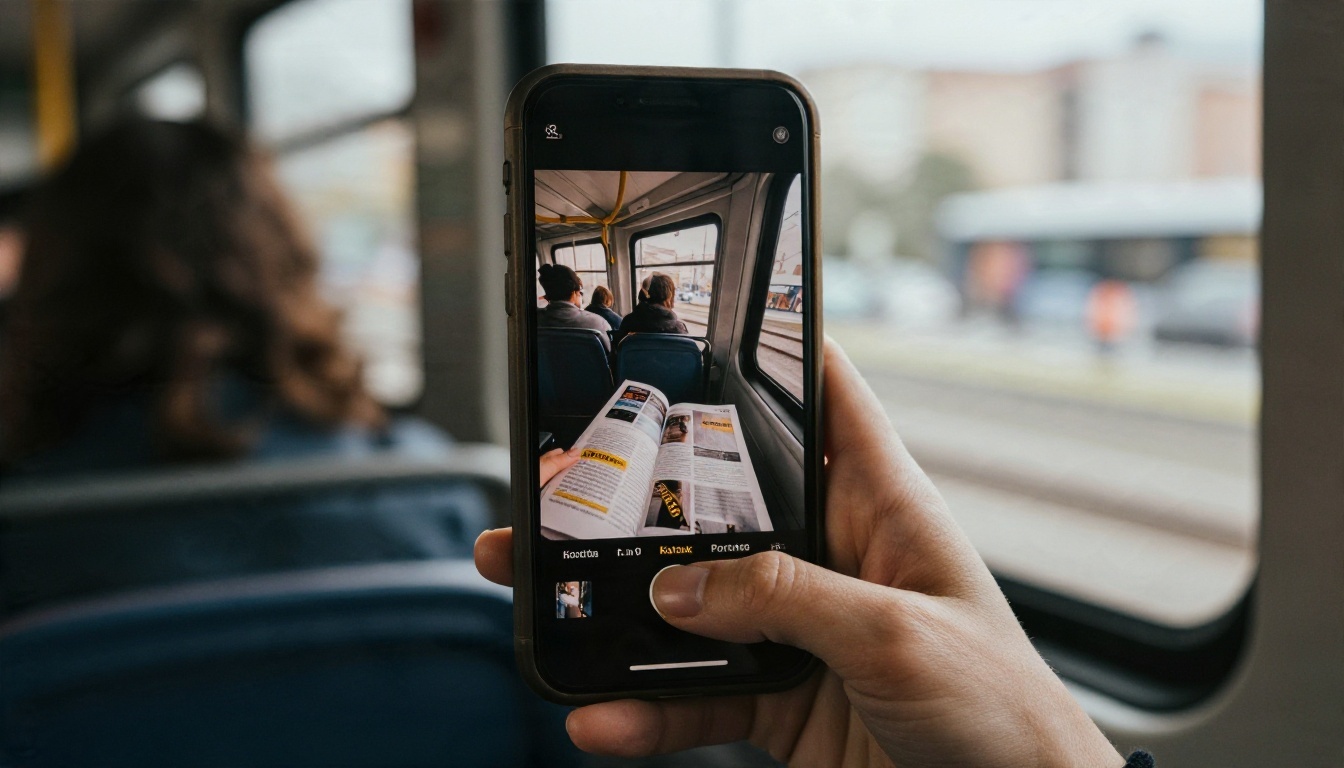
PDF Viewer Page Flip: Embed on Your Website, Free Online Options
A PDF viewer with page flip turns a flat, hard to read file into a book-like experience that lives inside your web page. See how it works, compare free online options, copy a working embed code, and publish your own in minutes.
A PDF is great for printing and terrible for reading on a screen. Visitors pinch, zoom, scroll past forty pages of dense text, and leave before they reach your best content. A PDF viewer with page flip fixes that by turning the same file into a book-like experience that sits right inside your web page. In this article you will see how page flip viewers work, which free online options exist, how to embed one with a few lines of code, and how to publish your own with Flipbooks AI.
Why a Plain PDF Viewer Falls Short
Most websites handle PDFs in one of two ways. They link to a download, or they open the file in the browser's built-in viewer. Both work, but neither feels good, especially on a phone.
A standard PDF viewer shows pages as one long vertical strip. There is no sense of a beginning, a middle, or an end. Readers lose their place, text is often too small on mobile, and a large file can take a long time to load before anything appears.
A page flip viewer changes the reading rhythm. Pages sit side by side like a magazine spread, and each page turns with a soft curl animation. People understand the format instantly because they have held a printed book. That familiarity keeps them reading.
Here is what usually goes wrong with a plain PDF link:
Visitors download it and never open it, so you get no data on what they read.
The file is heavy, which hurts slow connections and mobile data plans.
Your branding disappears the moment the browser takes over with its own grey toolbar.
Updating the file means re-sending links, because the old copy lives in inboxes and downloads folders.
💡 Pro tip: If your PDF is a catalog, menu, brochure, or magazine, it was designed as a sequence of pages. A page flip viewer respects that design. A long scroll does not.
What a Page Flip PDF Viewer Does
A page flip viewer takes your PDF, converts each page into a web-friendly image or HTML5 layer, and displays them in an interactive reader. You get the page turning effect, zoom, a thumbnail strip, and often sound, search, and sharing buttons.
How the Conversion Works
The process has three stages, and a good tool hides all of them from you:
Upload: You provide the PDF file.
Conversion: Each page is rendered at screen quality and optimized so it loads fast. Links inside the PDF can stay clickable.
Publishing: The tool gives you a link and an embed code, so the reader can live on its own page or inside yours.
The result is a flipbook. If you want to see the idea in action, the PDF to Flipbook Converter handles all three stages from one screen.
Features That Matter
Not every viewer is equal. Before you pick one, check this short list:
Responsive layout: Two pages on desktop, one page on mobile, without extra work.
No watermark: Many free tools stamp their logo on every page.
Fast loading: Pages should load progressively, not all at once.
Embed support: You need a clean iframe snippet that works on any site.
Privacy controls: Password protection matters for internal or paid material.
Analytics: You want to know which pages people actually read.
Free Online Options Compared
The word "free" covers a lot of ground. Some options are truly free but basic. Others are free for a trial and then add limits. Here is an honest comparison of the main routes.
Option
Page flip effect
Embeddable
Typical limits
Best for
Browser built-in PDF viewer
No
Yes, via iframe or object tag
Looks different in every browser
Quick internal previews
Cloud drive preview link
No
Yes, via iframe
Drive branding, no custom design
Sharing a file with a small team
Open-source JavaScript libraries
Yes
Yes, with your own code
Needs a developer and hosting
Custom builds with technical skills
Free tiers of hosted flipbook tools
Yes
Yes
Page caps, watermarks, or expiry
Testing the idea
Paid flipbook platform
Yes
Yes
Depends on plan
Business use with branding
Built-In and Drive Viewers
Every modern browser can open a PDF, and most cloud drives give you a preview link you can place in an iframe. They cost nothing and take two minutes. The tradeoff is that you get no page turning, no branding, and no data. Treat them as a stopgap, not a final answer.
Open-Source Libraries
If you or your developer enjoy building, projects such as Mozilla's PDF.js render PDF pages in the browser, and page flip libraries like StPageFlip add the turning animation on top. This route is flexible and free of subscription fees.
The catch is the work behind it. You handle the layout, the mobile behavior, the hosting, the loading speed, and every bug. Always check each library's license before using it on a commercial site, since terms vary.
Hosted Free Tools
Hosted flipbook makers are the middle path. You upload, they convert and host. Many offer a free tier to try the product, but read the fine print on three things: watermarks, page limits, and how long your flipbook stays online. A watermark on a client brochure defeats the point of a professional embed.
⚠️ Warning: A free tool that deletes your flipbook after a trial period can break a live page on your website without notice. Check retention rules before you embed anything on a public page.
How to Embed on Your Website
Once your flipbook exists online, embedding it takes about a minute. Every flipbook platform gives you an embed snippet, which is almost always an iframe.
The Basic Iframe Snippet
Paste this into the HTML of the page where you want the reader to appear. Replace the placeholder link with the one from your flipbook:
A fixed height can look cramped on mobile and oversized on a big monitor. A simple wrapper using the CSS aspect-ratio property keeps proportions steady. Set a ratio such as 4 / 3 on the container, then make the iframe fill it.
Placement is slightly different on each platform:
Platform
Where to paste the code
Tip
WordPress
Custom HTML block in the editor
Use the block, not the visual text editor, to avoid stripped tags
Wix
Embed a Widget, then "Embed Code"
Resize the element on the page after pasting
Shopify
Custom Liquid section or page HTML
Add it to a dedicated catalog page
Squarespace
Code block
Tick "Display Source" off so it renders
Plain HTML
Anywhere inside the body
Wrap it in a div for spacing control
✅ Best practice: Give the flipbook its own section with a short heading above it. Visitors then know what they are looking at and why it is worth a click.
How to Create a Page Flip With Flipbooks AI
If you want the polished result without writing code, Flipbooks AI is built for exactly this job. Here is the full process from file to live embed.
Click to create a new flipbook and select your PDF file.
Wait a few moments while each page is converted. Text, images, and internal links are kept.
Open the preview and flip through to confirm the page order looks right.
Tip for cleaner results: export your PDF at the final page size, in portrait or landscape, before uploading. Mixed page sizes can make the spread look uneven.
Customize the Look
This is where a generic viewer becomes your own branded piece:
Custom branding: Add your logo and pick background colors that match your site.
Page effects: Adjust how pages turn and how they sound.
Multimedia: Embed videos and audio directly on the pages, such as a product demo or a spoken welcome.
Mobile-responsive design: The reader adapts to phones and tablets automatically.
No watermarks, ever: Your content stays clean and professional.
Share, Embed, and Protect
Once you are happy with the preview, you have several ways to publish:
Direct link: Send it by email, chat, or social media.
Embed code: Copy the snippet and paste it into your site using the table above.
Password protection: Lock private material such as price lists or internal handbooks.
Offline downloads: Let readers save a copy for places with weak signal.
Analytics and Lead Capture
On the Professional plan you can see how people use your flipbook and collect contact details before they read. That turns a brochure into a lead source. See what each tier includes on the pricing page.
Capability
Free trial
Standard
Professional
PDF to flipbook conversion
Yes
Yes
Yes
No watermarks
Yes
Yes
Yes
Unlimited flipbooks
Limited
Yes
Yes
Password protection
Check plan
Yes
Yes
Analytics
No
Basic view
Full
Lead generation
No
No
Yes
💡 Plan details can change, so confirm the latest limits on the pricing page before you decide.
Real Use Cases That Work
Page flip viewers are not just for magazines. Here are three common scenarios where embedding a flipbook pays off.
Restaurants and Cafes
A restaurant can embed its menu on the homepage and update it in minutes when prices change. The same link works behind a QR code on every table. Use the Restaurant Menu Creator to start from a menu layout.
Real Estate Listings
Agents benefit by embedding a listing brochure on each property page. Buyers flip through floor plans and photos without downloading anything. The Real Estate Brochure Creator is made for this.
Creative Portfolios
Photographers and designers can present work in a sequence that feels like a printed book, with full screen viewing for large images. Try the Photography Portfolio tool.
Here is a quick view of which format fits which goal:
Goal
Best content type
Suggested feature
Sell products
Catalog or price list
Clickable links to product pages
Fill tables
Menu
QR code plus embed on homepage
Close property deals
Brochure
Lead capture before viewing
Win clients
Portfolio
Full screen, branded colors
Share internal info
Handbook or report
Password protection
Common Mistakes to Avoid
Even a good viewer can underperform if the setup is careless. These are the mistakes that show up most often.
Uploading a huge PDF with uncompressed images. Compress first. Pages should load quickly even on mobile data.
Ignoring the phone. More than half of web visits often come from mobile devices, so always test the embed on a real phone before publishing.
Forgetting an intro line. An embed with no heading or context gets scrolled past.
Using a tool that adds a watermark. It makes client-facing material look unfinished.
Hiding the download option when readers need it. For long documents, offline access is a feature, not a risk.
Never checking the numbers. If you cannot see which pages get read, you cannot improve the content.
✅ Best practice: Review your reader data every month. If most people stop at page four, move your strongest content earlier or shorten the document.
Quick Checklist Before You Publish
Run through this list once the embed is on your page:
The flipbook loads in under a few seconds on a mobile connection.
Pages display correctly in portrait and landscape.
Links inside the document open the right destinations.
The full screen button works.
The page has a heading and a short description above the viewer.
Sensitive files are protected with a password.
Ready to Publish Yours?
You do not need to rebuild your website or hire a developer to give visitors a better way to read your PDF. Convert the file, copy the embed code, and paste it where you want it to appear.