A static PDF asks your customer to read, remember and then go search for the product on their own. A PDF with links does the opposite: one tap on a photo, a price or a button and the buyer lands exactly where you want them. If you have ever wondered what a good clickable catalog, brochure or price list actually looks like, this article shows real examples, the layouts behind them, and a simple way to publish them with Flipbooks AI so the links keep working on every device.
What a Working PDF With Links Looks Like
Most people think a clickable PDF is just a document with a few blue underlined words. A good one is closer to a small website that happens to look like a printed publication. Every page has a job, and every link supports that job.
The Anatomy of a Clickable Page
A page that converts usually contains four types of clickable elements:
- Product or item links: the photo and the name both open the product page.
- Action buttons: "Buy now", "Book a visit" or "Request a quote" placed where the eye lands after reading the price.
- Jump links: a table of contents and a "back to start" button that move readers between pages.
- Contact links: email, phone and WhatsApp links that open the right app on a phone.
💡 Pro tip: Make the clickable area larger than the visible text. A fingertip is about 10 mm wide, and thin underlined words are easy to miss on a phone.
Internal Links vs. External Links
Both link types matter, and they solve different problems. Internal links keep the reader inside the document. External links send them to a store, a booking form or a map.
| Link type | Where it goes | Best use | Example |
|---|
| Internal | Another page in the same PDF | Table of contents, category jumps | "Jump to Outdoor Furniture, page 14" |
| External | A website or landing page | Product pages, checkout, forms | "Add to cart" button under a product photo |
| Email | Opens a new message | Quotes, support | "sales@yourcompany.com" |
| Phone | Starts a call on mobile | Reservations, local services | "Call the showroom" |
| Anchor/Download | A file or section | Spec sheets, warranty documents | "Download the size chart" |
A Clickable Catalog Example
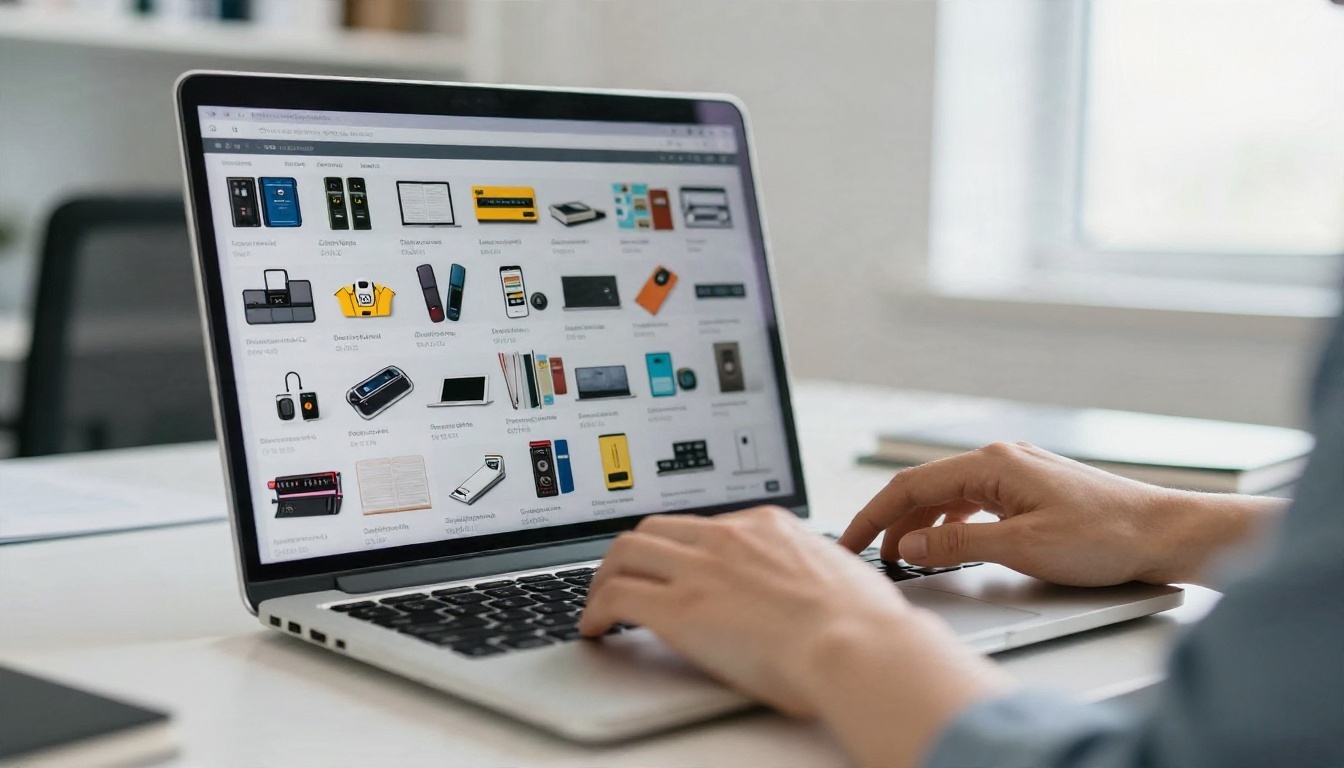
Catalogs are where links pay off fastest, because the reader is already in shopping mode. The goal is to remove every step between "I like this" and "I want to buy this".

Product Tiles That Open Product Pages
Picture a furniture showroom with a 40 page catalog. Each page has four product tiles. Every tile has three clickable zones:
- The photo opens the full product page with all finishes.
- The product name opens the same page, because some readers click text first.
- A small "Check stock" button opens the live inventory page.
The same logic works for fashion catalogs, where each outfit links to the exact size and color selector instead of a generic category page. A deep link to the product beats a link to the homepage every single time.
A Table of Contents That Jumps Pages
On page two, list your categories: Sofas, Tables, Lighting, Outdoor. Each word links to the first page of that section. At the bottom of every page, add a small "Back to contents" link. A buyer who explores three categories in one visit should never have to scroll through 40 pages to return.
If you sell physical goods, the Product Catalog Generator and the Digital Catalog Maker are built for this exact layout.
A Brochure Example With Working Links
Brochures are shorter, so every link has to earn its space. Think in terms of one primary action per spread.
Hotel Brochure: Book Now Buttons
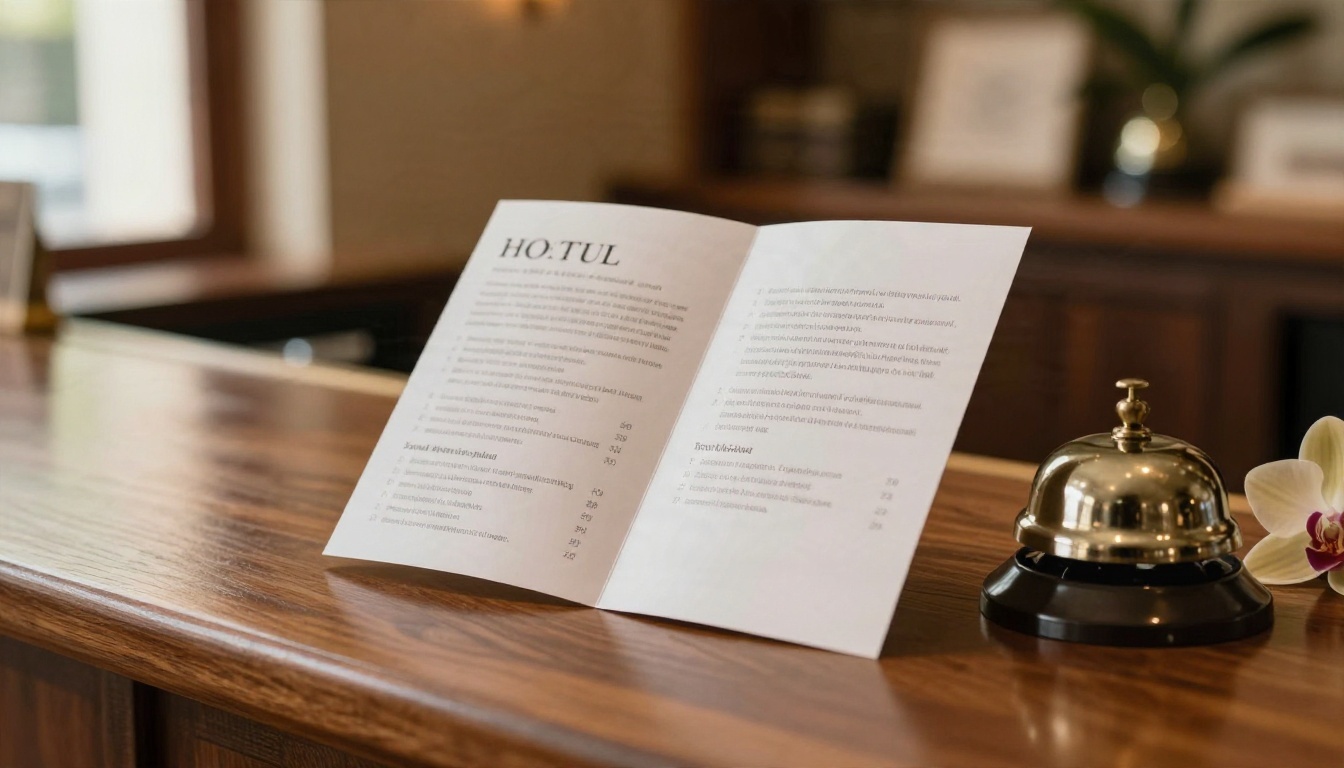
A boutique hotel brochure might have six spreads: arrival, rooms, dining, spa, events and location. Here is how the links work:
- Rooms spread: each room photo opens that room's booking page with dates pre-filled where possible.
- Dining spread: the restaurant name opens the reservation form, and the menu opens as a second flipbook.
- Location spread: the address opens a map app on mobile.
- Last page: one large "Book your stay" button, plus phone and email.
The Hotel Brochure Designer follows this pattern, and the Brochure Flipbook Maker works for any other industry.
Real Estate Brochure: Tour Links
An agent selling a house can place a link on the main photo that opens a video walkthrough, a link on the floor plan that opens a larger version, and a "Schedule a viewing" button that opens a calendar. Buyers who click the walkthrough are usually more serious than those who only skim, so this single link also works as a lead signal.

✅ Best practice: One brochure, one main goal. If the goal is bookings, every spread should lead to the booking link, not to five different destinations.
For property marketing, try the Real Estate Brochure Creator.
A Price List Example That Sells
Price lists are the most underused clickable document. They are usually plain tables, yet they sit right at the moment of decision.
Link Every Price Row
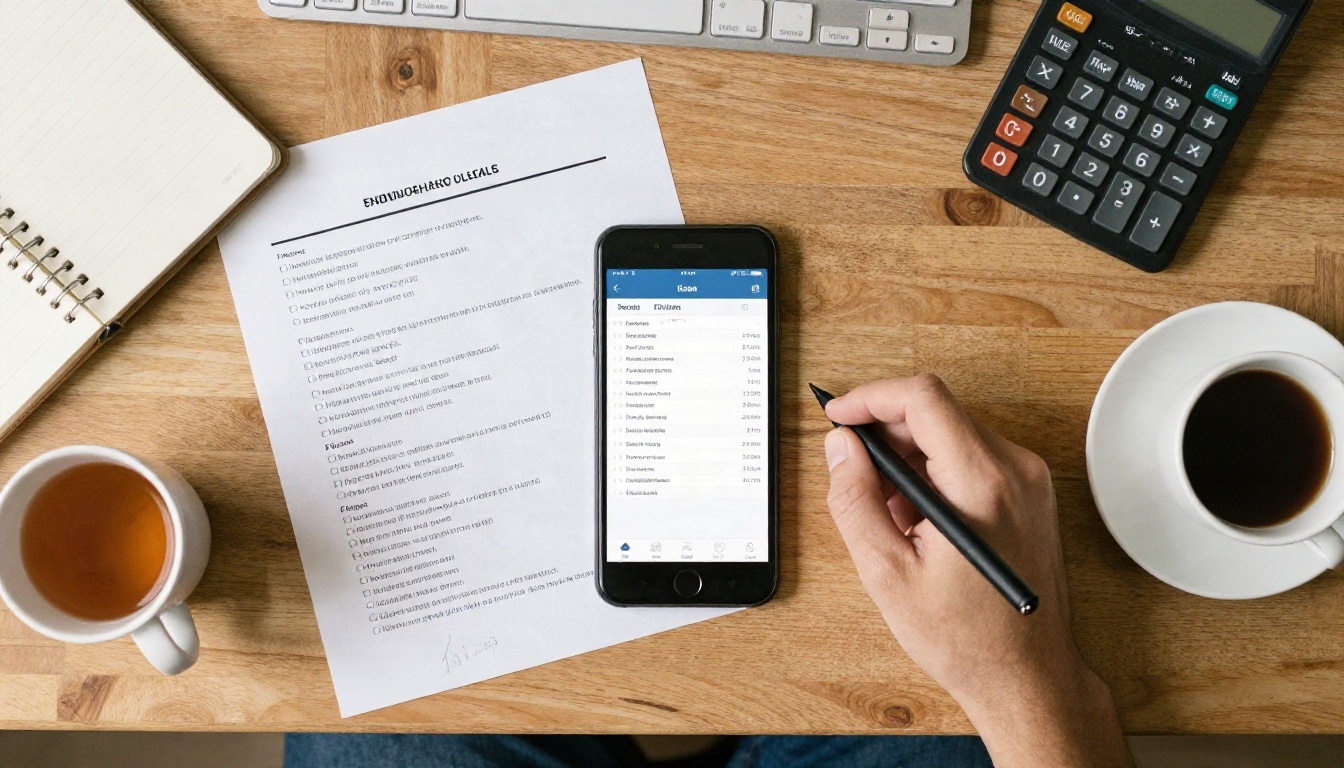
Take a wholesale supplier with 200 items. Instead of a static grid, each row has the item name linked to the product page and a "Request quote" link that opens a pre-written email. Here is a before and after:
| Element | Plain PDF price list | Clickable price list |
|---|
| Item name | Text only | Opens product page with specs |
| Price | Static number | Links to the order form |
| Quantity discount | Footnote | Link to the full terms |
| Contact | Printed phone number | Tap to call or email |
| Updates | Resend a new file | Update once, same link |
The last row matters most. When prices change, you replace the document behind the same link, and every customer who saved it sees the current version. A Digital Price List Generator is made for this situation.
Mistakes in Price Lists
- Linking the price to nothing. If a price is the first thing a buyer reads, it should be the first thing they can click.
- Hiding the order link on the last page of a 30 page document.
- Using tiny text links that are hard to tap on mobile.
- Forgetting to mention whether prices include tax or shipping.
Why Links Break in Plain PDFs
You can add links to a PDF in most design tools, yet many of them fail the moment the file leaves your computer. This is where most clickable documents lose their value.
Common Failure Points
| Problem | What the reader sees | Likely cause |
|---|
| Link does nothing on phone | Dead tap | The mobile PDF viewer ignores some link types |
| Link opens a broken page | Error 404 | URL typed by hand with a typo |
| Link covers the wrong area | Taps miss the button | Link box not aligned after layout edits |
| Links disappear | Plain text only | File was flattened or compressed |
| Large file, slow load | Reader gives up | Heavy images, no optimization |
Test Before You Send
Open the file on a phone, a tablet and a desktop browser. Click every link at least once. Ask a colleague who has never seen the document to use it for two minutes without help. Where they hesitate, your design needs a clearer button.
⚠️ Warning: Do not email a heavy PDF as the only delivery method. Many email apps preview attachments in a basic viewer that disables links. Send a web link instead.
Build a Clickable Catalog in Minutes
Publishing the PDF as a flipbook solves the mobile problem, because the document opens in the browser with a page-turning layout and your links stay active. Here is the process with Flipbooks AI.
Upload and Convert
- Go to Flipbooks AI and create an account.
- Prepare your PDF with the links already placed in your design tool.
- Upload the file using the PDF to Flipbook Converter.
- Wait a short moment while the pages are converted into a flipbook, then open the preview and click through your links.
Brand It and Add Media
Match the flipbook to your brand with your own colors, logo and page-turn effect. You can also embed videos and audio, for example a product demo on a catalog page or a welcome message in a hotel brochure. There are no watermarks, ever, so the document looks like yours from the first page.
Share and Protect
- Direct link: paste it into emails, social posts and QR codes.
- Embed code: place the flipbook on a product or landing page using the Embed Flipbook on Website tool.
- Password protection: ideal for wholesale price lists that should only reach approved buyers.
- Offline downloads: let readers save a copy for places with weak signal, such as trade shows.
Everything is mobile-responsive, so the same link works on a phone in a warehouse and a monitor in an office.
Track Clicks and Leads
On the Professional plan, you get analytics and lead generation. You can see which pages people open, how long they stay and what they click. A lead form can sit before the first page, so you know who opened your price list. See the pricing plans to compare what each tier includes. The Standard plan and above includes unlimited flipbooks, which helps if you publish a catalog for every season.

💡 Pro tip: Use analytics to find the page where readers stop. Move your strongest product or offer to that page, then publish an updated version.
Different documents need different link strategies. Use this table to pick a starting point.

A Quick Design Checklist
Before you publish, run through this list:
Make Your First Clickable Document
You do not need a developer or a new design tool. Take the catalog, brochure or price list you already have, add links where the buyer is ready to act, and publish it so the links work on every phone. Start by choosing the format from the table above, test it with one real customer, and adjust the page where they hesitate.
Ready to build one? Get started for free on Flipbooks AI, browse all flipbook tools to find a template for your industry, or compare pricing plans to choose the one that fits your catalog size and tracking needs.



