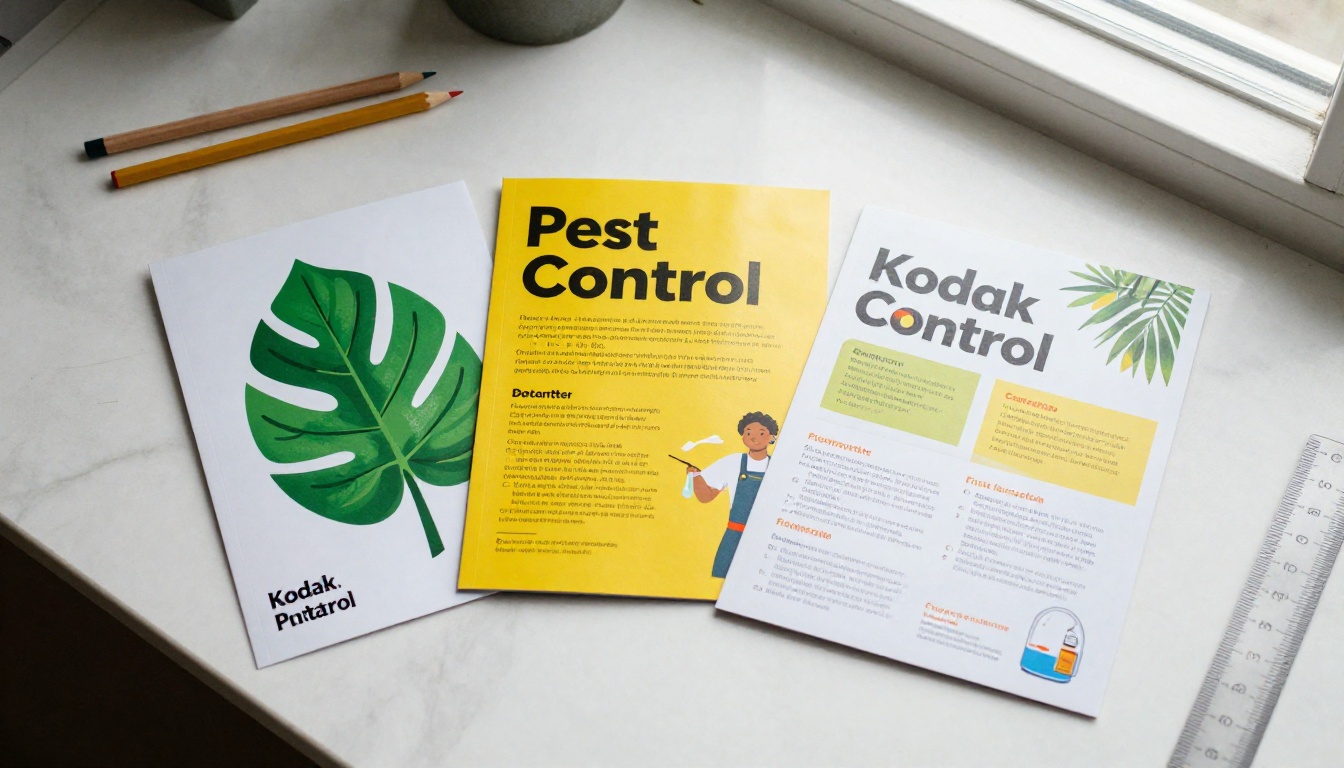
A homeowner spots a roach behind the toaster at 9 p.m. and starts searching. The company that looks calm, local, and trustworthy gets the call. A well-built brochure is often the thing that makes that first impression, whether it lands on a doorstep, sits in a real estate lockbox, or opens on a phone. This article walks through a pest control brochure template you can copy, the design ideas behind it, and a PDF sample layout you can recreate in any editor. When the file is done, Flipbooks AI can turn it into a page-turning online brochure in a few clicks.
Why Pest Control Brochures Still Work
Pest control is a trust purchase. Customers let a stranger into their kitchen, basement, and attic, and they worry about chemicals near kids and pets. A brochure answers those worries before the technician even rings the bell.
Who Reads Them
Your brochure has several audiences, and each one reads it differently:
- Homeowners scan for price signals, safety claims, and a phone number.
- Property managers look for contract options, response times, and insurance details.
- Restaurant and food business owners want proof of compliance and discreet service.
- Real estate agents need a quick referral sheet they can hand to buyers who just found termite damage.
💡 Pro tip: Decide which one reader matters most for each print run. A brochure for landlords should not read like one for first-time homeowners.
What They Need to Say
Every effective pest control brochure answers five questions in under thirty seconds:
- What do you treat?
- Is it safe for my family and pets?
- How fast can you show up?
- What does it cost, roughly?
- How do I reach you right now?
If a panel does not answer one of those, it is probably decoration.
Free Pest Control Brochure Template Layouts
You do not need a designer to start. Three formats cover nearly every situation, and each one fits a standard US Letter sheet.
Tri-Fold Layout
The classic. Six panels, three on each side, folded like a letter. It gives you room for a hook, a service list, a trust section, and a call to action. This is the format most pest control companies use because it fits a door hanger pocket, a rack card holder, and a vehicle dashboard.
Bi-Fold Layout
Four panels. Better when you want large photographs and fewer words. Residential companies that sell one monthly plan often prefer this because the inside spread can show the plan like a menu.
Single Sheet Flyer
One side, one message. Perfect for seasonal pushes such as mosquito season or rodent season. Cheap to print by the hundreds and easy to update.
| Format | Panels | Best For | Print Cost | Copy Space |
|---|
| Tri-fold | 6 | General company introduction | Medium | High |
| Bi-fold | 4 | Monthly plan and photos | Medium | Medium |
| Single flyer | 1 or 2 sides | Seasonal offers, door drops | Low | Low |
| Digital flipbook | Unlimited | Email, QR codes, websites | None | High |
Design Ideas That Build Trust
Pest control has a visual problem. Nobody wants to look at bugs while eating dinner. The best brochures show the solution, not the infestation.
Color and Typography
Green and white signal safety and cleanliness, which is why so many companies use them. Add one accent color, such as safety yellow or a deep orange, for buttons and phone numbers. Keep it to two typefaces: a bold sans serif for headlines and a readable serif or sans for body text at 10 to 11 points.
| Color Choice | Message It Sends | Use It For |
|---|
| Forest green | Natural, safe, family friendly | Headers, icons |
| Navy blue | Reliable, professional | Commercial accounts |
| Safety yellow | Urgent, attention grabbing | Phone number, offers |
| Warm white | Clean, calm | Backgrounds |
| Charcoal gray | Serious, technical | Body text |
Photos and Icons
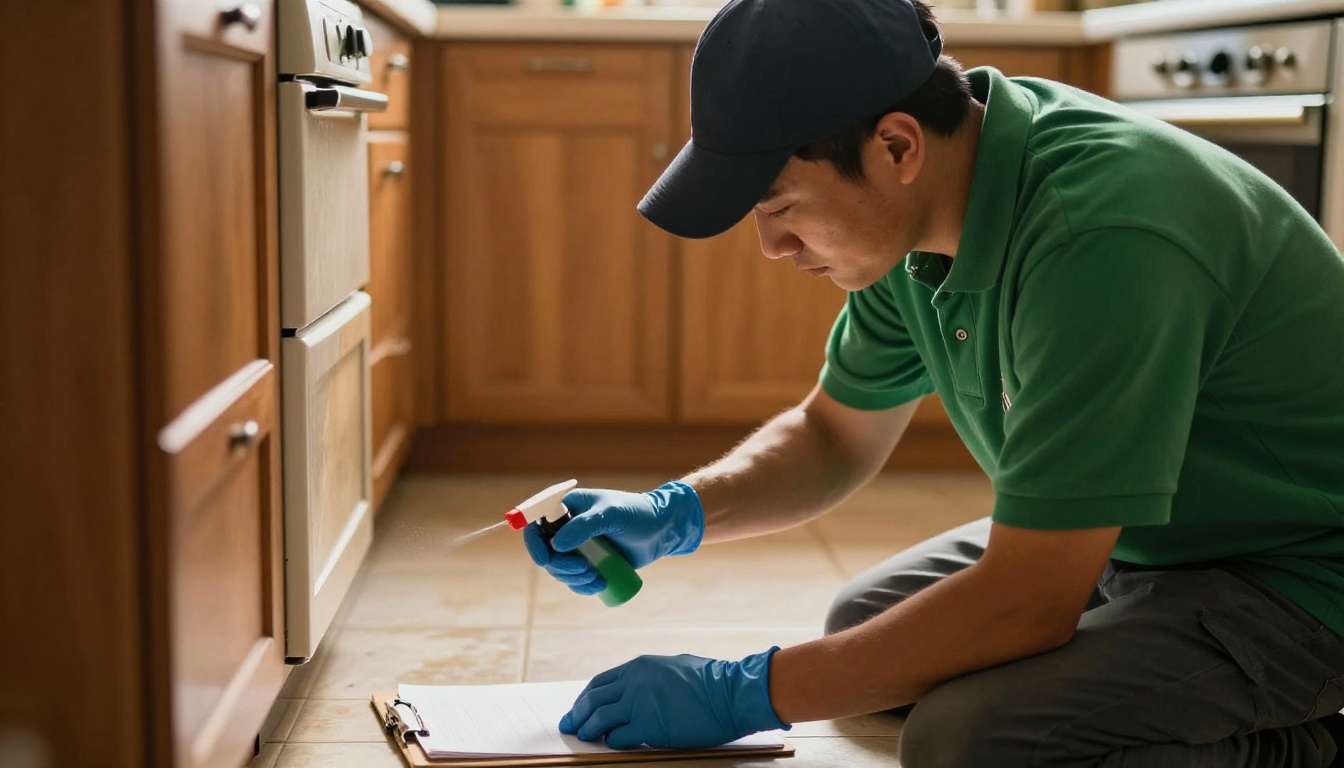
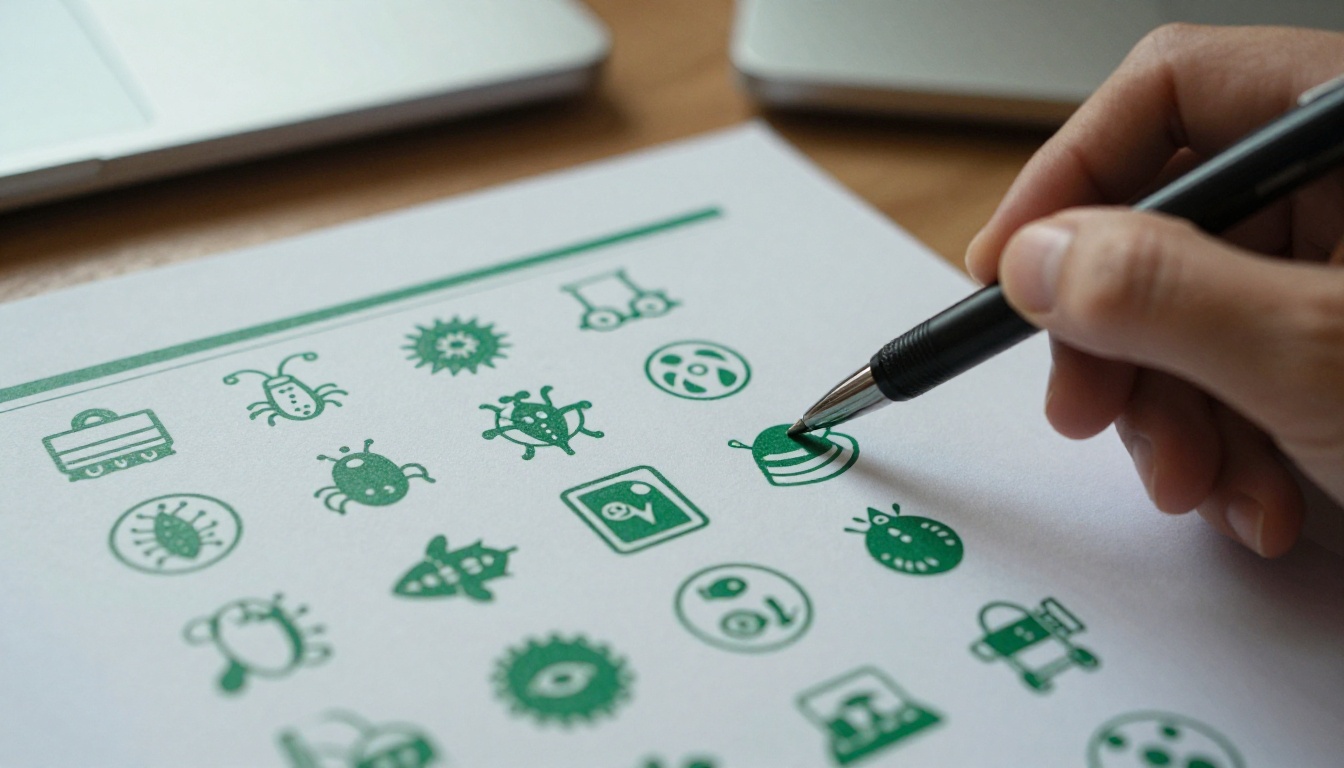
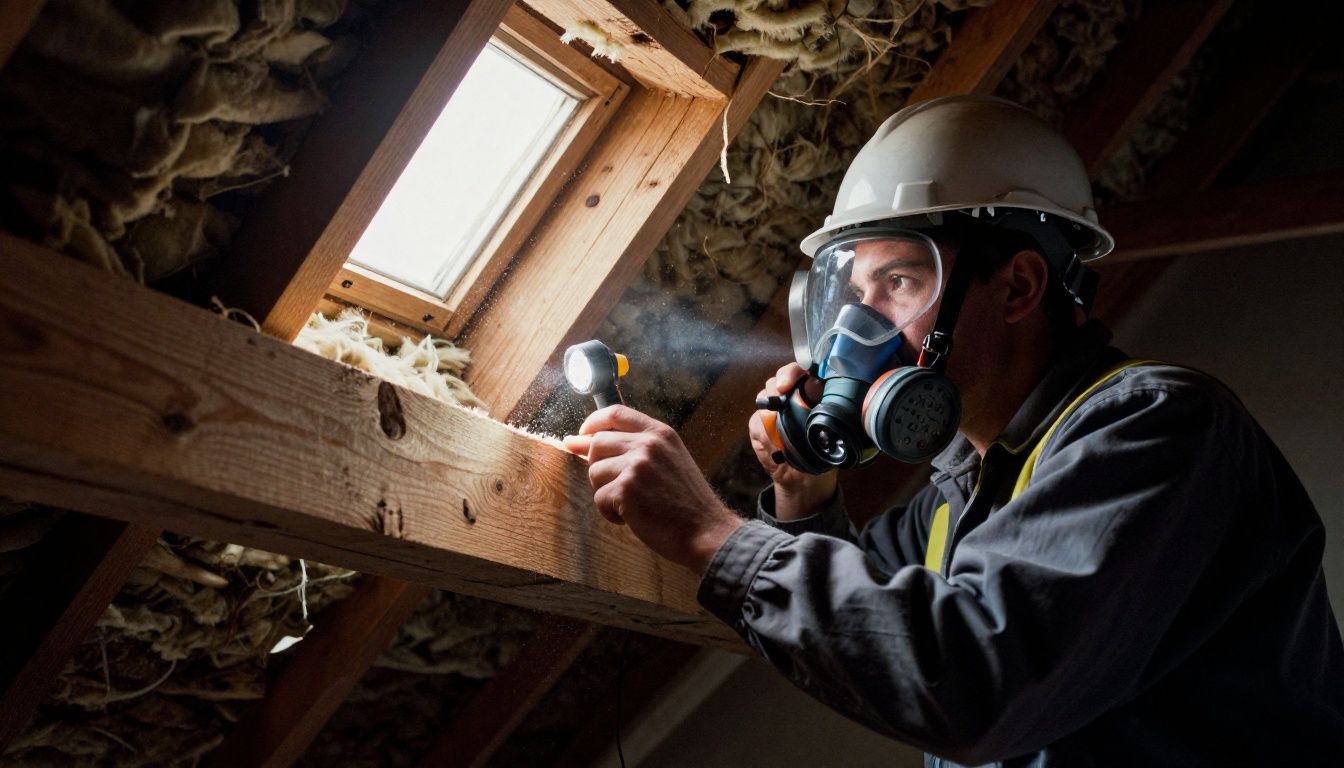
Use real photos of your own team. A technician in a clean uniform, crouched at a baseboard with a sprayer, says more than any stock graphic. Pair photos with simple line icons for pest types so readers can find their problem at a glance.
⚠️ Warning: Avoid close-up photos of insects on the front panel. They make people flinch, and a flinch is not a sale.
Pricing and Plans
You do not have to print exact prices, but give a range or a starting figure. A line such as "Quarterly plans from $39 per visit" filters out bad leads and builds confidence. If your prices change often, link the printed brochure to a QR code that opens a live digital version.
PDF Sample: Panel by Panel
Here is the layout of a tri-fold sample you can build in Canva, Word, InDesign, or any editor that exports to PDF. Set the page to 11 x 8.5 inches, landscape, with 0.125 inch bleed.
Front Panel
This is the hook. Use one strong photo, your logo, and a single promise.
- Headline: "Pests Out. Peace of Mind In."
- Subline: "Family-safe pest control for homes in [City]."
- Visual: Technician at a front door with a friendly smile.
Inside Spread
Three panels read as one wide canvas once opened. Use them like this:
- Left: "Pests We Treat" with an icon grid (ants, roaches, rodents, termites, spiders, bed bugs, mosquitoes).
- Center: "Our 4 Step Process" with numbered steps: inspect, treat, seal entry points, follow up.
- Right: "Plans and Pricing" in a small table.
Back Panel
The closer. Add a testimonial, license numbers, insurance badge, service area, a QR code, and your phone number in large type. Put the phone number in at least 18 points.
| Panel | Purpose | Must Include |
|---|
| Front | Hook | Logo, headline, hero photo |
| Inside left | Services | Pest icon grid |
| Inside center | Process | Four numbered steps |
| Inside right | Plans | Starting prices, guarantee |
| Back top | Proof | Reviews, certifications |
| Back bottom | Action | Phone, QR code, website |
Copy You Can Borrow
Good copy is plain, specific, and slightly reassuring. Adapt these lines to your brand.
Safety statement: "Our treatments are applied by licensed technicians using products selected for homes with children and pets. Ask us about low-odor and botanical options."
Guarantee: "If pests come back between scheduled visits, so do we. No extra charge."
Process step example: "Step 2: We treat entry points, baseboards, and hidden voids, then leave a clear service report on your counter."
Call to action: "Call or text today for a same-week inspection."
✅ Best practice: Write for a worried person at home, not a pest expert. Replace "integrated pest management protocol" with "a plan that fixes the cause, not just the symptoms."
Seasonal Add-Ons
A single brochure can flex across the year with an insert card or a digital page:
- Spring: Ants and termite swarm inspections.
- Summer: Mosquito and tick yard treatments.
- Fall: Rodent proofing before cold weather.
- Winter: Pantry pests and bed bug checks for holiday guests.

How to Create a Pest Control Flipbook with Flipbooks AI
A PDF is useful, but it is flat. Visitors on a phone pinch and zoom, and you cannot see who opened it. Converting it to a flipbook fixes both problems. The Brochure Flipbook Maker and the PDF to Flipbook Converter are built for exactly this.
Step by Step
- Create your account. Go to Flipbooks AI and sign up. You can start with a free account.
- Upload the PDF. Drag your exported brochure into the upload area. Pages convert in seconds, and the layout stays sharp on retina screens.
- Customize the look. Add your logo, pick brand colors, choose a page-turn effect, and set a background that matches your truck wrap or website.
- Add media. Embed a 30 second video of a technician explaining the process, or add audio for a welcome message. Link the phone number so a tap starts the call.
- Set privacy. Use password protection for commercial proposals sent to property managers. Leave residential brochures public.
- Share it. Copy the direct link, add it to a text message template, print the QR code on your door hangers, or use the Embed Flipbook on Website tool to place it on your services page.
- Track results. On the Professional plan, use analytics to see which pages get read and capture leads with a form before the final page.

What You Get
- ✅ No watermarks, ever
- ✅ Mobile-responsive pages that look right on any screen
- ✅ Custom branding with your logo and colors
- ✅ Offline downloads for technicians working in basements and crawl spaces with no signal
- ✅ Embedded video and audio
- ✅ Unlimited flipbooks on the Standard plan and above
💡 Pro tip: Make one flipbook per audience. A homeowner version, a commercial version, and a real estate partner version can share the same design with different pricing pages.
Real-World Example
A two-truck pest control company in Ohio exported its tri-fold as a PDF, uploaded it, and printed the flipbook QR code on every door hanger and invoice. Instead of reprinting each time prices changed, the owner replaced the PDF behind the same link. Homeowners always saw the current offer, and the owner could see which service pages were opened most. Rodent proofing turned out to be the most viewed page, so it moved to the front of the next print run.
If you also publish related materials, similar tools exist for hotel and real estate brochures, and the Digital Price List Generator works well for plan pricing.
Print or Digital: Which Wins
You do not have to choose. Each format does a different job.
| Factor | Printed Brochure | PDF Download | Online Flipbook |
|---|
| Cost per piece | $0.15 to $0.80 | Free | Free to low |
| Easy to update | No | Somewhat | Yes, same link |
| Works at the door | Yes | No | Yes, with a QR code |
| Shows who read it | No | No | Yes, with analytics |
| Video and links | No | Limited | Yes |
| Looks good on phones | N/A | Poor | Excellent |
Where Print Fits
Print works best for door hangers, truck-side handouts, rack cards in hardware stores, and mailers to specific zip codes. Use a matte or satin finish on 100 lb paper so the brochure feels sturdy but still folds cleanly.
Where Digital Fits
Digital wins for email follow-ups, text quotes, Google Business profiles, social media bios, and partner referrals. A link takes five seconds to send. A box of brochures does not.
Mistakes to Avoid
Even good templates fall apart when these slip in:
- Too many words. If a panel needs more than 60 words, cut it or move the extra to your website.
- Tiny phone numbers. Customers hold the brochure at arm's length with a bug on the wall. Make the number huge.
- Vague safety claims. "Eco-friendly" means little without detail. Say what you use and when it is safe to re-enter.
- Old stock photos. Mismatched uniforms and trucks hurt trust. Take fresh photos with your own crew.
- No tracking. A brochure without a QR code or unique link tells you nothing about what works.
- Outdated licenses. Check certificate numbers and insurance every year before reprinting.

Quick Checklist Before You Export
- Spellcheck the city name and phone number twice.
- Confirm that bleed and safe margins are set.
- Compress images so the PDF stays under 10 MB.
- Export at 300 DPI for print, or 150 DPI if the file is for screens only.
- Test the QR code with two different phones.
Ready to Publish Yours
You now have a working pest control brochure template, a panel by panel PDF sample, copy lines to adapt, and a clear path from print file to online brochure. Pick the tri-fold, write for the worried homeowner, and keep the phone number large.
When the PDF is ready, create your free account on Flipbooks AI and turn it into a shareable flipbook with no watermark. Browse all flipbook tools to find formats for price lists, catalogs, and proposals, or compare pricing plans when you need analytics and lead capture for your service business.



