Your camera roll is full of stories that nobody will ever scroll back far enough to see. A photo comic maker fixes that by turning ordinary pictures into inked panels, halftone shading and speech bubbles, so a dog walk, a wedding weekend or a product launch reads like a real comic. The catch is what happens next. A folder of exported images is awkward to share, and a bare PDF feels flat. That is where a flipbook comes in: upload the pages to Flipbooks AI and your comic gets realistic page turns, a shareable link and an embed code, with no watermark.
This article walks through what these tools really do, compares the free online options, gives you a step-by-step workflow, and shows real examples you can borrow.
What a Photo Comic Maker Does
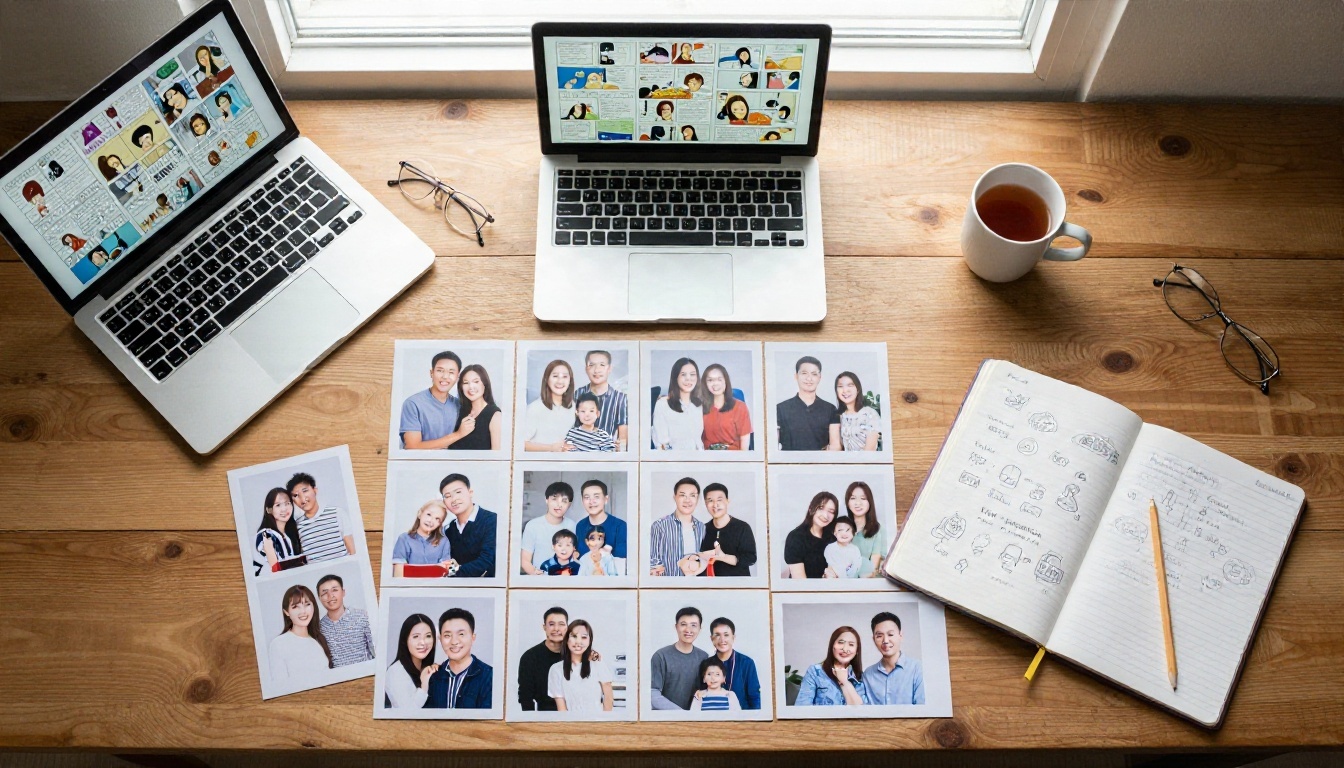
At its simplest, a photo comic maker takes a photograph and restyles it to look hand-drawn. Edges get thick outlines, colors flatten into bold blocks, and shadows turn into dots or hatching. Better tools go further and let you arrange several restyled photos into panels, add captions, and drop in speech bubbles.
Filters Versus Real Comic Layouts
Two very different product types hide under the same name, and mixing them up wastes an afternoon.
- Photo to cartoon filters change the look of one image. They are fast, usually free, and ideal for a single striking panel.
- Comic page builders give you a grid of panels, balloons, captions and sound effects. You supply the photos, they supply the structure.
- Hybrid editors do both, which is what most people want for a story longer than one picture.
If you only need a profile picture with a graphic novel look, a filter is plenty. If you want a story with a beginning, middle and end, pick a builder.
Who Actually Uses Them
You might assume this is a niche hobby. It is not. Teachers use photo comics for field trip recaps, couples turn wedding snapshots into a keepsake, shop owners tell product stories, and travelers replace the usual photo dump with a short illustrated journal. The common thread is that a comic gives a pile of pictures a reading order.
💡 Pro tip: Decide the story before you open any tool. Six panels with one clear beginning and one clear punchline beat thirty random filtered photos every time.
Free Online Options Compared
Plenty of editors offer a free tier. Features and limits change often, so treat the table below as a map of categories rather than a promise, and check each site's current terms before you commit a big project.
| Tool Type | Typical Examples | Best For | Usual Free Limit |
|---|
| Photo effect editor | BeFunky, Fotor, Pixlr | One stylized panel | Some effects locked behind a paid plan |
| Design platform with comic templates | Canva | Multi-panel pages and captions | Premium elements and some exports restricted |
| Storyboard and comic builders | Storyboard That, Pixton, Make Beliefs Comix | Classroom stories and character scenes | Limited saved projects or watermarked exports |
| Desktop comic software | Comic Life | Full page layouts on a computer | Trial period, then paid |
| Mobile apps | Various comic camera apps | Quick edits on a phone | Ads or watermarks on free exports |
Best Picks for Quick Single Panels
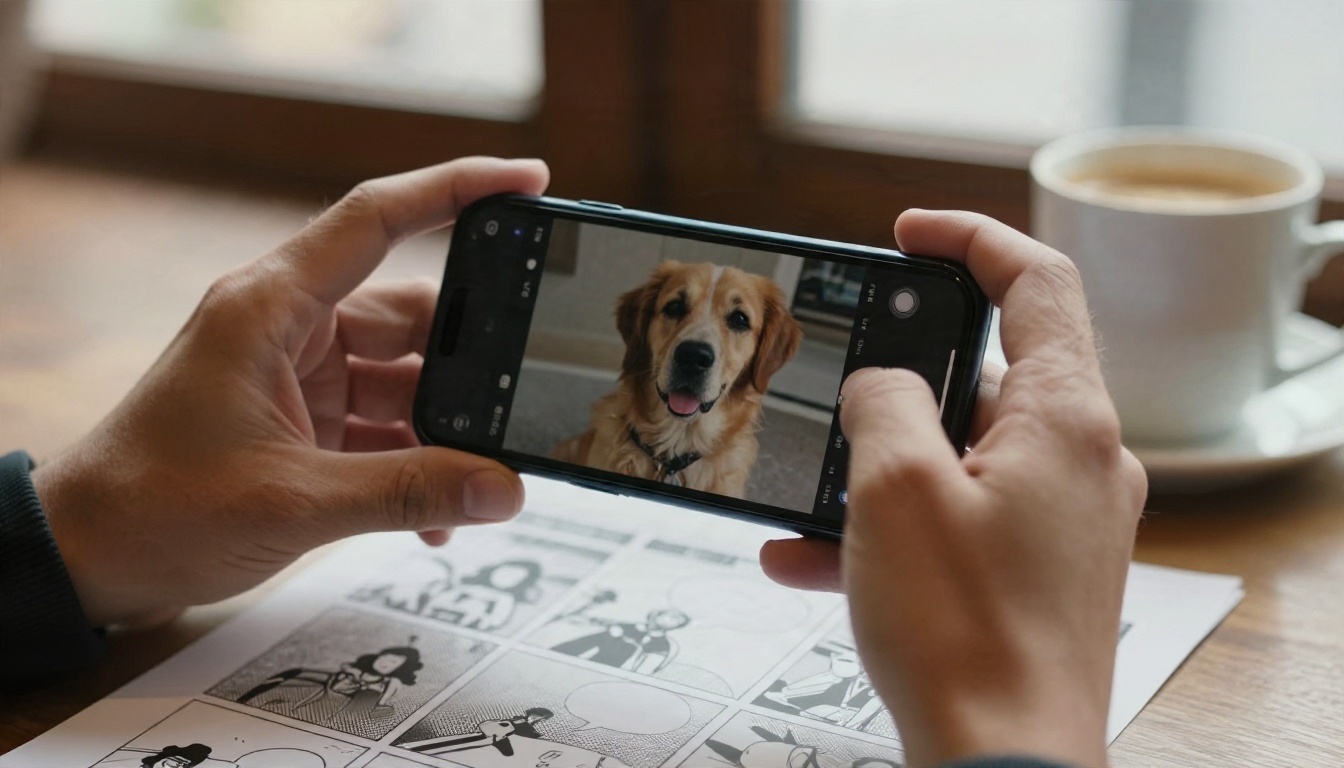
If you want one photo to look like a comic frame in under a minute, a photo effect editor is the shortest path. Upload, pick a comic or cartoon effect, nudge the intensity slider, and download. Keep the intensity moderate. Pushing it to maximum erases faces and turns skin into blotches.
Best Picks for Multi-Panel Stories
For a proper comic page, a design platform or a dedicated comic builder is the better choice. You get panel grids, text boxes, speech balloons and consistent page sizes. Canva-style editors are popular because the layouts are forgiving, while classroom-oriented builders offer ready-made characters if your photos are not enough.
What Free Usually Means
Free is real, but it comes with trade-offs. Watch for these four:
- Watermarks stamped on exported images.
- Resolution caps that look fine on a phone and soft in print.
- Locked effects that you only notice after building a page around them.
- Export limits that block PDF output, which you need for the flipbook step.
⚠️ Warning: Always test a single export before you design twelve pages. A watermark discovered at the end means starting again.
Make a Comic From Photos in 7 Steps
Here is the workflow that works across nearly every tool. It takes roughly an hour for a first six-page comic and about half that once you have a rhythm.
- Write a one-line story. Example: "Our dog meets the ocean and regrets it."
- Pick 6 to 12 photos that match the beats of that line.
- Crop and straighten each photo to the panel shape you plan to use.
- Apply the comic effect with the same settings to every image.
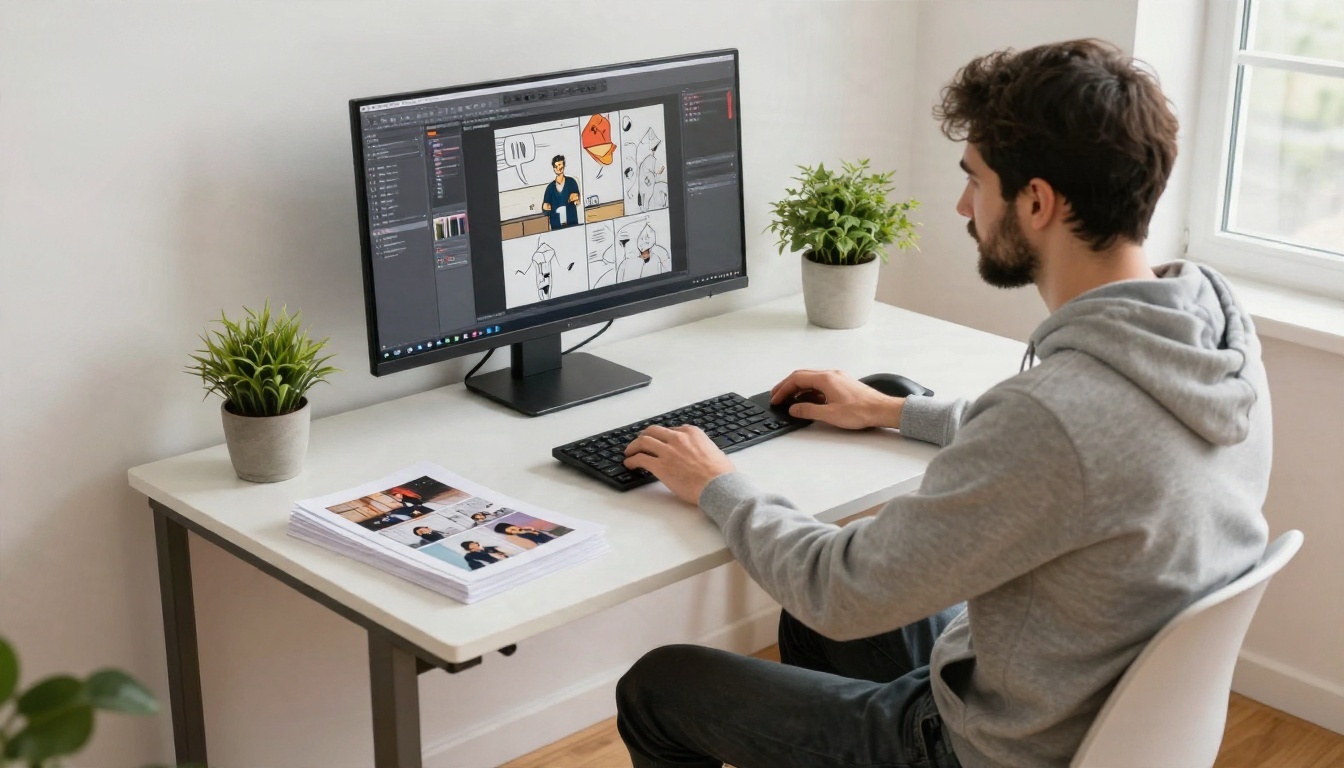
- Arrange panels on a page, varying the sizes.
- Add balloons and captions last.
- Export every page as a high-resolution PNG or a single PDF.

Pick Photos That Read Well
Not every photo survives the comic treatment. Choose images with a clear subject, a simple background and good light. Busy backgrounds turn into visual noise once outlines are added, and dim, grainy shots produce muddy shading.
- Good candidates: portraits, pets, hands doing something, wide landmark shots.
- Poor candidates: crowds, low-light indoor snapshots, heavily filtered images.
- Bonus: photos with a visible emotion or gesture give you ready-made dialogue.
Apply the Comic Effect Consistently
Use the same effect, the same intensity and the same color treatment across the whole comic. A single panel with a heavier outline stands out like a typo. Many editors let you save a preset or copy settings from one image to the next, and that small habit makes a series look professionally inked.
Build Panels and Speech Bubbles
Panel size controls pacing. A wide panel feels slow and scenic. A narrow panel feels quick. Give your punchline the biggest panel on the page, and keep text short: two lines per balloon is a good ceiling. Place balloons so the eye reads left to right and top to bottom without backtracking.
Turn Your Comic Into a Flipbook
Here is the step most people skip. A comic is meant to be read page by page, and a flipbook is the closest digital match to holding a printed booklet. Readers click or swipe, the page curls over, and the story keeps its rhythm. Compare that with a gallery of loose images or a scrolling PDF viewer.
| Format | Page Turn Feel | Easy to Share | Works on Phone | Tracks Readers |
|---|
| Loose image files | None | Awkward | Yes | No |
| Standard PDF | Scroll only | Moderate | Mixed | No |
| Social media carousel | Swipe | Easy | Yes | Limited |
| Flipbook | Realistic page turns | Link and embed | Yes, responsive | Yes, on the Professional plan |
How to Create a Comic Flipbook with Flipbooks AI
The whole process takes a few minutes once your PDF is ready.
- Export your comic as a PDF. Most editors offer this under Download or Share. Keep pages in a consistent size and order.
- Open Flipbooks AI. Go to flipbooksai.com or create an account if you do not have one yet.
- Upload the PDF. The PDF to Flipbook Converter turns each PDF page into a flippable page automatically.
- Review the page order. Flip through once to confirm panels and balloons are sharp.
- Customize the look. Choose a background color that suits your story, pick page effects, and add your own branding if the comic supports a brand or a blog.
- Add extras. You can embed videos and audio, so a behind-the-scenes clip or a soundtrack can sit alongside the pages.
- Share it. Copy the direct link, or use the embed code to place the comic on your site. Details on embedding are on the Embed Flipbook on Website page.
Customize and Protect the Result
Flipbooks AI never adds watermarks, and every flipbook is mobile-responsive, so your panels stay readable on a small screen. Here is how the main options behave:
- Custom branding: add a logo and match colors to your comic's palette.
- Password protection: keep a family comic private, so only people with the password can open it.
- Offline downloads: let readers save a copy for a flight or a classroom without Wi-Fi.
- Unlimited flipbooks: available on the Standard plan and above, handy if you publish a series.
Track Who Reads It
If your comic promotes a business, the Professional plan adds analytics and lead generation, so you can see how many people open the story and collect emails before a reader sees the last page. Compare plans on the pricing page.
✅ Best practice: Export at the final page size from the start. Resizing a finished comic means re-placing every balloon.
Real Examples Worth Copying
Ideas are easier to borrow when you can see them in action. These are scenarios that work well, along with what each one needs.
| Scenario | Photos Needed | Pages | Best Way to Share |
|---|
| Family keepsake | 20 to 30 snapshots | 6 to 8 | Password protected link |
| Classroom field trip | 12 to 18 student photos | 4 to 6 | Embed on class page |
| Product story | 8 to 12 product shots | 4 | Embed on shop site |
| Travel journal | 25 to 40 photos | 8 to 12 | Public link and social posts |
| Wedding recap | 30 to 50 photos | 10 to 14 | Private link or album page |

Family Photo Stories
A granddaughter scans old prints, turns them into a six-panel comic about how her grandparents met, and adds speech bubbles with the story as the grandmother tells it. Because the comic is private, it goes to relatives behind a password. For a bigger keepsake, the Wedding Album Flipbook tool fits the same idea on a larger scale.
Classroom Projects
A teacher takes twelve photos on a field trip, applies a single comic effect, and has each student write one balloon. The result is a four-page comic that doubles as a writing exercise. Publishing it as a flipbook means parents can read it from a link, and the class can embed it on a school page. Schools that want to publish a full-year collection can look at the Yearbook Flipbook Maker.

Small Business Product Stories
A ceramics shop owner photographs the making process: clay on the wheel, glaze, kiln, finished mug. Four panels with short captions explain the craft better than a paragraph of copy. She embeds the flipbook on her product page, and the Professional plan analytics tell her how many visitors read to the final page. For catalog style layouts, the Product Catalog tool is a natural partner.

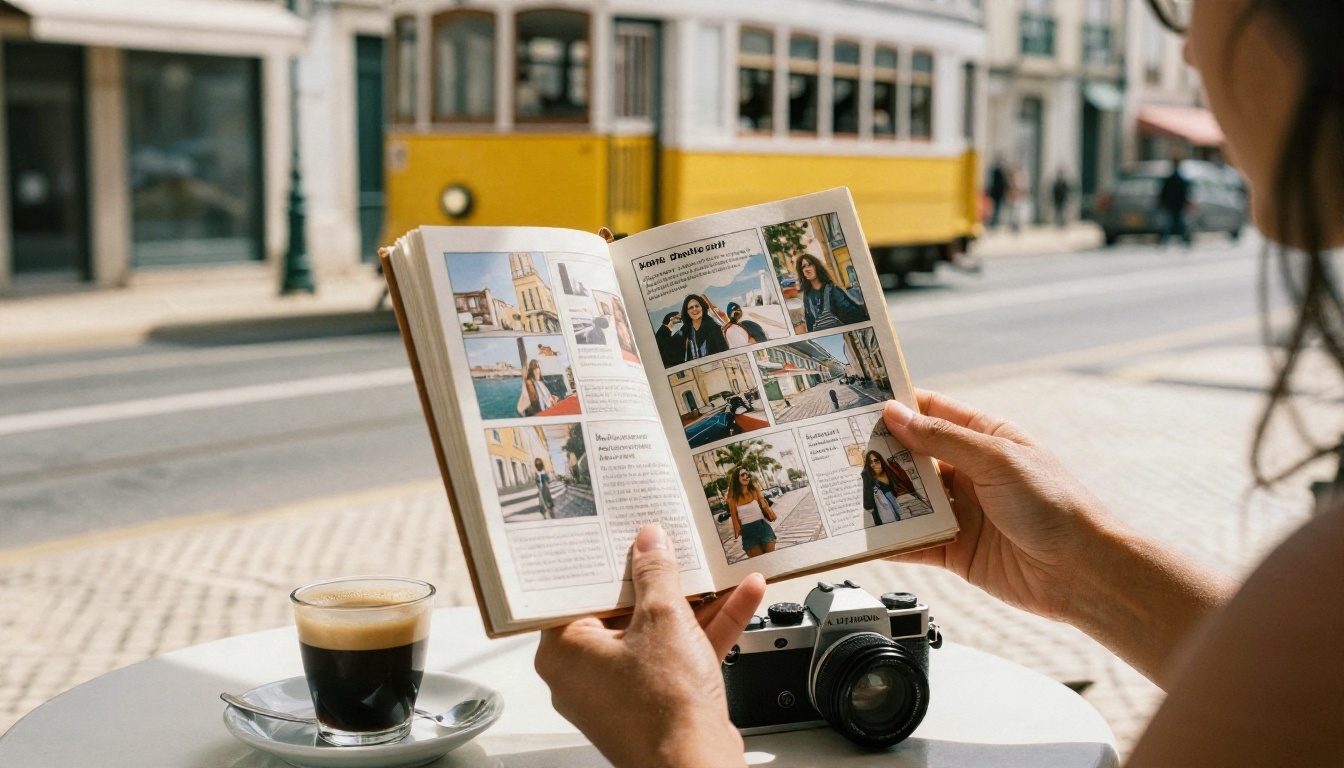
Travelers have their own take. A week in Lisbon becomes a ten-page comic: the tram, the pastry, the wrong turn, the sunset. If you collect photo projects like this, a Digital Portfolio Creator or Photography Portfolio flipbook can hold several comics in one place.
Mistakes That Ruin Photo Comics
After seeing plenty of attempts, the same errors keep showing up. Fix these and your comic already looks better than most.
| Mistake | What Happens | Easy Fix |
|---|
| Effect too strong | Faces turn to blobs | Lower intensity to a moderate level |
| Mixed effect settings | Panels look unrelated | Reuse one preset |
| Tiny text in balloons | Unreadable on phones | Use larger type and shorter lines |
| Low-resolution export | Soft print and zoom | Export at the highest quality available |
| No story order | Reader gets lost | Number panels in your plan first |
| Watermarked export | Looks unfinished | Test one export before building |
💡 Pro tip: Read your finished comic on a phone before you publish. If you squint at a balloon, your readers will skip it.
A few more habits are worth building:
- Keep text under 12 words per balloon whenever possible.
- Leave white space around balloons so they do not touch faces.
- End on a visual beat, such as a reaction shot, instead of a text block.
- Credit your sources if you use photos from other people, and get permission from anyone recognizable before publishing.
Quick Answers
Is there a free photo comic maker with no sign up?
Some browser based photo effect tools allow quick exports without an account, though they often limit quality or add a watermark. A design platform account is free and gives you more layout control.
Can I make a comic from photos on my phone?
Yes. Mobile apps handle simple edits, and you can then combine the exported images into a PDF on a computer before uploading.
What file should I upload to make a flipbook?
A PDF with one comic page per page. The PDF to Flipbook Converter handles the rest.
Will the flipbook work on mobile?
Yes, flipbooks are mobile-responsive, so readers can swipe through on a phone or tablet.
Can I keep my comic private?
Yes. Add a password so only people you trust can open it.
Make Your First Comic Today
You already have the raw material. Choose six photos, run them through a free online photo comic maker, and arrange them into a short story with a punchline. Then give the finished pages the format they deserve.
- Ready to publish? Get started for free on Flipbooks AI and upload your first comic PDF.
- Looking for more ideas? Browse all flipbook tools for portfolios, albums, newsletters and more.
- Need analytics or unlimited flipbooks? Compare the pricing plans and pick the one that fits your project.
A comic that sits in a folder is a private joke. A comic flipbook with a link is something people will actually pass along.



