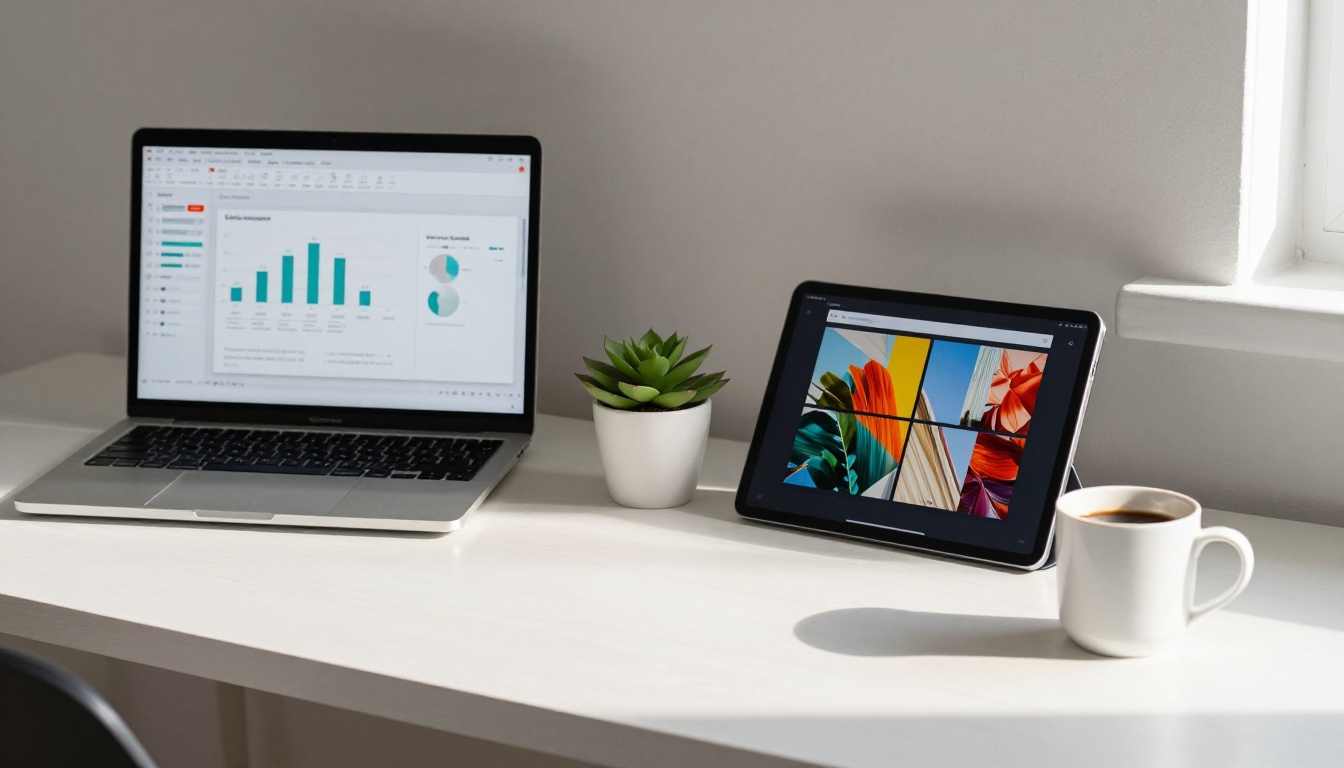
Most people default to PowerPoint when they need to share ideas. It's familiar, it's everywhere, and it gets the job done in a conference room. But the world has moved online, and a slide deck attached to an email opens to a wall of static images that nobody asked for. Digital flipbooks have changed the equation, offering the visual impact of a polished presentation with the shareability of a website.
So which format actually serves your ideas better? The answer depends entirely on what you're trying to do, who you're talking to, and how they'll receive it. Flipbooks AI makes it easy to create interactive flipbooks from your existing PDFs in minutes, so you may not have to choose one or the other. But first, let's get honest about what each format does well and where it falls short.
The Real Difference Between the Two
PowerPoint and flipbooks are not competing tools built for the same purpose. They solve different problems, and confusing the two is how you end up with a 47-slide deck nobody reads and a presentation that gets lost in someone's Downloads folder.
What PowerPoint Does Well
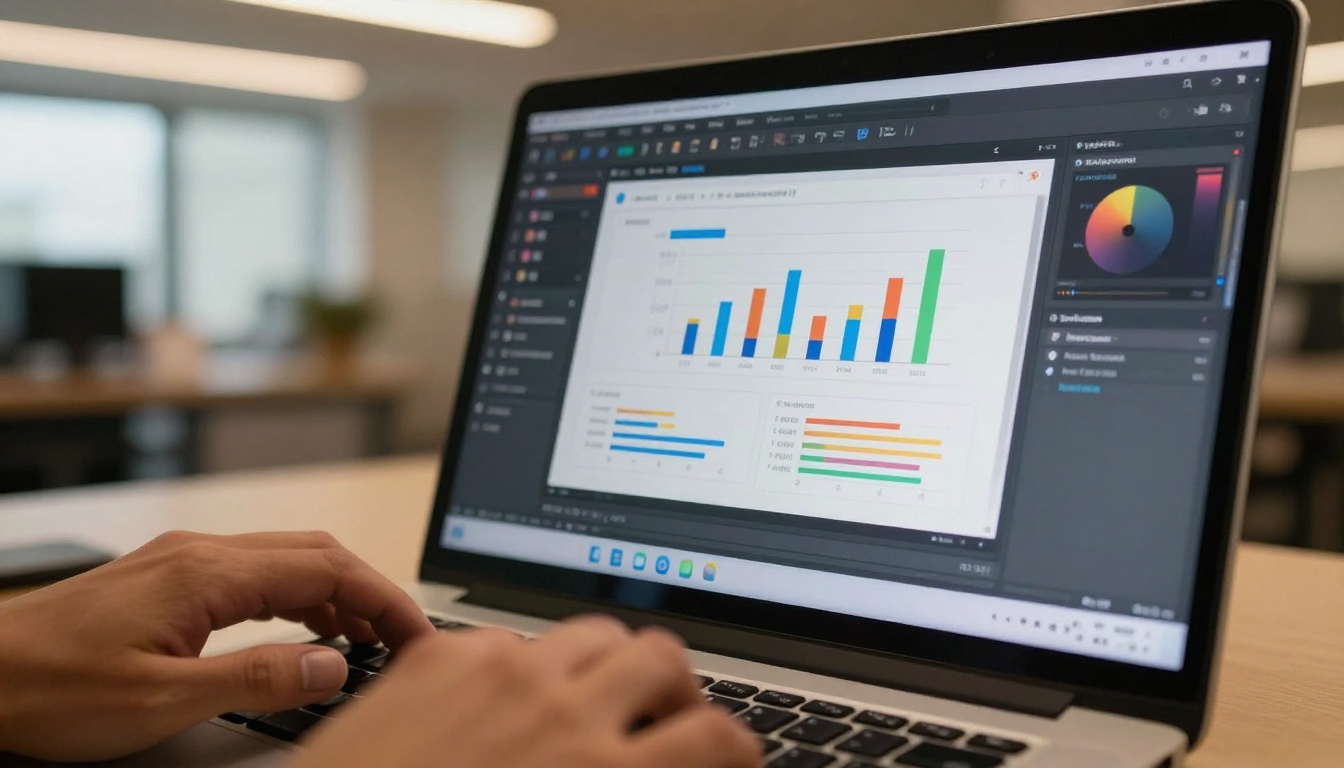
PowerPoint is presentation software built for live delivery. When you're standing in front of a room, clicking through slides, controlling the narrative beat by beat, it's hard to beat. Microsoft has refined it for decades, and the result is a tool with deep animation controls, advanced chart builders, real-time co-authoring, and tight integration with Office 365.
- Precise slide-by-slide pacing for live presentations
- Built-in animation and transition effects
- Deep charting and data visualization tools
- Familiar to virtually every business professional
- Tight integration with Excel and Word
- Speaker notes and rehearsal timing
What a Flipbook Does Well
A digital flipbook is a shareable, interactive document that mimics the physical experience of flipping pages, but lives entirely online. It's not a presentation you deliver in real time. It's content your audience reads, browses, and interacts with on their own terms, on any device, without downloading a file.
- Shareable via a single URL, no file attachments needed
- Works perfectly on mobile, tablet, and desktop
- Embeddable directly into websites and emails
- Page-turn animations create an immersive reading experience
- Can include videos, audio, and embedded links
- Password protection for confidential content
- Built-in analytics to track who reads what
💡 A flipbook isn't a replacement for PowerPoint. It's what you use when your PowerPoint needs to travel without you.
Side-by-Side Feature Breakdown
Here's where the two formats actually differ in practice:
| Feature | PowerPoint | Digital Flipbook |
|---|
| Best for | Live presentations | Self-distributed content |
| Sharing | Email attachment (.pptx) | Single shareable URL |
| Mobile experience | Poor (file download required) | Excellent (responsive) |
| Interactivity | Animations during playback | Embedded video, audio, links |
| Analytics | None | Page views, read time, leads |
| Branding | Full control (manual) | Custom colors, logo, fonts |
| Embedding | Not natively supported | Yes, embed on any website |
| Offline access | Yes (.pptx file) | Yes (downloadable PDF) |
| Collaboration | Office 365 required | Browser-based, no install |
| Learning curve | Medium | Very low |

⚠️ Sending a .pptx file to someone on a phone almost guarantees they won't open it. Flipbooks load instantly in any browser, with zero friction.
When PowerPoint Is the Right Call
PowerPoint wins in specific, clearly defined scenarios. Knowing when to use it saves you from forcing the wrong tool on the right problem.
Live In-Person Presentations
If you're standing on a stage, in a boardroom, or in front of a class, PowerPoint is purpose-built for that moment. The presenter controls the pacing, the animations land on cue, and the slide-by-slide format keeps the audience focused on one thing at a time.
A sales director pitching to a C-suite panel, a professor walking through a research methodology, a product manager presenting a roadmap to engineers: these are all PowerPoint territory.

Complex Data and Real-Time Updates
PowerPoint's charting tools pull directly from Excel, which means your data visualizations can update in real time. If your presentation is built around dense financial models, scientific data, or live metrics, PowerPoint's native Excel integration is genuinely hard to replicate elsewhere.
✅ Use PowerPoint when the data changes between versions and you need charts that auto-update from a spreadsheet.
Internal Team Workflows
For internal documents that live inside a corporate ecosystem, where everyone has Office 365 and .pptx files circulate freely in SharePoint folders, PowerPoint is simply the path of least resistance. It fits seamlessly into the tools your team already uses every day.
When a Flipbook Wins Every Time
Step outside the conference room and the case for flipbooks becomes overwhelming. The moment your content needs to reach an audience who isn't sitting in front of you, the equation shifts completely.
Shareable Digital Documents
A flipbook is a URL. You can put it in an email, a WhatsApp message, a QR code on a business card, or a link in an Instagram bio. Your audience opens it in a browser in seconds: no app download, no file format confusion, no "I can't open this on my phone."
A sales brochure, a product catalog, a company annual report, a course workbook: any of these as a flipbook gets read. The same content as a .pdf attachment gets ignored.
Visual Storytelling and Brand Impact
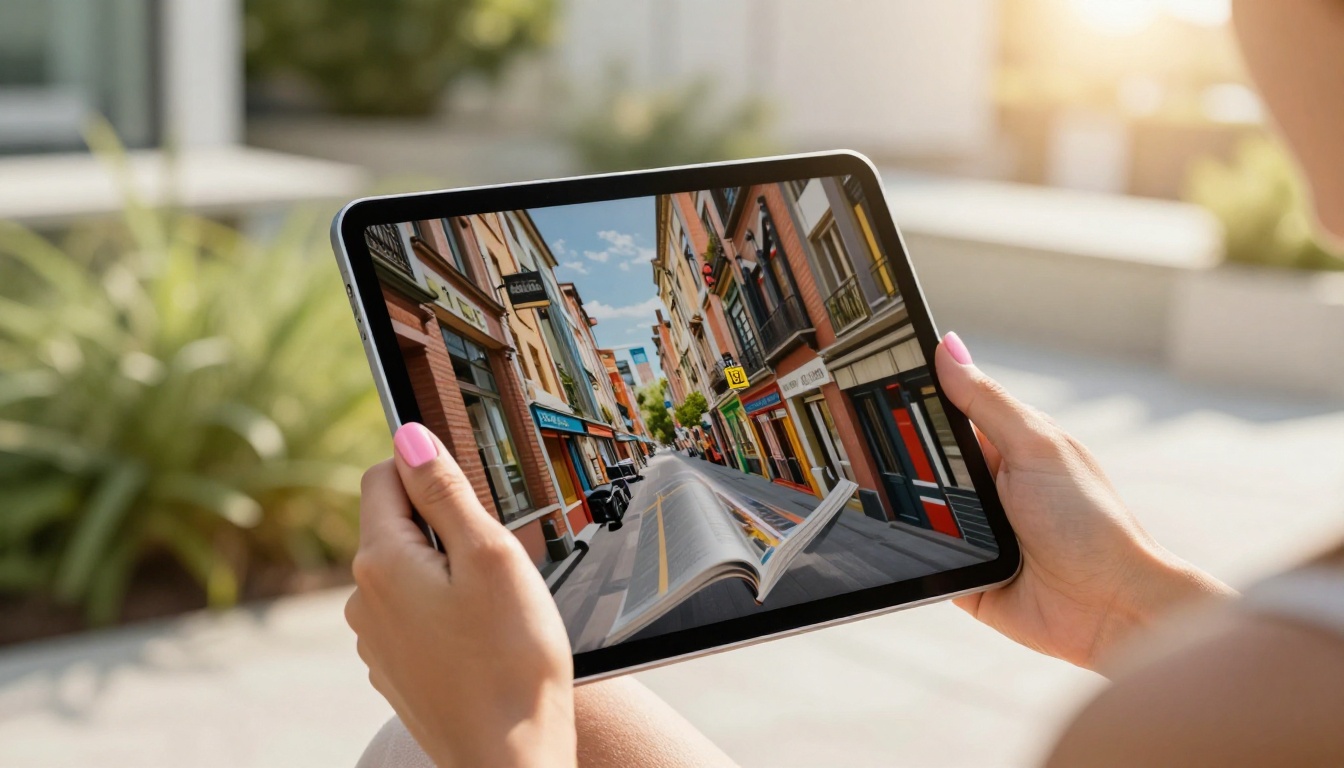
Flipbooks are built for full-bleed, magazine-style layouts. Pages that span edge to edge, photography that fills the frame, typography that breathes. The page-turn animation adds a tactile, premium feel that a static PDF slide never achieves.
For creative agencies, fashion brands, real estate firms, and hospitality businesses, this visual quality is the entire point. A luxury hotel brochure as a flipbook reads like an editorial spread. The same content in PowerPoint reads like a slide deck.
Remote and Async Audiences
Post-2020, most professional communication happens asynchronously. People are reading your content on their own schedule, on their own device, in their own time zone. Flipbooks are designed for exactly this scenario.

💡 Flipbooks with built-in analytics (available on the Professional plan) show you exactly which pages people spend time on and where they drop off. PowerPoint gives you nothing after you send it.
Real-World Use Cases
The format choice becomes obvious when you look at actual use cases side by side.
Business and Sales Teams
| Use Case | Best Format | Why |
|---|
| Boardroom pitch deck | PowerPoint | Live delivery, paced by presenter |
| Sales leave-behind | Flipbook | Shared via link, readable on mobile |
| Product catalog | Flipbook | Visual, browsable, shareable |
| Quarterly business review | PowerPoint | Presented live with data charts |
| Annual report | Flipbook | Published and distributed at scale |
| Press kit | Flipbook | Sent to journalists as a URL |
Real estate agents are one of the clearest examples. Showing a property portfolio in PowerPoint is clunky. Showing it as a digital real estate brochure flipbook on an iPad feels effortless and premium.

Education and Training
Training materials, course workbooks, and onboarding guides work better as flipbooks for remote teams and distributed learners. A training manual flipbook can be shared with a URL, password-protected for internal use, and tracked to confirm whether employees actually read it.
For live classroom delivery, PowerPoint still holds its own. For self-paced learning, flipbooks win.
Marketing and Creative Agencies
Agencies producing digital magazines, lookbooks, and campaign presentations have largely moved to flipbooks for client-facing deliverables. The format is visual, interactive, and produces a reaction that a .pptx attachment simply cannot.
An interactive lookbook for a fashion client, an e-magazine for a media brand, a digital portfolio for a photographer: these are all cases where the flipbook format is simply superior.
How to Create a Flipbook From Your PowerPoint
Converting your PowerPoint presentation into a flipbook takes about three minutes on Flipbooks AI. Here's the full process:
1. Export your PowerPoint as a PDF
In PowerPoint, go to File > Export > Create PDF/XPS. This preserves your layouts, fonts, and images in a format that flipbook converters can process accurately.
2. Sign up for free
Go to Flipbooks AI and create your account. No credit card required for the free tier.
3. Upload your PDF
Drag and drop your PDF into the PDF to Flipbook Converter. The tool processes each page and converts it into an interactive, page-turning flipbook automatically.
4. Customize your branding
Once uploaded, customize colors to match your brand palette, add a logo, choose page transition styles, and set background colors. Branding options are available on all paid plans with no watermarks, ever.
5. Add multimedia (optional)
Embed YouTube videos, audio clips, or hyperlinks directly into specific pages. This is where flipbooks genuinely outperform static PDFs: your leave-behind can include a product demo video right on the page.
6. Set sharing options
- Public link: Share a URL with anyone, instantly
- Password protection: Restrict access to specific recipients only
- Embed code: Drop the flipbook directly into your website or landing page
7. Share and track
Copy the link and send it anywhere. On the Professional plan, you get full analytics showing page views, read time per page, total views, and lead capture forms built right into the flipbook.
✅ The entire workflow from PDF upload to shareable link takes under five minutes. Browse all available flipbook tools to find templates built for your specific use case.

Choosing the right format also depends heavily on who receives your content and how they consume it.
| Audience Type | PowerPoint | Flipbook | Reason |
|---|
| In-room conference attendees | Best | Not applicable | Presenter controls pacing live |
| Remote async readers | Poor | Best | No file download, instant access |
| Mobile users | Poor | Best | Responsive, no app needed |
| International clients | Risky | Best | No software version issues |
| Internal corporate teams | Good | Good | Depends on file sharing setup |
| External stakeholders | Creates friction | Best | URL sharing vs attachment |
| Social media audiences | Not usable | Best | Embeddable and linkable |
If your content is delivered live, in a controlled environment, to an audience physically present with you: PowerPoint is the right tool. Its animation engine, live presenter controls, and real-time data integration make it the standard for a reason. No other tool gets out of the way during a live presentation as cleanly.
If your content needs to travel, reach people on different devices, be shared as a link, embedded on a website, or tracked for real results: a flipbook is the better choice. The experience is superior for digital distribution, and the analytics data you get back changes how you think about your content entirely.
The practical answer for most professionals is to use both. Build your presentation in PowerPoint for the live moment. Export it to PDF and convert it into a flipbook for everything that happens after the meeting ends. The leave-behind, the follow-up email, the link you post online: those are all flipbook territory.
Ready to see what your current PowerPoint looks like as a flipbook? Create your first flipbook free on Flipbooks AI and have it live in under five minutes. Need to see what plan fits your workflow? Compare pricing plans and pick what works for you.