A printed catalog lands differently than a link in an inbox. Someone holds it, turns the pages, and leaves it on the desk for a week. The problem is that a bad print run is expensive: crooked margins, muddy colors, and a PDF the printer rejects at 5 p.m. on a Friday. This article walks through the whole process, from picking a free template to exporting a file that prints cleanly. And because most businesses now want a screen version too, you will also see how Flipbooks AI turns the same PDF into a page-turning online catalog with no watermarks.
Why Printable Catalogs Still Win
Digital catalogs are convenient, but paper still does jobs that screens cannot. A buyer at a trade show will not scroll your website while talking to three other vendors. They will take the catalog home.
Where Print Beats Screens
- Trade shows and showrooms: a physical catalog is a leave-behind that keeps selling after you pack up.
- Wholesale visits: buyers mark pages with a pen, fold corners, and compare suppliers side by side.
- Direct mail: a catalog in a mailbox gets opened far more often than a cold email.
- Premium products: paper weight, finish, and binding communicate quality before anyone reads a word.
Who Needs One
Boutiques, furniture makers, wine merchants, hardware distributors, florists, and photographers all benefit. If you sell more than ten products and customers like to compare, a catalog pays for itself quickly.
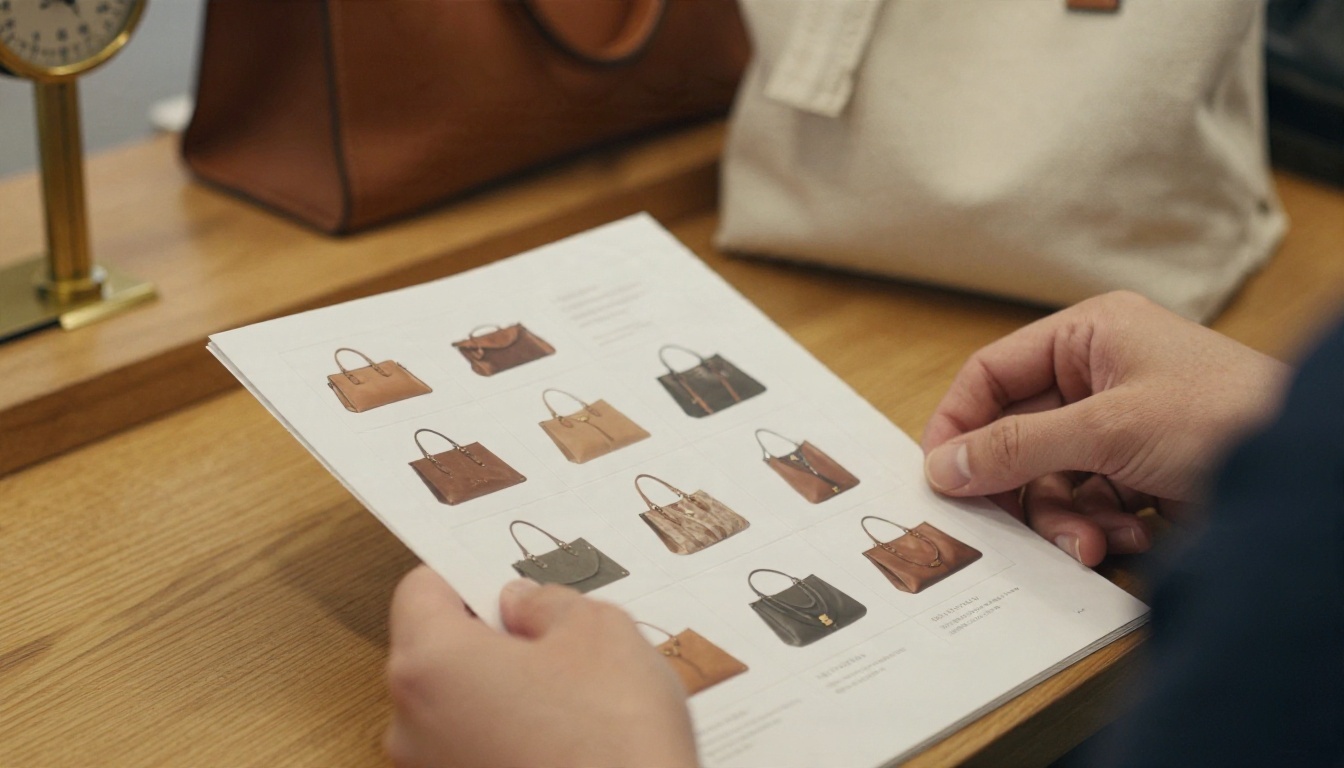
💡 Pro tip: Design once, publish twice. A well-built print PDF doubles as the source file for an online flipbook, so you never maintain two versions.
Free Templates Worth Using
A template saves hours, but only if it is built for print. Many free templates look beautiful on screen and fall apart at the printer because they ignore bleed, use RGB-only images, or lock text into flattened layers.
What a Good Template Includes
Before you download anything, check for these basics:
- Bleed already set up (usually 3 mm or 0.125 in on every outside edge).
- Master pages for headers, footers, and page numbers, so one change updates every page.
- Paragraph and character styles, not hand-formatted text.
- Placeholder image frames that crop automatically instead of stretching photos.
- Editable color swatches in CMYK, with a clear way to add your brand colors.
- Page counts in multiples of four, which matters for saddle-stitched binding.
Free Template Sources Compared
| Source type | Typical formats | Best for | Watch out for |
|---|
| Office suite templates | DOCX, PPTX | Simple price lists, short catalogs | Limited color control, no real bleed |
| Browser-based design tools | Web editor, PDF export | Fast layouts, non-designers | Watermarks on free exports, RGB output |
| Desktop layout app templates | INDD, IDML, AFPUB | Professional print work | Needs a paid or trial license |
| Community template libraries | PDF, PSD, AI | Style inspiration | Licensing terms, missing fonts |
⚠️ Warning: Always read the license. "Free to download" does not always mean "free for commercial use." If you plan to sell products from the catalog, confirm commercial use is allowed.
If your catalog is mostly a product grid, a ready-made layout from the Product Catalog generator gives you a clean starting structure. Fashion brands can start with the Fashion Catalog Creator, and furniture sellers with the Furniture Catalog Maker.

Choosing the Right Page Size
Page size decides your printing cost, your shipping weight, and how products look on the page. Pick it before you design anything, because changing it later reflows every layout.
| Format | Size (mm) | Size (inches) | Best use |
|---|
| A4 | 210 x 297 | 8.27 x 11.69 | Standard product catalogs, most of the world |
| US Letter | 215.9 x 279.4 | 8.5 x 11 | Standard catalogs in the US and Canada |
| A5 | 148 x 210 | 5.83 x 8.27 | Compact price lists, lookbooks, mailers |
| Half Letter | 139.7 x 215.9 | 5.5 x 8.5 | Pocket-friendly US catalogs |
| Square | 210 x 210 | 8.27 x 8.27 | Design, art, and lifestyle brands |
| Tabloid / A3 spread | 297 x 420 | 11.69 x 16.54 | Large format showrooms, posters |
A4 vs US Letter
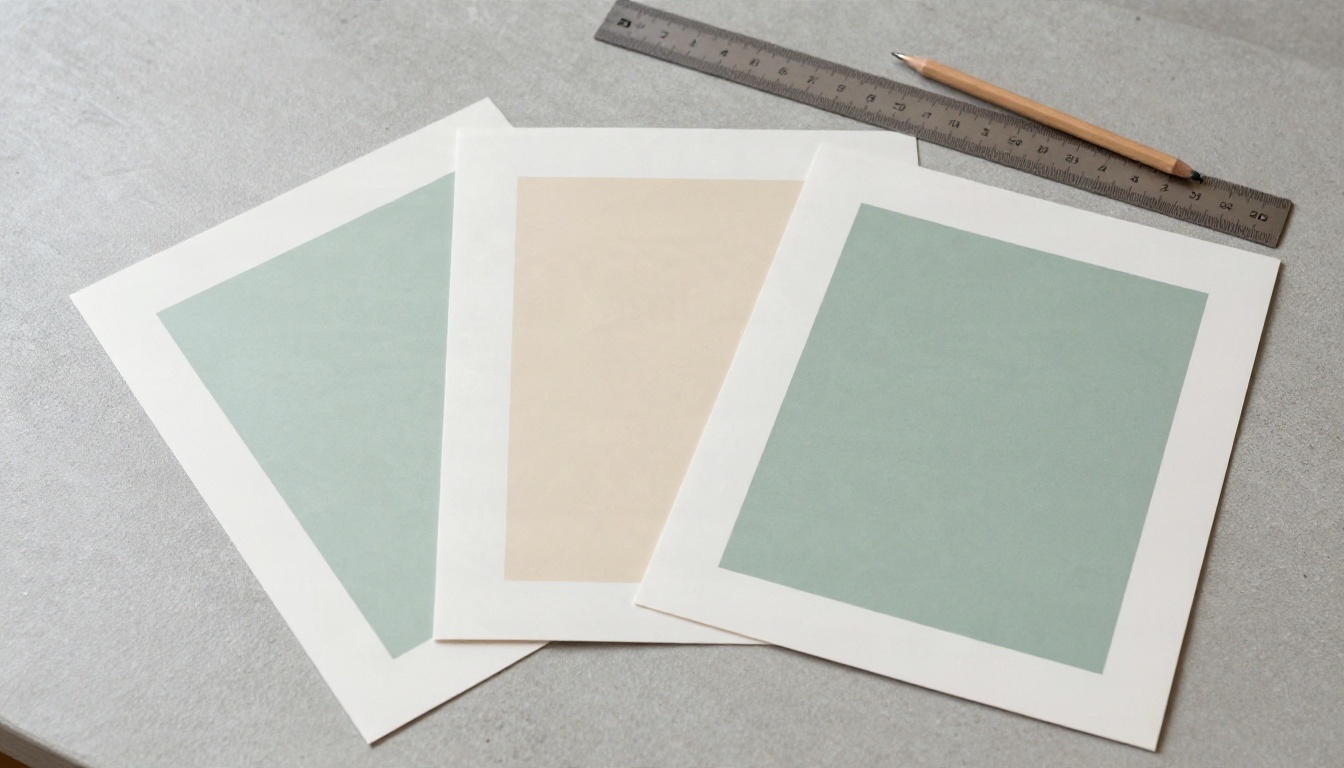
The difference looks small, but it breaks layouts. A4 is taller and narrower; Letter is shorter and wider. If you design in A4 and a US printer trims to Letter, you lose roughly 18 mm of height or gain unwanted white space. Always set the document to the size your printer will actually use, and ask them before you start.
Pocket and Square Formats
Smaller catalogs cost less to mail and feel more personal. A5 works well for 16 to 48 products. Square formats look striking with photography but cost slightly more because they use paper less efficiently on standard press sheets. Ask your printer for a quote on both.
💡 Pro tip: Count your products first. Twelve items per spread on A4 is comfortable. Twelve items on a single A5 page is crowded.
Print Settings That Prevent Waste
Most print failures come from five settings. Get these right and your printer will rarely call you back with questions.
Bleed, Margins and Crop Marks
Bleed is extra artwork that extends past the trim line, so a tiny cutting shift does not leave a white sliver. Margins (also called the safe area) keep text away from the edge.
- Set 3 mm (0.125 in) bleed on all outer edges.
- Keep text and logos at least 5 to 10 mm inside the trim line.
- Add crop marks only if your printer requests them. Many online printers add marks themselves.
- For binding, add an inner margin (gutter) of 10 to 15 mm so text is not swallowed by the spine.
Color Mode and Resolution
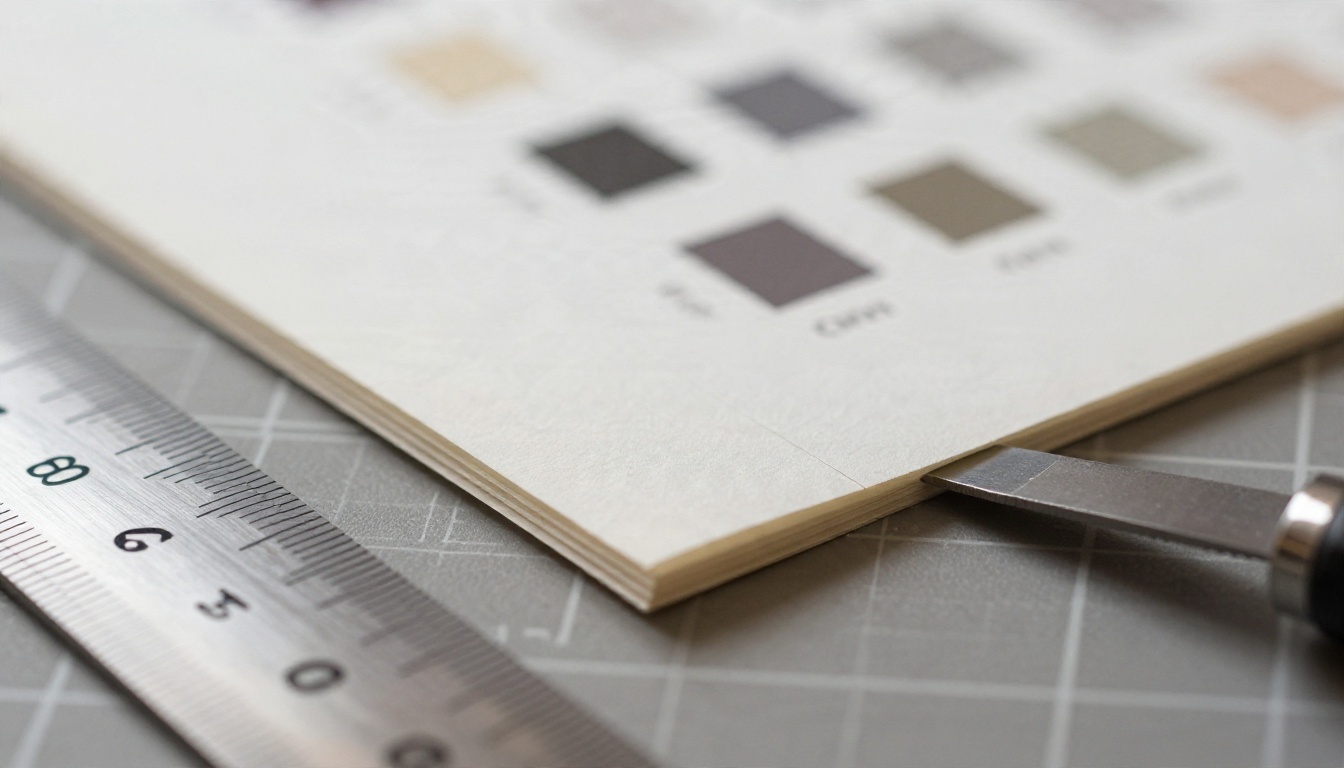
Screens use RGB. Presses use CMYK. If you send RGB files, the printer converts them, and bright blues and greens often turn dull.
- Convert images to CMYK before final export, or let your export preset do it.
- Use 300 dpi at final print size for photos. Anything below 200 dpi will look soft.
- Avoid pure 100% black for large text blocks. For body text, use a single-channel black (K only) so letters stay sharp.
- For large dark backgrounds, ask your printer about rich black values.
Paper and Binding Choices
| Binding | Page count | Look | Relative cost |
|---|
| Saddle stitch (staples) | 8 to about 64 pages, multiples of 4 | Simple, lies mostly flat | Lowest |
| Perfect binding (glued spine) | About 40 pages and up | Book-like, printed spine | Medium |
| Wire-O or spiral | 20 to 200+ pages | Opens flat, ideal for price lists | Medium to high |
| Section sewn | 48+ pages | Premium, durable | Highest |
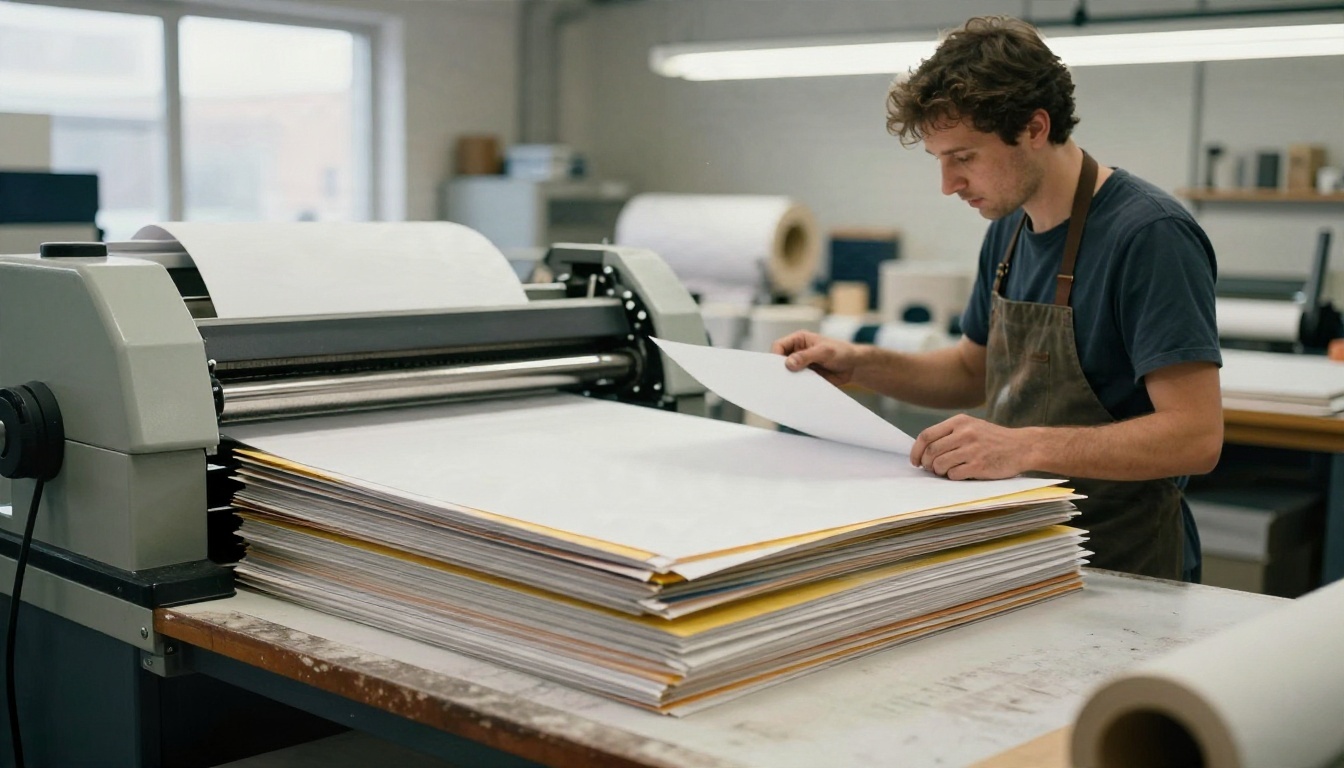
Paper matters just as much. Gloss makes photography pop but reflects light. Matte reads more elegant and is easier to write on. Uncoated feels natural and works well for craft, food, and sustainable brands. A common setup is 150 to 170 gsm gloss or silk for inside pages and 250 to 300 gsm for the outer pages.
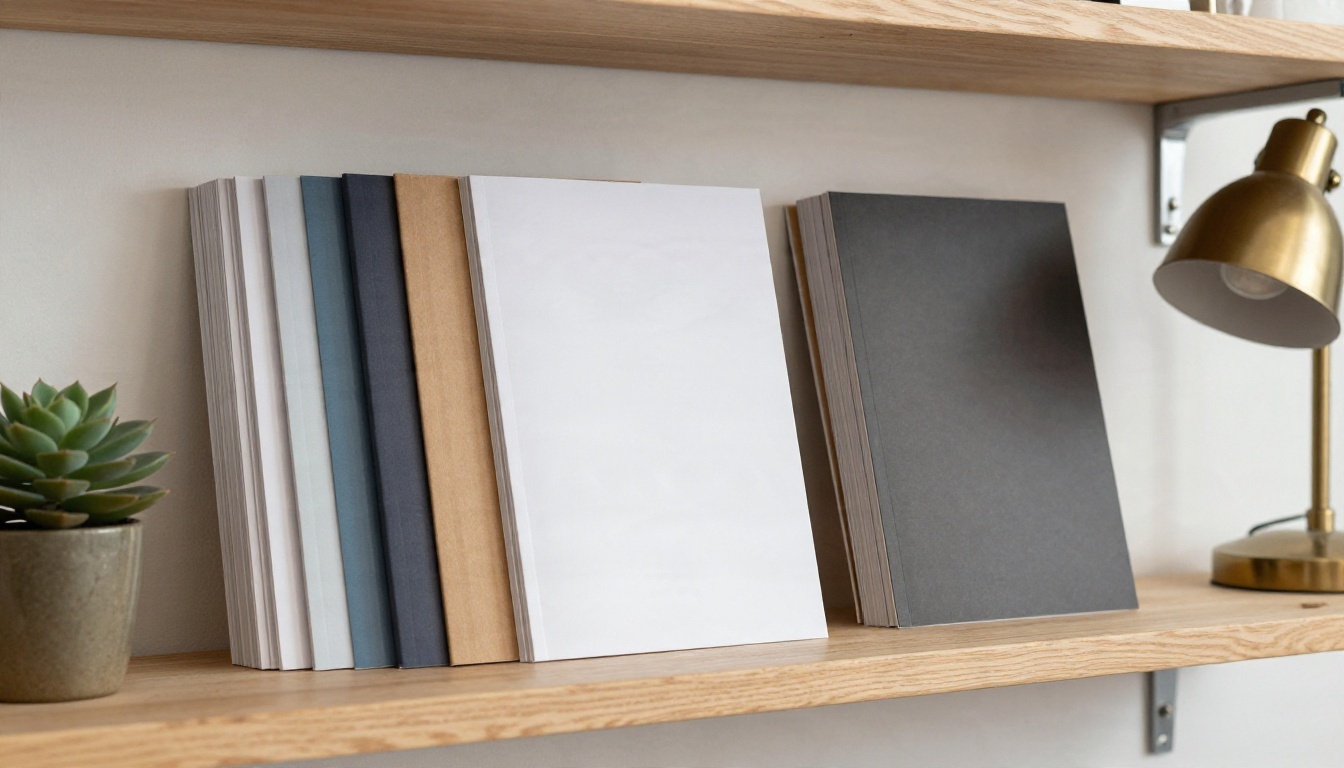
✅ Best practice: Order a single printed proof before a full run. Digital proofs on screen cannot show you paper texture or how colors land on the stock you picked.
PDF Export Without Surprises
The PDF is the handoff. Everything you set up earlier either survives export or gets lost here. Printers generally prefer PDF/X-1a or PDF/X-4, which are print-focused standards that embed fonts, lock color, and reduce surprises.

Export Checklist
Run through this list before every export:
- Spell check and read every price out loud once.
- Fonts embedded or converted to outlines.
- Images linked and present, none showing low-resolution warnings.
- Bleed included in the export settings, with crop marks only if requested.
- Color mode set to CMYK for print, or sRGB for the screen version.
- Pages exported as single pages, not spreads, unless your printer says otherwise.
- Transparency flattened if your printer asks for PDF/X-1a.
- File name that includes the catalog name, size, and date.
File Size Targets
| Purpose | Typical resolution | Typical file size | Color |
|---|
| Commercial print | 300 dpi | 20 to 150 MB | CMYK |
| Office or desktop print | 150 to 200 dpi | 5 to 30 MB | RGB or CMYK |
| Online flipbook or email | 100 to 150 dpi | 3 to 15 MB | sRGB |
You will usually keep two exports: a heavy print PDF and a lighter screen PDF. If you only have the print version, that is fine. The converter handles the weight for you.
⚠️ Warning: Do not send a screen-optimized PDF to a commercial printer. Compressed images and missing bleed are the two most common reasons for a rejected file.
How to Create a Printable Catalog with Flipbooks AI
Once your print PDF is ready, you can publish the same file online. Customers who cannot get a paper copy can still page through your catalog on any device. Here is the workflow with Flipbooks AI.

Upload and Convert
- Go to Flipbooks AI and create an account. You can start with a free plan.
- Click to create a new flipbook and upload your catalog PDF. The PDF to Flipbook Converter reads every page and turns it into a page-turning flipbook in seconds.
- Check the page order and preview on both desktop and phone. Layouts are mobile-responsive, so pages scale cleanly.
💡 Pro tip: Upload the lighter screen PDF here. It loads faster for visitors and keeps the experience smooth on mobile data.
Customize the Look
- Add your logo and brand colors so the viewer matches your catalog design.
- Pick a page turn effect and background that suits your products.
- Add links on products so readers jump straight to your shop or contact page.
- Embed videos and audio to show a product in use or play a short welcome message.
Need a purpose-built starting point? The Digital Catalog Maker and Catalog Flipbook Creator are tuned for product layouts.
Share and Protect
| Sharing option | Best for |
|---|
| Direct link | Email, messaging apps, QR codes on the printed catalog |
| Embed code | Product pages and landing pages, see the Embed Flipbook on Website tool |
| Password protection | Wholesale price lists and private dealer catalogs |
| Offline download | Buyers who want a copy for flights or trade show floors |
A smart trick: print a QR code on the back page of the physical catalog that points to the online version. Readers get the latest prices and can share the link with a colleague.
Track Results
On the Professional plan, you get analytics showing which pages get the most attention and lead generation forms that capture an email before a visitor opens the catalog. Unlimited flipbooks are available on the Standard plan and above. See the pricing plans to compare what each tier includes.
Real Examples by Industry
Here is how different businesses combine print and digital in practice.
| Business | Print format | Digital use |
|---|
| Furniture studio | A4, 48 pages, perfect bound | Flipbook with room photos, link per sofa |
| Wine merchant | A5, 24 pages, saddle stitched | Password-protected trade price list |
| Fashion label | Square, 32 pages, matte stock | Lookbook sent to buyers before market week |
| Hardware distributor | US Letter, 120 pages, wire-O | Searchable flipbook with offline download |
| Florist | Half Letter, 16 pages | Seasonal flipbook shared by QR code |
A florist, for example, can print 200 copies of a 16-page spring brochure for local weddings, then share the identical flipbook on social media. A hardware distributor can mail the wire-O catalog to existing customers and send the offline version to new leads. For service-based businesses, the Online Brochure Designer works on the same principle, and the Digital Price List Generator is ideal when prices change often.
✅ Best practice: Put a version date in the footer of every page, such as "Spring 2027." It tells readers whether they are holding the latest edition and makes it obvious when to reprint.
Ready to Publish Yours?
You now have the full path: choose a template with bleed built in, pick a page size your printer supports, set CMYK and 300 dpi, export a PDF/X file, and mirror it online. The extra step takes ten minutes and gives your catalog a second life on every device.
Send the print PDF to your printer, publish the flipbook the same afternoon, and let the paper and the screen version work together.



