You tap an email attachment ending in .pub, and your phone shrugs. No preview, no app suggestion, just a generic file icon. That is the everyday reality of a PUB file opener for Android: Microsoft Publisher never shipped a mobile app, so phones have no built-in way to read its brochures, flyers and newsletters. The good news is that you have three workable routes: install a viewer app, use a cloud tool, or convert the file to PDF and read it anywhere. And once you have a PDF, you can turn it into a page-turning web publication with Flipbooks AI in a few minutes.
This article walks through each route in plain language, compares the free options in tables, and shows the fastest path from a stubborn PUB file to something your whole audience can open on any device.
What a PUB File Really Is
A PUB file is a Microsoft Publisher document. Publisher is a desktop layout program that many small businesses, schools and clubs have used for years to design flyers, brochures, greeting cards, calendars and newsletters. Unlike a Word document, a PUB file stores precise page layouts: text boxes, linked frames, embedded fonts, images, and print settings all in a proprietary format.
Why Android Cannot Open It Natively
Android ships with viewers for images, PDFs, plain text and a few office formats. Publisher's format is closed and rarely supported outside Microsoft's own software. There is no Publisher app in the Play Store from Microsoft, and the Microsoft 365 mobile apps handle Word, Excel and PowerPoint but not Publisher files. So when you tap a PUB attachment, Android has nothing to hand it to.
What Breaks on Mobile
Even when a third-party app can read a PUB file, expect some trade-offs:
- Fonts get swapped. If the original used a custom typeface, your phone substitutes a default one and text can reflow.
- Layered objects shift. Overlapping images and text boxes may move a few pixels or a few inches.
- Print marks and bleeds can show up as odd borders.
- Large files load slowly on mid-range phones, especially with high-resolution photos embedded.
💡 Pro tip: Before you spend time hunting for an app, ask the sender for a PDF export. Publisher can save one in two clicks, and it solves every problem in the list above at once.
Free Android Apps That Work
No single app is perfect, and support for the format changes as developers update their software. Treat the table below as a map of categories rather than a promise about any one title, and always test with a copy of your file first.
| Option type | Cost | Layout accuracy | Best for | Main drawback |
|---|
| Dedicated PUB viewer apps from the Play Store | Free with ads | Medium | Quick reading of simple flyers | Ads, mixed reviews, inconsistent updates |
| Office suites that import many formats | Free tier | Medium to low | Users who already have one installed | PUB support varies by version |
| Cloud conversion websites in a mobile browser | Free for small files | High | One-off conversions | File is uploaded to a third party |
| Remote desktop to a PC with Publisher | Free app, needs PC | Perfect | Editing, not just reading | Requires a working computer |
| Ask sender for PDF | Free | Perfect | Almost every situation | Needs a reply |
Dedicated Viewer Apps
Search the Play Store for "PUB viewer" or "Publisher reader" and you will find several free apps. Check three things before installing: the date of the last update, the number of recent reviews (not only the star average), and the permissions requested. A viewer has no reason to ask for your contacts or microphone. Open one test file you do not mind sharing, and judge whether the layout looks right.
Office Suites and File Managers
Some free office suites on Android import more formats than the big names do. Others rely on the same open-source libraries used by desktop LibreOffice, which can read many Publisher files. Install one, then use Open with from your file manager or email app. If the document appears with rough formatting, that is still enough to read a price list or find an address.
Cloud Converters in Your Browser
Free web converters such as Zamzar or CloudConvert accept a PUB upload and return a PDF or image. This works from Chrome on Android without installing anything. Quality is usually the best of the free options because the conversion runs on a server with proper libraries, not on your phone.
⚠️ Privacy warning: Never upload a contract, a payslip, or a document with personal details to a free converter. Your file travels to someone else's server. For anything sensitive, convert on your own computer instead.
Opening PUB Files on iPhone
The iPhone situation mirrors Android. Apple's Files app can store a PUB file, but tapping it usually produces a blank preview or a prompt to find an app. The options look familiar.
Built-In Options
Apple does not include a Publisher reader. You can still do two useful things without installing anything. First, forward the attachment to yourself and open it from a desktop browser later. Second, use Safari to visit an online converter and download the PDF back into the Files app. The PDF then opens natively in Files, Books and Mail.
Third-Party Viewers
The App Store has a handful of document viewers that claim PUB support. The same rules apply as on Android: read recent reviews, check the update date, and test on a throwaway copy. If a viewer asks for a subscription before it shows a single page, skip it. A free converter will do the same job.
| Task | Android | iPhone |
|---|
| Native PUB preview | No | No |
| Open a PDF instantly | Yes | Yes |
| Browser-based converter | Works in Chrome | Works in Safari |
| Third-party viewer apps | Play Store, free with ads | App Store, often subscription |
| Easiest reliable route | Convert to PDF | Convert to PDF |
Convert PUB to PDF First
If you remember one thing from this article, make it this: PDF is the universal solution. Every phone, tablet and browser opens it. Layouts stay locked, fonts are embedded, and the file is usually smaller. Converting is the cleanest answer to the PUB problem on every platform.
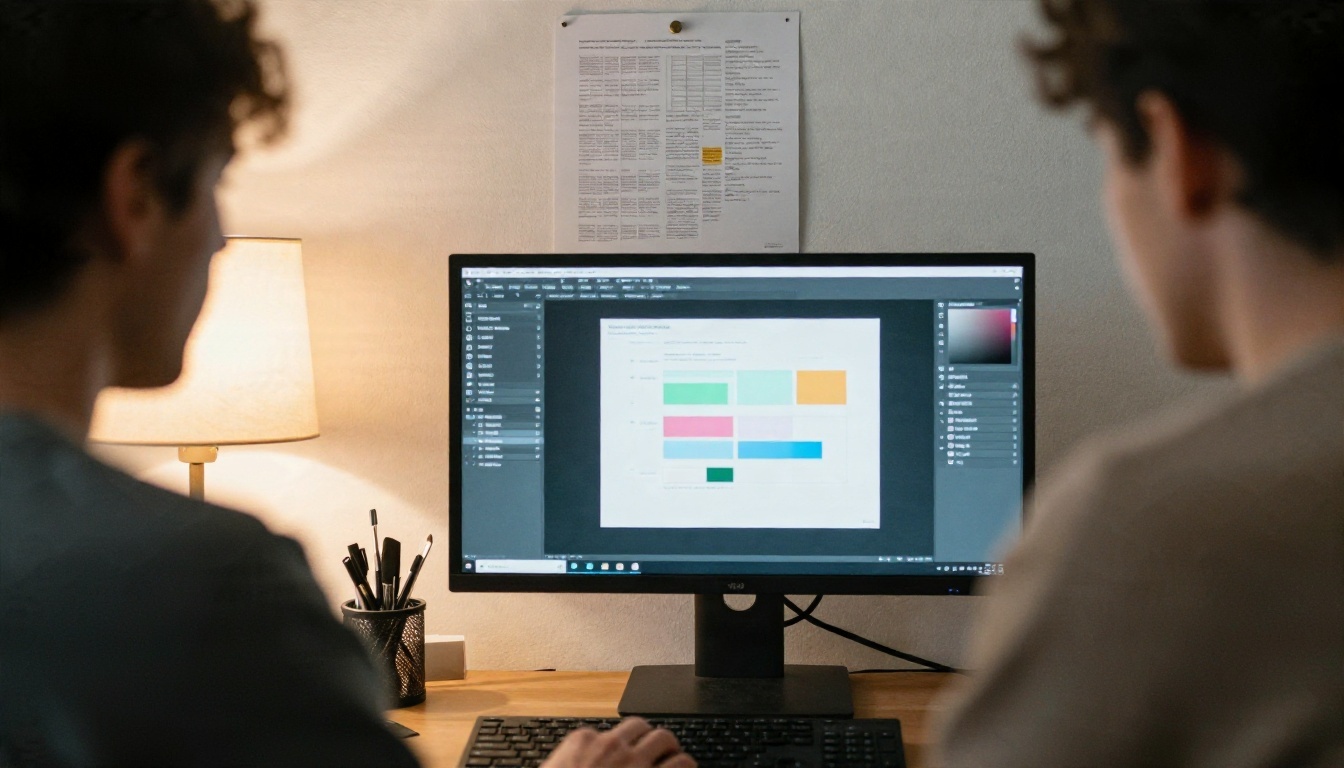
Using Publisher on Desktop
If you own the original file or have access to a PC with Publisher, this is the best method:
- Open the file in Microsoft Publisher.
- Choose File, then Export (or Save As).
- Select PDF as the file type.
- Pick Standard for sharing online or High quality print for printing.
- Click Publish or Save and send the PDF to your phone.
No Publisher license? A desktop copy of LibreOffice can often open a PUB file and export it as PDF for free. Layout may need a quick check, but it is a solid fallback.
Online Converters and Privacy
Browser-based converters take about thirty seconds for a typical flyer. Upload, wait, download. Their strengths are speed and zero installation. Their weaknesses are file size limits, ads, and the uploading of your content to a server you do not control. Use them for public documents like event flyers and menus, and avoid them for private material.
| Method | Speed | Quality | Privacy | Cost |
|---|
| Publisher export | Fast | Excellent | Excellent | Needs license |
| LibreOffice on desktop | Medium | Good | Excellent | Free |
| Online converter | Fast | Good to excellent | Weak | Free for small files |
| Phone viewer app | Medium | Variable | Depends on app | Free with ads |
Phone-Only Conversion
No computer around? Open a converter in your mobile browser, upload the PUB file from your Files or Downloads folder, and save the PDF result. On Android, the download lands in your Downloads folder automatically. On iPhone, tap Download and choose Save to Files. Check page one and the last page before you share anything, since those are where layout errors tend to hide.
✅ Best practice: Rename the converted PDF with a clear name and date, like spring-menu-2026.pdf. You will thank yourself when your Downloads folder has forty files in it.
Turn the PDF Into a Flipbook
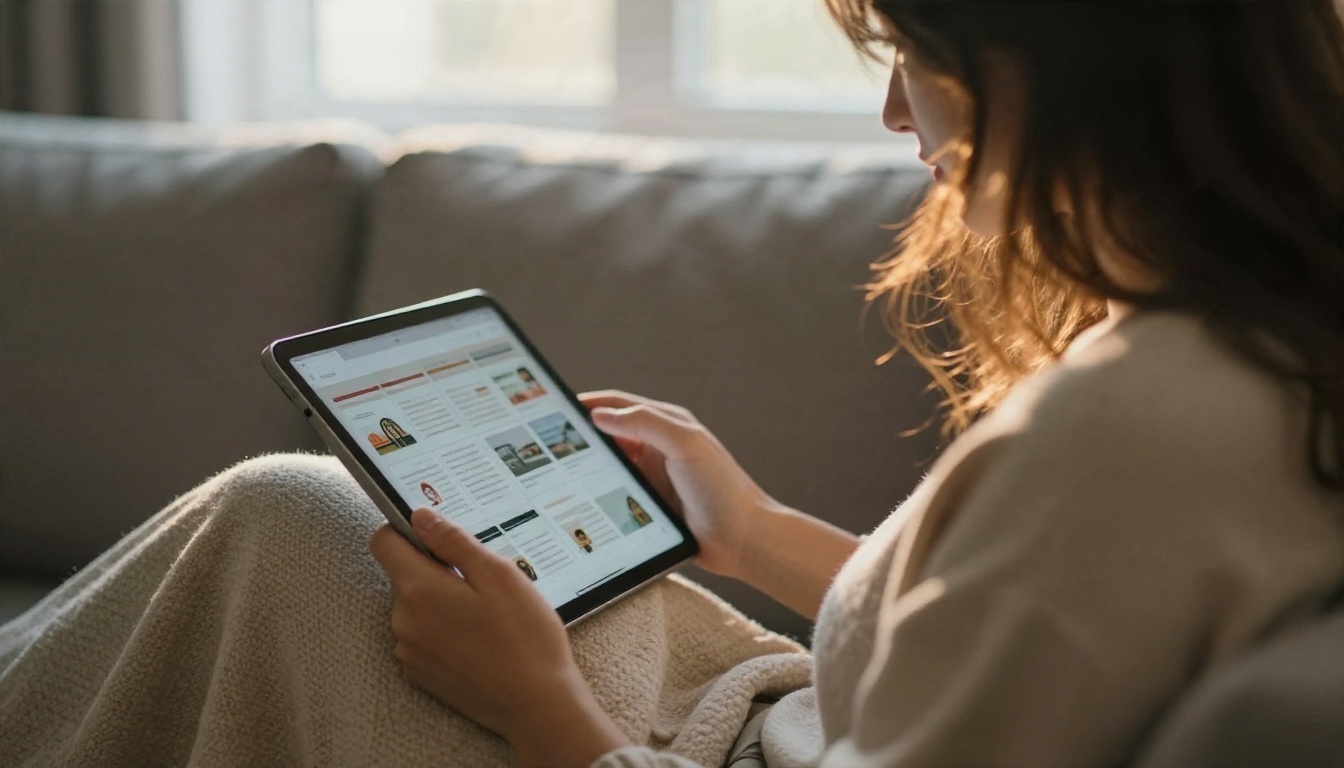
A converted PDF is readable, but it is still a flat file that needs to be downloaded, zoomed and pinch-scrolled. If the document is meant for customers, members or students, a flipbook is a friendlier format. Pages turn with a swipe, the layout adapts to the screen, and readers never download anything. The PDF to Flipbook Converter on Flipbooks AI is built for exactly this situation.
Upload and Convert
Here is how to create a flipbook from your converted PUB file:
- Go to Flipbooks AI and create an account.
- Click to start a new flipbook from the dashboard.
- Upload the PDF you exported from your PUB file.
- Wait a few seconds while pages are processed and turned into an interactive reader.
- Preview the result on your phone to check page order and image sharpness.
What you will see: a clean dashboard with an upload area, a progress indicator during processing, and a live preview of your page-turning publication once it finishes.
Customize the Look
Once the flipbook is ready, open the customization panel and adjust:
- Branding: add your logo and choose a background color that matches your brand.
- Page effects: pick a realistic page-curl, a slide, or a simple fade.
- Multimedia: drop in videos or audio clips so a static flyer becomes a mini presentation.
- Layout: select single-page view for phones and a spread for desktop screens.
Everything is mobile-responsive, so the same link works on Android, iPhone, tablets and desktops. And there are no watermarks, ever.
Share and Protect
Sharing options are flexible. Pick the one that fits your audience:
| Sharing option | Best for | Notes |
|---|
| Direct link | Email, WhatsApp, text messages | Opens in any phone browser |
| Embed code | Websites and blogs | See Embed Flipbook on Website |
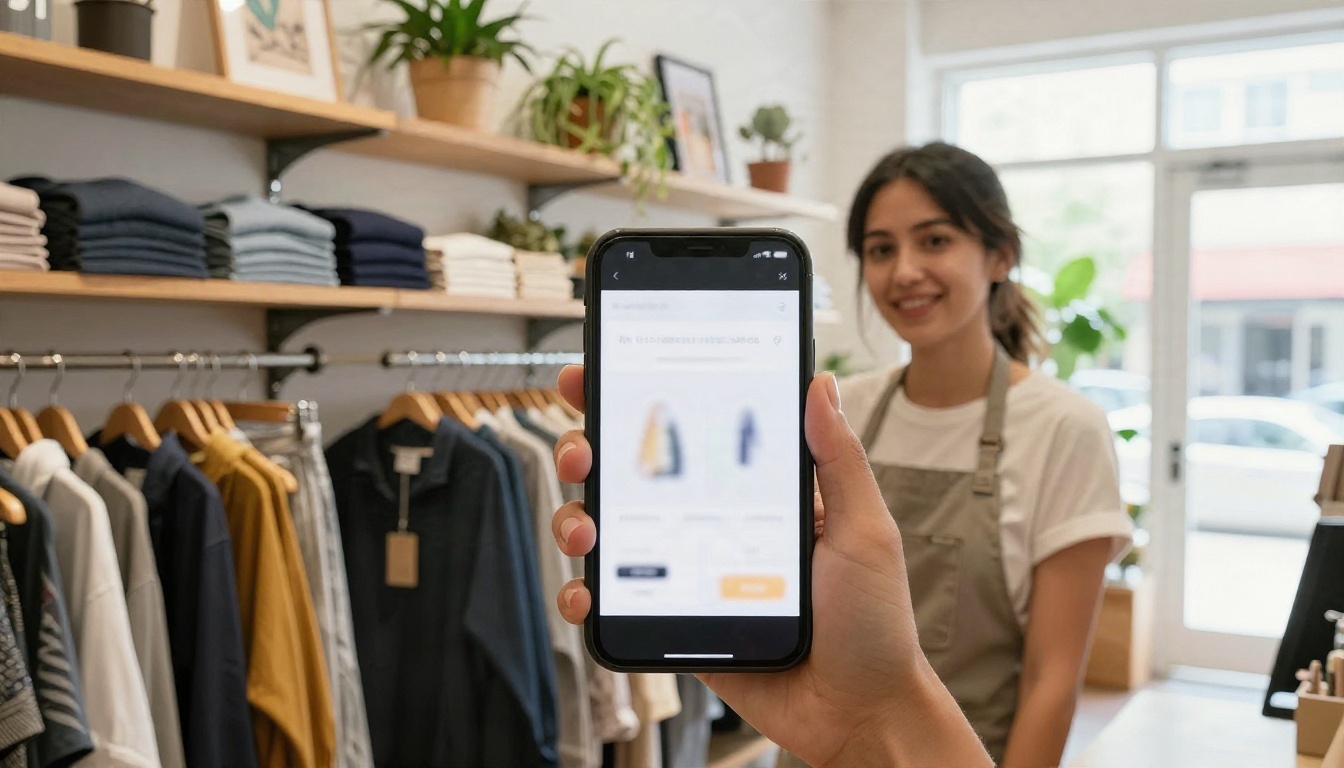
| QR code | Printed flyers, shop windows | Scan and read instantly |
| Password protection | Private reports, member content | Only people with the password can view |
Analytics and Offline Downloads
On the Professional plan you get analytics showing how many people opened your flipbook and which pages held their attention, plus lead generation forms that ask for an email before the content opens. Readers can also use offline downloads, which helps anyone with weak signal on a commute or in a venue with poor reception. Compare the options on the pricing page to see which plan fits.
💡 Pro tip: If your original PUB file was a catalog, try the Digital Catalog Maker. For brochures, the Brochure Flipbook Maker offers a tailored starting point. Newsletter authors can look at the Newsletter Flipbook Publisher.
Real-World Situations
Different people hit the PUB problem for different reasons. Here is how the same workflow plays out in practice.
- A school parent receives the PTA newsletter as a PUB file. They open a browser converter on their Android phone, save the PDF, and read it on the bus.
- A café owner inherits a menu designed in Publisher by a former employee. They convert it to PDF at a friend's PC, then publish it as a flipbook, and place a QR code on each table.
- A real estate agent gets a property flyer from a vendor in PUB format. They export to PDF, upload it, and send a password-protected link to selected buyers.
- A volunteer coordinator has dozens of old event programs saved as PUB files. They batch convert them on a desktop, then archive the results as flipbooks that any member can open.
| Scenario | Fastest route | Result |
|---|
| One-time reading on phone | Online converter | PDF on your device in minutes |
| Customer-facing menu or catalog | PDF, then flipbook | Shareable link and QR code |
| Private business document | Desktop export, then password flipbook | Controlled access |
| Many old files to archive | Desktop batch export | Organized PDF library |

Common Problems and Fixes
Things do go wrong, so here are the issues that come up most often.
- The converted PDF has missing images. The original file probably linked to pictures stored elsewhere. Ask the sender to use Publisher's Pack and Go feature so images travel with the document.
- Text looks different. A font was substituted. Ask for a PDF export from the original machine, since PDFs embed fonts.
- The file will not upload. Some converters cap size at 50 MB or less. Compress images in Publisher first, or use a desktop tool.
- The viewer app shows a blank page. The file may use features the viewer does not support. Try a second viewer, or go straight to conversion.
- The file looks corrupted. Ask the sender to resend it. Email systems occasionally damage attachments, especially when they pass through security scanners.
⚠️ Safety reminder: Treat unexpected attachments with care. A PUB file from an unknown sender can contain macros. Do not open anything you were not expecting, and never enable macros on a file from a stranger.
Pick Your Path and Start
Here is the short version. If you only need to read a PUB file once, a browser converter on your phone is the quickest answer. If you need accurate layout, ask for a PDF or export one from a desktop. And if you want others to read the file comfortably on their phones, convert it to a flipbook so nobody has to wrestle with downloads or file formats again.
Ready to try it? Get started for free on Flipbooks AI, browse all flipbook tools to find a template that matches your document, or compare pricing plans to choose what suits your project. Your next PUB attachment does not have to be a dead end.



