You have a PDF, a client waiting, and an inbox that just bounced your 40 MB attachment. The fastest fix is to share the PDF as a link, and plenty of free tools will do it in under a minute. The catch is that free links come with limits you only notice after you hit send: expiring URLs, storage caps, clumsy download prompts and no idea whether anyone opened the file. This article compares the free options people use most, shows where each one breaks, and explains why many senders switch to a flipbook link from Flipbooks AI when a document needs to look good and be tracked.
Why a PDF Link Beats an Attachment
Attachments made sense when files were small and everyone used the same email client. Today they cause more problems than they solve. A link gives you one address that works in email, chat, social bios, QR codes and text messages.

The Email Size Problem
Most mail providers cap attachments at roughly 20 to 25 MB, and the real limit is lower once encoding overhead is added. A brochure with high resolution photos blows past that easily. Some corporate servers reject even smaller files, and the sender often finds out only when the bounce message arrives.
Version Chaos
Every attachment is a fork. Send "Proposal_v3_final.pdf" to six people and you now have six copies you cannot update. With a link, you replace the file behind the address and everyone sees the new version, as long as the tool you chose supports that.
💡 Pro tip: Before you pick a tool, ask one question: will I need to edit this document after sending it? If yes, choose a method that keeps the same URL when you replace the file.
There are three families of free tools. Each solves the "make a link" problem, but they behave very differently once the link is in someone else's hands.

Cloud Storage Links
Google Drive, Dropbox and OneDrive all let you upload a PDF and copy a share link. This is the default choice for most people because you probably already have an account. Setup takes about thirty seconds: upload, right click, set access to "anyone with the link," copy.
The strengths are familiarity and reliable hosting. The weaknesses show up later. Free storage is shared with everything else in your account, link permissions are easy to get wrong, and the recipient usually lands on a file manager interface instead of a reading experience.
Transfer Services
Services such as WeTransfer are built for sending big files once. You upload, enter an email or grab a link, and the recipient downloads. Free tiers typically allow a few gigabytes per transfer, but links normally expire after about a week. That is fine for handing over a print file. It is a poor choice for a menu, catalog or price list that people need to open for months.
Quick Upload Sites
A handful of free sites let you drop in a PDF and get a short URL without creating an account. They are convenient, but you often cannot see how long the file will be kept, who runs the service, or what happens to your data. Treat them as a last resort for non sensitive files only.
Side by Side Comparison
Limits change often, so check each provider's current terms. The table shows the general pattern.
| Tool type | Setup time | Typical free limit | Link lifespan | Reader experience | Tracking |
|---|
| Cloud storage (Drive, Dropbox, OneDrive) | 30 seconds | Shared account storage, from a few GB to about 15 GB | Stays active while the file exists | Basic viewer or forced download | Limited or none on free plans |
| Transfer service | 1 minute | A few GB per transfer | Often about 7 days | Download only | Delivery notice at best |
| Anonymous upload site | 20 seconds | Small file caps | Unclear | Basic viewer | None |
| Flipbook link | 2 minutes | Depends on plan | Stays active | Page turning reader in the browser | Available on higher plans |
The Limits Nobody Mentions
The marketing pages say "free" and "unlimited sharing." The fine print tells a different story.
Expiry and Storage Caps
Free accounts fill up. Photos, backups and old attachments all compete for the same quota, and when the account is full, new uploads stop working. Transfer links vanish on a schedule. A link you sent in March can be dead by April, and you will not be told.
⚠️ Warning: Never put a transfer link on a printed flyer, a business card or a QR code that will stay in circulation. Expiring links on permanent materials are one of the most common sharing failures.
Privacy and Access Control
"Anyone with the link" really means anyone. If the URL is forwarded, posted or indexed, you have no way to restrict it on most free plans. Password protection is usually locked behind a paid tier. Even where it exists, it is often a toggle buried three menus deep.
Questions worth asking before you share:
- Can I add a password without paying?
- Can I disable the link later and have it stop working at once?
- Does the tool tell me who opened the file?
- Is the file stored in a region that matches my client's data rules?
Poor Mobile Reading
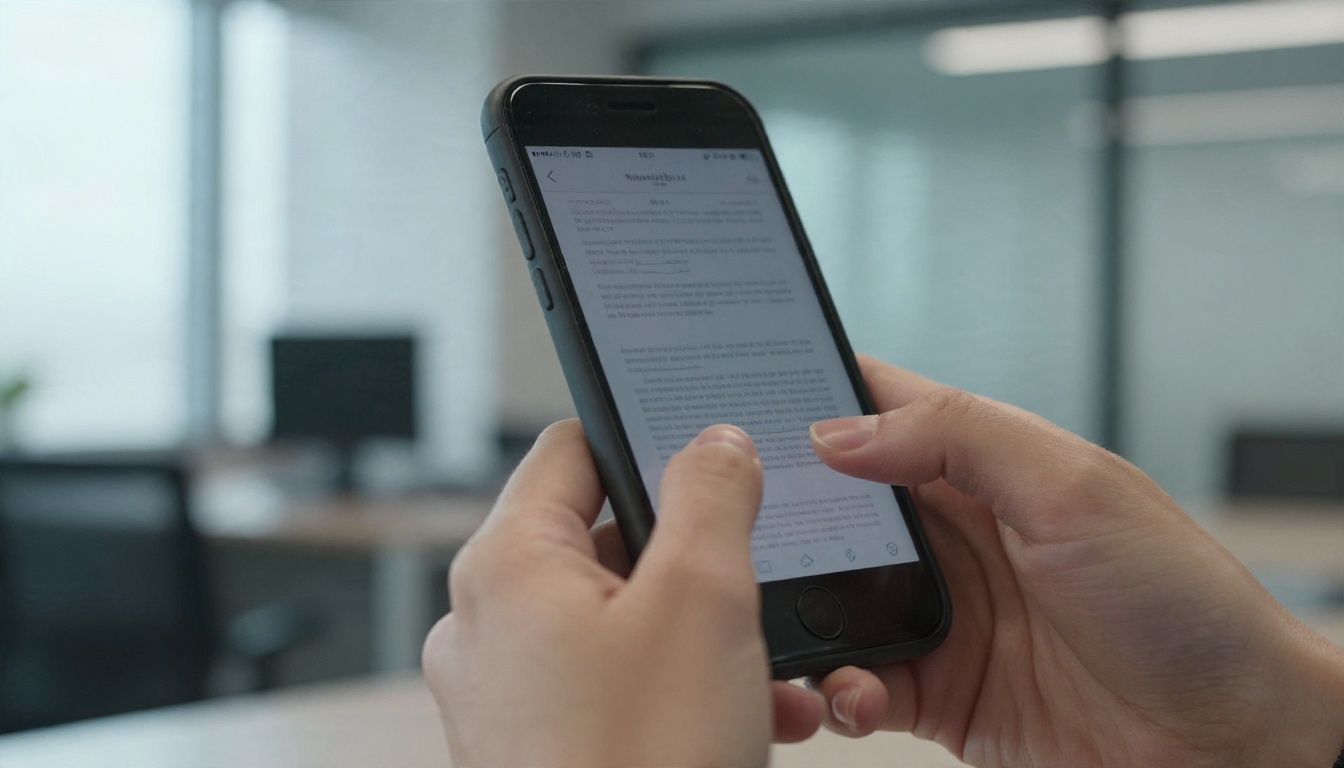
More than half of all web traffic comes from phones. A raw PDF opened on a small screen means pinching, zooming and sideways scrolling. Many cloud viewers make this worse by pushing the recipient to download an app first. If your reader gives up after ten seconds, the link did not do its job.
What Free Links Cost You in Practice
| Problem | What it looks like | Who gets hurt most |
|---|
| Expired link | "This transfer is no longer available" | Anyone sending a menu, catalog or price list |
| Full storage | Upload fails or file is removed | Freelancers with many client files |
| No access control | File forwarded to people you never chose | Consultants sharing proposals |
| No visibility | You never know if the client opened it | Sales teams chasing follow ups |
| Hard to read on mobile | Reader bounces in seconds | Restaurants and retail brands |
When a Plain PDF Link Falls Short
A plain link is perfectly fine for a one time handoff: a tax form, a signed contract, a print ready file. The trouble starts when the document is meant to represent your business.

Real Estate Listings
An agent who sends a property brochure as a Drive link asks buyers to open a file manager, wait for a preview and scroll through a flat document. The same brochure as a page turning flipbook feels closer to holding a printed magazine. The agent can also show it on a tablet during a viewing, like the one in the photo below. The Real Estate Brochure Creator is built for exactly that scenario.

Restaurant Menus
Menus change with the seasons, and printed QR codes outlive the PDFs behind them. A cafe owner who links a transfer service will eventually see the QR code lead to an error page. A hosted flipbook keeps one permanent address, and the file behind it can be replaced whenever prices change. Try the Restaurant Menu Creator if that sounds familiar.

Boutique Catalogs and Price Lists
A small shop owner sending a wholesale catalog wants buyers to flip through it quickly, on any device, and come back to it next season. A Digital Catalog Maker or a Digital Price List Generator gives that shop a link that stays live and looks professional.

Course Material and Reports
Teachers, students and trainers share long documents that people read in several sittings. A reader that remembers nothing and opens at page one every time is a poor fit. Study packs work better as a Course Material Publisher flipbook, and team updates look sharper as a Report Flipbook Creator project.

A Flipbook Alternative That Works
A flipbook is a PDF turned into a web page. The reader sees real pages, turns them with a swipe or a click, and never downloads anything unless you allow it. The link opens in any browser, so there is no app to install and no account to create.
With the PDF to Flipbook Converter, the source file stays a normal PDF. You upload it, and the platform produces a shareable reader with a permanent address. If you want to place it on your own site, the Embed Flipbook on Website tool gives you an embed code that drops into any page.
What Changes for the Reader
- Pages load fast and fit the screen on phones, tablets and desktops.
- Navigation feels like a printed publication, with page effects and a table of contents.
- Links, videos and audio inside the document work without leaving the page.
- No watermarks distract from your branding.
What Changes for You
- One address that never expires while your account is active.
- Replace the PDF without changing the link you printed or posted.
- Add a password to private files.
- On the Professional plan, see analytics and capture leads from readers who open the document.
✅ Best practice: If a document will be shared more than once, or printed as a QR code, host it as a flipbook. If it is a one time handoff, a plain link is fine.
Plain Link vs Flipbook Link
| Feature | Plain PDF link | Flipbook link |
|---|
| Opens in the browser without a download | Sometimes | Always |
| Page turning reader | No | Yes |
| Mobile friendly layout | Depends on viewer | Built in |
| Custom branding and colors | No | Yes |
| Password protection | Often paid | Available |
| Embed on your own website | Awkward | Embed code provided |
| Videos and audio inside pages | No | Yes |
| Reader analytics and lead capture | Rare | Professional plan |
| Offline download option | Manual | Available |
How to Share a PDF as a Flipbook Link
The whole process takes a few minutes. Here is how it works on Flipbooks AI.

Step 1: Create Your Account and Upload
- Go to Flipbooks AI and create an account.
- Click the button to start a new flipbook.
- Drag your PDF into the upload area or pick it from your computer.
- Wait a moment while the pages are converted. Text stays sharp and images keep their quality.
You will see a preview of the finished flipbook almost at once. Check the page order and the first page, because that is what readers see first.
Step 2: Customize the Look
Open the design settings and adjust the details that make the document feel like yours:
- Add your logo and pick brand colors for the background and toolbar.
- Choose a page turn effect that matches the tone of the document, subtle for a financial report and more playful for a lookbook.
- Insert links, videos or audio on any page if you want the document to do more than a static PDF.
💡 Pro tip: Keep the first page simple. A clean opening page with a clear title makes people keep turning.
Step 3: Choose How to Share
Open the share panel and pick the option that fits the situation:
- Direct link: paste it into email, chat or a social profile.
- Embed code: place the flipbook on your site, using the embed tool.
- Password protection: require a password before anyone can open a private file.
- QR code: print it on a flyer, table tent or business card, knowing the address will not expire.
Step 4: Track and Follow Up
On the Professional plan, you also get reader analytics, lead generation forms and offline downloads. You can see how many people opened the document, how far they read, and collect contact details before the first page appears. For sales teams, that turns "did they open it?" into a clear answer.
| Plan stage | Best for | Notable features |
|---|
| Free account | Testing the workflow with one document | Convert a PDF and share a link |
| Standard | Freelancers and small shops | Unlimited flipbooks, custom branding, no watermarks |
| Professional | Sales teams, agencies, publishers | Analytics, lead generation, offline downloads |
Check the pricing page for current plan details before you choose.
Three Mistakes to Avoid
Sharing the Wrong Access Level
Double check the permission setting before you send. "Anyone with the link can edit" has caused more awkward moments than any other default. Open the link in a private browser window to see exactly what your recipient will see.
Sending Giant Files
Even with a link, a 200 MB PDF is slow to load on mobile data. Compress images before exporting, keep fonts embedded, and avoid scanned pages saved at print resolution. A flipbook reader loads pages one at a time, which helps, but a lean source file always wins.
Forgetting a Fallback
Links can break, accounts can lapse and people forget passwords. Keep the original PDF somewhere safe, write down which link points where, and set a reminder to review it every few months.
Quick Checklist Before You Send
Run through these points every time:
- Is the file name clean, with no "final_v7" in it?
- Did I open the link in a private window?
- Does it look right on a phone?
- Is the link meant to live for weeks or months, and does the tool support that?
- Do I need to know who opened it?
- Should it have a password?
If you answered "yes" to the last three, a plain storage link is probably not enough.
Pick Your Next Step
Free storage links are fine for quick handoffs. When the document represents your brand, goes on printed material or needs a reader you can measure, a flipbook link is the better tool.
Ready to try it? Create your free account on Flipbooks AI and convert your first PDF in a few minutes. Browse the full list of flipbook tools to find a template that matches your use case, or compare pricing plans when you are ready for analytics, lead capture and unlimited flipbooks.



