If you have ever sent a PDF and wondered whether anyone actually read past page two, you are not alone. Industry data from digital publishing platforms consistently shows that static PDFs lose over 60% of readers before the third page. Flipbooks AI users see a very different picture. When the same content is published as an interactive flipbook, reader time increases, pages visited per session climb, and conversion actions follow more reliably. This article lays out those numbers clearly, so you can decide which format actually serves your goals.
The Format Gap Nobody Talks About
Most businesses treat static PDFs and interactive flipbooks as roughly equivalent, just different ways to present the same file. They are not equivalent. The format shapes how readers move through content, whether they share it, and whether they ever return.
What "Static" Really Means for Readers
A static PDF is a non-interactive file. Readers scroll or flip through it manually, there are no embedded links that track clicks, no animations, no video, and no data comes back to you about what was read. The document is delivered and then disappears into a downloads folder. You have no way of knowing if page five was ever opened.
From a reader's perspective, static PDFs require effort. On mobile devices especially, PDFs demand pinching and zooming, horizontal scrolling, and page-by-page navigation that feels clunky against how people browse content today. The format was built for print-to-digital conversion, not for active online reading.
For marketing teams, sales departments, and publishers, this creates a real problem. The document that took days to produce gets opened for ninety seconds and closed. There is no signal, no feedback, and no way to improve the next version based on what happened to the last one.
What Makes a Flipbook Different
An interactive flipbook is a web-based document with page-turn animations, clickable links, embedded media, and built-in analytics. Readers open it in any browser, on any device, with no download required. Every page view, every click, and every session duration gets recorded. Flipbooks respond to the reader rather than waiting to be scrolled.
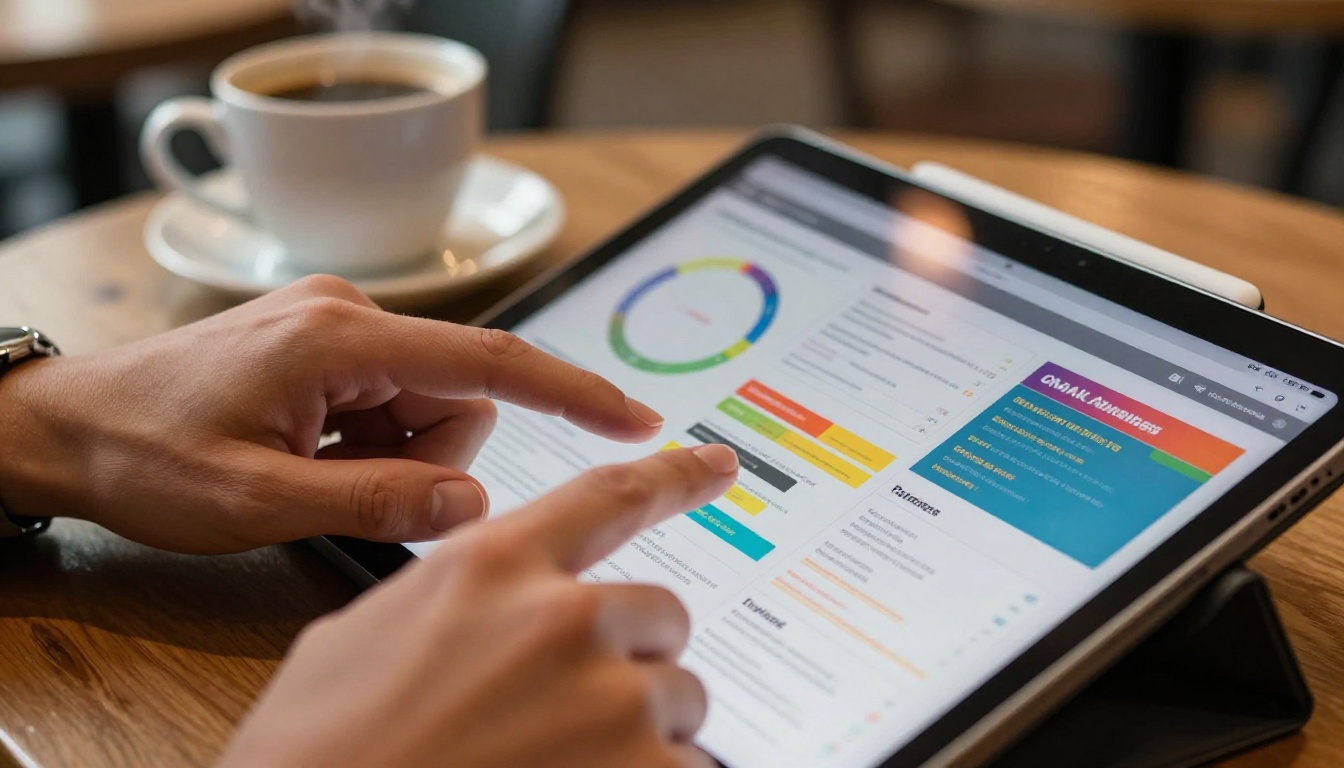
The experience difference is immediate. The data difference is just as significant. Where PDFs offer a passive delivery mechanism, flipbooks create a browsing experience that mirrors how people consume content online, which is why the numbers diverge so sharply between formats.
The Reader Activity Numbers Side by Side
The most frequently cited comparison between the two formats comes down to four metrics: time on page, bounce rate, pages read per session, and return visits. These numbers come from documented digital publishing case studies, platform analytics reports, and content performance benchmarks across industries.

Here is how the numbers typically compare:
| Metric | Static PDF | Interactive Flipbook |
|---|
| Average time per session | 1.8 minutes | 4.6 minutes |
| Bounce rate (single-page exits) | 62% | 28% |
| Pages read per session | 2.1 | 6.4 |
| Return visit rate | 8% | 31% |
| Mobile read-through rate | 12% | 54% |
| Click-through on embedded links | Not available | 18-27% |
The gap is not marginal. Interactive flipbooks hold readers more than twice as long, serve them three times as many pages, and bring nearly four times as many back for a second visit.
Time on Page
Static PDFs average under two minutes per session in most documented publishing reports. That figure includes users who opened the file, skimmed the first page, and moved on. Interactive flipbooks average over four minutes, with some content categories, particularly product catalogs and e-magazines, reaching six to eight minutes per session.
The reason is straightforward: the format invites browsing. Page-turn animations signal progress rather than infinite scroll. Readers know where they are in the document at all times, how many pages remain, and what section is coming next. That orientation reduces abandonment because the reader is never lost inside the content.
Bounce Rate Data
A 62% bounce rate for static PDFs means that six out of ten people who open the file leave without going past the first page. This is partly a mobile problem and partly a format problem. PDFs on mobile devices do not render reliably across browsers. Many require plugin support that mobile users do not have installed, and others simply prompt a download rather than an inline view.
Interactive flipbooks, being web-based HTML5 documents, load instantly on any device without extra plugins. The reader sees the first page within seconds of clicking a link, which directly reduces early exits. That single difference accounts for a significant portion of the bounce rate improvement.
Pages Read Per Session
The jump from 2.1 to 6.4 pages per session is where the format difference becomes commercially relevant. A product catalog with twelve pages has a meaningful chance of being read in full as a flipbook. As a PDF, the data suggests most readers never reach product six.

For a real estate agency distributing a twelve-page property brochure, the difference between readers stopping at page two and readers reaching the contact information on page ten is the difference between a wasted asset and a lead. The format drives that outcome more than the content does.
Conversion Rates by Document Type
Raw reader activity metrics matter, but what most businesses care about is whether those readers take action. Here is how the format affects conversion across the most common document types.
Product Catalogs
E-commerce and retail brands that have switched from PDF catalogs to interactive flipbooks report click-to-purchase conversion rate increases ranging from 20% to 45%, depending on the product category. The main driver is embedded links. A flipbook allows each product on the page to link directly to a purchase page. A PDF does not. Readers of a PDF catalog who want to buy must separately search for the product, and most do not take that extra step.
Brands using Flipbooks AI's Digital Catalog Maker have reported that direct product links within flipbook pages consistently outperform PDF-shared versions of the same catalog in both click rate and purchase follow-through. The Fashion Catalog Creator and Furniture Catalog Maker offer purpose-built tools for category-specific layouts.
Reports and Whitepapers
For B2B content, the picture is slightly different. Interactive flipbooks used for annual reports, whitepapers, and research documents show a 35-40% increase in full-document read rates compared to PDF versions. This matters because B2B decisions require that stakeholders actually read past the executive summary, and PDFs rarely make that happen.
The Annual Report Creator and Corporate Report Maker tools make this transition straightforward. The same PDF gets converted into a document that holds attention through to the final page, with charts and data visualizations rendered crisply on every device.
Menus and Brochures
For hospitality and food service, PDF menus shared via QR code lose about 55% of diners before reaching the third category. Interactive flipbook menus see read-through rates above 70%. For a restaurant with seasonal specials on pages seven and eight, this is a direct revenue difference.
The Restaurant Menu Creator and Hotel Brochure Designer exist specifically for these industries, where format read-through directly connects to order value and inquiry rates.
| Document Type | PDF Conversion Rate | Flipbook Conversion Rate | Increase |
|---|
| Product catalog (purchase click) | 3.2% | 5.8% | +81% |
| Annual report (full read-through) | 22% | 61% | +177% |
| Restaurant menu (full browse) | 45% | 73% | +62% |
| Real estate brochure (inquiry) | 4.1% | 7.6% | +85% |
| Event program (full read) | 38% | 69% | +82% |

Despite the data favoring flipbooks on most reader activity metrics, static PDFs have legitimate use cases where they remain the correct choice. The decision comes down to what the document needs to do after it leaves your hands.
| Use Case | Best Format | Why |
|---|
| Contracts and legal documents | PDF | Must be printable, signable, archivable |
| Product catalogs for online sharing | Flipbook | Embedded links, analytics, browsability |
| Confidential HR documentation | PDF | Secure, offline, no third-party hosting |
| Marketing brochures and lookbooks | Flipbook | Visual impact, page-turn, media embeds |
| Technical specification sheets | PDF | Precise layout required for print |
| E-magazines and newsletters | Flipbook | Reader activity, branding, return visits |
| Academic research papers | PDF | Citation format, archival integrity |
| Annual reports for stakeholders | Flipbook | Read-through rates, analytics, shareability |
| Form-based documents | PDF | Fillable fields, signatures |
| Training materials with media | Flipbook | Video embeds, self-paced browsing |
💡 The rule is simple: if the document needs to be printed, signed, or filed, use PDF. If it needs to be read, browsed, shared, and acted upon, use a flipbook.
Businesses that treat both formats as interchangeable are leaving performance data, reader insights, and conversion actions on the table every time they choose PDF for content that was built to be consumed rather than archived.
Mobile browsing now accounts for over 58% of all web traffic globally. The split between formats is sharpest when you look at mobile performance data, and the gap is wider than most publishers expect.

Why PDF Falls Short on Phones
PDF rendering on mobile varies significantly by device and browser. Many mobile browsers prompt users to download the file rather than display it inline. On iOS Safari and Chrome for Android, PDF rendering can cut off pages, require zooming for basic readability, or display incorrectly with multi-column layouts. Text that looks clean on a desktop PDF becomes unreadable on a phone screen without manual zooming.
The result is a read-through rate under 15% for most PDF documents opened on mobile. Readers encounter friction in the first ten seconds and close the file.
⚠️ If your audience shares documents via messaging apps, WhatsApp, or social links, PDFs face near-certain abandonment on mobile before the reader reaches meaningful content.
Flipbook Mobile Performance
Interactive flipbooks are responsive by design. Pages scale to any screen size automatically without zooming. Navigation controls are thumb-friendly. The same document that performs at 54% read-through on mobile as a flipbook performs at 12% as a PDF. For any brand where mobile readers make up a significant share of the audience, this number alone makes the format decision clear.
For brands distributing lookbooks, sales presentations, or digital portfolios through social and messaging channels, mobile read-through rate is the number that most directly determines whether those assets are worth producing.
How to Convert Any PDF into an Interactive Flipbook
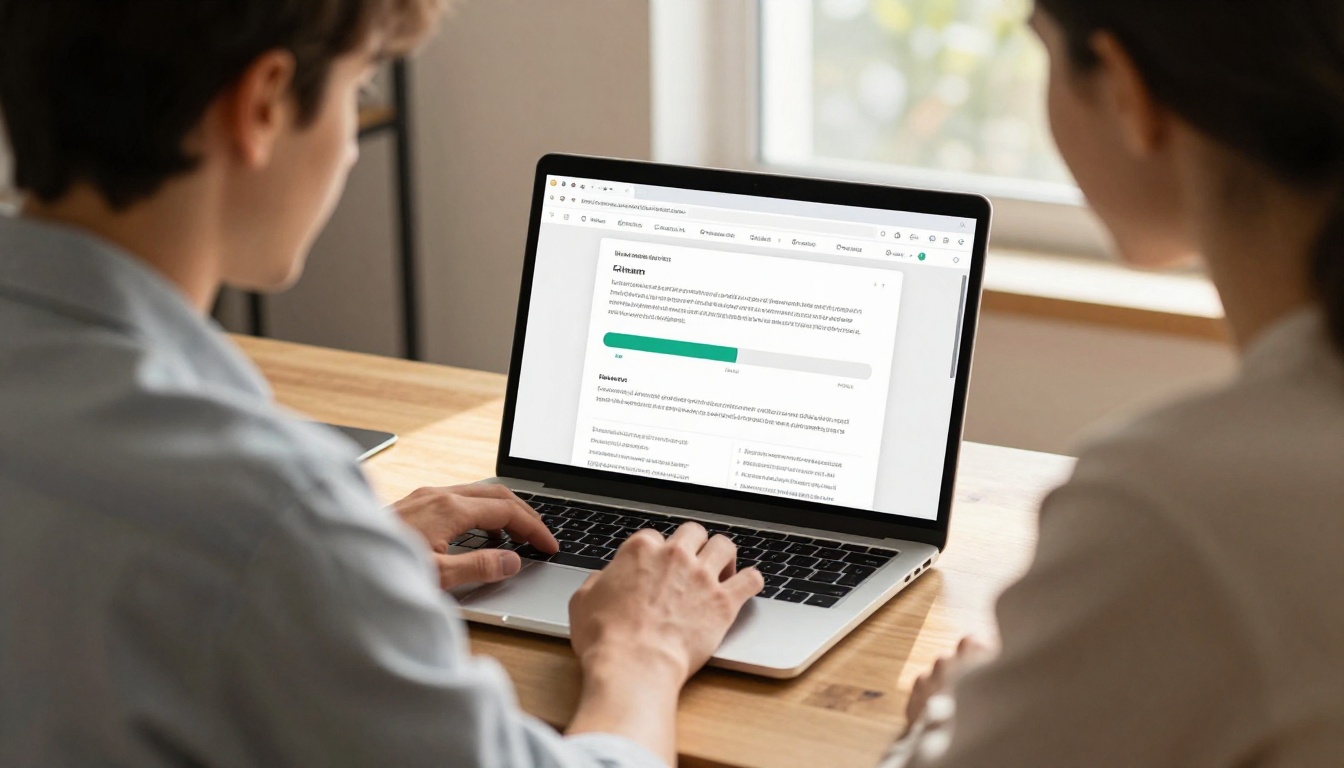
Flipbooks AI converts any PDF into an interactive flipbook in minutes. The process requires no design software and no coding. Here is exactly how it works.
1. Create your account
Go to flipbooksai.com/account and sign up. No credit card required to start.
2. Upload your PDF
From the dashboard, click "Upload PDF" and select your file. PDFs of any length are supported, from a two-page brochure to a 200-page annual report. The platform processes the file and renders every page automatically, preserving your original layout, fonts, and images.
3. Customize branding and appearance
Apply your brand colors, add a custom logo, choose a front page style, and select your page-turn animation. Flipbooks AI supports custom domain embedding so the flipbook can feel native to your existing website rather than a third-party platform.
4. Add interactive elements
Insert clickable links on any page area to direct readers to product pages, contact forms, or external resources. Embed YouTube or Vimeo videos directly into pages. Add audio tracks for narrated content. These elements drive the click-through rates that separate interactive documents from static files.
5. Set sharing and access options
Copy the direct link to share via email or messaging. Use the embed code to place the flipbook on your website using the Embed Flipbook on Website tool. Add password protection for private or gated documents. Professional plan users can enable lead capture forms that appear before or at specific points during document viewing.
6. Monitor reader activity
Once live, the analytics dashboard shows total views, average session duration, page-by-page view rates, device breakdown, and geographic data. This is information that a static PDF can never provide.
✅ The PDF to Flipbook Converter handles the entire technical process in one workflow. Upload, convert, customize, and publish.
What You Lose Without Document Analytics
The data gap between formats goes beyond how readers experience the document. It extends to what you learn about your audience and your content.
Flying Blind with Static Files
When you share a PDF, you receive zero feedback. You do not know if the recipient opened it. You do not know which section they read or where they stopped. For sales teams sharing product sheets, for marketing teams distributing brochures, and for publishers distributing reports, this is a significant operational blind spot.
The workaround most teams use is following up by email to ask if the document was reviewed. That is inefficient and rarely produces accurate answers. People say they read things they skimmed, and they forget to mention that they forwarded the document to three colleagues who also looked at it.
The Data Flipbooks Give You
Interactive flipbooks on Flipbooks AI's Professional plan include full analytics: page-level view rates, session duration, reader location, device type, and lead capture forms. A sales team can see that a prospect opened the catalog and spent four minutes on the pricing section before closing. That is actionable sales intelligence that a PDF download never provides.
For content teams, knowing that readers consistently drop off on page nine of a sixteen-page brochure tells you exactly where the content needs work. Which section is losing people, and why. Static PDFs offer no equivalent signal, which means content improvements happen by guesswork rather than by data.

Static PDFs are not going away. For contracts, forms, archival records, and print-bound documents, they are the right tool. But for any document that needs to reach readers, hold their attention, drive clicks, and report back on what happened, the data consistently points one direction.
Interactive flipbooks produce 2.5x more pages read per session, cut bounce rates by more than half, and deliver mobile read-through rates over four times higher than their static equivalents. For catalogs, the conversion rate difference averages over 80%. For annual reports, the full read-through rate increase exceeds 170%.

If you have a PDF that matters to your business, the most direct next step is to create a free account on Flipbooks AI and convert it. You will see the difference in the first session's data.
Browse all flipbook tools to find the specific creator for your content type, from fashion catalogs to digital portfolios to training manuals to e-book publishers.
Check pricing plans to see which option fits your publishing volume. The Standard plan includes unlimited flipbooks with no watermarks. The Professional plan adds analytics, lead generation, and offline downloads.
The format you choose determines how many people actually read what you create. The data makes a clear case for making that choice count.



