Flipbook makers have come a long way from simple PDF converters that just added a page-flip animation. Today, the best platforms let you embed actual video directly inside the pages of your digital publication, so readers can watch product demos, testimonials, or tutorials without ever leaving the flipbook. But not every tool handles this the same way, and plenty of platforms that advertise "video support" are actually just linking out to external players or offering clunky workarounds. This article cuts through the noise and ranks the top 3 flipbook makers that let you add video inside, with real details on how each one actually works. If you want to start building immediately, Flipbooks AI is the fastest way to get your first video-enabled flipbook live.
Why Video Changes Everything in Digital Publications
Static Pages No Longer Hold Attention
People scroll past static images in seconds. But a video thumbnail with a play button? That stops the scroll. When video is embedded directly inside a flipbook page, it creates a natural pause point, it rewards the reader for flipping through, and it makes your publication feel alive rather than archived.
The numbers back this up. Digital catalogs with embedded video see significantly higher time-on-page compared to those without. Real estate brochures with walkthrough videos get more qualified inquiries. Fashion lookbooks with runway clips convert better than those showing only still photography. The format works because it fits how people already consume content online.
What "Video Inside" Actually Means
Not all video features are the same. There are three distinct implementations you will encounter across flipbook platforms:
- True inline embedding: The video plays directly on the flipbook page, inside the publication, without redirecting anywhere.
- Lightbox pop-up: Clicking a video thumbnail opens an overlay player. Still within the flipbook experience, but not literally on the page.
- External link: The "video" is just a link that opens YouTube or Vimeo in a new tab. This is the weakest implementation and barely qualifies as a feature.
The platforms in this ranking all support at minimum lightbox embedding, and the best ones support true inline playback. That distinction matters enormously for reader experience.

The ranking below uses five criteria, weighted by how much they affect real-world publishing workflows:
| Criterion | What We Measured |
|---|
| Video Implementation | Inline vs. lightbox vs. link-out |
| Source Support | YouTube, Vimeo, direct MP4, self-hosted |
| Ease of Use | Steps required to add a video to a page |
| Pricing Fairness | Video features available at entry-level plans |
| Output Quality | Mobile responsiveness, loading speed, player controls |
Only platforms with active development, real user bases, and transparent pricing made the cut. Free trials and free plans were factored in, since most publishers want to test before committing to a subscription.
#1 Flipbooks AI: Best Overall for Video Embedding
Flipbooks AI takes the top spot because it treats video as a first-class feature rather than an afterthought bolted onto a PDF converter. You can embed videos from YouTube, Vimeo, or direct URLs directly inside any page of your flipbook, and they play inline without redirecting the reader anywhere.
Video Embedding That Actually Works
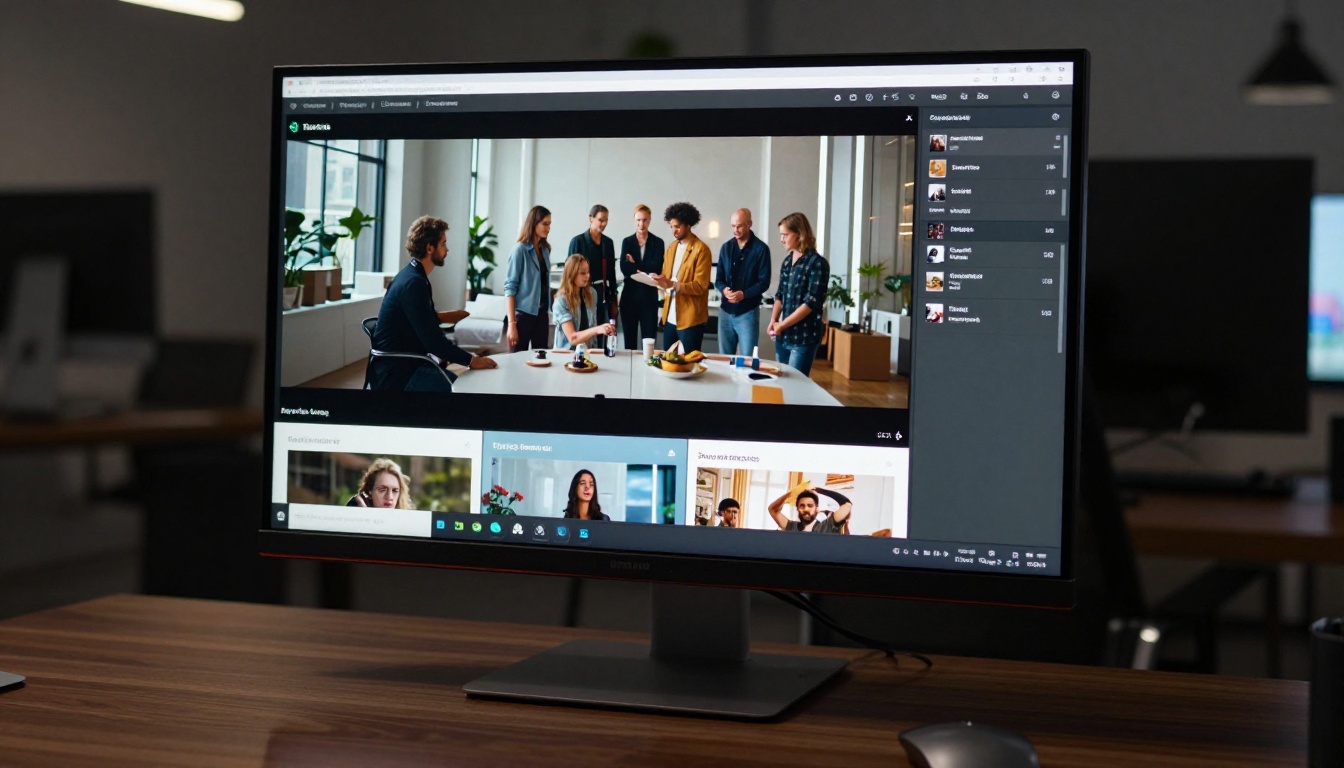
When you upload your PDF to Flipbooks AI and open the editor, adding video is straightforward. You select a page, choose the video widget, paste a YouTube or Vimeo URL (or upload an MP4 directly), and position it anywhere on the page. The video plays inline with full controls, autoplay options, and responsive behavior across all screen sizes.
What sets this apart from competitors is that the video widget is fully customizable. You control:
- Dimensions and position: Drag, resize, and pin to any area of the page
- Autoplay on page turn: Video can start playing the moment a reader flips to that page
- Muted default: Best practice for autoplay, and configurable here
- Loop settings: For ambient or product loop videos
- Thumbnail override: Set a custom poster frame before the video loads
This level of control is typically only found in desktop publishing software, not in browser-based flipbook tools.
What You Can Do With It
The use cases that benefit most from inline video embedding span almost every industry:
- E-commerce catalogs: Embed product demo videos right next to the item specs. Shoppers see the product in action without leaving the page. The Digital Catalog Maker is built specifically for this workflow.
- Fashion lookbooks: Pair editorial photography with runway clips. Use the Interactive Lookbook Designer to combine both formats seamlessly.
- Real estate brochures: Drop a property walkthrough video directly into the floor plan page. The Real Estate Brochure Creator handles this natively.
- Training materials: Embed instructional clips inside course documentation pages. The Training Manual Flipbook tool is purpose-built for this.
- Digital magazines: Feature interview clips alongside the written profile. The E-Magazine Publishing Tool supports full multimedia layouts.
💡 Use autoplay-with-mute on product videos to catch readers mid-scroll. It creates movement on the page that draws the eye and increases watch rates without triggering browser autoplay blocks.
Pricing at a Glance
Flipbooks AI offers video embedding across all paid plans. There are no plan-gating surprises where you discover video is locked behind an enterprise tier.
| Plan | Video Embedding | Flipbooks | Analytics |
|---|
| Free | Limited | 3 flipbooks | No |
| Standard | Yes, inline | Unlimited | Basic |
| Professional | Yes, with autoplay | Unlimited | Full + Lead Gen |
The Professional plan unlocks autoplay controls, lead generation forms, and full reader analytics including video play rates. For publishers who want to know exactly which videos readers are watching and for how long, that data is available through the Professional plan.
✅ Best for: Marketers, publishers, and businesses that want video to be a core part of their digital publications, not a bolt-on feature.
#2 FlipHTML5: Solid Video Support With a Learning Curve
FlipHTML5 is one of the more established names in the online flipbook space, and its video support is genuinely capable. You can embed YouTube, Vimeo, and direct MP4 files into pages through its page editor. The implementation uses a lightbox approach by default, though inline playing is possible with some manual configuration.

Video Support Overview
FlipHTML5 uses an "Add Multimedia" panel in its editor where you can insert videos alongside images and hotspots. The video player is clean and functional, and it supports responsive sizing. The main friction points are:
- The editor has a steeper learning curve than drag-and-drop tools
- Advanced video controls (autoplay, loop, muted start) require extra configuration steps that are not obvious to new users
- Mobile playback can be inconsistent with self-hosted MP4 files, particularly on iOS
That said, for users already familiar with the platform, FlipHTML5 handles video well for brochures, corporate reports, and educational materials.
Where It Shines
FlipHTML5 performs best for:
- Corporate presentations where a short video intro plays on the first page
- Training documents with short explainer clips per section
- Event programs where a speaker intro video is embedded on the speaker bio page
⚠️ Free plan users get FlipHTML5 branding on all published flipbooks. Video features are restricted until you upgrade to a paid tier.
Where It Falls Short
The biggest gap is in automation and integration. FlipHTML5 does not offer the same level of analytics or lead capture that platforms like Flipbooks AI provide on their Professional tier. For publishers who need to track video performance as part of a broader content strategy, the data available is basic at best.
Pricing is also less transparent, with features scattered across multiple plan tiers in ways that are not immediately obvious until you are already mid-workflow.
#3 Publuu: Lightweight Video With a Clean Interface
Publuu is a newer entrant that has built a clean, intuitive interface around the flipbook creation workflow. Video embedding is supported through YouTube and Vimeo embed codes, and the editor makes it genuinely easy to drop a video onto any page.

Video Inside Flipbooks
Publuu's video feature works through a hotspot system. You define a clickable zone on a page, attach a video URL, and when readers click that area, the video plays in a lightbox overlay. It is not true inline embedding, but the lightbox experience is polished and works reliably on mobile.
The limitations here are real:
- No autoplay on page turn
- No self-hosted MP4 support on lower plans
- No looping or muted-start control
- Video requires a deliberate click to initiate, with no ambient playback option
For publications where video is supplementary (a "watch this if you want" addition rather than a core part of the page), Publuu works fine. For publications where video is a central element, the limitations stack up fast.
Best Use Cases
Publuu is a reasonable choice for:
- Small businesses publishing simple product brochures with one or two video additions
- Individual creators building personal portfolios with optional video samples
- School and nonprofit publications where a simple click-to-play video link is sufficient
💡 If you are using Publuu for a product catalog and find video support too limited, the Product Catalog Generator on Flipbooks AI offers a direct upgrade path with full inline video support and no watermarks.
Side-by-Side Comparison
Here is how the three platforms stack up on the features that matter most for video-enabled digital publishing:
| Feature | Flipbooks AI | FlipHTML5 | Publuu |
|---|
| Inline video playback | Yes | Configurable | No (lightbox only) |
| YouTube embed | Yes | Yes | Yes |
| Vimeo embed | Yes | Yes | Yes |
| Direct MP4 upload | Yes | Yes | Paid plans only |
| Autoplay on page turn | Yes (Professional) | Manual config | No |
| Muted autoplay | Yes | Yes (extra steps) | No |
| Video loop control | Yes | Limited | No |
| Mobile video playback | Reliable | Inconsistent | Good |
| Analytics with video data | Yes (Professional) | Basic | Limited |
| No watermark | Yes (Standard+) | Paid plans | Paid plans |
| Free plan available | Yes | Yes | Yes |
The table makes the hierarchy clear. Flipbooks AI offers the most complete video feature set, with FlipHTML5 as a capable alternative for users already embedded in that ecosystem, and Publuu as a simpler option for low-stakes video needs.
How to Add Video Inside a Flipbook With Flipbooks AI
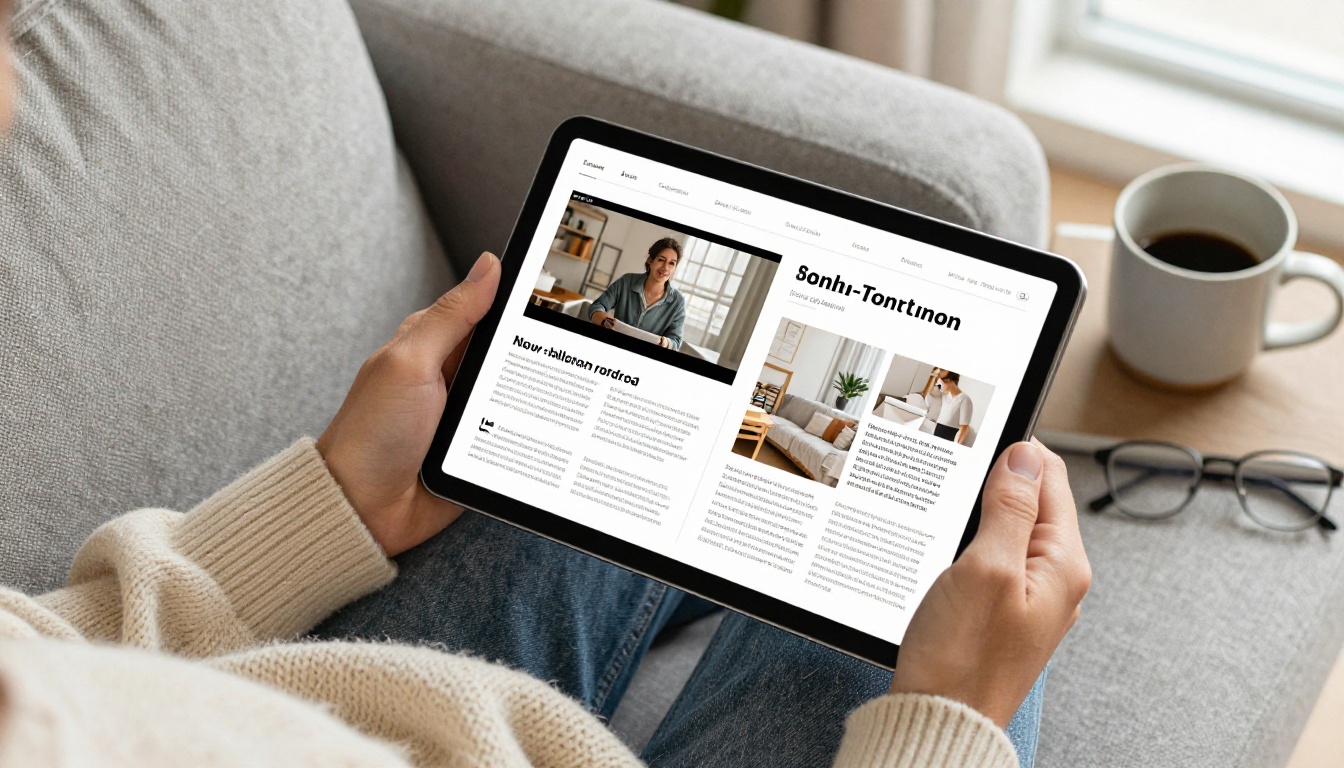
Since Flipbooks AI is the strongest platform for this use case, here is a step-by-step walkthrough of the video embedding process from start to published.
1. Create your account
Go to flipbooksai.com/account and sign up. The process takes under two minutes and no credit card is required to try the platform.
2. Upload your PDF
From the dashboard, click "New Flipbook" and upload your PDF. Flipbooks AI converts it into an HTML5 flipbook with a realistic page-turn animation. Conversion typically takes 30 to 60 seconds depending on file size.
3. Open the page editor
Once conversion is done, click "Edit" to open the page editor. You will see your full flipbook with all pages listed in the sidebar panel.
4. Navigate to the target page
Click the page where you want to embed video in the sidebar. The editor shows you a live view of that page spread.
5. Add the video widget
Click "Add Element" and choose "Video." A video widget appears on the page. Resize and reposition it by dragging the corner and edge handles to fit your layout.
6. Paste your video URL
In the widget settings panel, paste your YouTube URL, Vimeo URL, or direct MP4 link. The player preview loads immediately in the editor so you can confirm it before publishing.
7. Configure playback settings
Set autoplay (on or off), muted start, loop behavior, and whether the video should show a custom thumbnail before playback begins. All of these settings are in the right-hand panel alongside position and sizing controls.
8. Save and publish
Click "Save," then "Publish." Your flipbook is now live with the embedded video. Share via direct link, embed code for your website, or a password-protected URL for private distribution.
✅ Always set muted autoplay for videos that play on page turn. Browsers block unmuted autoplay by policy, so muted-first ensures the video actually plays automatically rather than silently failing to start.
Which One Should You Pick
The right platform depends on what role video plays in your publication and how much control you need over the playback experience.
Choose Flipbooks AI if:
- Video is a central part of your publication strategy, not an optional add-on
- You want autoplay, loop, and muted-start controls without manual workarounds
- You need analytics to track which videos readers actually watch and for how long
- You publish catalogs, lookbooks, or e-magazines where multimedia creates tangible value
- You want zero watermarks without paying enterprise-tier prices
Choose FlipHTML5 if:
- You are already using FlipHTML5 for other publications and migration is not worth it
- Your video needs are simple (one or two clips per document, click-to-play only)
- You are comfortable with a more manual configuration process and have time to invest in the learning curve
Choose Publuu if:
- You only need occasional click-to-play video links, not inline playback
- Your audience expects click-to-expand interactions as the norm
- You need the fastest possible setup with minimal configuration overhead
For most commercial and marketing-focused publishing workflows, Flipbooks AI is the clear choice. The feature depth at the Standard and Professional tiers outpaces the competition without requiring complex setup or enterprise pricing.
Start Publishing With Video Today

Embedding video inside a flipbook is no longer an experimental feature reserved for premium enterprise software. The platforms in this ranking have made it accessible, and the difference between a static PDF and a video-enabled interactive flipbook is the difference between content that gets skimmed and content that actually gets read.
Flipbooks AI stands above the rest because it treats video as a native part of the page, not an add-on. Whether you are building a product catalog, a fashion lookbook, a training manual, or a digital magazine, video inside the pages elevates the reader experience in ways that static layouts simply cannot match.
Ready to build your first video-enabled flipbook? Create your account for free and see how quickly you can go from PDF to interactive publication with embedded video.
Browse the full tools directory to find the template that fits your exact use case. And when you are ready to scale, compare pricing plans to find the tier that works for your publishing volume.



