A video magazine looks like a magazine and behaves like a short film. Readers flip a page, a clip starts playing, and the story moves from print layout to motion without leaving the screen. The hard part is picking software that does both jobs well without a surprise invoice. This ranking compares the most popular options on video support, free plan limits, page effects and real cost, so you can choose in one sitting. If you already have a PDF, Flipbooks AI turns it into a video-ready magazine in minutes, and it is one of the tools ranked below.
What a Video Magazine Actually Is
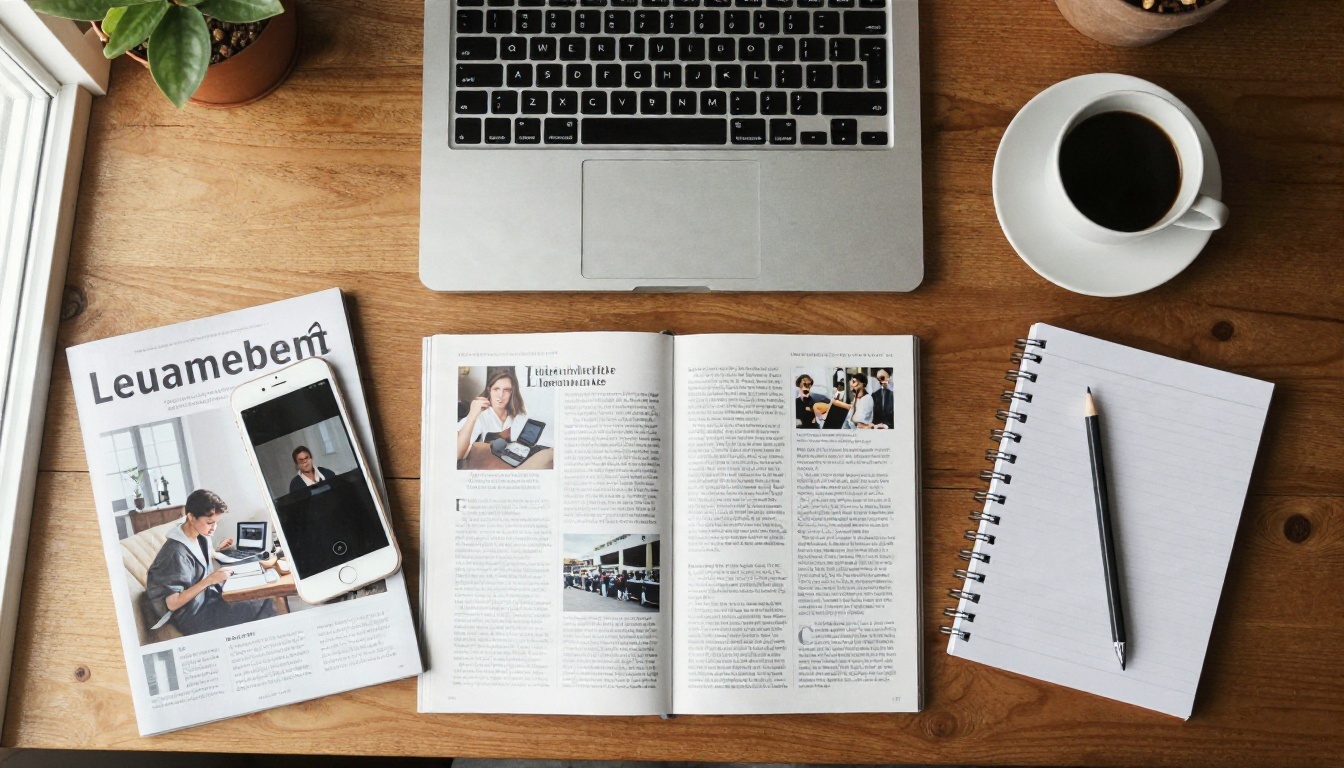
A video magazine, sometimes called an interactive e-magazine, is a digital publication where video, audio and links live inside the page layout. Instead of a link that sends readers to YouTube, the clip plays right in the spread.
Three ingredients separate a real video magazine from a plain PDF:
- Embedded media: MP4 files, YouTube or Vimeo embeds and audio that play inside the page.
- Page-turn reading: a flipbook interface that feels like paper on desktop and phone.
- Shareable delivery: a public link, an embed code or a private, password-protected version.
Who Uses Them
Fashion labels use them for lookbooks with runway clips. Restaurants add short kitchen videos to menus. Real estate agents drop property walkthroughs into brochures. Schools publish newsletters with student interviews. The format fits anywhere a story is better with motion.
How They Differ From Slideshows
A slideshow advances on a timer or a click. A video magazine lets readers choose where to go, skim a table of contents, zoom into a photo and play only the clips that interest them. That reader control is why completion rates tend to be higher.
We scored each tool on six practical criteria rather than marketing claims.
| Criterion | What we checked | Weight |
|---|
| Video support | Native MP4 upload, YouTube/Vimeo embeds, autoplay control | 25% |
| Free plan value | Watermarks, page limits, number of publications | 20% |
| Ease of use | Time from upload to published link | 20% |
| Design control | Branding, colors, page effects, templates | 15% |
| Sharing and privacy | Embed, direct link, password protection | 10% |
| Pricing clarity | Visible plans, no hidden export fees | 10% |
💡 Pro tip: Test every tool with your real file, not a demo template. A 60-page PDF with large images exposes conversion problems fast.
Here is the overview. Details on each follow below the table.
| Tool | Best for | Free plan | Video embedding | Typical paid start |
|---|
| Flipbooks AI | PDF to video magazine, no watermark | Yes, free to start | MP4, YouTube, Vimeo, audio | See pricing |
| Canva | Designing pages from scratch | Yes, with limits | Video clips in designs | Around $12 to $15 per month |
| Issuu | Public discovery and distribution | Limited | Limited, via embeds | Around $19 to $50 per month |
| Flipsnack | Teams and brand templates | Trial or limited | Yes | Around $14 to $35 per month |
| Heyzine | Fast conversions, simple pricing | Yes, with limits | Yes | Around $7 to $15 per month |
| Publuu | Clean viewer, budget plans | Yes, small | Yes | Around $10 to $25 per month |
| Adobe InDesign | Print-grade layout control | No | Yes, via export | Subscription, around $23 per month |
⚠️ Heads up: Pricing changes often and varies by region and billing period. Treat the ranges above as ballparks and confirm on each vendor's page before you commit.

1. Flipbooks AI: Best Overall
Flipbooks AI takes the shortest path from a finished PDF to a polished, video-enabled magazine. You upload the file, the platform converts it into a page-turning flipbook, and you add clips, audio and links on top.
What Stands Out
- No watermarks, ever, which matters on the free plan more than almost any other feature.
- Unlimited flipbooks on the Standard plan and above.
- Password protection for private issues such as investor updates or client previews.
- Offline downloads for readers with poor connections.
- Mobile-responsive design so layouts hold up on small screens.
- Analytics and lead generation on the Professional plan, useful when a magazine doubles as a sales asset.
Where It Falls Short
It is built for converting finished layouts, so you will still design pages in a tool like Canva or InDesign first. If you want one app that handles design and publishing from a blank canvas, option two is a better match.
Real-World Example
A boutique hotel exports its seasonal brochure from Canva, uploads it, and drops a 20-second pool-side clip onto the cover spread. The finished piece is shared by QR code in the lobby and by link in the booking email. The Hotel Brochure Designer tool fits this workflow directly.
2. Canva: Best for Design From Scratch
Canva remains the easiest way to lay out a magazine if you have no design background. Templates, stock photos and drag-and-drop video make it the default for solo creators.
- Strengths: huge template library, built-in video clips, brand kit on paid plans.
- Weaknesses: the native flipbook sharing is basic, and heavy pages can load slowly.
- Free plan: generous for design, but premium templates and some stock assets are locked.
Many publishers pair Canva with a dedicated flipbook host. Design in Canva, export as PDF, then publish elsewhere for better viewing and privacy controls.

3. Issuu: Best for Public Reach
Issuu built its reputation as a marketplace for publications. If you want strangers to find your magazine through search and a built-in audience, it still has value.
- Strengths: established distribution, clean reader, social sharing.
- Weaknesses: video features are lighter than dedicated video magazine tools, and the best features sit behind pricier plans.
- Free plan: limited, with branding on shared issues.
✅ Best practice: Use Issuu as a discovery channel and host your branded, video-rich version on your own site through an embed.
4. Flipsnack: Best for Teams
Flipsnack leans toward business users with team accounts, branded templates and an editor that lets you add video and links to existing pages.
- Strengths: collaboration features, a design studio, brand controls.
- Weaknesses: the price climbs as you add seats and features.
- Free plan: typically a trial or a restricted tier, so check current terms.
5. Heyzine and Publuu: Best Budget Picks
Both offer quick conversions and low entry prices, which makes them popular for small shops and freelancers.
| Feature | Heyzine | Publuu |
|---|
| Free tier | Yes, with limits | Yes, small allowance |
| PDF conversion speed | Fast | Fast |
| Video embedding | Yes | Yes |
| Branding removal | Paid plans | Paid plans |
| Best for | Quick one-off issues | Simple viewers on a budget |
They do the core job well. What you give up is depth: fewer team tools, fewer analytics and less control over lead capture.

6. Adobe InDesign: Best for Print Control
InDesign is the professional standard for layout. You can add video, audio and buttons to interactive PDFs or export for digital publishing.
- Strengths: typography, grids, print-ready output, deep control.
- Weaknesses: steep learning curve, subscription cost, and interactive PDFs behave inconsistently across devices.
- Free plan: none, aside from a trial period.
The best use of InDesign in a video workflow is as the design stage. Export the PDF, then publish it through a flipbook platform that handles video playback reliably on phones.
What Free Plans Really Give You
Free is rarely free in the way the headline suggests. Read these five limits before you build anything.
- Watermarks or badges on every page or on the share link.
- Page caps, sometimes as low as 10 to 30 pages per publication.
- Publication caps, often one to three live issues.
- Video limits, such as embeds only, with no direct MP4 upload.
- Missing privacy, since password protection usually sits behind paid tiers.
Free Plan Comparison
| Limit | Typical free plan | What a paid plan adds |
|---|
| Watermark | Present | Removed |
| Live publications | 1 to 3 | Unlimited or higher caps |
| Password protection | Rare | Common |
| Analytics | Basic or none | Detailed reports |
| Offline download | No | Yes |
A free plan that keeps the watermark off, like the one at Flipbooks AI, is far more useful for a client-facing magazine than one that brands every page with someone else's logo.

Sticker prices hide three recurring costs: extra seats, higher caps and add-ons. Here is how to think about total spend.
| Scenario | Likely need | Sensible pick |
|---|
| Solo creator, one issue a quarter | Free plan, no watermark | Flipbooks AI free tier |
| Small brand, monthly issue | Unlimited flipbooks, custom branding | Flipbooks AI Standard or Heyzine paid |
| Agency, many clients | Team seats, white label | Flipsnack or Flipbooks AI Professional |
| Publisher seeking leads | Analytics and lead capture | Flipbooks AI Professional |
| Design-heavy studio | Print-grade layouts | InDesign plus a flipbook host |
💡 Money saver: Pay annually only after a month of real use. Most tools discount yearly plans, but a bad fit costs more than the discount saves.
How to Create a Video Magazine With Flipbooks AI
This walkthrough takes about ten minutes once your PDF is ready.
- Sign up. Create an account on Flipbooks AI. The free plan is enough to test the full workflow.
- Upload your PDF. Drag the file into the dashboard. The platform converts each page into a flipbook spread and keeps images sharp. Try the PDF to Flipbook Converter for a direct route.
- Add video and audio. Place MP4 clips, YouTube or Vimeo links, and audio tracks on the spreads where they belong. Set autoplay off for sound clips so readers are not startled.
- Customize the look. Apply your logo, brand colors, background and page-turn effect. Pick a single accent color and stick with it.
- Set privacy. Add a password for private issues, or leave it open for public marketing material.
- Share it. Copy the direct link, grab an embed code for your site with the Embed Flipbook on Website tool, or generate a QR code for print and signage.
- Track results. On the Professional plan, review analytics and collect leads from readers. See the pricing plans for details.
For magazine-specific layouts, the Magazine Flipbook Creator and the E-Magazine Publishing Tool are built for the job.

Features That Matter Most
Not every feature deserves your attention. Prioritize these.
Video Handling
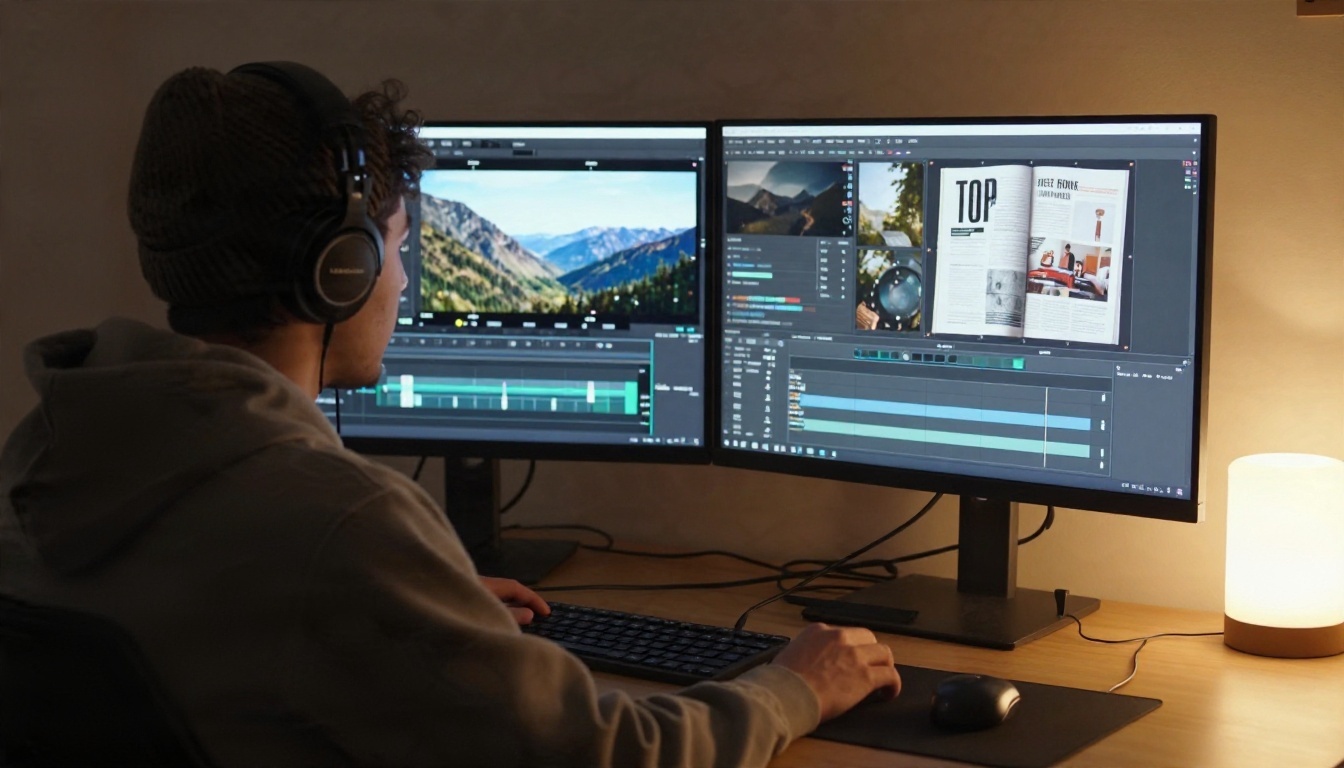
Check whether the tool accepts direct MP4 uploads or only links to YouTube and Vimeo. Uploads keep readers on your page. Embeds keep your file sizes small. The best platforms offer both.
Mobile Playback
More than half of magazine reads happen on phones. Test your clip on iOS and Android, and confirm it plays inline rather than forcing a full-screen player.
Branding Control
Look for logo placement, custom colors, a custom domain and the ability to remove vendor branding. Weak branding control makes a polished magazine look like a template.
Sharing and Privacy
Embed codes, direct links and QR codes cover public distribution. Password protection matters for anything confidential.
Analytics
Page views, time on page and clip plays tell you which stories land. Lead capture turns readers into contacts.
Three Mistakes to Avoid
- Uploading heavy video files. A 200 MB clip on a spread slows the whole issue. Compress to 1080p, trim to 30 seconds or less, and use H.264 MP4.
- Skipping mobile tests. A layout that looks perfect on a monitor can hide buttons on a phone.
- Burying the video. If the clip sits on page 28, nobody sees it. Put your best motion content in the first three spreads.
✅ Best practice: Add a short caption above every video explaining what it shows. Readers click more when they know what they are getting.
Pick by the job, not by the brand name.
- You have a PDF and need a video magazine fast: Flipbooks AI.
- You need to design pages from nothing: Canva, then publish through a flipbook host.
- You want public discovery: Issuu, with an embedded copy on your own site.
- You manage a team: Flipsnack or the Professional plan on Flipbooks AI.
- You are on a tight budget: Heyzine or Publuu for simple issues.
- You need print-quality design: InDesign, paired with a dependable viewer.

Use Cases Worth Copying
Your Next Step
Pick one finished PDF, run it through two or three tools from this list, and compare the results on your own phone. The winner will be obvious within an afternoon, and you will have a real magazine to show for the test.

Ready to publish your first video magazine? Get started for free on Flipbooks AI, browse all flipbook tools to find the right template, or compare pricing plans when you are ready to scale.


