You spent weeks designing the brochure, paid for freight, set up the booth at 6 a.m., and then watched a visitor drop your handout into a tote bag next to forty others. By Friday it's in a hotel wastebasket. That's the problem with trade show handouts in 2027: the format that felt safe for decades now fights for attention with phones, lanyards and sore feet. This article compares digital and printed options honestly, shows real examples by industry, explains how to use QR codes so people actually scan them, and breaks down what each approach costs. If you want to test the digital side quickly, Flipbooks AI turns a PDF into a page-turning flipbook you can share with one link or one QR code.
Why Trade Show Handouts Still Matter
A handout is the only part of your booth that leaves with the visitor. Banners stay behind. Your pitch fades by dinner. What the person carries (or scans) is what they use to remember you, compare you with competitors and forward to a colleague who wasn't there.
What Attendees Do With Paper
Think about your own last event. You picked up a lot of paper, glanced at a few pieces, and threw most of it away before the flight home. Visitors behave the same way. Heavy catalogs are the first to go, while a short, well-designed one-pager survives longer. Paper isn't dead, but it has to earn its place in the bag.
The 48-Hour Window
Interest peaks right after a conversation and drops fast. The handout's real job is to keep your offer easy to find during the next two days, when the buyer is back at a desk and ready to forward something to a boss. A link in their phone or inbox is easier to find than a brochure at the bottom of a suitcase.
Digital vs Printed at a Glance
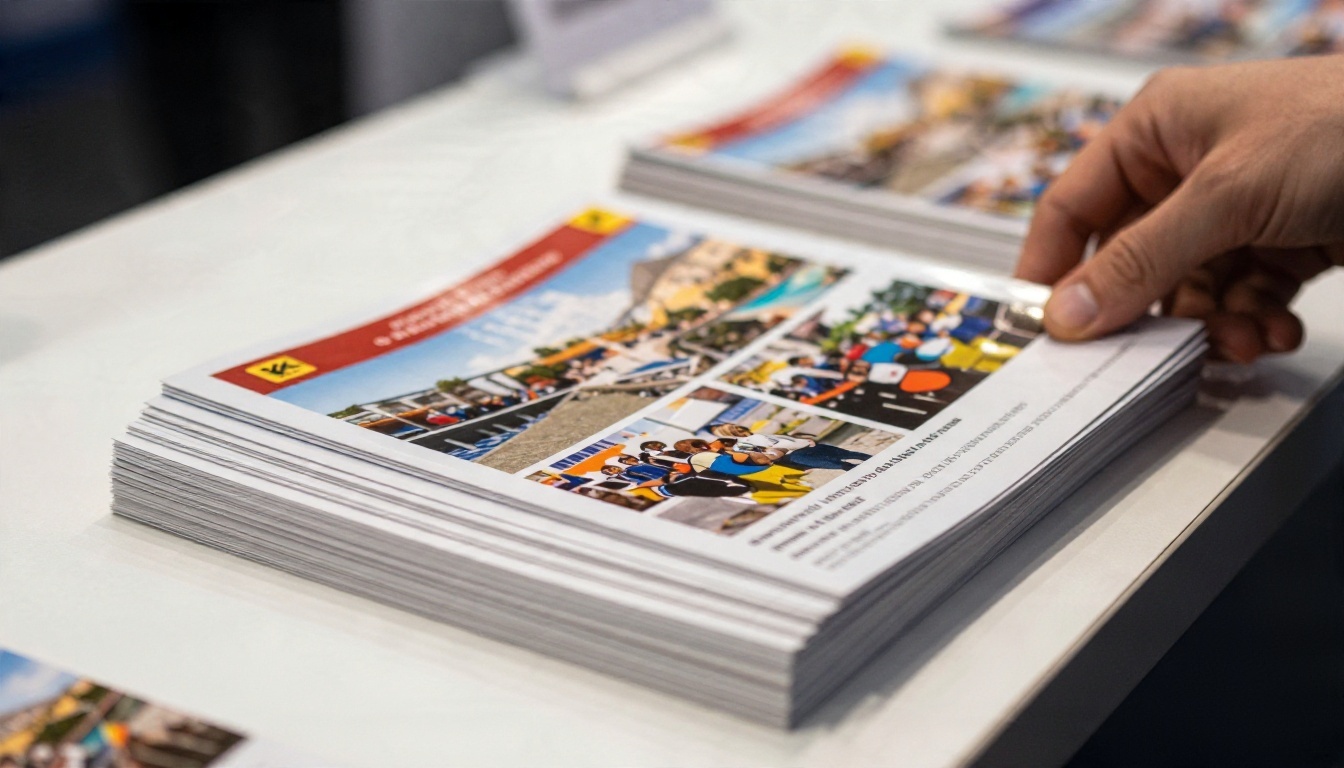
| Factor | Printed Handouts | Digital Handouts |
|---|
| Upfront cost | Printing plus shipping | Low, mostly design time |
| Cost per extra visitor | Rises with every copy | Close to zero |
| Last-minute edits | Impossible after printing | Update the file, same link |
| Weight and freight | Heavy, often the biggest crate | None |
| Tracking | None | Opens, page views, time spent |
| Lead capture | Manual, from business cards | Built-in forms (Professional plan) |
| Tactile impression | Strong | Depends on design quality |
| Works without a phone signal | Yes | Needs offline download or signal |
Printed Handouts: Where Paper Wins
Printed pieces still make sense in specific situations. Some buyers (older decision makers, procurement teams, government visitors) simply prefer to hold a document. Some products, like fabric swatches or flooring samples, need to be touched anyway, and a printed spec sheet fits that moment naturally.
Formats That Work Best
- Single-sheet spec cards: one product, one price range, one contact line
- Folded trifolds: easy to skim, fit in a jacket pocket
- Postcards with a QR code: cheap, light, and they point to the longer content
- Sample books: only for high-value prospects, handed out by hand, never left on the counter
The Hidden Costs of Printing
The unit price on a quote is rarely the real cost. Add show freight, storage fees at the venue, the cost of unused leftovers, and reprints when a price or product name changes the week before the event. A 40-page catalog that weighs 300 grams multiplies quickly: 1,000 copies is about 300 kg you have to ship, store and carry home.
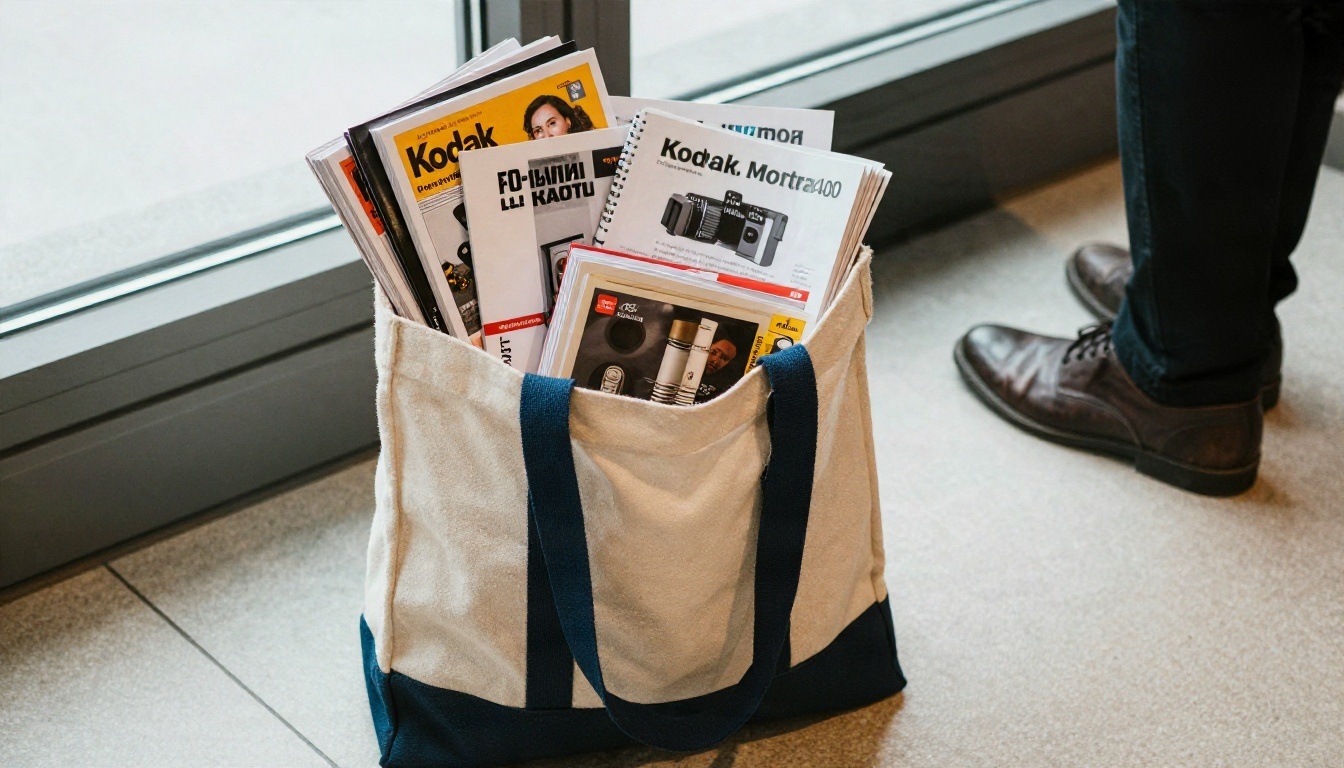
⚠️ Watch the leftovers. Most exhibitors bring home between 30% and 60% of what they printed. That stack goes out of date the moment you change a price list, so count it as a real cost, not a free asset.
Digital Handouts: Where Screens Win
A digital handout is any file or page a visitor can open on their phone: a PDF, a landing page or a flipbook. The best ones feel like a real publication, not a download that makes someone pinch and zoom on a small screen.
Flipbooks vs Plain PDFs
A PDF is easy to make, but it has three problems at a trade show: it's often large, it opens in a clunky viewer on mobile, and you can't see whether anyone read it. A flipbook keeps the page layout you designed, adds page-turn effects, loads quickly on a phone and gives you a single link that never changes, even when you swap the underlying file.
With the PDF to Flipbook Converter you upload your existing brochure and get a shareable, mobile-responsive version without redesigning anything. No watermarks, and you can add video or audio right inside the pages.
Lead Capture and Analytics
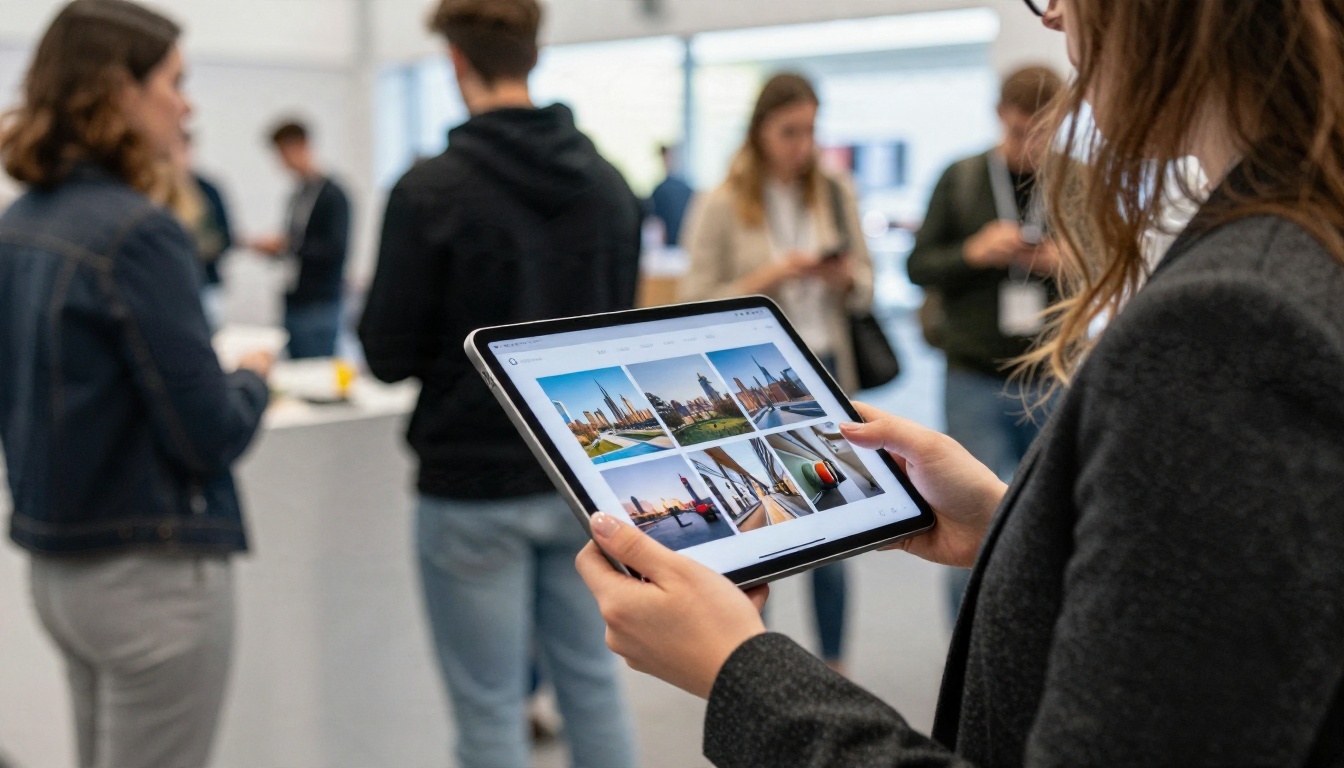
This is the biggest practical gap between the two formats. With paper, you never find out whether someone read page 4 or ignored the whole thing. With a flipbook on the Professional plan, you can see views, time on page and, if you enable a lead form, collect an email before the content opens. Check the pricing plans to see which tier includes analytics and lead generation.
When Digital Falls Short
- Venues with poor signal: download an offline copy to a tablet at the booth
- Visitors who don't want to scan: keep a few printed postcards on hand
- Low-quality design: a badly formatted digital file is worse than a good paper brochure
QR Codes That Actually Get Scanned
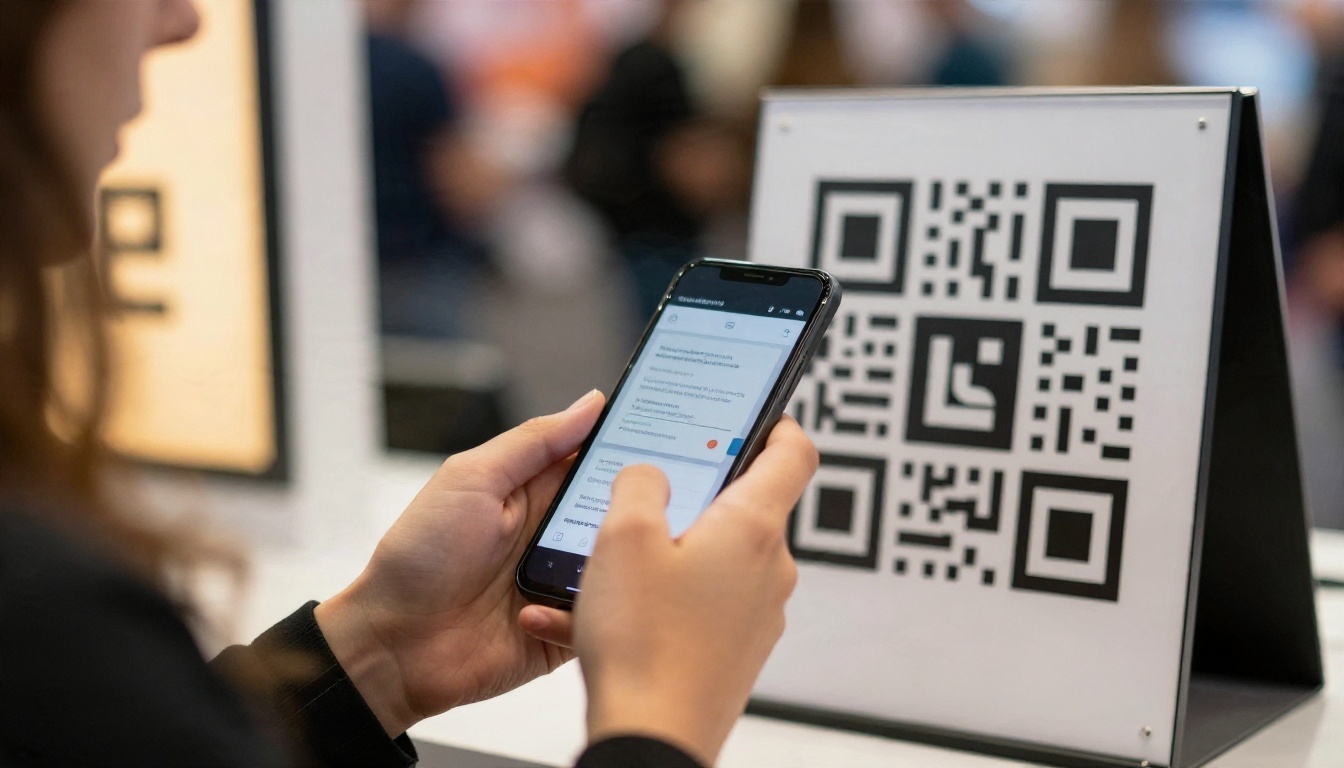
QR codes are the bridge between paper and screen. Used well, they let you print a tiny, cheap card that opens an entire digital catalog. Used badly, they sit in a corner of a banner nobody can reach.
Where to Place Them
| Location | Scan Likelihood | Notes |
|---|
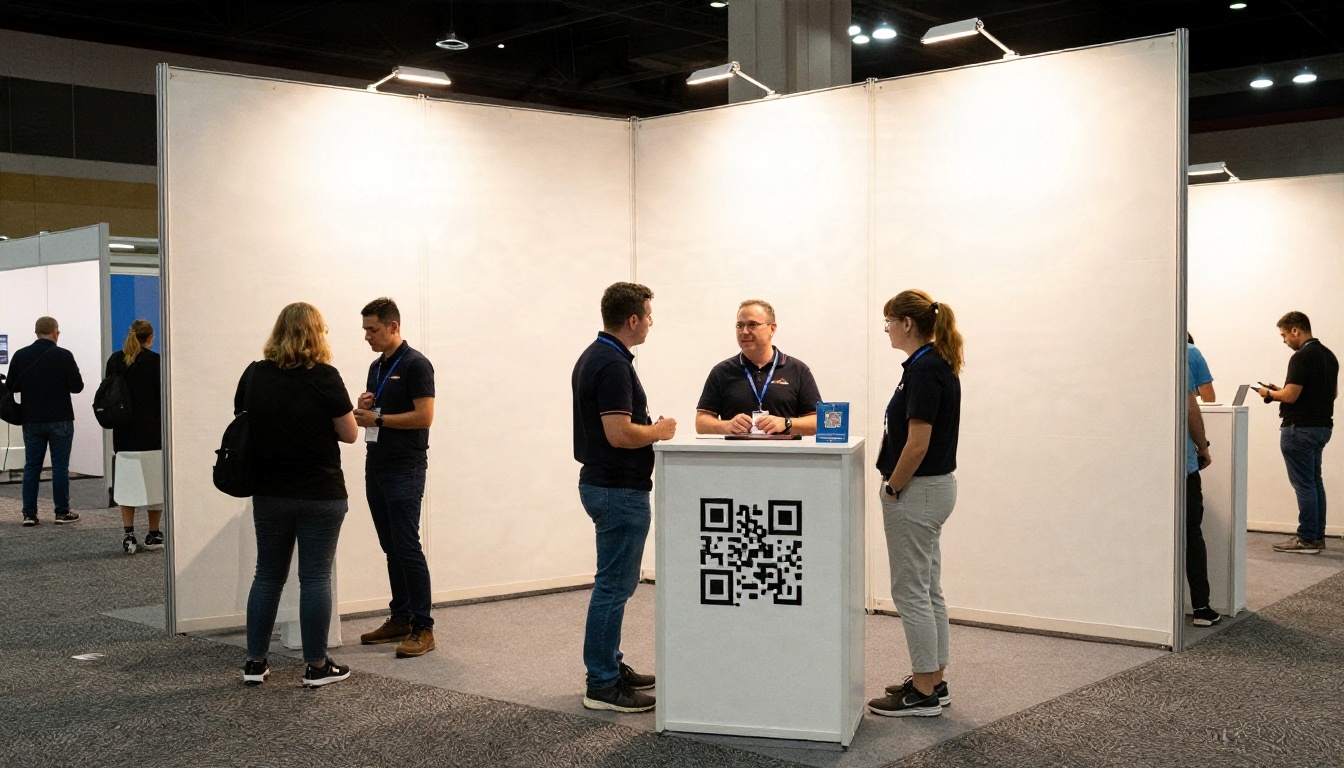
| Counter stand at hip height | High | Visitors can scan while chatting |
| Handout card given by hand | High | Pair with a short sentence from your team |
| Tall banner above head height | Low | Nobody can aim a phone up there |
| Floor stand near the aisle edge | Medium | Good for passers-by who don't stop |
| Name badge or lanyard card | Medium | Useful for staff exchange at networking events |
| Back of a business card | Medium | Easy and low cost |
Design Rules
- Print it at least 2.5 cm wide for close scanning, and larger for anything on a stand.
- Keep strong contrast: dark code on a light background, never the reverse.
- Add a short call to action beside it, like "See the 2026 catalog".
- Use a short link to the flipbook so the code stays simple and easy to read.
- Test with at least two phones (one iPhone, one Android) in the actual booth lighting.
💡 Pro tip: Use one QR code per handout, not one for the whole booth. When each piece links to its own flipbook, analytics tell you which content visitors actually opened.
Mistakes to Avoid
- Linking to a desktop-only page that doesn't fit a phone
- Using a long, cluttered code that is hard to scan from a distance
- Forgetting to test the link before the show opens
- Sending visitors to a page that asks for a login
The Real Cost of Each Option
Costs vary a lot by country, paper and print run, so treat the numbers below as illustrative estimates for a mid-size show with roughly 1,000 booth conversations. Replace them with quotes from your own printer and freight company.

Cost Breakdown Table
| Cost Item | Printed Catalog Approach | Digital Flipbook Approach | Hybrid Approach |
|---|
| Design and layout | Same | Same | Same |
| Printing | $1,500 to $3,000 (1,000 full-color copies) | $0 | $150 to $300 (postcards with QR) |
| Shipping and storage | $200 to $500 | $0 | $20 to $50 |
| Last-minute reprint risk | High | None | Low |
| Software | $0 | Subscription (see pricing) | Subscription |
| Staff time to hand out | Same | Same | Same |
| Typical leftover waste | 30% to 60% | None | Small |
Cost Per Qualified Lead
Raw printing cost matters less than cost per lead you can actually follow up. If 1,000 paper handouts produce 40 business cards, and a digital QR flow with a lead form produces 120 emails, the second option wins even if the sticker price were identical. Track this number after every show and compare it across events.
The Hybrid Plan Most Teams Choose
Many exhibitors land on a middle path: a light printed card or postcard for the first impression, with the QR code opening a full flipbook for the deep content. You keep the tactile moment, cut the weight, and still get data. It also protects you in venues where phones don't work well, because the postcard still carries your name and URL.
Real Examples by Industry
The right mix depends on what you sell and who walks by. Here are six scenarios you can adapt.
| Industry | What to Print | What to Put in a Flipbook | Helpful Tool |
|---|
| Machinery manufacturer | One spec card per product line | Full technical catalog with videos | Product Catalog |
| Furniture maker | Fabric swatch card | Room-by-room lookbook | Furniture Catalog |
| Hotel or resort | Postcard with photo | Rates, rooms and group packages | Hotel Brochure |
| Real estate developer | Site map card | Floor plans and price lists | Real Estate Brochure |
| Software company | Business card with QR | Product sheet and case studies | Sales Presentation |
| Non-profit | Small thank-you card | Impact report with stories | Non-Profit Annual Report |
Example: A Furniture Maker
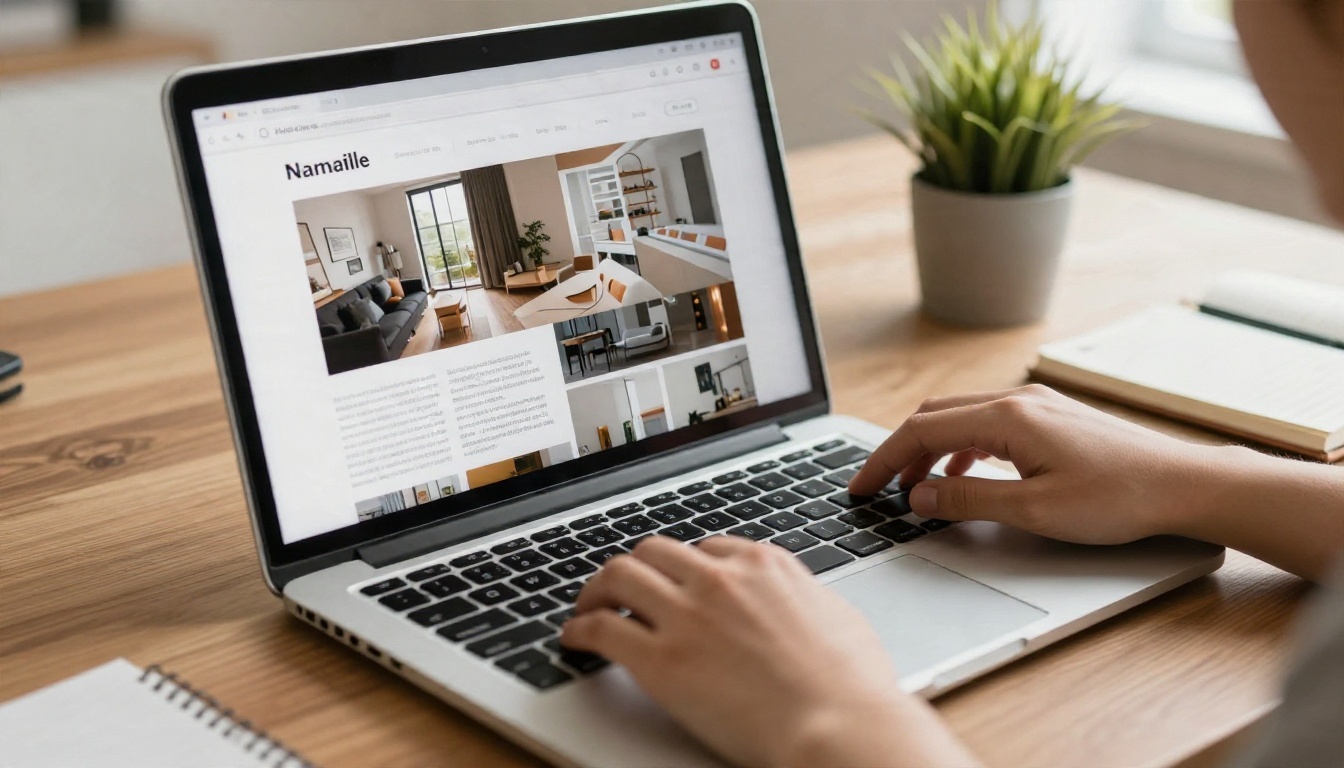
A mid-size furniture maker used to ship 20 cartons of 60-page catalogs to each show. After switching to a lookbook flipbook, they brought two small boxes of fabric swatch cards, each printed with a QR code to a specific collection. Visitors scanned, browsed on their phones, and the sales team followed up with the exact collection each person had viewed.
Example: A Machinery Exporter
A machinery exporter selling to international buyers faced translation headaches: a different printed catalog for each language. Using a digital version, they shared one link per language and updated prices without touching a printer. Printed material was limited to a single spec card for each machine.
Example: A Hotel Sales Team
A resort sales team attending a travel fair carried only postcards with beautiful photography and a QR code. Each scan opened a room-by-room brochure. Back at the office, the team could see which planners opened the group rates page, and call those first.
How to Create a Digital Handout With Flipbooks AI
Here's the full workflow, from file to booth. It takes about fifteen minutes if your PDF is ready.
Step-by-Step Tutorial
- Open your account. Go to Flipbooks AI and create an account. You can browse all flipbook tools to find one that matches your handout type.
- Upload your PDF. Drop your brochure, catalog or spec sheet into the uploader. The PDF is converted into a flipbook automatically, keeping your layout, fonts and images intact. For a catalog, the Digital Catalog Maker is a good starting point; for a short piece, try the Brochure Flipbook Maker.
- Customize the look. Add your logo, pick brand colors, choose the page-turn effect and set the background. You can also embed video demos and audio inside the pages.
- Set up sharing. Copy the direct link, or use the embed code to place it on your event landing page with the Embed Flipbook on Website tool. For private price lists meant only for buyers, turn on password protection.
- Generate your QR code. Paste the flipbook link into any QR generator, download a high-resolution version, and place it on your cards, stands and badges.
- Test on two phones in conditions close to the show floor: a weak signal, low battery, glare on the screen.
- Turn on lead capture and analytics. On the Professional plan, enable the lead form and view reports after the event. See the pricing page for plan details.
- Download an offline copy for your booth tablet in case the venue Wi-Fi fails.
✅ Best practice: Keep the first three pages punchy. A visitor on a phone at a crowded booth gives you about ten seconds before they stop scrolling.
Customization Checklist
- Logo and brand colors in place
- Cover page that reads well on a small screen (large type, one image)
- Contact page with a tap-to-call number and email
- Short table of contents with clickable sections
- Video or audio for the one product that needs a demo
Sharing Options Compared
| Option | Best For | Notes |
|---|
| Direct link | QR codes, email, text messages | Simplest, never changes |
| Embed code | Event landing page | Visitors stay on your site |
| Password protection | Price lists, partner content | Share the password at the booth |
| Offline download | Poor-signal venues | Keep on booth tablets |

Your Next Trade Show Move
Before the next event, run a quick audit. Look at last year's printed pieces and ask three questions: which ones did people actually pick up, which ones came home in the crate, and which ones went out of date within weeks. Keep the first group in print, small and light. Move everything else to a flipbook with a QR code.
A simple plan for your next show:
- Print one small card per product line, each with its own QR code.
- Build one flipbook per card with the PDF to Flipbook Converter.
- Put a lead form on your top flipbook and track results by the end of the week.
- Compare cost per lead against your last show and adjust.
Ready to try it? Get started for free on Flipbooks AI, browse the full list of tools and templates, or compare pricing plans to choose the one that fits your event calendar. Your next booth can leave the heavy boxes at home and still give every visitor something worth keeping.


