Your photo collections deserve more than a silent folder on a hard drive. Whether it's two hundred shots from a road trip, years of family moments sorted by date, or a carefully edited batch of professional work, those images carry real meaning. The format they live in either honors that or doesn't. A flipbook album honors it. With Flipbooks AI, turning any set of images into a beautiful, shareable, page-turning album takes minutes rather than hours of design work.
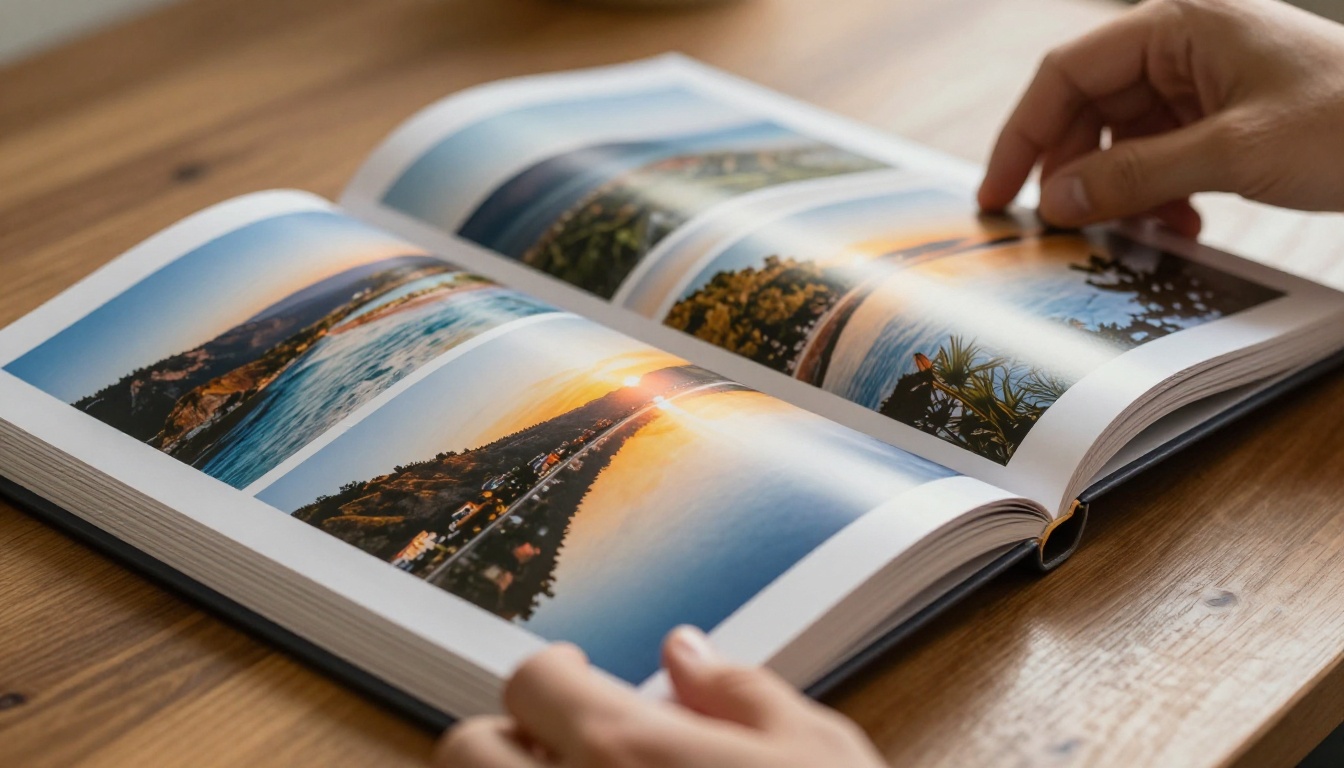
What a Flipbook Album Does for Your Photos
When someone opens a folder of photos or a static gallery, they scroll. Maybe they pause on a few images. Maybe they don't. The format provides no structure, no pacing, no sense that the images belong in a particular order or that they're building toward anything.
A flipbook album is structurally different. It has a front page. It has pages. It has a sequence. And it has the page-turn animation that signals to the viewer: this is meant to be experienced, not just scanned.
The Page-Turn Effect Changes Everything
The physical act of turning a page creates anticipation before each image. It slows the viewer down in the best possible way. Rather than flicking through forty photos in fifteen seconds, a person engaging with a flipbook album pauses between images, considers each one, and continues deliberately.
This has a measurable impact. Interactive content formats consistently generate longer attention time than static alternatives. For photographers delivering final galleries, for families sharing milestone collections, and for brands presenting seasonal lookbooks, that extra time is not trivial.
Static Grid vs. Flip-Through Experience
| Feature | Static Photo Grid | Flipbook Album |
|---|
| Viewer attention | Low | High |
| Sense of narrative | None | Strong |
| Page-turn animation | No | Yes |
| Password protection | Rarely | Yes (Standard plan and above) |
| Embed on website | Limited | Yes |
| Analytics tracking | No | Yes (Professional plan) |
| Mobile-responsive | Varies | Yes |
| Custom branding | No | Yes |
| Shareable link | Yes | Yes |
| Offline downloads | No | Yes |
The flipbook album wins across nearly every dimension that matters for a quality viewing experience. A grid is fine for storage and access. A flipbook is designed for sharing and experiencing.
Which Image Collections Work Best
Almost any curated image collection can become a compelling flipbook album. Some types of content are particularly well-suited to the format.
Family and Life Milestone Photos
Birthday parties, anniversaries, holiday seasons, school years, family reunions. These are the collections people actually return to and share repeatedly. A flipbook album gives them a format that feels appropriate to how significant the content is.

💡 Pro Tip: Organize family collections chronologically. The narrative arc from "before" to "after" within a single album is what makes people flip all the way to the final page.
The format works especially well for grandparents and family members who aren't comfortable navigating shared drives or cloud storage apps. A single link that opens into a familiar book-like experience removes every technical barrier.
Travel and Adventure Collections
Travel photos have a natural story structure built in: departure, arrival, exploration, culture, people, food, landscapes, return. That arc maps directly onto the linear format of a flipbook album.
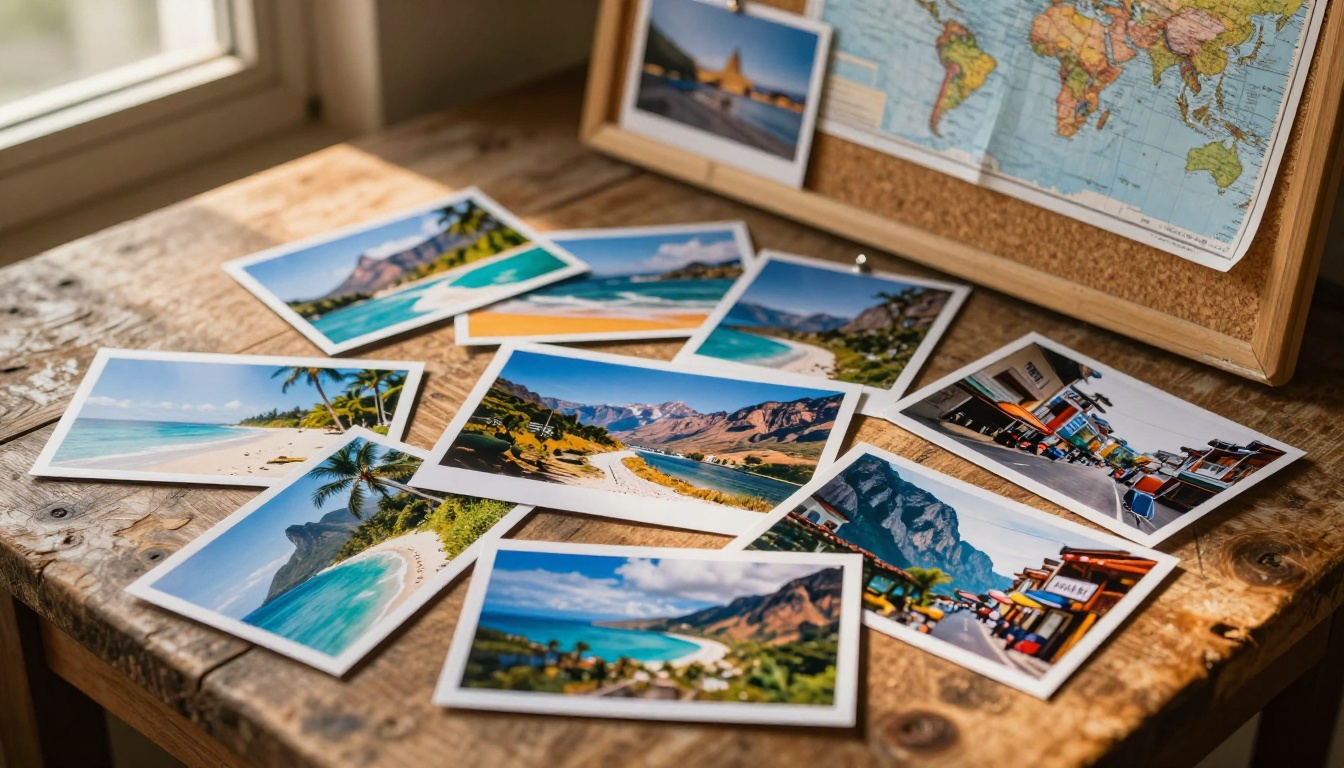
Fifty photos from a trip to Portugal become a proper travel album rather than a random gallery. You share one link, and the person on the other end experiences the trip as a story, not a dump of image files.
Travel bloggers can embed flipbook albums directly into their posts using the Embed Flipbook on Website tool, giving readers an interactive visual experience inside the article itself. The Travel Guide Flipbook format works especially well for destination content.
Wedding and Event Photography
Wedding photographers can use flipbook albums as a premium delivery format. Instead of sending a cloud storage link, clients receive an interactive album they can share with family members and revisit for years.
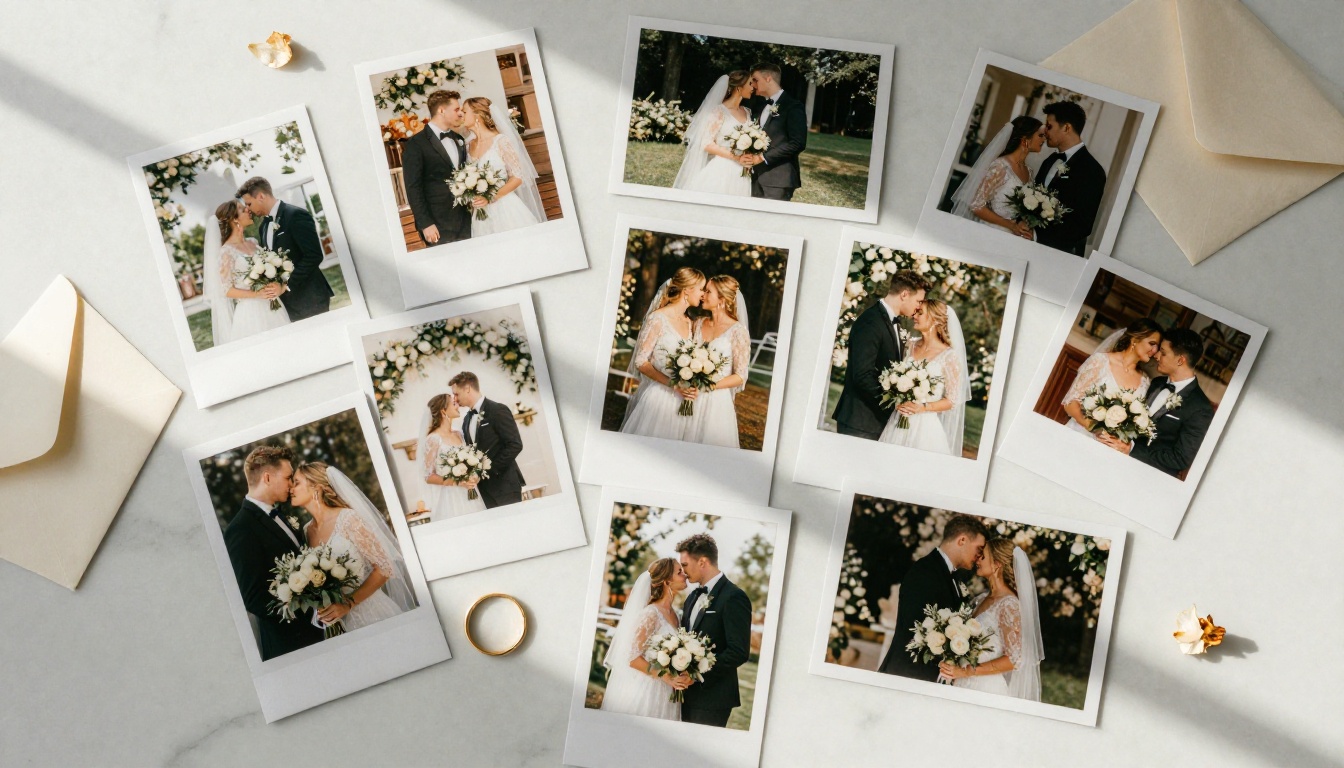
Event planners benefit from the same approach for corporate events, galas, product launches, and conferences. The Wedding Album Flipbook tool is designed specifically for this type of content, and the Event Program Maker works well for event documentation.
✅ Best Practice: For wedding albums, use a strong establishing shot of the venue or ceremony space as the first page. It sets the scene and immediately grounds the viewer in the emotional context of the day.
Professional Portfolios and Lookbooks
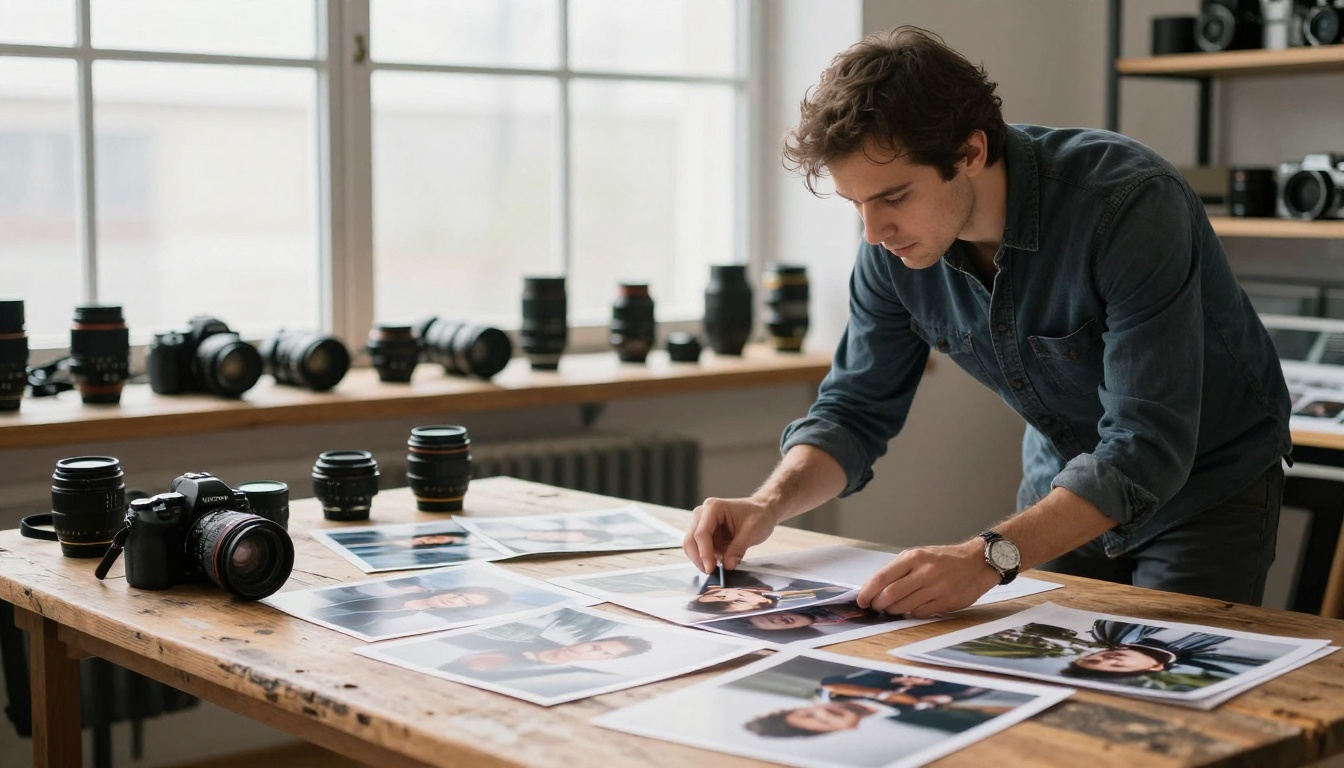
Photographers, designers, and creative professionals benefit from presenting their work sequentially rather than in a grid. A Photography Portfolio flipbook gives clients the experience of moving through a body of work at the intended pace, with each image given the space it deserves.
Fashion brands and stylists can create lookbook collections using the Interactive Lookbook Designer, presenting seasonal collections in a format that closely resembles a print editorial.
How to Create a Flipbook Album with Flipbooks AI
Flipbooks AI makes the creation process accessible to anyone. Here's the workflow from start to finish.
Step 1 - Prepare and Organize Your Photos
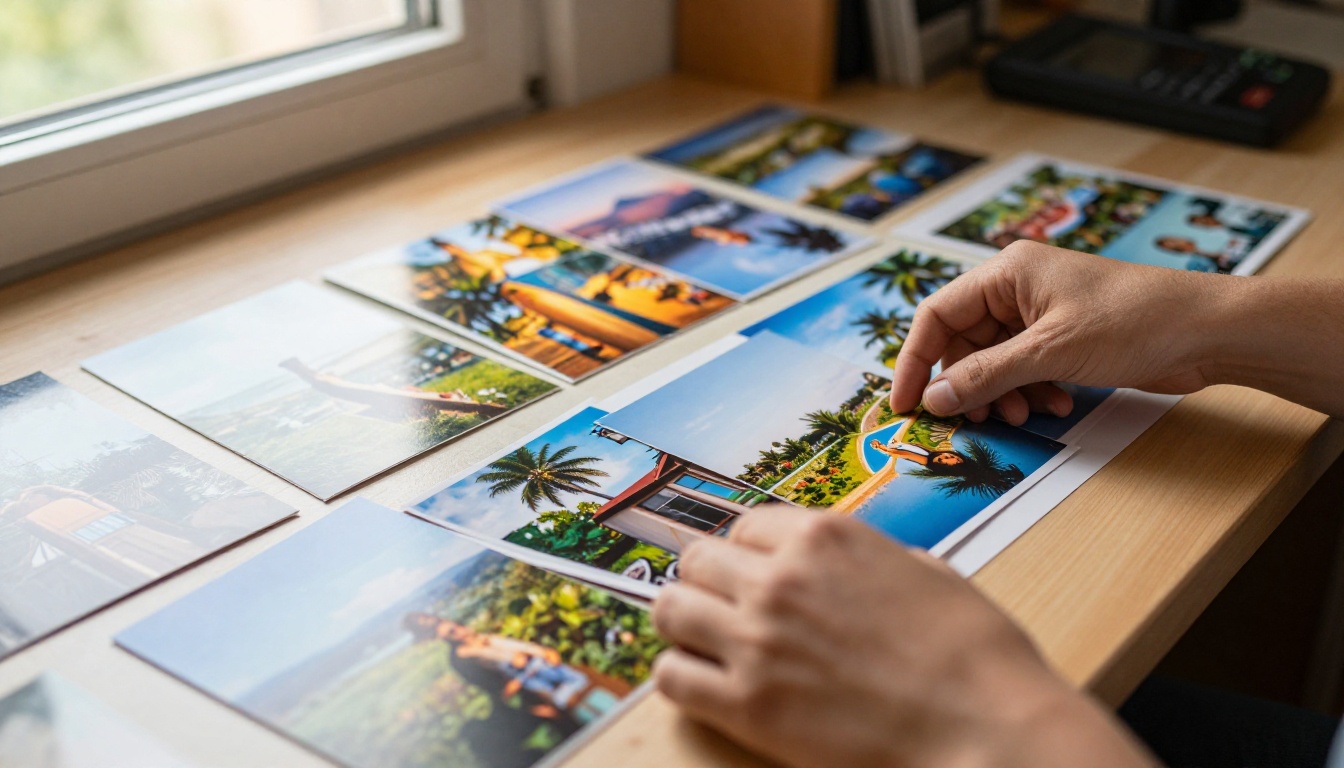
Before uploading anything, spend a few minutes on curation. You don't need every photo in the collection. Pick the strongest 30 to 80 images and arrange them deliberately in the order you want people to experience them.
A few practical rules for selection:
- Cut duplicates hard. Three nearly identical shots of the same moment should become one.
- Balance variety. Mix wide establishing shots with close details. Mix action with stillness.
- Put your strongest image first and your second-strongest last.
- Watch for consistent exposure. A very dark image following a series of bright ones creates a jarring break in flow.
- Aim for between 30 and 80 images for most album types. Below 30 feels thin. Above 80 requires strong pacing to hold attention.
Once your images are ordered, compile them into a PDF. Any software works: Adobe Acrobat, Canva, Google Slides exported as PDF, or Keynote on Mac. For professional work, aim for 300 DPI source resolution or higher.
Step 2 - Upload Your Collection
Go to Flipbooks AI and log in or create your account. The upload process is straightforward:
- Click New Flipbook from your dashboard.
- Upload your compiled PDF file.
- The platform converts it automatically, typically under sixty seconds for most album sizes.
- Review the page preview to confirm order and image quality before publishing.
⚠️ Note: Use high-resolution images when building your PDF. Low-resolution source photos will appear pixelated at full-screen viewing size. Always start with the highest quality originals you have.
Step 3 - Customize the Look and Feel
Once your album is uploaded, customization options give it personality:
- Opening image: The platform auto-generates one from your first page, or you can upload a dedicated front-page image.
- Background: Set a background color or texture that frames your photos without competing with them. Dark backgrounds work well for dramatic photography; light or neutral tones suit family and travel albums.
- Page-shadow effects: Add realistic shadow effects to increase the printed-book feel.
- Custom branding: Add a studio logo or watermark for professional client delivery.
- Multimedia: Embed audio (background music) or short video clips between photo pages to add another sensory dimension.
Step 4 - Share It Everywhere
Once published, you have several options for distributing your flipbook album:
- Direct link: A clean URL you can send via email, text, or any messaging platform.
- Embed code: Drop the flipbook directly into a website, blog post, or digital portfolio.
- Password protection: Lock the album so only recipients with the password can open it. This is essential for private client deliveries.
- Offline download: Allow recipients to download the album for viewing without internet access.
Design Tips That Make Albums Stand Out
Creating the album is the first half. The design details determine whether people return to it.
The Right Opening Photo
Your opening image is what viewers see before deciding whether to flip through the album. A strong opening photo:
- Immediately communicates the subject of the collection.
- Has strong visual composition that reads well at small thumbnail size.
- Conveys the emotional tone of everything inside.
- Uses a tight or medium composition rather than a wide shot with many small elements.
A sweeping landscape for a travel album. A tender portrait detail for a wedding album. A hero product shot for a lookbook. Match the opening image to the emotional register of the content that follows.
Getting the Image Order Right
The sequence of images creates a rhythm. Break the rhythm and the album loses its hold on the viewer.
| Sequencing Principle | What It Means in Practice |
|---|
| Strong opener | First image sets the emotional tone for everything that follows |
| Varied pacing | Alternate between busy and quiet images to prevent visual fatigue |
| Visual bridges | Place images with similar color temperature adjacent to each other |
| Avoid repetition | Never place two nearly identical compositions back-to-back |
| Build to peaks | Place your most dramatic images at the one-third and two-thirds marks |
| End with resonance | Final image should leave an emotional impression, not just close the sequence |
Think of the album the way a well-crafted playlist is sequenced. Every track has a reason for its position. The same logic applies to photos.
Privacy and Sharing Options
Not every album is meant for public viewing. Personal collections, private client deliveries, and internal documentation all require controlled access.
Password Protection for Private Albums
On Standard plans and above, Flipbooks AI includes password protection for any flipbook. You share the link, the viewer enters a password, and the album opens. No one without the password can access the content.
This matters most for:
- Wedding photographers delivering final galleries to clients before the printed album ships.
- Families sharing reunion or memorial albums with specific relatives only.
- Corporate teams sharing internal event documentation that isn't meant for public distribution.
- Brands distributing confidential lookbooks or press kits ahead of a product launch.
Embedding and Link Sharing
For public-facing albums, the embed option creates a seamless experience on any website. A photography studio can embed a sample wedding flipbook on their services page. A travel blogger can embed an album inside a destination article. A brand can embed a seasonal lookbook on their product page.
💡 Pro Tip: When sending a flipbook link via email, include a screenshot of the opening image in the email body. Recipients are significantly more likely to click through when they see a visual preview rather than a bare URL.
The PDF to Flipbook Converter handles all conversion automatically and generates both the embed code and direct sharing link with a single click.
Plan Comparison
| Feature | Free | Standard | Professional |
|---|
| Watermark-free | No | Yes | Yes |
| Number of flipbooks | 1 | Unlimited | Unlimited |
| Password protection | No | Yes | Yes |
| Custom branding | No | Yes | Yes |
| Analytics dashboard | No | No | Yes |
| Lead generation | No | No | Yes |
| Offline downloads | No | Yes | Yes |
| Video and audio embed | No | Yes | Yes |
| Mobile-responsive | Yes | Yes | Yes |
For personal use, the Standard plan covers everything essential. Family albums, travel collections, and private client deliveries all work well within it. For professional photographers, agencies, and brands, the Professional plan adds analytics to see who viewed your album and when, along with lead generation tools for collecting viewer contact details directly through the flipbook. Full details are at Flipbooks AI pricing.
Real-World Use Cases
Every one of these situations is one where receiving a flipbook link changes the perception of the content. A wedding client who gets a flipbook album instead of a file folder will mention it to people. A travel blog reader who can flip through a sixty-photo album inside an article will stay on the page longer. The format does real work.
✅ Best Practice: For professional use cases, always remove the watermark (Standard plan and above) and add your own logo or studio name. It signals to clients that you take presentation as seriously as you take photography.
Your Albums Are Ready to Live
Every photo collection filed away has potential that its current format can't release. A flipbook album gives those images a structure, a narrative, and a way to be shared that people actually sit with.
Create your first flipbook album on Flipbooks AI at no cost to see how the format feels. Browse all the available tools and templates to find the format that fits your specific type of collection. When you're ready to share professionally, without watermarks and with full customization, check the pricing plans to pick the right tier for your workflow.
Your photos told a story when you took them. A flipbook album makes sure the people you share them with actually experience that story.



