Converting class notes into interactive digital flipbooks isn't a trend, it's the shift that changes how students actually engage with what you teach. Teachers who have made the switch report something simple but powerful: students start reading the material on their own. No prodding, no reminders, no "I forgot to study." When the notes feel like something worth flipping through, the behavior follows. Flipbooks AI makes this conversion straightforward, even if you've never created digital content before.
Why Students Ignore Traditional Class Notes
There's a reliable pattern in most classrooms. Notes get distributed, some students save them, most skim them once, and the rest disappear before the exam. The format isn't working, and the reasons why are worth knowing before fixing the problem.
The Attention Gap Is Real
Students today don't struggle to pay attention because they're lazy. They struggle because they're constantly comparing passive reading experiences against apps built by teams whose sole job is holding attention. A PDF with black text on a white background doesn't compete. It never did. The problem isn't the content; it's the container.
Research consistently shows that visual formatting, interactive elements, and navigational structure dramatically improve reading retention. When information is broken into visual chunks, students retain more and return to the material more often. This is exactly what flipping through pages does that scrolling through a PDF does not.
What Static PDFs Get Wrong
Static PDFs are built for printing, not for reading on screens. They present information in a linear block that discourages jumping between sections. There's no easy way to see where you are in a document. The page-turning experience is missing, so there's no sense of progress or satisfying completion. Students who crack open a printed textbook feel the physical weight of progress. PDFs remove that entirely.
Beyond the psychological problem, PDFs create a practical one. Students on mobile devices face constant pinch-to-zoom frustration. Files take up storage space. Versions get lost. A link to a flipbook solves all three problems at once.

| Format | Navigation | Mobile Experience | Visual Appeal | Shareability |
|---|
| Printed notes | Page by page | None | Low | Low |
| Static PDF | Scroll only | Poor | Low | Moderate |
| Google Slides | Click through | Moderate | Moderate | Moderate |
| Interactive Flipbook | Page turns, chapters | Excellent | High | High |
💡 Pro tip: The page-turn effect in digital flipbooks isn't purely cosmetic. It creates a cognitive "chunking" signal that tells the brain: section complete, move forward. This is the same reason physical books feel more satisfying to study from than scrolling documents.
What Makes Flipbooks Different for Students
Digital flipbooks replicate the tactile, satisfying experience of flipping through a physical book, without printing costs or backpack weight. For students, the effect is immediate. The content feels curated, intentional, and worth opening.
Page Turns Create a Natural Study Rhythm
The act of flipping a page, even digitally, creates a natural reading rhythm. Students can see the book's structure at a glance, know how much is left, and feel progress as they move through chapters. This removes one of the biggest barriers to self-study: the feeling that reading notes is endless and formless.
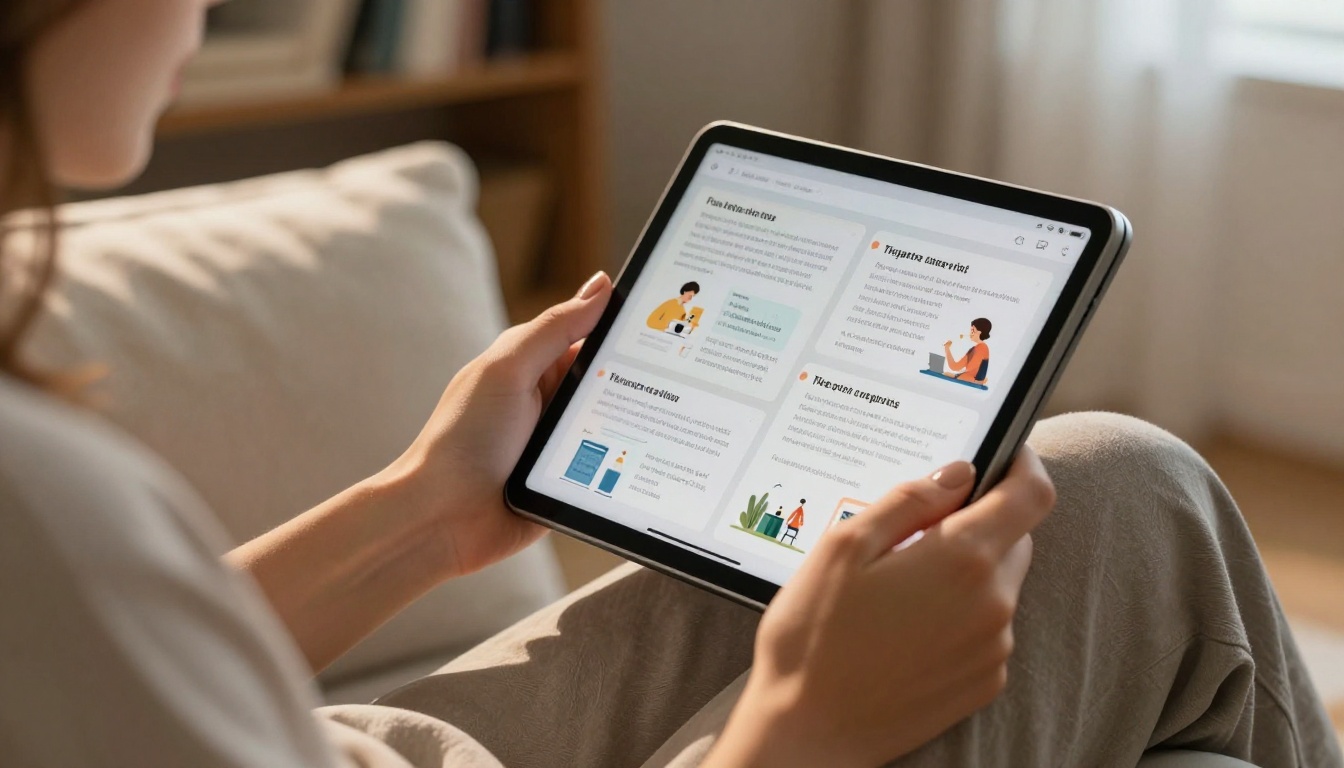
Interactive flipbooks built with Flipbooks AI let you package your class notes inside a format that feels familiar but functions better than paper. Chapter headings become navigable tabs. Dense lecture notes break into clean double-page spreads. The same content students ignored in PDF form becomes a resource they actually bookmark and return to.
Mobile Access That Students Actually Use
Most students study on their phones, and mobile PDF experiences are genuinely bad. Pinch-to-zoom constantly, lose your place, awkward scrolling, tiny text. Flipbooks render beautifully on mobile screens with automatic layout optimization. Students flip through chapters with a thumb swipe, exactly like any app they're already comfortable using.
The Course Material Publisher is specifically designed for this use case. It converts your existing PDF notes into a mobile-optimized flipbook that works across every device without additional formatting work.
Visuals and Media Live Inside the Notes
One of the most powerful upgrades flipbooks provide is the ability to embed supporting media directly inside the notes. Instead of a link at the bottom of a PDF that students will never click, a YouTube review video can live on the relevant page. Audio explanations, external resource links, and additional reading references can all be embedded where they belong, contextually, inside the content.
This turns class notes from a passive reading experience into an interactive study session where students control the depth of their review.
How to Create Class Note Flipbooks Step by Step
This is the part most teachers expect to be complicated. It isn't. The process from raw PDF to a published, shareable flipbook takes under 10 minutes, including customization.
Step 1: Prepare Your PDF Notes
Before uploading, spend 5 minutes organizing your PDF. Make sure headings are clear and consistent, page breaks fall in logical places, and any images or diagrams are embedded rather than linked. You don't need to redesign anything. Just make sure the structure is readable. A clean PDF produces a cleaner flipbook.
If your notes are currently in Word or Google Docs, export to PDF first. Any formatting you've applied, bold text, bullet points, numbered lists, and tables, will carry over into the flipbook view automatically.
Step 2: Upload and Convert on Flipbooks AI
Head to Flipbooks AI and create your account. From the dashboard:
- Click New Flipbook
- Drag and drop your PDF or click to browse files
- Wait for the automatic conversion (usually under 60 seconds for most lecture documents)
- Preview the result in the built-in viewer before publishing
The converter preserves all formatting including fonts, colors, column layouts, and embedded images. The page-turn animation is applied automatically. At this point, your notes are already a functional flipbook.
Step 3: Customize for Your Course
This is where the flipbook becomes specifically yours. Flipbooks AI gives you customization options that make the material feel intentional and tied to your course identity:
- Custom colors: Match your school colors or create a per-subject color system (blue for science, green for biology, red for history)
- Title page design: Add your course name, semester, and your name to the front page
- Page backgrounds: Apply subtle textures or solid tones to different sections
- Embedded media: Add YouTube review videos, audio explanations, or links to supplementary resources
✅ Best practice: Use a different color for each unit's title page. Students will instantly know which flipbook they're opening without reading the title, removing one more small friction point from their study routine.
Step 4: Share With Students
Once published, you have multiple sharing options depending on how your class operates:
- Direct link: A clean URL you post to your LMS, Google Classroom, or send via messaging apps
- Embed code: Drop the flipbook directly into your class website or portal
- Password protection: Set a password so only enrolled students can access it (Standard plan and above)
- QR code: Print and post in the classroom for instant mobile access via phone camera
💡 Pro tip: Add the flipbook link to your email auto-reply during the semester. Students who miss class can find the most recent notes without sending you a separate message.
Subject-Specific Flipbook Ideas That Work
The format adapts to every subject, but the best applications vary by discipline. Here's how teachers in different areas are putting it to use effectively.
Science and Math Notes
Science and math notes benefit most from visual separation between concepts. Equations and diagrams get lost in dense scrollable PDFs. In a flipbook, each concept gets its own spread, giving formulas room to stand clearly and diagrams the space they need to be read properly.
Lab procedures work especially well as sequential flipbook pages, where students flip through each step in order without losing context. Consider creating separate flipbooks for:
- Formula reference sheets for each unit
- Lab procedure materials with step-by-step spreads
- Exam prep notes with worked examples on individual pages
- Visual concept summaries with diagrams and annotations
History and Humanities
For history and humanities, the flipbook format becomes a timeline in physical form. Each page turn can correspond to a chronological progression, a different primary source, or a new analytical point. Students studying for essay-based exams benefit from the ability to flip quickly between pages when building arguments that connect across periods or themes.
Discussion preparation notes work particularly well in this format. A weekly reading resource as a flipbook, with one spread per primary source, gives students a clear structure for class participation.
💡 Pro tip: For literature classes, create a character analysis flipbook where each double-page spread covers one major character. Students can flip between characters quickly when writing comparative essays without losing their place.
Language and Vocabulary
Language teachers have found the flipbook format highly effective for vocabulary building. A weekly vocabulary flipbook, one term per page, can be shared digitally and reviewed on phones during commutes. The page-turn action creates a flashcard-like study rhythm that suits language acquisition well.
Grammar reference sheets in flipbook form let students jump to specific rules without scrolling through a long document. The Training Manual Flipbook works well for structured reference materials like grammar sheets and writing style resources.
Flipbooks AI Plans: What Educators Actually Need
Flipbooks AI offers several plans designed to scale with your needs. Here's a clear breakdown for classroom use:
| Plan | Flipbooks | Watermarks | Password Protection | Analytics | Offline Downloads |
|---|
| Free | Limited | Yes | No | No | No |
| Standard | Unlimited | No | Yes | No | No |
| Professional | Unlimited | No | Yes | Yes | Yes |
The Standard plan covers everything most classroom teachers need: unlimited flipbooks, no watermarks, and password protection for content control throughout the semester.
The Professional plan adds analytics, showing you which flipbooks students are actually opening and how long they spend on each section. This data is actionable. If students are spending very little time on a critical section, it signals a need for in-class reinforcement before the exam. The pricing page has current plan details and any available educational discounts.
| Teaching Scenario | Recommended Tool | Best Plan |
|---|
| Weekly lecture notes | Course Material Publisher | Standard |
| Exam study sheets | Training Manual Flipbook | Standard |
| Year-end course recap | Interactive E-Book Publisher | Standard |
| School-wide distribution | Course Material Publisher | Professional |
| Student activity tracking | Any tool | Professional |
| School newsletter | School Newsletter Creator | Standard |
⚠️ Note: Password protection is only available on Standard plan and above. If your notes contain sensitive assessment information, upgrade before publishing to ensure only enrolled students have access.
What Teachers Are Actually Reporting
The feedback from educators who have made the switch follows a consistent pattern. Not dramatic overnight transformations, but steady improvements that compound over a semester.
Homework Completion Rates Go Up
When study materials are more accessible and more pleasant to use, students use them more. Teachers using flipbooks for class notes consistently report higher completion rates for reading-based assignments. The content is identical. The format changed.
Friction reduction matters more than most people expect. Students who would have "forgotten" to download a PDF from the LMS will open a flipbook link sent in a group message. The fewer steps between a student and the content, the higher the participation rate becomes.

In-Class Discussion Quality Improves
When students actually read the notes before class, the discussion quality shifts noticeably. Teachers report more specific questions, more confident participation, and significantly less time re-explaining material that was already covered in the notes. The flipbook format doesn't just change how students study at home. It changes what happens when they walk into the room.
Students Share Notes With Each Other
One outcome that teachers consistently find surprising: students forward flipbook links to classmates who missed class. This happens naturally because a direct link is effortless to share. Unlike a PDF attachment, no one has to re-upload or re-download anything. Students who receive the shared link open it immediately in their browser or on their phone. The notes distribute themselves.
✅ Best practice: Create a "catch-up flipbook" at the end of each unit summarizing the 5 most important concepts. Students who fell behind can get current quickly, and students who attended can use it for targeted exam review.
Mobile Study Habits Form Organically
Students who receive flipbooks begin building mobile study habits without being told to. They open the materials during downtime, on buses, between classes. The format makes this natural in a way that PDFs and printed notes never did. Teachers who track this over a full semester see study time increase without requiring students to spend more time at a desk.

From Notes to Flipbooks, Starting Now
The barrier here is genuinely low. You already have the notes. You've already done the hard work of organizing, structuring, and writing the content. What changes is only the final step: how those notes reach students.
Get started for free on Flipbooks AI and convert your next set of class notes before distributing them. Run the experiment for one unit. See if students interact differently with the material when it's presented in a format built for reading rather than archiving.
For teachers with broader needs, browse all available education tools to find the format that fits your subject and teaching style. The Course Material Publisher, Yearbook Flipbook Maker, and School Newsletter Creator are all worth bookmarking.
Ready to move beyond free? Compare all pricing plans to see what's included at each level. The Standard plan removes all limitations for less than most teachers spend on classroom supplies in a single month.
Your notes are already good. The students who read them know that. The goal is getting more of them to actually read. A flipbook closes that gap with less effort than you'd expect.