Most support teams spend weeks crafting help documentation that users ignore. The content is there, the answers are accurate, but the format itself is the problem. Static PDFs feel like homework. Long scrolling pages feel endless. Users give up before they find what they need and open a chat window instead. That friction costs support teams thousands of hours annually in tickets that well-structured documentation should have absorbed. Flipbooks AI offers a direct path forward: take your existing help docs and turn them into interactive flipbooks that users actually want to navigate.

Why Help Docs Fail Users
The PDF Problem Nobody Talks About
PDFs became the default format for help documentation because they are easy to produce and easy to share. But "easy to produce" is not the same as "effective for readers." A 40-page PDF sent to a new customer who needs to solve one specific problem is the wrong tool entirely. They have to download it, scroll through it with no visual hierarchy, and hope they can find what they need before patience runs out.
The numbers back this up. Most companies see self-service deflection rates well below 50% despite significant investment in documentation. The format is partly to blame. Users have been conditioned by years of web browsing to expect navigation, visual structure, and interactivity. A flat PDF offers none of that.
What Users Actually Want
When users open help documentation, they want three things: to find the right section fast, to understand the answer clearly, and to move on. Interactive documentation with clear page navigation, visual chapter breaks, and embedded multimedia hits all three. The page-turn metaphor is intuitive for everyone, more so than a long scrolling page with anchor links that most users never notice.
Poor documentation structure also creates a secondary problem: users who cannot find answers quickly develop a habit of going straight to live support. Once that habit is established, even improved documentation struggles to break it. The earlier a user has a positive self-service experience, the more likely they are to use self-service again.

What Makes a Flipbook Different
Page-Turn Experience vs. Scroll Fatigue
The core difference between a flipbook and a static document is how the reader experiences navigation. In a flipbook, each page is a self-contained unit. Users can see where they are in the document at a glance, flip forward and backward with purpose, and skim chapter thumbnails to find sections visually rather than hunting through an anchor link list.
Scroll fatigue is real. Research on reading comprehension shows that retention drops as document length increases when the user has no clear sense of position or progress. Breaking content into pages removes that cognitive burden. Each page feels completable, which keeps users moving forward rather than abandoning the document halfway through.
Embed Videos and Audio Directly
Static PDFs cannot contain live video or audio. Flipbooks created with Flipbooks AI can embed both directly into pages. For help documentation, this is a significant shift. A 30-second screen recording showing exactly where to click is more effective than three paragraphs describing the same action. Support teams that add short video clips to their flipbook pages see measurable drops in follow-up questions on those topics.
💡 Embed a short walkthrough video on pages that explain multi-step processes. Users retain procedural information far better when they see it demonstrated rather than described.
Mobile-First by Default
A PDF opened on a mobile phone is nearly unusable. The text is too small, pinch-zooming breaks the layout, and scrolling a PDF on a phone is miserable. Flipbooks are built for mobile from the ground up. The page layout adapts to screen size automatically, navigation controls are touch-friendly, and the reading experience on a phone is comparable to desktop. For any company whose customers or employees use mobile devices to access documentation, this alone justifies the switch.
Real Use Cases That Work

SaaS Onboarding Documentation
SaaS companies with complex products rely heavily on onboarding documentation to reduce churn during the first 30 days. When onboarding docs are structured as interactive flipbooks, new users move through the content at a natural pace rather than feeling overwhelmed by a wall of text. Chapter navigation lets users jump to the features most relevant to their workflow, and progress indicators help them track how far through the setup they are.
A typical SaaS onboarding flipbook might include:
- A welcome section with an embedded intro video from the product team
- Installation steps with numbered visual guides and annotated screenshots
- Configuration options organized by use case or user role
- A FAQ section covering the five most common first-week support requests
- A troubleshooting reference at the back with a search-friendly structure
The Training Manual Flipbook tool is particularly well-suited for this use case, offering templates pre-structured for step-by-step instructional content.
Hardware Product Manuals
Hardware brands have been distributing paper manuals with products for decades. Converting those manuals to interactive flipbooks makes them searchable, accessible on any device, and updatable without printing costs. When a firmware update changes a setup process, the flipbook can be updated immediately and the new version is live for anyone who accesses the link.
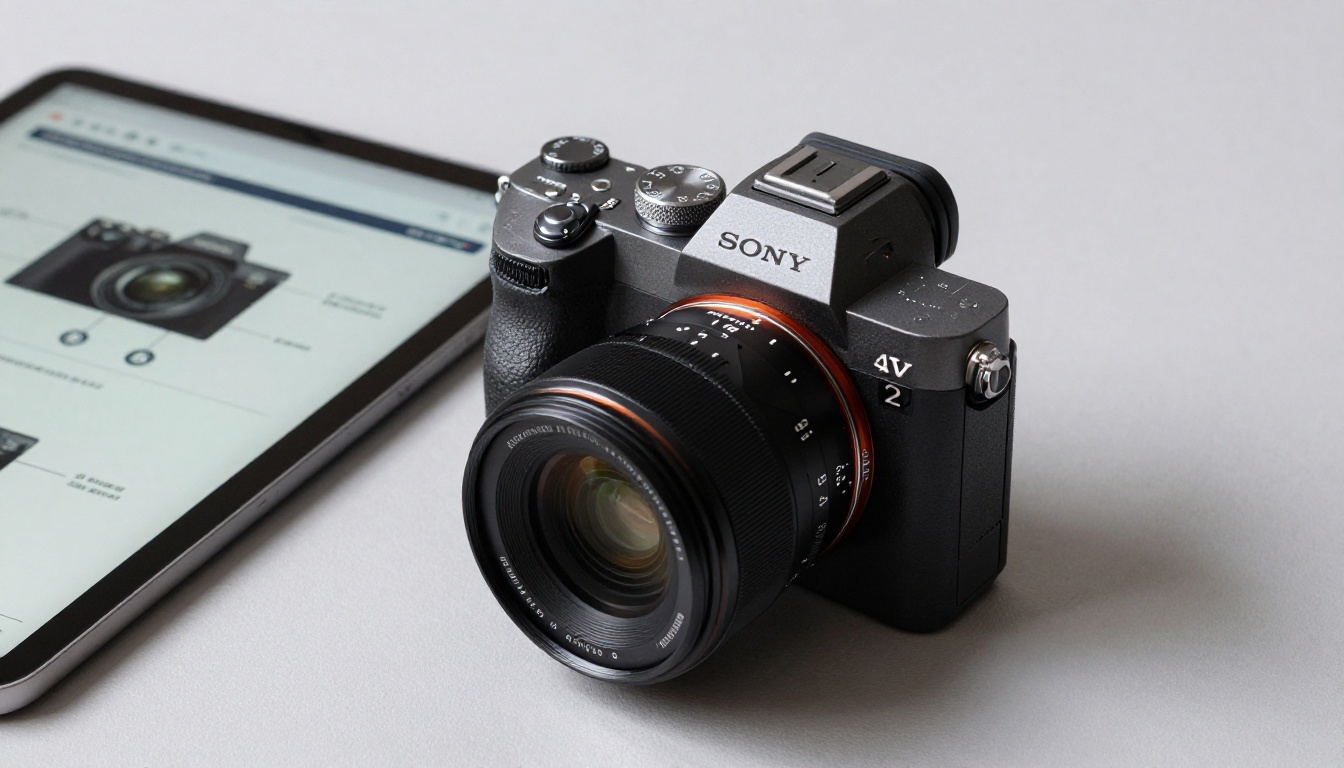
✅ Best practice: Include a QR code on the physical product packaging that links directly to the interactive flipbook version of the manual. This bridges the gap between hardware and digital support instantly, and customers are far more likely to use documentation they can access from their phone in 10 seconds.
Internal IT Support Guides
IT departments maintain large libraries of internal support documentation: password reset procedures, VPN setup guides, approved software installation steps, and security compliance checklists. When those guides live as static PDFs on a shared drive, they are rarely used and even more rarely updated. As an interactive flipbook, the same content becomes browsable, shareable by link, and far more likely to be used by employees who would otherwise open a support ticket for problems they could solve themselves.

The password protection feature is especially relevant here. Internal IT documentation should not be publicly accessible, and Flipbooks AI lets you restrict access with a simple password that readers do not need an account to use.
Customer-Facing Knowledge Bases
Support portals built on tools like Zendesk or Intercom often include a mix of short help articles and longer reference documents. Long reference documents are the ones users struggle with most. Converting them to flipbooks and embedding them directly in the help portal with the Embed Flipbook on Website tool gives users a far better experience without any changes to the surrounding help center structure.
Static Docs vs. Interactive Flipbooks
| Feature | Static PDF | Interactive Flipbook |
|---|
| Mobile-responsive | Limited | Full mobile support |
| Embedded video or audio | No | Yes |
| Page navigation | Scroll only | Chapter thumbnails and page flip |
| Searchable content | Basic | Full text search |
| Analytics on usage | No | Yes (Professional plan) |
| Password protection | No | Yes |
| Updatable without reprinting | File replacement | Instant live updates |
| Shareable via direct link | Download required | Direct web link |
| Embeddable on website | No | Yes |
| Offline access | Yes | Yes (download option) |
How to Create Help Doc Flipbooks with Flipbooks AI
Step 1: Prepare Your PDF
Before uploading, make sure your help documentation PDF is structured clearly. Use distinct headings for each section, keep individual pages focused on one topic, and avoid walls of dense text. If your existing documentation is in Word or Google Docs format, export it as a PDF first. Quality input produces quality output.
⚠️ Keep your PDF file size under 100MB for the fastest conversion. Compress large embedded images within the PDF before uploading if the file is particularly large.
Step 2: Upload and Convert
Go to Flipbooks AI and create an account, or sign in if you already have one. From the dashboard, select the option to create a new flipbook and upload your PDF. The conversion happens automatically, turning each page of your PDF into a navigable flipbook page with the page-curl effect intact. No design skills needed.
For specialized documentation types, consider using a purpose-built tool. The Course Material Publisher works well for structured training content, while the PDF to Flipbook Converter is the all-purpose option for any existing PDF.
Step 3: Customize and Brand
After conversion, every aspect of the flipbook's appearance can be customized:
- Add your company logo and apply brand colors to the interface
- Set a custom background color or texture that fits your visual identity
- Choose from multiple page-flip animation styles for different tones
- Add a clickable table of contents so users can jump directly to any section
- Embed video clips or audio on specific pages where visual demonstration helps
This step is where static PDFs fall completely flat. A branded, visually polished flipbook feels like a professional product, not a file attachment.
Step 4: Share or Embed
Multiple distribution options are available once your flipbook is ready:
- Direct link: Share a URL directly with customers, employees, or partners
- Embed code: Paste into your website, help center, or support portal
- Password protection: Restrict access to internal or confidential documentation
- QR code: Generate a QR code that links directly to the flipbook for physical materials
Features That Matter for Support Teams
Analytics to Track What Users Miss
One of the most valuable features for support teams is usage analytics, available on the Professional plan. When you can see which pages users spend the most time on, which sections they skip, and where they drop off, you have actionable data for improving your documentation.
If 80% of users who open your troubleshooting flipbook exit on page 3, something on that page is unclear or failing to answer their question. Without analytics, you would never identify that pattern. With Flipbooks AI analytics, support teams can pinpoint exactly which sections need to be rewritten, expanded, or supplemented with video.

Analytics also provide data for making the case internally for documentation investment. When you can show leadership that a specific flipbook deflected a measurable percentage of tickets over the past quarter, the ROI becomes clear and concrete.
Password Protection for Internal Docs
Not all help documentation is meant for the public. Internal IT guides, HR policy documents, and confidential product roadmaps require access control. Flipbooks AI includes password protection on Standard plans and above, letting you distribute sensitive documentation via a link without it being publicly accessible or indexed by search engines.

💡 Use password-protected flipbooks for documentation that changes frequently. Update the flipbook once, and everyone with the link and password sees the current version immediately, with no need to re-distribute files.
Lead Generation Within the Doc
For external-facing documentation aimed at prospects or trial users, the Professional plan includes lead capture forms that can be embedded directly within the flipbook. A reader who reaches a specific page can be prompted to provide their email to access the remaining content. This turns your documentation into a qualified lead source without requiring any additional marketing tooling or landing pages.
Team Review and Collaboration
Support documentation is rarely owned by one person. Multiple team members contribute to the same knowledge base, subject matter experts review technical content, and managers often need to approve before publishing.

When documentation lives as a flipbook, sharing it for review is as simple as sending a link. Reviewers can access the full document on any device without downloading anything, leave verbal feedback in a shared document, and the final approved version can be published immediately. No more email chains with "v3_FINAL_approved_USE_THIS_ONE.pdf" in the subject line.
Pricing and Plan Comparison
| Plan Feature | Free | Standard | Professional |
|---|
| Flipbooks created | Limited | Unlimited | Unlimited |
| Watermark-free | No | Yes | Yes |
| Custom branding | No | Yes | Yes |
| Password protection | No | Yes | Yes |
| Embed on website | Limited | Yes | Yes |
| Offline downloads | No | Yes | Yes |
| Video and audio embed | Limited | Yes | Yes |
| Analytics | No | No | Yes |
| Lead generation forms | No | No | Yes |
For most support teams managing external customer documentation, the Standard plan covers all core functionality with no watermarks, unlimited flipbooks, and full embedding support. Teams running documentation as a lead generation channel or who need usage data to improve their content will benefit from the Professional plan. Compare all pricing plans to find the right fit for your team size and use case.
Start Your First Interactive Help Doc
The shift from static PDFs to interactive flipbooks is not a large undertaking. If you already have help documentation in PDF format, you are one upload away from a better user experience. The conversion is automatic, the customization is visual, and the distribution options cover every scenario from public help centers to password-protected internal wikis.
Support teams that make this switch typically see two immediate improvements: users spend more time inside the documentation before opening a ticket, and the tickets that do come in are more specific because users have already self-served the foundational information. That specificity makes support interactions faster and more satisfying for both sides.
The documentation you already have is worth more than its current format allows it to show. Create your first flipbook on Flipbooks AI today, upload an existing help doc, and your interactive documentation can be live within minutes. Browse the full tools directory to find the right template for your content type, or review the plan options to choose the right tier for your team.



