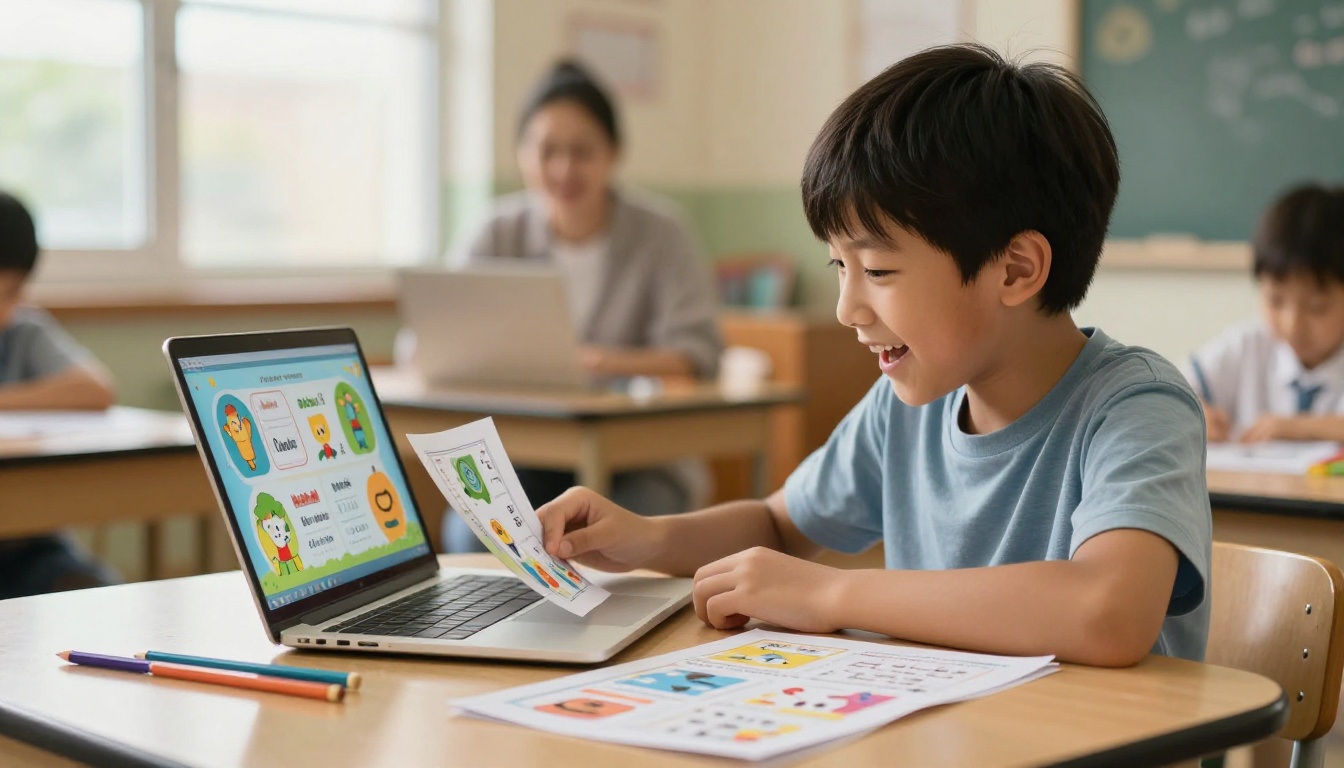
There is a quiet crisis happening in classrooms everywhere. Teachers spend hours formatting homework handouts, printing them, distributing them, and within minutes those sheets are crumpled at the bottom of a backpack, never to be opened again. Students are not disinterested because they are lazy. They are not interested because a flat, static sheet of paper simply cannot compete with the interactive world they live in every day. The solution is surprisingly simple and completely free: turn those handouts into interactive flipbooks with Flipbooks AI.
Why Paper Handouts Stop Working
The attention problem is real
Research on student attention consistently points to one uncomfortable truth: passive reading from paper triggers far less active processing than interactive digital media. Students today are trained by years of swiping, tapping, and clicking. When you hand them a two-page worksheet, their brain is already somewhere else. The format of the content is working against you before they even read the first word.
The average student spends less than four minutes actively reading a printed homework handout before setting it aside. That number climbs significantly when the same content is presented as an interactive digital format with page-turning effects and visual hierarchy.
Static PDFs are only slightly better
Scanning a worksheet and uploading it as a PDF does not solve the problem. A flat PDF is still a flat document. You can zoom in, but you cannot interact with it in any meaningful way. Students still stare at dense text on a screen, which is often harder to read than print because screen contrast and layout make long-form text uncomfortable at small font sizes.
What actually changes how students read is format. When content flips like a real book, has a visual header, includes distinct pages with their own layouts, and can embed video or audio, students interact with it differently. Their attention holds longer. Their recall improves.
What a Flipbook Actually Does Differently
The page-turn effect students want
A flipbook is not just a PDF with a skin. It is a fully interactive publication with animated page transitions, a navigable table of contents, zoom features, and the ability to embed multimedia content directly inside the pages. When a student opens a flipbook, they experience the same physical intuition as opening a real book: pages have weight, turning them feels satisfying, and the structure signals the brain to read more carefully.
This is not a trivial UX difference. Educational psychologists have documented that the physical metaphor of page-turning primes readers for deeper reading modes. The brain shifts from skimming to reading when the format signals "this is a book."
Multimedia inside homework? It works
The most powerful feature of the flipbook format for education is the ability to embed video and audio directly inside the homework document. A science handout about the water cycle becomes something else entirely when it includes an embedded explainer video. A history worksheet on the Civil Rights Movement gains depth when it contains audio clips from primary sources.
This is not about making homework easier. It is about making it richer. And with tools like Flipbooks AI, teachers can do this without any technical skill, for free.
How to Create Homework Flipbooks with Flipbooks AI
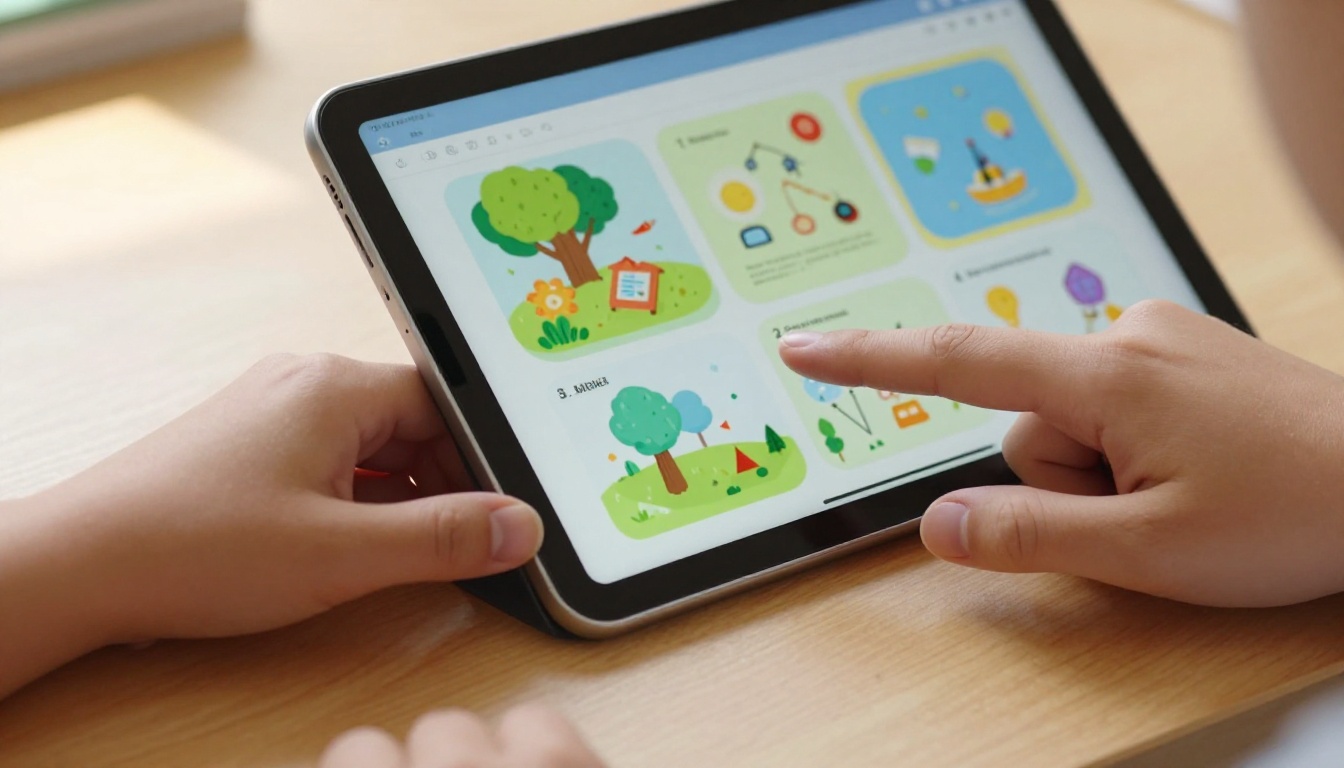
This is where the actual workflow lives. Flipbooks AI converts any PDF into a fully interactive flipbook in seconds. Here is exactly how to do it.
Step 1: Prepare your PDF handout
Start with whatever homework handout you already have. This can be a Word document, a Google Doc, a Canva template, or a scanned worksheet. Export it as a PDF. If you are creating from scratch, tools like Google Slides or Canva produce clean, page-structured PDFs that convert beautifully into flipbooks.
A few tips for better PDF-to-flipbook results:
- Use landscape orientation (horizontal pages look better in flipbook format)
- Keep each concept to its own page rather than cramming content
- Use larger font sizes (14pt minimum) since students may view on small screens
- Include images on each page to give every spread visual interest
Step 2: Upload to Flipbooks AI
Go to Flipbooks AI and create a free account. The process takes about 30 seconds with an email address. Once inside the dashboard, click the upload button and select your PDF. The platform processes the file and generates a live flipbook preview within seconds.
The free plan supports multiple flipbooks with no watermarks, which is rare among free tools. Most alternatives force a watermark on every page unless you pay.

Step 3: Customize the flipbook
Once uploaded, the editor opens with your flipbook ready. From here you can:
- Set a custom header image that represents the subject or topic
- Choose page flip styles (classic book flip, horizontal slide, or fade)
- Adjust the background color or texture behind the pages
- Add a table of contents so students can jump to sections
- Enable zoom mode for detailed diagrams or small text
- Insert embedded video links directly into specific pages
For homework assignments, the most useful customization is the table of contents. Students navigating a science homework flipbook can jump directly to "Questions Section" or "Vocabulary" without hunting through pages.
Step 4: Share with students
Sharing is where flipbooks genuinely outperform printed handouts. Instead of photocopying 30 sheets, you get a single shareable link. Options include:
- Direct link: Paste into your LMS (Google Classroom, Canvas, Schoology)
- Embed code: Drop the flipbook directly into a class website or portal
- QR code: Print one QR code per classroom instead of 30 handouts
- Password protection: Restrict access to only enrolled students
Flipbooks AI generates all of these sharing options from the same dashboard screen. There is no export step, no rendering wait, and no file size limit issues that plague email attachments.

Free Plan vs. Paid Plans: What You Actually Get
The question every teacher asks first is whether the free version is actually useful or just a trial trap. Here is the honest breakdown:
| Feature | Free Plan | Standard Plan | Professional Plan |
|---|
| Number of flipbooks | Limited | Unlimited | Unlimited |
| Watermarks | None | None | None |
| Custom branding | No | Yes | Yes |
| Password protection | No | Yes | Yes |
| Analytics | No | No | Yes |
| Offline downloads | No | No | Yes |
| Lead generation | No | No | Yes |
| Embed videos/audio | Yes | Yes | Yes |
| Mobile responsive | Yes | Yes | Yes |
| Share via link | Yes | Yes | Yes |
For classroom homework use, the free plan covers the core need: convert a PDF, share a link, let students interact. The Standard plan becomes relevant when teachers want to brand the flipbook with a school logo or protect content with a password. Professional plan features like analytics are powerful for tracking which students actually opened the assignment, but that is an upgrade decision.
💡 The free plan at Flipbooks AI has no watermarks. This is the single biggest differentiator from most competitors, which add their brand on every page unless you pay.

Real Classroom Use Cases That Work
Science worksheets with embedded video
A biology teacher creates a PDF handout on cell division. Each page covers one phase: interphase, prophase, metaphase, anaphase, telophase. After converting to a flipbook, she embeds a 60-second YouTube clip on the metaphase page showing actual cell division footage under a microscope. Students watching the video in context, inside the page where the concept lives, retain the information more effectively than students who watch the video separately.
The Course Material Publisher tool is purpose-built for this kind of structured educational content.
History assignments with photo timelines
A middle school history teacher builds a handout on the Civil Rights Movement as a photo-heavy PDF. Each spread contains one key event, a photograph, and three discussion questions. As a flipbook, students can zoom into historical photographs, and the physical page-turning gives the timeline a narrative feel that a list of events on paper cannot replicate.
Math problem sets as interactive pages
A high school math teacher creates problem sets where each page contains one problem and space for working. As a flipbook, she adds a "hint page" after each problem using the PDF structure. Students who are stuck can flip to the next page for a worked example, then flip back. This creates a scaffolded homework format that static paper simply cannot support.
✅ The Training Manual Flipbook format works beautifully for step-by-step math problem sets with worked examples and scaffolded hints on separate pages.
Not every teacher will use the same tool. Here is how the main options compare for homework use specifically:
| Tool | Watermark-Free on Free Plan | PDF Upload | Mobile Ready | Embed Video | Share via Link |
|---|
| Flipbooks AI | Yes | Yes | Yes | Yes | Yes |
| Issuu | No | Yes | Yes | Paid only | Yes |
| FlipHTML5 | No | Yes | Yes | Paid only | Yes |
| Canva Flipbook | Limited | Limited | Yes | No | Yes |
| Publuu | No | Yes | Yes | Paid only | Yes |
The pattern is clear. Most tools require payment to remove watermarks or add video. Flipbooks AI is the only option that provides watermark-free flipbooks with video embedding on the free tier, making it the most practical choice for classroom use.
⚠️ Always check watermark policies before sharing a tool with students. A tool that brands every page of student homework with its own logo creates a confusing and unprofessional experience for everyone in the classroom.
Tips for Homework Flipbooks Students Actually Open
Design principles that work
The difference between a flipbook students actually read and one they skip in three seconds comes down to a few specific choices:
- One concept per page: Do not recreate the wall-of-text worksheet digitally. Spread content across pages.
- Visual on every spread: At minimum one image, diagram, or chart per two-page spread
- Consistent color scheme: Pick two or three colors that match the subject. Science gets blues and greens. History gets warm browns and creams.
- Large, readable fonts: Minimum 14pt for body text, 20pt for headers
- Short paragraphs: Three to four sentences maximum per paragraph in a digital flipbook
3 mistakes to skip immediately
1. Scanning crumpled paper. If the source PDF looks low quality, the flipbook will too. Always start from a clean digital source file, not a scanned photocopy.
2. Cramming everything onto two pages. The whole point of a flipbook is pagination. If your entire assignment fits on two pages, spread it across six or eight with one idea per page. The format only works when there are pages to flip.
3. Skipping the header image. The header is the first thing students see. A flipbook with a blank or generic header gets opened far less than one with a subject-relevant image and a clear title. Spend two minutes setting a proper header image before sharing.

Subject-Specific Flipbook Ideas for Every Grade
The flipbook format adapts to every subject. Here are practical starting points by discipline:
| Subject | Flipbook Type | Best Feature to Use |
|---|
| Science | Lab report template | Embedded video of experiment |
| History | Photo timeline | Zoom for historical images |
| English | Reading companion | Table of contents by chapter |
| Math | Problem set | Hint pages after each question |
| Art | Project brief | Full-bleed image pages |
| Physical Ed | Exercise routine | Embedded demonstration video |
| Geography | Map-based study | Zoomable map images |
| Language | Vocabulary set | Audio pronunciation clips |
The School Newsletter Creator and Yearbook Flipbook Maker tools extend the same format beyond homework into broader school communication and student projects.
The feedback from classrooms that have adopted flipbook formats consistently clusters around three themes:
- "It feels less like work." The interactive format removes the psychological weight that a paper handout carries. Students report that swiping through a flipbook feels closer to browsing content they choose than doing assigned work.
- "I can find things again." Table of contents and page navigation make it easy to return to a specific section when reviewing before a test. Paper handouts require rereading from the start.
- "I actually watched the videos." Embedded multimedia with no friction, inside the homework itself, gets watched. Videos linked separately in a different tab or platform get ignored.
These are not abstract improvements. They directly affect homework completion rates and content retention across every grade level and subject area.
Start With One Handout Today
The fastest way to start is to pick one existing homework handout, export it as a PDF, and upload it to Flipbooks AI right now. The whole process, from PDF to shareable link, takes under five minutes. Share the link in your LMS instead of distributing paper and see what happens to completion rates in the next assignment cycle.
For teachers who want to go deeper, the Interactive E-Book Publisher and the PDF to Flipbook Converter tools provide purpose-built workflows for educational content at scale. Both are free to start.
Ready to stop printing? Create your first flipbook free and share it with your next class. When you are ready to add password protection, custom branding, or student analytics, compare the pricing plans to find what fits your school's budget. Browse all available educational tools to see what is possible beyond basic homework handouts.



