Your animation reel tells a story in motion, but not every client will press play. Some people skim. Some open 12 tabs at once. Some watch the first three seconds and move on. Converting your reel into an interactive flipbook changes the dynamic entirely: it puts control in the viewer's hands, lets them pause on any frame, and gives your work a tactile, deliberate quality that video alone cannot deliver. Flipbooks AI makes this process faster than most animators expect, and the result is a portfolio format that stands apart from every standard demo reel link in a client's inbox.
Why Video Reels Fall Short
What Clients Actually Skip
The standard animation reel format has a structural problem. It assumes the viewer will watch from start to finish, in order, at the speed you chose. In reality, most clients and hiring managers spend 30 to 60 seconds with a reel before moving on. If your strongest work sits 45 seconds in, there is a real chance they never reach it.
A flipbook flips this completely. The viewer controls the pace. They can stop on a frame, compare two scenes side by side, and return to specific moments without scrubbing a timeline. It converts passive viewing into active exploration of your craft, and that shift in attention changes how clients experience your work.
💡 Put your most technically complex sequence in the first 10 frames of your flipbook. Clients who flip casually will catch it immediately.
The Frame-by-Frame Advantage
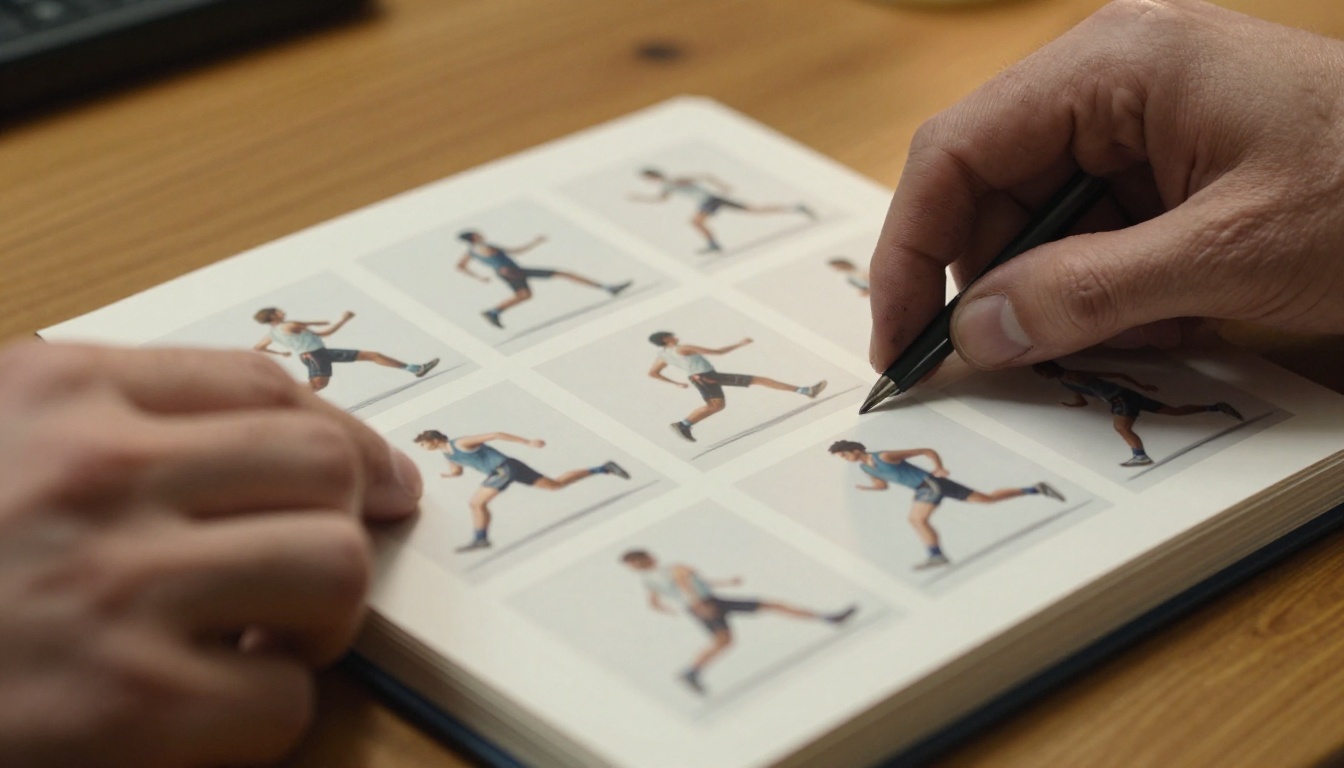
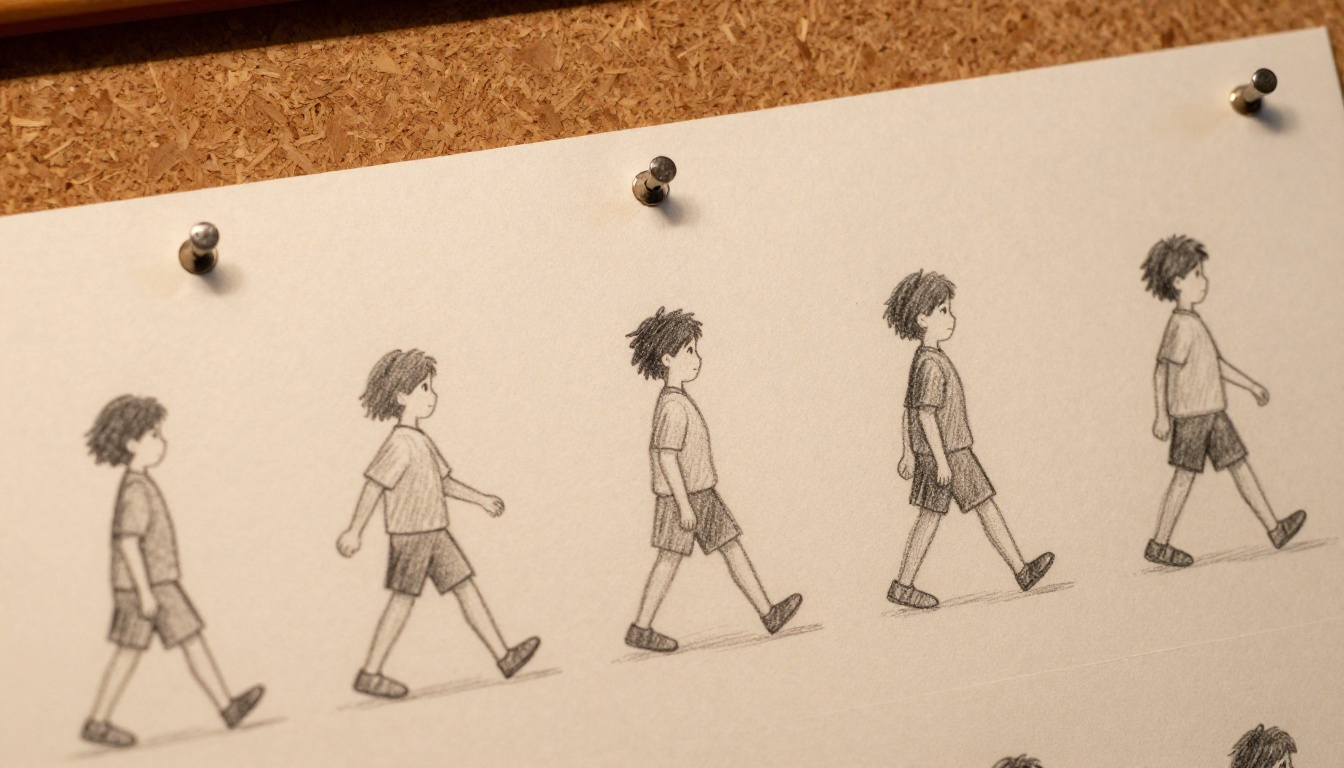
Animation is a craft built frame by frame. Every walk cycle, every ease-in, every smear frame represents deliberate decision-making. A video reel plays all of that at 24fps and the nuance disappears into motion blur. A flipbook restores it.
When a client can stop on frame 14 of a run cycle and see exactly how you handled the contact position, they are not just watching your work. They are reading it. That level of visibility builds trust in your technical skill in a way that a polished video reel cannot replicate on its own.
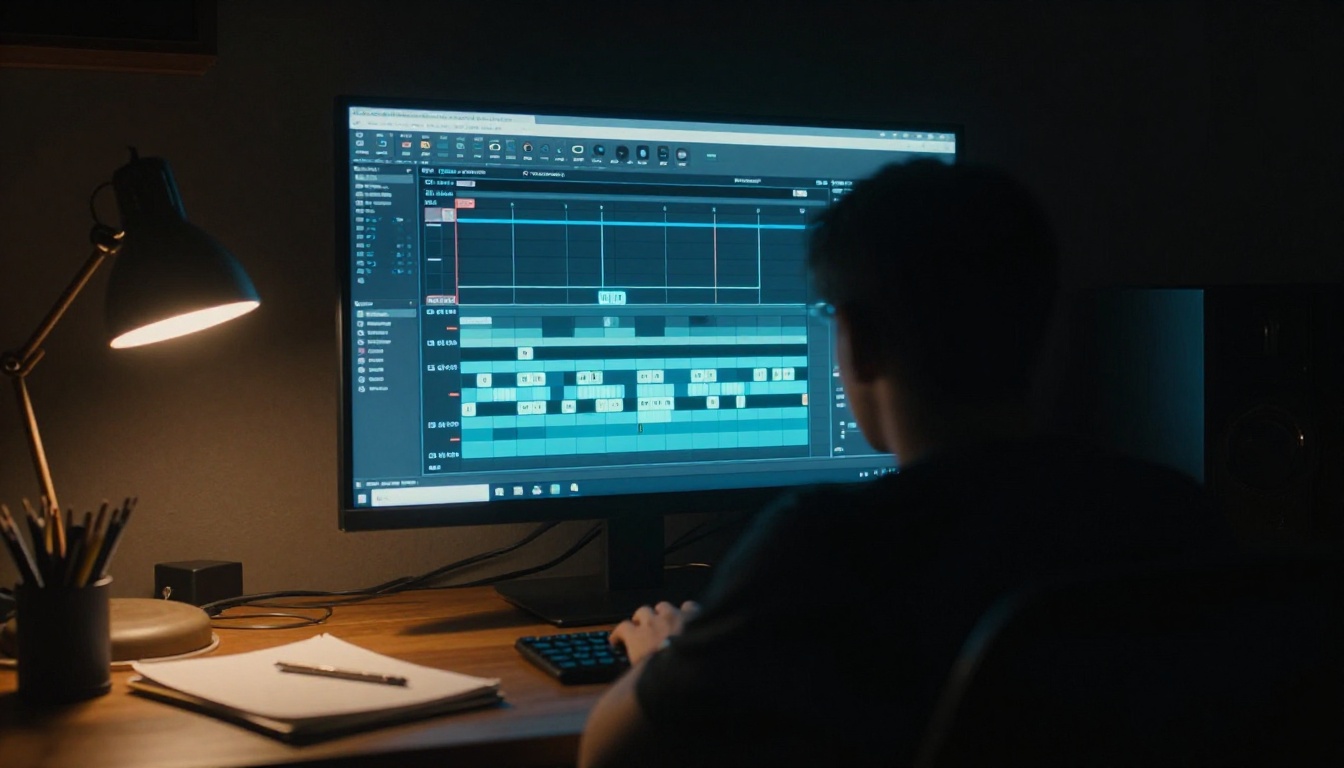
Before you can build a flipbook, you need individual frames. Almost every professional animation tool makes this straightforward.
Software for Frame Export
| Software | Export Format | Frame Control | Best For |
|---|
| Adobe After Effects | PNG sequence, JPEG | Frame-by-frame | Motion graphics, compositing |
| Toon Boom Harmony | PNG, TGA sequence | Full control | Character animation |
| Blender | PNG, EXR, JPEG | Custom frame range | 3D animation |
| DaVinci Resolve | TIFF, PNG, JPEG | Timeline-based | Video-heavy reels |
| TVPaint | BMP, PNG sequence | Drawing-level | Hand-drawn 2D animation |
In After Effects, go to Composition > Add to Render Queue, then set the output module to a JPEG or PNG sequence. In Blender, set your output path under Properties > Output, then render the sequence. In Toon Boom Harmony, use File > Export > Export Movie and select an image sequence format.
⚠️ Always export at your intended display size. Scaling frames up after export degrades quality. For a 16:9 flipbook, 1920x1080 is the standard minimum.
Picking the Right Frame Rate
Not every frame needs to make it into your flipbook. Using every frame at 24fps for a 60-second reel produces 1,440 individual images, which creates a PDF that is enormous and slow to flip through.
The practical solution is selective frame sampling. Export every third or fourth frame for most sequences, then export at full fidelity for the specific moments you want clients to examine closely.
| Reel Length | Full 24fps Frames | Recommended Sampling | Final Frame Count |
|---|
| 30 seconds | 720 | Every 3rd frame (8fps) | ~240 |
| 60 seconds | 1,440 | Every 4th frame (6fps) | ~360 |
| 90 seconds | 2,160 | Every 6th frame (4fps) | ~360 |
| 2 minutes | 2,880 | Every 8th frame (3fps) | ~360 |
For most portfolios, 240 to 400 frames hits the sweet spot between motion clarity and file manageability. If you have a specific sequence you want to highlight at full fidelity, such as a complex facial expression or a multi-character interaction, export that section at every frame and thin out the rest.
Building a PDF from Your Frames
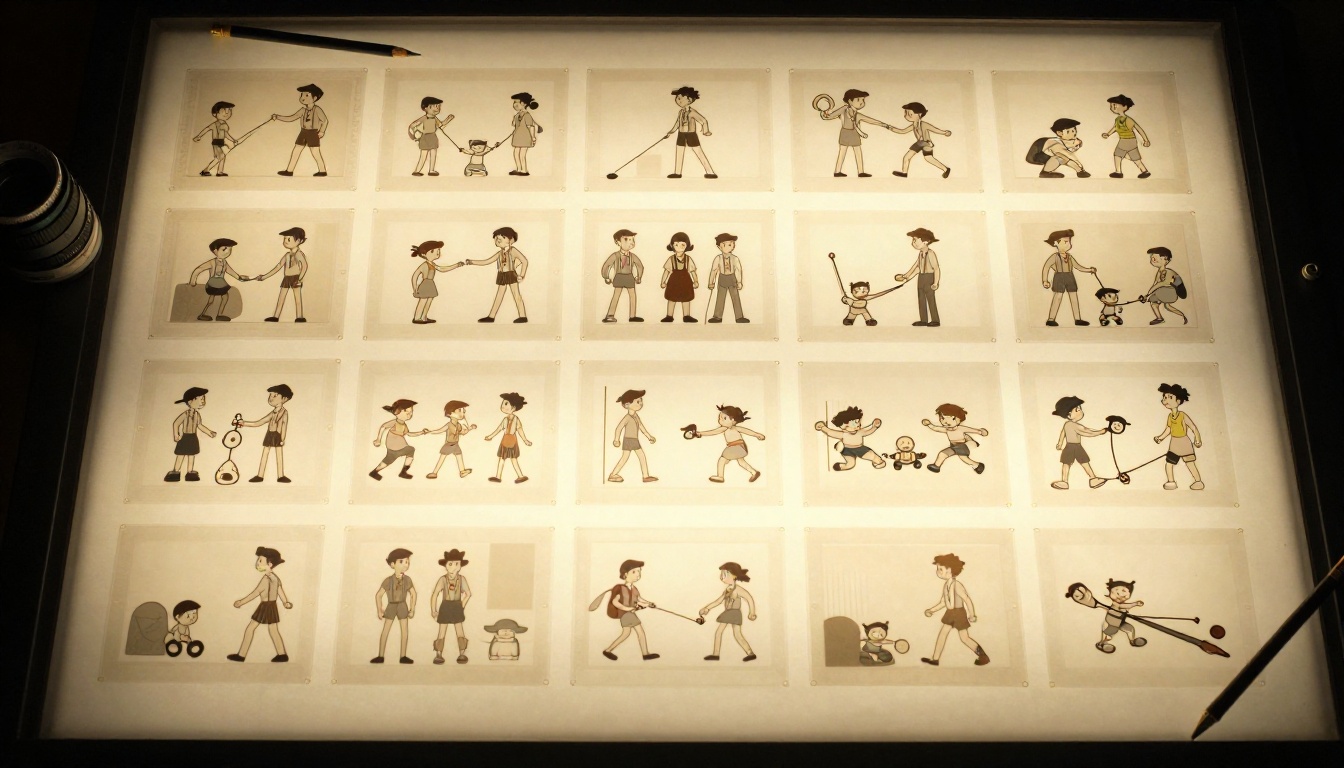
Once you have your exported frames, you need to assemble them into a single PDF. This is the format Flipbooks AI uses to generate your interactive flipbook.
Ordering and Sizing Your Frames
The order of your frames in the PDF directly determines the flip order in your finished flipbook. Most animators follow one of two approaches:
Chronological Order: The reel plays as-is, frame by frame, from start to finish. This works well for narrative or character-driven reels where story continuity matters to the viewer.
Highlights-First Order: Reorder to put your strongest sequences at the beginning. Clients who only flip through the first quarter will still see your best work. This is the approach most freelancers prefer for client pitches and cold outreach.
To build the PDF:
- Open Adobe Acrobat, Photoshop, or a free tool like PDF24 or ILovePDF
- Import your image sequence in the correct order
- Set page size to match your frame dimensions (e.g., 1920x1080 for 16:9 landscape)
- Export as a single multi-page PDF
✅ Keep your PDF under 200MB for fastest upload and processing. Compressing JPEGs to 85% quality produces no visible degradation at standard viewing sizes.

How to Create an Animation Flipbook with Flipbooks AI
Flipbooks AI has a dedicated Portfolio Flipbook Builder that handles animation portfolios with no watermarks, unlimited flipbooks on standard plans, and mobile-responsive output that looks sharp on any screen or device.
Step 1: Export your frames and build your PDF
Follow the frame extraction and PDF assembly steps above. Aim for a PDF under 200MB with frames ordered to highlight your strongest work first.
Step 2: Create your account
Go to flipbooksai.com/account and sign up. The process takes under two minutes.
Step 3: Upload your PDF
From your dashboard, click New Flipbook and select your animation PDF. The PDF to Flipbook Converter processes your file and generates an interactive flipbook with realistic page-flip physics automatically.
Step 4: Customize your flipbook
Once processed, open the editor to:
- Add your name and branding to the cover page
- Set a background color or texture that matches your visual style
- Configure flip speed (slower speeds can enhance the illusion of motion for animation sequences)
- Optionally add password protection for client-only access
Step 5: Add navigation for longer reels
If your reel covers multiple disciplines such as character animation, motion graphics, and VFX, use the chapter bookmark feature to let clients jump directly to the section relevant to their project. This is especially valuable for clients who are looking for a specific skill set.
Step 6: Share everywhere
Flipbooks AI gives you a direct shareable link, an embed code for your portfolio website, and a QR code for print materials. Share the link in client emails, add it to your LinkedIn profile, and include the QR code on your business card or at film festival screenings.
💡 Use password protection to create exclusive client previews of work-in-progress reels that are not yet ready for public sharing.
Animation Reel vs. Flipbook Portfolio
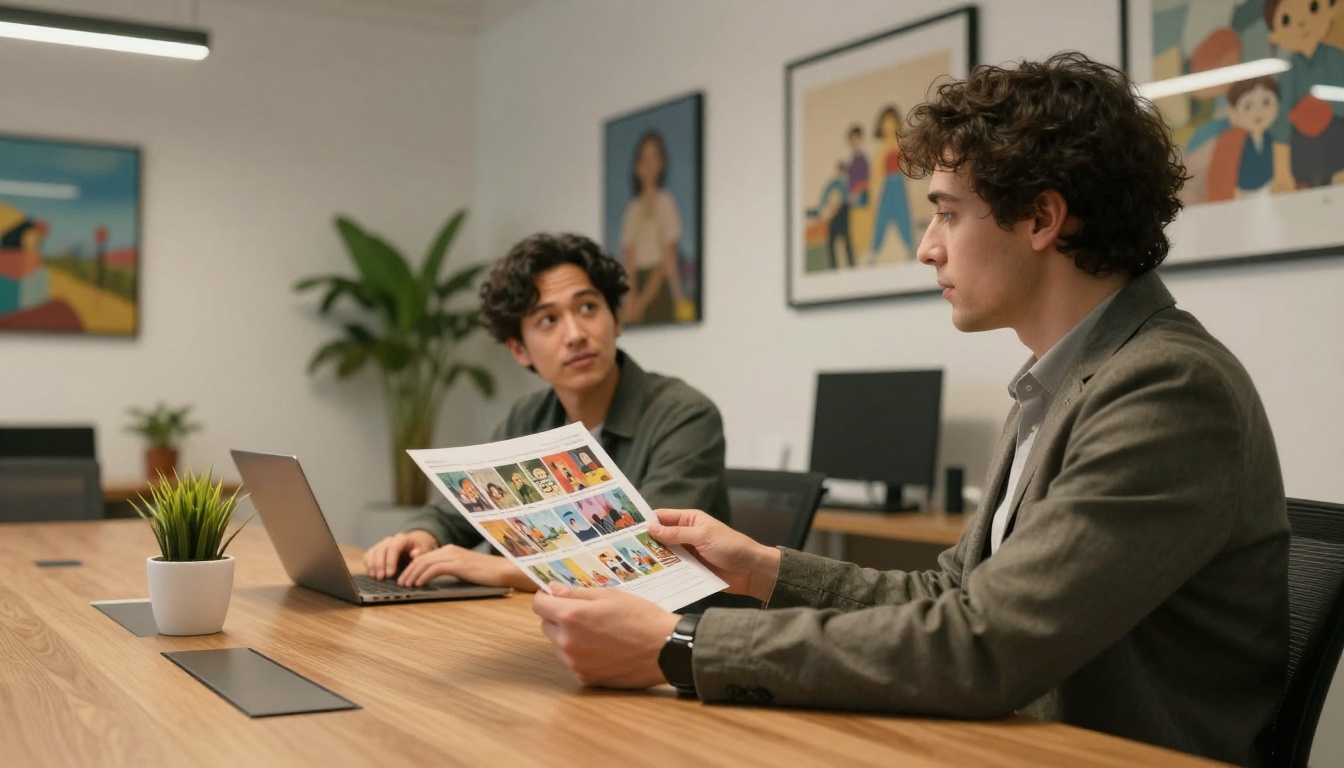
The two formats are not mutually exclusive, but they serve very different moments in a client relationship. Understanding when to use each one is what separates animators who get callbacks from those who get polite silence.
| Factor | Video Reel | Flipbook Portfolio |
|---|
| Viewer control | None, passive | Full, active |
| Best for | First impression, social media | Client review, detailed feedback |
| Frame visibility | Low due to motion blur | High, stop at any frame |
| Shareability | Platform-dependent | Universal link, no app required |
| Offline access | Requires download | Available with Professional plan |
| Embedding | YouTube or Vimeo embed | Direct embed on any website |
| PDF backup | Not possible | Built-in PDF download |
| Password protection | Limited via unlisted links | Native feature |
| Analytics | Basic view counts | Detailed per-page data on Professional |
✅ Lead with your video reel on social platforms to generate initial interest, then follow up with a flipbook link for clients who want to dig deeper into the actual frame work.
Who Benefits Most from Animation Flipbooks
Freelance Animators
Freelance animators pitch constantly. Every cold email, every LinkedIn message, every festival submission is an opportunity to be memorable or forgettable. A flipbook link is different from everything else in a client's inbox. It does not require downloading a file, installing a plugin, or locating a Vimeo password. It opens instantly, on any device, anywhere.
Beyond accessibility, a flipbook signals craft. It communicates that your work is worth slowing down for, worth examining frame by frame. That message lands before a client reads a single word of your pitch copy.
The Digital Portfolio Creator is built exactly for this use case. It supports custom branding so your flipbook carries your name and visual identity rather than a generic template.
Studio Pitches and Presentations
When pitching animation work to a studio, a broadcast network, or a streaming platform, the room is full of people who have seen hundreds of reels. A flipbook changes the pace and format of the interaction.
Pass around a tablet with your flipbook open. Let the art director flip through at their own speed. Let the executive stop on the shot that caught their eye. The conversation that follows is qualitatively different from the one that happens after a video reel finishes playing in a darkened conference room.
💡 For studio pitches, create a separate highlights flipbook of 80 to 100 frames covering only your three to five strongest sequences. Keep the full reel flipbook for follow-up after the meeting.
Film Festival Submissions
Animation festivals increasingly accept digital portfolio submissions alongside or instead of video files. A flipbook of your strongest sequential frames, combined with your artist statement, creates a submission package that reads differently from the standard screener link. The Photography Portfolio template, adapted for animation stills, works particularly well for festival contexts where visual quality per frame matters most.

Flipbooks AI Features That Matter for Animators
Not every flipbook platform handles animation portfolios the same way. Here is how the plans at Flipbooks AI compare on the features most relevant to working animators:
| Feature | Free Plan | Standard Plan | Professional Plan |
|---|
| Flipbooks created | 2 | Unlimited | Unlimited |
| Watermarks | Yes | No | No |
| Custom branding | No | Yes | Yes |
| Password protection | No | Yes | Yes |
| Embed on website | No | Yes | Yes |
| Offline download | No | No | Yes |
| Analytics per page | No | No | Yes |
| Lead generation forms | No | No | Yes |
| Custom domain | No | No | Yes |
For most freelance animators, the Standard plan covers every practical need: unlimited flipbooks, no watermarks, custom branding, and password protection for client-only previews. The Professional plan adds page-level analytics so you can see exactly which frames a client spent time on. That data is genuinely useful feedback for refining how you structure every reel going forward.
Compare full pricing plans to see which tier fits your current workflow and budget.
Real-World Uses for Animation Flipbooks
The format opens up applications that go well beyond simple portfolio sharing:
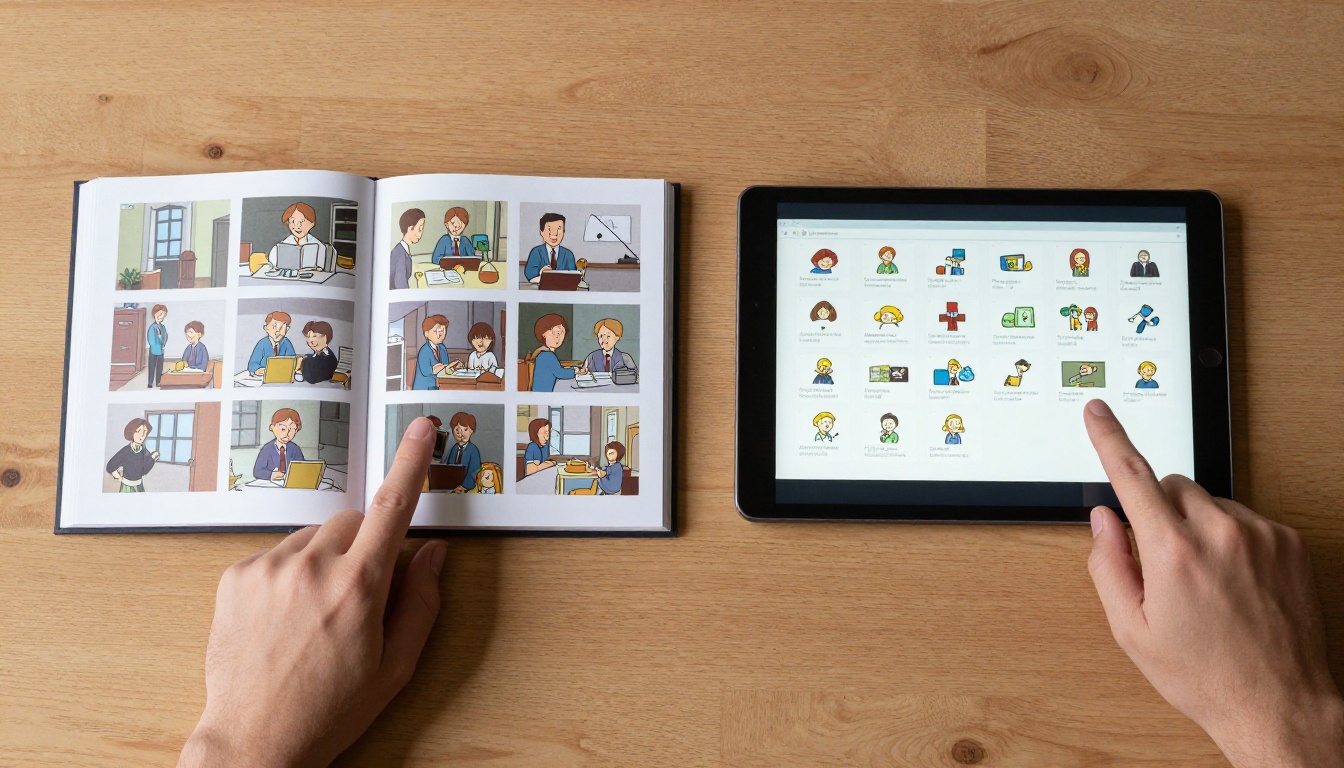
Client feedback rounds: Share a flipbook of a work-in-progress sequence. Clients can reference specific frames ("around frame 340, the hand position looks off") instead of approximate timestamps. Feedback becomes precise and actionable.
Character turnaround sheets: Export a character's full 360-degree rotation as a flipbook. Art directors can flip through at their own pace and stop at problem angles without scrubbing a video.
Pre-production pitch packages: Combine concept art, color scripts, and animatic frames into a single flipbook using the Presentation Flipbook Designer. Investors and producers get a cohesive preview of your vision without requiring a live presentation.
Studio style training: Animation studios can use a flipbook of example frames to teach junior animators the studio's movement vocabulary and quality standards. The Training Manual Flipbook template supports this format directly.
Competition submissions: Sequential frame flipbooks work in any context where still images are accepted and visual quality per frame is the primary criterion for evaluation.
Take Your Animation Portfolio Further
Your reel already represents months of work. Turning it into a flipbook takes an afternoon and opens every door that a standard video link cannot. Clients who would have skimmed a YouTube link will spend five minutes flipping through your frames. Studios who have seen a thousand reels will remember the one they could actually hold and explore at their own pace.
The tools to do this are available right now. Get started for free on Flipbooks AI and build your first animation flipbook today. If you work across multiple disciplines or maintain separate reels for different client types, explore all available tools and templates to find the right format for each use case.
For animators ready to move beyond the standard demo reel format, compare pricing plans to choose what works for your workflow and budget. The Professional plan's per-page analytics alone, showing you exactly which frames a client lingered on, can reshape how you build every reel from this point forward.



