Most annual reports get opened once, skimmed for three minutes, and filed away forever. That is not a communication failure. It is a design failure. When you turn your annual report into a visual story, you shift the document from obligation to opportunity, from a compliance artifact to a conversation starter that stakeholders actually want to engage with.
Flipbooks AI is built exactly for this kind of shift. It takes your existing PDF and converts it into an interactive, page-turning digital experience that works on any device, without watermarks, without complexity.
Why Nobody Reads Your Annual Report
The PDF Problem Nobody Talks About
Dense, text-heavy PDFs are the default format for annual reports, and that is precisely the problem. Digital attention spans for long-form documents drop sharply after the first two pages. Shareholders, donors, board members, and employees skim past dense paragraphs and tiny footnotes. They look for signal in the noise, and when the layout does not help them find it, they stop looking.
The average annual report runs 40 to 80 pages. A standard PDF presents those pages as flat, static scrollable documents with no hierarchy beyond headers and page numbers. There is no animation, no interactivity, no sense of narrative flow.
What Stakeholders Actually Want
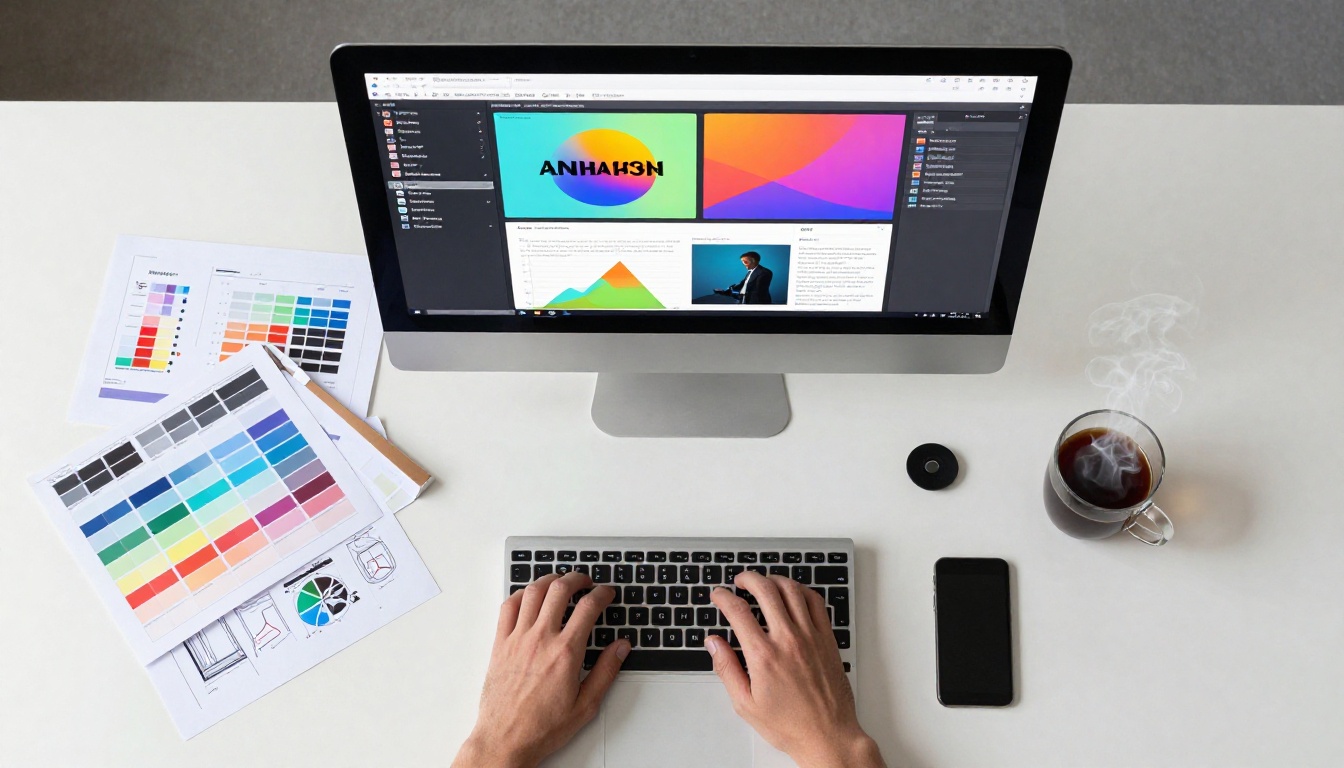
Different stakeholders come to an annual report with different questions. Investors want revenue trends and risk disclosures. Employees want to see company direction and culture highlights. Donors want impact metrics and stories. Board members want governance summaries.
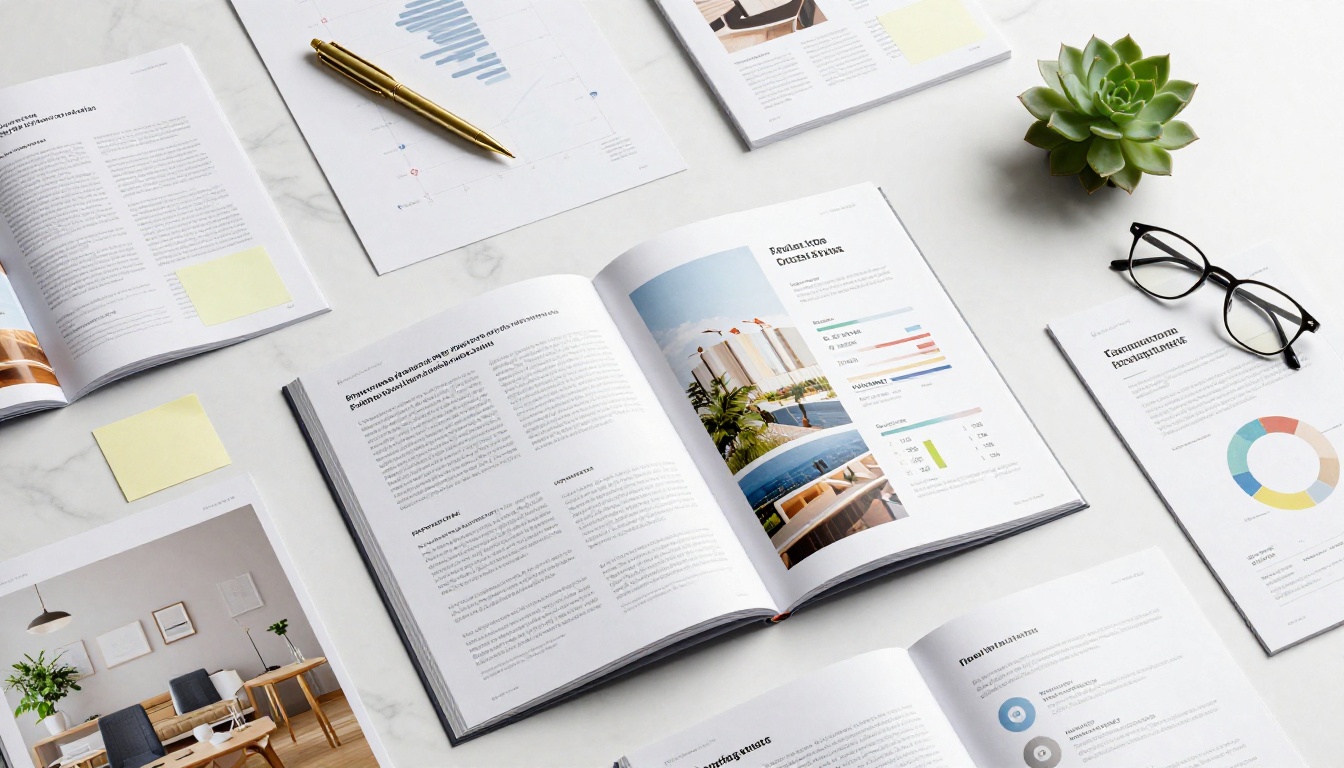
A visual annual report serves all of them by using strong visual hierarchy to create multiple entry points. Infographic spreads, callout statistics, photography sections, and sidebar summaries let each reader jump directly to what matters to them most.
💡 A report that readers can move through on their own terms is a report they will actually finish.
The Anatomy of a Visual Annual Report
Data That Speaks for Itself
Numbers buried in tables require effort to interpret. The same data presented as a well-designed bar chart, progress ring, or comparison graphic requires almost no effort at all. The brain processes visual information 60,000 times faster than text, which means a single well-crafted infographic can communicate what three paragraphs cannot.
The most effective visual annual reports use a consistent data visualization system throughout: the same color palette, chart style, and typography create cohesion across every page. When every graph follows the same visual grammar, the reader can focus on the information rather than decoding the format.

Photography That Adds Context
Photography is one of the most underused elements in corporate reports. A photograph of your team, your facility, your community projects, or your products adds the human dimension that raw numbers cannot. It signals that there are real people behind the revenue lines.
The best annual reports use photography intentionally. Full-bleed imagery opens sections and sets mood. Candid team shots humanize leadership profiles. Location photography grounds the report in physical reality.
The Role of White Space
White space is not wasted space. It is breathing room that makes content easier to digest. Annual reports that cram every square centimeter with text and charts feel anxious and difficult. Reports that use generous margins, clear section breaks, and clean layouts feel authoritative and well-organized.
✅ A layout that breathes is a layout that gets read.
Not every organization needs the same type of annual report. Here is a comparison of the most common formats and their best use cases:
| Format | Best For | Interactivity | Distribution | Cost |
|---|
| Printed Report | Board meetings, high-profile stakeholders | None | Physical mail | High |
| Static PDF | Archive, email attachment | None | Email, website | Low |
| Interactive PDF | Moderate digital audiences | Basic (hyperlinks) | Email, website | Low-Medium |
| Digital Flipbook | Broad stakeholder audiences | High (page turns, video, audio) | Share link, embed, QR | Low |
| Microsite | Premium brands, large organizations | Very high | Custom URL | High |
Digital flipbooks sit in the sweet spot: they deliver the look and feel of a designed publication, with full interactivity, at a fraction of the cost of a microsite.

What Makes a Flipbook Annual Report Different
The Page-Turn Effect Changes Everything
There is something psychologically different about a document that turns pages. It feels like a publication, not a form. The tactile metaphor of page-turning triggers the same reading posture as a printed magazine, and that posture is one of involvement, not obligation.
When you upload your designed annual report PDF to Flipbooks AI, the platform automatically generates a smooth, realistic page-turning experience. Every page retains your original design exactly, while gaining the interactivity of a native digital format.
Embedded Media Takes It Further
A PDF cannot play a video. A flipbook can. Embedding a short message from the CEO, a time-lapse of your construction project, or a thank-you from your nonprofit's beneficiaries adds a dimension of storytelling that no static document can match.
The same applies to audio. A brief audio narration for specific sections makes the report accessible to readers who prefer listening while scrolling, and it signals an organization that takes its communication seriously.
💡 Embedding a 90-second CEO video message in the opening spread of your flipbook report dramatically increases time-on-page metrics.
Analytics Show Who Actually Read It
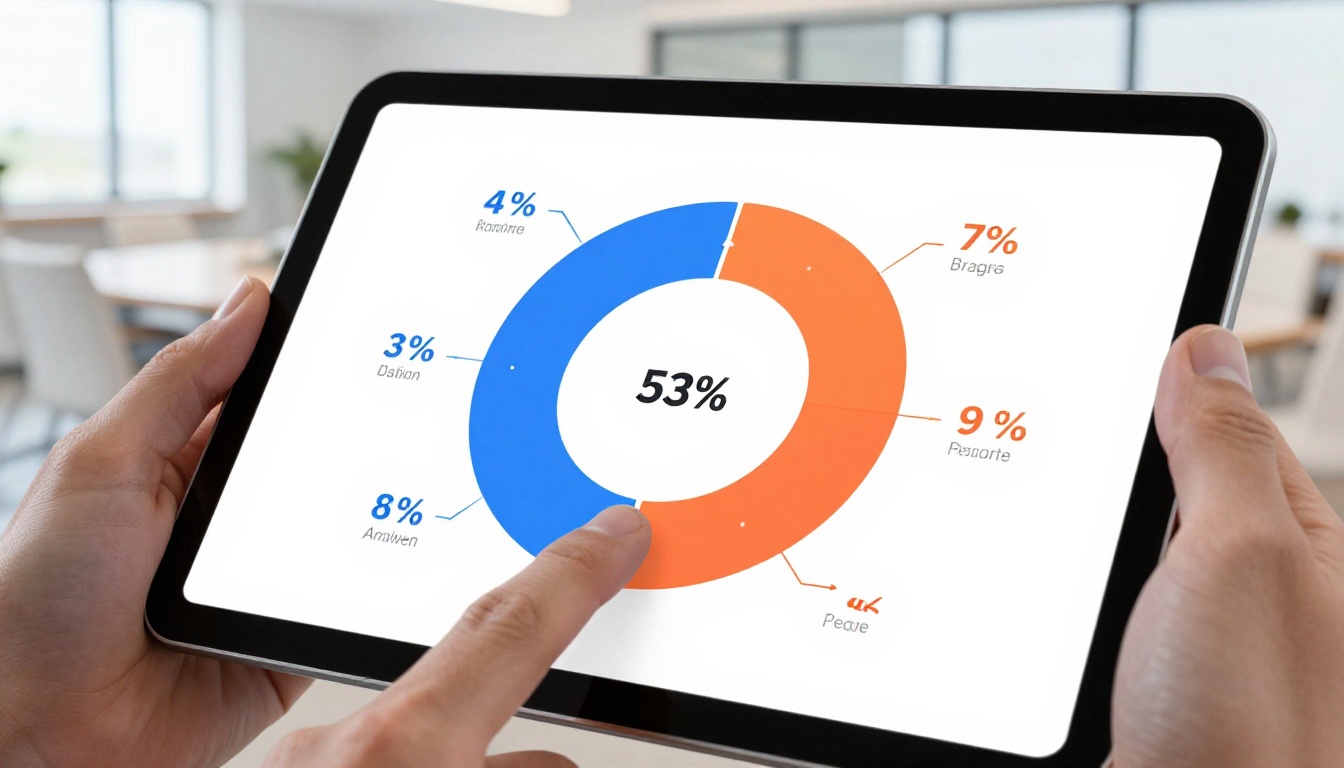
One of the silent advantages of digital flipbook reports is the data they generate. With Flipbooks AI's Professional plan, you gain access to analytics that show how many people viewed the report, which pages had the highest interaction, and where readers dropped off.
This is information a printed report can never provide. It gives communications teams concrete feedback for improving next year's report, and it gives leadership teams visibility into which parts of the report stakeholder audiences care about most.
Annual Report Design Principles That Work
Hierarchy First, Details Second
Every spread in a well-designed annual report should communicate its main point within three seconds of a reader landing on it. That means the most important number or message should be visually dominant, supported by secondary information, with full detail available for readers who want it.
A hierarchy structure for an annual report spread might look like this:
- Large statistic or headline (e.g., "Revenue grew 34%")
- Supporting chart or infographic showing the trend
- Brief explanatory paragraph (2-3 sentences)
- Source citation or footnote (small, secondary)

Color Tells a Story Too
Color choices carry meaning in a corporate context. Blue communicates trust and stability. Green signals growth and sustainability. Orange and red carry energy and urgency. The most effective annual reports use a primary brand color as the anchor and build a complementary palette around it.
More importantly, color should be used systematically. If green means "positive performance" in one chart, it should mean the same throughout the entire document. Inconsistent color encoding forces readers to re-learn the visual grammar on every page.
Typography as a Design Element
Too many annual reports treat typography as an afterthought. The choice of typeface, the size relationship between headings and body text, and the line-height all affect readability and perception. A report set in a clean geometric sans-serif reads very differently from one set in a traditional serif, even with identical content.
⚠️ Avoid using more than two typefaces in a single report. One for headings, one for body text is the professional standard.
How to Create a Visual Flipbook Annual Report
This is where design meets distribution. Flipbooks AI provides a purpose-built Annual Report Creator and a Corporate Report Maker that handle the technical conversion while preserving every element of your original design.
1. Set Up Your Account
Go to flipbooksai.com/account and sign up. No credit card required for the free tier. The Standard plan and above give you unlimited flipbooks with no watermarks, which is essential for professional corporate distribution.
2. Upload Your PDF
Once logged in, click Create Flipbook and upload your annual report PDF. The platform accepts any PDF, whether it was designed in InDesign, Canva, PowerPoint, or any other tool. Processing takes seconds, and the page-turn preview appears immediately.
3. Apply Your Branding
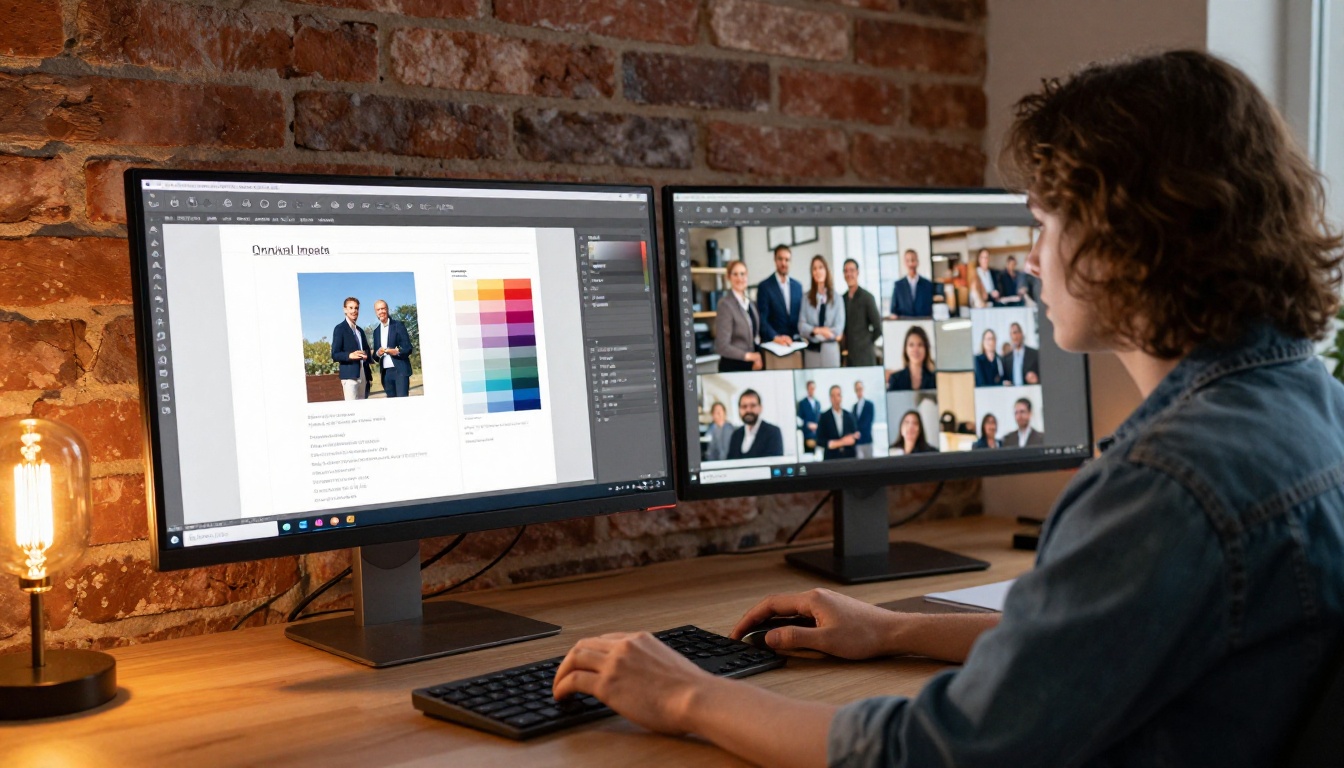
In the customization panel, set your brand colors for the flipbook interface, upload your logo, and choose a page background. These touches make the flipbook feel like a branded corporate asset rather than a generic document viewer. The Report Flipbook Creator has templates designed specifically for corporate reporting contexts.
4. Embed Videos and Audio
Use the media embed feature to add a YouTube or Vimeo video to any page. Corporate reports benefit enormously from a short opening video, a mid-report operational update, or a closing message from the CEO. Audio narration can be added to any page spread for accessibility.
5. Configure Sharing and Privacy
Public reports get a clean shareable link and an embed code for your website or investor relations portal. Private reports can be protected with a password, making them appropriate for board communications or pre-release stakeholder reviews. The Non-Profit Annual Report tool has specific settings for grant reporting and donor distribution.
6. Use Analytics to Measure Impact
On the Professional plan, activate analytics to track views, page interaction, and session duration. After distribution, review which sections drove the most time-on-page. Use that data to brief your design team before next year's report cycle begins.

Who Benefits from Visual Annual Reports
Visual annual reports are not just for Fortune 500 companies. The format scales across organization types:
| Organization Type | Primary Audience | Visual Focus | Recommended Tool |
|---|
| Public Companies | Investors, analysts, regulators | Financial charts, risk disclosures, governance | Corporate Report Maker |
| Private Companies | Partners, employees, banks | Growth metrics, team highlights, strategy | Annual Report Creator |
| Nonprofits | Donors, grantmakers, volunteers | Impact stories, beneficiary photos, program stats | Non-Profit Annual Report |
| Associations | Members, sponsors, regulators | Membership growth, event recap, financials | Report Flipbook Creator |
| Universities | Alumni, donors, faculty | Research highlights, student outcomes, funding | Report Flipbook Creator |
Each of these audiences responds to different visual triggers. Investors want clean data density. Donors want human stories. Alumni want pride and nostalgia. A well-designed visual report can serve all of them within the same document by using strong sectional design.
Flipbooks AI Plan Comparison
Choosing the right plan depends on how widely you distribute your annual report and whether analytics matter to your workflow:
| Feature | Free | Standard | Professional |
|---|
| Flipbooks | 1 | Unlimited | Unlimited |
| Watermark | Yes | No | No |
| Password Protection | No | Yes | Yes |
| Custom Branding | No | Yes | Yes |
| Analytics | No | No | Yes |
| Lead Generation | No | No | Yes |
| Offline Downloads | No | Yes | Yes |
| Embed Video and Audio | No | Yes | Yes |
| Mobile Responsive | Yes | Yes | Yes |
💡 For most corporate annual reports, the Standard plan covers everything you need. The Professional plan is ideal when you want to track how stakeholders interact with your report using concrete data.
Browse pricing plans to see current tier details and decide which features align with your distribution strategy.
Real-World Use Cases
The Investor Relations Report
A publicly traded mid-cap company distributes its annual report to over 12,000 registered shareholders. Converting from a static PDF to an interactive flipbook on Flipbooks AI allows the investor relations team to embed the earnings call video directly into the report, link to supporting documents from chart footnotes, and track which sections generated the most attention. The result is a report that feels current, not archival.
The Nonprofit Impact Report
A regional food bank produces an annual impact report for 400 donors and 30 grant providers. Using the Non-Profit Annual Report tool, they create a password-protected version for board review and a public version for their website. Photography of beneficiaries and volunteers fills full-page spreads. The statistics are visualized as bold, simple graphics. Donor retention increases because the report tells a story people want to be part of.
The Internal Company Report
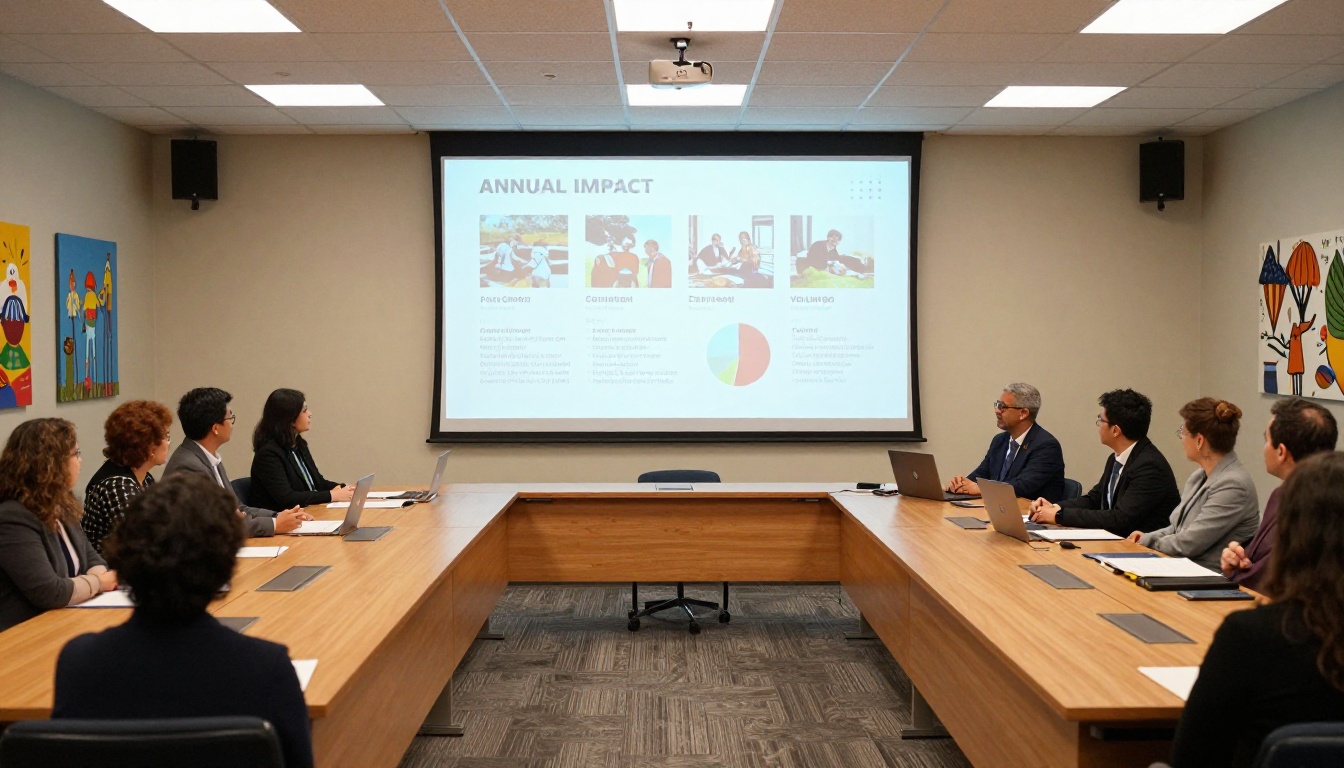
A multinational company with 3,000 employees uses an internal annual report to communicate strategic direction and celebrate team achievements. The flipbook is embedded in the company intranet, accessible on mobile. Employees can flip through the report during their commute. Interaction with company communications increases measurably.
Before You Start Your Next Report
The Questions Worth Asking First
Before opening any design software, these questions will shape every decision that follows:
- Who are the three most important audiences for this report? Design for them specifically.
- What is the one number or message that must be impossible to miss? Make it the visual anchor.
- What story does the data tell this year? Start with that story, then build the structure around it.
- How will it be distributed? Print-only, digital-only, or both affects every layout decision.
- What does success look like for this report? If the answer is "people actually read it," a visual flipbook format is your path there.
Start with a Brief, Not a Template
The most common mistake organizations make with annual reports is opening a design template before establishing a creative brief. A brief forces you to answer the hard questions first: What changed this year? What do we want readers to feel? What action, if any, should this report inspire?
Once those questions are answered, the design process has direction. Without them, even a beautiful template produces a report that looks good but says nothing.
✅ Brief first, design second. The reports that feel effortless to read required the most effort in planning.
Make This Year's Report the One People Remember
Annual reports have a reputation for being the document everyone has to produce and nobody wants to read. That reputation is not inevitable. It is the result of organizations treating the annual report as a compliance output rather than a communication opportunity.
When you approach it as a visual story, with deliberate hierarchy, strong imagery, clean data visualization, and interactive distribution via a platform like Flipbooks AI, the same information lands completely differently. Stakeholders respond. Board members reference it. Donors share it. Employees feel proud of it.
Ready to convert your next annual report into an experience worth reading? Get started for free on Flipbooks AI and see what your report looks like as an interactive flipbook in under five minutes. Browse the full suite of business report tools to find the right fit for your organization, or compare plans to choose the features that match your distribution strategy.



