Artists pour months, sometimes years, into building a body of work that deserves to be seen properly. If you're still handing over a USB drive or emailing a compressed PDF, that work is being undersold at every step. The good news: you can turn your art portfolio into a flipbook in minutes, and the difference in how your work lands is immediate and measurable. Flipbooks AI makes the process fast enough that you can go from raw PDF to a fully shareable, interactive portfolio before your next coffee goes cold.
Why Static Portfolios Hold Artists Back
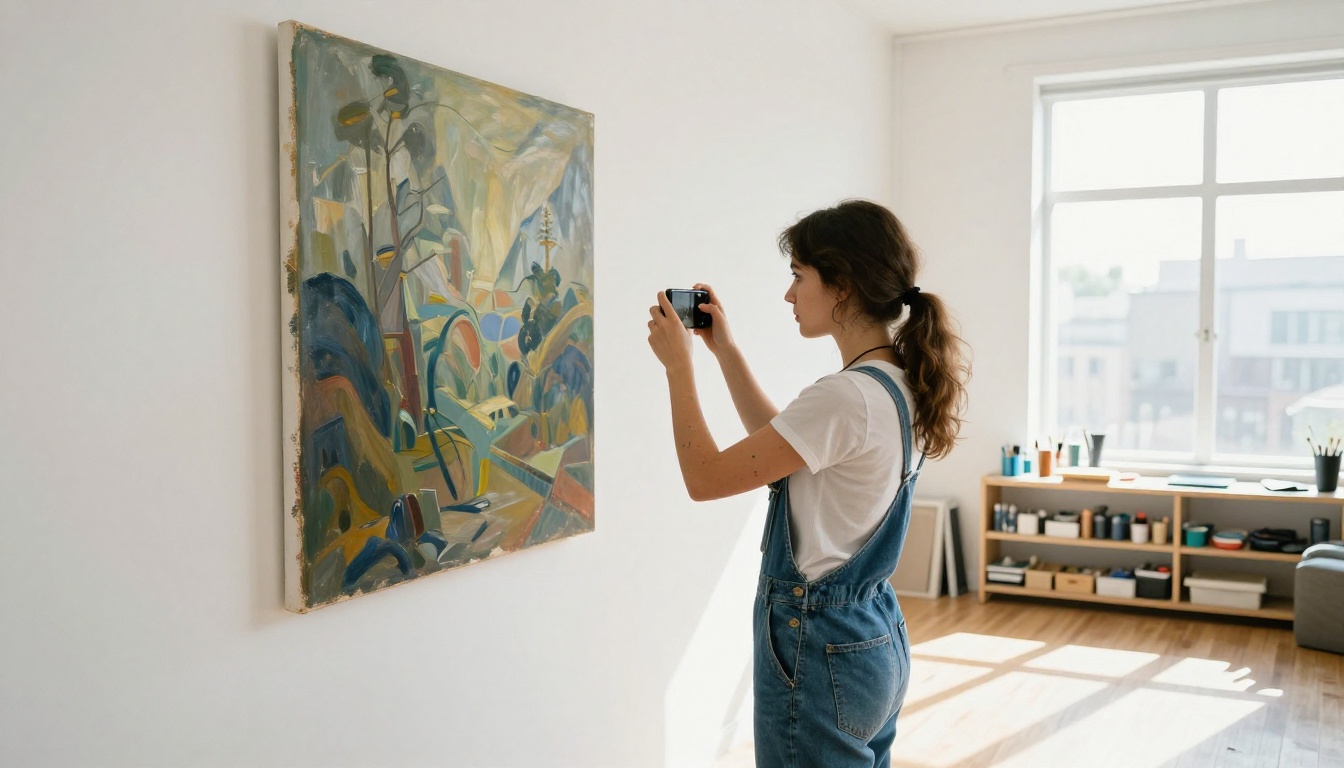
A beautiful oil painting reduced to a pixelated attachment in an email is not a presentation. It is a compromise. Static formats create friction at every step: files too large to send, documents that display incorrectly on mobile screens, and absolutely no way to know whether anyone actually engaged with your work at all.
The real cost is invisible. You send a PDF and hear nothing back. Was it the work, or was it the format? Was the file too heavy to open on a phone? Did the colors shift because they were exported in CMYK instead of RGB? These are questions you should never have to ask about your presentation.
The PDF Problem Is Real
PDFs were designed for printing, not for experiencing art. They load slowly, lose color fidelity on uncalibrated screens, and offer zero interactivity. A gallery director receiving a 60-page PDF on their phone will not scroll through every piece with the attention your work deserves. Most will stop after the first few pages, if they open it at all.
Physical Books in a Digital World
Printed portfolios have their place, but they require a scheduled meeting, a postal address, or an expensive print run. In a world where first contact with a client, gallery, or creative director happens online, a physical book is rarely your first impression anymore. Your digital presentation is, and it needs to match the quality of what it contains.
What a Flipbook Portfolio Actually Does
A flipbook is not just a PDF with animations bolted on. It is a full reading experience built for screens, with page-turning interactions that feel like leafing through a real book without any of the physical constraints. The format was designed to communicate that what you are showing is worth slowing down for.
The Page-Turn Experience
The satisfying page-flip animation does something important psychologically: it signals to your viewer that this is a real, curated presentation. The tactile-feeling interaction slows the viewer down and makes them engage more deliberately with each spread. Compared to scrolling through a Google Drive folder or a Dropbox link, the difference in perceived professionalism is dramatic.
A potential client who has seen fifty PDF portfolios in a week will remember the one that felt like a publication. That is what a flipbook does for your work without requiring you to spend anything on print production.
Mobile and Desktop, Without Compromise
Every flipbook on Flipbooks AI is fully responsive. Your portfolio adapts to any screen size without reformatting, rescaling, or losing proportions. An art director browsing on an iPad and a gallery curator reviewing on a 27-inch monitor see the same immersive experience. No pinching, no horizontal scrolling, no broken layouts.
Sharing Without the Friction
No downloads. No "you need Adobe Reader to open this" messages. No login walls for your viewer. A flipbook portfolio lives at a clean URL that you share anywhere: an email, a DM, a website bio, a LinkedIn post. The viewer clicks and sees your work immediately, in full quality, from any device.
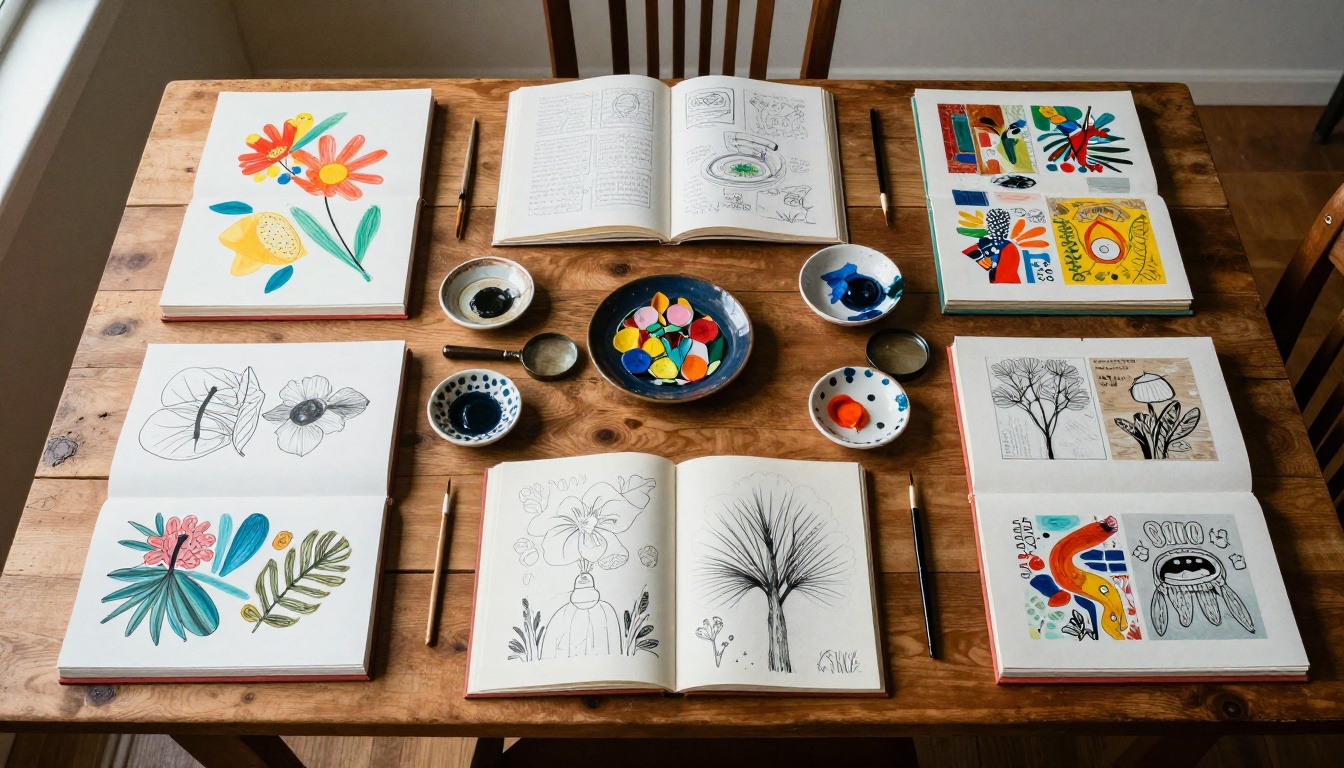
Not all art portfolios are the same, and the format you set up for your flipbook should reflect the nature of your specific work.
Watercolor and Traditional Media
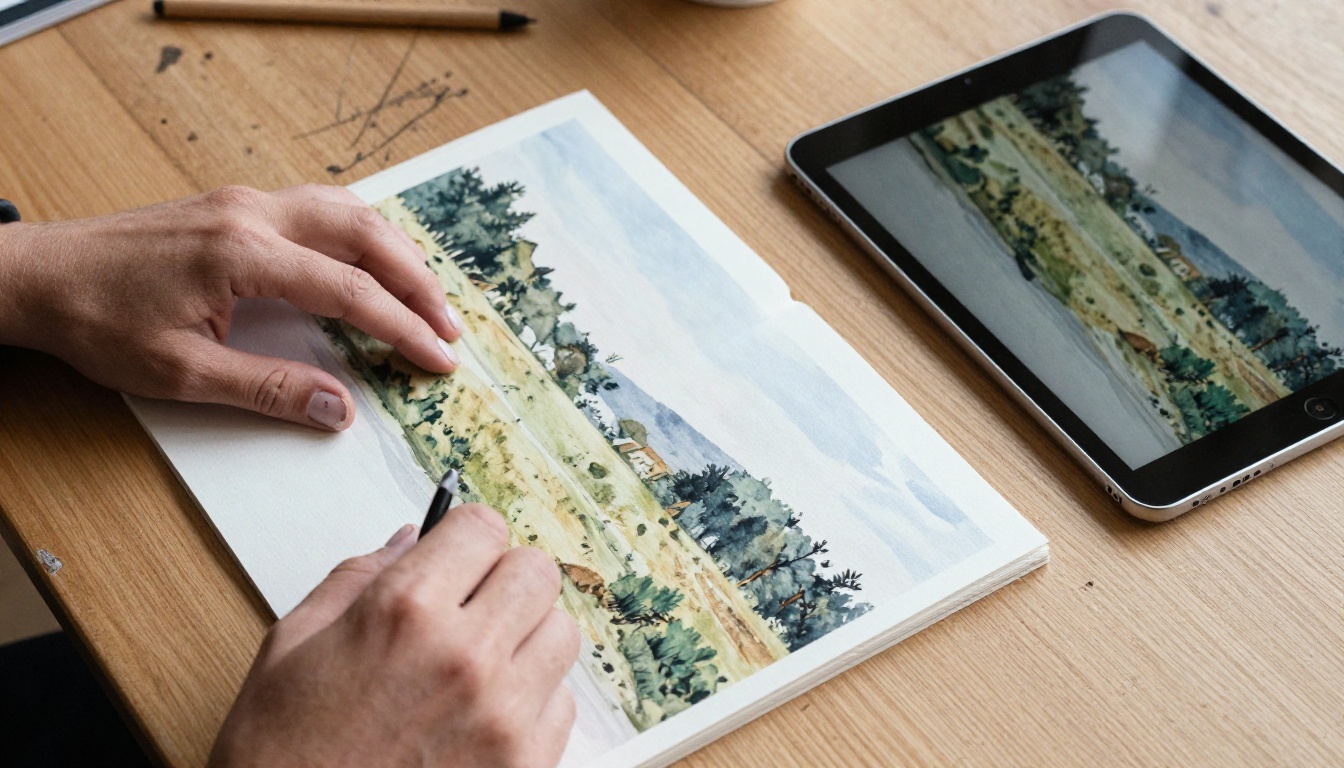
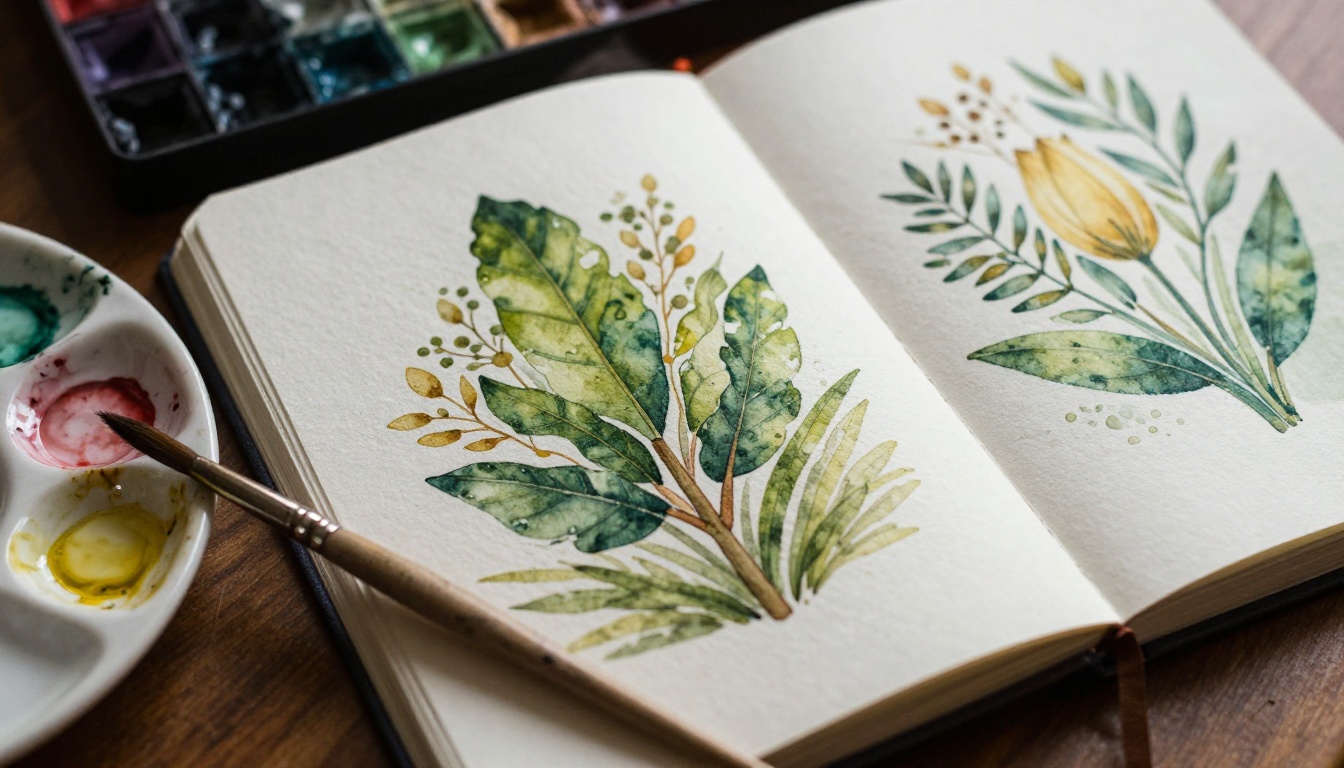
Traditional work with subtle texture and color gradients benefits enormously from the flipbook format. Full-bleed page spreads let watercolor pieces breathe the way they would in a gallery setting, without the compression artifacts or color shifts that happen in a standard web upload. Botanical illustration series, plein air landscapes, and sketchbook documentation all shine in this format.
Photography Portfolios
Photographers using the Photography Portfolio Flipbook tool can organize series, documentary projects, and editorial work into chapters that flow with intention. The page-turn format is naturally suited for storytelling through sequential images in a way that scrolling grids simply are not.
Mixed Media and Illustration
Illustrators and mixed media artists often need to show process work alongside finished pieces. A flipbook handles this perfectly: you can dedicate full spreads to initial sketches, color studies, and final pieces, letting each stage breathe on its own pages rather than blending everything into a confusing scroll.
💡 Pro tip: Design your portfolio PDF with double-page spreads in mind. Full-bleed images across two pages create dramatic visual impact in a flipbook that single-page layouts simply cannot match. Set up your InDesign or Canva file with spreads enabled before you export.
How to Create Your Art Portfolio Flipbook
This is where the speed becomes obvious. The Digital Portfolio Creator on Flipbooks AI was built for exactly this workflow, and the entire process from upload to shareable link takes under ten minutes on a first attempt.
Step 1: Prepare Your Portfolio PDF
Before uploading, confirm your PDF is at the right resolution. 300 DPI minimum for photography work, 150 DPI for illustration and mixed media. Arrange pages in the order you want them to appear, with your strongest piece on the opening spread.
- Export at full resolution from InDesign, Illustrator, Canva, or Photoshop
- Use RGB color mode, not CMYK, for accurate screen color reproduction
- Keep file size under 200MB for the best upload performance
- Embed all fonts if your design includes text elements
- Include a title page and a contact page as your first and last spreads
Step 2: Upload and Convert
Head to Flipbooks AI and create your account. From your dashboard:
- Click New Flipbook
- Select your prepared PDF from your device
- Wait for the conversion. Most portfolios finish in under 90 seconds
- Preview the result immediately in the built-in viewer
Page detection is fully automatic. Flipbooks AI identifies spreads, single pages, and opening pages without any manual input from you.
Step 3: Customize Your Presentation
This is where your portfolio becomes distinctly yours:
- Binding style: Choose a hard or soft binding appearance for the viewer
- Background color: Match your personal brand palette or go minimal with white
- Page effects: Adjust the shadow depth and page-curl sensitivity
- Custom URL: Set a clean portfolio link (e.g.,
yourname-portfolio)
- Logo placement: Add your signature or studio mark to the viewer interface
Step 4: Add Interactive Elements
The Portfolio Flipbook Builder supports embedded links directly on individual pages. Practical uses include:
- A clickable email address on your contact page
- A direct link to your website or Instagram on the closing page
- Embedded audio, such as an ambient soundtrack or narrated artist statement
- A short video introduction embedded on the opening spread
Step 5: Share and Track
Once published, your portfolio flipbook is ready through multiple channels:
- Direct link: Paste into emails, messages, or bio links instantly
- Embed code: Drop your flipbook directly into your personal website
- Password protection: Restrict access to exclusive client presentations
- QR code: Print on your physical business card for on-site access

✅ Best practice: Create two versions of your portfolio. A full-resolution version with password protection for serious inquiries, and a curated public version with your best 15 to 20 pieces for general sharing. Flipbooks AI makes maintaining both effortless.
Flipbooks AI Plans: What You Get
Here is a clear breakdown of what each plan offers for artists building and sharing their portfolios:
| Feature | Free | Standard | Professional |
|---|
| Flipbooks | 1 | Unlimited | Unlimited |
| PDF Upload | Up to 20 pages | Unlimited pages | Unlimited pages |
| Custom URL | No | Yes | Yes |
| Password Protection | No | Yes | Yes |
| Watermark | Yes | No | No |
| Custom Branding | No | Yes | Yes |
| Analytics | No | No | Yes |
| Lead Generation Forms | No | No | Yes |
| Offline Downloads | No | No | Yes |
| Embed on Website | No | Yes | Yes |
⚠️ Note: The free plan includes a watermark on all pages. For any professional presentation to galleries or clients, the Standard plan removes all platform branding and lets you apply your own. Check the full pricing plans for a detailed comparison.
Different artist categories benefit from different specialized tools within the platform. Here is a quick reference:
Common Portfolio Mistakes (And How to Fix Them)
Too Many Pieces, Not Enough Curation
The most common error is showing everything. A flipbook portfolio should contain your strongest 15 to 25 pieces. Curating ruthlessly makes the whole presentation stronger, more memorable, and easier for viewers to absorb in a single sitting.
Inconsistent Page Sizes
If your original PDF has mixed page orientations, some landscape and some portrait, the flipbook will look inconsistent and amateurish. Standardize before exporting. Commit to one orientation throughout the entire portfolio.
No Contact Information
A stunning portfolio with no way to get in touch is a missed opportunity at the most critical moment. Use the link embedding feature to place a clickable email address and a link to your website on your final page.
Skipping the Custom URL
The default URL that a flipbook generates is functional but forgettable. Spend 30 seconds setting a clean link like yourname-portfolio before you share anything. The URL is part of the first impression, and a professional link signals that you take your presentation seriously.
Real-World Use Cases for Artist Flipbooks
Gallery Submissions
Many galleries now accept and actively prefer digital portfolio submissions over physical packages. A flipbook link is far more impressive than a PDF attachment, and it allows curators to forward your work internally without downloading anything or filling shared folders.
Art School Applications
Fine art programs at universities increasingly require digital portfolios as part of their application process. A well-structured flipbook presents your work in a narrative arc, showing not just technical skill but artistic intent, development over time, and a professional approach to presentation.
Client Commissions and Freelance Work
Illustrators, muralists, and portrait artists use portfolio flipbooks as a direct sales tool: showing previous commissions, stylistic range, and process documentation in a format that potential clients browse at their own pace, without the pressure of a live presentation.
Art Fair and Exhibition Presence
Print your flipbook's QR code on a small card at your exhibition booth. Visitors scan it and immediately browse your full body of work, including pieces not physically present at the fair, editions available for purchase, and your contact details, all in one place.

Flipbook vs. Other Digital Portfolio Options
| Format | Setup Time | Mobile Friendly | Interactive | Shareable | Looks Professional |
|---|
| PDF email attachment | 0 min | Poor | No | Limited | Low |
| Google Drive folder | 0 min | Fair | No | Yes | Low |
| Personal website | Hours to days | Depends | Depends | Yes | High (if built well) |
| Behance / ArtStation | 30 to 60 min | Yes | No | Yes | Medium |
| Flipbook (Flipbooks AI) | 5 to 10 min | Yes | Yes | Yes | High |
The flipbook format wins on the combination of setup speed, professional appearance, and built-in interactivity. A personal website can look more polished if you invest weeks building and maintaining it. But for 10 minutes of work, nothing else produces the same result.
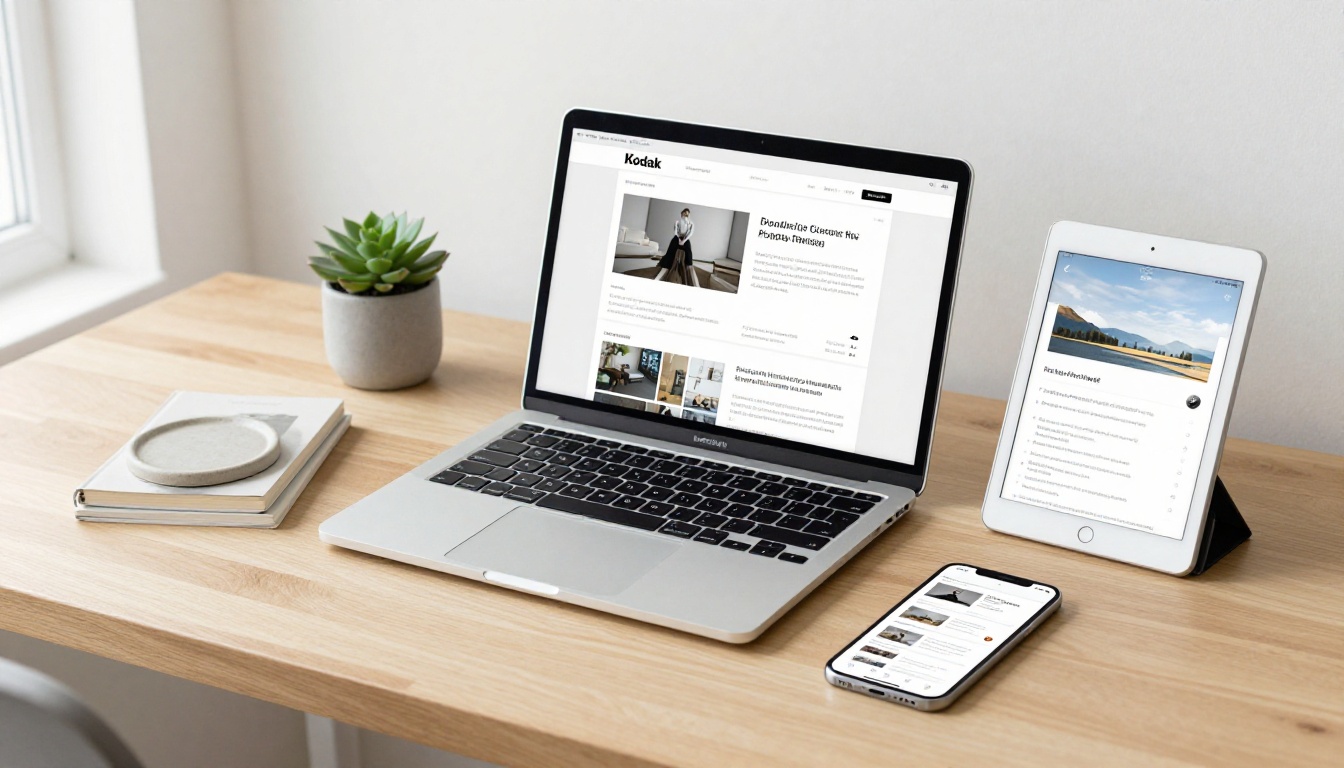
💡 Pro tip: If you already have a personal website, use the embed code to drop your flipbook directly onto a /portfolio page. You get your own domain, your branding, and the full interactive experience in a single implementation.
Beyond the Portfolio: Other Creative Uses
Once you have published your main portfolio, the format opens up practical extensions for working artists:
- Exhibition catalogs: Document a past show with artist statements, installation photographs, and press coverage in a single shareable flipbook that outlives the exhibition itself
- Client proposal decks: Use the Presentation Flipbook Designer to pitch mural commissions, licensing proposals, or illustration projects with a polished visual presentation
- Process documentation: Share behind-the-scenes sketchbooks and developmental work as a supplementary flipbook alongside your main portfolio, giving buyers and institutions deeper insight into your practice
- Pricing and editions: The Digital Price List Generator pairs naturally with a portfolio for artists selling originals, prints, or limited editions
Your Work Deserves a Better Presentation
The art you create deserves to be seen the way you intended it. Not squeezed into a download link, not flattened into a static scroll, but experienced page by page, at the viewer's own pace, on any screen they choose to use.
Creating your first portfolio flipbook on Flipbooks AI takes less time than writing an artist statement. Upload your PDF, set the look, and share a link that actually represents your work at its best.
Get started for free and see the difference immediately. When you're ready to remove watermarks and apply your own branding, compare plans to find what fits your practice. Browse all portfolio and creative tools to see everything available for artists working at every scale.



