Your blog already has everything a magazine needs. The articles, the photos, the topics, the audience. What it lacks is a format that makes readers say "I can't wait for next month's issue." That shift from scattered posts to a cohesive monthly publication is closer than you think, and Flipbooks AI makes it entirely doable without a design background or a publishing team.
Blogs have a discoverability problem. A reader lands on one post, maybe clicks around for five minutes, then disappears. There's no natural "next issue" moment to pull them back. A monthly digital magazine fixes that by giving your content a structure readers can anticipate, save, and share as a single unit.
The Psychology of "The Issue"
When you reframe your content as a monthly issue, you create anticipation. Subscribers don't just read, they wait. They open a magazine with a different mindset than they open a blog post. The format signals quality, intention, and curation. That perception shift changes how readers interact with everything inside, from the first page to the last.
What Blogs Lack That Magazines Have
| Blog Format | Magazine Format |
|---|
| Individual posts with no editorial flow | Curated sections with narrative structure |
| Read once, rarely revisited | Saved, shared, and read cover-to-cover |
| Hard to share as a coherent unit | Shared as a single polished link |
| Low perceived value per item | High perceived value as a publication |
| No subscription habit formed | Builds monthly return visits naturally |
| Static, text-heavy page experience | Interactive flipbook reading experience |
The move from blog to magazine isn't about producing more content. It's about packaging what you already create in a way that works harder for you, month after month.

What Actually Goes Into a Monthly Blog Magazine
You don't need to write 40 new pages every month. A strong digital magazine is built almost entirely from content you've already created, organized into sections that give the whole thing editorial shape.
The 80/20 Content Rule
80% repurposed from existing blog posts, social content, and email newsletters. 20% original material written specifically for the magazine: an editor's letter, a featured interview, or a curated roundup of the month's best moments.
This ratio keeps production sustainable and makes the format viable long-term for solo creators and small teams alike.
Sections That Work for Every Niche
- Featured Story: Your best long-form post of the month, reformatted with a full-bleed opening image
- Quick Reads: Three to five shorter posts formatted as mini-articles with bold pull quotes
- Resources Section: Tools, links, or product recommendations tied to your topic
- Behind the Scenes: A personal note from you, photographs, or a glimpse at your process
- Reader Spotlight: A community section featuring comments, replies, or guest contributions
- What's Next: A preview of upcoming content that builds anticipation for next month
💡 Even a 10-page magazine using repurposed posts feels far more premium than the same content published as individual blog entries. The packaging is the product.
Building Your Monthly Production System
The bloggers who stick with a magazine format are the ones who build a repeatable system. Sporadic publishing kills momentum with readers faster than anything else.

Your Monthly Content Calendar
The calendar is everything. Without it, the magazine becomes a panic at the end of every month instead of a smooth production process.
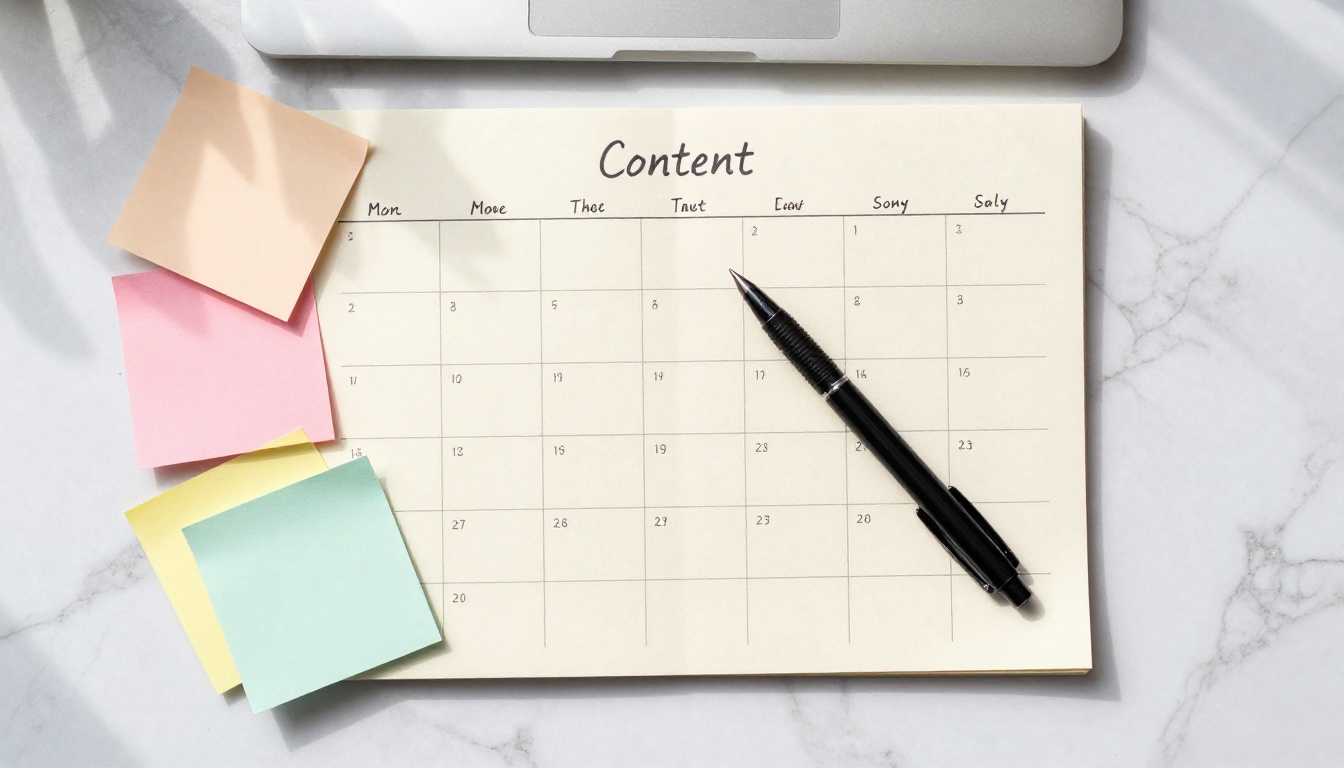
A practical schedule for a solo blogger looks like this:
| Week | Focus |
|---|
| Week 1 | Write or finalize featured story, gather photography |
| Week 2 | Select 3-5 repurposed posts, write editor's letter |
| Week 3 | Design layout in PDF, add visuals, finalize copy edits |
| Week 4 | Convert to flipbook, schedule distribution, promote |
This approach keeps production spread across the month rather than compressed into a last-minute crisis. You're never starting from zero because the blog posts you're already writing become the raw material for every issue.
Choosing a Consistent Theme
Each issue needs a unifying theme that gives readers a reason to read the whole thing, not just the articles they already know about. The theme ties everything together editorially, from the cover image to the section dividers.
Strong theme examples by niche:
- Food blog: "The Summer Preservation Issue"
- Personal finance blog: "The Debt-Free Sprint Issue"
- Travel blog: "The Slow Travel Issue"
- Parenting blog: "The Back-to-School Survival Issue"
- Marketing blog: "The Organic Growth Issue"
The theme also makes your cover image strategy clear. A focused brief always produces better visuals than a vague one, and readers begin to recognize your editorial voice issue by issue.
⚠️ Don't try to theme every single piece of content too tightly. One or two evergreen sections can stand apart while the featured story carries the theme. Rigidity kills creativity.
From PDF to Interactive Flipbook
A static PDF is still a document. What makes a blog magazine feel like an actual magazine is the reading experience: the page turn, the responsive layout, the ability to share a link rather than attach a file to an email.
This is where the format goes from "nice idea" to "something people actually open and read." An interactive flipbook gives your blog magazine:
- Realistic page-turn animations that feel like a real printed publication
- Clickable links throughout the content so every call-to-action actually works
- Mobile-responsive design that reads beautifully on any screen size
- Embeddable player you can drop directly into a blog post or email campaign
- Password protection for premium subscriber tiers or paid access
- Page analytics to see which sections readers actually spend time on
How to Create Your Monthly Magazine with Flipbooks AI
Flipbooks AI is built exactly for this workflow. You bring the PDF, it handles the interactive reading experience. Here's how to set up your monthly magazine production from scratch.
Step 1: Create Your Account
Head to flipbooksai.com/account and sign up. The free plan lets you publish immediately to test the format. For a monthly magazine workflow, the Standard plan gives you unlimited flipbooks and no watermarks, which matters when you're publishing every single month and sharing with a real audience.
Step 2: Design Your PDF in Any Tool
You don't need InDesign. A polished magazine-style PDF comes together quickly in Canva, Adobe Express, or Google Slides. Focus on:
- A striking cover with your issue title, month, and a single dominant image
- Consistent font pairing (one serif for headlines, one sans-serif for body text)
- Section dividers that give the document visual rhythm and breathing room
- Images pulled from your blog posts, sized full-width wherever the layout allows
✅ Keep your PDF under 100MB for fast upload and smooth performance across all devices.
Step 3: Upload and Convert
Drag your finished PDF directly into the Flipbooks AI dashboard. The platform converts it into an interactive flipbook in seconds. Every page becomes a browsable spread with smooth page-turn animation and a full-screen reading mode.
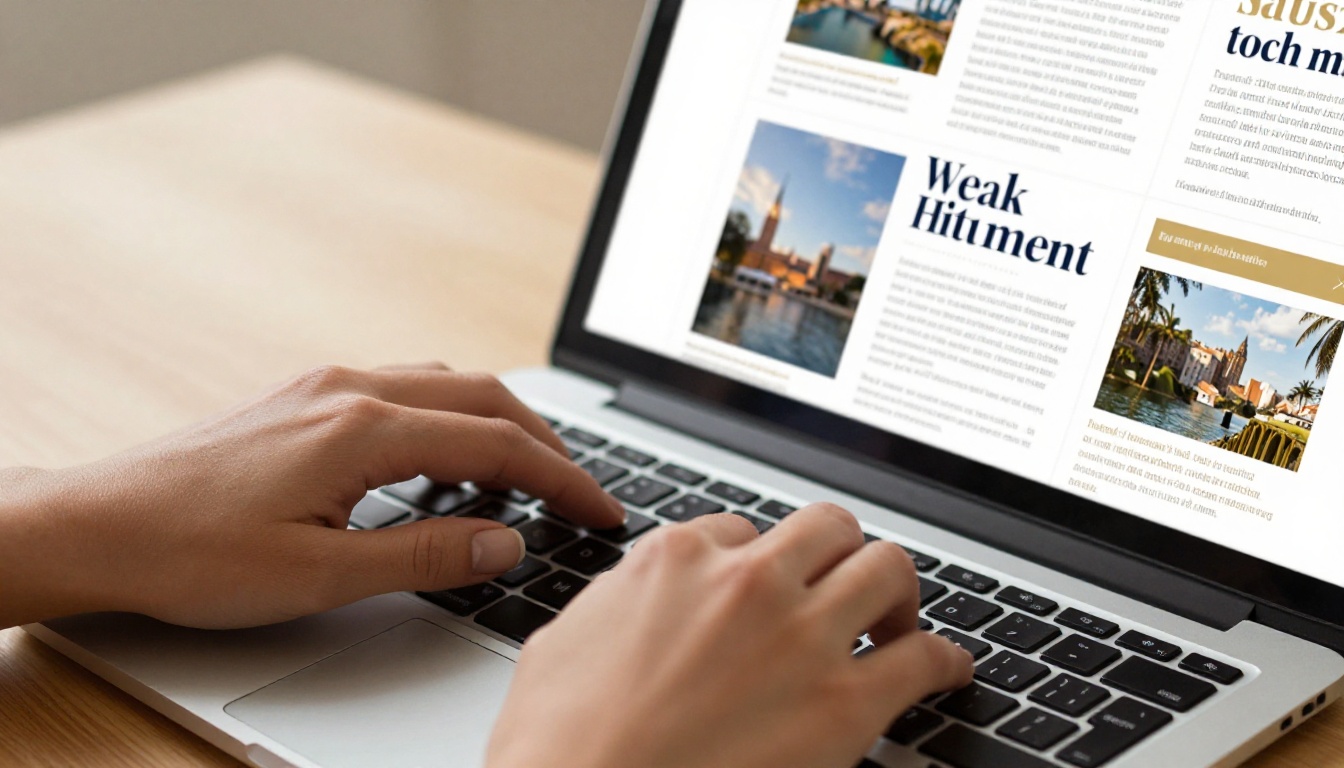
Step 4: Add Branding and Customization
Once your flipbook is live, you can personalize the entire reading experience:
- Set your brand colors for the reader interface chrome
- Add your logo to the top navigation bar
- Enable or disable the table of contents panel
- Embed video clips into specific pages (ideal for tutorial sections or product demos)
- Set a custom thumbnail so your cover image displays correctly in previews
For niche blog magazines, the E-Magazine Publishing Tool and Magazine Flipbook Creator provide templates and workflows tailored specifically to publication-style content. The Newsletter Flipbook Publisher is particularly useful if your magazine bridges into a newsletter format.
Step 5: Set Up Sharing and Distribution
Instead of 12 separate blog post links, you send one beautiful flipbook link. Sharing options include:
- Direct link: Share in email newsletters, social bios, or community posts
- Embed code: Drop the flipbook player directly into your blog homepage or a dedicated "Magazine" page
- Password protection: Gate premium issues for paid subscribers without additional tooling
- Download option: Readers can save the PDF for offline reading
💡 Create a dedicated /magazine page on your blog. Embed each new issue as it publishes. Within six months, you have a full archive of publications that builds authority and brings old readers back every time a new issue drops.
Step 6: Track What Readers Actually Read
With the Professional plan at flipbooksai.com/pricing, the analytics dashboard shows you page-by-page data. You can see exactly which section held attention longest and which pages readers skipped entirely. That information shapes your next issue's structure far better than any assumption.

Distributing Your Magazine to Grow Your Audience
The magazine format opens distribution channels that a regular blog post simply can't use. The same content that gets modest traffic as individual posts becomes a shareable asset that people forward to their networks.
Email Is Still the Best Channel
An email with a "Your [Month] Issue Is Ready" subject line consistently outperforms standard "New Blog Post" messaging in open rates. The subject line sounds like a magazine, not a content push.
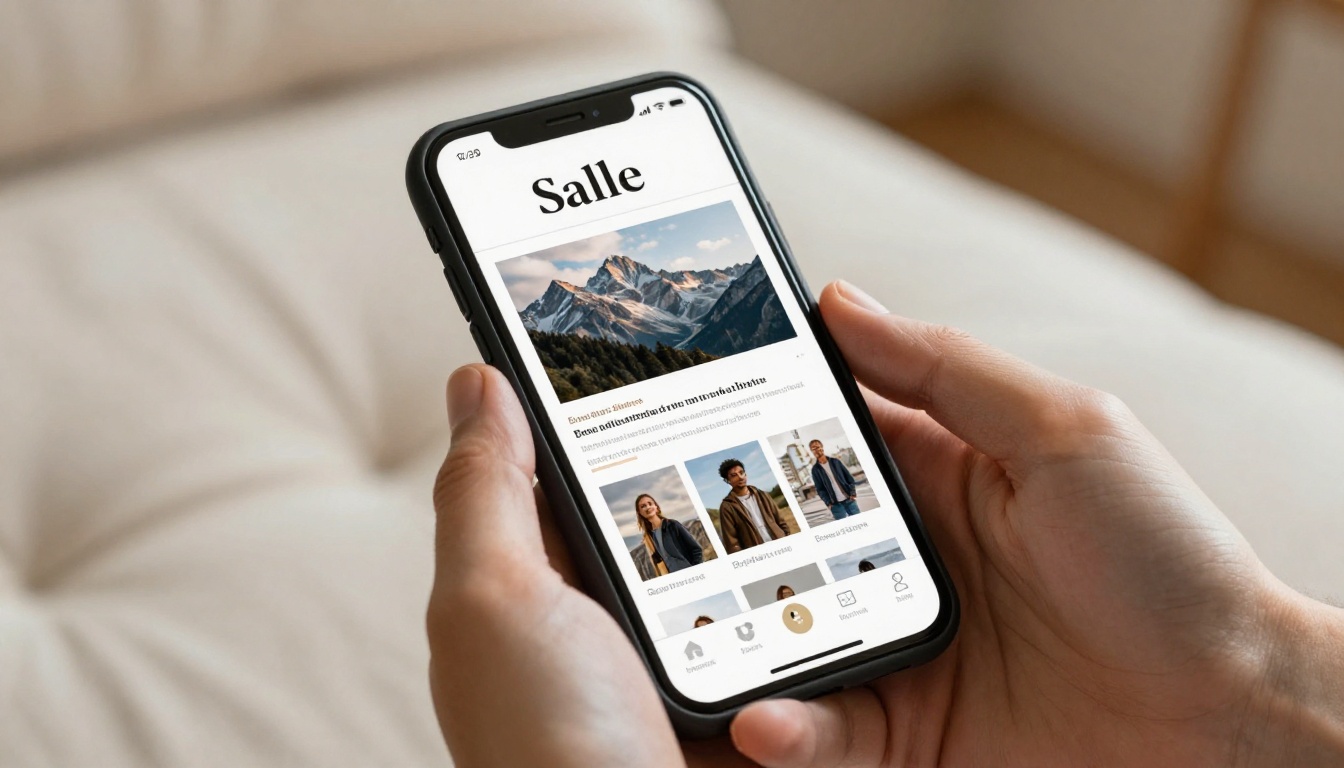
Structure your announcement email around:
- The cover image as the hero visual at the top
- A short two to three sentence editor's note in your own voice
- Three teaser headlines pulled from inside the issue
- One clear "Read This Issue" button linking to the flipbook
Social Media Teasers That Actually Work
A magazine gives you rich social content that a solo blog post can't match. Pull a single spread, an editorial quote, or the cover image and post them as standalone social content in the days leading up to release. A polished magazine cover image outperforms a plain blog link preview on every platform because it looks like something worth reading, not just another article competing for attention.
Building a Subscriber Base Around the Magazine
Once readers associate your name with a monthly issue they look forward to, they subscribe with a different level of commitment than standard blog RSS followers. The format sets an expectation of regular value delivery, and readers who opt in for it are significantly more likely to reply, share, or purchase compared to casual visitors.
✅ Offer your first two issues as a free archive. New subscribers can catch up immediately, which builds investment in your content faster than a single issue ever could.
Flipbooks AI Plans: Which One Fits Your Magazine Workflow
Not every plan fits every stage of a blogging magazine journey. Here's how the tiers map to real production needs:
| Feature | Free | Standard | Professional |
|---|
| Flipbooks published | Limited | Unlimited | Unlimited |
| Watermark on reader | Yes | No | No |
| Password protection | No | Yes | Yes |
| Custom branding | No | Yes | Yes |
| Page-level analytics | No | No | Yes |
| Lead generation forms | No | No | Yes |
| Offline downloads | No | Yes | Yes |
| Embed on website | Yes | Yes | Yes |
| Video and audio embeds | No | Yes | Yes |
For a solo blogger just starting out, the Standard plan is the clear entry point. No watermarks on your magazine is non-negotiable for perceived quality when sharing with a real audience. The Professional plan becomes worth every dollar the moment you want page-by-page data, or when the magazine becomes a lead generation tool for a paid product or service.
See full plan details at flipbooksai.com/pricing.
Making Your Magazine Look Professional on a Blog Budget
The gap between a blog-looking PDF and a magazine-quality flipbook is mostly about a few deliberate choices, not budget. Three areas make the biggest visual difference.
Typography That Reads Like a Publication
Two fonts, used consistently, do more for perceived quality than elaborate design work. A strong pairing that works across niches:
- Headlines: A bold serif (Playfair Display, Libre Baskerville, or Lora)
- Body text: A clean sans-serif (Inter, Source Sans Pro, or Montserrat Light)
Avoid mixing more than two typefaces across the entire issue. The restraint is exactly what makes it look intentional and professionally edited.
Photography That Carries the Layout
Magazine layouts live and die by imagery. For a blog magazine without a photography budget:
- High-quality stock photography from Unsplash or Pexels, chosen for consistent mood and color palette
- Your own photos, taken in natural window light during golden hour for warmth
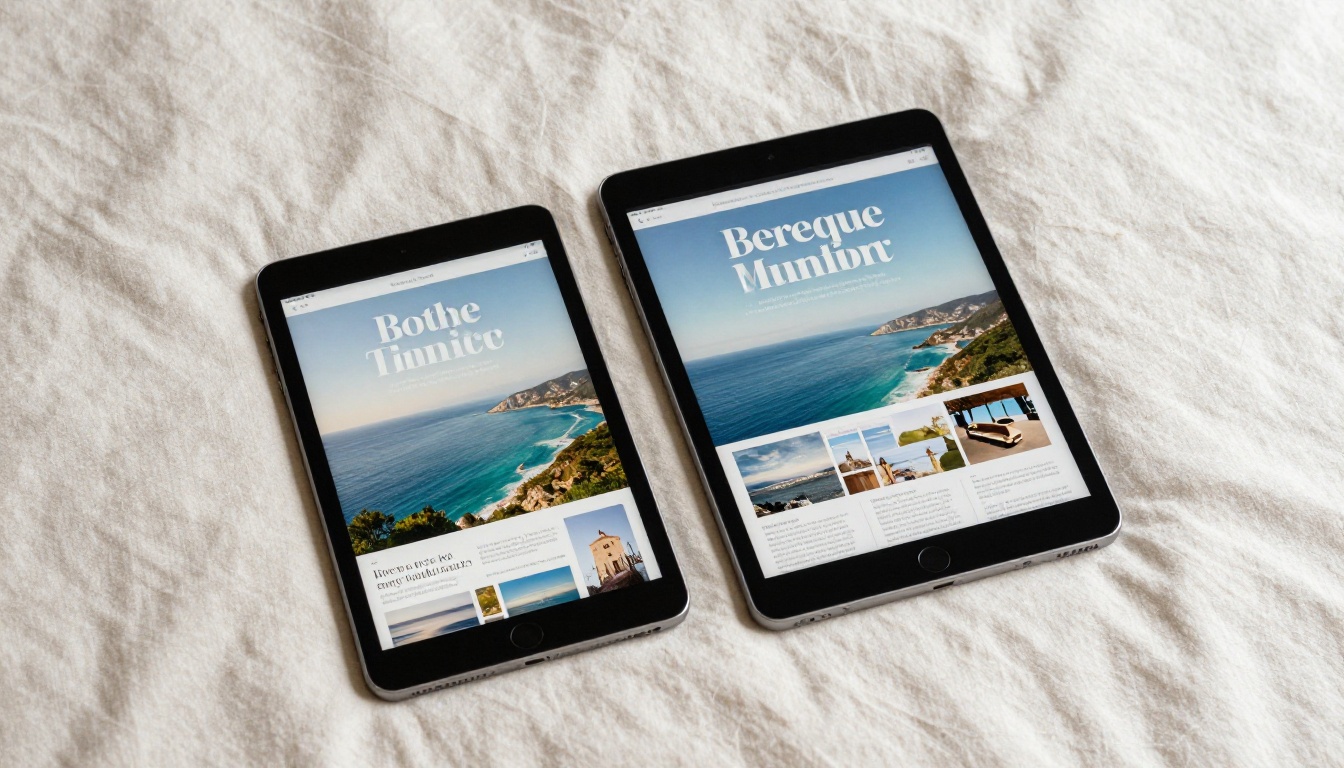
- Screenshots of your work styled cleanly inside device mockups rather than raw captures
💡 Every page in your magazine should have at least one image. Text-only spreads look unfinished in a magazine format, even when the writing is strong.
Editorial Standards Worth Holding
Even without a professional editor, three rules elevate the reading quality of every issue:
- Read every piece aloud before placing it in the layout
- Cut each article by 15-20% from its original blog post length (magazine readers skim differently than web readers)
- Write a proper editorial headline for each piece, not just the original blog post title lifted verbatim
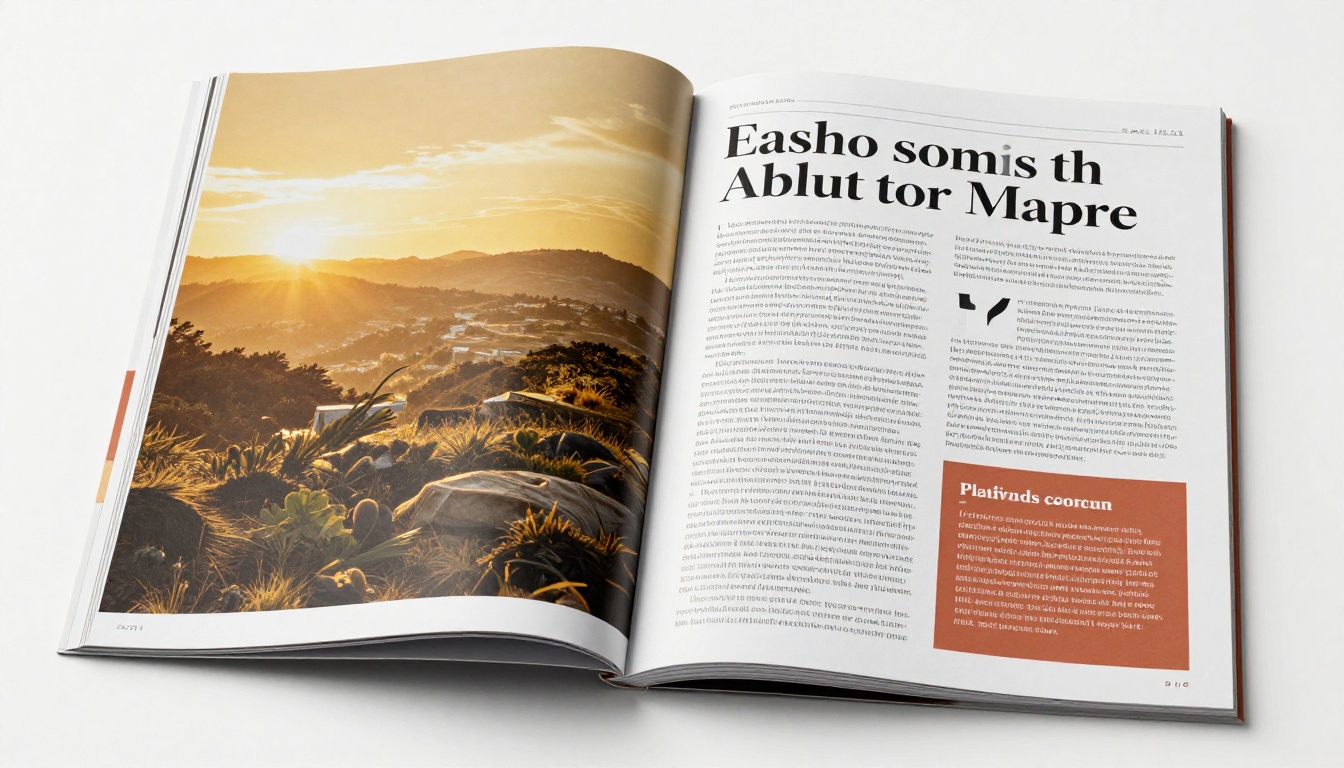
Repurposing Your Magazine Content Even Further
One issue generates far more than 30 days of content if you work the asset list properly. A single well-produced magazine becomes a content pillar that feeds every other channel you use.
What One Magazine Issue Can Produce
- 3-5 individual blog posts (the articles that appear inside it)
- 8-12 social media graphics pulled directly from spreads or cover photography
- 1-2 email newsletters (a launch announcement and a "last chance to read" reminder)
- A podcast episode where you narrate the editor's letter and tease the top stories
- A short scroll-through video of the flipbook posted to Instagram Reels or YouTube Shorts
The magazine is the center. Everything else orbits it that month, and you never scramble for what to post.

Your First Issue Starts This Month
You already have the content. You already have the audience. What you've been missing is the format that makes people feel like subscribers instead of occasional visitors. A monthly digital magazine built with Flipbooks AI gives your blog that identity without a design team, a print budget, or a publishing background.
Start by picking a theme for this month. Gather five of your strongest recent posts. Design a clean 10-page PDF in Canva. Upload it. Send it. The readers who open that first issue will wait for the second one.
Ready to publish? Create your free account on Flipbooks AI and have your magazine live today. Browse all available publishing tools to find the right fit for your niche, or review pricing plans to pick the tier that matches where you are right now.



