You made a comic book. Now what? Printing costs are brutal, distribution is a headache, and sharing a PDF link feels about as exciting as handing someone a photocopied zine in a parking lot. The answer most comic creators are moving toward right now is turning that comic into an interactive flipbook, one that readers can flip through on any device with real page-turn animations, shareable links, and professional presentation that makes the work look as good as it reads. Flipbooks AI makes the whole process surprisingly fast, and this article walks through every step.
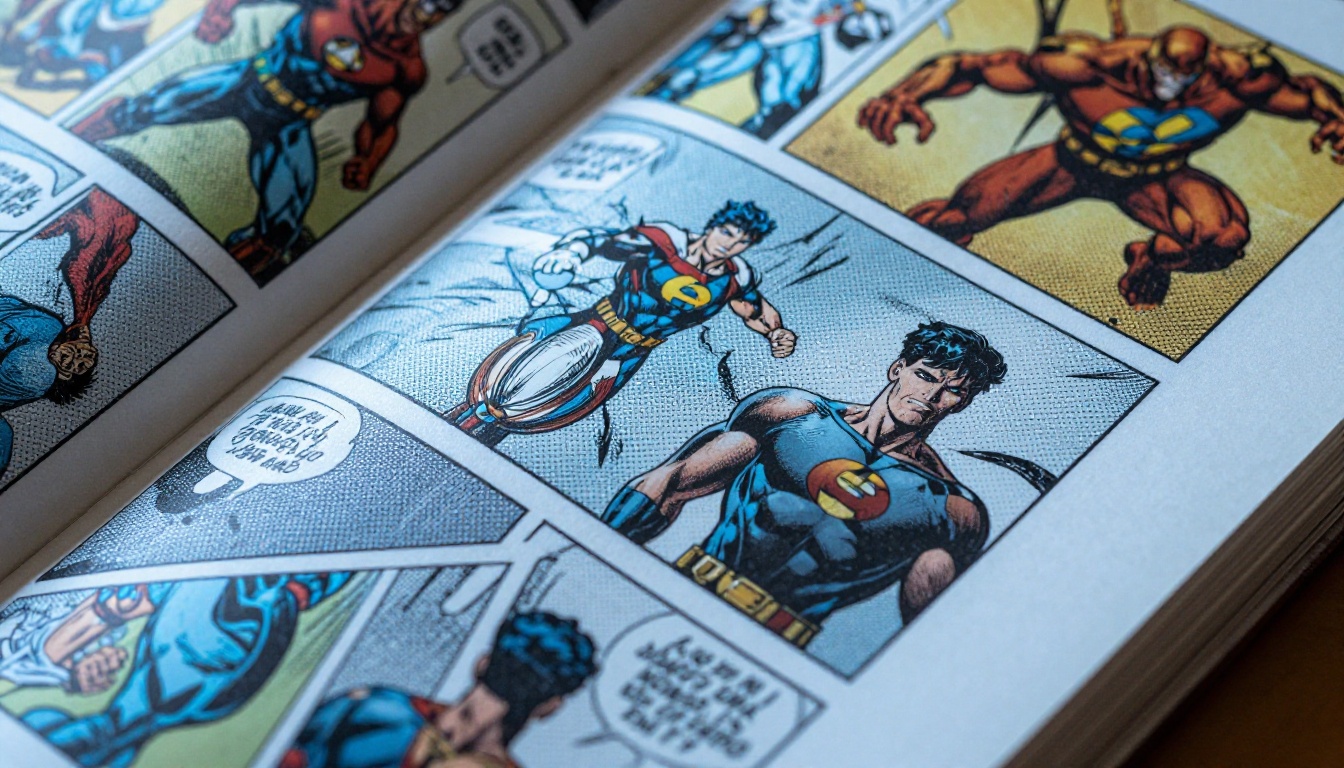
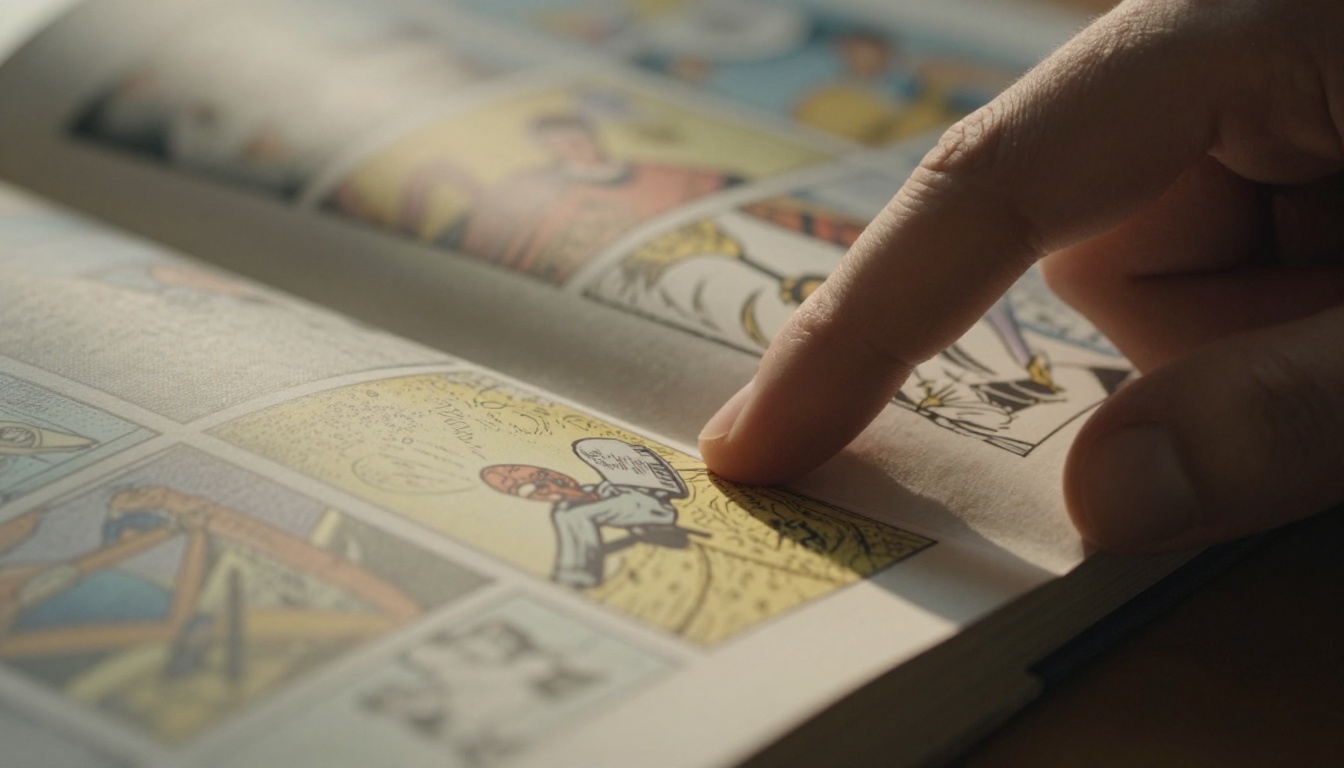
Comic books have a rhythm to them. The page turn is part of the experience. A static PDF flattens that rhythm into scrolling, which strips away the pacing that artists and writers spend so much time crafting. A flipbook restores it. When a reader flips to the next page on screen, they get the same anticipation as holding a physical copy.
The Problem with PDFs
PDFs are everywhere, but they carry real baggage for comic distribution:
- No page-turning experience, just endless scrolling
- Hard to share without specific reader software
- No analytics on who is reading or how far they get
- Clunky navigation on mobile devices
- No embed option for websites or creator portfolios
What Flipbooks Do Differently
A digital flipbook built from a PDF keeps all the original art fidelity while adding a layer of interactivity that PDFs simply cannot offer. Readers flip, zoom, and click through pages naturally. You get a direct link to share, an embed code for any website, and optional password protection for unreleased issues. The presentation feels intentional rather than improvised.
Getting Your Comic Ready to Convert
The conversion process starts before you open any software. How well your flipbook looks depends almost entirely on the quality of the source file you bring in.
Scanning Physical Comics
If your comic exists only in print, scanning is the first step. Use a flatbed scanner set to at least 300 DPI for standard reading size, or 600 DPI if readers will be zooming into artwork details. Most scanner software exports directly to PDF, which is exactly the format needed for conversion.
Tips for clean scans:
- Scan in full color even for black-and-white artwork to preserve subtle gray tones
- Clean the scanner glass before each session to avoid dust spots in the output
- Keep consistent page orientation from the first scan to the last
- Export the full run as a single multi-page PDF rather than individual image files
Preparing Digital Comics for Conversion
If you created the comic digitally, export from your software at 150-300 DPI in PDF format. Most major comic creation tools handle this cleanly when given the right settings.
| Source Format | What to Do | Best Export Setting |
|---|
| Physical print | Flatbed scan | 300 DPI, color, PDF output |
| Clip Studio Paint | Export as PDF | 150-300 DPI, RGB |
| Adobe Illustrator | Save as PDF | Print quality preset |
| Procreate | Export PDF | All pages in one file |
| Canva | Download PDF | Print quality option |
| Affinity Publisher | Export PDF | Press-ready preset |

How to Turn Your Comic Book into a Flipbook with Flipbooks AI
Flipbooks AI is built for exactly this use case. The platform takes your PDF, renders it into a page-turning flipbook, and gives you a live link within minutes. No design software. No coding. No watermarks on Standard plan and above.
Step 1: Create Your Account
Head to flipbooksai.com/account and sign up. The Standard plan and above offers unlimited flipbooks, which matters for comic creators who plan to release multiple issues over time.
Step 2: Upload the PDF
From your dashboard, click to create a new flipbook and upload your comic PDF. The platform processes each page automatically. For a standard 24-page comic, this typically takes under a minute.
💡 Pro tip: If your comic has double-page spreads (two pages meant to be viewed side by side), switch the flipbook to two-page view in the settings so those spreads display as intended.
Step 3: Set the Page Order and View Mode
Choose between single-page and double-page view. Most Western-style comics read left to right in single-page format. Manga-style comics read right to left, and the flipbook direction setting should be adjusted to match before publishing.
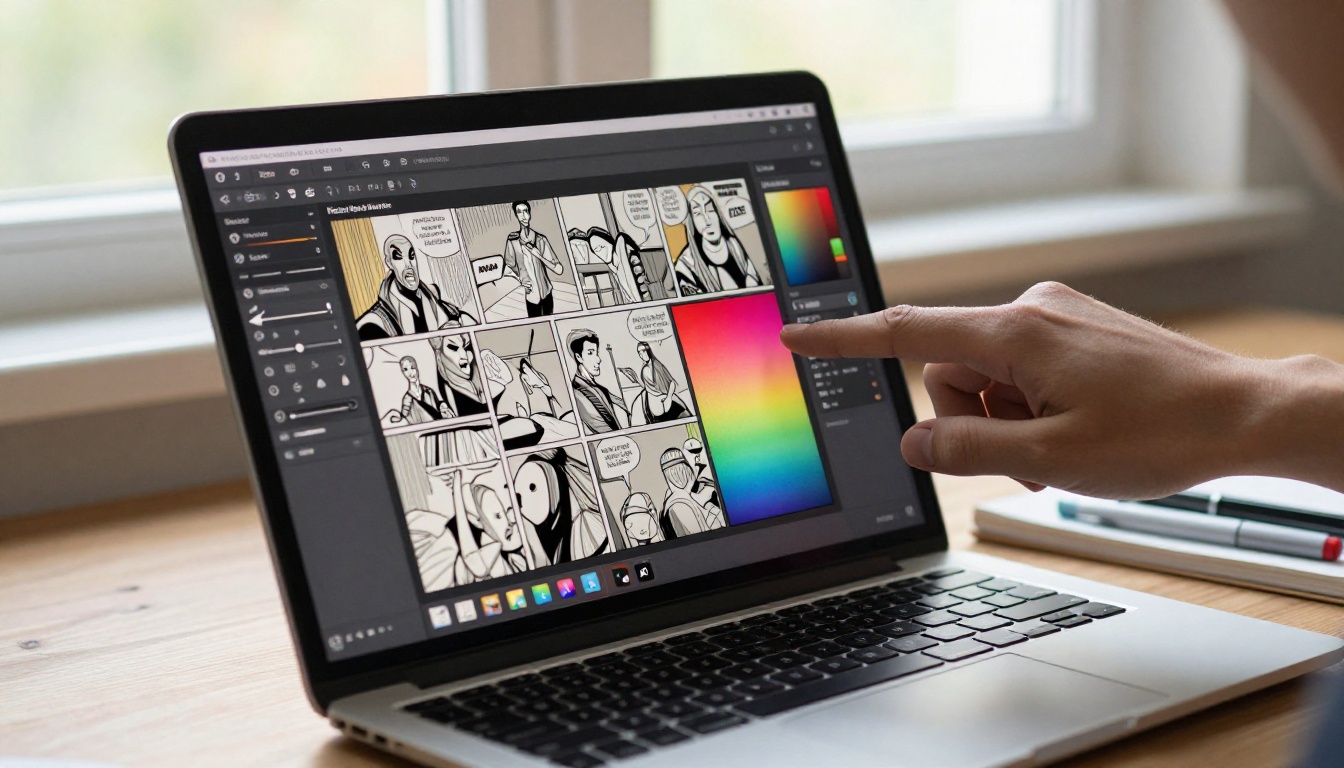
Step 4: Customize Branding and Appearance
This is where the presentation gets polished. The available options include:
- Background color: Match the tone of the comic (dark background for horror, light for all-ages titles)
- Toolbar color: Keep the interface consistent with your existing brand palette
- Front page thumbnail: The first page of the PDF automatically serves as the flipbook's visual front face
- Custom domain display: Professional plan users can show the flipbook under their own domain name
Step 5: Add Password Protection (Optional)
For unreleased issues, Kickstarter backer exclusives, or Patreon-gated content, password protection keeps the flipbook private. Only readers who have the password can open it.
✅ Best practice: Use a unique password per issue so you can update access to specific issues without affecting the rest of your catalog.
Step 6: Publish and Share
Hit publish. Flipbooks AI generates a direct shareable link that works on any device without a reader app, an embed code to place the flipbook inside any website or portfolio page, and a QR code for use on print materials and convention signage.
Sharing and Distributing Your Comic Flipbook
Once the flipbook is live, distribution becomes straightforward. The link works on desktop, tablet, and mobile without any software installation on the reader's side.
Embed on Your Website
Copy the embed code from your dashboard and paste it into any webpage. The Embed Flipbook on Website tool handles responsive sizing automatically so the comic looks right on every screen size without manual adjustments.
Share on Social and Email
The direct link is clean and short. Drop it into Twitter posts alongside a preview panel, email newsletters to subscribers, Patreon posts for tier-gated issues, Discord servers for your community, and Kickstarter updates to campaign backers. No app required on their end.
QR Codes for Print
If you sell physical comics at conventions, include a QR code inside the last page that links to the digital flipbook of the next issue. Readers scan it on the spot, get instant access, and you capture continued interest without handing out additional print materials.
💡 Pro tip: Use the QR code on your convention table display that links to a free preview issue. It gives passersby a way to experience your work before committing to a purchase.
Before committing to any format, it helps to see exactly what each option delivers for comic distribution and reader experience.
| Format | Page-Turn Effect | Mobile Friendly | Embeddable | Analytics | Password Protected |
|---|
| PDF link | No | Limited | No | No | No |
| Digital flipbook | Yes | Yes | Yes | Yes (Pro plan) | Yes |
| Comic hosting platforms | No | Yes | No | Limited | No |
| Webtoon-style format | No | Yes | Limited | Yes | No |
| Static image gallery | No | Yes | No | No | No |
The flipbook format wins on presentation and distribution flexibility, particularly for creators who want to maintain full control over their content without relying on a third-party platform's rules and algorithms.
Flipbooks AI Plans for Comic Creators
Choosing the right plan comes down to how many issues you plan to publish and whether you need reader analytics.
| Plan | Flipbooks | Watermarks | Password Protection | Analytics | Offline Download |
|---|
| Free | Limited | Yes | No | No | No |
| Standard | Unlimited | No | Yes | No | No |
| Professional | Unlimited | No | Yes | Yes | Yes |
For most independent comic creators, the Standard plan covers everything needed for publishing and sharing issues. The Professional plan becomes worthwhile when you want to track which issues get the most reads, or when you are building a mailing list through embedded lead capture forms. See all pricing details to pick the right fit.
Real Use Cases for Comic Creators
Knowing the workflow is one thing. Seeing how it fits into specific situations makes the decision concrete.
Self-Published Indie Comics
An indie creator with a completed 48-page sci-fi graphic novel can upload the full PDF and create a flipbook that any reader can access from any device. The flipbook link goes on their website, their Linktree, and inside their newsletter. No printing costs. No shipping logistics. Readers get the full reading experience without any friction.
Kickstarter Campaign Previews
Creators running a crowdfunding campaign need a preview to convince backers to pledge. A free-access flipbook of the first 10 pages, embedded directly on the campaign page, is far more compelling than a static image gallery or an attached PDF. Backers flip through it right there, with no download required.
Webcomic Archives
Webcomic artists who release pages weekly often struggle with organizing their archives into a readable format. Converting completed story arcs into flipbooks creates a clean, volume-style reading experience that feels like a real collected edition, not a scrolling archive page.
Convention and Event Portfolios
Artists at conventions can use a tablet to show potential publishers or collaborators the full comic, flipping through it naturally as if it were a physical book. The Digital Portfolio Creator tool extends this presentation approach to illustrated portfolios beyond comics.
Educational Comics and Zines
Teachers and educators who create illustrated instructional zines or educational comics can use the Interactive E-Book Publisher tool to make content accessible to students on any device without printing or distribution overhead.
Reading Experience on Different Devices
One of the most practical concerns for comic creators is how their work actually looks across different screen sizes.
Desktop and Laptop
The full double-page spread view works best here. Readers get the widest canvas to appreciate the artwork, and the page-turning animation plays across the full browser width. This is the closest experience to sitting with a physical collected edition.
Tablet
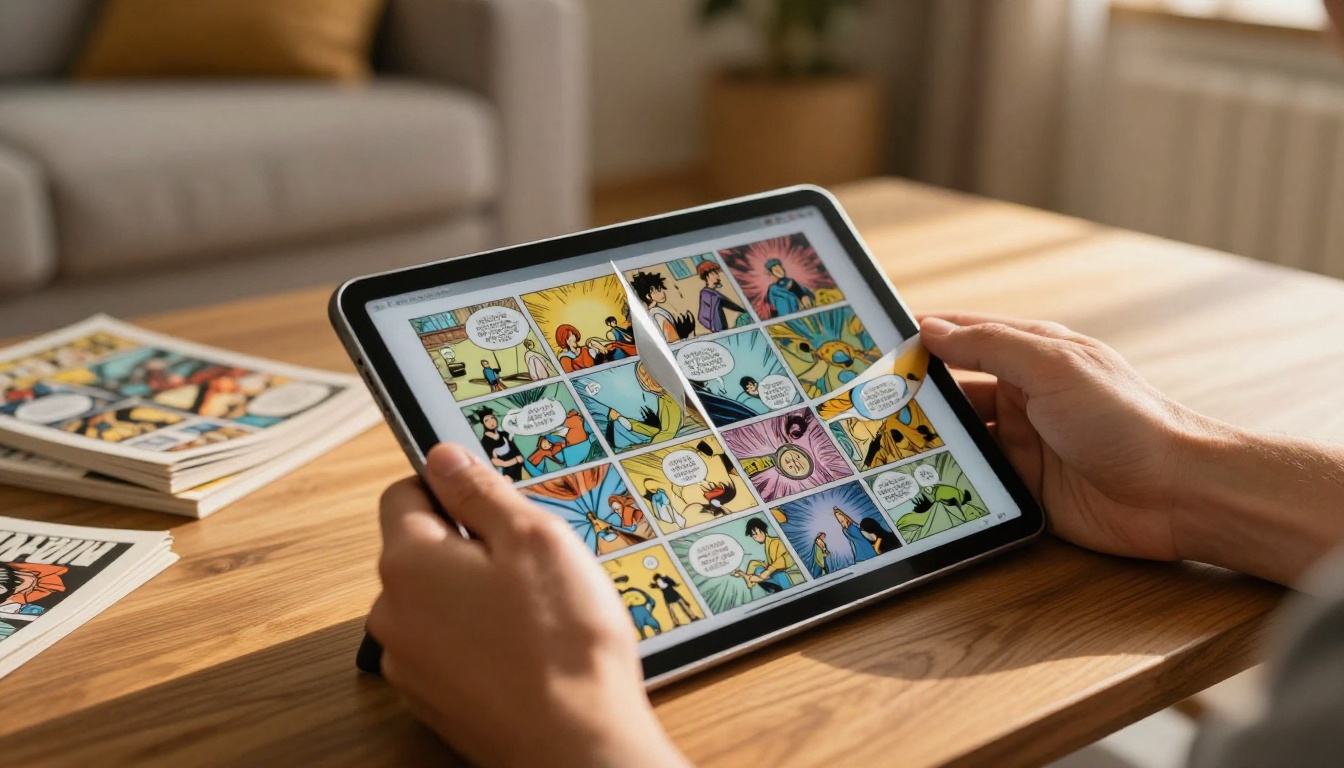
Tablets are the closest digital equivalent to the physical comic reading experience. The PDF to Flipbook Converter optimizes the output for touch-based page turning, so readers swipe to flip exactly as they would with a real book.

Mobile Phone
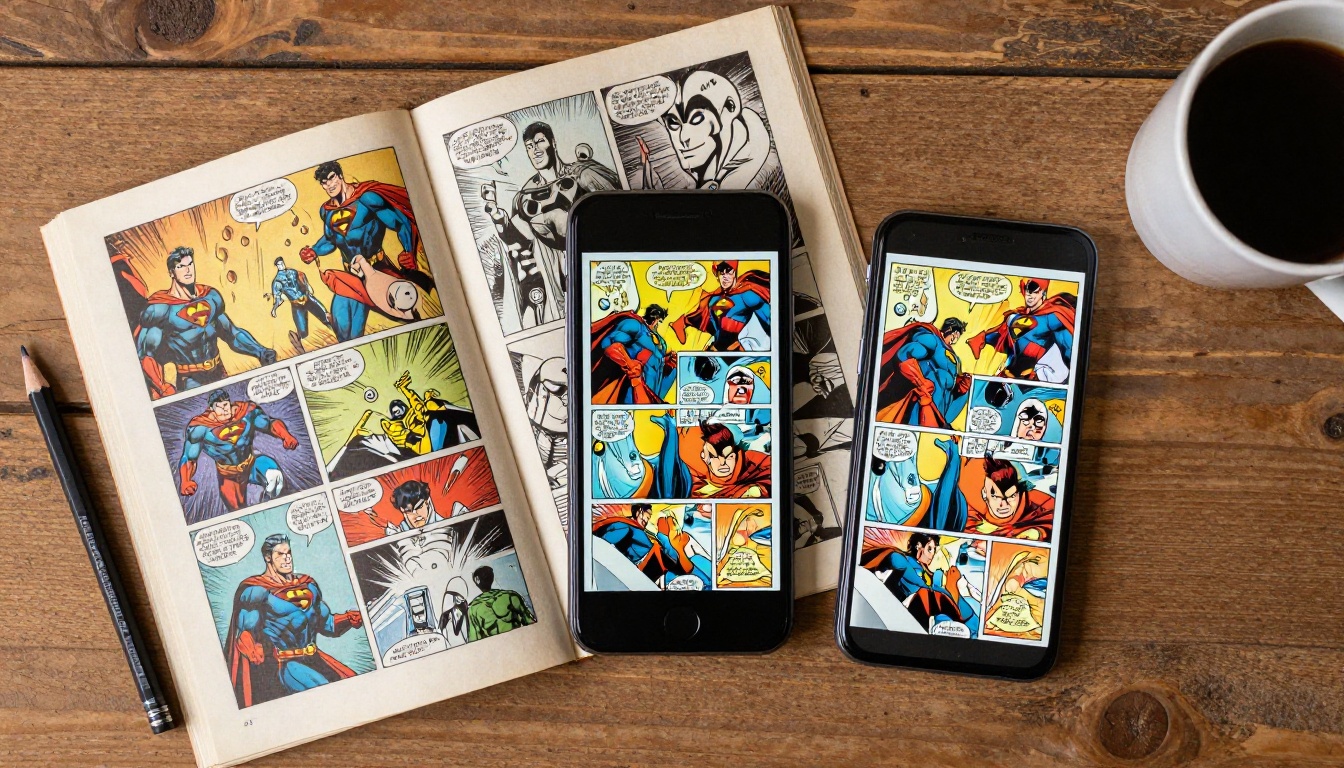
Single-page view is the best format for phones. Flipbooks AI automatically switches to a mobile-optimized layout so panels remain readable without constant pinching and zooming on every page.
⚠️ Warning: Double-page spreads in comics can become hard to read on small phone screens. If your comic relies heavily on spreads, consider creating a mobile-specific PDF with spreads split into separate individual pages for a cleaner mobile experience.
Protecting and Monetizing Your Comic Flipbook
Getting the comic in front of readers is only part of the picture. Protecting your work and building revenue from it matters just as much.
Password-Gated Issues
Lock specific issues behind a password and offer that password as a Patreon reward tier. This keeps your most dedicated readers engaged while giving the broader audience a taste through free preview issues. The setup takes about thirty seconds per issue.
Lead Generation Forms
The Professional plan includes embedded lead capture forms. Add a form to the opening pages of a flipbook that asks for an email address before the reader continues flipping. Over time, this builds a mailing list of readers who are genuinely interested, not just casual passersby.
Analytics and Read Tracking
With Professional plan analytics, you can see how many people opened each issue, how far they read on average, and which pages held attention the longest. That data tells you exactly which stories are connecting with readers and what to prioritize in upcoming issues.
Common Mistakes When Converting Comics to Flipbooks
Even a well-crafted comic can look rough in flipbook form if the source file is not prepared correctly.
Low Resolution Scans
Scanning at 72 DPI produces images that appear pixelated when viewed at full screen size. Always scan at a minimum of 300 DPI, and 600 DPI for artwork with fine line details.
Inconsistent Page Sizes
If pages are slightly different sizes (common when scanning hand-assembled zines or older physical comics), the flipbook will have visual jumps between pages. Normalize all pages to the same dimensions in your PDF before uploading.
Wrong Reading Direction
Manga or right-to-left comics uploaded with default left-to-right settings will flip in the wrong direction. Always check and set the reading direction before publishing, and test it yourself before sending the link to readers.
Forgetting Mobile Testing
After publishing, open the flipbook link on a phone before sharing it widely. What looks perfect on a desktop can surprise you on a small screen, particularly with text-heavy caption boxes or small panel details.
✅ Best practice: Test on at least two device types (desktop plus mobile) before sending the link to your audience. A two-minute check prevents a bad first impression at scale.
What Comes After the First Issue
Publishing one issue as a flipbook is just the start. The real value builds across a series over time.
Building a Backlist
Each completed issue becomes a permanent flipbook that readers can access at any time. Over time, a library of issues creates a body of work that new readers can go through in one sitting, exactly as they would with a streaming series. The backlist does ongoing work for you without additional effort.
Series Organization
Name your flipbooks with a clear series and issue number system so readers can find them in sequence. A consistent naming approach (Series Name: Issue 01, Issue 02, and so on) makes your catalog look professionally managed from the very first click.
Crossover Content
Once you have a library of flipbooks, link between them. Add a note inside the opening pages of each new issue pointing readers to the previous one, so anyone who starts mid-series can easily go back to the beginning without hunting around.

Ready to Publish Your Comic
You have the artwork. You have the story. The only thing left is putting it in a format that does it justice. Create your account on Flipbooks AI and upload your first issue today. The setup takes minutes, and the result is a reading experience that is a genuine step up from any PDF link you have sent before.
If you want to see what plan fits best before signing up, check the pricing page for a full breakdown of what each tier includes. And if you work on content beyond comics, the full tools directory has options for portfolios, e-books, lookbooks, and more formats that benefit from the same page-turning format.
Your readers are already out there. Give them something worth flipping through.



