Most company reports spend more time in someone's downloads folder than in their hands. You spent weeks on the data. A designer formatted the charts. The executive team approved every comma. And then... nobody reads it. That is not a content problem. That is a format problem. Flipbooks AI was built specifically to fix it.
Why Nobody Reads Your Report
The PDF Problem
PDFs were designed for printing, not reading. On a screen, they are awkward to scroll, impossible to skim on mobile, and visually indistinguishable from a tax filing. When you email a 48-page annual report as a PDF attachment, you are essentially asking people to print it, carry it somewhere quiet, and commit. Nobody does that.
The stats back this up. Average document attention drops off sharply after page two. For reports above 20 pages, most recipients never scroll past the executive summary. All that work on pages 10 through 48? Invisible.

What Readers Actually Want
Stakeholders, investors, employees, and board members are busy people. They are not avoiding your report because they do not care. They are avoiding it because reading it requires too much effort for too little payoff. What they actually want:
- Fast scanning: Pull out the headline numbers in 30 seconds
- Visual storytelling: Charts and images that carry the narrative so text does not have to
- Mobile access: Read it on a phone between meetings, not only on a desktop
- Shareable format: Forward it or embed it without attachments or login friction
- Interactivity: Click to expand sections, watch a short video, jump to a chapter
None of those things exist in a standard PDF. All of them exist in an interactive flipbook.
What Makes a Report Worth Reading
Visual Storytelling Over Raw Data
Numbers without context are noise. The best company reports do not dump data. They tell a story using data as evidence. That means:
- Lead with the highlight: Revenue grew 28%? Put that on page one with a big visual.
- Use photography: Real photos of your team, your facilities, or your products build trust in ways bar charts cannot.
- Pair every statistic with a visual: Charts, icons, infographics. If a number matters, show it, do not just state it.
- Write shorter paragraphs: No paragraph in a well-designed report should exceed 4 lines. White space is a design feature.
Format Changes Everything
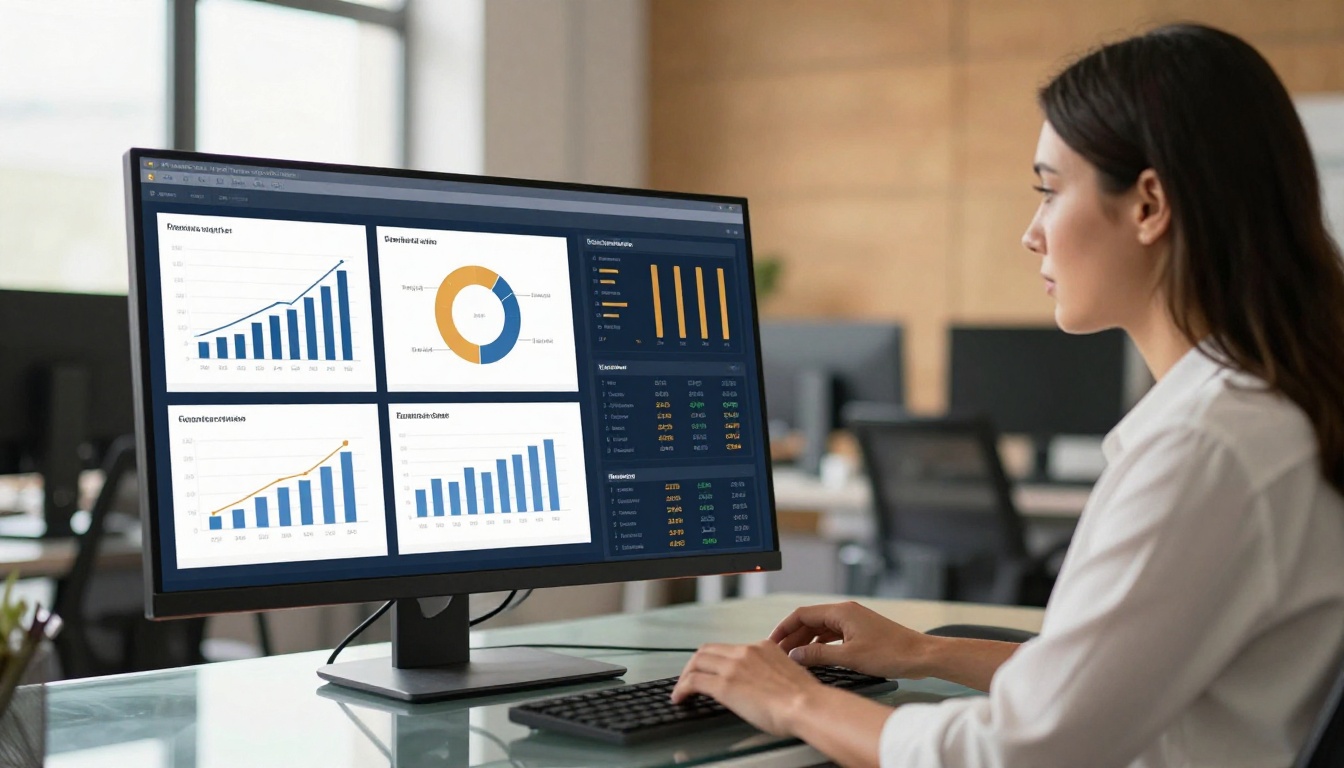
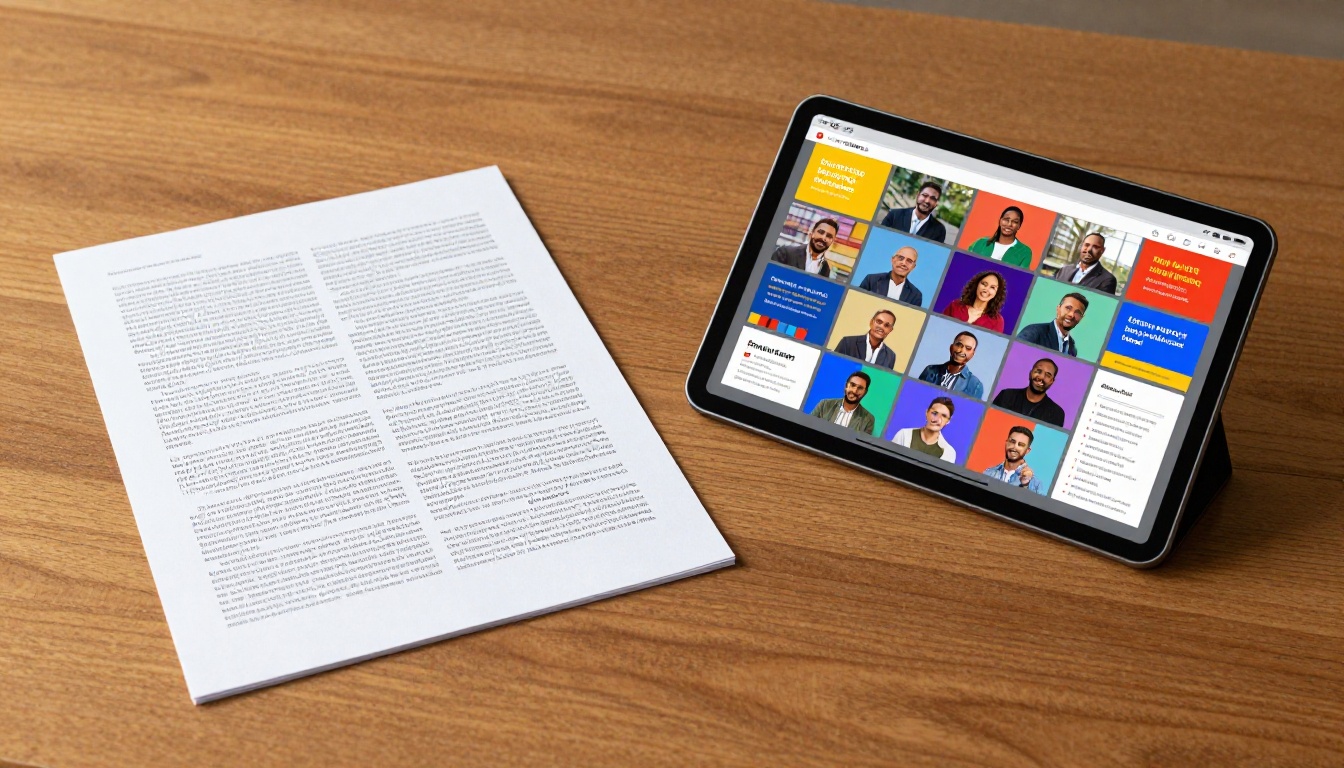
The same information in a different format produces a completely different reader experience. A wall of text describing a year of growth is forgettable. A page-turning flipbook with the same data, broken into visual spreads with chapter navigation, is something people actually share.
💡 Pro tip: The most successful digital reports use a magazine-style layout: bold headline stat on the left page, supporting visual on the right, brief narrative beneath. It creates a rhythm readers follow naturally.
Static vs. Interactive Reports
The gap between a static document and an interactive report is not just visual. It is functional. Here is what that difference looks like in practice:
| Feature | Static PDF | Interactive Flipbook |
|---|
| Mobile reading | Poor scaling, pinch-zoom required | Fully responsive, touch-optimized |
| Page navigation | Scroll only | Chapter menus, clickable TOC |
| Multimedia | Not supported | Embedded video and audio |
| Sharing | Email attachment | Direct link or embed code |
| Analytics | None | Page views, time on page, clicks |
| Branding | Fixed at design | Custom colors, logo, domain |
| Password protection | No native option | Built-in access control |
| Offline download | PDF only | Available on Professional plan |
⚠️ Worth noting: Once you send a PDF, you have no idea if anyone opened it. An interactive flipbook with analytics tells you exactly who read what, for how long, and where they stopped. That data is worth its weight in any board meeting.
How to Create Your Company Report with Flipbooks AI
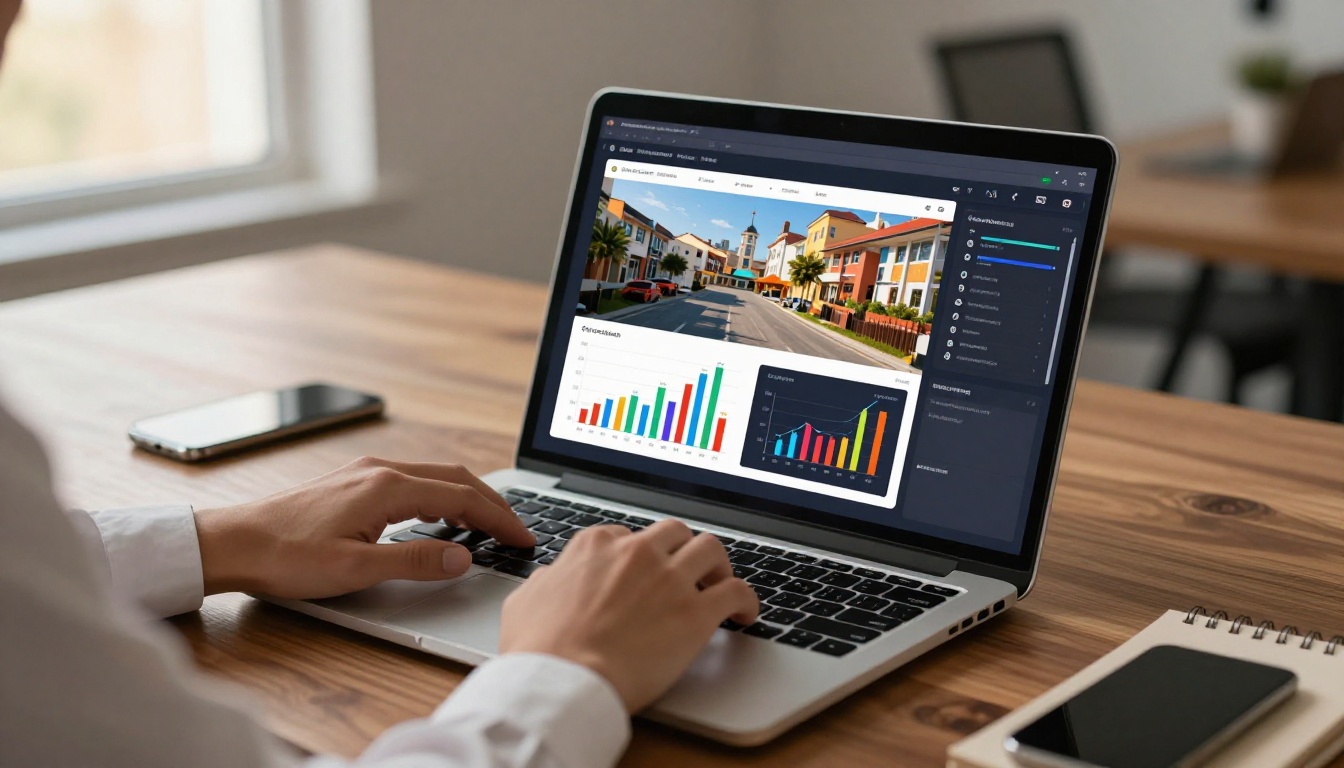
This is where it gets practical. Flipbooks AI converts your existing PDF report into a fully interactive flipbook in minutes. No design software. No developer. No rework.
Step 1: Upload Your PDF
Head to Flipbooks AI and create your account. Once inside:
- Click New Flipbook from your dashboard
- Upload your PDF report (drag and drop or browse)
- Wait for conversion. Most reports process in under two minutes.
Your layout, fonts, images, and charts all carry over from the original PDF. Nothing gets lost in the conversion.
Step 2: Customize Your Flipbook
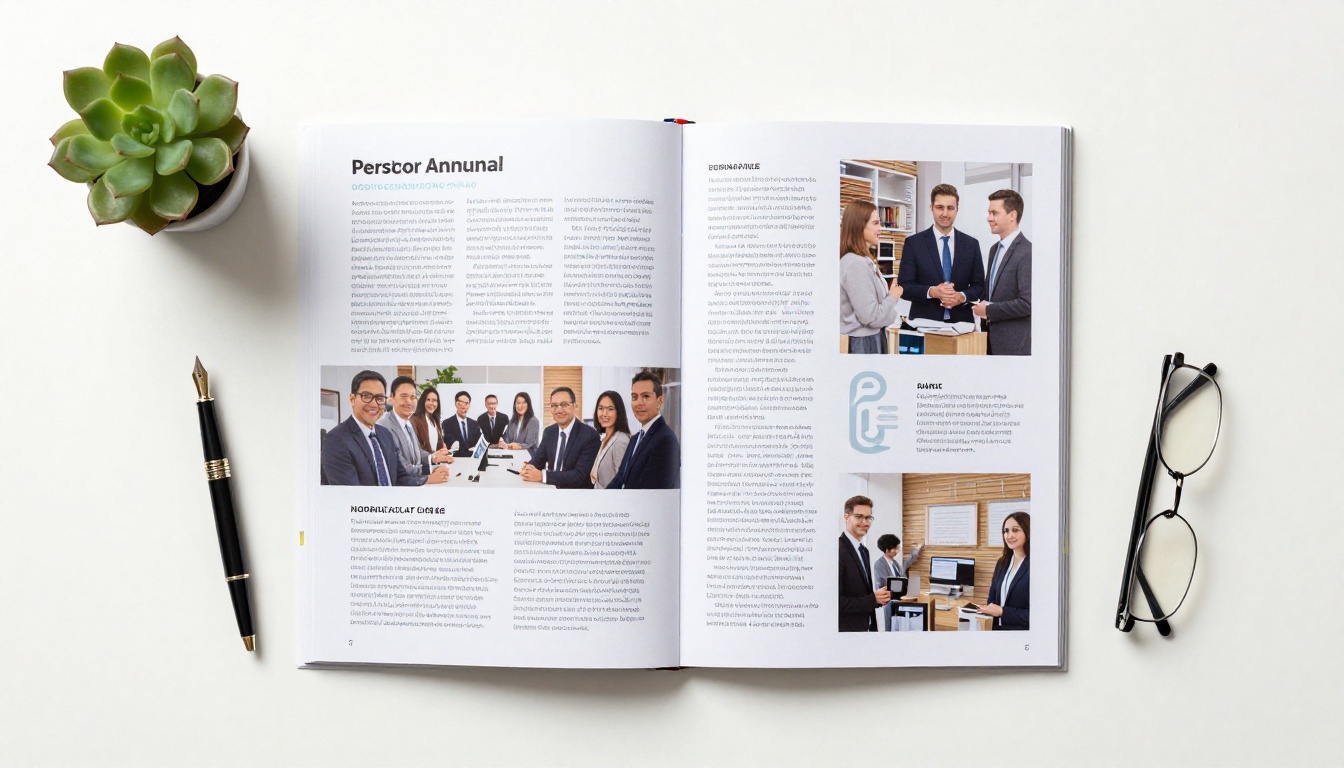
This is where a generic PDF becomes something memorable. In the editor:
- Set your brand colors so the reader interface matches your company palette
- Add your logo to the flipbook header and opening page
- Choose page-turn effects: Classic page flip, hard case, or smooth scroll
- Set a custom opening image separate from the PDF's first page
- Add a table of contents with clickable chapter navigation
The Annual Report Creator and Corporate Report Maker tools on Flipbooks AI include pre-built templates optimized specifically for this type of content.
Step 3: Add Multimedia Elements
This is the step most companies skip and should not. Adding multimedia to a report does not mean adding distraction. It means reinforcing the narrative with the right media at the right moment:
- Embed a CEO video message on the opening page: 30 seconds of direct address is worth 3 pages of text
- Add audio captions to photography spreads for accessibility
- Link out to supporting data, product pages, or press coverage directly from the report pages
- Use the Report Flipbook Creator tool for multimedia-ready templates
✅ Best practice: Keep videos under 90 seconds. A brief, specific message on a product launch, a market result, or a community initiative performs far better than a long overview video.

Step 4: Share and Track
Once published, your flipbook lives at a clean shareable URL. No attachment. No download required. Here is what sharing looks like:
- Direct link: Copy and share via email, Slack, LinkedIn, or investor newsletter
- Embed code: Paste into your website, investor relations page, or intranet
- Password protection: Restrict access to board members or specific stakeholder groups with a single password
- QR code: Print it on physical collateral for event distribution
For Professional plan users, analytics kick in automatically. You will see which pages held attention, where readers dropped off, and how many people accessed the report. That data shapes every future report you produce.
Report Types That Benefit Most
Not all company reports are equal in terms of content density or audience expectations. Here is how different report types map to the flipbook format:
| Report Type | Primary Audience | Flipbook Feature | Recommended Tool |
|---|
| Annual Report | Shareholders, board | Full multimedia, analytics | Annual Report Creator |
| Sustainability Report | Public, investors, regulators | Photography, data visuals | Corporate Report Maker |
| Quarterly Business Update | Internal team, executives | Fast navigation, clean layout | Report Flipbook Creator |
| Investor Deck | Potential investors | Password protection, link tracking | Presentation Flipbook Designer |
| Non-Profit Annual Report | Donors, grant bodies | Emotional storytelling, photos | Non-Profit Annual Report |
| Sales Performance Report | Sales leadership, C-suite | Interactive charts, intranet embed | Sales Presentation |
Each of these has different formatting priorities, but all of them benefit from the core advantage: being readable without effort.
Report Design That Gets Results
Typography and Color Do the Heavy Lifting
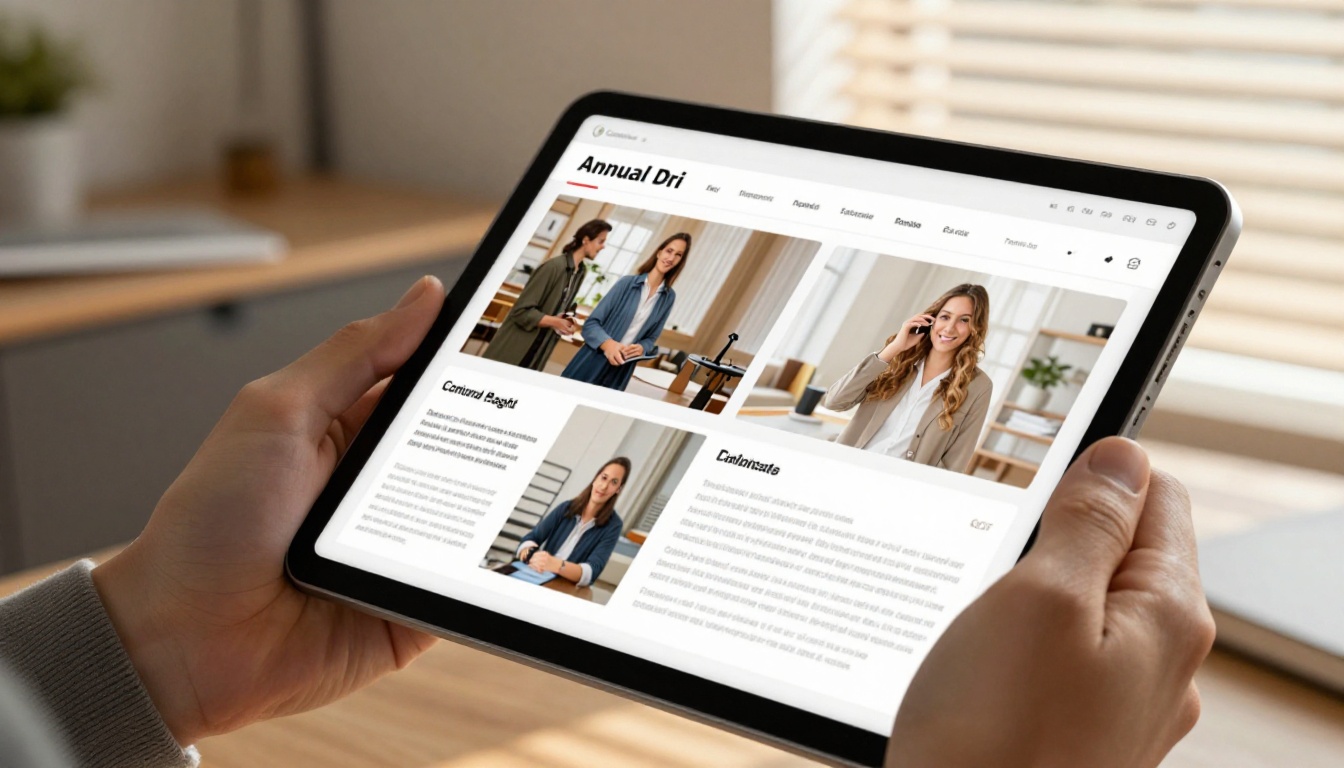
Most corporate reports use 2 to 3 font sizes and a single brand color. That is the minimum. Well-designed reports use typography as a navigation tool:
- H1 (Chapter headers): Large, bold, brand font. Pull the headline number in here.
- H2 (Section headers): Medium weight, brand color. Signals a shift in topic.
- Body copy: Clean sans-serif, 11 to 12pt. Line spacing at 1.5x minimum for on-screen reading.
- Pull quotes: Oversized, italic, highlighted. These are your skimmable story beats.
Color matters beyond branding. Reports that use one accent color for positive metrics and a neutral tone for comparatives are easier to read without explanation. Readers learn your visual language by page 3.
💡 Pro tip: Use white space aggressively. A page that is 60% content and 40% white space reads faster and feels more authoritative than a page packed to the margins.
Data Visualization That Lands
Charts are not the same as data visualization. A chart shows numbers. Data visualization tells you what those numbers mean at a glance.
Three principles that separate good from great data design:
- One chart, one message: Each visual should answer exactly one question. If a chart needs a paragraph of explanation, redesign it.
- Label directly: Avoid legends where possible. Label the bars, slices, and lines directly on the visual.
- Consistent scale: Never change the Y-axis scale between similar charts in the same report. It is the fastest way to erode reader trust.

Plans Worth Knowing
Flipbooks AI offers tiered plans based on volume, features, and access controls. Here is a practical breakdown:
| Plan | Best For | Flipbooks | Analytics | Offline Download | Password Protection |
|---|
| Free | Testing and small reports | Limited | No | No | No |
| Standard | Small teams, regular reports | Unlimited | No | No | Yes |
| Professional | Enterprises, investor comms | Unlimited | Yes | Yes | Yes |
✅ Best practice: If you are distributing reports to external stakeholders (investors, regulators, partners), the Professional plan's analytics pay for themselves in the insight they provide about who actually read what you sent.
Visit flipbooksai.com/pricing for the full feature breakdown and to choose the right plan for your team size.
Common Mistakes in Company Reports
Most report failures come down to a short list of predictable problems. Avoid these:
- Writing for completeness, not the reader: Every sentence in your report should earn its place. If a section exists only to show you did the work, cut it.
- Treating the summary as optional: Your executive summary is the entire report for 80% of your audience. Make it self-contained and visual.
- Ignoring mobile: Over half of business email is opened on mobile. A report that only works on desktop is one half your audience cannot read.
- No call to action: Every report should end with something specific the reader can do: schedule a call, visit a page, reach out to a contact.
- One file for all audiences: An employee summary, a board report, and an investor brief have different needs. Segment where possible.
When companies move from static PDFs to interactive flipbooks, these mistakes become much easier to fix because the format itself encourages better structure, navigation, and visual hierarchy from the start.

Start Sending Reports People Open
The barrier between a report nobody reads and one that gets shared in a company-wide Slack message is not the quality of your data. It is the format and the experience of reading it.
Flipbooks AI removes the friction from that conversion. Upload your existing PDF, apply your brand, add multimedia where it serves the content, and publish with a link anyone can open on any device. No watermarks, no setup fees, and no design experience required.
Ready to try it? Create your account and have your first interactive report live today. Browse all available tools and templates to find the right fit for your report type, or compare pricing plans to choose what works for your team.
Your report is already written. The only thing left is making it worth reading.



