Your drawing sketches have been sitting in a sketchbook long enough. Whether you've been filling pages with character studies, rough animation frames, or doodle sequences, those drawings have real potential as interactive flipbooks that people can actually flip through, share, and experience. Flipbooks AI makes it possible to take hand-drawn artwork from paper or tablet and publish it as a polished, page-flipping digital flipbook in minutes.
This isn't just for animators. Illustrators, hobbyist artists, students, and creative professionals are all using this workflow to bring their sketchbooks to life in ways that weren't possible even a few years ago.
Why Sketches Make Perfect Flipbooks
The Art of Sequential Drawing
Flipbooks and sketches have always had a natural relationship. Long before digital animation existed, artists were drawing incremental changes across pages to create the illusion of motion. A hand holds a pencil. The pencil moves slightly. The hand rotates. Frame by frame, the sketch becomes alive.
What makes sketches so well-suited for flipbooks is their sequential nature. Most artists naturally draw multiple versions of a pose or scene when working through an idea. Those rough explorations, those "page-fillers" between finished pieces, are often closer to flipbook animation material than anything deliberately created for that purpose.
💡 Even non-animation sketches work beautifully. A series of still drawings of the same subject (different angles, lighting conditions, or detail levels) can become a visually compelling flipbook even without any motion.
What Makes a Good Flipbook Sketch
Not every sketchbook page translates perfectly into a flipbook frame. The drawings that work best share a few characteristics:
- Consistent framing: The subject stays in roughly the same position across pages
- Clear contrast: Dark marks on light paper read better than lightly shaded work
- Progressive variation: Each frame differs from the last in a predictable, controlled way
- Clean edges: Loose, expressive lines actually work better than overly precise ones
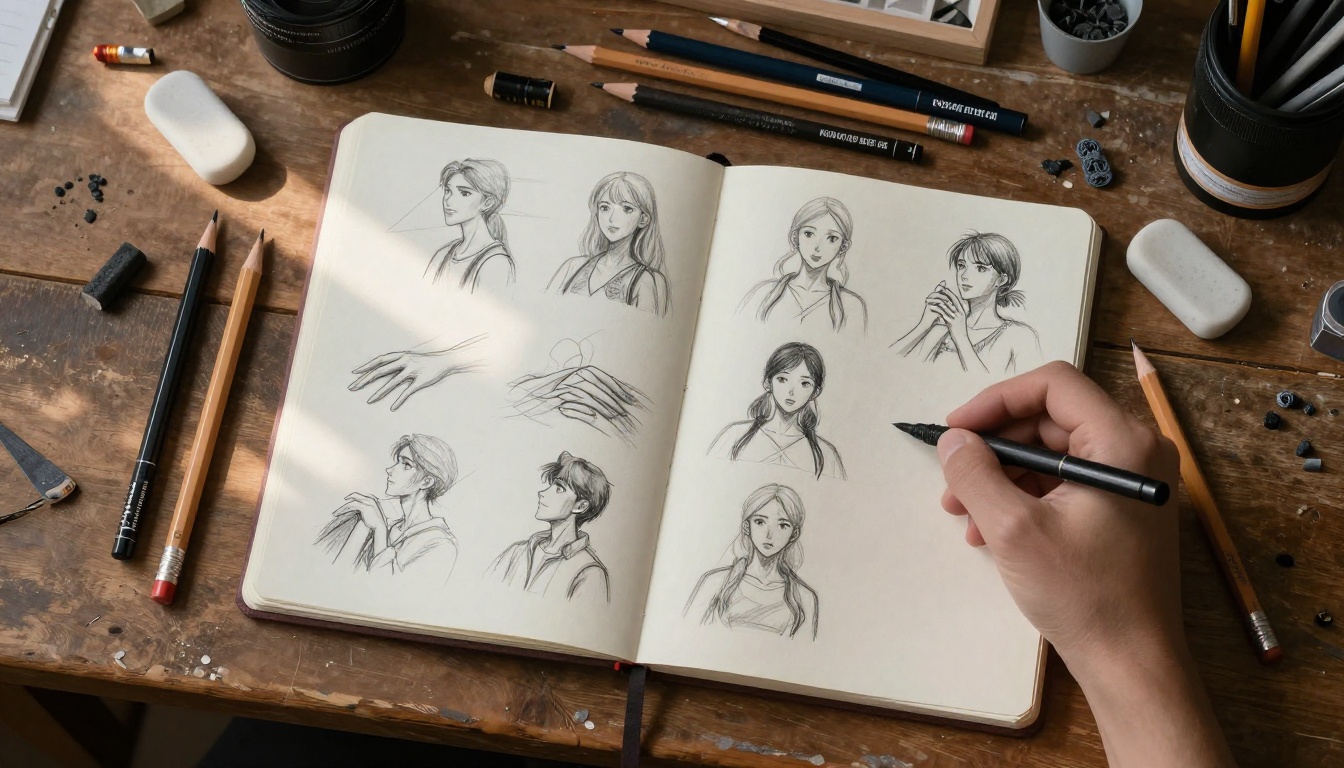
You don't need finished illustrations. Rough pencil sketches, ink studies, and charcoal figures all translate well. The rawness of hand-drawn work is often what makes a sketch flipbook feel alive and human in ways that polished digital animation simply cannot replicate.
Preparing Your Sketches
Paper vs. Digital Sketches
The first decision you'll face is whether you're working with physical paper sketches or digital drawings. Both paths lead to the same destination, but the preparation steps differ.
| Aspect | Paper Sketches | Digital Sketches |
|---|
| Capture method | Flatbed scanner or camera | Export directly as image files |
| Resolution | 300+ DPI recommended | 72-150 DPI typically sufficient |
| Consistency | Varies by scanning setup | Always consistent |
| File format | JPEG, PNG, TIFF | PNG, PDF, JPEG |
| Editing needed | Often (brightness, contrast) | Minimal |
| Time investment | Moderate to high | Low |
| Character | High, organic feel | Depends on tools used |
Paper sketches tend to have more visual character because they carry the physical qualities of the medium: paper grain, pencil texture, eraser marks, and natural imperfections. These aren't flaws. They're what make hand-drawn flipbooks feel tactile and real.
Scanning and Organizing Your Frames
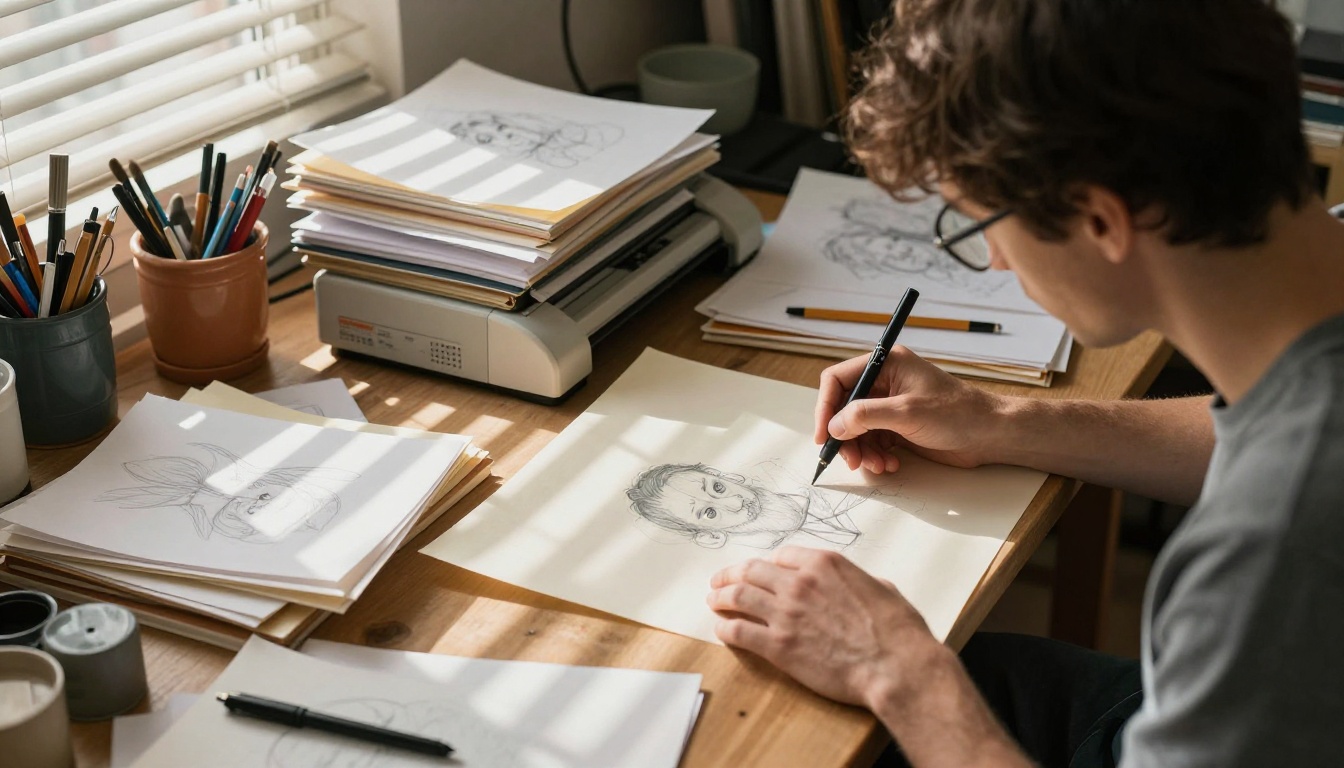
Once you've decided to work with physical sketches, scanning them properly is the most critical step. A poorly scanned page ruins everything downstream.
Scanner settings that actually work:
- Set resolution to 300 DPI minimum (600 DPI for detailed linework)
- Scan in grayscale if your sketches are pencil or ink only
- Use color scanning if you've added watercolor, marker, or colored pencil
- Keep the lid pressure consistent to prevent page curl distortion
- Name files sequentially:
frame_001.jpg, frame_002.jpg, etc.
After scanning, batch-edit your files to normalize brightness and contrast. This step ensures each frame looks visually consistent when someone flips through the pages. A free tool like GIMP handles this well. Professional artists often use Adobe Lightroom for batch corrections.
⚠️ Watch out for shadow creep near the spine of a sketchbook. If you're scanning bound books rather than loose sheets, the inner edge often goes darker. Correct this before assembling your flipbook.
Once scanned and edited, arrange your files in a folder in the exact sequence you want readers to experience. Alphabetical or numerical naming keeps things orderly and prevents frame order mistakes.
How Many Frames Do You Need?
This question comes up constantly, and the answer depends on what you're trying to achieve.
| Goal | Minimum Frames | Recommended | Notes |
|---|
| Simple motion loop | 8-12 | 16-24 | Walking cycles, bouncing ball |
| Short animation (3-5 sec) | 24 | 48-72 | At 12fps, smooth motion |
| Character expression sequence | 6-8 | 12-16 | Subtle emotional shifts |
| Still study series | 5-8 | 10-20 | Different angles, lighting |
| Full short story | 40-60 | 80-120 | With scene changes |
| Portfolio showcase | 15-20 | 25-40 | Multiple artworks, one per page |
Frame Rate and Smoothness
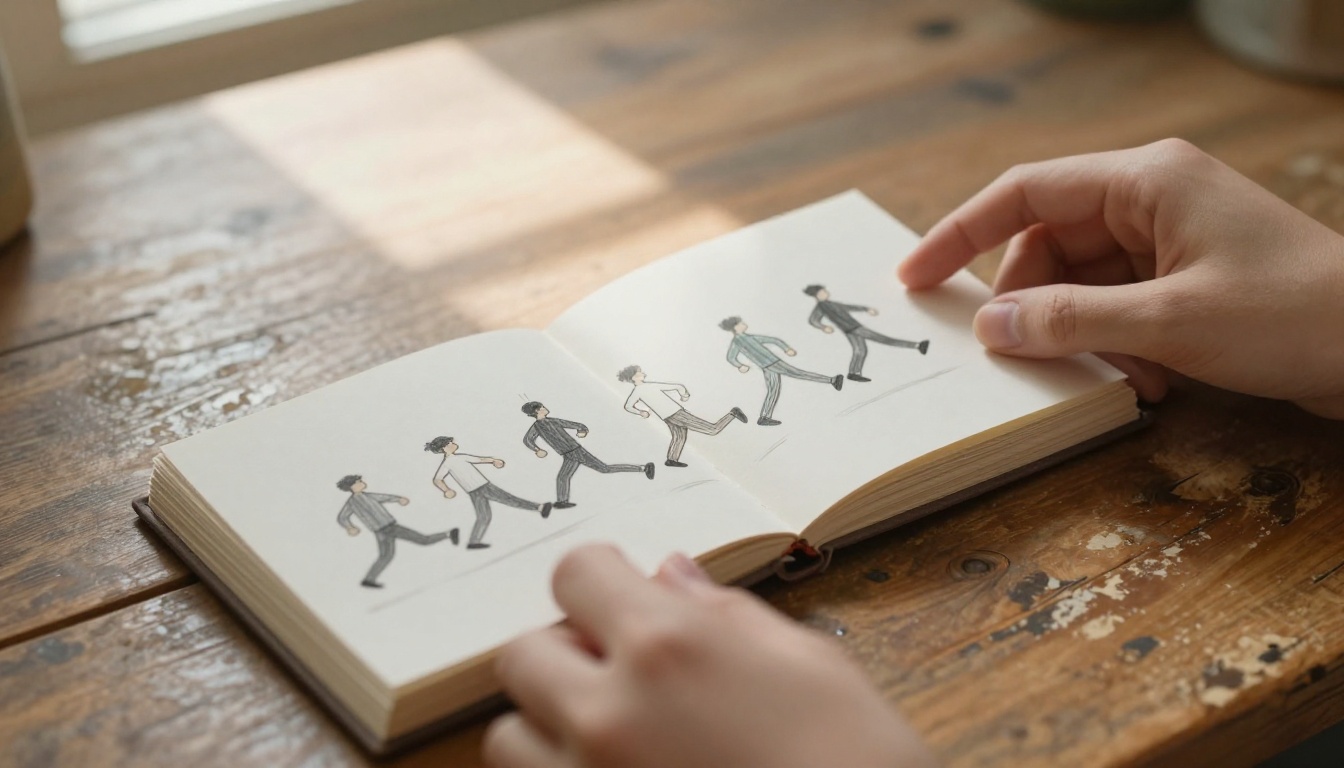
Traditional hand-drawn animation runs at 12 or 24 frames per second. For a physical flipbook, you're flipping manually, which typically means somewhere between 6 and 15 frames per second depending on how fast your thumb moves. For a digital flipbook, the reader controls pacing entirely.
This means you have more creative freedom than you might think. A digital flipbook doesn't need 24 frames per second of animation to be compelling. Some of the most striking digital sketch flipbooks work at very low frame rates because the reader slows down to study each drawing.
💡 If your sequence has fewer frames, write a note or caption at the beginning encouraging readers to flip slowly. It changes the entire experience.
PDF Conversion for Flipbooks
Most professional flipbook platforms, including Flipbooks AI, work with PDF files as the primary input format. This means your sequence of sketch images needs to become a single PDF before upload.
Converting images to a PDF is straightforward:
- On Mac: Select all images in Finder, right-click, choose "Quick Actions" then "Create PDF"
- On Windows: Print to PDF using Microsoft Print to PDF, or use Adobe Acrobat
- Free tools: SmallPDF, ILovePDF, or Canva's PDF builder all work well
- Professional option: Adobe InDesign gives you the most control over page size and bleed
Image Formats That Work Best
| Format | Pros | Cons | Best For |
|---|
| PNG | Lossless, transparent bg | Large file sizes | Clean linework, logos |
| JPEG | Small file, fast export | Compression artifacts | Photographs, shaded work |
| TIFF | Maximum quality | Very large files | Archive/print quality |
| PDF | Ready for upload | Requires conversion step | Final flipbook upload |
| WebP | Modern, efficient | Less universal support | Web-first projects |
For pencil sketches specifically, PNG at 300 DPI gives you the cleanest result before converting to PDF. The lossless compression preserves every graphite nuance without JPEG's tendency to smear fine linework.
How to Create a Flipbook with Flipbooks AI
This is where everything comes together. Flipbooks AI provides a purpose-built platform for converting PDFs into fully interactive, shareable digital flipbooks with page-turn animations that work beautifully on desktop, tablet, and mobile.
Setting Up Your Account
Start by visiting flipbooksai.com/account to create your free account. The setup takes less than two minutes and gives you immediate access to the flipbook creator. You won't need a credit card for the free tier.
Once inside your dashboard:
- Click "New Flipbook" from the main navigation
- Give your flipbook a name (this is internal only, not the public title)
- Select your preferred canvas size (standard, widescreen, or square)
- Choose your initial color theme
✅ Standard (A4/Letter) works best for sketch-based flipbooks because it mimics the proportions of most sketchbooks and drawing pads.
Uploading Your Sketches
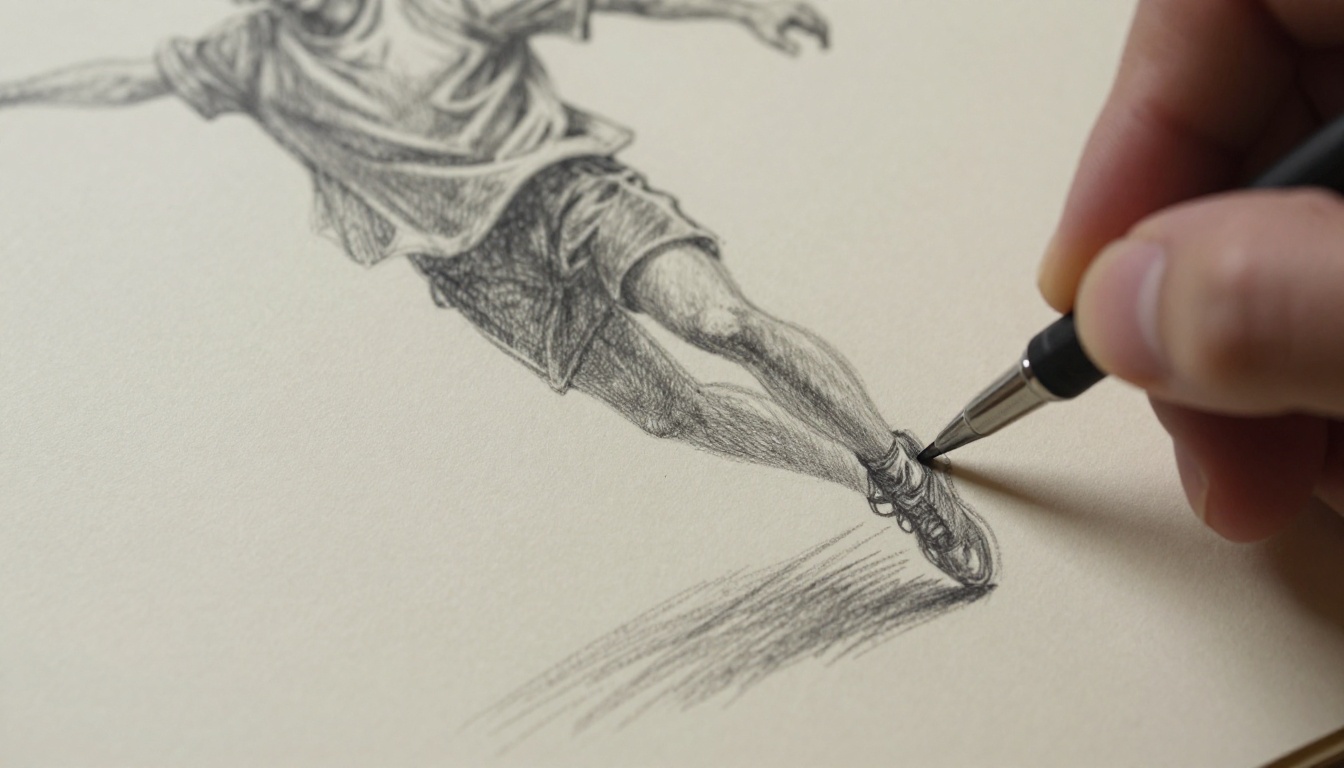
With your PDF ready, the upload process is simple:
- Click "Upload PDF" in the flipbook editor
- Drag your PDF into the upload zone or browse to select it
- Wait for processing (usually 10-30 seconds depending on page count)
- Preview your flipbook with the automatic page-turn animation
- Verify that frame order is correct before proceeding
The platform automatically generates the page-flip animation, so there's nothing to configure. Every page of your PDF becomes a frame of your digital flipbook, complete with that satisfying physical page-turn effect.
⚠️ If your frame order looks wrong after upload, the issue is almost always the order of images when you created the PDF. Re-export your PDF with corrected file ordering and re-upload.
Customizing Your Flipbook
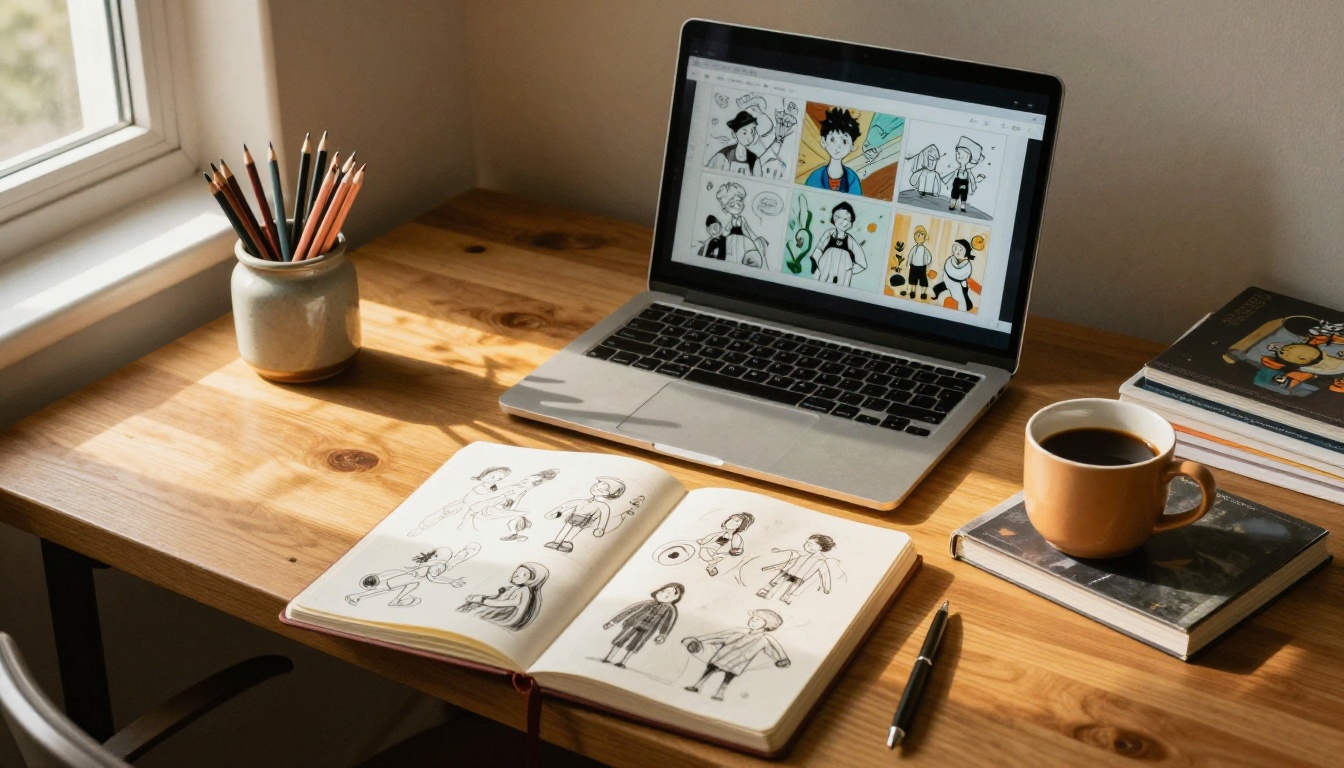
After upload, you have a full suite of customization options:
Visual customization:
- Background color: Choose a neutral color that complements your sketch style (off-white, light gray, or warm cream work well with pencil drawings)
- Page shadow: Adds depth to the page-turn effect
- Cover design: Set a custom thumbnail using your best sketch from the sequence
- Brand colors: Match your portfolio colors if embedding on a personal site
Interactive features:
- Add a title page with your name and the project description
- Include a short introduction as the first "page" before the sketches begin
- Embed a contact link or watermark
The Digital Portfolio Creator and Portfolio Flipbook Builder tools offer templates specifically designed for artists showcasing visual work, which can save significant setup time.
Sharing Your Flipbook

Once your flipbook looks right, sharing options are extensive:
- Direct link: A unique URL you can share via email, social media, or messaging apps
- Embed code: Drop an
<iframe> snippet into any website or portfolio platform
- Password protection: Lock your flipbook with a password for private sharing or client review
- QR code: Generate a scannable code to include on business cards or printed materials
- Offline downloads: Export as an offline-viewable file (available on Standard plan and above)
For artists building a digital portfolio, the embed option is especially powerful. You can host your flipbook on Flipbooks AI and embed it directly into your personal website, Squarespace, Wix, or WordPress portfolio with a single paste.
The Professional plan at flipbooksai.com/pricing adds analytics so you can see how many people have viewed your flipbook, which pages they spent the most time on, and where traffic is coming from. For freelance artists using their flipbook portfolio to attract clients, this data is genuinely useful.
Real-World Uses for Sketch Flipbooks
Artist Portfolios
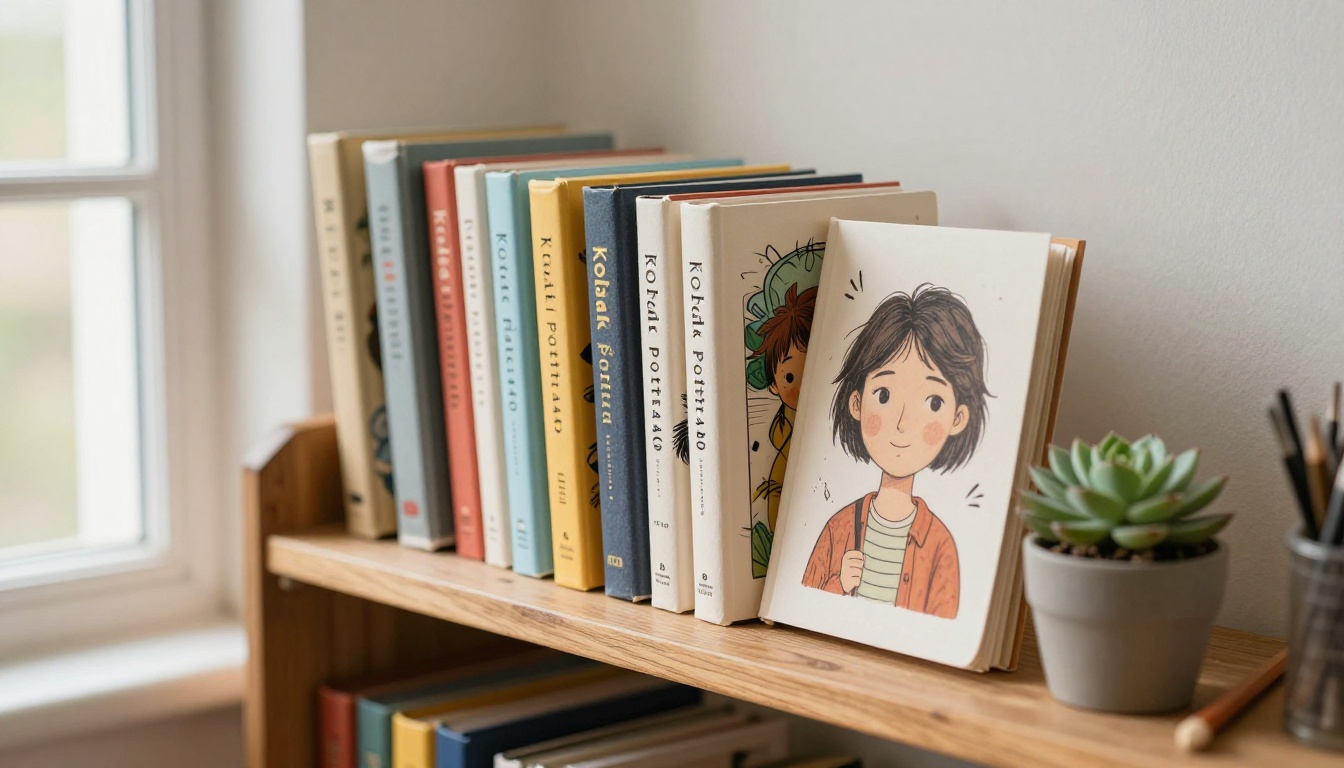
A sketch flipbook is one of the most distinctive things you can include in a creative portfolio. While other artists are sending PDF attachments or linking to static image galleries, a flipbook lets potential clients, art directors, or schools experience your work rather than just view it.
Practical portfolio applications:
- Character design sheets: A flipbook showing a character rotating 360 degrees across 12-24 frames
- Concept development: Rough sketches evolving from initial idea to refined concept across pages
- Style range: Multiple drawings per page showing versatility across different styles
- Process documentation: From blank page to finished sketch, one stage per frame
The Photography Portfolio tool also adapts well to illustration-heavy portfolios if you want a more structured starting template.
💡 Animation studios and game studios in particular respond well to flipbook portfolios because it demonstrates that you think in sequences rather than single images.
Personal Projects and Gifts
Not every flipbook needs a professional purpose. Some of the most creative uses for sketch-to-flipbook conversion are deeply personal:
- Animated birthday cards: Draw a 12-frame animation by hand and share the link
- Family storybooks: Illustrated stories for children, distributed as flipbooks instead of printed books
- Travel journals: Sequential sketches from a trip assembled into a document that plays like a visual diary
- Sketchbook archives: Preserving years of sketchbooks as browsable digital flipbooks before the paper deteriorates
The Wedding Album Flipbook template works surprisingly well for illustrated personal projects, providing a polished framework that artists can populate with original sketches instead of photographs.
Education and Storytelling
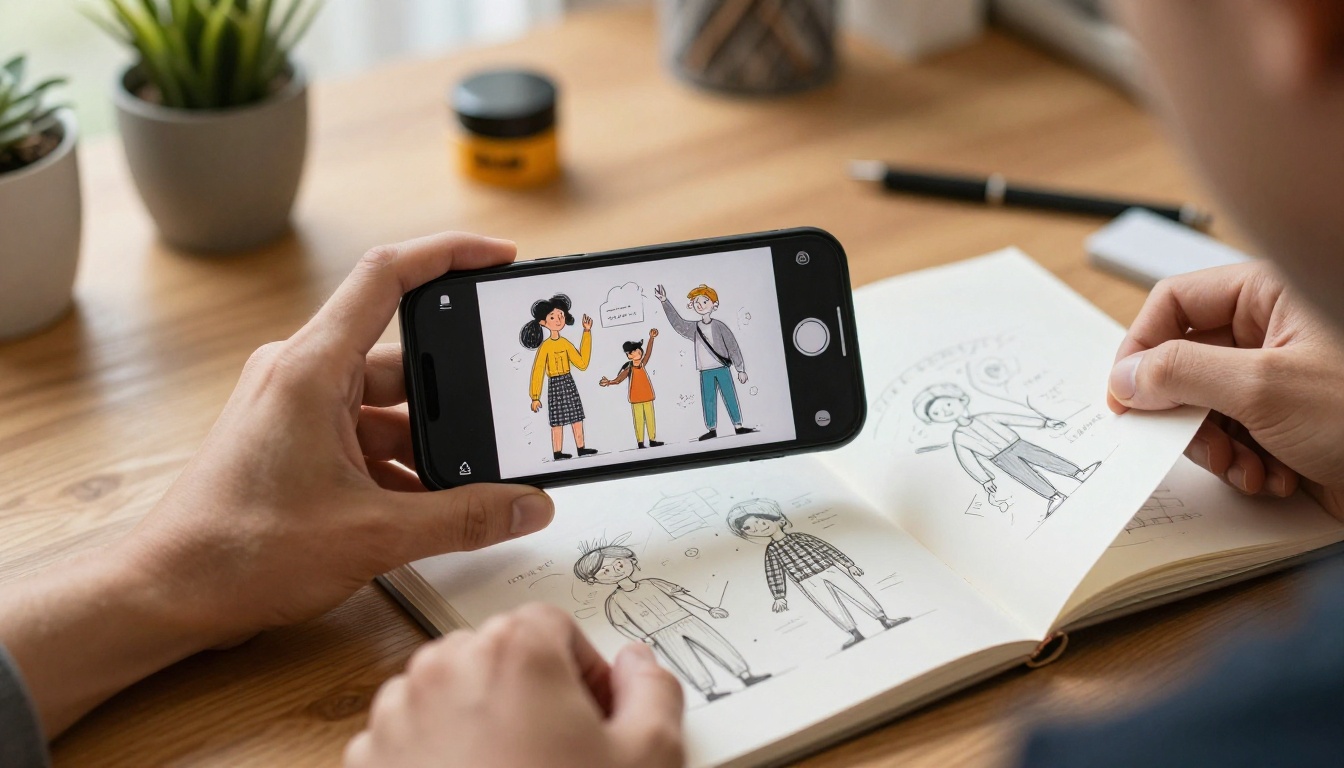
Sketch flipbooks have strong applications in educational contexts. Animation teachers use them to demonstrate frame-rate concepts. Illustrators teaching online courses distribute process flipbooks as supplementary material. Students submit flipbook assignments digitally rather than mailing physical books.
The Training Manual Flipbook and Course Material Publisher tools provide structured templates for educational content, even when the core content is hand-drawn rather than type-based.
Educational use cases by format:
| Context | Flipbook Type | Best Tool |
|---|
| Animation class assignment | Motion sequence sketches | Portfolio Flipbook Builder |
| Illustrated lesson plan | Diagram sequence | Course Material Publisher |
| Student portfolio review | Mixed media sketches | Digital Portfolio Creator |
| Art club newsletter | Illustrated updates | School Newsletter Creator |
| Process documentation | Step-by-step sketches | Training Manual Flipbook |
Take Your Sketches Further
The gap between a sketchbook sitting on a shelf and an interactive flipbook that people can actually experience is smaller than it has ever been. The workflow is genuinely accessible: scan your drawings, convert them to PDF, upload to Flipbooks AI, and share a link.
What you get on the other end is something that honors the effort that went into each individual drawing. The page-turn animation gives hand-drawn work the physical, tactile quality it deserves in digital form. People flip through it the way they would a real sketchbook, which is exactly how you want them to engage with it.
Ready to see your sketches come alive? Create your free account on Flipbooks AI and upload your first sketch sequence today.
Browse the full tools directory to find the right template for your project, whether that's an artist portfolio, an educational resource, or a personal creative project. If you're ready to access analytics, password protection, and offline downloads, check out the pricing plans to find the option that fits your workflow.
Your drawings are already done. Now let people flip through them.



