The way people consume content has shifted dramatically over the past decade. Audio has become one of the most accessible and convenient formats available, and if your flipbook is still text-only, you are leaving a significant portion of your audience behind. Whether it is a training manual, a product catalog, an e-book, or an interactive magazine, adding an audio layer to your digital publication makes it usable by everyone: commuters, people with visual impairments, multitaskers, and those who simply prefer to listen.
Flipbooks AI lets you embed audio directly into your flipbook pages, giving readers the option to listen instead of reading, or alongside it. This article walks through why it matters, how it works technically, and exactly how to do it step by step.
Why Audio Changes the Way People Read
Who Actually Listens Instead of Reading
Not everyone processes written content the same way. A 2023 Edison Research report found that 57% of Americans aged 12 and older have listened to a podcast, and audio consumption continues to grow year over year. But beyond trends, there are functional reasons why people choose audio over text.
- Commuters who cannot safely focus on a screen while traveling
- People with dyslexia or reading disabilities who process spoken language more comfortably than written words
- Visually impaired users who rely on narration as their primary access point to digital content
- Professionals who want to absorb a training manual or company report while doing something else
- Non-native language speakers who find listening helps them catch pronunciation and meaning more naturally
When your flipbook supports audio, you are not adding a gimmick. You are removing a barrier that was preventing real people from accessing your content.

The Numbers Behind Audio Content
| Audience Segment | Prefer Audio Over Text |
|---|
| Ages 18-34 | 64% |
| Ages 35-54 | 51% |
| Ages 55+ | 38% |
| People with Visual Impairments | 91% |
| Non-native Language Readers | 72% |
These numbers are not abstract. They represent real people who will engage more deeply with your publication if you give them a way to listen.
💡 Even users who can read fluently often retain information better when they hear it simultaneously. Dual-channel content (visual + audio) has been shown to boost information retention by up to 89% according to cognitive load theory research.
How Audio Works Inside a Digital Flipbook
Background Audio vs. Page Narration
There are two distinct ways audio can exist inside a flipbook, and both serve different purposes.
Background Audio plays continuously across all pages of the flipbook. Think ambient music, a soft brand soundscape, or a welcome message that plays once when the reader opens the publication. It sets tone and mood without being content-specific.
Page-Specific Narration means each page or section has its own audio clip. When a reader lands on page 3 of your product catalog, an audio description of that page's featured items plays automatically or on demand. This approach delivers information precisely when it is most relevant.
The best audio flipbooks combine both. Background audio establishes atmosphere while page narration delivers the actual information.
Text-to-Speech vs. Pre-Recorded Voiceovers
| Method | Quality | Cost | Best For |
|---|
| Text-to-Speech (AI) | Good, improving rapidly | Low to free | Large-volume publications |
| Pre-Recorded (Human) | Excellent, most natural | Higher (time or hire) | Brand-facing content |
| Pre-Recorded (DIY) | Variable | Low if done in-house | Internal training, SMB |
| AI Voice Cloning | Excellent | Medium | Consistent brand voice |
⚠️ Avoid relying solely on browser-native text-to-speech for accessibility compliance. It produces inconsistent results across devices and does not meet WCAG 2.1 Level AA standards on its own.
The sweet spot for most businesses is a hybrid approach. Use AI-generated narration for informational pages and record a human voice for introductions, calls-to-action, and emotionally significant sections where authenticity matters most.
How to Add Audio to Your Flipbook with Flipbooks AI
Flipbooks AI makes the process of embedding audio into a flipbook straightforward, even if you have never done it before. Here is the complete step-by-step process.
Step 1: Create Your Account
Head to flipbooksai.com/account and sign up. You can start with a free account to test the platform, then compare plans to see which tier suits your audio publishing needs. The Standard plan and above include unlimited flipbooks with no watermarks, which matters if you plan to publish multiple audio-enabled publications across different campaigns or projects.
Step 2: Upload and Convert Your PDF
Once inside the dashboard, click New Flipbook and upload your PDF. Flipbooks AI's PDF to Flipbook Converter processes the document and creates a page-turning digital format automatically. The conversion preserves your original layout, fonts, and images with no manual formatting required.
💡 Before uploading, make sure your PDF contains selectable text rather than scanned images of text. This improves accessibility and makes it significantly easier to sync narration with specific page content.
Step 3: Embed Audio Per Page or Globally
Inside the flipbook editor, you will find a dedicated audio panel. You have two options:
- Global Background Audio: Upload an MP3 file and set it to play on loop or play once when the flipbook opens. Ideal for ambient music or a short welcome message.
- Page-Specific Audio: Select any individual page, click the audio icon in the editor toolbar, and upload or record a clip specifically for that page. When a reader reaches that page, the audio plays automatically or on click.
Supported formats include MP3 and WAV. Files are hosted on Flipbooks AI's servers, so there is no need to manage external audio hosting or deal with file size limits on your own infrastructure.
Step 4: Customize, Brand, and Publish
After embedding audio, use the customization panel to configure the full experience:
- Set audio controls to auto-play or click-to-play (click-to-play is recommended for accessibility compliance and better user experience)
- Add your brand logo and color scheme using the built-in custom branding tools
- Enable password protection if the flipbook contains confidential or premium content
- Configure sharing settings: direct link, embed code for your website, or a QR code for print materials
When ready, publish. Your audio flipbook is live and can be shared instantly or embedded directly on your website.

MP3 vs. WAV for Web Flipbooks
| Format | File Size | Quality | Web Compatibility | Best Use |
|---|
| MP3 (128kbps) | Small | Good | Universal | Voice narration |
| MP3 (320kbps) | Medium | Excellent | Universal | Music, soundscapes |
| WAV | Large | Studio-grade | Good (not all mobile) | Source files, editing only |
| OGG | Small | Good | Firefox/Chrome only | Not recommended |
| AAC | Small | Very good | iOS/macOS native | Mobile-first content |
For most flipbook audio narration, MP3 at 192kbps hits the optimal balance. It delivers clear, natural-sounding voice narration at a file size that loads quickly even on slower mobile connections.
File Size and Loading Speed
Audio files that are too large will slow your flipbook, increasing the chance readers abandon the page before content loads. Here is a practical size target for each type:
- Per-page narration clips: Keep under 500KB per clip, which covers roughly 30-60 seconds of speech at 128kbps
- Background music loops: Keep under 2MB for a 2-3 minute loop
- Full chapter narration: Keep under 5MB per chapter to maintain load performance on all devices
✅ Edit your audio files before uploading. Remove silence at the start and end of each clip, normalize volume levels, and apply light noise reduction. Free tools like Audacity handle all of this without any cost.
Real Uses for Audio Flipbooks
Training Manuals with Voiceover
HR teams and learning and development departments are among the most consistent users of audio flipbooks. A training manual with embedded narration lets employees absorb onboarding content during commutes, at their own pace, without needing to actively read from a screen at all times.
With Flipbooks AI's Training Manual Flipbook tool, you can convert existing training PDFs into interactive flipbooks and layer audio instructions directly on top. The result is a living document that guides the reader rather than a static PDF that gets skimmed and set aside.
Product Catalogs with Audio Descriptions
Retail brands use audio-enabled catalogs to create an experience closer to in-store shopping. A narrated description of a product, its materials, dimensions, and benefits gives online shoppers more context than images and text alone can provide.
The Digital Catalog Maker and Fashion Catalog Creator both support embedded multimedia. A fashion brand can narrate styling tips page by page. A furniture retailer can describe materials and dimensions while readers browse product photos at their own pace.
Interactive Children's Books
Children's publishers and educators use audio-enhanced flipbooks to create read-along experiences. Page-by-page narration that tracks with the text replicates the experience of being read to aloud, which research consistently links to stronger early reading development in young children.
The Course Material Publisher and School Newsletter Creator tools make it straightforward for educators to build audio-integrated content for both classroom and home use.

Accessibility for Visually Impaired Readers
For many users, audio is the only way they can access your content at all. Visually impaired readers rely on screen readers or audio narration to consume digital publications. A standard PDF or a static image-based flipbook fails these users entirely.
An audio flipbook built with proper accessibility in mind gives visually impaired users the same information at the same time as everyone else. In many jurisdictions, digital accessibility is not just good practice. It is a legal requirement for public-facing content under laws like the ADA in the United States and the European Accessibility Act.
💡 Always pair embedded audio with visible, clearly labeled audio controls. Never auto-play audio without a stop button the user can easily find and activate. This is both a UX best practice and a WCAG 2.1 Level A requirement.
Accessibility Standards Worth Knowing
WCAG Guidelines for Audio Content
The Web Content Accessibility Guidelines (WCAG) 2.1 set the global standard for digital accessibility. Here is what Level AA compliance requires for audio content specifically:
| WCAG Criterion | Requirement | Level |
|---|
| 1.2.1 Audio-only | Provide a text alternative for audio-only content | A |
| 1.2.2 Captions | Captions required for prerecorded audio in video | A |
| 1.2.3 Audio Description | Provide audio description or text alternative | A |
| 1.4.2 Audio Control | Users must be able to pause or stop any playing audio | A |
| 1.2.5 Audio Description | Extended audio description for prerecorded multimedia | AA |
The most critical for flipbooks: criterion 1.4.2. Auto-playing audio that cannot be easily stopped by the user fails accessibility compliance and frustrates users regardless of ability level.
Screen Reader Compatibility
Screen readers like JAWS, NVDA, and Apple VoiceOver work by parsing the DOM structure of web pages. A well-built digital flipbook exposes its content to screen readers via ARIA labels and proper semantic HTML, meaning even without embedded audio, content can be accessed via the reader's own screen reader software.
Audio narration and screen reader compatibility serve related but different audiences. A user with low vision may use a screen reader for navigation and still benefit from human-narrated page content for richer contextual detail. These two accessibility layers work together rather than replacing each other.
What Analytics Tell You
Publishing an audio flipbook without measuring how people use it is like running an advertisement without checking how many people saw it. Flipbooks AI's Professional plan includes built-in analytics that track:
- Page view duration: how long readers spend on each individual page
- Interaction events: clicks on audio controls, play and pause actions, volume adjustments
- Drop-off points: where readers stop engaging and leave the flipbook
- Device breakdown: mobile vs. desktop vs. tablet consumption patterns
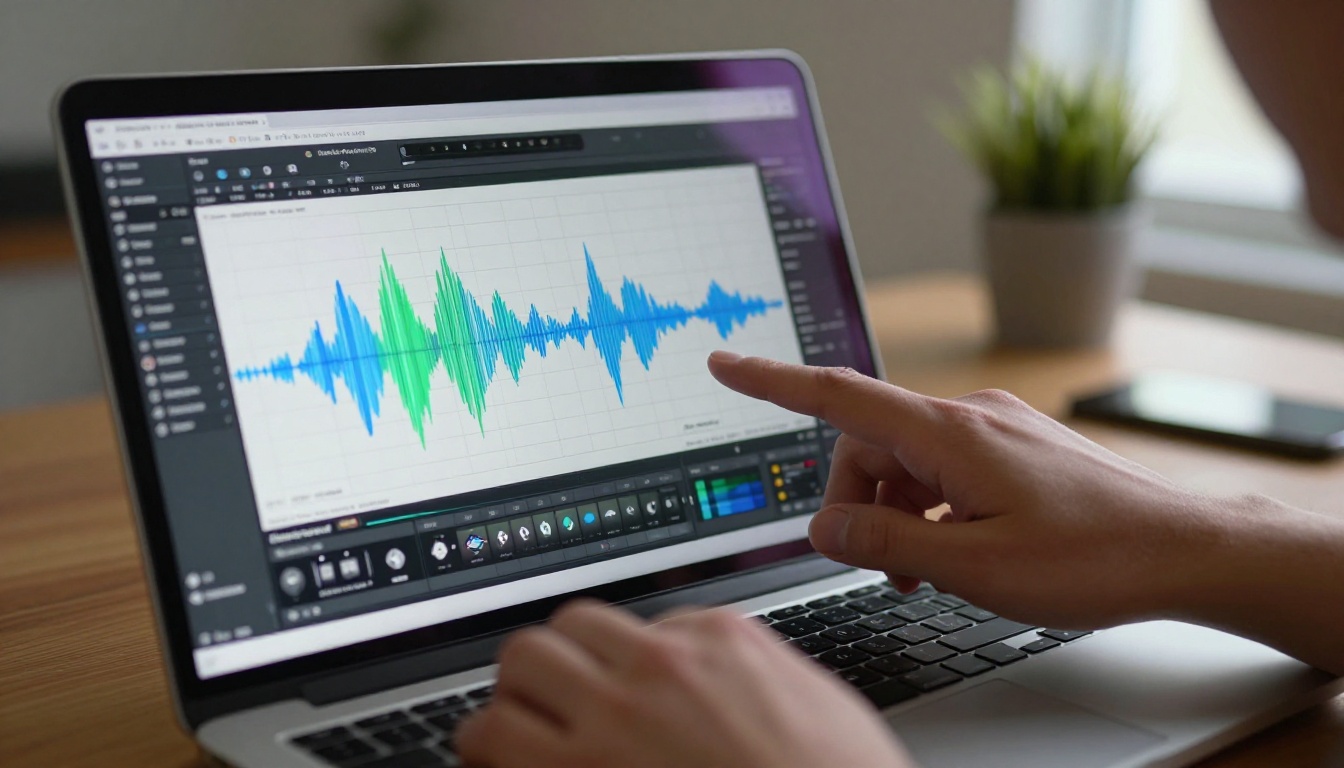
When you overlay audio play events against page view duration data, you can see clearly whether your narration is keeping readers on each page longer or whether it is being consistently skipped.
Improving Audio Retention Rates
If your analytics show listeners dropping off early or skipping audio clips consistently, these adjustments tend to produce results:
- Shorten narration clips to 30-45 seconds per page maximum. Readers will not wait for a 3-minute monologue while looking at a single catalog spread.
- Match narration pace to reading speed. If narration is noticeably slower than a natural reading pace, users tune out before the clip ends.
- Vary vocal tone throughout the recording. Monotone delivery loses attention fast. Coach human narrators for emphasis and energy at the right moments.
- Test auto-play against click-to-play using your analytics data. Some audiences appreciate control over when audio starts. Others prefer it beginning automatically when a page loads.
Audio Flipbooks by Industry
Different industries use audio flipbooks in different ways. Here is a practical breakdown of the most common applications and the tools that support them:
The pattern is consistent across every sector. Any content type that benefits from explanation, emotional tone, or accessibility gains something tangible from an audio layer. A real estate brochure that narrates neighborhood details feels more like a personal tour than a static document. A narrated annual report that speaks numbers aloud is far more digestible for stakeholders who are listening on a commute than a dense PDF.

Start Publishing Your Audio Flipbook Now
Adding audio to a flipbook is no longer a technical challenge reserved for developers or media production teams. It is a straightforward feature that expands your audience, improves accessibility, and makes your publications more memorable. The difference between a text-only flipbook and a narrated one is the difference between handing someone a brochure and walking them through it yourself.
If you are ready to make that shift, create your account on Flipbooks AI and start with the free plan. Upload your first PDF, add a voice clip or a background audio track, and see the difference for yourself.
Want to see which plan fits your publishing volume and feature needs? Compare all pricing options and find the right fit for your team or business.
Browse the full list of flipbook tools and templates to find the right starting point for your specific industry and content type.



