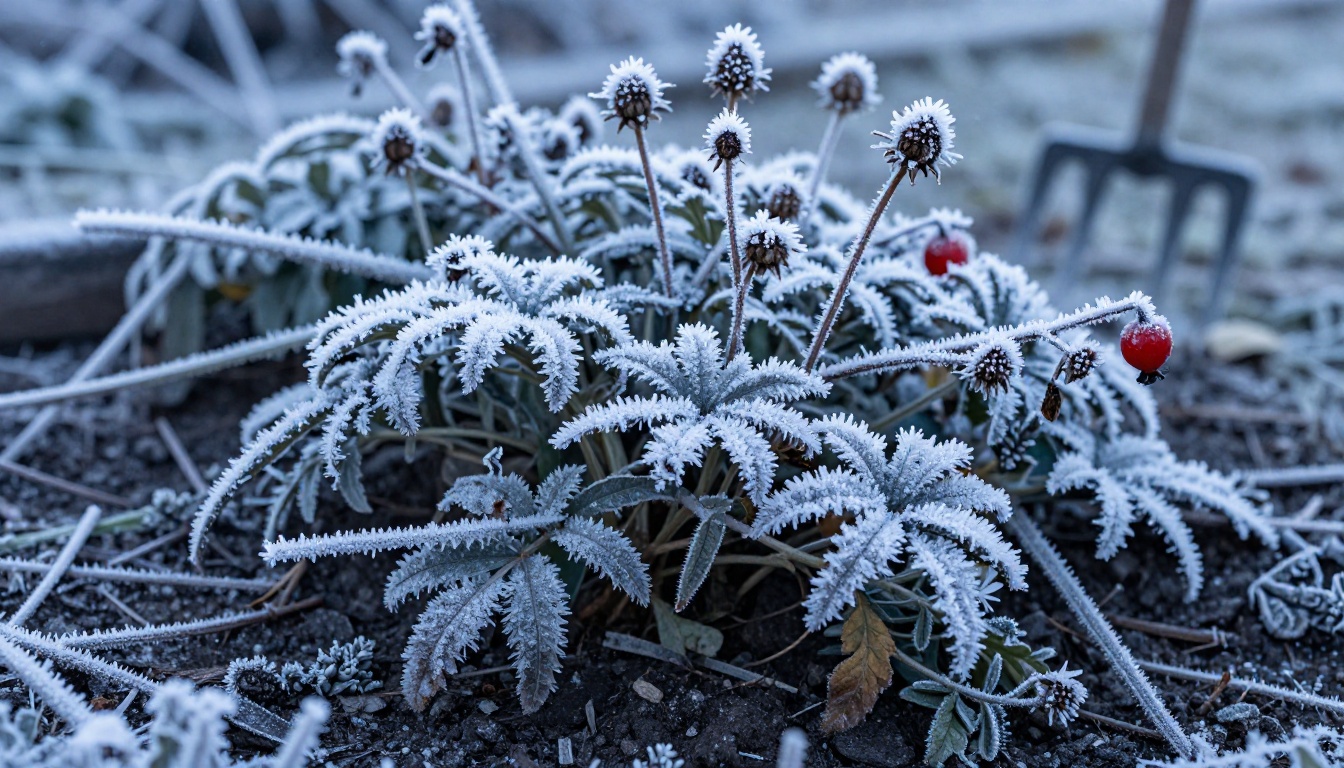
Your garden looks completely different in March than it does in July, and by October it has changed again entirely. Most people capture these moments somewhere in their phone gallery, buried between restaurant photos and screenshots, never organized and rarely revisited. There is a better way. Flipbooks AI lets you compile your seasonal garden photography into a living, interactive flipbook that people can actually flip through, page by page, season by season. Whether you grow vegetables, cultivate a flower garden, or maintain a small balcony full of herbs, this format turns scattered photos into a coherent, shareable story with real narrative weight.
Why Garden Photos Get Lost
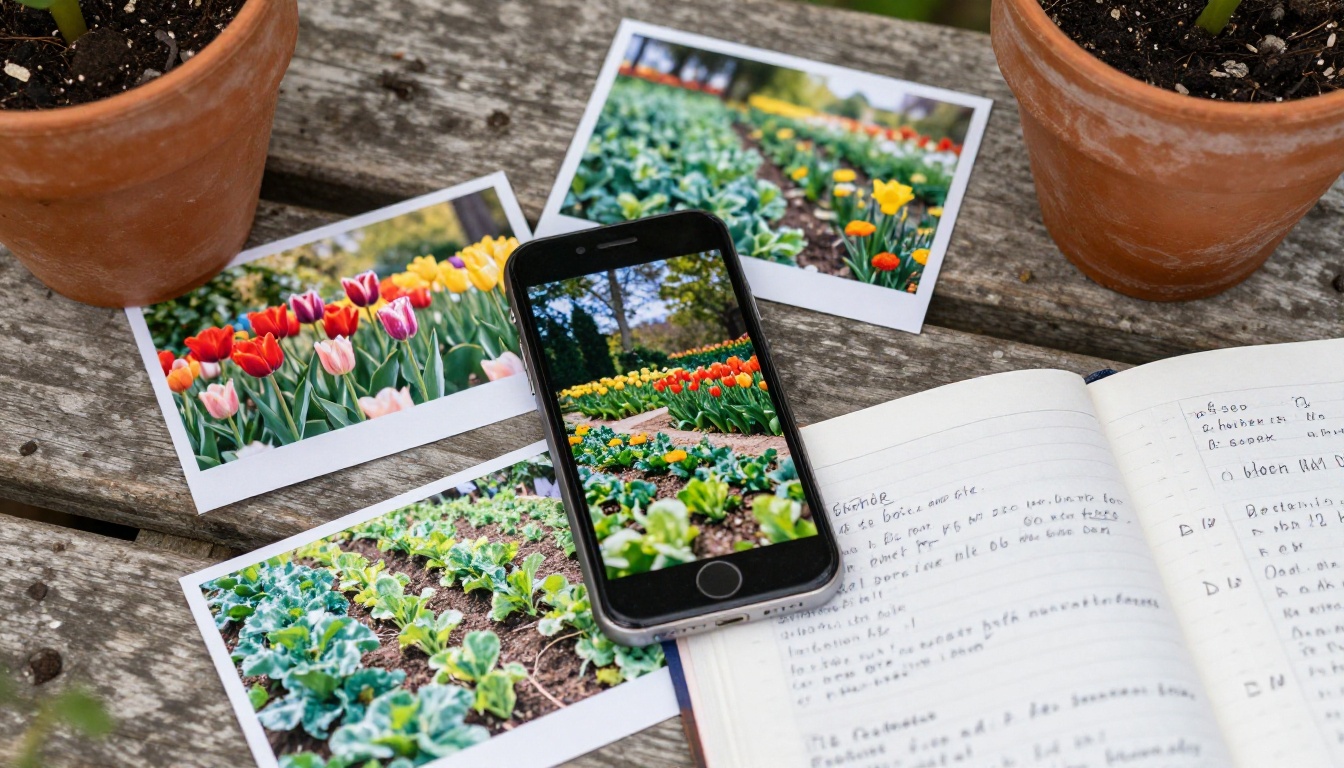
Your phone camera captures thousands of moments every year. The problem is not a shortage of photos. It is that photos without structure carry no narrative. A garden in April is a completely different subject than the same garden in September, but when both images live in an unsorted gallery, neither one means very much. Most people scroll past their own garden photos without stopping, because a thumbnail offers no context and no story.
Physical photo albums once solved this problem. You arranged prints in a book, by date or season, and the sequence created meaning. The digital equivalent, folders on a hard drive or a shared photo album link, lost the feeling of a book entirely. A seasonal flipbook brings that experience back, with the added benefit of being shareable with anyone on any device, with no app required and no download necessary.
The Four-Season Problem
Gardeners know their space is never static. What you plant in spring shapes what you harvest in summer. What you cut back in autumn determines how the garden wakes up the following year. Documenting that cycle properly requires at least one dedicated photo session per season, but most gardeners shoot sporadically and never assemble the results into anything organized or permanent.
The seasonal flipbook format solves this by giving each season its own chapter. The reader moves through the garden's year in a way that mirrors how it actually unfolds, with a clear transition between each season's distinct mood, palette, and subject matter.
What a Seasonal Garden Flipbook Looks Like
A well-built seasonal garden flipbook is not a slideshow. It is a structured document with chapters, and each season functions as a chapter with its own atmosphere and photographic focus. Think of it as a garden journal where photographs do most of the storytelling.
Organize by Season, Not by Date
The instinct is to sort photos chronologically, but the stronger approach is to group by season first, then by date within each season. This creates the rhythm a flipbook needs: a distinct shift in feeling as the reader moves from spring pages into summer, then into the warm tones of autumn and the quiet stillness of winter.
The Four-Chapter Structure
Here is a practical structure that works for almost any garden type:
| Season | Months | Mood | Main Subjects |
|---|
| Spring | March, April, May | Fresh, hopeful, pale greens and pinks | New shoots, bulbs, blossom, soil preparation |
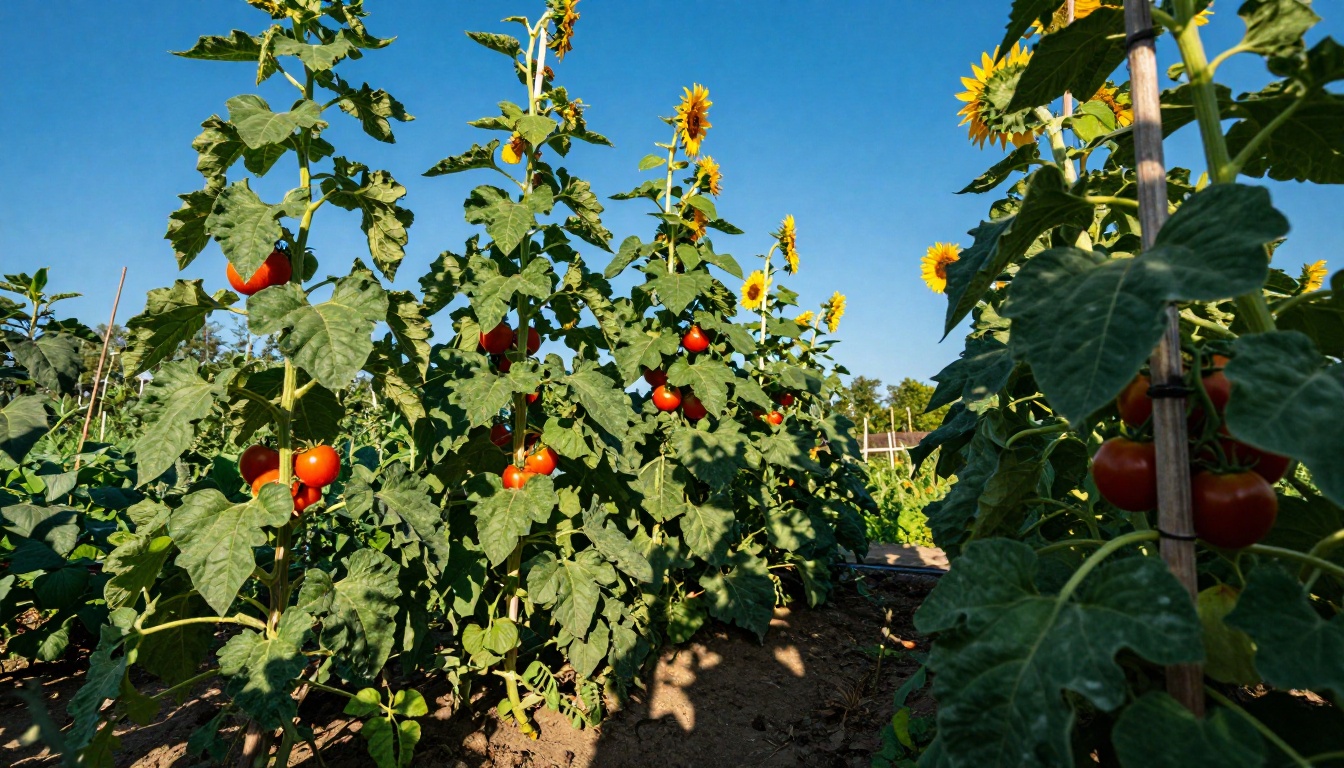
| Summer | June, July, August | Abundant, warm, vivid greens and brights | Full blooms, vegetables, wildlife, harvest |
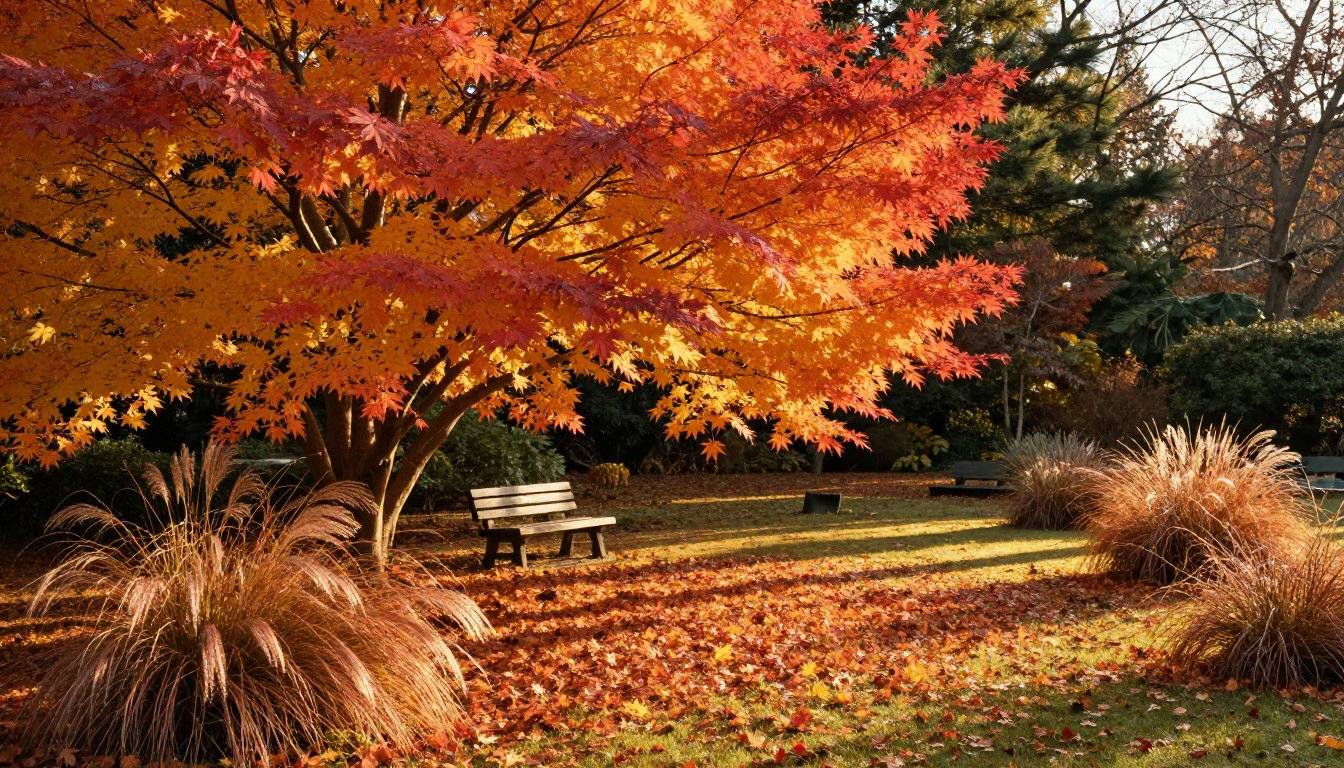
| Autumn | September, October, November | Nostalgic, rich, amber and burgundy | Turning leaves, seed heads, final harvests, clearing |
| Winter | December, January, February | Quiet, stark, monochrome | Frost patterns, structure, bare branches, evergreens |
Each chapter should open with a wide-angle establishing shot of the whole garden, move into close-ups of specific plants, and close with a detail shot that captures the season's texture, whether that is frost crystals, ripe fruit, or freshly turned soil.
How Many Photos Per Season
A practical target is 8 to 12 photos per season, giving you 32 to 48 pages in total. That is enough to tell a proper story without padding. If you have more candidates than that, curate ruthlessly. Duplicates and near-identical angles dilute the narrative and reduce the impact of the images that actually deserve to be seen.
Shooting Your Garden for Flipbook Use
Most garden photography advice focuses on getting a single attractive image. Flipbook photography is slightly different because you are building a sequence. Every image needs to work as part of a series, not just as a standalone photograph.
The Best Time to Shoot Each Season
Timing has an enormous effect on garden photography. Here is when to go outside with your camera across the year:
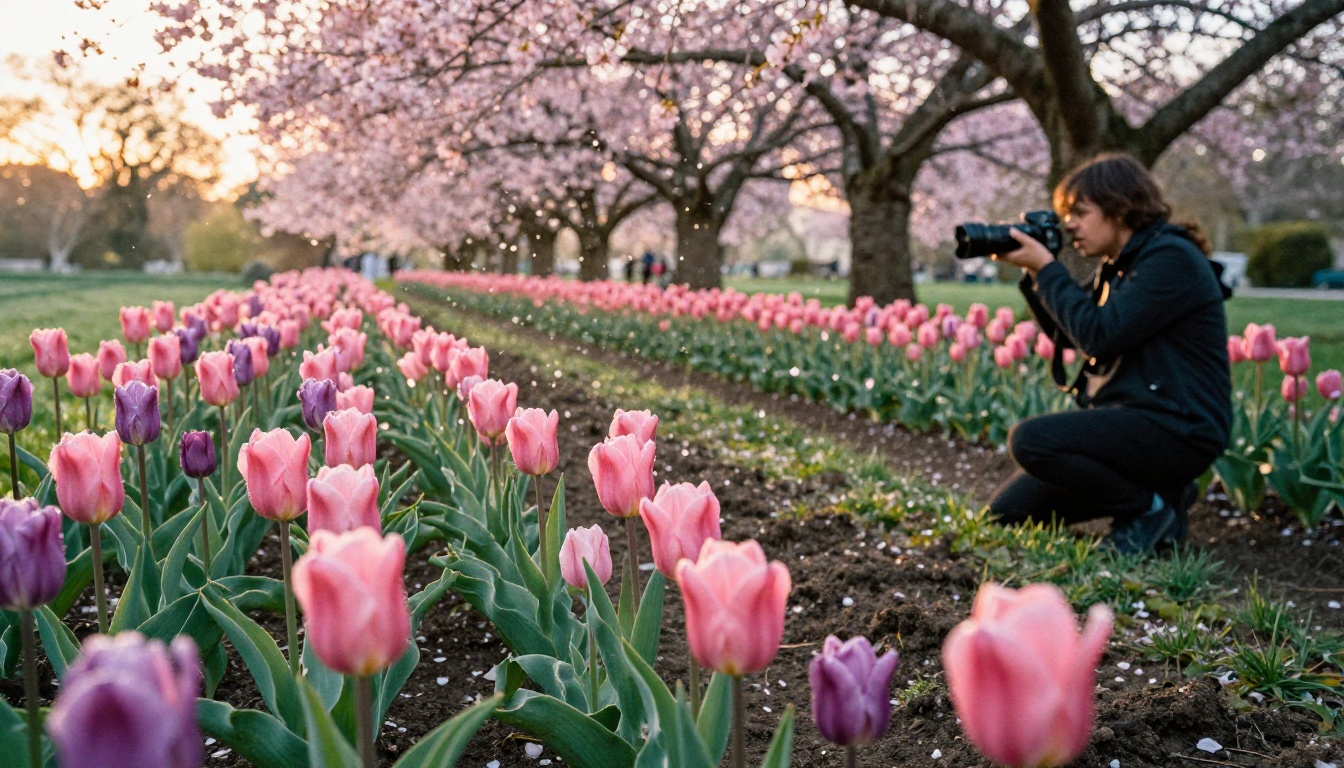
- Spring: Early morning, within an hour of sunrise. Dew is still on petals, light is soft and directional, shadows are long and gentle. Overcast spring days are ideal for detail work.
- Summer: Golden hour only. Midday summer light is harsh and flattens color. Shoot in the last two hours before sunset, or in the first hour after sunrise for the best results.
- Autumn: Mid-morning to noon. The low-angle autumn sun creates beautiful rim lighting through turning leaves. The window before leaves fall is short, so aim for weekly sessions through October.
- Winter: As early as possible on frost mornings. Frost disappears quickly once sunlight hits it directly, so be outside before 9am. Overcast winter days produce excellent flat light for macro detail work.
Camera Settings That Actually Work
You do not need professional gear. A modern smartphone on manual or pro mode is capable of producing flipbook-worthy images. These are the settings that matter most by season:
| Setting | Spring | Summer | Autumn | Winter |
|---|
| ISO | 100-200 | 100 | 200-400 | 400-800 |
| Aperture | f/4 to f/8 | f/5.6 to f/11 | f/2.8 to f/4 | f/4 to f/8 |
| White Balance | Daylight | Daylight | Cloudy | Cloudy or Shade |
| Focus Mode | Single | Single | Single | Macro |
💡 For smartphone users: shoot in RAW format if your phone supports it, and keep editing minimal. Over-processed garden photos look artificial when placed in a sequential flipbook, where the eye picks up inconsistencies across pages instantly.
Beyond Flowers: What Else to Capture
Flowers are obvious subjects, but the most compelling seasonal garden flipbooks include details that most photographers overlook:
- Soil and ground level: Freshly turned compost, emerging seedlings, worm casts after rain, the texture of mulch in different seasons
- Tools and hands: A worn glove, a trowel pushed into soil, seeds held in an open palm
- Wildlife: Bees on lavender, a robin on a frost-covered fence post, slug trails on a cabbage leaf
- Weather effects: Rain beads on broad leaves, steam rising from a warm compost heap in cold air, ice on a ceramic birdbath
- Progression shots: The same corner of the garden photographed from the exact same angle and position each month creates a remarkable time-lapse sequence across your flipbook pages
Building Your Flipbook Step by Step
Once your seasonal photo collection is ready, putting the flipbook together is a straightforward process. Here is how to go from a folder of images to a published, interactive seasonal album.
Step 1: Curate and Sort Your Photos
Start with one folder per season. Drag every candidate photo into its relevant season folder. Then apply a simple rating system internally: must-include shots go in a finals folder, good-but-optional shots go into a reserve folder, and everything else can be archived. Aim to select no more than 12 photos per season for the final flipbook.
⚠️ Do not include blurry, poorly lit, or compositionally weak photos just to fill pages. A 30-page flipbook of strong images is far more powerful than a 60-page flipbook padded with mediocre shots.
Step 2: Create Your PDF Layout
The easiest way to build the PDF is through a free design tool like Canva or Adobe Express. Create a simple template with a full-bleed image on the right page and a light text block on the left, where you add the season name, the month, and a short caption. Save the finished document as a PDF at 300 DPI for the best visual quality.
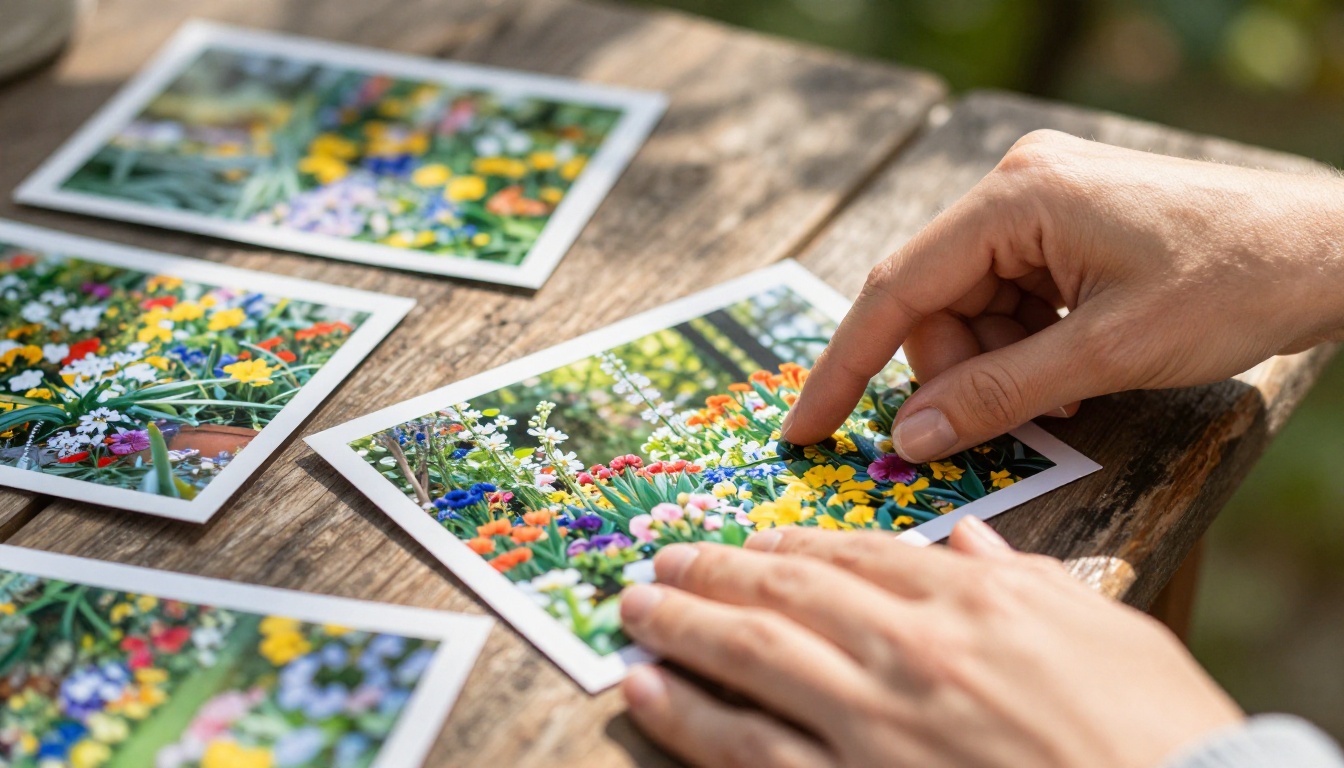
✅ Keep the layout consistent across all four seasons. Changing your template structure mid-document creates visual noise and breaks the reading rhythm that makes a flipbook satisfying to move through.
Step 3: Convert to an Interactive Flipbook
This is where Flipbooks AI takes over. Upload your PDF to the PDF to Flipbook Converter and the platform converts it into a fully interactive digital flipbook with realistic page-turn animations, mobile-responsive layout, and instant shareable links. No coding, no additional design software, and no technical skills required at any stage.
Publishing Your Flipbook with Flipbooks AI
Flipbooks AI is built for exactly this kind of personal project. It handles the conversion, hosting, and sharing automatically, so your attention stays on the photographs rather than the platform.
Creating Your Account
Go to Flipbooks AI and create a free account. You can publish flipbooks immediately, and the Standard plan removes all watermarks while giving you unlimited flipbooks for ongoing seasonal projects.
Uploading Your Garden PDF
- Log in and click Create New Flipbook
- Upload your seasonal garden PDF, either by dragging it into the upload area or browsing to the file
- Wait for the conversion, typically under 60 seconds for a 40-page document
- Preview the result in the built-in viewer to check page order and image quality before publishing
Customizing Your Flipbook
Once converted, you can customize the flipbook to match the feel of your garden project:
- Title and description: Name it something personal, like "The Kitchen Garden 2024" or "Our Garden Through the Seasons"
- Hero image: Upload your best seasonal shot as the flipbook's opening image rather than using the default first page
- Brand colors: Match the interface accent colors to the seasonal palette, soft greens for a spring-focused album, warm ambers for an autumn one
- Background: Choose a neutral page background that complements your photography without competing with it
Sharing Options That Actually Get Views
The sharing tools inside Flipbooks AI are where the flipbook format genuinely separates itself from a PDF attachment or a shared photo album:
- Direct link: A clean URL that opens the flipbook instantly in any browser with no download required
- Embed code: A short snippet to embed the flipbook directly on a gardening blog, personal website, or community garden page
- Password protection: Useful for sharing privately with family before going public, or for keeping a personal project restricted to specific viewers
- QR code: Print and attach to a physical garden journal, or include in a card sent to fellow gardeners
💡 Embedding your seasonal flipbook on a gardening blog or social profile generates far more interaction than sharing a static photo post. Viewers flip through pages at their own pace, and the interactive format keeps them reading longer.
Professional Features Worth Considering
For those who want to take the seasonal garden flipbook further, the Professional plan adds meaningful capabilities:
- Analytics: See how many people viewed your flipbook, which pages they spent the most time on, and where they stopped reading
- Lead generation: Collect viewer contact details from within the flipbook itself, useful if you run a gardening newsletter or sell plants and produce locally
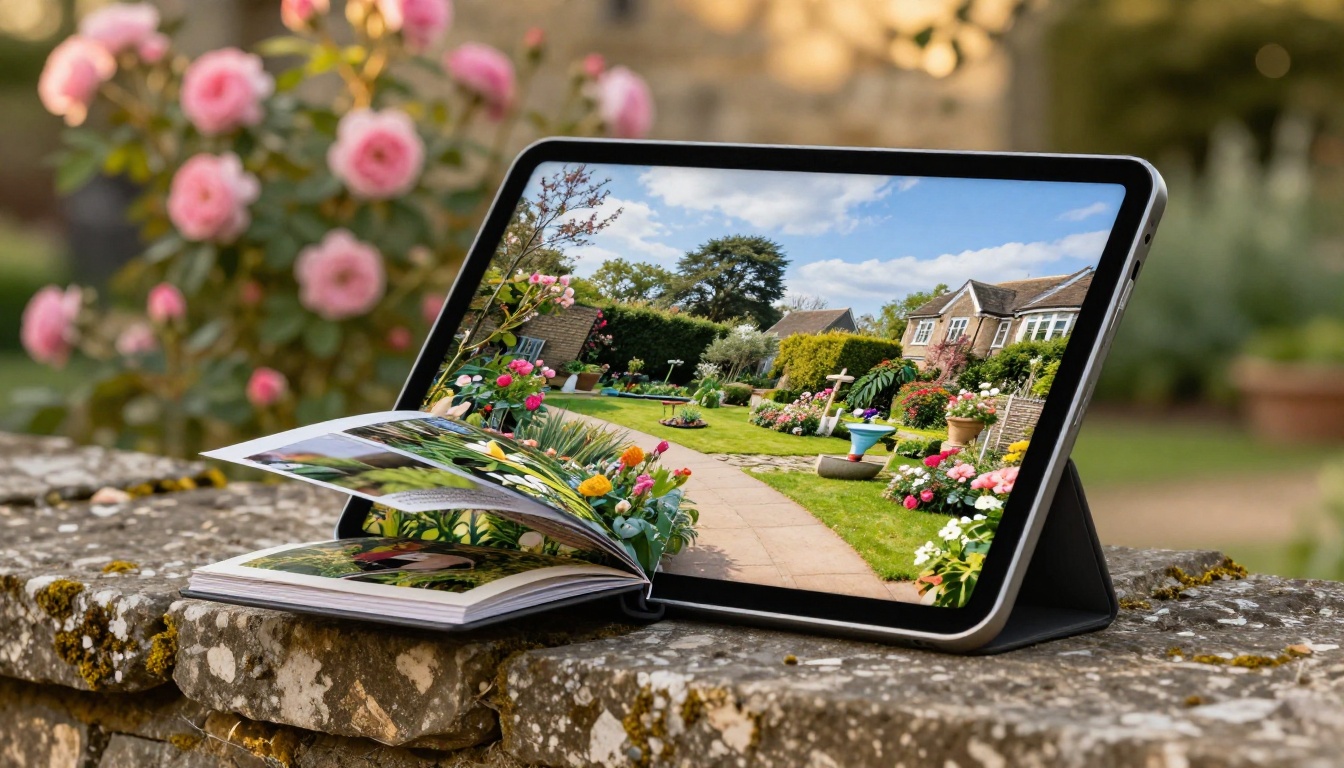
- Offline downloads: Allow viewers to download the flipbook for reading on tablets and e-readers without an internet connection
Garden Types That Work Best as Flipbooks
Not every garden produces the same kind of seasonal story. Here is how different garden types translate into flipbook format, and which approach works best for each.
Vegetable and Kitchen Gardens
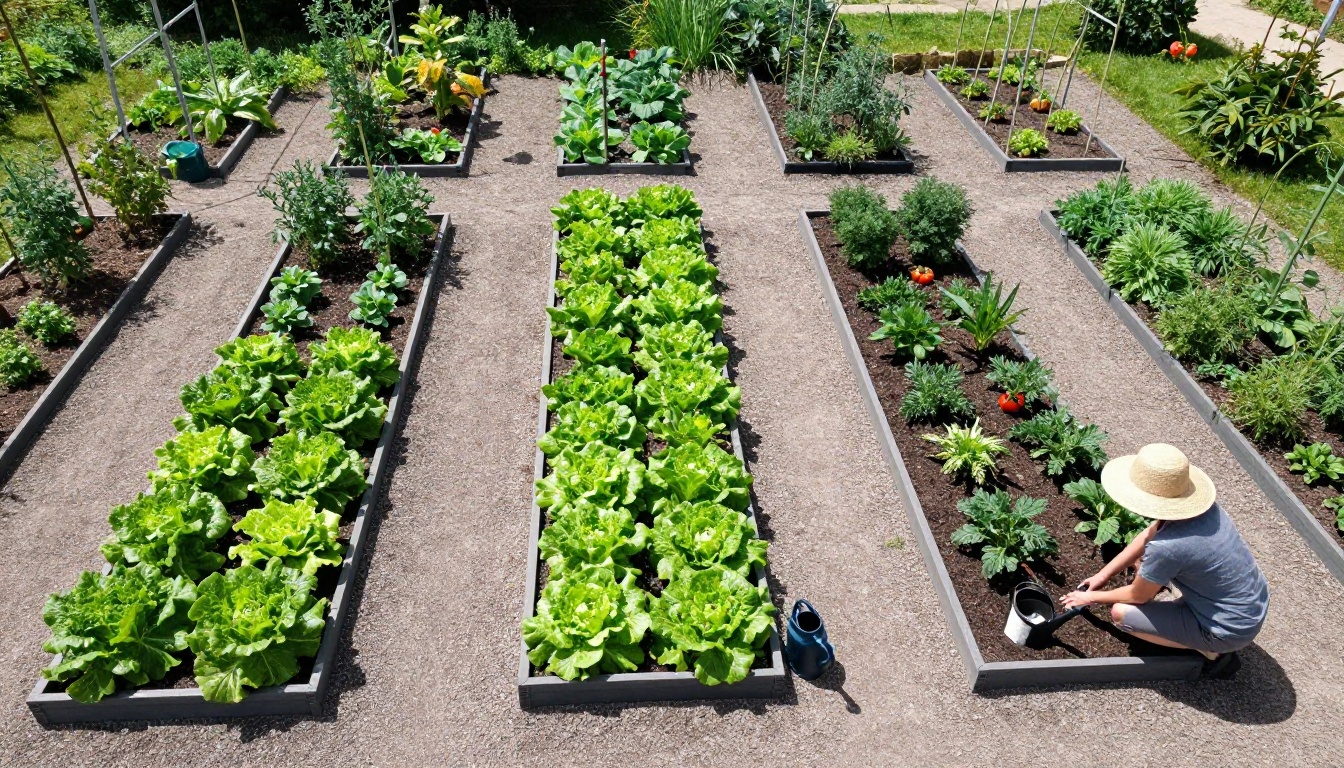
Kitchen gardens have a built-in narrative: planting, growing, harvesting, and clearing. This maps directly onto the four-season format. Spring pages show bare beds and seedling trays. Summer pages are packed with green abundance. Autumn pages document the harvest. Winter pages show cleared soil with handwritten labels of what is planned for the following year. The Photography Portfolio tool can help if you want a more polished visual presentation of your produce photography.
Cottage and Flower Gardens
Flower gardens are visually spectacular in a flipbook because the color contrast between seasons is so dramatic. Spring pastels give way to summer saturates, then autumn's rich burgundy and gold, then the skeletal beauty of bare winter branches. The most effective approach is to photograph the same focal plants across all four seasons. A rose bush shot in April, then again in July, and again in November tells a remarkable story in just three images placed in sequence.
Urban Balcony and Container Gardens
Even a small balcony produces a beautiful seasonal flipbook, because container gardens change more actively per season. You choose exactly what to plant each time, and those decisions shape the whole look of the space. Document your planting choices, your container arrangements, and the view from the balcony in each season. A Digital Portfolio Creator approach works well here, treating each season as a curated collection with its own theme.
| Garden Type | Best Flipbook Angle | Recommended Structure | Best Season to Start |
|---|
| Vegetable garden | Before and after per bed | Planting to harvest narrative | Spring, when beds are freshly prepared |
| Flower garden | Same plant across seasons | Color-led seasonal chapters | Spring, peak variety and optimism |
| Balcony or container | Full arrangement shots | One container arrangement per chapter | Any season works as a starting point |
| Mixed garden | Wide-angle establisher per season | Standard four-chapter format | Autumn, the most photogenic starting point |
Gifting Your Garden Flipbook
A seasonal garden flipbook makes a genuinely personal gift. Parents who garden, grandparents maintaining an allotment, friends who just bought a house with their first outdoor space: a flipbook documenting a full year in their garden is something they will look at again and again. It requires no printing, no postage, and no physical storage. Share it as a link in a message, or present it embedded on a simple personal page.
Seasonal Flipbooks Beyond the Garden
Once you have built one seasonal flipbook, the format tends to become a habit. The same approach works well for:
- Allotment projects: Document a plot from a bare patch to a productive growing space across 12 months, with monthly progress shots showing the transformation
- Garden renovation: Before, during, and after sequences of a redesign project captured at each major stage
- Plant diaries: A single species photographed weekly from seed to first flower to seed-setting again, creating a tight sequential narrative in a compact flipbook
- Community garden documentation: A shared growing space documented across all four seasons and sent as a flipbook link to every contributor at the year's end
✅ A seasonal flipbook created once can be updated and re-shared year after year. Many gardeners create a new edition each year and send the link to the same group of friends or family, making it an annual tradition rather than a single project.
Start With What You Already Have
Every season your garden does something worth recording. The photos are probably already on your phone, waiting in a camera roll with no structure around them. What has been missing is a format that gives them sequence, narrative, and a way to be shared properly.
Flipbooks AI makes the technical side effortless. Upload your seasonal garden PDF and within minutes you have an interactive flipbook with a shareable link, page-turn animations, and a reading experience that does real justice to the photographs inside it.
To compare what each plan includes before you commit, check the pricing options. The Standard plan removes watermarks and gives you unlimited flipbooks, which covers most gardeners who want to produce a new seasonal album each year without restrictions.
For a more specific format, browse the full list of flipbook tools and templates to find options built for garden portfolios, photo books, and personal use projects of every kind.
Your garden's story is already being written, one season at a time. A flipbook is the way to read it back.