That stack of crayon drawings your child brought home from kindergarten deserves better than a junk drawer. Every wobbly sun, every stick-figure family portrait, every rainbow with colors in the wrong order. These are tiny windows into how your child sees the world at five years old. Turning that collection into a flipbook is one of the most satisfying ways to preserve it, and it is simpler than you might expect. Whether you want a handmade paper version or a digital flipbook you can share with grandparents across the country, Flipbooks AI and a few household supplies are all you need.
Why Flipbooks Are Perfect for Kids' Art
Scrapbooks get heavy. Photo albums collect dust. But a flipbook? A flipbook gets flipped. Again and again. By the child who made it, by siblings, by grandparents squinting happily through reading glasses. There is something deeply satisfying about the physical action of a thumb releasing pages, and that tactile magic is exactly what makes flipbooks the ideal format for kindergarten drawings.
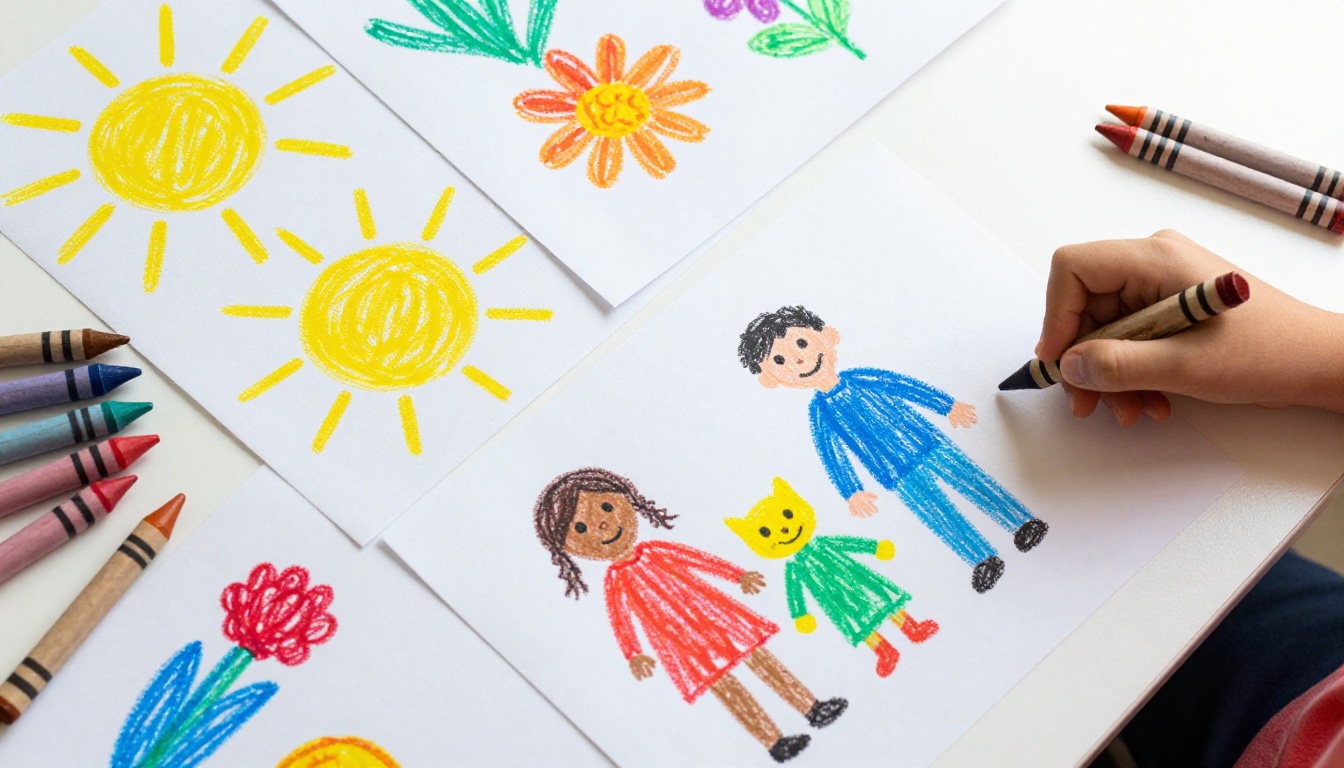
Kindergarten art also has a natural quality that suits the flipbook format: repetition with variation. Kids at this age draw the same subjects over and over, houses, suns, people, animals, but each drawing is slightly different. That slight variation across pages creates a surprisingly compelling visual sequence. Flip fast enough and the stick figures almost seem to dance.
The Emotional Value Is Real
Most adults wish they had kept more of their childhood artwork. The problem is almost never intent. It is method. Paper piles up. Drawings fade. Kids grow up fast and eventually these pieces of paper end up in recycling bins or dusty boxes no one ever opens again.
A flipbook changes that dynamic. It is a single object that holds an entire season of creative output in your hands, easy to store, easy to share, and impossible to ignore once someone picks it up.
It Doubles as a Learning Tool
Showing a child their own work through a flipbook builds genuine self-awareness. When a five-year-old sees that their drawing of a dog on page three looks different from the dog on page eighteen, they are experiencing visual growth in real time. Teachers love this too. Many kindergarten instructors use art sequences to show students how much they have improved over a single school year.
Sorting the Artwork Before You Start
Before touching any digital tools or picking up a stapler, spend fifteen minutes sorting. This step makes everything else faster and the final flipbook much stronger.
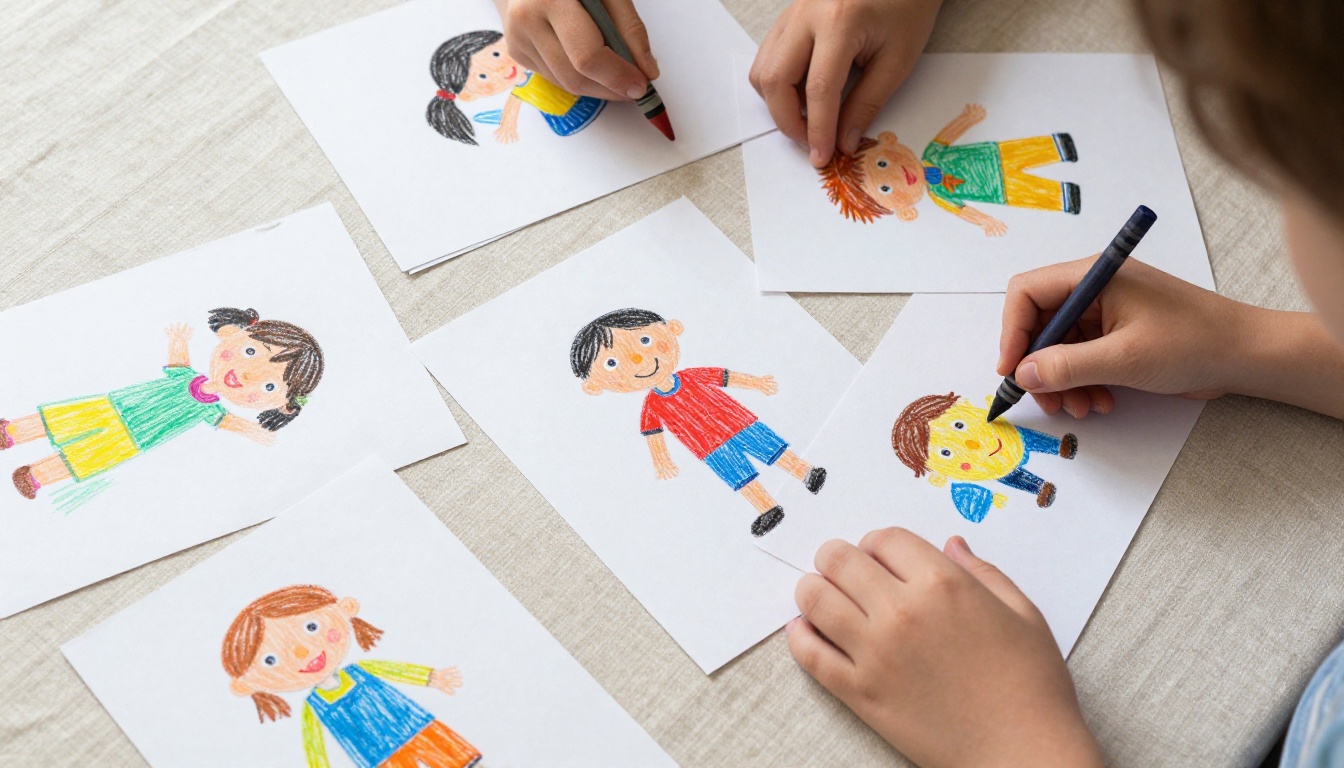
What to keep for the flipbook:
- Drawings that are roughly the same size (standard letter or A4 paper works best)
- Art with strong color contrast (lighter backgrounds read better when scanned)
- Pieces that tell a story or show visual progression
- Any drawing the child is particularly proud of, even if it seems simple
What to set aside:
- Oversized or undersized pieces (scan and resize separately if needed)
- Mixed-media art with glitter or heavy texture (scans poorly and shows uneven lighting)
- Exact duplicates with no meaningful visual variation between them
💡 Pro tip: Aim for 15 to 30 pages in your flipbook. Fewer than 12 feels thin. More than 40 gets hard to flip smoothly.
Ordering the Pages
The sequence matters more than most people realize. There are three approaches worth considering based on what the collection contains.
| Sequence Type | Best For | Effect When Flipped |
|---|
| Chronological | Showing growth over time | Visible skill progression |
| Thematic | Same subject drawn repeatedly | Animation-like motion effect |
| Color gradient | Visual appeal as the priority | Smooth, satisfying color transition |
For kindergarten art specifically, thematic ordering often produces the most surprising results. Ten drawings of "my family" flipped in sequence will create a stop-motion quality that feels almost magical, especially to the child who made them.
The Handmade Flipbook Method
You do not need any technology at all for the classic version. This is the method that has worked for decades and still delivers that satisfying physical flip.
What you need:
- The sorted drawings in sequence, either originals or printed copies
- A binder clip or a long-arm stapler
- Scissors if any trimming is needed to align page sizes
Steps:
- Stack all pages in your chosen sequence, with the final image on the bottom and the first image on top.
- Align the left edges precisely. Even a 2mm offset will make the flip feel awkward and uneven.
- Clamp the left edge with a binder clip. For a more permanent version, use a long-arm stapler to bind 3 to 4 staples along the left margin.
- Trim the right edge with scissors if any pages are uneven. A paper cutter produces cleaner results.
- Test-flip from right to left with your thumb. Adjust the staples or clip tension if pages stick together.
⚠️ Warning: Glossy paper does not flip well. If you are printing digital scans to make a physical flipbook, always use standard matte copy paper.
The handmade method is fast and free, but it has real limitations. The flipbook can only be shared physically, it degrades with handling over time, and there is only one copy in existence. That is where going digital changes the equation entirely.
Scanning the Artwork for Digital Use
Even if you keep the handmade version, scanning the drawings opens up an entirely different world of possibilities. A scanned collection can be archived permanently, shared instantly, printed in any size, and turned into a professional-quality digital flipbook that lives online indefinitely.
Scanning Options Compared
| Method | Cost | Quality | Speed | Best For |
|---|
| Flatbed scanner | $0 if owned | Excellent | Slow | Large collections |
| Smartphone scanning app | Free | Very good | Fast | Quick digitizing |
| Digital camera on tripod | Free | Good | Medium | Textured media |
| Professional scanning service | $30 to $80 | Archival | Outsourced | Long-term preservation |
For most parents, a smartphone scanning app is the practical sweet spot. Apps like Adobe Scan, Microsoft Lens, or Apple's built-in document scanner in Notes produce clean, flat, well-lit files in seconds. Lay each drawing on a dark background for the sharpest contrast and cleanest edges.
Scanning tips for best results:
- Resolution: Scan at minimum 300 DPI. Use 600 DPI if you plan to print large copies later.
- File format: Save as PDF rather than JPEG to preserve quality during flipbook conversion.
- Naming convention:
01_drawing.pdf, 02_drawing.pdf, and so on. The sequence needs to survive a file import.
- Lighting consistency: Scan everything in one session. Color balance shifts between sessions will be visible as pages flip.
Turning Scans into a Digital Flipbook
This is where a tool like Flipbooks AI earns its place. Converting a folder of scanned PDFs into an interactive, shareable digital flipbook used to require professional design software and hours of work. Now it takes under an hour, including the time spent uploading.
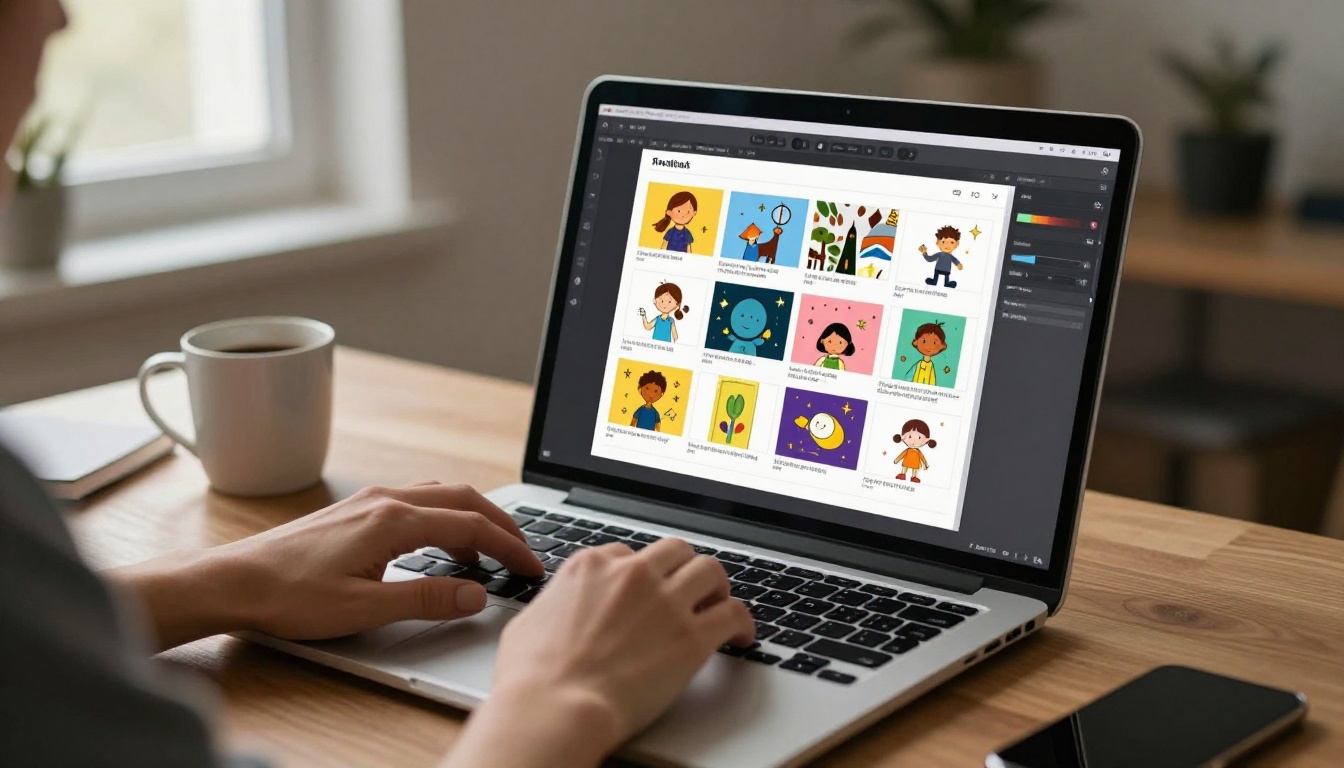
Create Your Kindergarten Flipbook on Flipbooks AI
Step 1: Prepare your PDF
Merge all scanned pages into a single multi-page PDF using any free tool such as PDF24, Smallpdf, or Preview on Mac. Make sure the pages are in the exact sequence you decided during the sorting phase. The PDF is your source file.
Step 2: Sign up
Go to flipbooksai.com/account and register. The process takes under two minutes with no credit card required to start.
Step 3: Upload and convert
From your dashboard, click "Upload PDF" and select your merged file. The PDF to Flipbook Converter processes the file and renders each page as a high-quality flipbook leaf. For a 20-page artwork collection, this typically takes 30 to 60 seconds.
Step 4: Customize
This is where it gets fun. You can:
- Add a custom title page ("Sofia's Art, Age 5")
- Choose a background color or texture that complements the artwork
- Set the page flip animation style (realistic paper curl, soft, or classic)
- Upload a personal message page as page 1 with a note about the artist
Step 5: Share
Flipbooks AI generates a shareable link immediately. Drop it into a family group chat, email it to grandparents, or embed it in a family blog. You can also set a password to keep it private for close family only.
Flipbooks AI Plan Comparison
| Feature | Free | Standard | Professional |
|---|
| Number of flipbooks | 3 | Unlimited | Unlimited |
| Watermarks | Yes | No | No |
| Password protection | No | Yes | Yes |
| Analytics | No | No | Yes |
| Offline downloads | No | No | Yes |
| Custom branding | No | Yes | Yes |
| Lead generation forms | No | No | Yes |
For a personal keepsake project, the Standard plan covers everything most families need. See the full pricing breakdown to choose what works for you.
✅ Best practice: Use the Digital Portfolio Creator tool if you want to present the artwork in a gallery-style layout rather than a page-turning flip sequence.
Sharing with Family Near and Far
The whole point of going digital is that the flipbook is no longer tied to a single physical object in one house. A link sent via text message is all a grandparent needs to flip through 25 pages of crayon artwork on their phone or tablet, regardless of where they live.
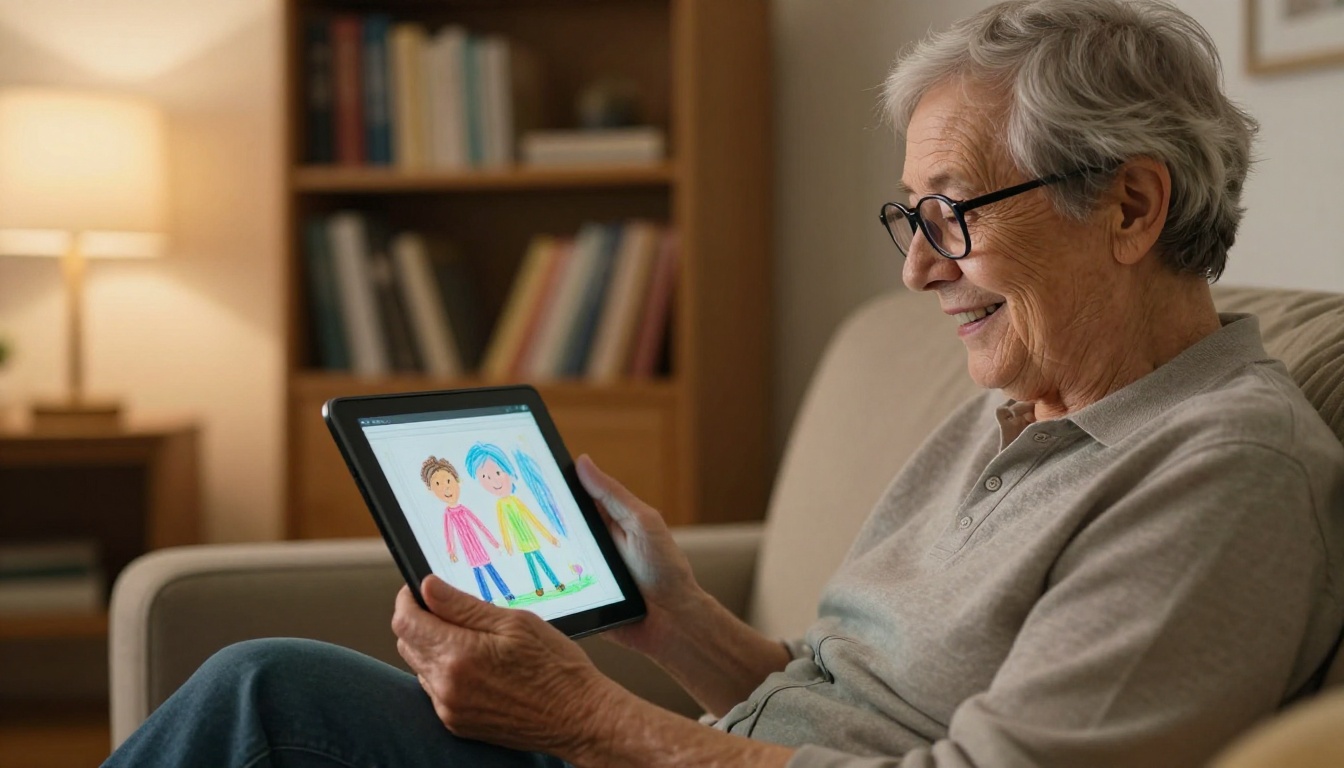
Ways to share the finished flipbook:
- Direct link: A URL that works in any browser on any device, with no app required
- Embed code: Drop the flipbook into a family blog using Embed Flipbook on Website
- QR code: Print a QR code on a birthday or holiday card that links directly to the flipbook. Relatives scan it and land straight on page one.
- Password-protected link: Share with extended family without making the flipbook fully public online
💡 Pro tip: If you are sending the link to someone who is not tech-savvy, include a short note: "Click the link, then press the right arrow or swipe right to flip the pages."
Making It a Yearly Tradition
One flipbook is a keepsake. A series of flipbooks is a childhood archive. The real power of this format shows when you commit to creating one per school year, every single year.
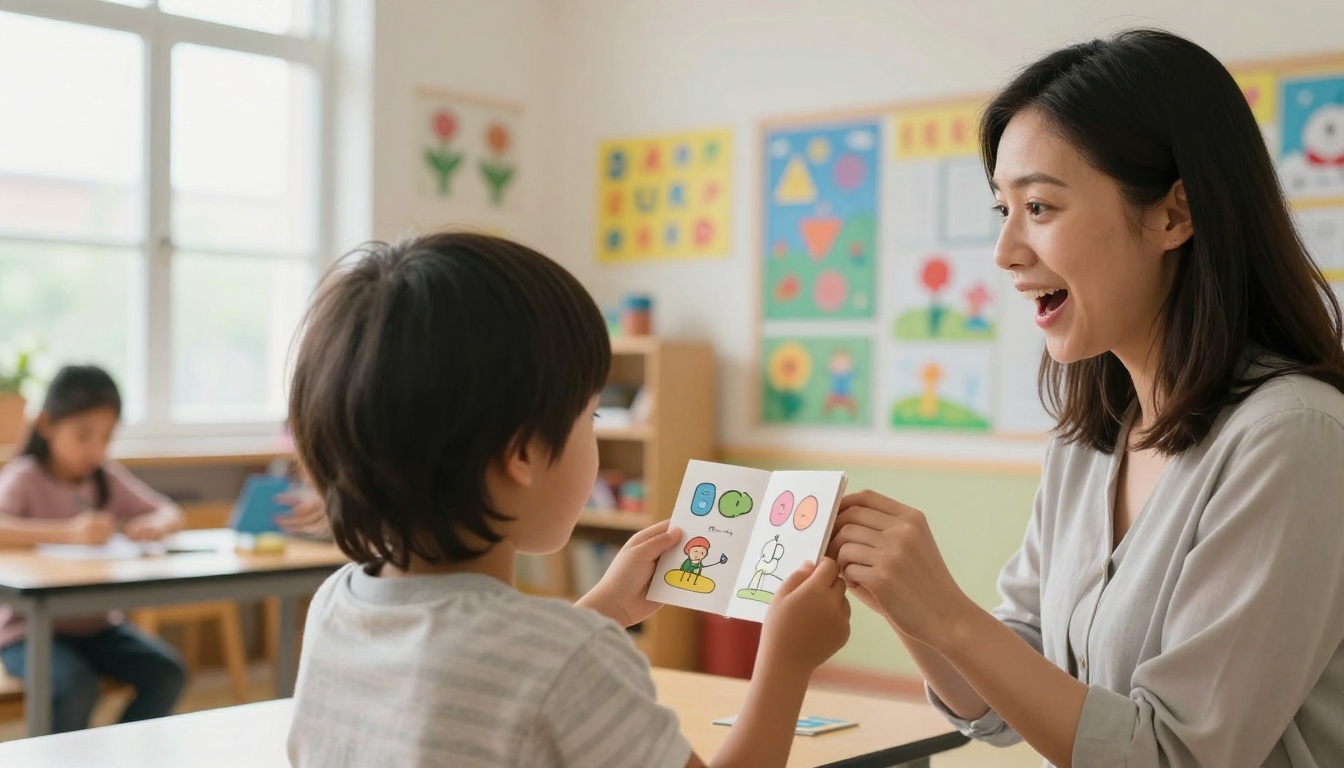
Imagine handing an eighteen-year-old a collection with thirteen flipbooks, one per school year, each packed with the crayon-and-marker record of who they were at that age. The artwork from kindergarten sits right next to the charcoal drawings from seventh grade and the digital sketches from high school. That kind of collection does not just happen by accident. It is built one year at a time, with the small intentional decision to scan, sort, and save.
Year-by-Year Artwork Characteristics
| Year | Age | Art Style | Flipbook Angle |
|---|
| Kindergarten | 5 to 6 | Crayon, bold shapes, primary colors | First flipbook, start the tradition |
| Grade 1 | 6 to 7 | More detailed figures, written labels | Add title pages in child's own handwriting |
| Grade 2 | 7 to 8 | Watercolor, mixed media | Feature texture-heavy scans |
| Grade 3 | 8 to 9 | Perspective attempts, narrative scenes | Sequence pages by story arc |
| Grade 4 and above | 9 to 10 | Technical skills developing | Add artist statement pages |
Each year's flipbook becomes a chapter. Flipbooks AI stores all of them in one dashboard, accessible from any device, at any time.
Beyond the Basic Flipbook
Once you are comfortable with the format, there are several ways to take it further without much extra effort.
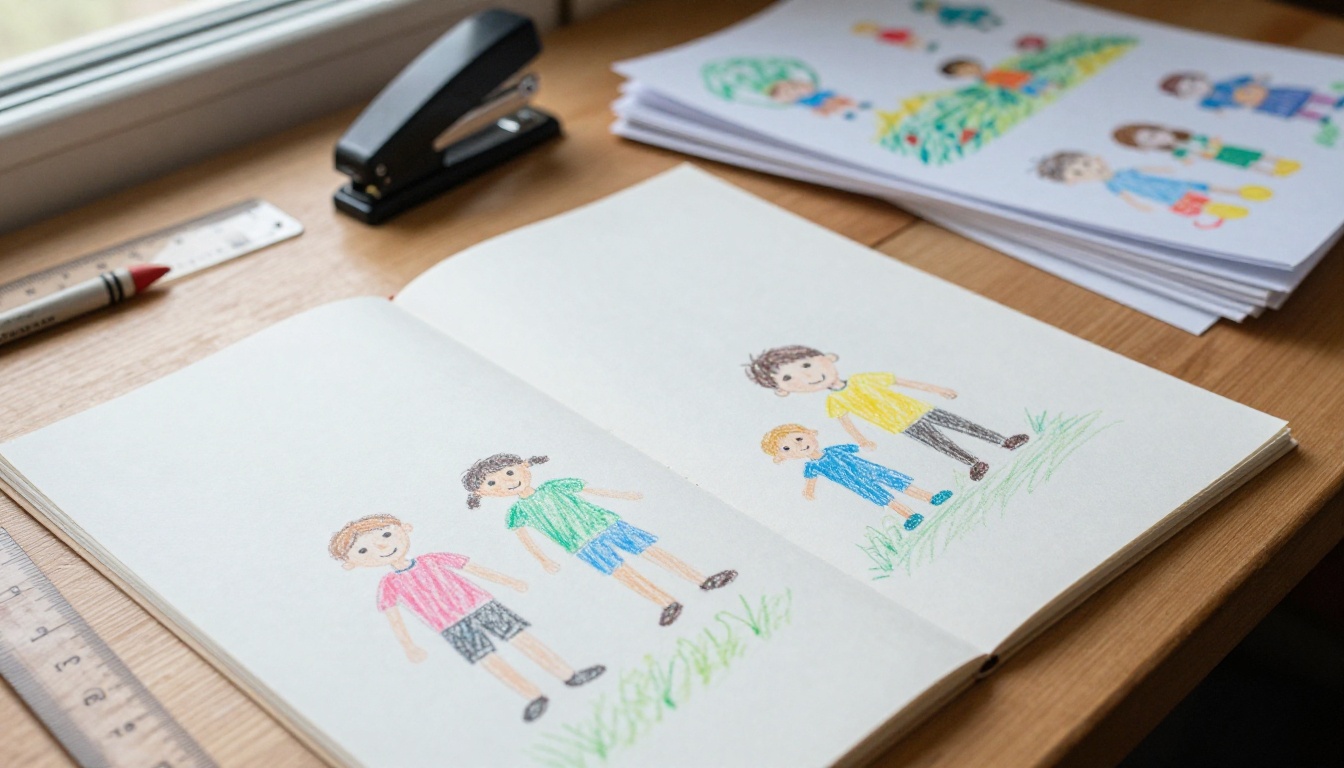
Add audio recordings: Some plan levels let you embed audio directly into the flipbook. Record your child explaining each drawing at age five. By age fifteen, they will not believe how they sounded.
Build a classroom edition: Work with the kindergarten teacher to collect one drawing from each student. Every family in the class gets the same link to a shared flipbook for the year. The Yearbook Flipbook Maker and School Newsletter Creator tools are designed for exactly this kind of group project.
Print a physical booklet: On Professional plans, you can download the flipbook for offline use. From there, a local print shop can bind it as a proper booklet. You end up with both the digital and the physical version.
Give it as a gift: A personalized digital flipbook link sent in a birthday card from a grandchild is, objectively, a better gift than anything sold in a store. No assembly required. Zero chance of a duplicate.
Useful Tools for This Project
Bring the Child Into It
Do not forget to involve the child in the process. At age five, sitting next to a parent and watching their drawings transform into a digital flipbook on screen is genuinely magical. Give them real choices:
- Pick the order of the pages
- Choose the background color
- Name the flipbook (expect something like "My Best Drawings Book Ever")
- Be the very first person to flip through it
That moment of a child flipping through their own artwork and laughing at their stick figures. That is the whole point of this project.
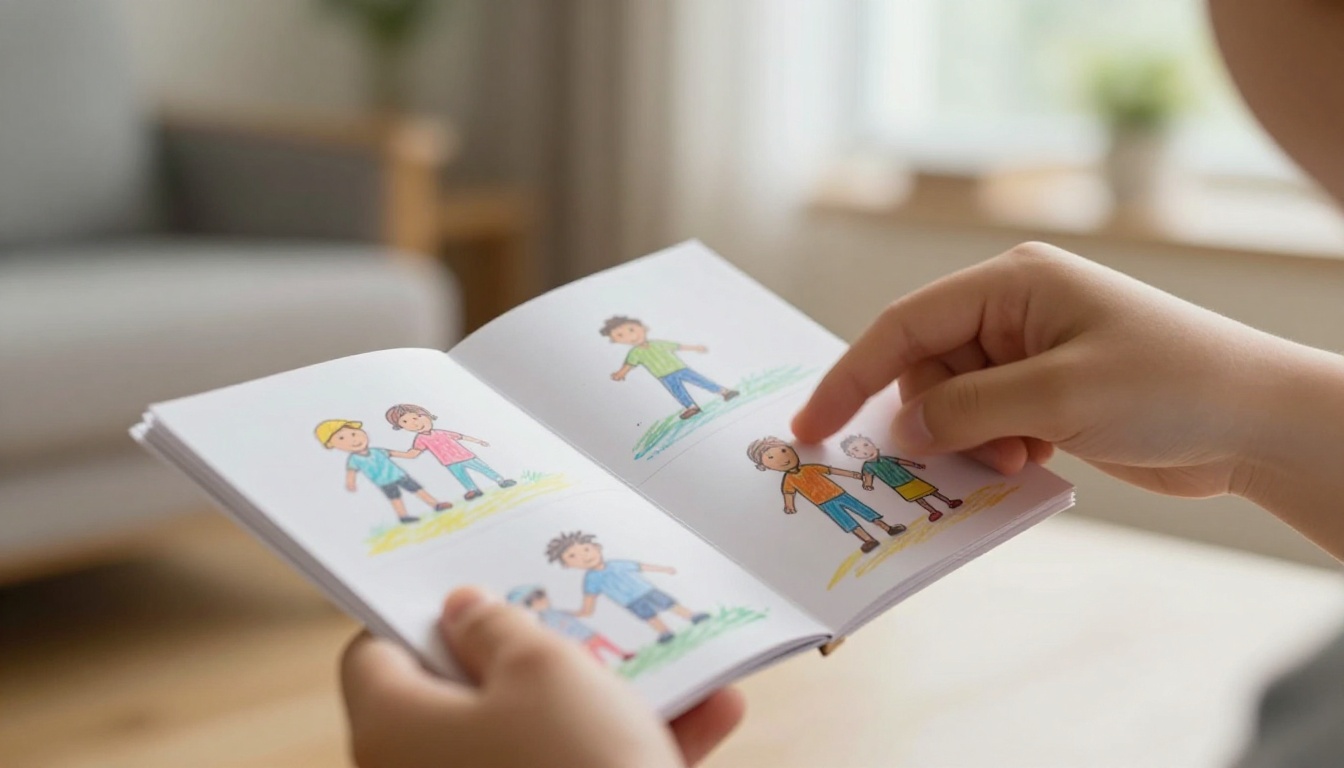
The drawings will change. The handwriting will get cleaner. The subjects will shift from rainbows and dinosaurs to sports fields and digital sketches. But the flipbook format carries all of it year after year, without taking up more space than a paperback novel sitting on a shelf.
Start with this year's drawings. Scan them this weekend. Create your first flipbook in under an hour. Then set a calendar reminder to do the same thing next June.
That one hour of effort now is worth years of not having to say "I wish we had saved those."
Ready to get started? Try Flipbooks AI free and see how simple it is to preserve what matters most. Browse all available tools to find the right format for your project, or check the pricing plans to pick what fits your family best.



