Most restaurant menus get scanned in about 109 seconds. That's the average time a customer spends with a menu before making a decision, based on menu engineering research. In those 109 seconds, your menu either sells for you or fails silently.
The problem isn't usually the food. The problem is how the menu presents it. A cluttered layout, poor photography, dense walls of text, or a printed PDF that's impossible to read on a phone, all of these turn what should be a sales tool into a friction point. Flipbooks AI exists specifically to fix this.
This article breaks down what actually makes customers browse a menu, what formats work in 2026, and how to build an interactive digital menu that people genuinely enjoy using.
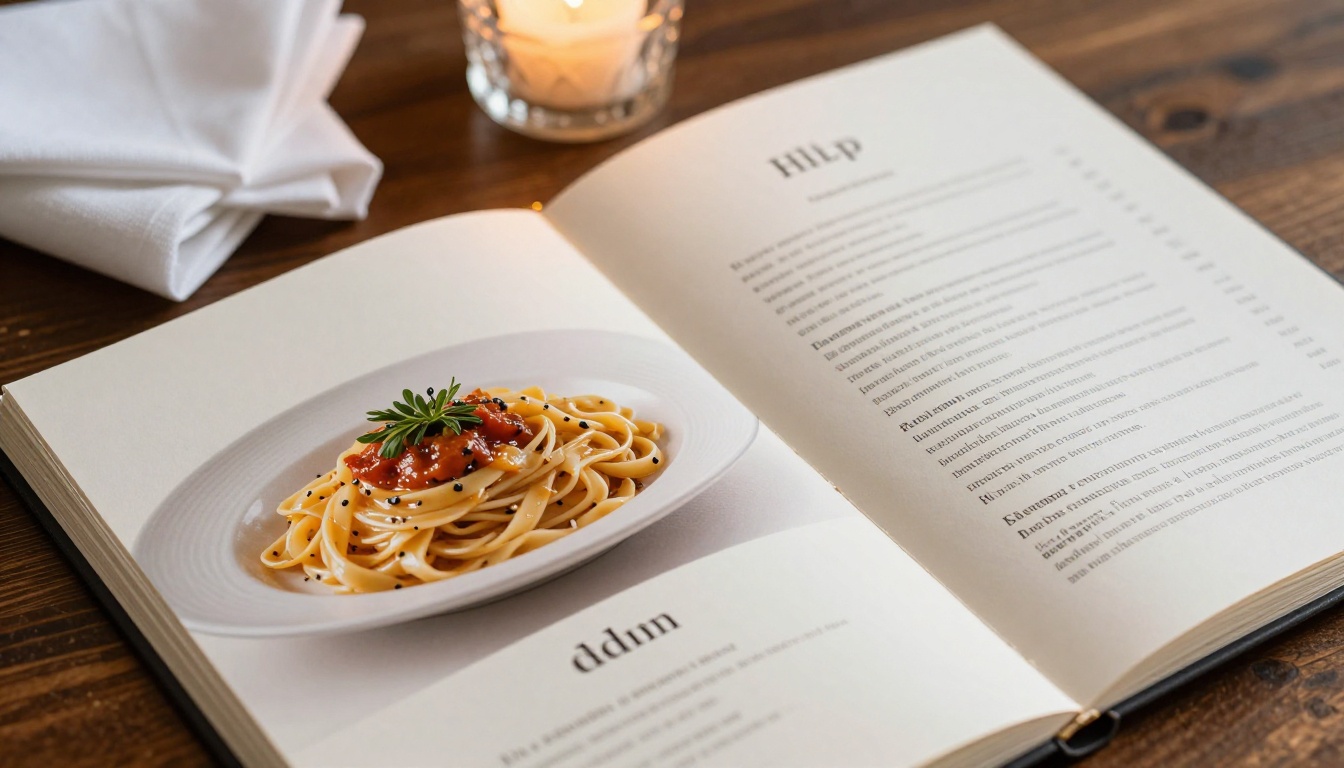
The average restaurant menu has 67 items. Menu engineering research consistently shows that fewer items means higher sales per customer, better kitchen efficiency, and fewer customer regrets after ordering.
But item count is only one piece of the puzzle. Even a short, focused menu can fail if it's:
- Visually overwhelming: Too many fonts, colors, or decorative elements competing for attention
- Text-heavy without images: Customers want to see what they're ordering before they commit
- Poorly organized: No logical flow from appetizers to mains to desserts to drinks
- Not mobile-optimized: If your PDF menu doesn't display well on a phone, you've already lost a significant portion of your audience
The fundamental issue is that most menus are designed for printing, not for browsing. And in 2026, browsing happens on screens.
The 109-Second Rule
When a customer picks up a menu, they don't read it sequentially. They scan it using predictable patterns. Eye-tracking studies show customers look at the top-right corner first, then move to the top-left, then scan downward. This "Golden Triangle" is where your highest-margin items should live.
But here's what most restaurant operators miss: this scanning behavior only applies to well-structured menus. A menu with no visual hierarchy gets abandoned entirely. Customers default to ordering the same thing they ordered last time, or they ask the server "what's good here?" losing the menu's selling power completely.
💡 The top-right of your menu's first spread is your highest-value real estate. Place your signature dish or highest-margin item there, with a photo.
3 Signs Your Menu Is Losing Orders
- Customers ask your staff for recommendations instead of choosing themselves
- Your bestsellers are always the same three items, nothing new gets traction
- Online reviewers praise the food but never mention specific dishes by name
All three are symptoms of a menu that isn't doing its job.
Printed vs. Digital: What Actually Works
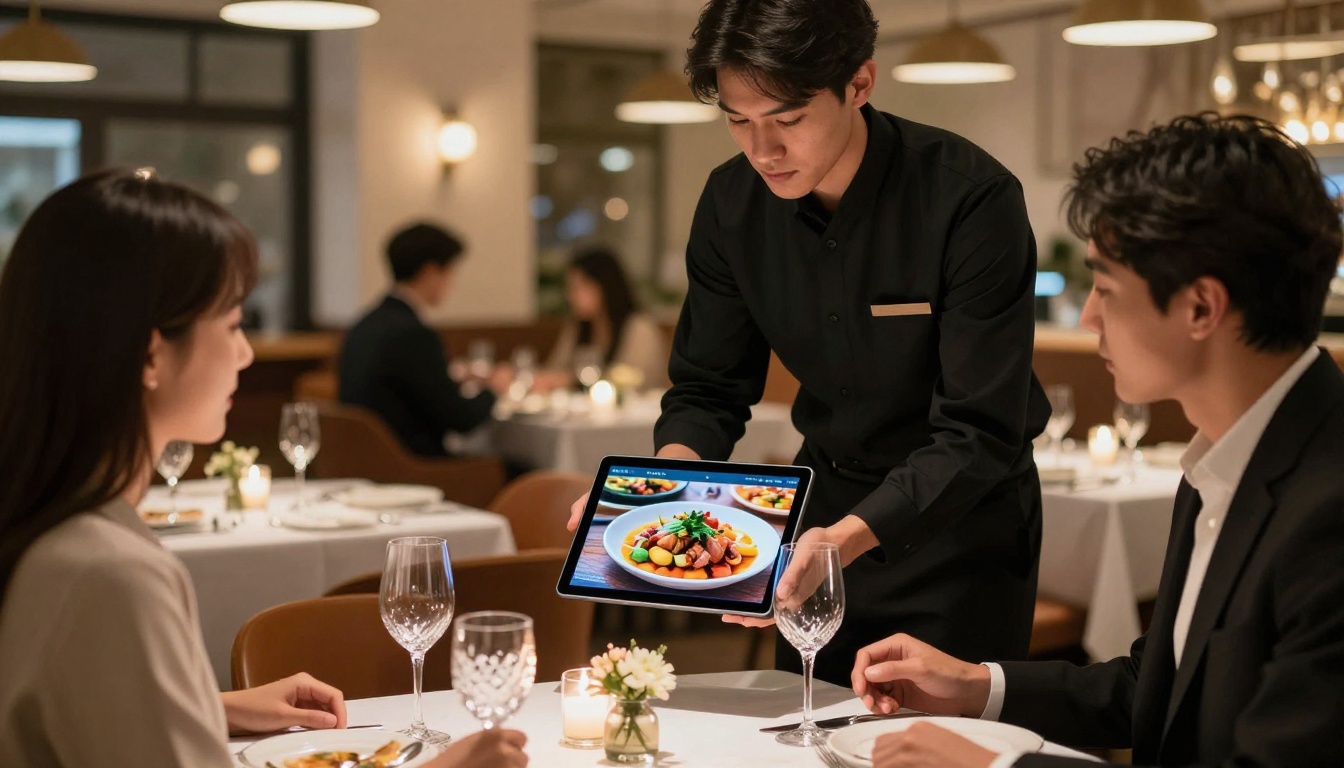
The debate between printed and digital menus is largely settled now. Both have a place, but they serve different purposes and different customer segments.
| Feature | Printed Menu | Static PDF | Digital Flipbook |
|---|
| Mobile-friendly | No | Poor | Yes |
| Updateable in real time | No | Partially | Yes |
| Includes food photography | Limited | Yes | Yes |
| Interactive browsing | No | No | Yes |
| Trackable with analytics | No | No | Yes |
| Shareable via link or QR | No | Yes | Yes |
| Page-turn experience | Yes | No | Yes |
| Seasonal updates | Expensive reprint | Manual upload | Instant |
| Average customer time spent | ~109 seconds | ~45 seconds | ~3 to 4 minutes |
The flipbook format sits at the intersection of the tactile page-turn experience customers associate with fine dining and the accessibility of a digital format. It's the only format that genuinely replicates the feeling of browsing a beautifully designed physical menu while being shareable, trackable, and updatable without reprinting a single page.
When Printed Menus Still Win
Printed menus aren't going away. For certain dining experiences, a physical menu signals luxury and care. A Michelin-starred restaurant handing a customer a tablet feels jarring. A neighborhood bistro handing over a thoughtfully designed paper menu? That works fine.
The smart approach is hybrid: keep a printed menu for in-house ambiance while running a digital flipbook for pre-visit browsing, delivery platforms, social media sharing, and QR code access.
✅ Use a QR code on your table tent or printed menu back cover that links directly to your digital flipbook. Customers who want to preview the full menu before arriving, or share it with dining companions, will use it consistently.
Browsable menus share five characteristics. Get all five right and you create a menu customers actually spend time with.
Photography That Sells
This is non-negotiable. A menu with no photography relies entirely on your customer's imagination. A menu with great photography sells the dish before the server does.
Quality matters more than quantity. Three stunning photos of your best dishes beat fifteen mediocre snapshots taken on a phone with bad lighting. Invest in professional food photography for your top 5 to 8 items. The return shows up directly in what people order.
Clear Visual Hierarchy
Your menu needs a logical structure that guides the eye naturally:
- Section headers that are visually distinct through size, color, or font weight
- White space between categories so sections feel separate and intentional
- Item names in a readable font at 14pt minimum for print, larger for digital
- Descriptions in a lighter weight font, 2 to 3 lines maximum
- Prices aligned consistently, never presented in a way that forces scanning back and forth
Descriptions That Trigger Appetite
"Grilled chicken" sells less than "Free-range chicken breast, charred over oak wood, with preserved lemon butter and roasted heritage carrots." The second version activates sensory memory. Customers can almost taste it before they order.
The best menu descriptions are:
- Specific about ingredients: heritage, free-range, locally sourced
- Process-oriented: charred, slow-braised, wood-fired, stone-ground
- Brief: 15 to 25 words maximum per item
- Free of empty buzzwords: "artisanal," "curated," and "bespoke" have lost all meaning through overuse
Logical Ordering That Drives Upsells
The sequence of items within each section affects what gets ordered. Bestsellers placed first become even bigger bestsellers. High-margin items with photos drive disproportionate sales volumes.
⚠️ Alphabetical ordering within menu sections is almost always the wrong choice. It optimizes for the kitchen's convenience, not the customer's appetite or your margin strategy.
Mobile-First Thinking
Over 60% of customers check a restaurant's menu online before visiting. They're doing this on their phones. A PDF that requires zooming and horizontal scrolling is losing customers before they arrive at your door.
A digital flipbook menu solves this entirely. The format scales to any screen size, maintains the visual design integrity of the original, and the page-turn interaction is intuitive on touchscreens.
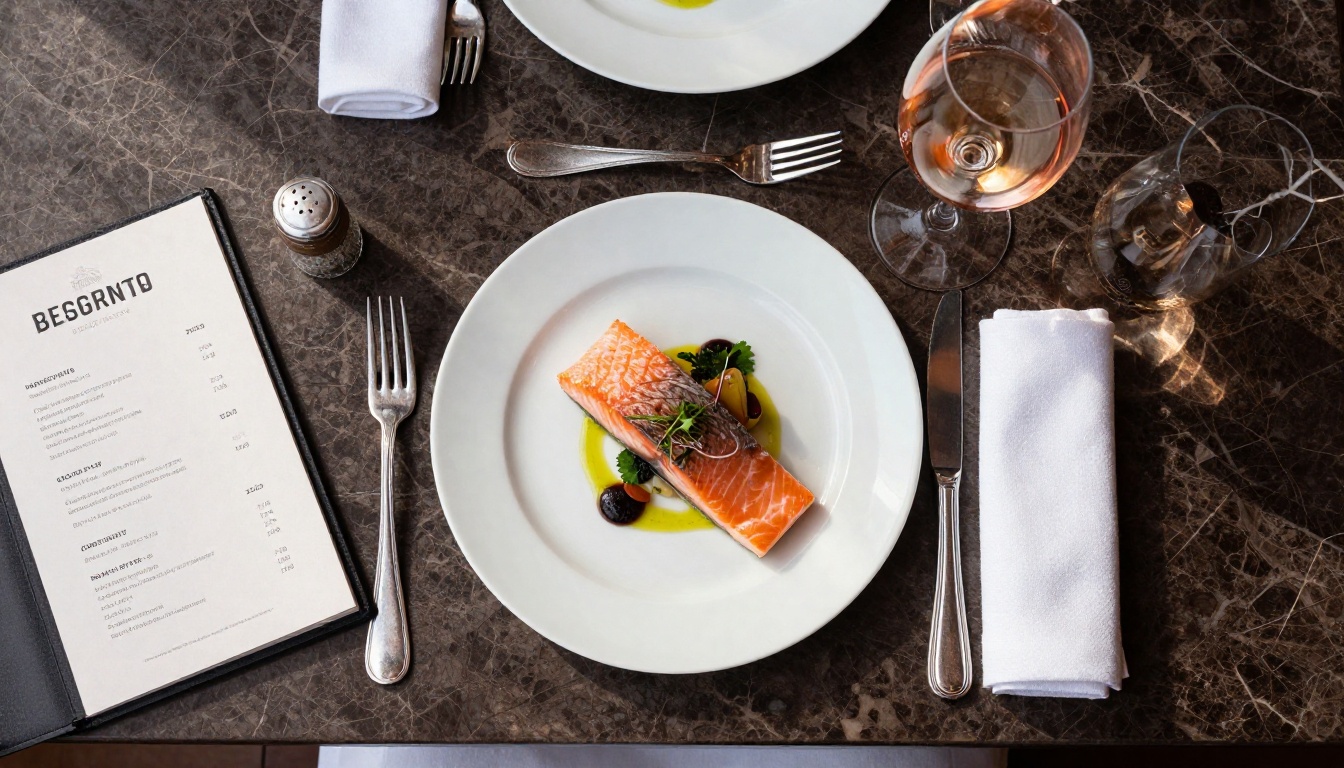
Bad menus have measurable costs that most restaurant operators never quantify:
| Problem | Business Impact |
|---|
| No food photography | 30 to 40% lower upsell rate on featured items |
| Poor mobile experience | Pre-visit abandonment from online browsing |
| Dense text with no hierarchy | Customers default to familiar orders, fewer new dish trials |
| Out-of-date items | Customer frustration, service friction, wasted print costs |
| No shareable format | Zero social sharing, no word-of-mouth menu discovery |
| No analytics | No data on which items attract attention vs. which are ignored |
The last point deserves attention. Most restaurant operators optimize menus based on sales data alone. But sales data tells you what people ordered, not what they considered and rejected. Analytics from a digital menu can show you which pages customers spend the most time on, helping you identify items that attract attention but don't convert. That's often a pricing or description problem, not a food quality issue.
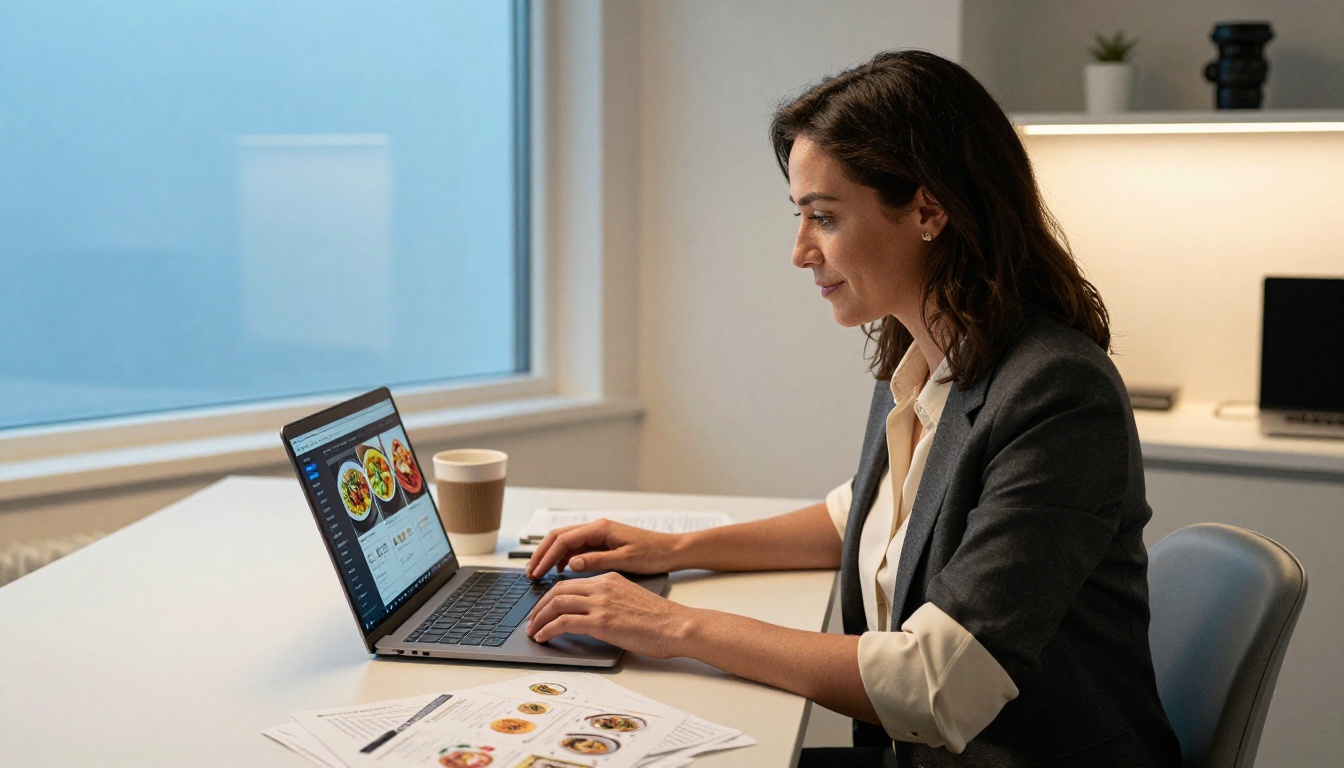
Building a menu that genuinely gets browsed isn't complicated, but it requires intentional decisions at each step. Here's how to do it using Flipbooks AI.
1. Design Your Menu as a PDF
Start with your menu design in any tool you're comfortable with: Canva, Adobe InDesign, Google Slides, or PowerPoint. The critical design principles to follow:
- Use a two-page spread layout that mirrors how a physical menu opens
- Limit yourself to 2 fonts maximum, one for headers and one for body text
- Include at least 5 to 8 high-quality food photographs
- Apply your brand colors consistently across all sections
- Build in white space generously; it makes the menu feel premium
Export the final design as a high-resolution PDF.
2. Upload and Convert on Flipbooks AI
Go to Flipbooks AI and create an account. Once inside:
- Click New Flipbook and upload your PDF
- The conversion process takes under a minute for most menus
- Your menu immediately becomes an interactive page-turn digital flipbook
The Restaurant Menu Creator tool is specifically designed for this use case, with templates and conversion settings optimized for food service menus. You can also use the Menu Flipbook Designer for more control over the final presentation.
3. Customize for Your Brand
Once your PDF is converted, the customization options are where a generic digital menu becomes a branded experience:
- Brand colors: Apply your restaurant's color palette to the flipbook interface
- Logo placement: Add your logo to the flipbook header or cover
- Background: Choose a background texture or color that matches your dining room aesthetic
- Page effects: Select from various page-turn animations
- Cover design: Add a custom thumbnail that represents your menu visually
💡 Match your flipbook's background color to the dominant tone in your restaurant's interior. A cozy Italian trattoria with warm terracotta walls should have a cream or amber flipbook background, not stark white.
4. Set Your Sharing Options
Your digital menu needs to be everywhere your customers are:
- Direct link: Share on your website, Google Business Profile, Instagram bio, and email newsletters
- QR code: Generate a QR code linking to your flipbook. Print it on table tents, business cards, and your printed menu's back cover
- Embed code: Embed the flipbook directly on your restaurant's website using the provided snippet
- Password protection: For private dining menus or prix fixe events, add password protection to keep it exclusive
5. Activate Analytics on the Professional Plan
The Professional plan adds analytics that show you:
- Which pages customers spend the most time on
- How far into the menu customers scroll before leaving
- Total views and unique visitor counts
- Geographic data on where your digital menu is being browsed
This data is genuinely actionable. If customers consistently spend 40 seconds on your appetizer page but only 8 seconds on your dessert section, your dessert photography or descriptions need work, and now you have data to prove it.
6. Keep It Current
The single biggest operational advantage of a digital flipbook menu over print is instant updates. Seasonal specials, price adjustments, 86'd items, new additions, all of these can be updated in your PDF and re-uploaded in minutes. No reprinting costs. No outdated menus in circulation.
Build a habit: review your menu PDF at the start of each quarter, update it, and re-upload. Your digital flipbook updates instantly, and every QR code and embed link automatically shows the new version.
Comparing Plans for Restaurant Use
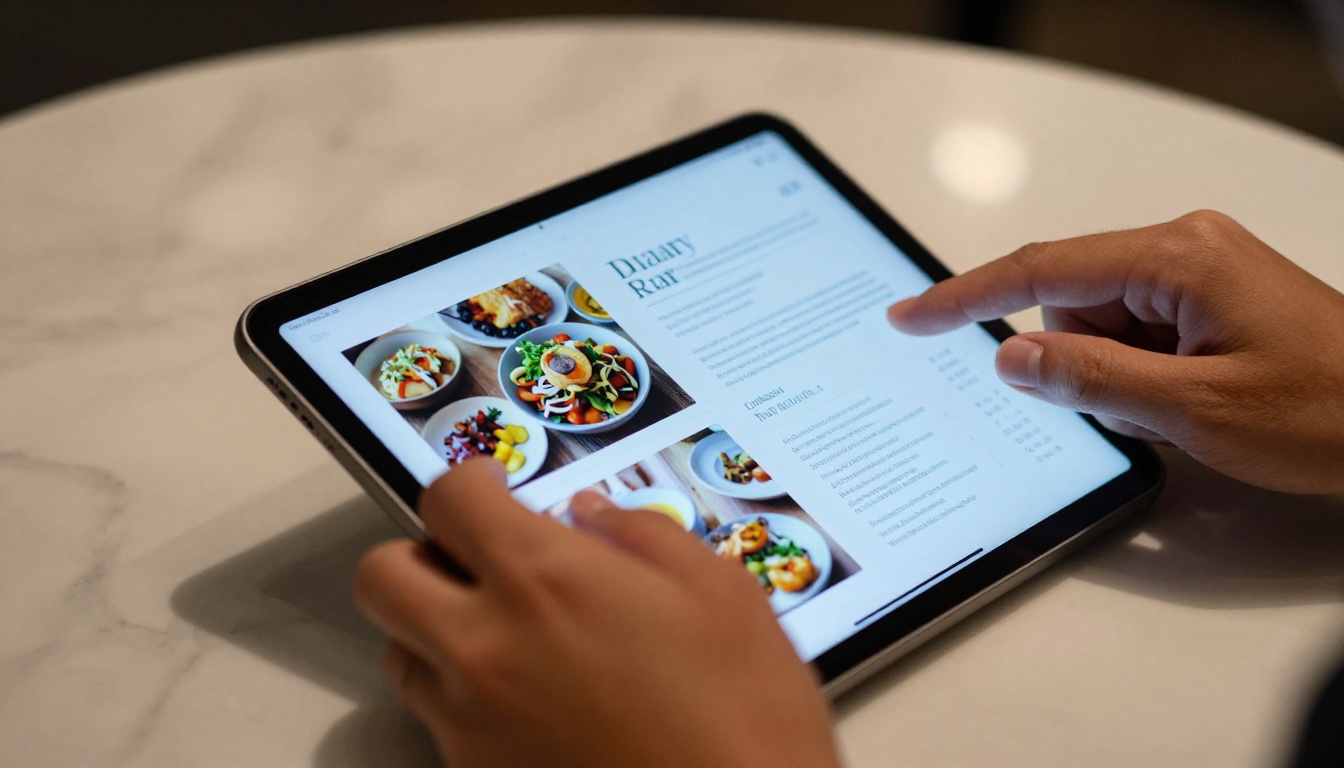
Flipbooks AI offers tiered plans suited to different restaurant sizes and needs.
| Feature | Free | Standard | Professional |
|---|
| Number of flipbooks | 1 | Unlimited | Unlimited |
| Watermark | Yes | No | No |
| Custom branding | No | Yes | Yes |
| Password protection | No | Yes | Yes |
| Analytics | No | No | Yes |
| Lead generation forms | No | No | Yes |
| Offline downloads | No | Yes | Yes |
| Embed on website | Yes | Yes | Yes |
For most single-location restaurants, the Standard plan covers everything needed: unlimited menus for seasonal, drinks, dessert, and kids categories, custom branding, and no watermark. The Professional plan is worth considering for restaurant groups or operators who want data on menu performance. See the full breakdown on the pricing page.
Not every restaurant needs the same menu format strategy. Here's a practical breakdown:
| Restaurant Type | Printed Menu | Digital Flipbook | Priority Features |
|---|
| Fine dining | Yes (premium) | Yes (pre-visit browsing) | Beautiful photography, brand colors |
| Casual dining | Yes (laminated) | Yes (QR on table) | Mobile-friendly, frequent updates |
| Fast casual | Minimal | Primary format | Speed, clear categories |
| Café | Chalkboard plus digital | Yes (online browsing) | Seasonal specials, daily updates |
| Food truck | None | Primary format | Shareable link, social media ready |
| Catering | Quote-based | Yes (full catalog) | Portfolio-style, password protected |
A menu that lives only on your restaurant's tables is a passive tool. A menu that lives online becomes an active marketing asset.
When a couple is deciding between two restaurants for date night, the one with a beautifully presented digital menu they can browse together wins the reservation. Here's how to make your menu work for you beyond the dining room:
Social Media: Share individual pages from your flipbook as posts or stories. A spread featuring your new seasonal cocktails makes a compelling Instagram post that doubles as a menu preview.
Google Business Profile: Add your digital menu link directly to your Google listing. Customers searching for restaurants can browse your full menu before clicking through to your website.
Email Newsletters: Include a link to your updated seasonal menu in customer emails. It's a natural reason to reach out and drives return visits.
Delivery Platform Pages: Most delivery platforms accept a menu link. A branded flipbook looks significantly more professional than a basic item list.
Event Planning: For private dining inquiries, send prospective clients a link to a password-protected event menu created with Flipbooks AI. It signals professionalism and elevates the perceived value of the event before pricing is even discussed.
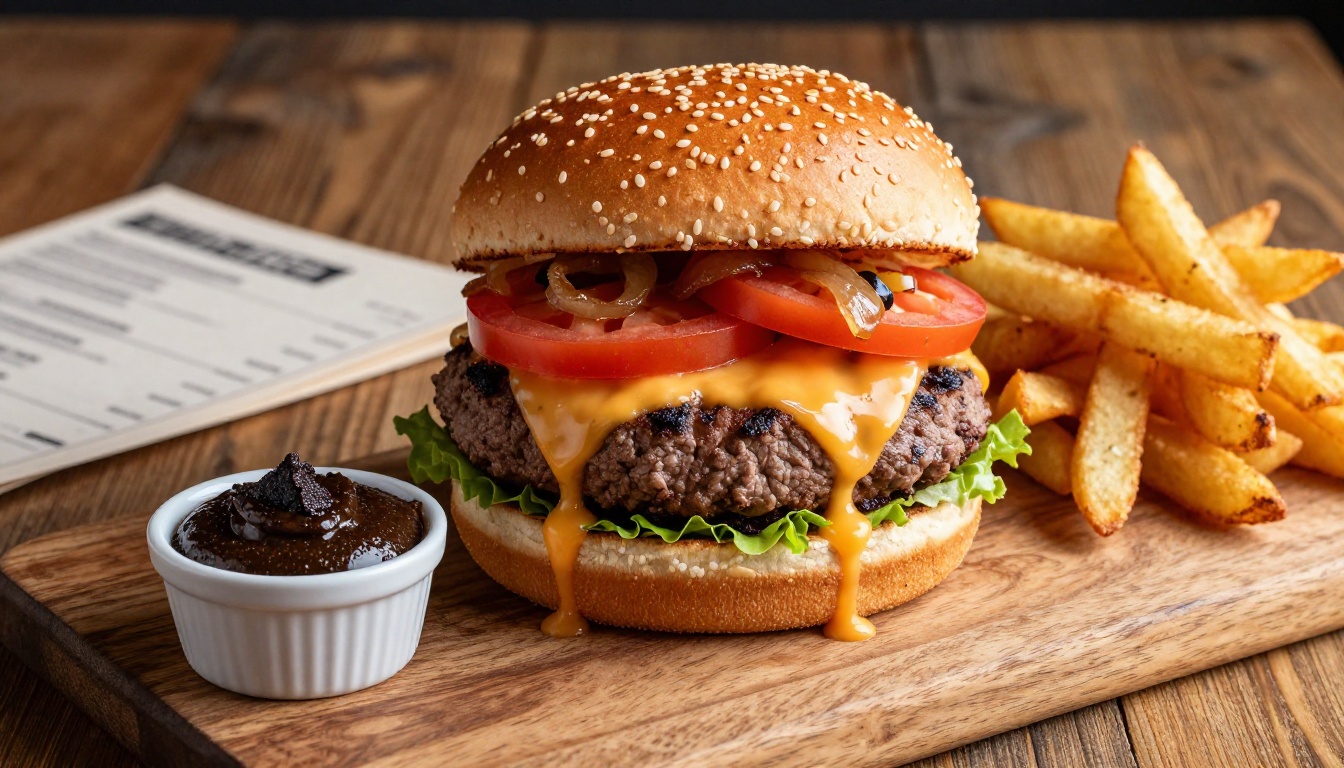
Food photography in menus doesn't just look nice. It performs a specific psychological function: it resolves the customer's uncertainty about what they're ordering.
When a customer can see exactly what a dish looks like, they order with confidence. Confident customers are satisfied customers. Satisfied customers leave better reviews and come back.
The data supports this consistently. Menus with professional food photography see 30% higher order rates on photographed items compared to text-only listings. For high-margin items like cocktails, desserts, and appetizers, photography can more than double the order rate.
✅ Don't photograph every item. Choose your 6 to 10 highest-margin items and invest in professional photography for those. The ROI is concentrated and measurable.
A digital flipbook menu gives photographs the space they deserve. Unlike a cramped printed menu where photos compete with text for space, a well-designed flipbook spread can feature a full-page hero shot of your signature dish opposite the description and ordering details. That's a presentation printed menus simply can't match.
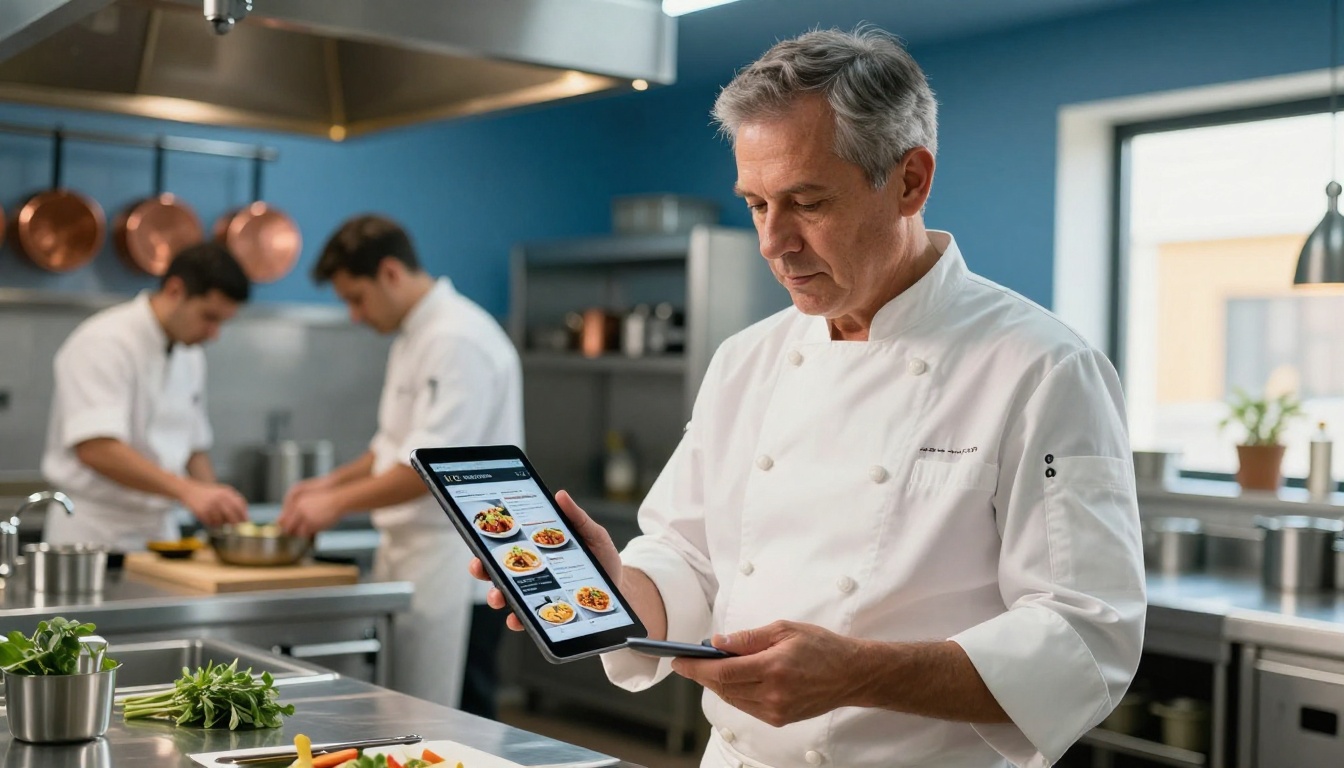
The easiest path to a menu customers actually browse is to start with one: your main dinner menu. Take the current version, redesign it with the principles in this article, photograph your top 8 items professionally, export it as a PDF, and publish it as a flipbook.
Then share it. Put the QR code on your tables. Add the link to your Google listing. Share a spread on Instagram. Watch what happens to your pre-visit reservations and your average order value.
The iteration is fast from there. Once your main menu is live on Flipbooks AI, adding a seasonal cocktail menu, a brunch menu, or a prix fixe event menu takes less than an hour.
Restaurants that treat their menu as a static document print it once and forget it. Restaurants that treat their menu as a living sales tool, one that gets updated, shared, analyzed, and continuously improved, are the ones building loyal customer bases.
Your menu is not just a list of what you serve. It is the first impression, the sales conversation, and the brand statement all in one. Make it worth browsing.
Ready to build a menu your customers will actually spend time with? Get started for free on Flipbooks AI and publish your first digital menu today. Compare pricing plans to find the right fit for your restaurant. Browse all available menu and catalog tools to find templates for every type of food service format.



