Most students have been there: the night before an exam, staring at a wall of handwritten notes that look more like a foreign language than a subject they've been studying for months. Flat, static notes are one of the biggest silent barriers to real retention. The fix isn't studying harder, it's studying in a format your brain actually responds to. Flipbooks AI gives students a fast, clean way to convert any set of notes into a beautifully flippable study resource that feels less like a chore and more like something you actually want to open.
Why Flat Notes Stop Working
There's a reason some students reread their notes five times and still walk into an exam feeling underprepared. The format itself is working against them.
The Problem With Linear Note-Taking
Traditional note-taking creates a wall of text that your eyes eventually start skipping. When everything looks the same, nothing stands out. Your brain has no visual anchors, no rhythm, and no way to connect ideas spatially. Linear notes also make it nearly impossible to jump between sections without losing your place. You end up reading from the beginning every time instead of targeting what you actually need to review.
What Visual Learners Actually Need
Research consistently shows that most people retain information better when it's presented with visual structure: headings, color, spacing, and chunked content. The act of turning a page, even digitally, creates a physical memory association. You remember where something was on a page, what color the header was, and what was on the page before it. That spatial memory is a powerful recall tool.
Studies in educational psychology point to something called the generation effect: when you interact with material rather than passively read it, you encode it more deeply. A study flipbook, with its navigable pages and visual hierarchy, forces that interaction naturally.
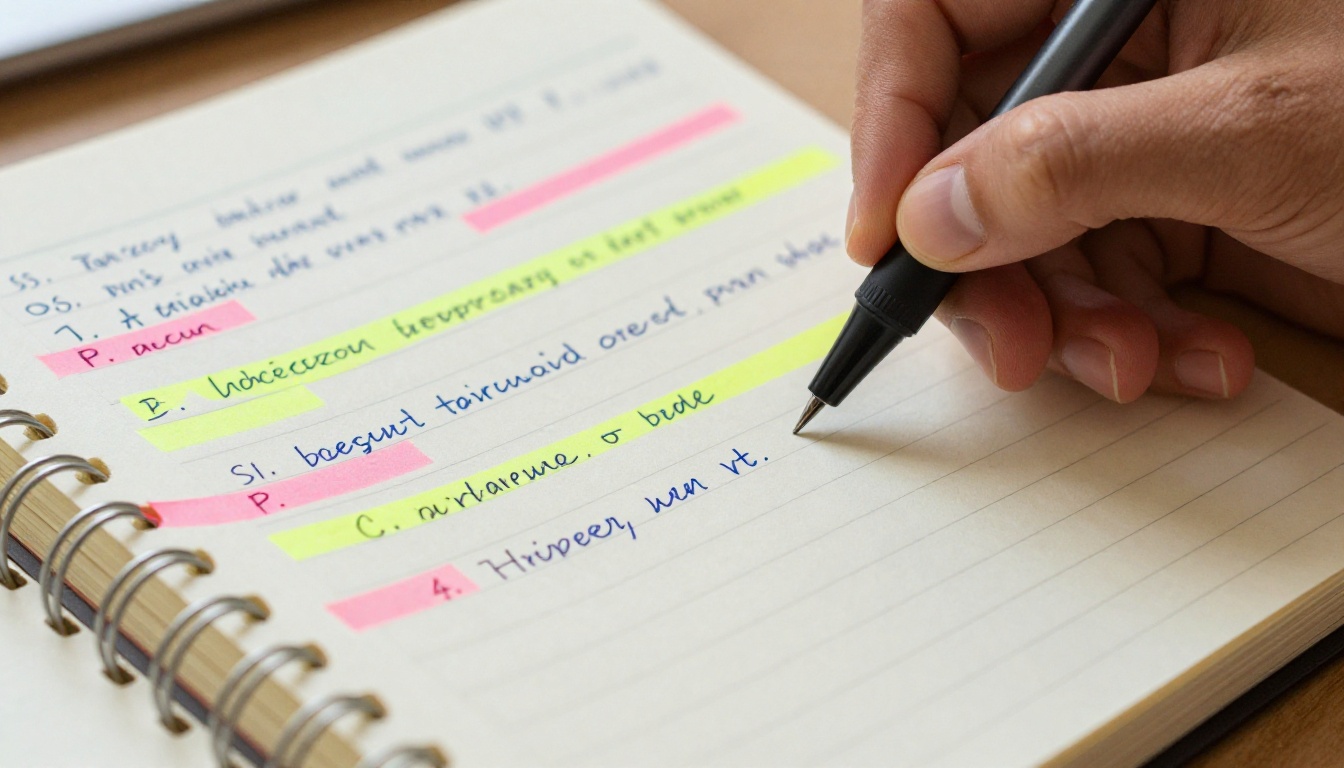
💡 Pro tip: Students who use visual study formats report up to 40% better recall during timed exam conditions versus those who rely on plain text notes alone.
What a Study Flipbook Is
A study flipbook is a paginated, interactive digital document that presents your notes in a visual, page-turning format. Think of it as the difference between reading a PDF and actually flipping through a well-designed magazine about your subject matter.
More Than Just a PDF
A PDF is static. You scroll, you squint, you lose your place. A flipbook has pages that turn. It has a visual front page, chapter divisions, and a reading flow that mimics holding a real book in your hands. This isn't just aesthetics. The format changes how you interact with the content and how well your brain encodes it.
Students who convert their notes into flipbook format consistently report two things: they actually look forward to reviewing their material, and they spend less total time studying because each session is more focused and efficient.
The Science Behind Page-Turning Retention
Several cognitive studies on active recall and spaced repetition point to one common factor: the format in which you review material matters as much as how often you review it. When your study material is paginated and visually organized, your brain treats each page flip as a retrieval cue. You're not just reading, you're navigating, and navigation builds stronger memory pathways.
The brain processes visual and spatial information in separate but interconnected systems. When you associate a piece of information with a specific page location, color, or visual design, you create multiple memory hooks for the same fact. That redundancy is exactly what makes information stick under exam pressure.

How to Organize Your Notes Before Converting
Dumping raw notes into a flipbook won't work. The real power comes from organizing your content before converting it. Here's a framework that works across subjects.
The 3-Section Method
Before you touch any digital tool, physically divide your notes into three categories:
- Core concepts (definitions, formulas, fundamental rules)
- Explained examples (worked problems, case studies, annotated diagrams)
- Review questions (things you need to test yourself on)
This three-part structure maps perfectly onto flipbook pages. Core concepts become your opening pages. Examples fill the middle. Review questions anchor the end of each chapter.
Color Coding That Works
Color coding only helps when it's consistent. Pick a system and stick with it across every subject:
- Yellow highlight: definitions and core terms
- Blue underline: formulas and equations
- Pink sticky note: questions or concepts you're unsure about
- Green check: material you've confirmed you know
When your notes arrive in the flipbook with this color logic already applied, every page flip reinforces the same visual language. Over a study session, the colors become automatic signals and your brain starts processing them faster than it reads the words.
What to Cut, What to Keep
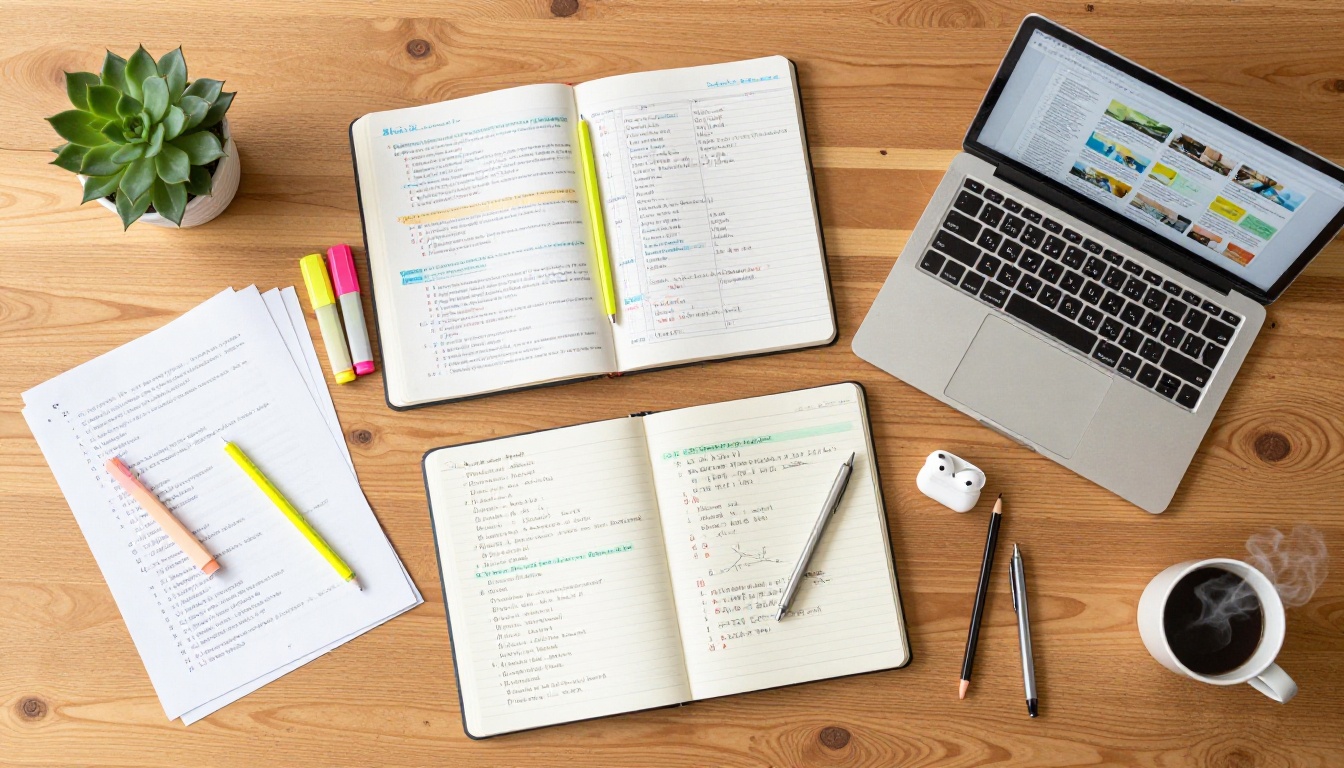
Not everything in your notebook belongs in a study flipbook. Cut anything that is a direct copy from a textbook you can still access. Keep original explanations, personal memory tricks, and anything you wrote during a lecture that isn't in the official materials. Your own words are more valuable to your recall than copied text.
| Note Type | Keep in Flipbook? | Reason |
|---|
| Original lecture notes | ✅ Yes | Personal language boosts recall |
| Textbook copy-pastes | ❌ No | Already accessible elsewhere |
| Memory tricks and mnemonics | ✅ Yes | Highly personal, high value |
| Diagrams you drew yourself | ✅ Yes | Spatial memory anchors |
| Highlighted formulas | ✅ Yes | Quick reference during review |
| Long verbatim definitions | ⚠️ Condense | Summarize in your own words |
⚠️ Warning: Overcrowding your flipbook with raw text defeats its purpose. Aim for no more than 150 words per page when structuring your content.
How to Create a Study Flipbook with Flipbooks AI
Flipbooks AI makes the conversion process fast, clean, and genuinely enjoyable. Here's how to go from scattered notes to a polished study flipbook in under 30 minutes.
Step 1: Format Your Notes as a PDF
Before uploading anything, get your notes into PDF format. You have a few options:
- Google Docs or Notion: Type or paste your organized notes, apply headings and color formatting, then export as PDF
- Canva or PowerPoint: Design each "page" visually for more control over layout
- Scanning apps: If your notes are handwritten, use an app like Adobe Scan or Microsoft Lens to create a clean PDF
The cleaner and more structured your PDF, the better your flipbook will look after conversion.
Step 2: Upload and Convert
Head to Flipbooks AI and create a free account. Once you're in:
- Click New Flipbook from your dashboard
- Select your PDF file and upload it
- Wait for the automatic conversion (typically under 60 seconds)
- Preview your flipbook in the built-in viewer
The PDF to Flipbook Converter handles the heavy lifting automatically. Your notes become a page-turning digital flipbook with no additional design work required.

Step 3: Customize for Your Study Style
Once converted, you can customize the flipbook to fit how you study:
- Add a title page with your subject name and semester
- Choose your color theme to match your existing color-coding system
- Enable page flip sound effects for a tactile reading experience
- Set a background that reduces visual strain during long study sessions
- Add bookmarks to jump directly to your most-reviewed sections
✅ Best practice: Create one flipbook per subject, not one massive flipbook for everything. Smaller, focused flipbooks are faster to review and easier to carry through short study breaks.
Step 4: Share and Study Anywhere
One of the biggest advantages of a digital study flipbook is portability. With Flipbooks AI:
- Access your flipbook on any device (phone, tablet, laptop) without downloading files
- Share a direct link with classmates for group study sessions
- Password-protect your flipbook if it contains private content
- Embed your flipbook into a Notion page or personal study website using the Embed Flipbook on Website tool

Not all subjects need the same flipbook structure. Here's a breakdown of what works best for different academic disciplines.
Which Format Fits Your Subject
| Subject | Best Flipbook Structure | Special Elements to Include |
|---|
| Math / Sciences | Problem-solution pairs per page | Formulas box, step-by-step examples |
| History / Social Studies | Timeline-based chapters | Dates highlighted, cause-effect tables |
| Languages | Vocabulary page + example sentences | Color-coded grammar rules |
| Law / Philosophy | Case or argument per page | Counter-arguments on facing pages |
| Biology / Anatomy | Diagram-heavy pages | Labeled illustrations with short captions |
| Literature | Character / theme breakdowns | Quotes in italics with page references |
The Course Material Publisher tool is particularly well-suited for building structured academic flipbooks with chapter navigation built in.
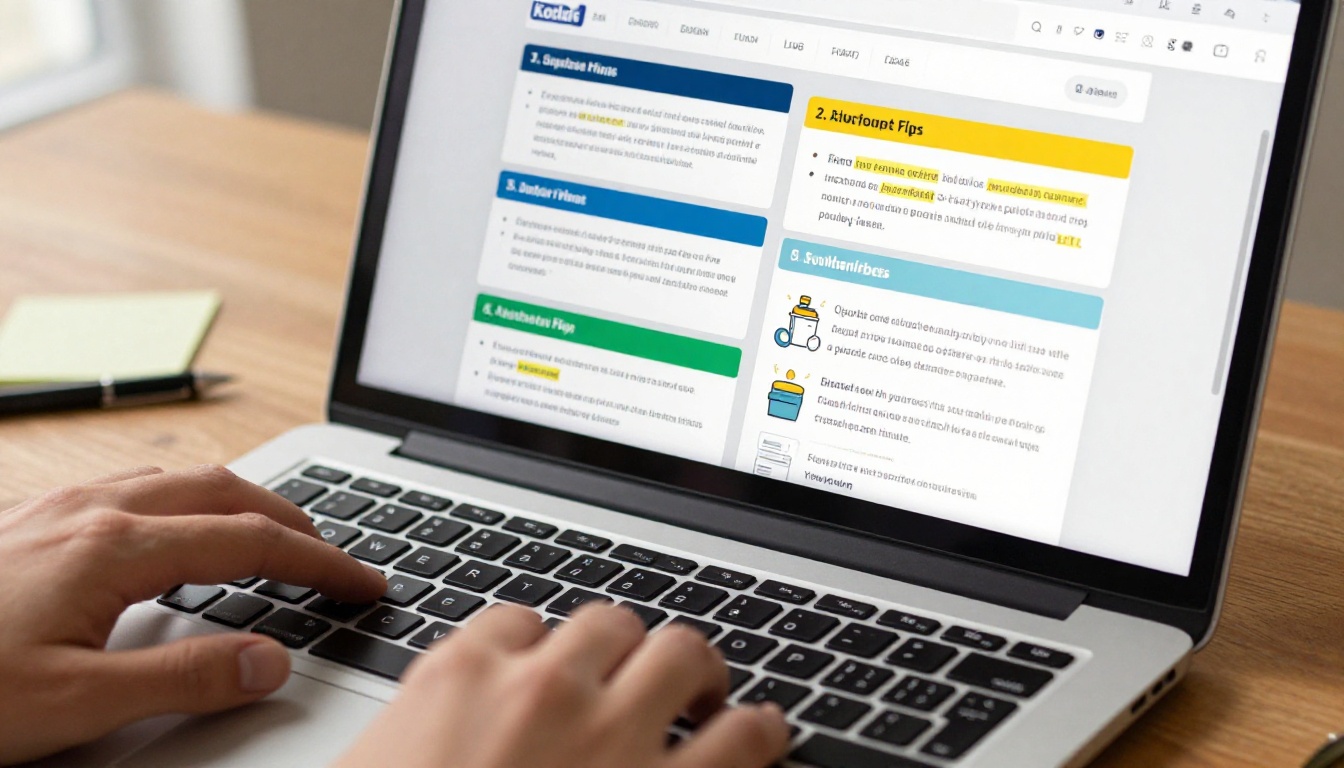
💡 Pro tip: For STEM subjects, dedicate one page per formula or theorem. Include the rule, one worked example, and one blank practice problem space. This turns your flipbook into a mini-workbook.
Flipbooks AI Plans for Students
Flipbooks AI offers flexible plans so students can start for free and scale as their needs grow.
| Feature | Free Plan | Standard Plan | Professional Plan |
|---|
| Flipbooks created | Limited | Unlimited | Unlimited |
| Watermark-free | ✅ | ✅ | ✅ |
| Password protection | ❌ | ✅ | ✅ |
| Custom branding | ❌ | ✅ | ✅ |
| Analytics and tracking | ❌ | ❌ | ✅ |
| Offline downloads | ❌ | ✅ | ✅ |
| Embed on websites | ❌ | ✅ | ✅ |
| Lead generation | ❌ | ❌ | ✅ |
For most students, the Standard plan covers everything needed: unlimited flipbooks, offline access, and password protection for private study materials. Compare all pricing plans to see what fits your academic schedule and budget.

How to Actually Use Your Flipbook
Having a flipbook is only half the equation. The other half is how you use it during study sessions.
Active Recall With Flip Pages
Instead of reading through every page passively, use a specific active recall method:
- Read the topic header on a page
- Close the flipbook
- Write down everything you remember about that topic
- Reopen and check what you missed
This method forces your brain to retrieve information rather than just recognize it, which is significantly more effective for long-term retention. Recognition is easy. Retrieval is what prepares you for an actual exam.
Spaced Repetition Scheduling
Divide your flipbook into three sections with bookmarks:
- Section A: Topics you're confident about (review once a week)
- Section B: Topics you partially know (review every 2-3 days)
- Section C: Topics you're struggling with (review daily)
As you improve, move pages from Section C to B, and from B to A. This spaced repetition approach is one of the most research-backed study methods available, and a well-organized flipbook makes it simple to implement without any extra apps or systems.
Group Study With Shared Flipbooks
Share your flipbook link with your study group and use it as a collaborative review tool. Each person can bring their own flipbook version of the same subject and compare how they organized the material. Gaps in one person's notes are often filled by another's, making group flipbook review one of the most efficient ways to prepare before major assessments.
When your group reviews together using shared digital flipbooks, you spend less time saying "wait, which page was that?" and more time actually discussing the content.

✅ Best practice: Create a shared "master" flipbook for your study group by combining each person's best notes into a single PDF before uploading. The result is a thorough review resource that no individual student could have built alone.
When to Rebuild Your Flipbook
A study flipbook isn't meant to be permanent. Here are the signals that it's time to start fresh:
- After a major test or midterm: Remove content you've clearly mastered and focus the new version on what's ahead
- When new material contradicts old notes: Update rather than annotate on top of outdated content
- At the start of each semester: Create a clean flipbook for each course rather than carrying over a cluttered one from the previous term
- After a difficult lecture: Convert your live notes into flipbook format within 24 hours while the content is still fresh
The habit of rebuilding your flipbook regularly keeps your study materials tight, current, and actually useful, unlike the graveyard of old notebooks most students accumulate over the years.

💡 Pro tip: Save old flipbook versions rather than deleting them. They can be useful for cumulative finals or if course content circles back to earlier material.
Build Your First Study Flipbook Today
The gap between students who retain information and those who don't often comes down to one thing: format. Flat notes stay flat. A well-built study flipbook turns passive material into something you actively interact with, page by page.
Flipbooks AI makes the process fast enough that you can convert this week's notes into a polished, shareable flipbook in less time than it takes to reread them once. No design skills required. No complicated tools. Just your notes, a PDF export, and a platform built to make studying work better.
Ready to stop rereading and start retaining? Create your first flipbook for free and see the difference a better format makes. Want more ways to use flipbooks for academic and personal projects? Browse all available tools and templates or compare pricing plans to find the right fit for your study routine.



