Your photography portfolio is only as powerful as the experience it creates. A JPEG dump in a Google Drive folder, a PDF attachment no client opens past page 3, a website that crawls on mobile, these are the silent killers of first impressions. Flipbooks AI offers a different path: convert your photography PDF into an interactive, page-turning digital flipbook that looks cinematic, loads instantly, and gives clients something they actually want to flip through. This is how working photographers are changing the way they present their work, and what it takes to do the same.
Why Static Portfolios Are Losing You Work
Most photographers spend hours perfecting their images and minutes thinking about how those images are delivered. The result is a mismatched experience: stunning photography wrapped in a forgettable format.
The PDF Problem Nobody Talks About
PDFs are fine for contracts and invoices. For photography portfolios, they are close to useless. Clients have to download the file, open it in a separate app, scroll through pages that load one at a time, and then close it without any way for you to know they even looked. There is no interaction, no animation, no sense that this is a living body of work.
The conversion rate from "sent portfolio PDF" to "booked the photographer" is notoriously low. Part of that is the work itself, but a significant part is the delivery method.
What Clients Actually Do With Your Link
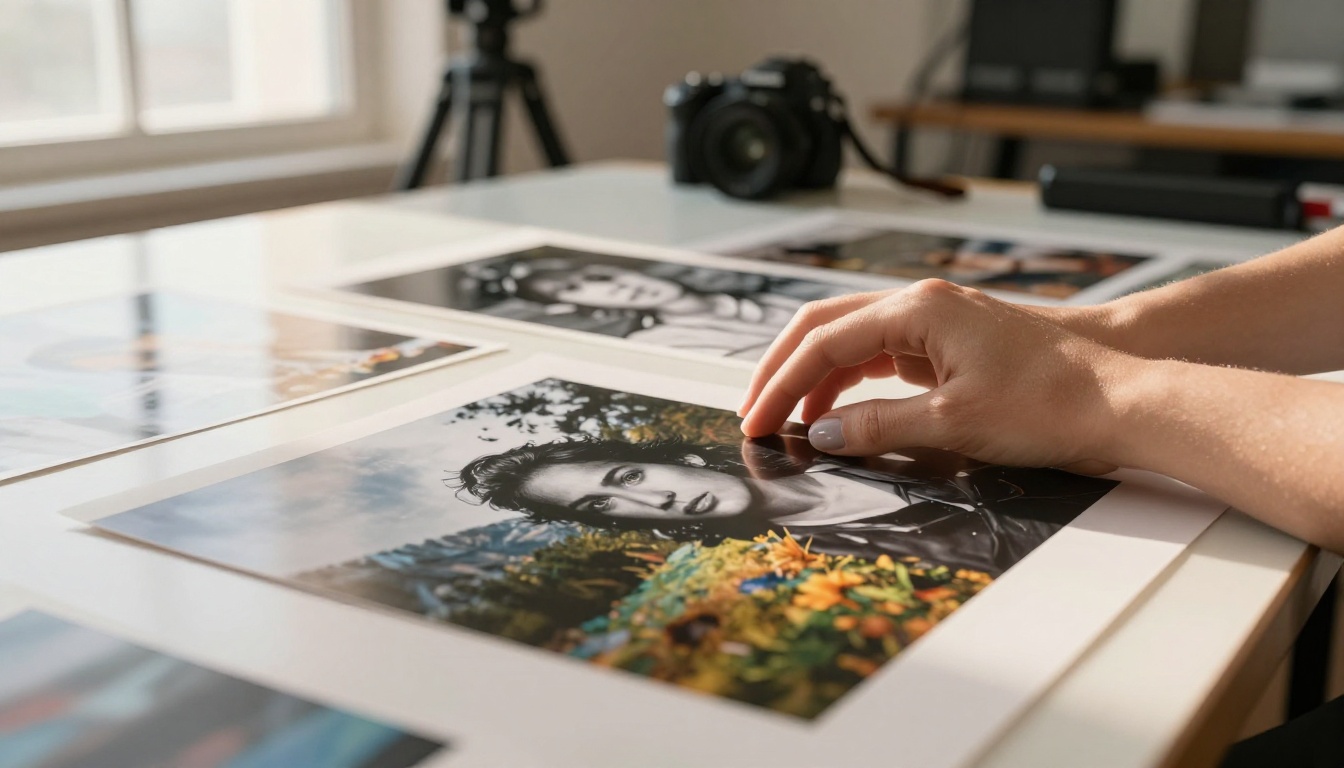
When you send a prospect a portfolio link, here is the realistic sequence of events: they tap the link, something either loads or doesn't, they spend between 8 and 15 seconds on the first impression, and they either close it or keep going. If your presentation format does not capture them in those first 15 seconds, the quality of page 12 does not matter.
A flipbook changes this dynamic. The page-turn animation signals immediately that this is something different. It feels like a premium print book, but it lives in a browser tab. Clients stay longer, flip further, and walk away with a stronger sense of your brand.
What a Photography Flipbook Actually Looks Like
The word "flipbook" might conjure something crude or gimmicky. The reality is the opposite. A well-built photography portfolio flipbook looks like a luxury editorial magazine brought to life digitally.

The Page-Turn Effect
The signature feature is the realistic page-turn animation. When a viewer clicks or swipes to move forward, the page physically turns, revealing the next spread with a soft shadow and paper curl. For photography portfolios, this creates something a website gallery cannot: the sensation of holding a real print book.
This matters more than it sounds. The physical metaphor activates a different kind of attention. Viewers slow down. They actually look at each spread rather than scanning a vertical scroll at speed.
Built for Every Screen
A well-built photography flipbook is fully mobile-responsive. On a desktop, it shows the full double-page spread. On a phone, it automatically adjusts to single-page view with swipe navigation. Clients can view your portfolio on whatever device they happen to be using when your email arrives.

💡 Pro tip: Design your photography PDF with double-page spreads in mind. A single dramatic landscape image that bleeds across both pages creates a stunning reveal when the page turns.
How to Build Your Portfolio Flipbook
The process is straightforward and does not require any technical skill beyond being able to export a PDF.
Step 1: Curate and Organize Your Images
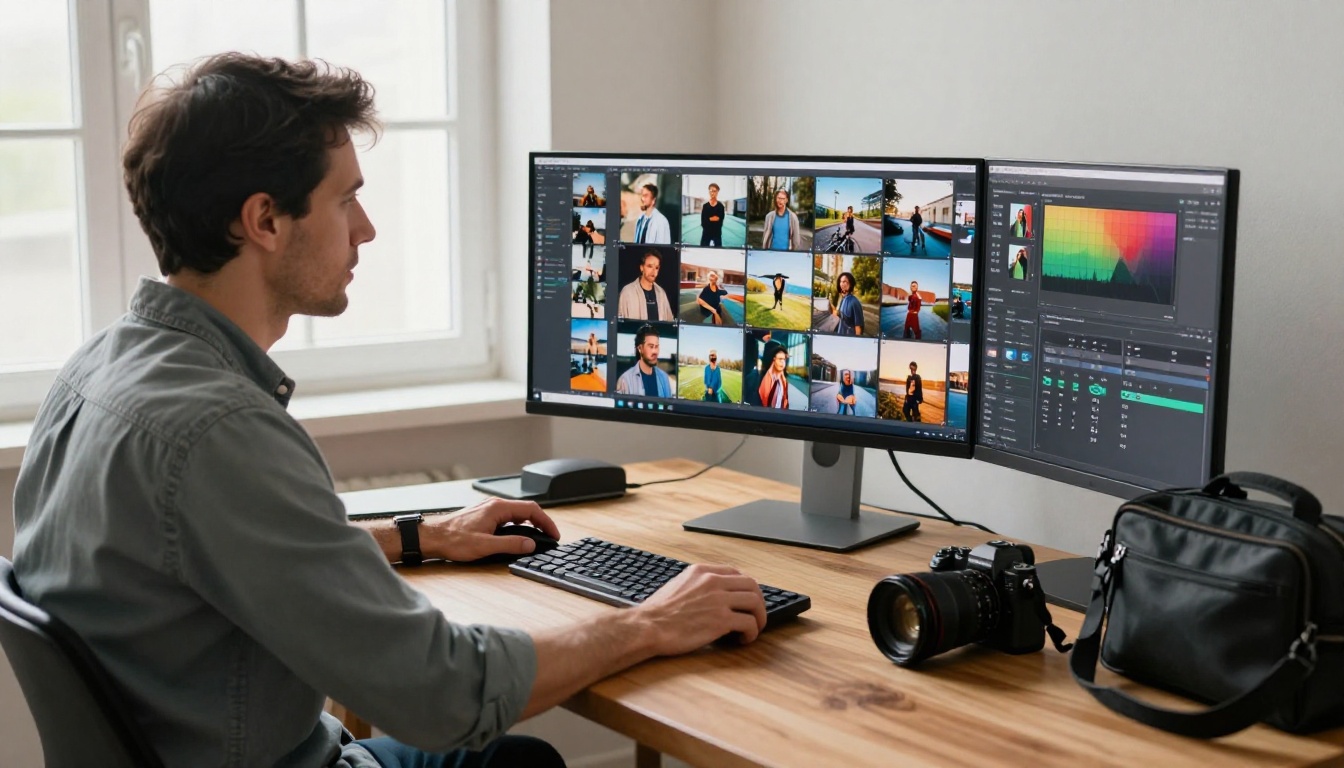
Before you touch any software, edit down your portfolio ruthlessly. A 12-image flipbook showing 12 strong images will always outperform a 40-image one with filler shots. Organize the sequence intentionally: open strong, place your best work in the first third, and close with something memorable.
Once you have your sequence, bring the images into your layout software of choice (Adobe InDesign, Canva, Affinity Publisher) and design each spread. Match your personal brand: fonts, color palette, spacing. Export the final document as a PDF.
Step 2: Upload and Convert
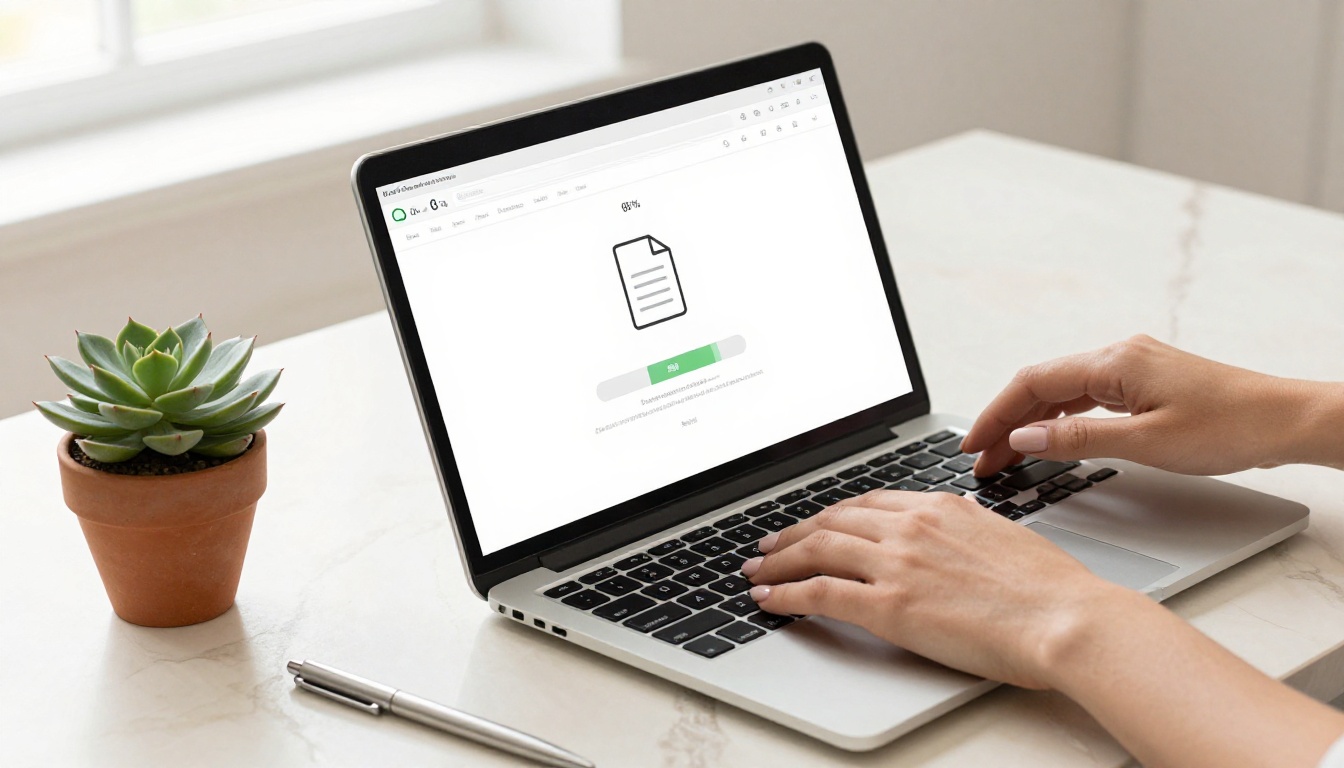
Head to Flipbooks AI and create your account. The upload process takes less than two minutes:
- Click New Flipbook on your dashboard
- Select your PDF file and upload it (the PDF to Flipbook Converter handles files of any size)
- Watch the conversion happen in real time, the platform processes each page and generates the interactive flip format automatically
- Preview the result before publishing
✅ Best practice: Use high-resolution PDF exports (at least 300 DPI for images) to ensure your photography looks crisp and sharp in the flipbook viewer.
Step 3: Brand It as Your Own
Once your flipbook is created, apply your branding. Flipbooks AI lets you:
- Set a custom domain so the link reflects your own brand instead of a generic URL
- Upload your logo to appear in the viewer interface
- Choose your color palette for the flipbook player controls
- Add a custom thumbnail for the link preview when shared on social media or email
This is where a standard photo flipbook becomes your photo flipbook. No watermarks on Standard plans and above. No third-party branding in the viewer. Just your work, presented as yours.
Step 4: Share It Anywhere
Publishing your flipbook gives you several distribution options:
- Direct link: A clean URL you can drop into email, an Instagram bio, or a client proposal
- Embed code: Place the flipbook directly on your website so visitors never have to leave your site (the Embed Flipbook on Website tool makes setup simple)
- Password protection: For client-specific presentations or private galleries, lock the flipbook with a password
The Photography Portfolio and Portfolio Flipbook Builder tools are built specifically for this workflow. The Digital Portfolio Creator addresses broader creative needs if your work spans multiple disciplines.
3 Common Portfolio Mistakes That Kill First Impressions
Too Many Images, Not Enough Curation
The instinct to include every strong shot you have is understandable, but it is almost always the wrong call. A client who hits page 40 of a portfolio is not impressed, they are tired. Fifty images tell them you could not decide what was good. Twenty carefully chosen images tell them you have a point of view.
When building your flipbook portfolio, aim for 20 to 30 pages maximum. Each spread should earn its place by doing something specific: setting the mood, showing range, or demonstrating technical skill. If a page is not doing one of those three things, cut it.
Ignoring the Mobile Experience
More than 60 percent of email opens happen on a phone. If your portfolio link leads to a PDF or a desktop-only website, you have lost the majority of your audience before they see a single image.
A mobile-responsive flipbook built on Flipbooks AI automatically adjusts for any screen size. Swipe navigation, auto-scaling images, and fast load times mean your work looks as good on a phone as it does on a 27-inch monitor.
Sending a Cold Link With No Context
The format of your portfolio matters, but so does how you send it. A portfolio link dropped into an email with no context asks the client to do too much work. Instead, write a short note that frames what they are about to see: which project inspired the selection, what niche the work represents, or why a specific spread connects to their brief.
This takes two additional sentences in an email, and it transforms the portfolio from a generic attachment into a considered recommendation.
Photography Niches That Benefit Most
A flipbook format works across all photography genres, but some niches see particularly strong results.
Wedding and Event Photographers
Wedding clients are emotional buyers. They are not evaluating technical specs, they are imagining their own wedding reflected in your work. A flipbook portfolio that reads like a luxury wedding magazine creates exactly the right emotional context.
Include a mix of detail shots, candids, and full spreads of ceremony moments. The page-turn animation makes a sequence of ceremony images feel like a story unfolding rather than a grid of thumbnails.
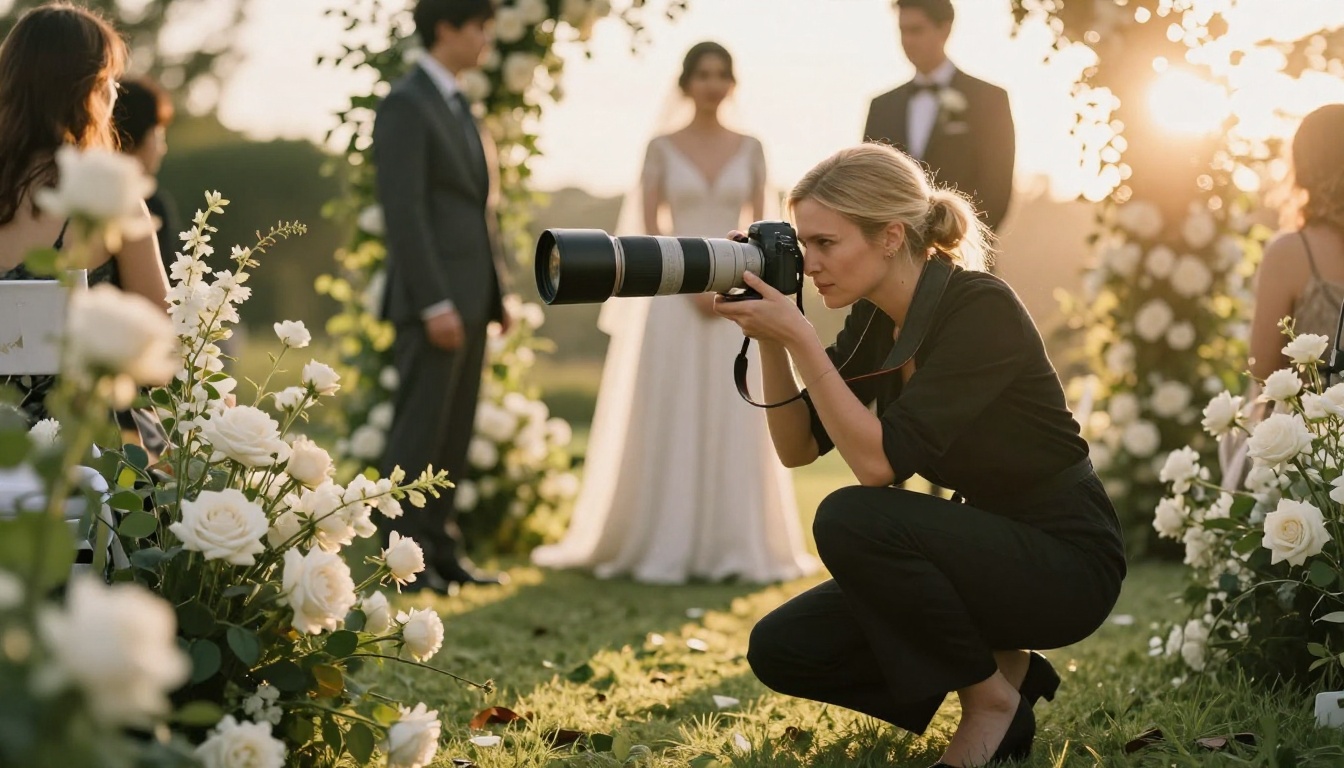
The Wedding Album Flipbook tool is purpose-built for this use case, letting you create presentation-ready flipbooks that also work as client album previews.
Commercial and Product Photographers
Commercial clients need to see range, consistency, and an ability to make products look extraordinary. A flipbook lets you organize your commercial work by category: beauty in one section, food in another, lifestyle in a third, with clean chapter transitions between them.
This kind of organized, professional presentation signals to art directors and brand managers that you operate at a high level. The format itself communicates organization before they have even looked at a single image.
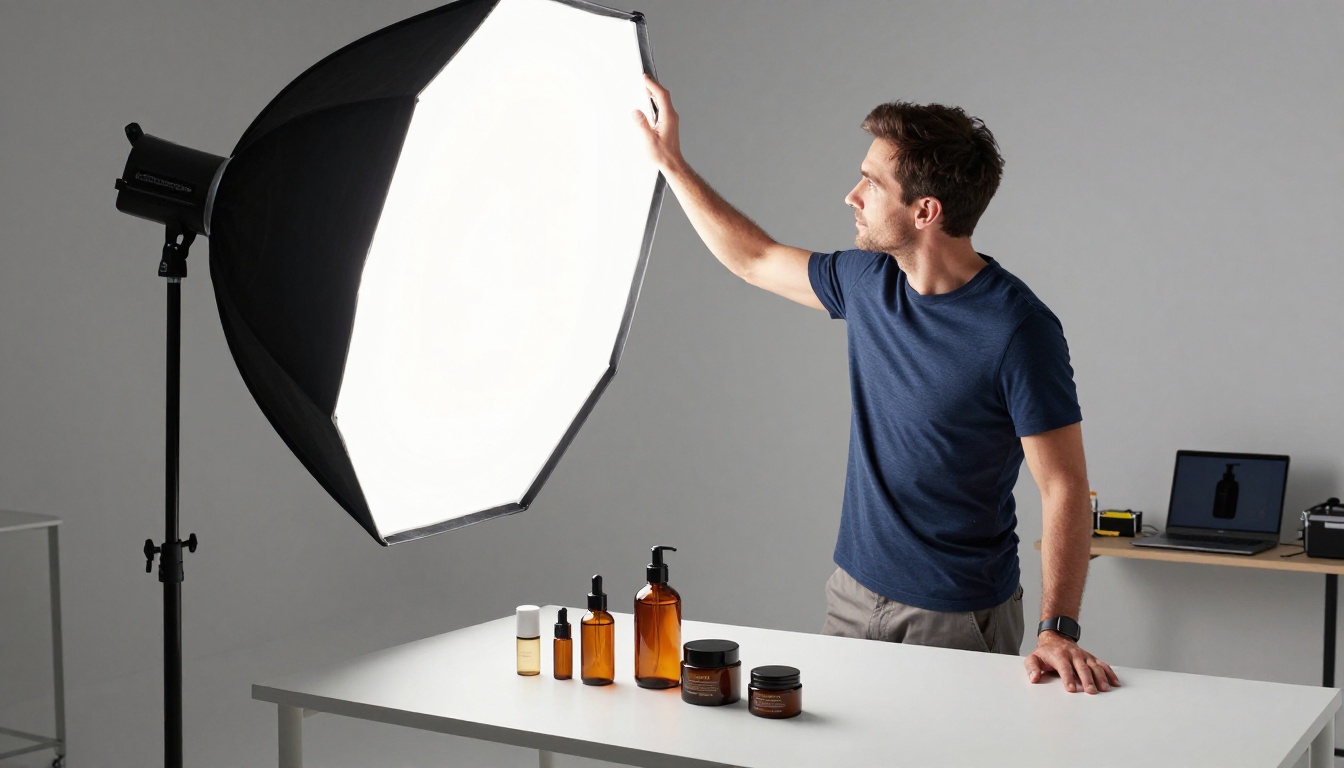
💡 Pro tip: For commercial portfolios, use the analytics features available on the Professional plan to see which pages clients spend the most time on. This tells you which work resonates most, and that shapes future pitches.
Portrait and Fashion Photographers
Portrait and fashion work lives or dies by mood. A flipbook format, with its editorial pacing and immersive presentation, matches the mood-driven nature of this genre better than any static gallery.
Alternate between intimate close portraits and wider environmental shots to create visual rhythm. Use full-bleed double-page spreads for your strongest images, treating each spread as its own editorial moment.
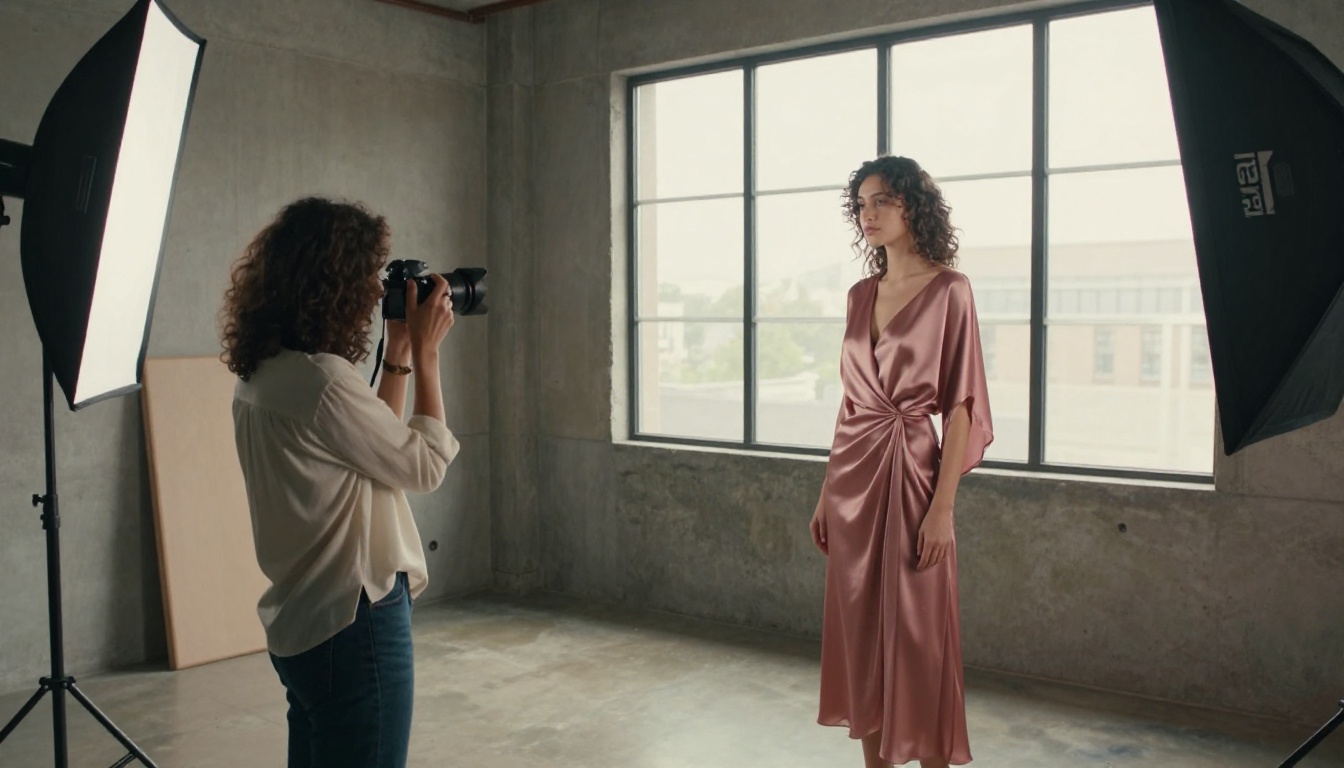
The Interactive Lookbook Designer adds another layer for fashion work, letting you embed video clips and audio alongside your photography spreads for a fully immersive editorial experience.
| Format | Mobile Friendly | Interactive | Brandable | Analytics | Embeddable | Client Impression |
|---|
| PDF | Partial | No | No | No | No | Low |
| Website Gallery | Yes | Partial | Yes | Partial | Partial | Medium |
| Behance / 500px | Yes | Partial | Limited | Limited | No | Medium |
| Instagram | Yes | Partial | Limited | Yes | No | Medium |
| Flipbook (Flipbooks AI) | Yes | Yes | Yes | Yes | Yes | High |
The flipbook format wins on every dimension that matters for client-facing portfolio presentation. The combination of interactivity, branding control, and embeddability makes it the only format that works equally well as a standalone link, a website feature, and a direct pitch tool.
Flipbooks AI Plans at a Glance
| Feature | Free | Standard | Professional |
|---|
| Number of Flipbooks | 1 | Unlimited | Unlimited |
| Watermark | Yes | No | No |
| Custom Branding | No | Yes | Yes |
| Password Protection | No | Yes | Yes |
| Analytics | No | No | Yes |
| Lead Generation | No | No | Yes |
| Offline Downloads | No | No | Yes |
| Embed on Website | Yes | Yes | Yes |
⚠️ Note: If you are using your flipbook for client presentations or commercial work, the watermark on the free plan will undermine the premium impression you are trying to create. The Standard plan removes it entirely.
For most photographers, the Standard plan handles everything needed. The Professional plan is worth it if you want to track client viewing behavior or use lead generation forms. See all options at the pricing page.
Photography Portfolio Use Cases by Client Type
The Real Difference It Makes
The question photographers ask most often is: does this actually change results? The answer depends on what you are comparing against.
Compared to a PDF attachment, a flipbook portfolio almost always produces longer viewing sessions and more follow-up questions. The format removes friction and creates curiosity. Clients who would have skimmed a PDF for 30 seconds often spend several minutes with a flipbook, moving page by page through your work at their own pace.
Compared to a website gallery, the flipbook creates a more intentional, curated experience. A website gallery says "here is my work, browse it." A flipbook says "here is a presentation I built specifically for you." That distinction matters, especially when pitching premium clients who receive dozens of portfolio links a week.

The photographers seeing the biggest impact are those who use their flipbook not as a passive link but as an active pitch tool. They send it with a specific note that frames the work in the context of a particular client's brief, which makes the presentation feel personal and considered rather than a mass blast.
Even without personalization, simply having a flipbook instead of a PDF shows clients that you think carefully about presentation quality. It signals attention to detail before they have seen a single photograph.
Your Portfolio Deserves a Better Stage
Your photography is too good to live inside a PDF. The format you choose for your portfolio is not a neutral decision. It either supports the quality of your work or undercuts it.
A flipbook built on Flipbooks AI takes 10 minutes to create and lasts as long as you need it. You can update it any time, share it in seconds, and embed it anywhere. With no watermarks on paid plans, full custom branding, and mobile-ready delivery, it is the closest thing to handing a client a printed editorial book without printing anything.
Ready to see what your portfolio looks like as a flipbook? Create your account on Flipbooks AI and convert your first portfolio in minutes. Browse all portfolio and photography tools to find the format that fits your niche, and check the pricing plans to choose what works for you.



