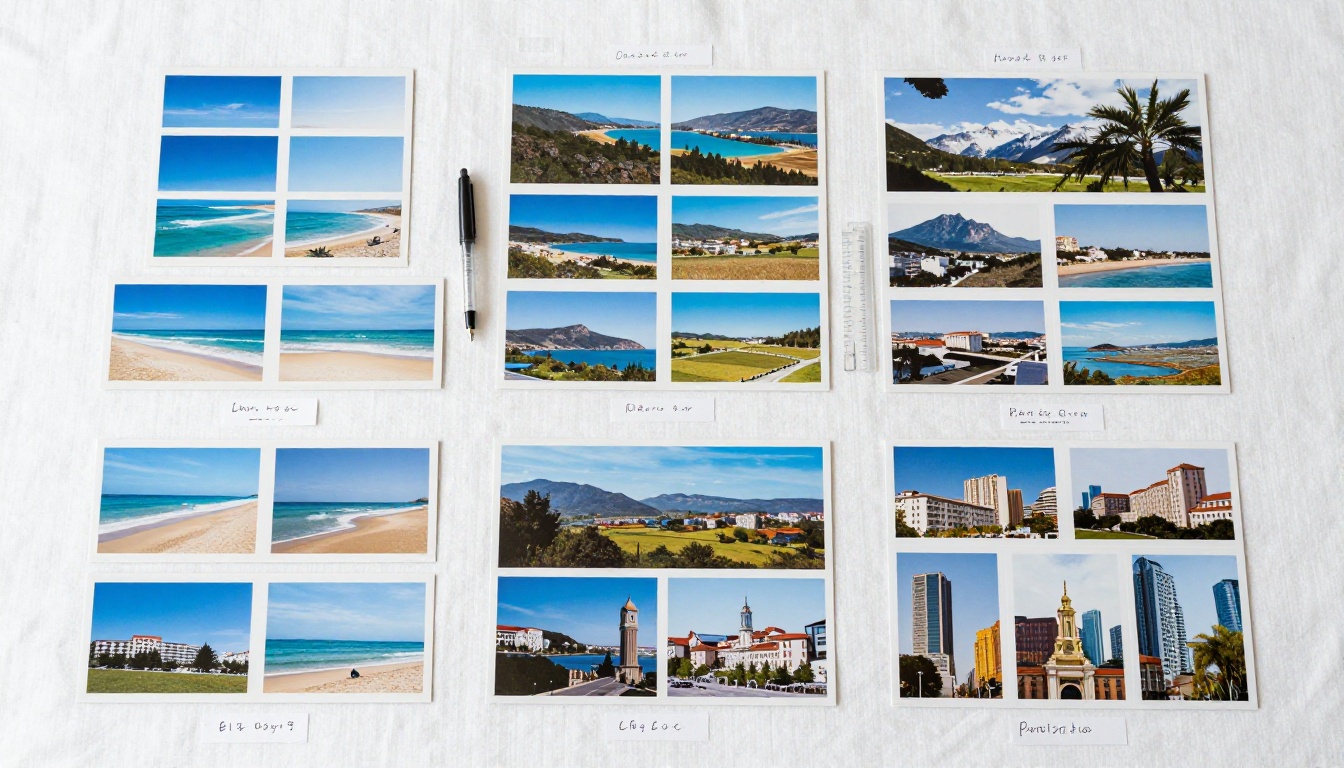
Somewhere in a drawer, a closet, or a shoebox tucked under the bed, there is a stack of postcards. Some are from cities you visited years ago. Others arrived in the mail from people you love, with handwritten notes that felt urgent and warm at the time. Most of those cards have not seen daylight in years. Turning that physical collection into a digital flipbook is one of the most satisfying preservation projects you can do, and it takes far less effort than you might expect. Flipbooks AI makes the process straightforward, even if you have never done anything like this before.
Why Postcards Deserve More Than a Drawer
The Quiet Urgency of Paper
Postcards are fragile. Paper yellows, ink fades, and edges crumble with humidity and time. A collection built over decades can deteriorate in just a few years if stored poorly. Unlike digital files, physical cards are vulnerable to water damage, fire, and simple neglect. The problem is not that people do not care about their collections. The problem is that the effort required to preserve them properly has always seemed daunting.
Digitizing your postcard collection solves this permanently. Once scanned and uploaded, the images exist in multiple places simultaneously. A house fire cannot destroy a file stored in the cloud. A flooded basement cannot reach a shared link.
What a Physical Collection Cannot Do
A shoebox of postcards cannot be shared with a relative across the country. It cannot be viewed on a phone during a lazy afternoon. It does not have a search function, page transitions, or the ability to embed captions and context next to each card. A digital flipbook does all of those things, and it does them in a format that feels genuine and tactile, not sterile or clinical.
💡 Think of a flipbook as a digital album with the feel of a real book. Pages turn. The experience is sequential. It is not just a folder of image files.
From Paper to Pixels: The Scanning Process
What You Need to Start
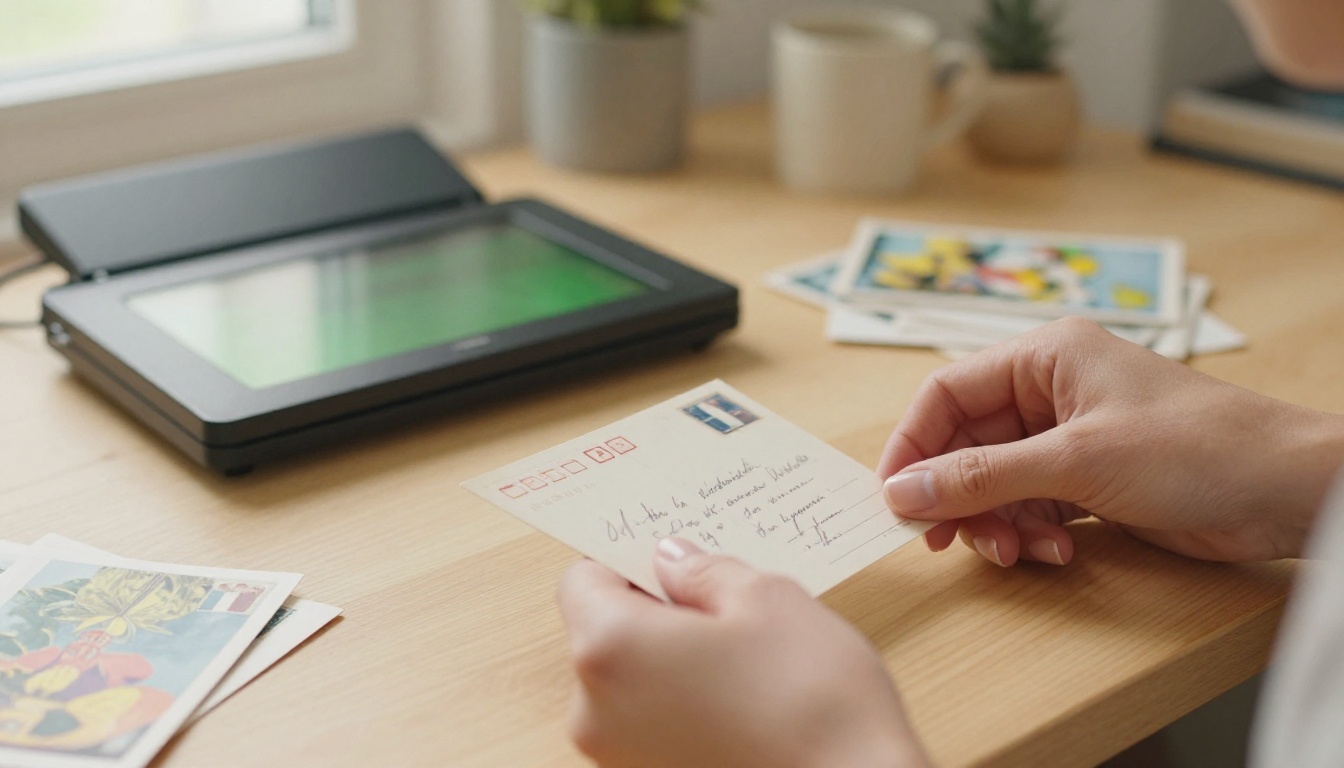
You do not need professional equipment to get good results. A flatbed document scanner is the best option for postcards because it scans both the front and back flat, without distortion. Most scanners sold at electronics retailers for under $100 handle postcards perfectly well. Alternatively, high-end smartphone scanning apps like Microsoft Lens or Adobe Scan can produce usable results if a physical scanner is not available.
What you do need is patience and consistency. Scanning 50 postcards takes roughly 30 to 45 minutes if you work methodically.
Basic equipment checklist:
- Flatbed scanner (600 DPI minimum recommended for archival)
- Microfiber cloth to clean the scanner glass
- A consistent folder structure on your computer
- A PDF creation tool (Adobe Acrobat, Preview on Mac, or a free alternative like PDF24)
Scanning Settings That Matter
Resolution is the single most important variable. For postcard collections intended for digital display, 300 DPI produces excellent results. If you want to preserve the finest details for archival or printing purposes, use 600 DPI. Avoid going higher unless you have a specific reason, as file sizes become unwieldy.
| Scan Setting | Recommended Value | Use Case |
|---|
| Resolution (DPI) | 300 | Standard digital display |
| Resolution (DPI) | 600 | Archival or print quality |
| Color Mode | RGB / Color | All postcard types |
| File Format | JPEG (90%) or TIFF | JPEG for size, TIFF for lossless |
| Scanner Glass | Clean before each session | Removes dust artifacts |
⚠️ Always scan both sides of each postcard. The handwritten message on the back is often the most emotionally significant part of the card.
Naming and Filing Your Scans
The moment you finish scanning, name each file meaningfully. A system like 1985_paris_front.jpg and 1985_paris_back.jpg is better than scan_001.jpg. This naming convention will save you significant time when organizing later.
Create two folders for each card if you are scanning both sides: one for fronts and one for backs. Or, combine front and back as two pages of a single PDF per postcard, which is often the cleanest approach for flipbook creation.
Organizing Your Postcard Collection
Sort Before You Scan
The single biggest mistake people make is scanning everything at random and trying to organize the digital files afterward. Sort the physical cards first. Decide on your organizing principle before you touch the scanner.
Common organizing approaches:
- By decade or year: Works well for long-term collectors with dated postmarks
- By sender: Ideal for family collections where each person has a distinct voice
- By geography: Best for travel collections, creating a journey through destinations
- By theme: Holiday cards, birthday cards, travel cards grouped separately
- Chronological travel: A year-by-year journey through one person's or a family's travels
Creating a PDF Ready for Flipbook
Once your scans are organized, you need to compile them into a PDF. This is the file format that most flipbook platforms, including Flipbooks AI, work with natively.
Steps to create a clean PDF:
- Open your image editing or PDF software (Adobe Acrobat, Preview, or PDF24)
- Set the page size to match postcard dimensions (standard postcards are 4 x 6 inches) or use standard letter/A4 if mixing with captions
- Import your scans in the desired order
- Ensure each image fills the page without distortion
- Export at a PDF quality setting that balances size and clarity
✅ Aim for a PDF file size under 50MB for smooth uploading. Compress images if needed without going below 80% JPEG quality.
How to Build Your Postcard Flipbook Online
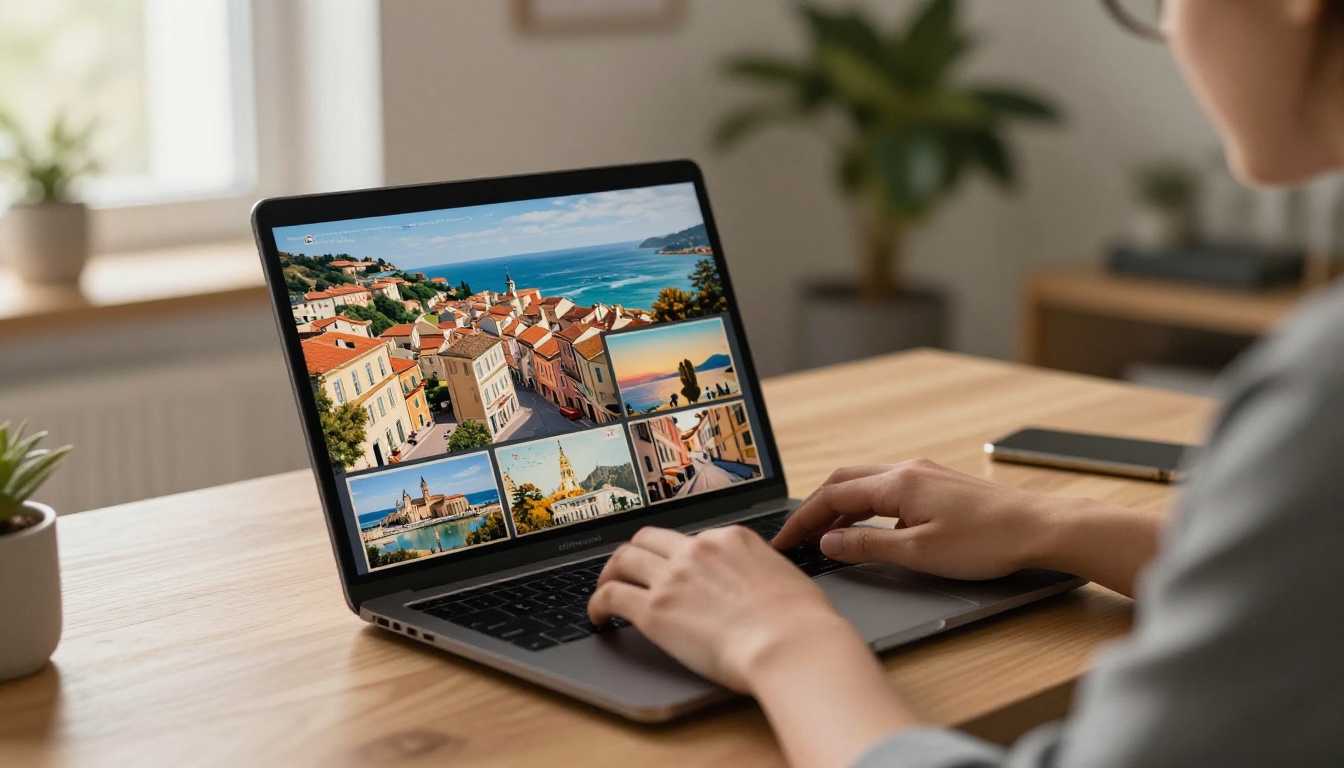
This is where the physical project becomes something you can share with anyone, on any device. Flipbooks AI converts your PDF into a fully interactive, page-turning digital flipbook in minutes.
Step 1: Create Your Account
Head to Flipbooks AI and create a free account. The signup process takes under two minutes. No credit card is required for the free tier.
Step 2: Upload Your Postcard PDF
From your dashboard, click New Flipbook and upload the PDF you created. Flipbooks AI processes the file and generates a page-turning preview automatically. Depending on the file size, this usually completes within 30 to 60 seconds.
Step 3: Customize Your Flipbook Style
Once processed, you can adjust the visual presentation of your flipbook:
- Opening page: Set a specific page as the first thing viewers see, ideally the most visually striking postcard in your collection
- Background color: Match the era of your postcards. Cream or sepia tones work beautifully for vintage collections
- Page flip sound: Toggle the paper-turning sound effect on or off
- Branding: Add your name or a collection title that appears on the viewer
- Table of contents: Create chapters like "Europe 1978" or "Holiday Cards" that readers can jump to directly
Step 4: Set Privacy and Sharing Options
This is one of the most underrated features. Not every postcard collection is meant for public consumption. Some contain intimate personal messages. Flipbooks AI gives you precise control:
- Public link: Anyone with the URL can view it
- Password protection: Share only with family members who have the password
- Private: Viewable only by you when logged in
- Embed code: Place the flipbook directly on a personal website or memorial page
💡 For family memoir collections, password-protected links work perfectly. You can share a single link in a family group chat, and only people with the password can open it.
Step 5: Share or Download
Once your settings are saved, your flipbook is live. Share the link directly, embed it in a personal blog, or download an offline version (available on the Professional plan) so it can be viewed without internet access at family gatherings.
Postcard Flipbook Ideas That Work
Travel Postcards by Destination
Organize your travel postcards geographically and create a flipbook that reads like a journey. Start with the earliest destination and move forward in time. Each page turn becomes a new city. Each stamp becomes a timestamp. This format works especially well for people who collected postcards on backpacking trips or gap years.
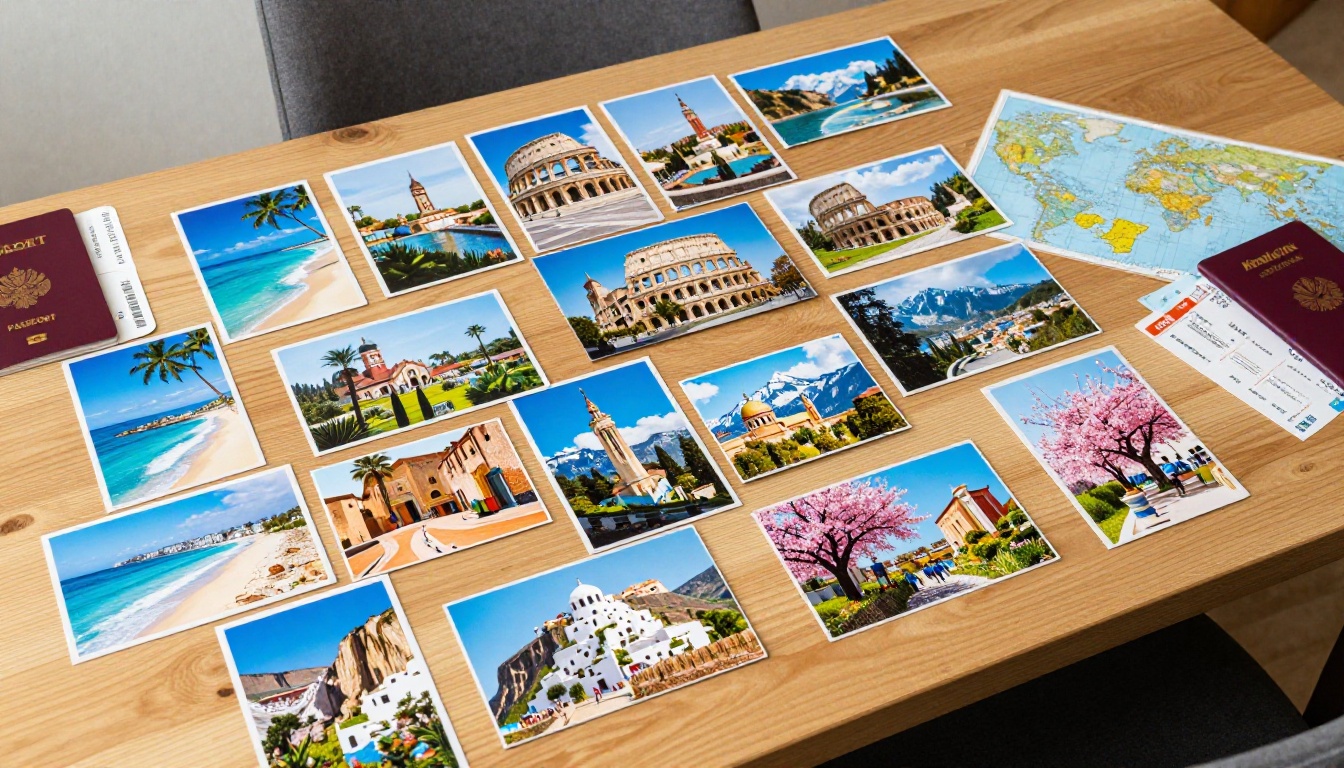
A practical structure for a travel flipbook:
- Opening page: A map or single striking postcard from the journey
- Introduction page: A scanned note explaining the collection and its time span
- Destination chapters: Grouped by country or city
- Message pages: The handwritten backs paired with their fronts
- Final page: Most recent postcard or a personal closing note
Vintage Family Postcards as Memoirs
When a grandparent passes away and you inherit a collection of postcards they sent or received over a lifetime, you have the raw material for one of the most meaningful family artifacts imaginable. A flipbook built from those cards becomes a document of a life, told in the voices and images of its time.
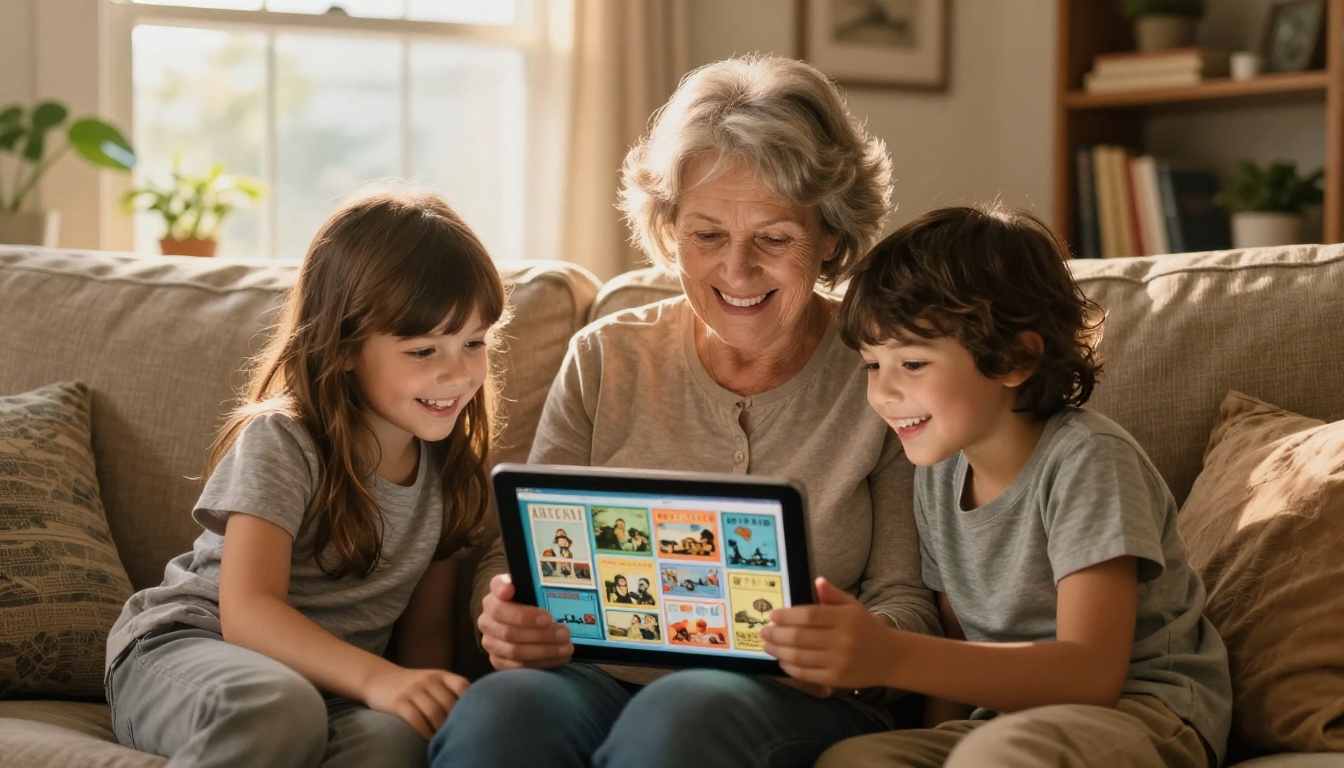
These memoir-style flipbooks work well as digital gifts. Share the link at a family reunion. Send it as a tribute during a memorial. Print a QR code that links to the flipbook and include it in a physical memory book or funeral program. The Wedding Album Flipbook tool is also worth looking at if you want to combine postcards with anniversary or wedding photos into a unified memory collection.
Holiday Card Collections
Many people receive holiday cards every year and have no idea what to do with them. Digitizing them and creating an annual flipbook is a genuinely beautiful project. Imagine a flipbook that opens with a Christmas card from 1968 and ends with last year's holiday photo card. It becomes a visual genealogy.
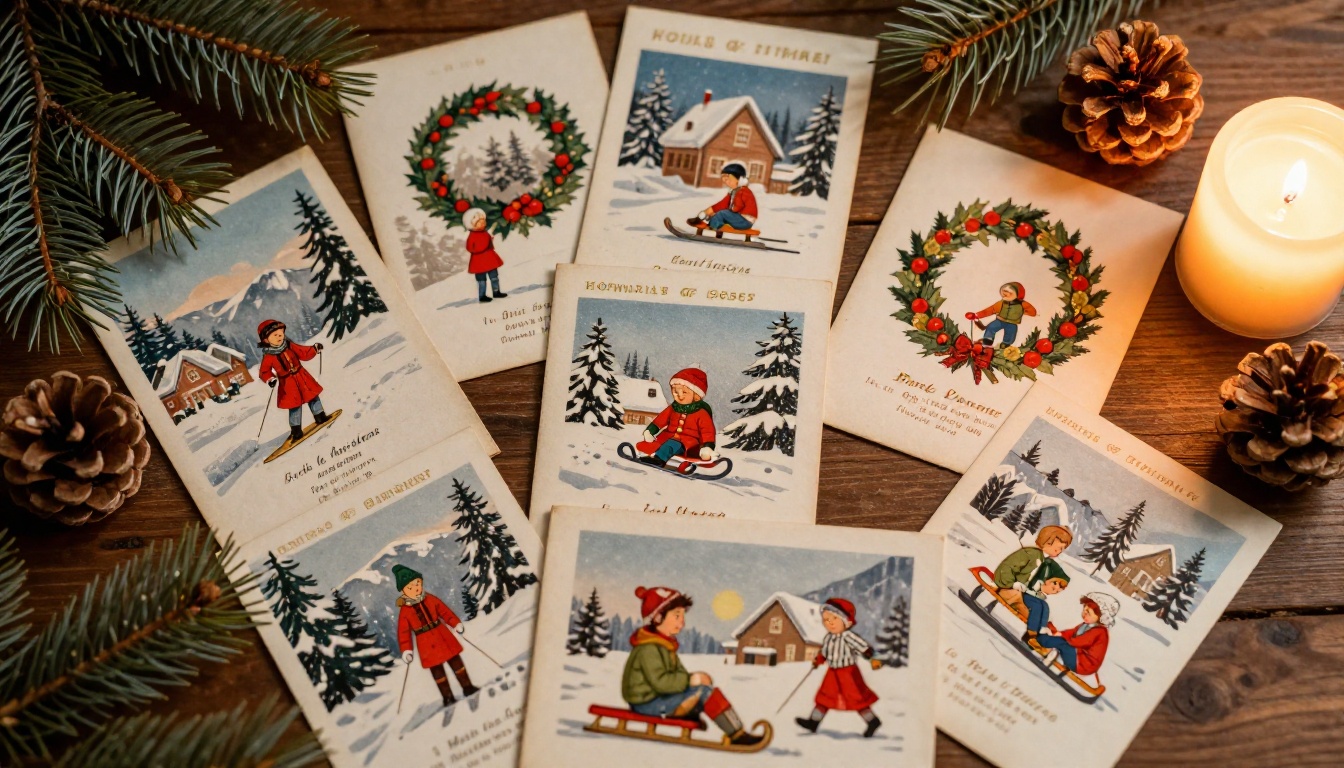
You can also build annual collections: one flipbook per year, shared with friends and family each December as a digital "year in review" using the cards received throughout the year.
Collector Editions and Themed Sets
If you collect postcards as a hobby (specific artists, cities, printing eras, or themes), a themed flipbook gives your collection a gallery-quality presentation without the cost of physical display. Vintage linen postcards from the 1930s-1950s, real photo postcards (RPPC), or topographical sets all translate beautifully to flipbook format.
Free vs. Paid: What You Actually Get
Before you commit to any plan, it helps to see exactly what each tier offers. Here is a straightforward comparison of what matters most for postcard flipbook projects:
| Feature | Free Plan | Standard Plan | Professional Plan |
|---|
| Number of flipbooks | Limited | Unlimited | Unlimited |
| Watermark | Yes | No | No |
| Password protection | No | Yes | Yes |
| Custom branding | No | Yes | Yes |
| Offline download | No | No | Yes |
| Analytics | No | No | Yes |
| Lead generation | No | No | Yes |
| Embed on website | Yes | Yes | Yes |
| Mobile responsive | Yes | Yes | Yes |
For personal use, the Standard plan is the sweet spot. It removes watermarks, allows password protection for private family collections, and gives you unlimited flipbooks so you can create separate collections by decade, sender, or theme without limitation. See full details on the pricing page.
✅ No watermarks means your flipbook looks completely professional when shared with family, even as a gift or memorial tribute.
Preserving the Context, Not Just the Images
Scanning the Back of Every Card
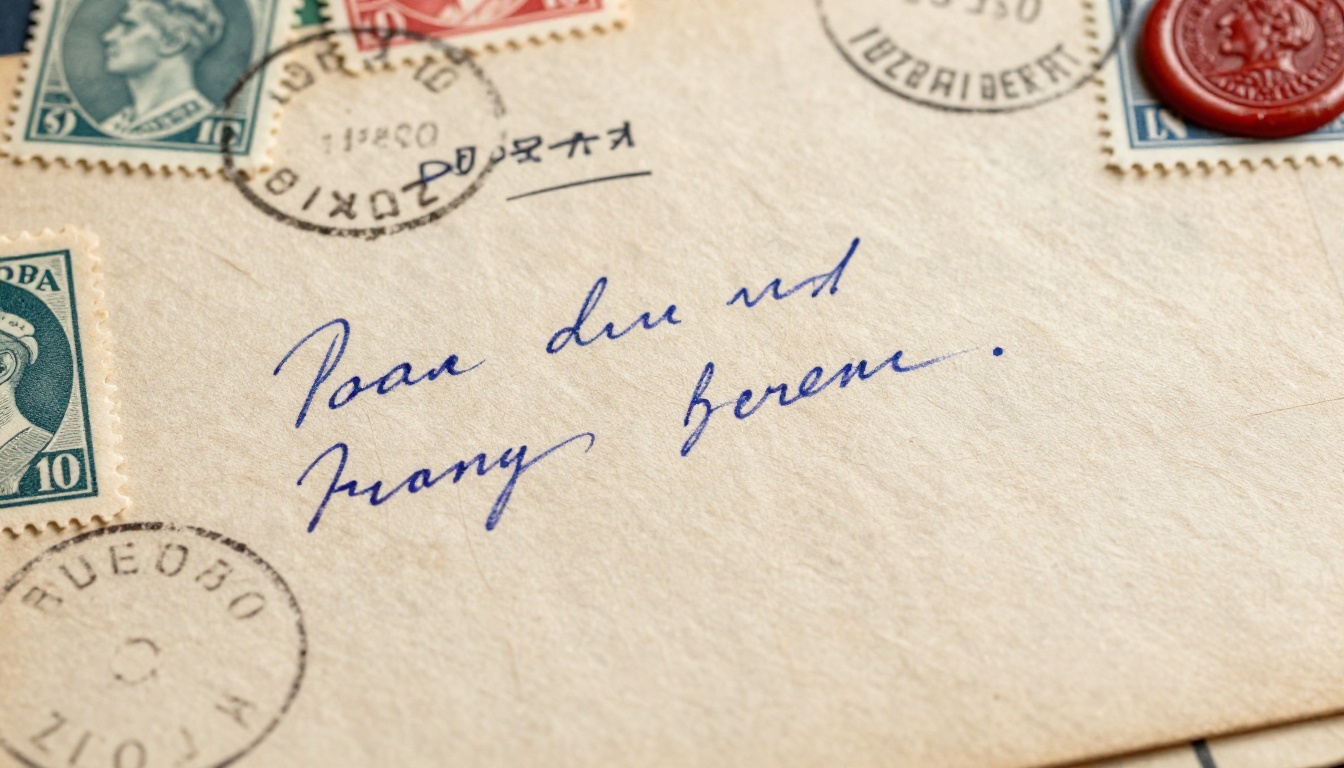
The front of a postcard shows a place. The back of a postcard tells a story. Never skip scanning the back. A postcard from Rome in 1971 with "Arrived safely, the food is extraordinary, miss you all" written in faded blue pen is infinitely more valuable than the image alone. Include both sides as sequential pages in your PDF.
Adding Captions and Context Pages
Some postcard collections span several generations, and not everyone viewing the flipbook will know who sent which card or what was happening at the time. Consider adding context pages between sections. A simple text page with a brief note like "These cards were sent by my father during his military service, 1943-1945" gives future viewers the context that memory alone cannot preserve.
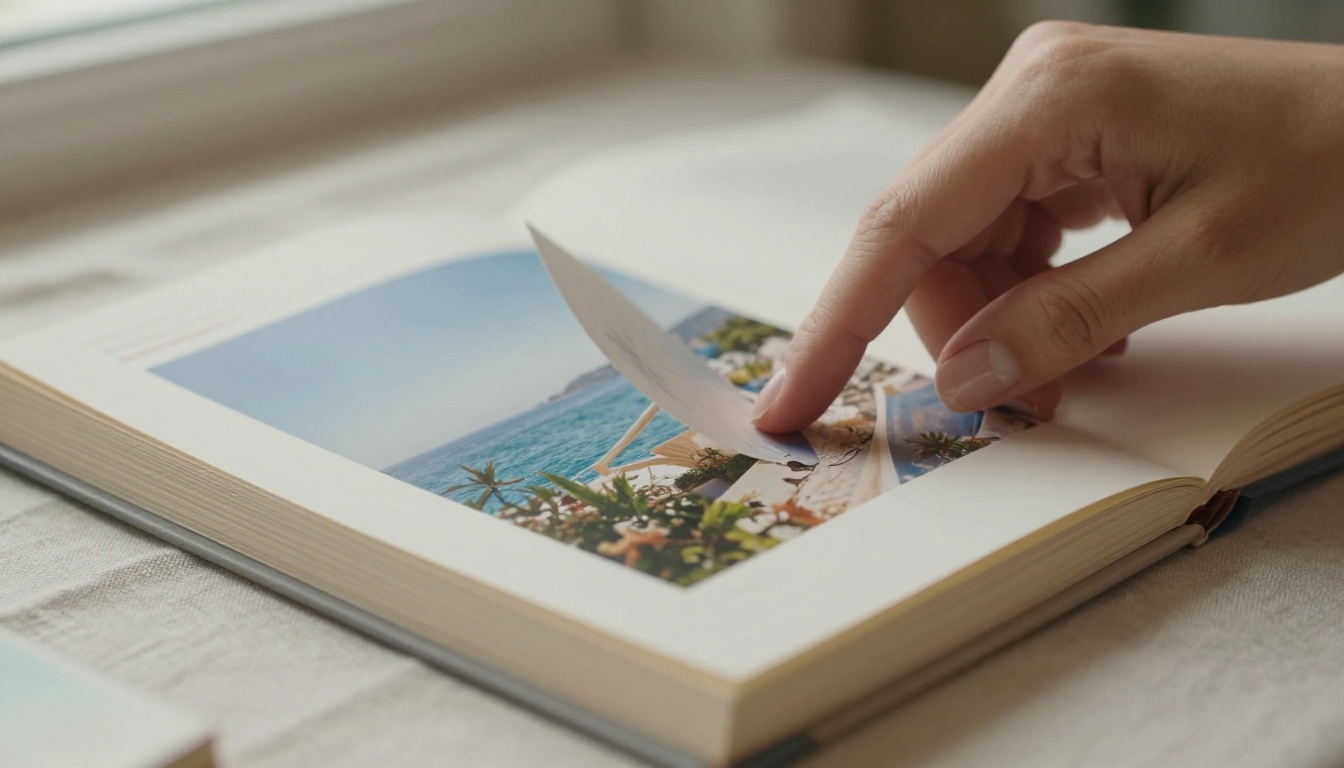
You can create these context pages in any word processor, export them as PDF pages, and merge them into your postcard PDF before uploading to Flipbooks AI. The result is a flipbook that reads like a real memoir, not just a photo dump.
Storing the Physical Cards After Scanning
Once digitized, the physical cards need proper storage to avoid further deterioration. Even if the digital version is your primary reference point, the originals have sentimental and sometimes monetary value.
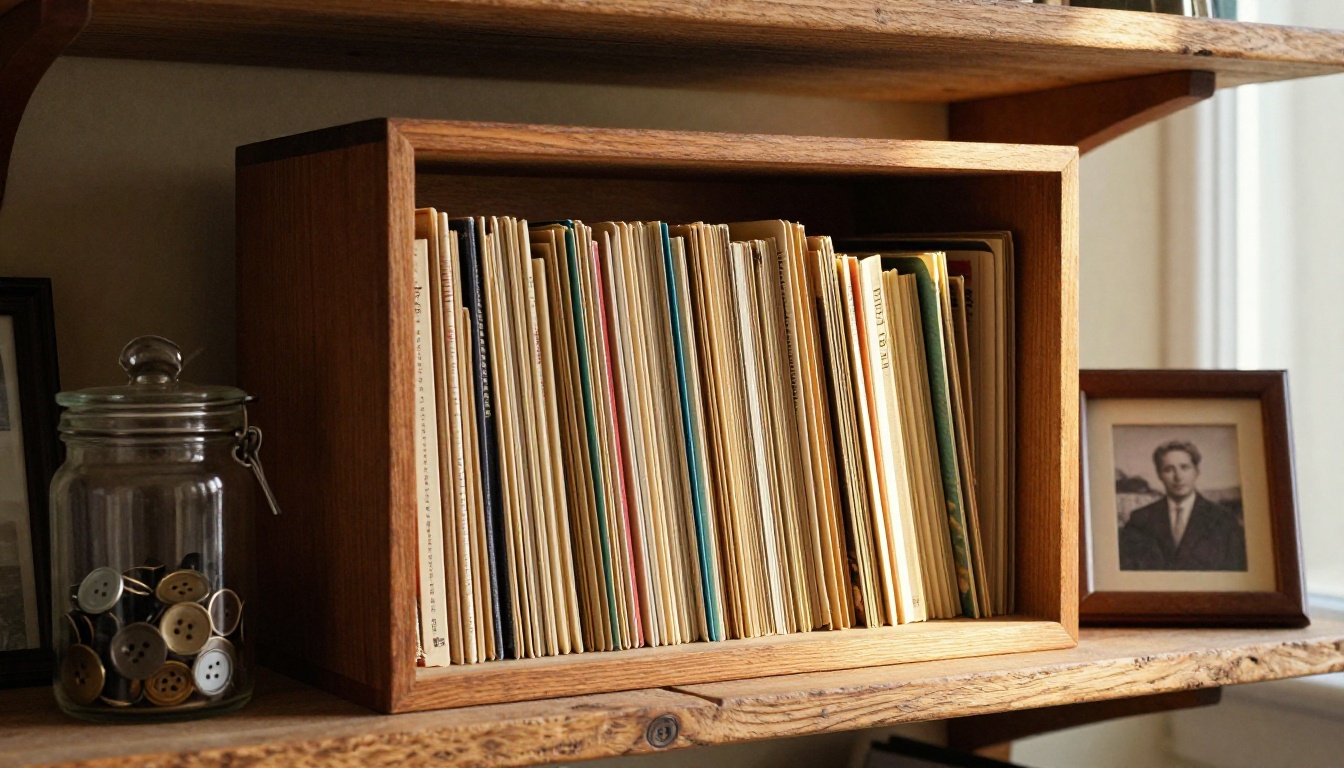
Physical storage best practices:
- Store cards in acid-free sleeves or archival boxes
- Keep away from direct sunlight and high humidity
- Store flat, not upright, to prevent warping
- Avoid rubber bands, which can damage edges over time
- A temperature-controlled environment (around 65 to 70°F, 40 to 50% humidity) is ideal for paper
| Storage Option | Cost | Protection Level | Best For |
|---|
| Plastic sleeves (non-acid-free) | Low | Basic | Short-term display |
| Acid-free poly sleeves | Medium | Good | Most personal collections |
| Archival boxes (acid-free) | Medium | Excellent | Long-term preservation |
| Mylar/polyester sleeves | Higher | Outstanding | Valuable collector editions |
| Climate-controlled safe | High | Maximum | Extremely rare or fragile cards |
Who This Project Is For
Postcard flipbooks are not just for serious collectors. They are for anyone who has received meaningful mail over a lifetime and wants to do something deliberate with it.
People who benefit most:
- Family historians building an oral and visual record
- Travelers who sent or received cards from extended trips
- Children of elderly parents digitizing inherited collections
- Hobbyist collectors seeking gallery-quality presentation for themed sets
- Teachers using postcard history in classroom presentations
The Digital Portfolio Creator and Photography Portfolio tools are worth looking at for collectors who want to mix postcards with their own photography in a single publication. The Travel Guide Flipbook tool pairs naturally with destination-organized postcard collections for a richer reading experience.
Start Your Collection Today
Postcards are one of the most intimate forms of communication ever invented. They carry real handwriting, real stamps, real destinations. They are tiny physical artifacts of moments that mattered to someone. Preserving them as an interactive digital flipbook means those moments do not simply survive. They become accessible, shareable, and alive in a way a shoebox never allows.
The entire process, from scanning your first card to publishing your first flipbook, can be done in a single afternoon. Start with a small batch of 20 to 30 cards and see how it feels. Once you experience the first page-turn of your own collection, you will want to scan everything.
Get started for free on Flipbooks AI and upload your first postcard PDF today. If you want password protection and unlimited collections without watermarks, check out the pricing plans to find what fits your project. Browse all available flipbook tools to see what else can be built alongside your postcard collection.



