Sending printed catalogs to thousands of addresses costs money, takes weeks, and reaches maybe half your intended audience before landing in a recycling bin. When your customers browse products on phones during their commute, share wish lists over messaging apps, and expect to click directly from a product image to a checkout page, your catalog needs to work the same way. Flipbooks AI makes it possible to take the PDF you already have and turn it into an interactive digital flipbook in minutes, no design skills required.
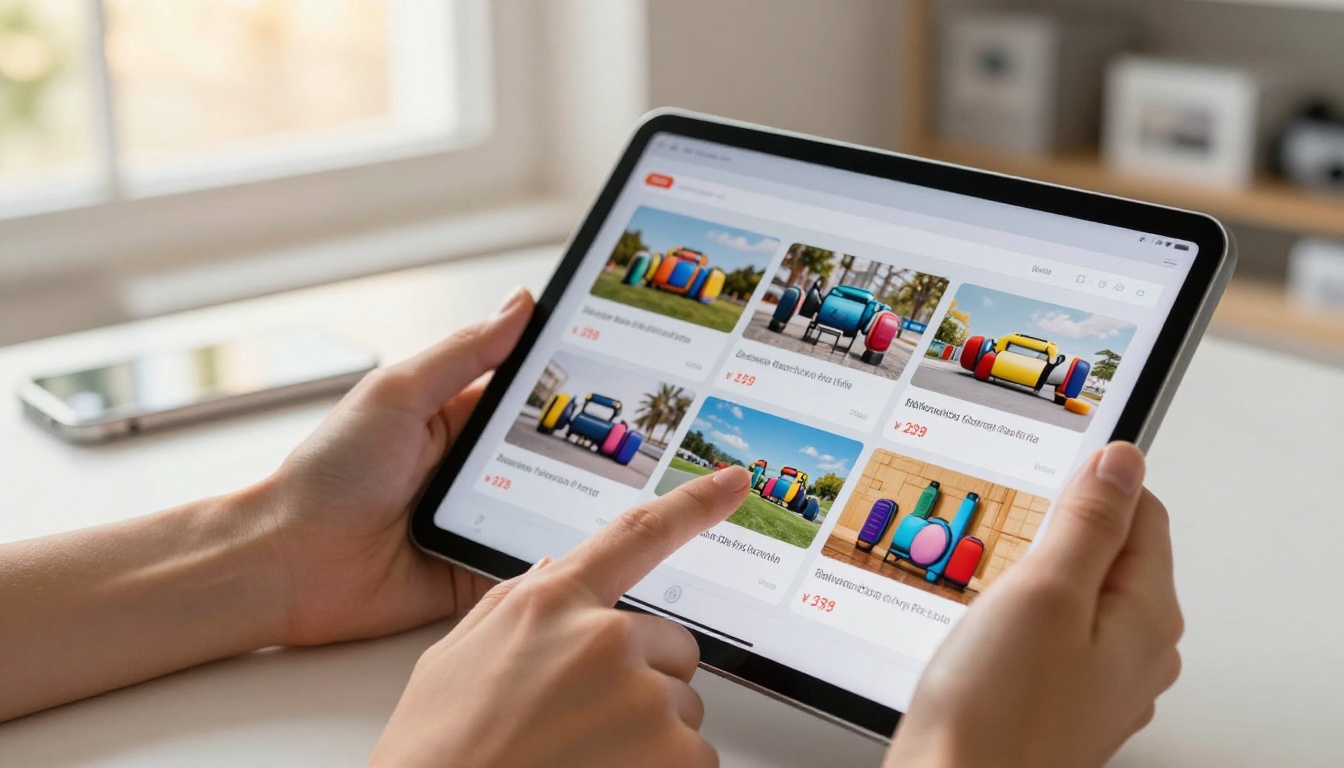
Why Printed Catalogs Are Losing Ground
The economics of print are working against you. A full-color catalog printed at 10,000 copies runs between $3,000 and $8,000 before shipping. That price buys you a static document that cannot be updated when a product sells out, cannot track who looked at page 14, and cannot redirect a reader to your website with a single tap.
Digital catalogs do not just replace print. They do things print physically cannot:
- Instant updates: Change a price or swap a sold-out product without reprinting a single page.
- Clickable products: Every item links directly to a product page, cart, or contact form.
- Analytics: See which pages readers spend the most time on and which products generate clicks.
- Zero distribution cost: Share via email, social media, QR code, or embedded on your website.
- Global reach: A reader in Tokyo and a reader in Toronto can browse the same catalog simultaneously.
For any business that sells physical products, the shift is not optional anymore. It is simply the cost of staying visible.
What a Digital Flipbook Actually Does
A digital flipbook replicates the physical sensation of turning pages while adding every capability of a web-based document. When you upload your existing PDF catalog to the Catalog Flipbook Creator, the platform converts each page into a crisp, high-resolution digital spread with a realistic page-curl animation.

Readers can:
- Flip through pages with a swipe or click
- Zoom into product details without losing image quality
- Click hotspots to open product pages directly
- Search for specific items by keyword
- Download or print individual pages
- View the entire catalog on any screen size, from phone to 4K display
The result is a catalog that feels as premium as a printed piece but performs like a web application.
Print vs Digital: The Real Cost Breakdown
Before committing to either format, the numbers tell the story clearly.
| Factor | Printed Catalog | Digital Flipbook |
|---|
| Production cost (10k copies) | $3,000 to $8,000 | $0 to $49/month |
| Distribution cost | $0.50 to $2.00 per piece | $0 |
| Update cost | Full reprint required | Instant, no extra cost |
| Analytics | None | Page views, time on page, clicks |
| Reach | Limited to mailing list | Unlimited sharing |
| Shelf life | 3 to 12 months | Perpetual, always current |
| Eco impact | Paper, ink, shipping emissions | Near zero |
| Mobile experience | Poor (requires physical access) | Optimized for all devices |
💡 Even if you still print catalogs for trade shows or in-store use, a digital version costs almost nothing to maintain alongside it and expands your reach to every channel where print cannot go.
Who Benefits Most From Digital Catalogs
The format works across industries, but certain businesses see the fastest returns.
Retail and e-commerce brands turn seasonal collections into shareable digital lookbooks that drive traffic directly to product pages. Instead of hoping customers remember to visit the site after receiving a mailer, every page of the catalog becomes a direct entry point.
Wholesale and B2B suppliers use digital catalogs to give buyers instant access to full product lines with pricing tiers, bulk order minimums, and technical specifications. Buyers can browse the entire range during a meeting and share specific pages with procurement teams.
Fashion brands create interactive lookbooks where each outfit links to individual product pages. The Interactive Lookbook Designer handles this specific format with custom layouts built for seasonal presentations.
Furniture and home goods retailers benefit from the zoom capability. A customer can open the catalog on a tablet, zoom into the stitching detail on a sofa, and click through to check dimensions and material options, all without leaving the flipbook.

Real estate agencies compile property portfolios as digital brochures. The Real Estate Brochure Creator integrates video embed capability, so a single catalog page can include a virtual tour alongside listing photos.
Comparing Flipbook Plan Features
Not every business needs the same level of functionality. Here is how the plans on Flipbooks AI break down by capability:
| Feature | Free | Standard | Professional |
|---|
| Number of flipbooks | 1 | Unlimited | Unlimited |
| Watermark | Yes | No | No |
| Custom branding | No | Yes | Yes |
| Password protection | No | Yes | Yes |
| Analytics dashboard | No | No | Yes |
| Lead generation forms | No | No | Yes |
| Offline downloads | No | No | Yes |
| Embed on website | Yes | Yes | Yes |
| Video and audio embed | No | Yes | Yes |
| Mobile-responsive | Yes | Yes | Yes |
For most product catalog use cases, the Standard plan covers everything needed, including unlimited catalogs, custom branding, and no watermarks. The Professional plan adds analytics and lead capture features that matter most when catalogs serve as active sales tools rather than passive references.
How to Convert Your PDF Catalog in Minutes
This is simpler than most people expect. You do not need to redesign anything. If you already have a PDF, the conversion takes less time than writing a product description.

1. Create your account
Visit Flipbooks AI and sign up. The process takes under two minutes with no credit card required to start.
2. Upload your PDF
From your dashboard, click "New Flipbook" and upload your catalog PDF. The PDF to Flipbook Converter processes the file automatically, preserving your original layout, fonts, and images while generating the page-turn interface.
3. Set your branding
Once the flipbook generates, open the customization panel. You can:
- Set your brand colors for the viewer interface
- Upload your logo to appear in the header
- Choose a background texture or color behind the pages
- Enable or disable the table of contents sidebar
4. Add interactive elements
This is where a digital catalog earns its advantage. Click any area of any page to add a hotspot link. Point it at a product page URL, a contact form, a video, or an external website. Readers who click the image of a product land directly where you want them.
✅ Add hotspot links to every product image, not just the product name. Most readers click on images first.
5. Configure sharing and privacy
Before publishing, decide who can see the catalog:
- Public link: Anyone with the URL can view it. Best for general-purpose catalog sharing.
- Password protected: Only readers with the password can open it. Ideal for wholesale price lists or pre-launch collections.
- Embed code: Copy the embed snippet and paste it into any webpage or e-commerce product landing page.
6. Share across every channel
Once live, your catalog has a shareable URL you can put anywhere: email newsletters, Instagram bio, WhatsApp, LinkedIn posts, QR codes on packaging, or printed trade show materials. The Embed Flipbook on Website tool generates the correct embed code for your specific platform.
Building a Catalog That Actually Converts
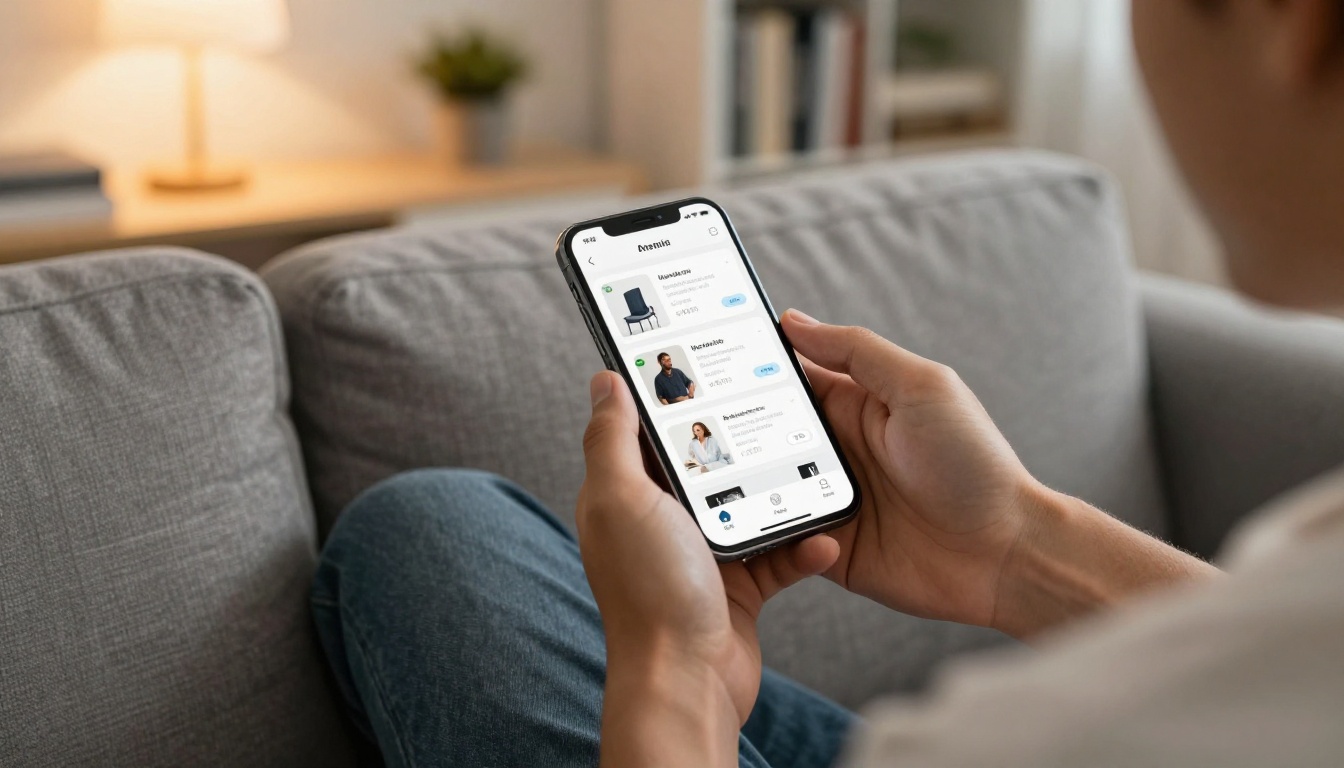
Uploading a PDF gets you a flipbook. Building one that drives sales requires a few extra decisions before you hit upload.
Page count matters less than page quality. A 20-page catalog with crisp photography, clear pricing, and one strong product per spread outperforms a 100-page document where products compete for attention. Readers on mobile will not scroll through 80 pages of dense product listings.
Lead with your bestsellers. The first three to four pages of a digital catalog get the most attention. Place your highest-margin or most popular items here, not your newest arrivals or clearance items.
Use spreads intentionally. Two-page spreads work well for lifestyle images, category openers, or hero products. Single pages work for product grids. Plan your layout with digital viewing in mind, not print layout conventions.
⚠️ Do not convert a catalog built for print without reviewing it first. Print catalogs often use bleed areas, crop marks, and CMYK color profiles that look different on screen. Convert your file to RGB and remove printer marks before uploading.

Flipbooks AI offers specific tools for different catalog formats. Using the right tool means the default layouts and features are already configured for your use case.
Each tool comes with pre-built page templates optimized for that specific content type, so you spend less time on layout and more time on the catalog content itself.
Designing for Mobile First
More than 60% of digital catalog views happen on mobile devices. A catalog designed for an A4 page viewed on a desktop monitor becomes a squinting exercise on a phone screen.
When building catalogs for digital distribution, keep these principles in mind:
- Minimum font size 14pt for body text. Product names and prices should be 18pt or larger.
- One to two products per page on the mobile layout. Dense grids become unreadable below six inches of screen width.
- High-contrast text on backgrounds. Light gray text on white backgrounds is invisible on a phone in sunlight.
- Tap targets of at least 44px. Small clickable areas frustrate mobile users and reduce click-through rates.
- Test on actual devices before publishing. What looks correct in a desktop browser preview can appear very different on a physical phone.
Flipbooks AI renders your catalog responsively by default, but the source PDF still determines how legible the content is at small sizes. Start with mobile in mind when designing the original document.
Tracking What Works
One of the most overlooked advantages of digital catalogs is the data they produce. Every time a reader opens your catalog, the platform records which pages they visited, how long they spent on each one, and which links they clicked.

With the Professional plan on Flipbooks AI, the analytics dashboard shows:
- Total views per catalog
- Page-by-page engagement: which spreads readers linger on versus skip
- Click-through data: which hotspot links generated traffic
- Device breakdown: mobile vs desktop vs tablet split
- Geographic data: where your readers are located
- Lead capture: which readers submitted contact information through embedded forms
This data informs your next catalog directly. If readers consistently skip pages 8 through 12, those products may need better photography, clearer pricing, or removal. If a particular product page generates 40% of all hotspot clicks despite being on page 15, that item belongs on page 3 of your next edition.
💡 Add a lead capture form to your catalog before publishing. Readers who browse 10 or more pages are often willing to leave an email address for a discount code or early access to new products.
Distributing Your Catalog at Scale
The moment your flipbook goes live, it is ready to distribute through every channel simultaneously.

Email campaigns: Paste the flipbook link or thumbnail into your newsletter. A visual preview with a "Browse Now" button consistently outperforms plain text product links in click-through rates.
Social media: Share individual page screenshots as posts with the catalog link in your bio or caption. Instagram, LinkedIn, and Pinterest all support the format well for product content.
QR codes: Generate a QR code from your catalog URL and print it on packaging inserts, business cards, or point-of-sale displays. Customers scan the code and land directly in your catalog.
Website embed: Use the embed code to place the flipbook directly on a landing page, category page, or homepage feature section. Visitors browse without leaving your site.
Sales team use: Give your sales reps a single URL they can share in meetings, proposals, and follow-up emails. Everyone references the same current version, and you update it once when anything changes.
Trade shows: Display the catalog on a tablet at your booth. Visitors browse on their own while you focus on conversation. Add a QR code to your booth materials so they can pull it up on their own phone.
What to Do Right Now
You already have the content. Your existing product photography, pricing structure, and brand identity are all sitting inside a PDF or a design file on your hard drive. The missing piece is a format that takes all of that and puts it in front of customers wherever they are, on whatever device they use, at any time.
Ready to publish your first digital catalog? Create your account on Flipbooks AI and upload your PDF today. The conversion takes minutes, and your catalog is shareable before the end of the day.
If you want to compare what each plan includes before starting, the pricing page breaks down every feature by tier. For a full list of catalog, lookbook, brochure, and publication tools available, browse the complete tools directory.
Your product catalog deserves to be seen. Make sure it can be found.



